


E-Z Ink TR8620a ink cartridge 5-pack 🖨
Product description
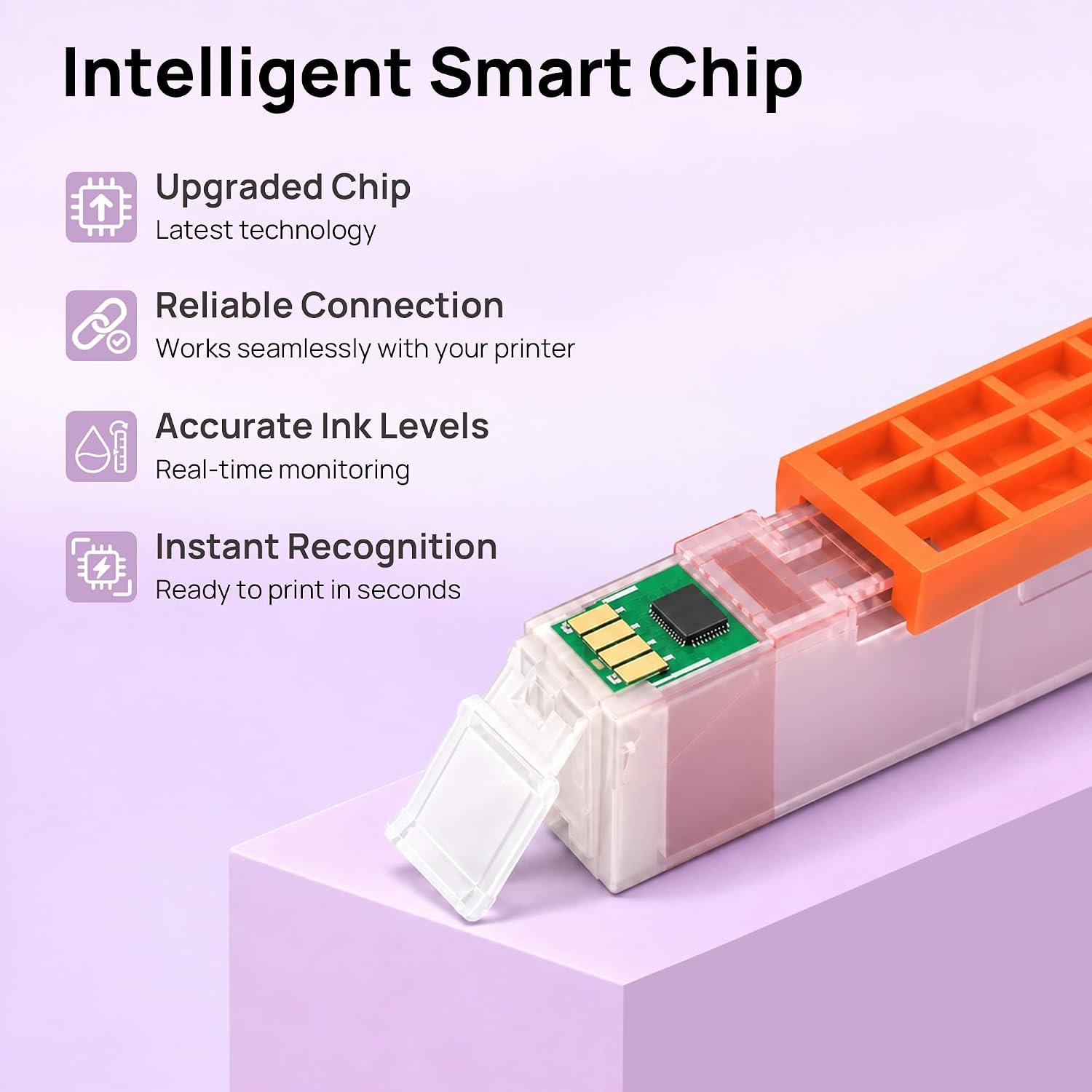
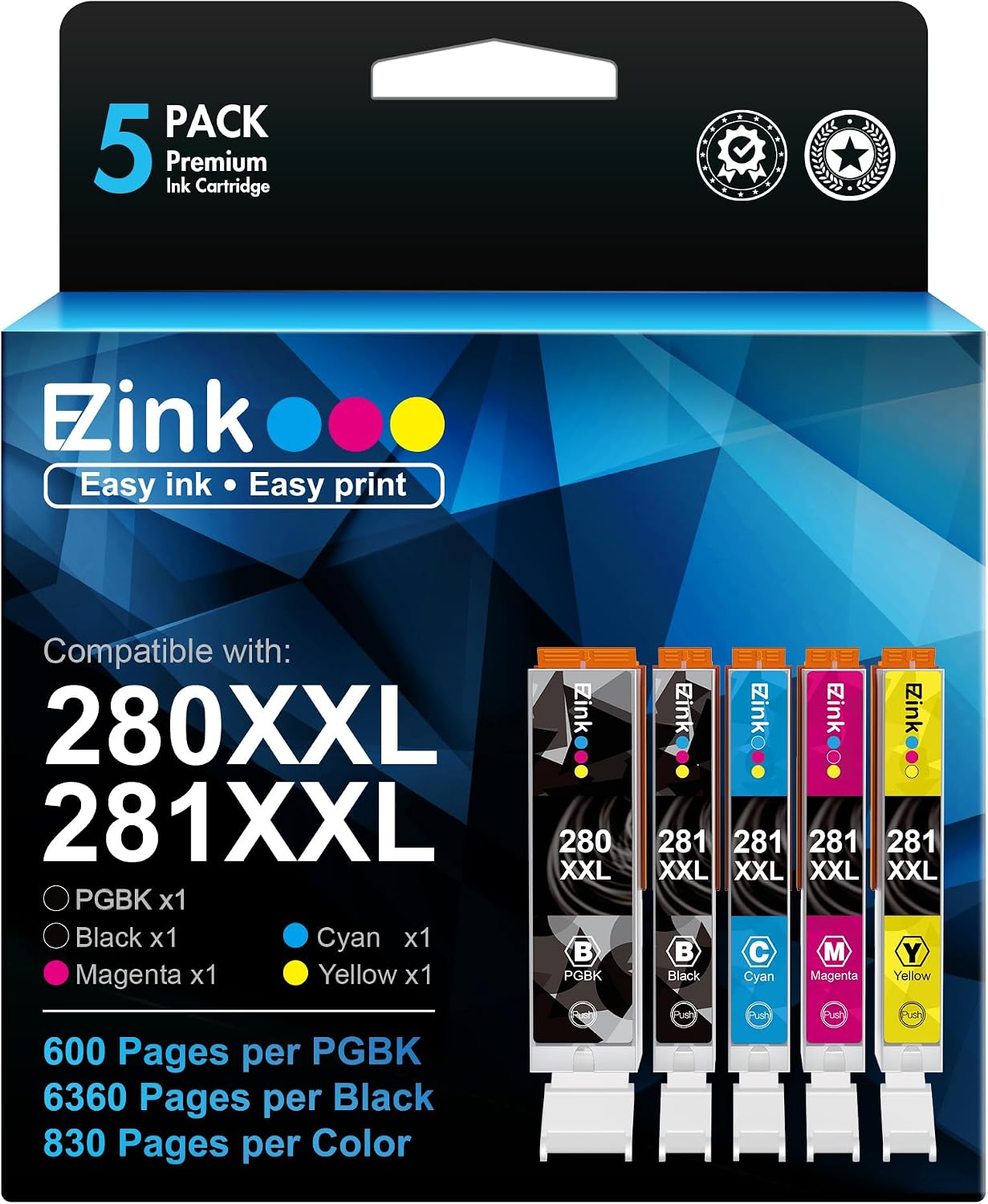
This 5-pack refill set for Canon printers brings a practical mix of black and color cartridges for everyday document and photo printing. It includes one Large Black PGI-280XXL and four CLI-281XXL cartridges in small black, cyan, magenta and yellow, offering a balance between high black yield and reliable color output for home offices and small businesses. The kit supports smart chip recognition for straightforward installation and ink level reporting, which helps avoid surprises during print jobs. compatible TR8620a ink cartridges deliver usable capacity according to manufacturer equivalence and aim to keep business workflows moving with fewer interruptions.
At a glance
The pack targets users who need a cost effective refill option without changing printer behavior. It supplies a high yield large black cartridge for frequent mono printing and XL color cartridges for mixed use. Expect plug and play installation with ink level detection thanks to the supplied chips. Easy to store and label, the set removes the hassle of juggling multiple individual cartridges when you need a quick replacement. 🧾
Tech specs
- Name: E-Z Ink TR8620a 5-Pack compatible cartridges
- Contents: 1 x Large Black PGI-280XXL, 1 x Small Black CLI-281XXL, 1 x Cyan CLI-281XXL, 1 x Magenta CLI-281XXL, 1 x Yellow CLI-281XXL
- Page yield: Large Black 600 pages per cartridge, Small Black 360 pages per cartridge, Color 830 pages per cartridge
- Compatibility: Canon TR8620a TR8520 TR8620 TS702a TS9520 TS9521C TR8500 series and select TS series printers
- Warranty: 24 month product guarantee and technical support from seller
Benefits
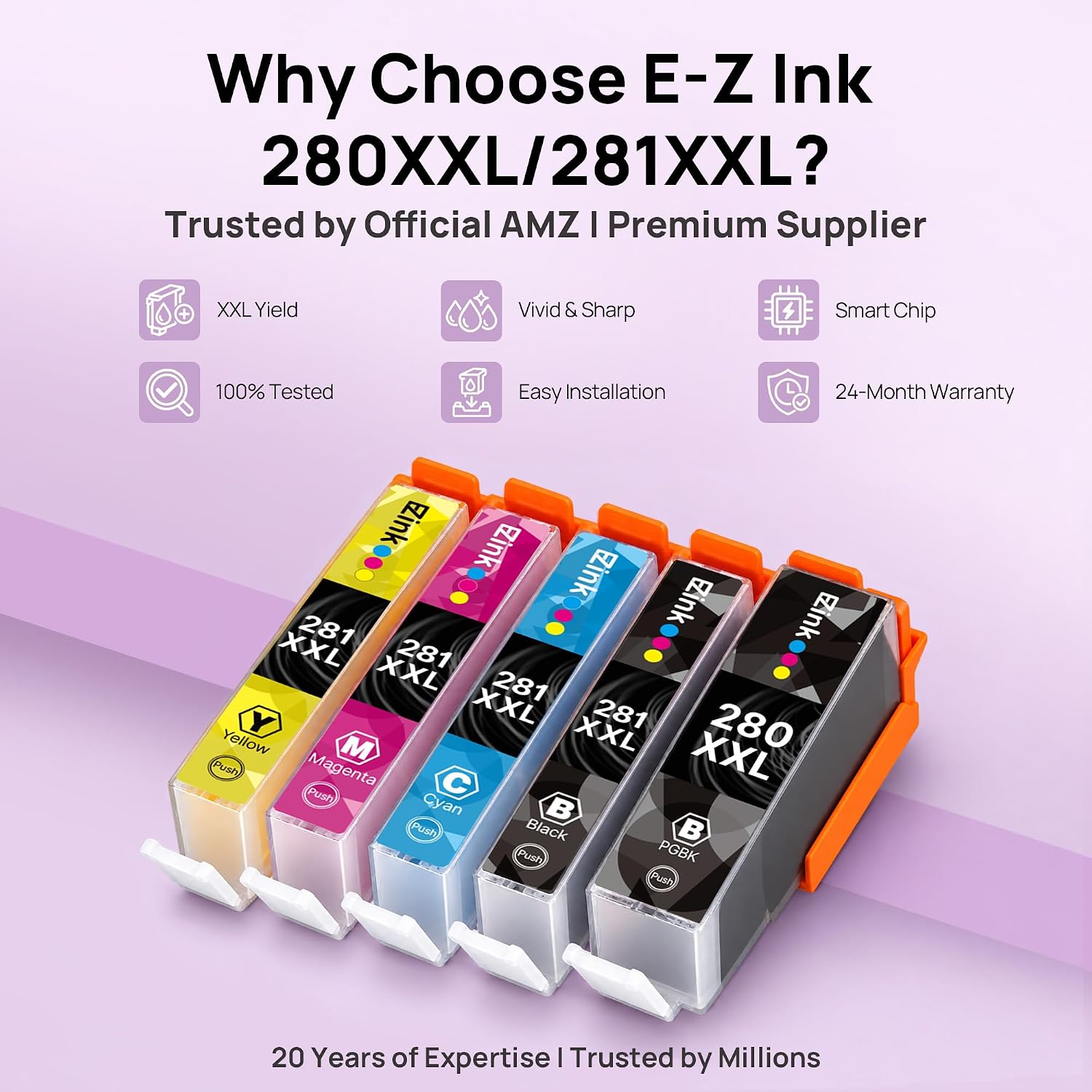
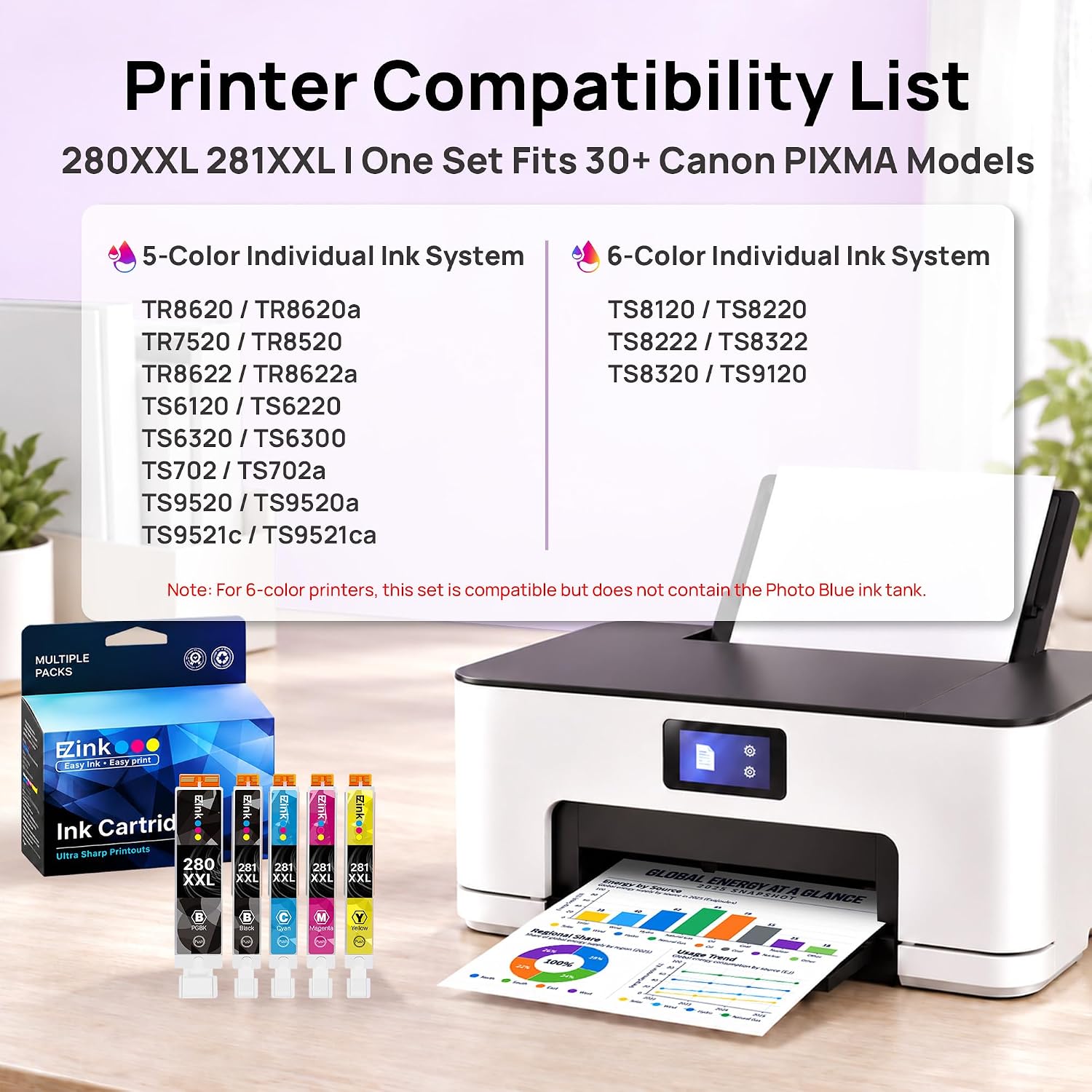
E-Z Ink TR8620a emphasizes value by pairing a high capacity black cartridge with XL color cartridges, so you get more monochrome pages without sacrificing color output. The smart chips are designed to mirror OEM behavior for accurate ink level reporting. This reduces downtime and makes cartridge swaps fast. Note that photo blue is not included, and color reproduction may vary compared to original manufacturer inks.
How to use it
Unpack each cartridge and remove protective seals before insertion, then follow your Canon printer prompts for initialization. Replace the large black when you notice reduced text density, and swap color cartridges when color shifts appear in prints. If your printer prompts for a firmware check, proceed as recommended by Canon to maintain compatibility. Contact seller support if the printer does not recognize a cartridge within the replacement window.