HK5 Carplay Screen 10.26" Wireless Carplay

Price evolution
Product description
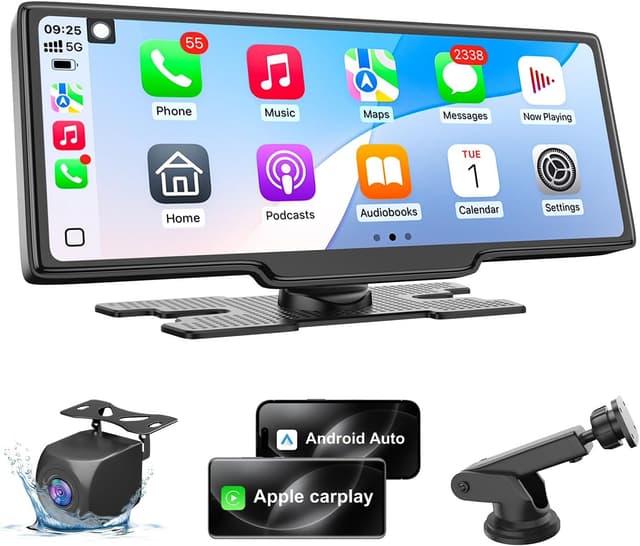
This portable car multimedia display brings smartphone integration to older vehicles with a larger screen and modern connectivity. The touchscreen is intended to give drivers wireless Apple CarPlay and Android Auto access along with GPS navigation, voice control and a backup camera feed for easier reversing.
Key Points
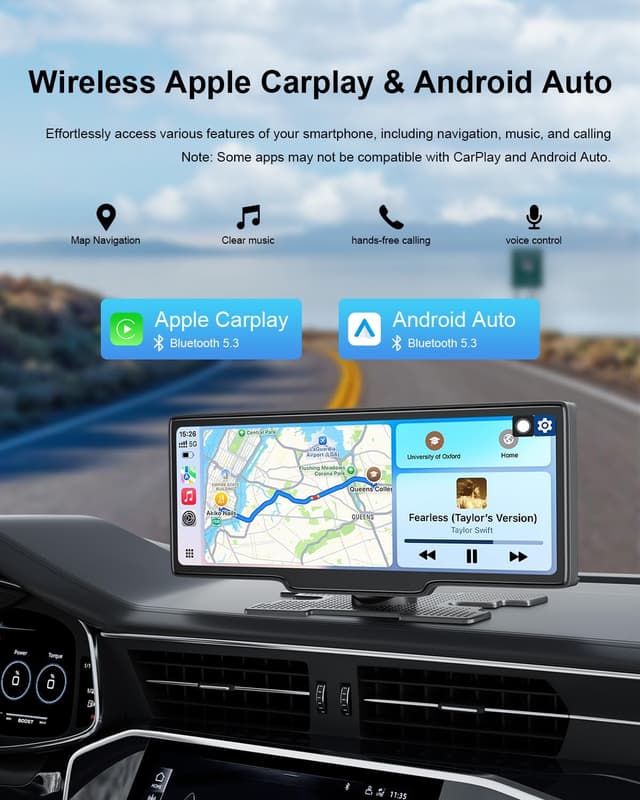
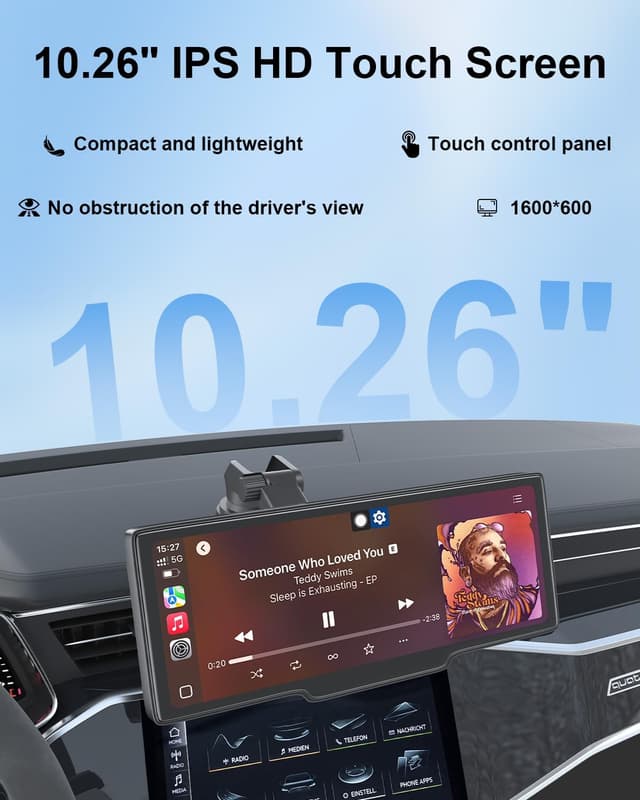
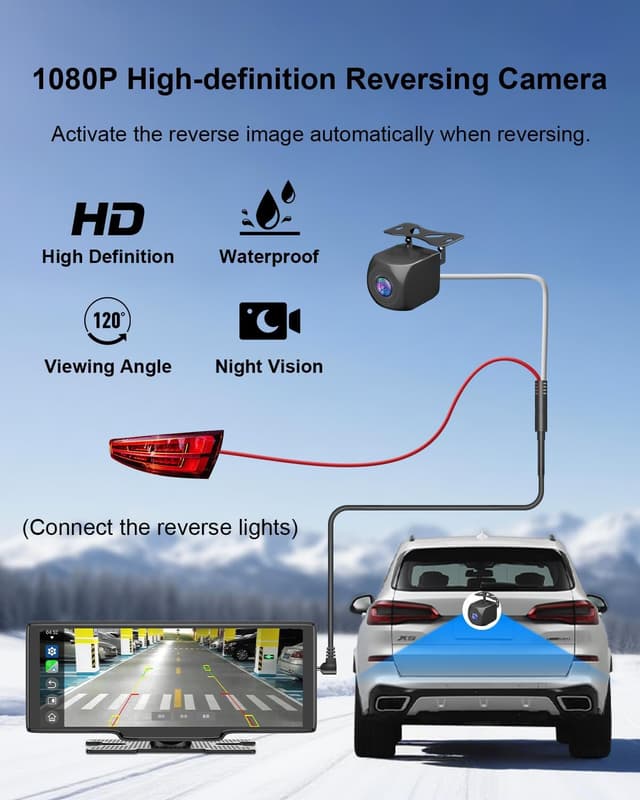
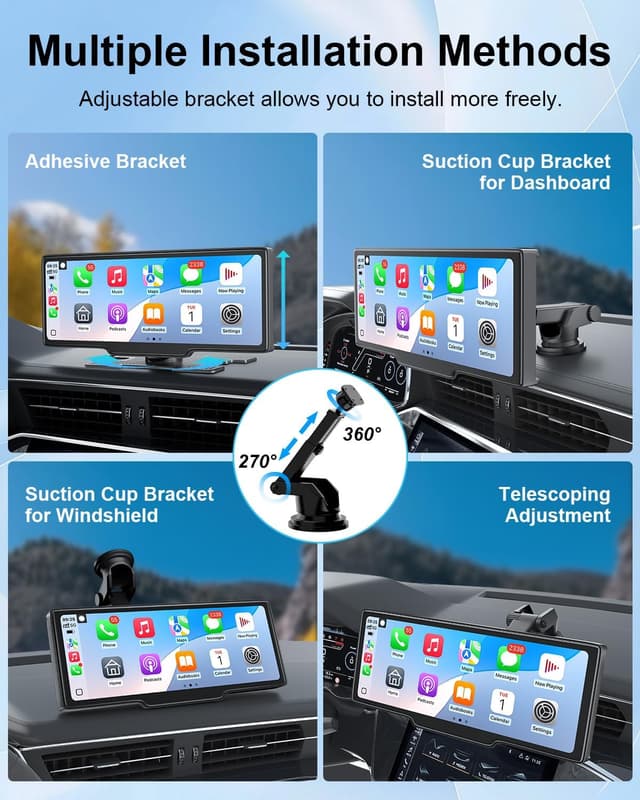
The unit mounts on the dashboard and expands in-car infotainment with a 10.26’’ HD touchscreen that responds to taps and swipes. It supports wireless Apple CarPlay and Android Auto so you can use maps, calls and messages with fewer cables. The package includes a rear-view camera that records at 1080P backup camera quality according to the manufacturer, adding a visual aid when reversing.
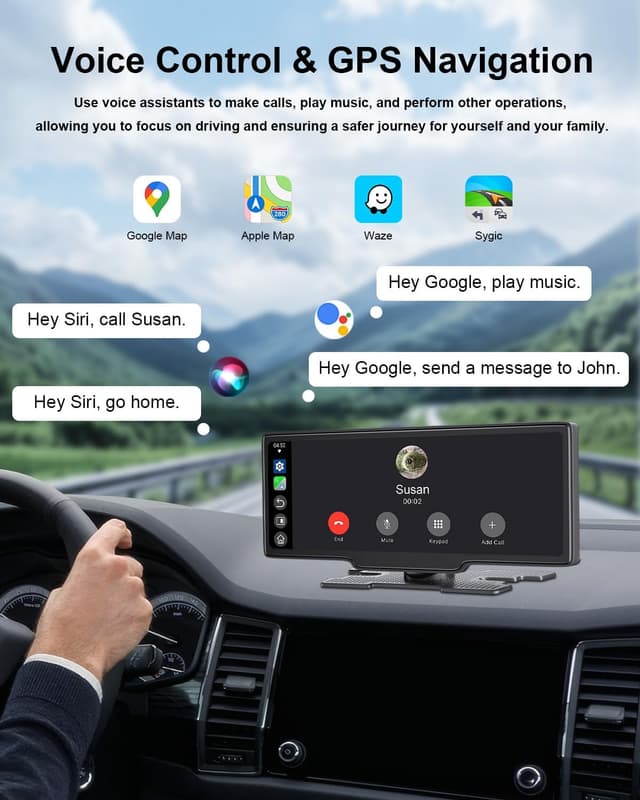
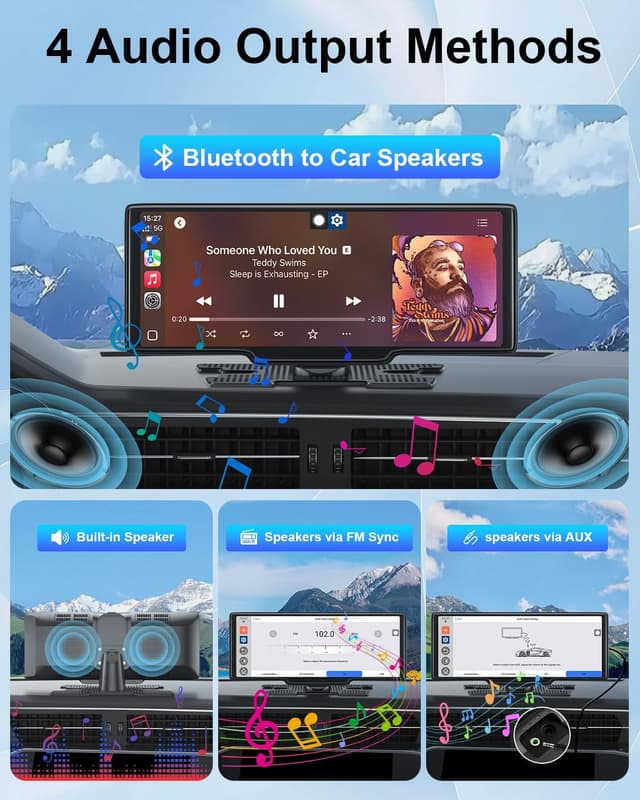
Bluetooth and FM functions are available for hands-free calls and music streaming. Mirror Link lets Android devices replicate their screen for certain apps and content. Voice control works through Siri on iPhone or voice assistants on compatible Android devices to reduce distraction while driving. Consider that the product does not include a front-facing camera, so some dashcam features are not available.
Technical Specifications
- Name: 25HOURS HK5
- Display size: 10.26 inches
- Camera resolution: 1080P (rear camera)
- Connectivity: Wireless Apple CarPlay, Android Auto, Bluetooth, Mirror Link
- Audio inputs: FM, AUX
- Touchscreen: Capacitive multi-touch
Usage Recommendations
Install the screen where it does not obstruct your view of the road and ensure the rear camera cable is routed away from moving parts. For best wireless CarPlay performance pair the phone first via Bluetooth then switch to the wireless CarPlay prompt. When using GPS navigation, keep the phone updated and allow the navigation app to run in the background for real time traffic. 🚘
If you plan to stream music over Bluetooth while using navigation at the same time, watch for occasional wireless interference depending on the phone model and signal strength. The mirror link experience varies by Android device and app compatibility, so expect different behaviors between manufacturers. 🔌
When adjusting display brightness at night, lower the screen to prevent glare that can affect night driving comfort. Firmware updates may enhance compatibility or fix bugs, and those updates are typically provided by the manufacturer through downloadable files or dealer support. 📡