


Highwings USB-C to 3.5mm Headphone Jack Adapter (3-Pack) — USB C to Aux Dongle for iPhone, Samsung Galaxy, and iPad Pro
Reviews
Price
Product description
What this adapter is for
If your phone or tablet no longer has a 3.5mm headphone jack, this Highwings USB Type-C to 3.5mm female adapter is the simple bridge. Plug it into a USB-C port and use it with headphones, earbuds, or speakers that have a 3.5mm audio plug—so you can keep using your wired audio instead of replacing everything.
On paper, it’s built around everyday practicality: it supports common audio controls through your headphones’ function keys, and it uses a DAC chip for decoding. The package also comes as a 3-pack, which is handy if you want one at home, one for your bag, and one as a spare.
Still, there are a couple of clear limitations to factor in. The mic functionality for Apple EarPods with a 3.5mm plug isn’t compatible, and the adapter’s real-world maximum output will depend on your specific headphones. If you’re expecting a universal “works perfectly for everything” kind of dongle, you may feel let down.
Key features that actually matter
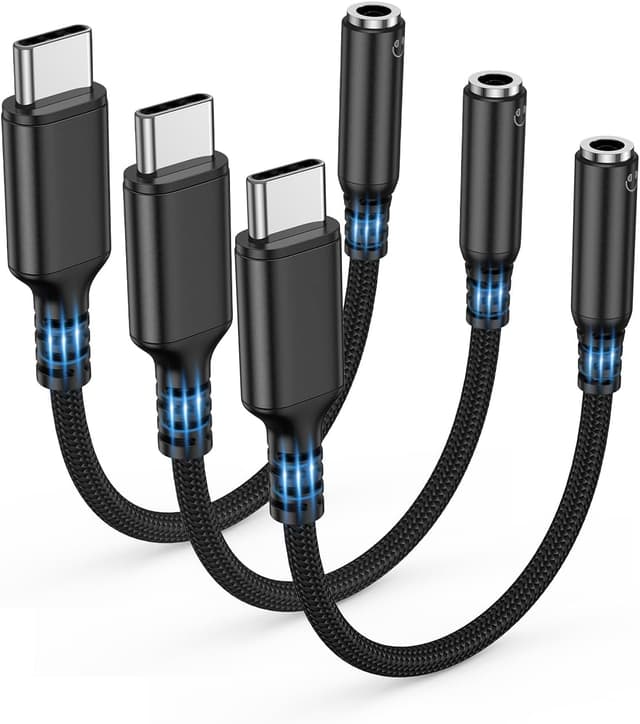
The headline claim here is the “DAC + Hi-Fi mode” approach. The adapter uses an advanced DAC chip (with low power draw) for stable decoding, and it supports audio sampling up to 24-bit/48 kHz, positioned for higher-definition playback and noise reduction in Hi-Fi mode.
What you’ll likely notice day to day is whether the audio stays consistent and quiet when you’re moving between apps—especially compared to cheaper adapters that can sound thin or behave unpredictably. This one is also designed to be durable: reinforced nylon, braided cable, reinforced wire joints, an aluminum alloy housing, and a strain-resistant design near the connector.
It also supports basic control behaviors depending on your headphones, including call handling and volume/pause actions via the headphones’ function keys. That’s the kind of feature that makes a dongle feel less like an inconvenience.
Compatibility and requirements (where people get surprised)

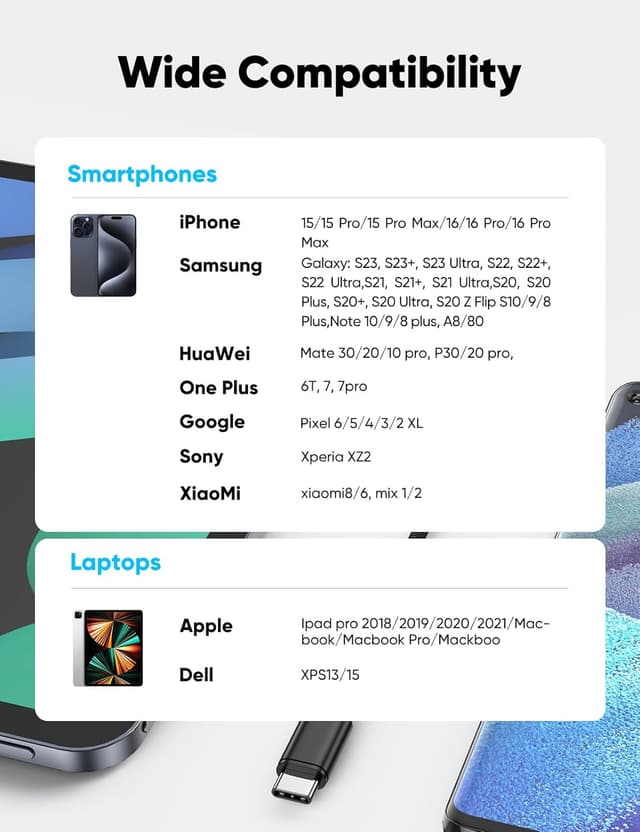
Highwings says the adapter is compatible with a broad range of USB-C devices, including iPhone models with USB-C, Samsung Galaxy Ultra series and other Galaxy models, iPad Pro, iPad mini 6, and even some laptops/desktops that have USB-C audio output.
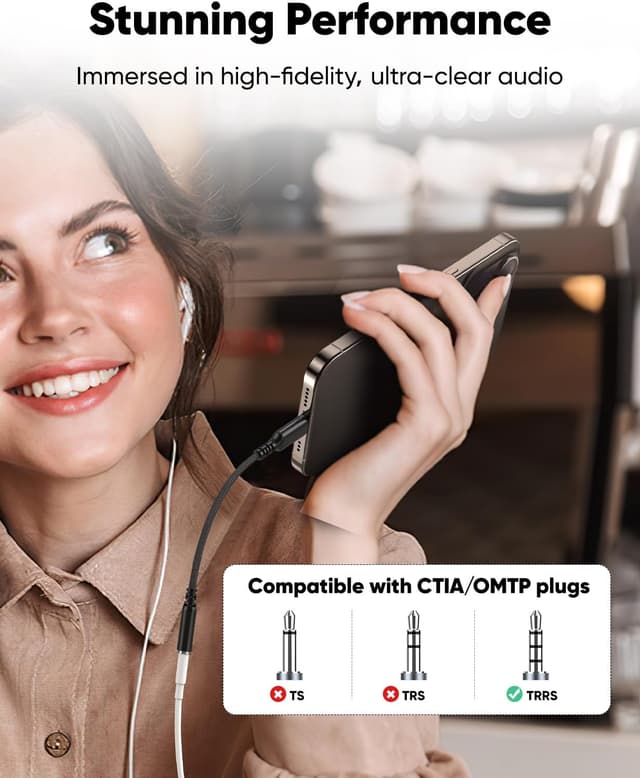
That said, compatibility isn’t only about the device type. You also need your headphones’ plug and standard to line up with what the adapter supports. The listing notes it’s not compatible with OMTP and that TRS-only microphone behavior isn’t supported.
A practical note: for Apple wired EarPods with a 3.5mm plug, microphone support isn’t compatible. So if your goal is hands-free calls through the dongle, you’ll want to double-check before buying.
Sound quality: what to reasonably expect
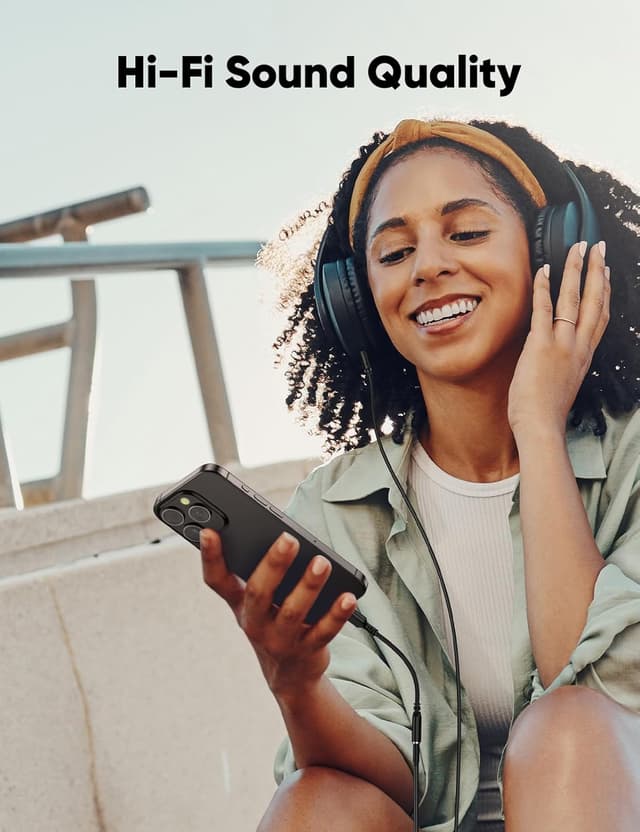
The adapter is positioned for “high-fidelity” listening thanks to its DAC chip and Hi-Fi mode. It also mentions noise reduction, aiming for cleaner playback.
But let’s keep it realistic: the listing itself says the maximum real output depends on the connected headphones. That means you can’t assume this dongle will automatically push your volume to the same level you’d get from a dedicated headphone output or from a device with a true analog jack.
If you’re using decent wired headphones or earbuds, this should generally do what you bought it for—turn USB-C audio into a usable 3.5mm signal. If you’re chasing the loudest possible output or the “no trade-offs” experience, it might feel more like a solid mid-tier bridge than something that transforms your setup.
Durability and portability: built for cables that get moved
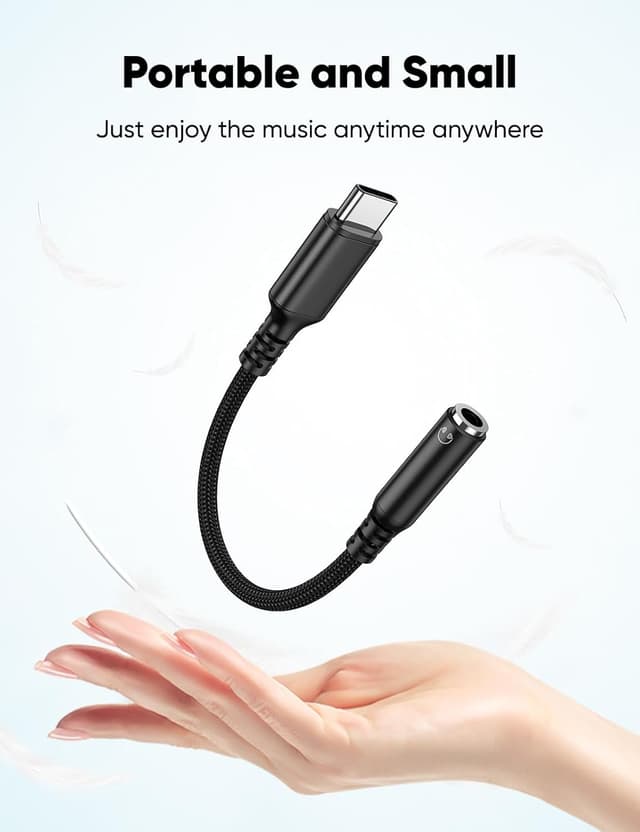
Adapters like this live or die by how they handle tugging and daily handling. Highwings emphasizes a reinforced nylon, braided outer, and anti-flex design at the cable tail, plus improved durability around the connector and aluminum alloy housing.
If you’re the type who tosses a dongle into a pocket, leaves it connected in a backpack, or constantly unplugs and re-plugs devices, durability matters more than spec sheets. The 3-pack also helps because you don’t have to treat one adapter as a single point of failure.
Getting the most from it (quick setup tips)
Most of the time, you’ll just plug it in and select the output device where needed. For MacBook setups, the listing suggests using System Preferences > Sound and choosing the appropriate output (for example, “Audio USB” if headphones don’t play).
For Android/iPad/iPhone-style usage, it also helps to make sure the 3.5mm plug is fully seated in the adapter—if it isn’t, you may end up with no sound, static, or inconsistent control behavior.
And yes: if volume or playback controls don’t respond immediately, it can be the result of output selection or connection seating—not necessarily a defective adapter.
Is it worth it?
It’s worth considering if you want a straightforward USB-C to 3.5mm solution for wired headphones and speakers, and you’d like the added convenience of a 3-pack for different locations. The DAC/Hi-Fi positioning and the durability-focused build are good signs for day-to-day listening.
You may want to skip it if microphone support for Apple 3.5mm EarPods is a must, since the listing states that mic functionality isn’t compatible. Also, if you’re buying expecting guaranteed max volume across any headphones, keep in mind the real output depends heavily on your specific audio gear.
Worth keeping in mind: if your priority is pure analog-style performance with zero limitations, this is still an adapter—so it may stay more in the “it works and sounds good enough” lane than the “transformative upgrade” lane.
Mini FAQ
Does this adapter support headphone microphone calls?
The listing says mic functionality for Apple EarPods with a 3.5mm plug is not compatible. It also notes certain microphone-related standard limitations (including TRS-only microphone behavior not being supported).
Will volume and pause controls work?
The adapter is described as supporting call, volume, and pause features through the headphones’ function keys, assuming your headphones support those controls.
What if there’s no sound or you hear static?
Check that the 3.5mm plug is fully inserted, and confirm the correct audio output setting (the listing mentions selecting the audio output in system sound settings for MacBook).
Are all USB-C devices compatible?
Highwings lists broad compatibility with many USB-C devices, but you should still verify that your device supports audio output over USB-C and that your headphones’ plug/standards fit what the adapter supports.
How many adapters do you get?
This is a 3-pack, so you can keep extras where you need them.