

heesky 65W USB-C Chromebook Charger (Type C) for HP, Acer, ASUS, Dell, Lenovo, Samsung, and Google Laptops
Product description
What this charger is for
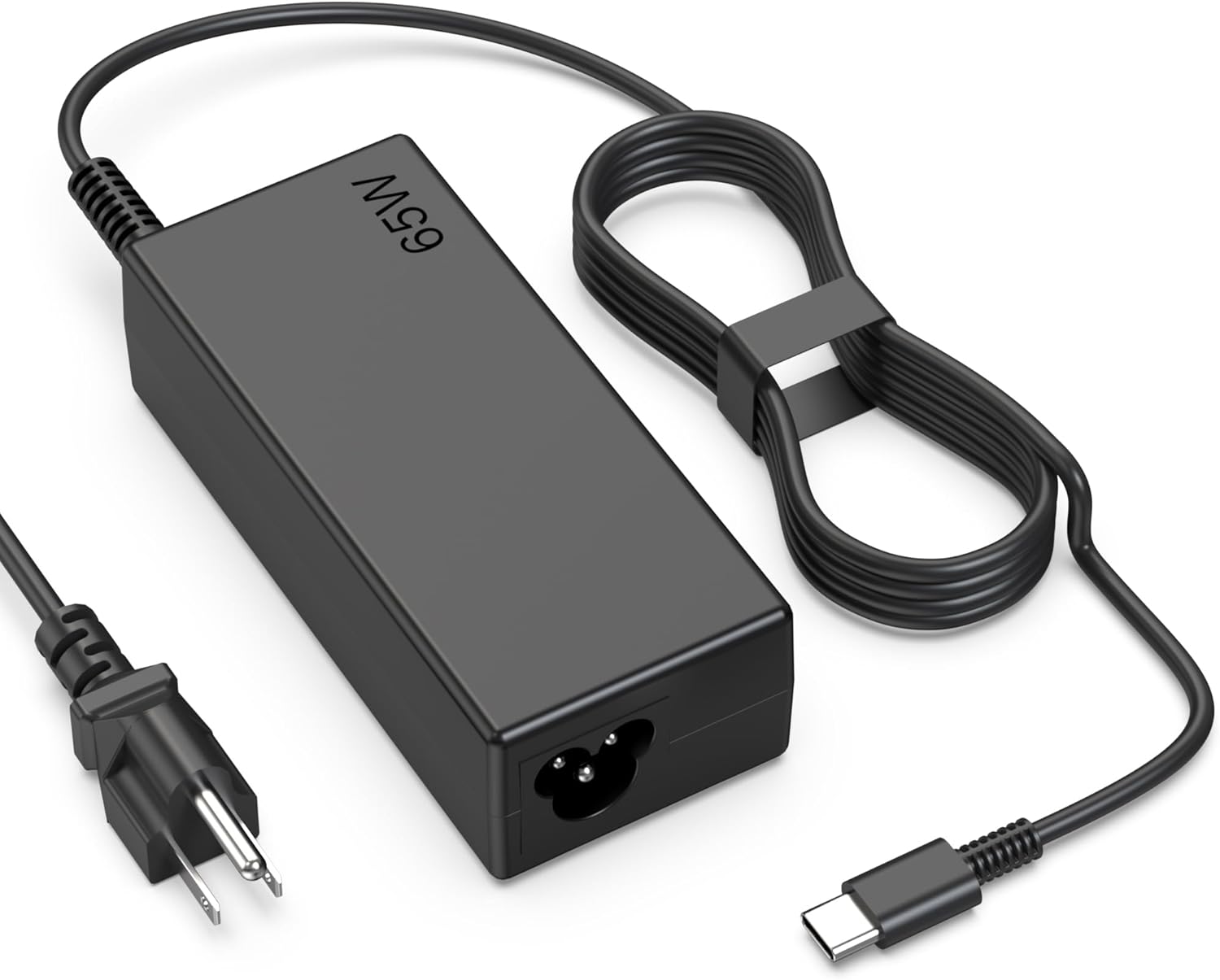
If your Chromebook charger is missing, worn out, or simply not holding power like it used to, a solid USB-C replacement is the most practical fix. This heesky 65W USB Type-C charger is designed to power Chromebook-style laptops using a Type C connection, and it’s marketed as compatible with a wide set of brands—HP, Acer, ASUS, Dell, Lenovo, Samsung, and Google laptops.
On paper, the “65W” part is the hook: it suggests enough headroom for typical Chromebook charging needs without forcing you into a bigger, bulkier brick. Still, it’s not magic. Compatibility depends on whether your specific laptop model supports charging over USB-C and expects roughly this kind of power level.
Key takeaways (what you’ll notice day to day)
The biggest day-to-day difference with a replacement charger is reliability. If your current cord is frayed, the plug feels loose, or charging cuts out intermittently, swapping to a proper USB-C power cord can restore consistent charging behavior.
A second thing to consider is convenience. USB Type C setups are often easier to manage—especially if you already have other Type C devices around (like a phone or tablet) and you prefer one cable ecosystem.
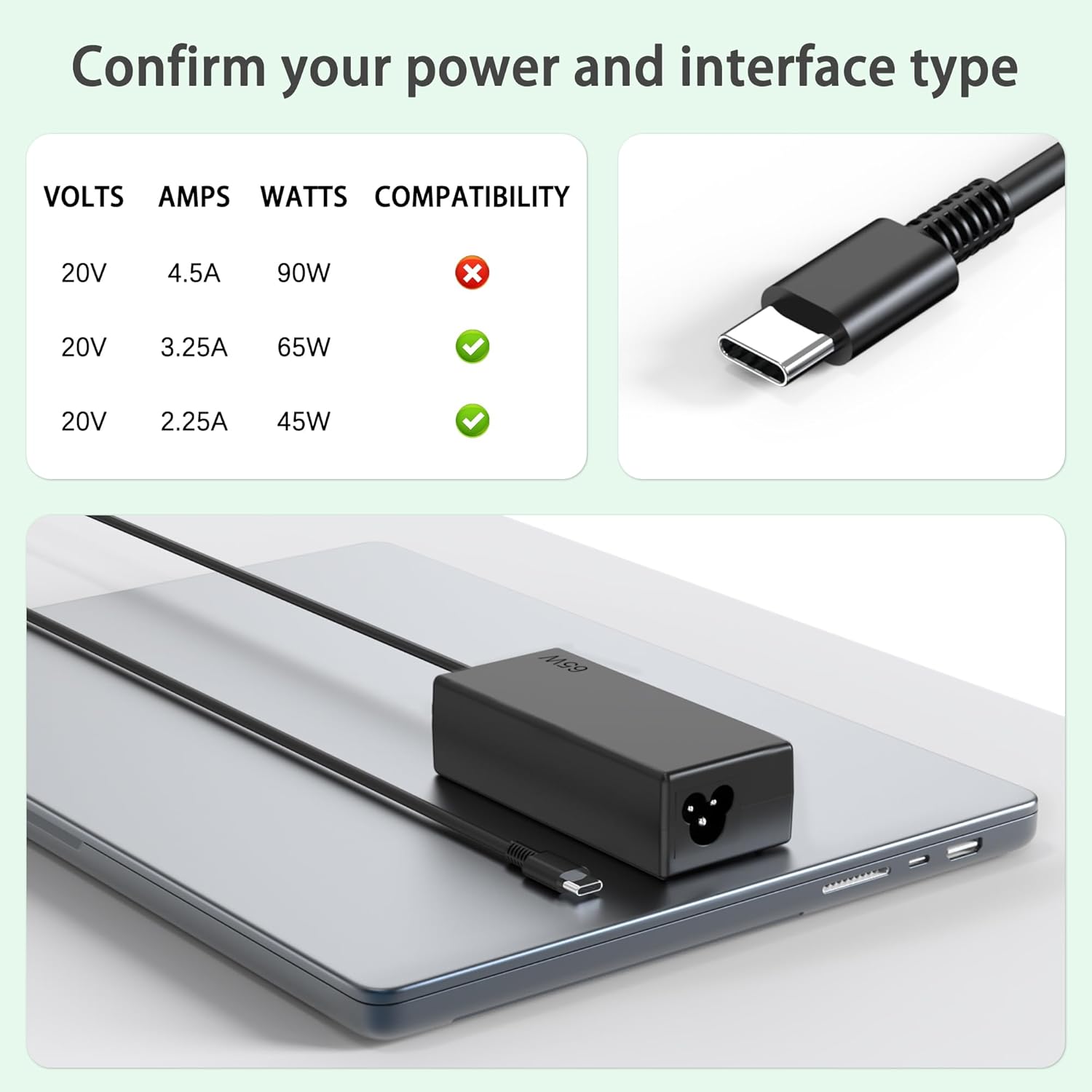
That said, it may not be a perfect fit for every scenario. If your laptop requires a different wattage requirement or doesn’t charge over USB-C at all, this is the kind of purchase that can leave you stuck with an expensive paperweight.
Tech specs (the essentials)
- Type: USB Type C laptop charger
- Rated power: 65W
- Use case: Charging a Chromebook/laptop via USB-C
- Compatibility (as listed): HP, Acer, ASUS, Dell, Lenovo, Samsung, Google laptops
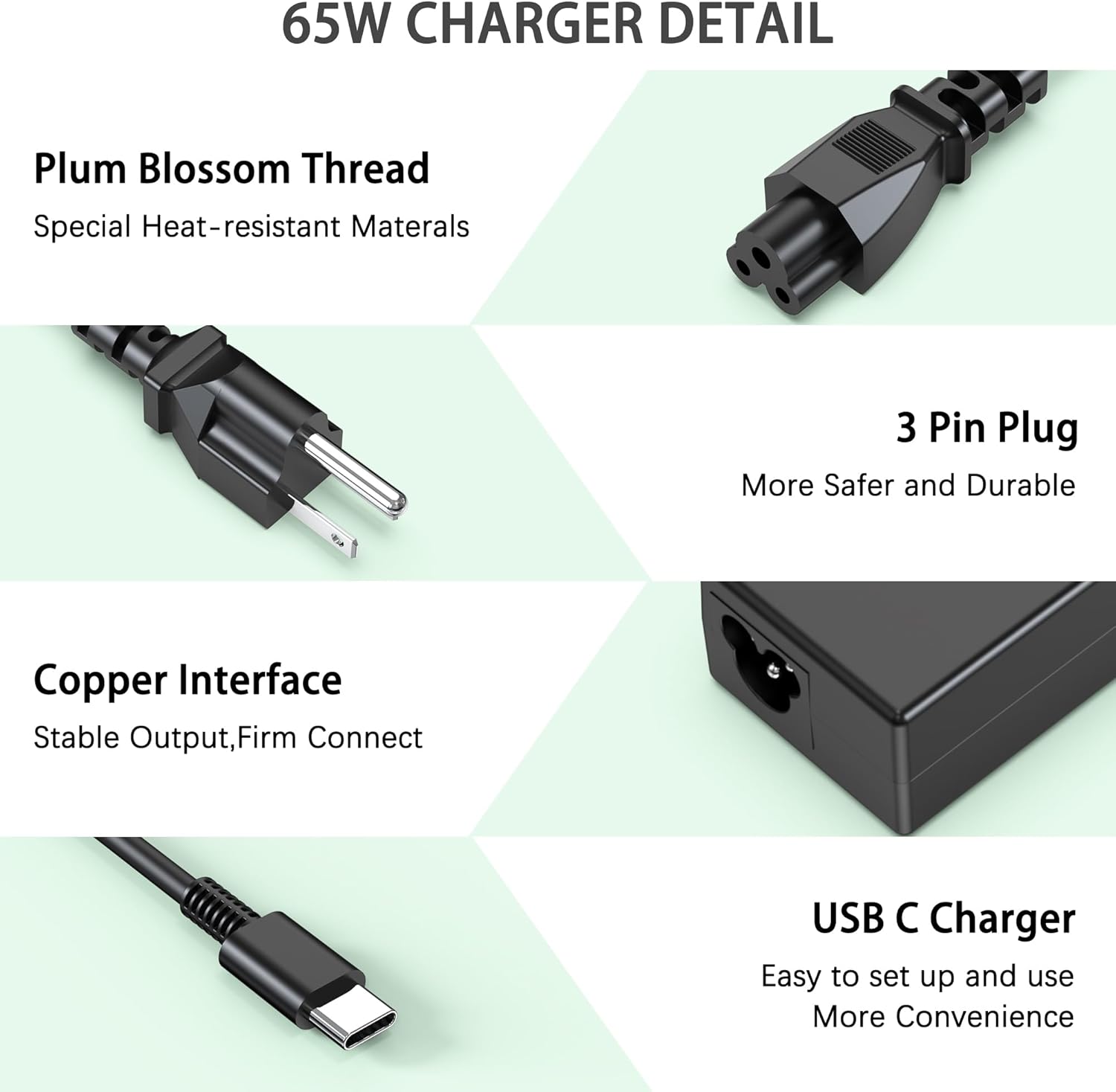
Note: The listing information here focuses on compatibility by brand and connection type. It doesn’t provide model-by-model verification details, so it’s smart to double-check your laptop’s charging port and requirements before ordering.
Where it shines—and where it may fall short
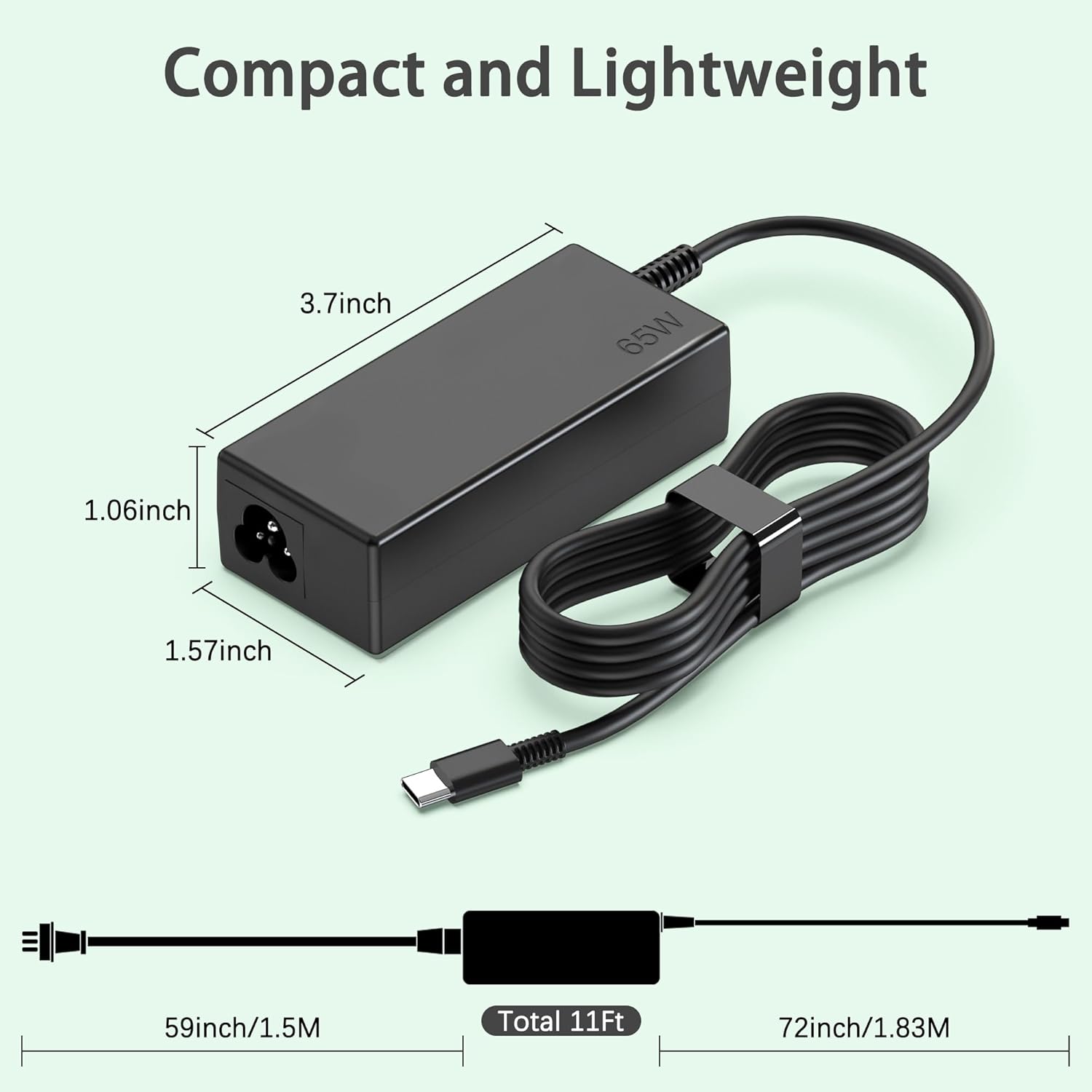
This charger makes the most sense if: - You’ve confirmed your laptop charges through a USB-C (Type C) port. - You’re looking for a straightforward replacement cord/power brick setup. - You want one charger you can realistically keep at home or carry in a bag.
It may not be the best choice if: - Your laptop uses a non-USB-C charging method. - Your laptop is picky about power levels beyond what’s described (65W is common, but not guaranteed for every model). - You need a charger for a workflow that demands sustained, high draw while running heavy tasks—USB-C power needs can vary by device.
If you’ve ever tried “charging through a cable that should work,” you already know the frustration: the laptop stays low, the indicator never behaves right, and you end up troubleshooting instead of working.
Practical tips before you buy
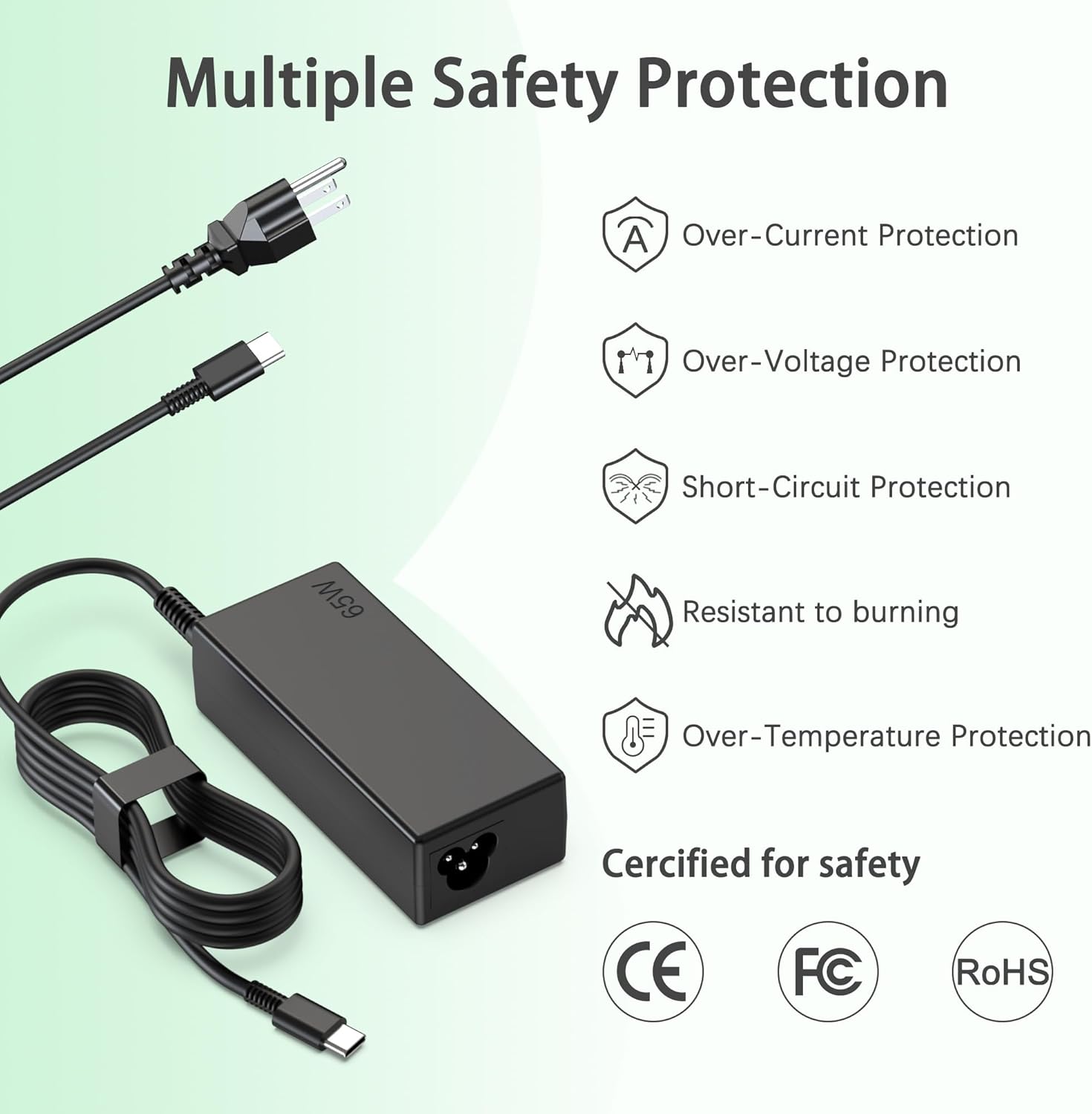

To avoid compatibility headaches, pay attention to three things: - Your laptop’s charging port: it needs to be USB Type C. - Your laptop’s charger requirement: if your device specifies a different wattage or expects a particular charger standard, you’ll want to match that. - Your situation: if you’re replacing a charger that has been failing due to wear and tear, a clean Type C replacement can solve the “intermittent power” problem quickly.
A quick micro-scenario: imagine you’re packing for a trip, you grab your Chromebook, plug in your USB-C charger at the outlet… and the battery actually starts climbing steadily instead of stalling. That’s the win this kind of charger is aimed at.
Who it’s for (and who should skip it)
Worth considering if you own a Chromebook or laptop from the listed brands and you already use USB-C for charging. It fits the buyer mindset of “I just need the right replacement cord so my laptop charges normally again.”
Skip it if your laptop doesn’t charge via USB-C, or if you’re relying on the charger to cover a specific, non-standard requirement. When wattage and charging standards don’t line up, you don’t get partial credit—you get inconsistent charging at best.
Buying verdict
This heesky 65W USB Type-C Chromebook charger is a practical replacement to keep your Chromebook/laptop powered when your original charger is gone or unreliable. It’s strongest when your device already charges over USB-C and the power needs align with the listed 65W.
However, since the listing information is broad (brand and Type C compatibility rather than model-by-model confirmation), it’s not the safest pick for buyers who haven’t verified their laptop’s charging method and requirements first. If you take those two minutes to check the port and charger expectations, it can be a straightforward, useful purchase, if you don’t, it may not be the match you hoped for.