

Garmin Approach R50 golf launch monitor 10-inch
Reviews
Price
Product description
Key features
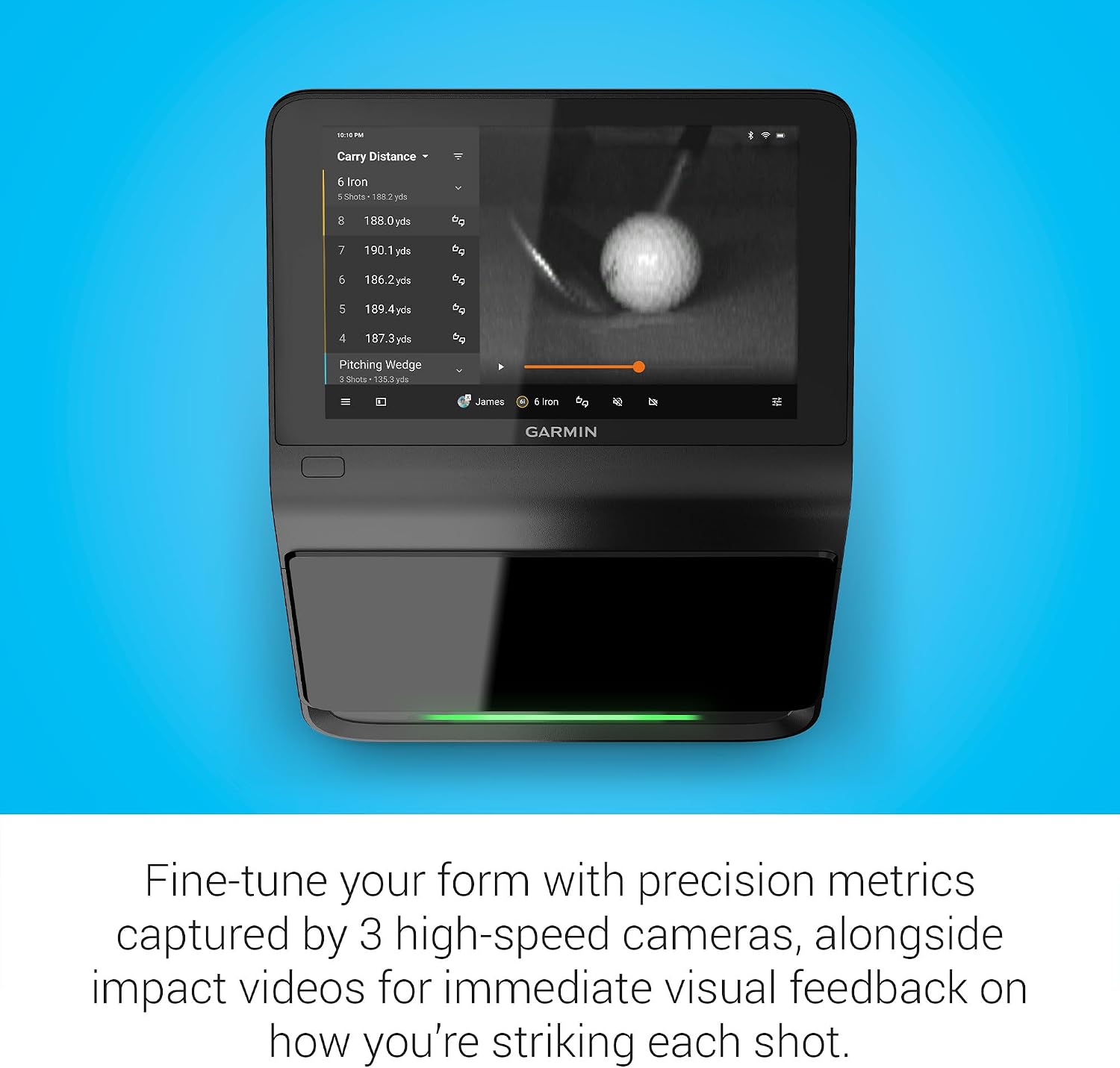
Garmin Approach R50 is a premium golf launch monitor and simulator that helps you adjust your swing with detailed, data driven metrics. Using a system of 3 cameras, it captures performance information so you can see what is happening at impact and how your ball behaves after launch. With a built-in 10 inch color touchscreen, you can review your results, explore training, and even play virtual rounds without needing to constantly switch screens 📱.
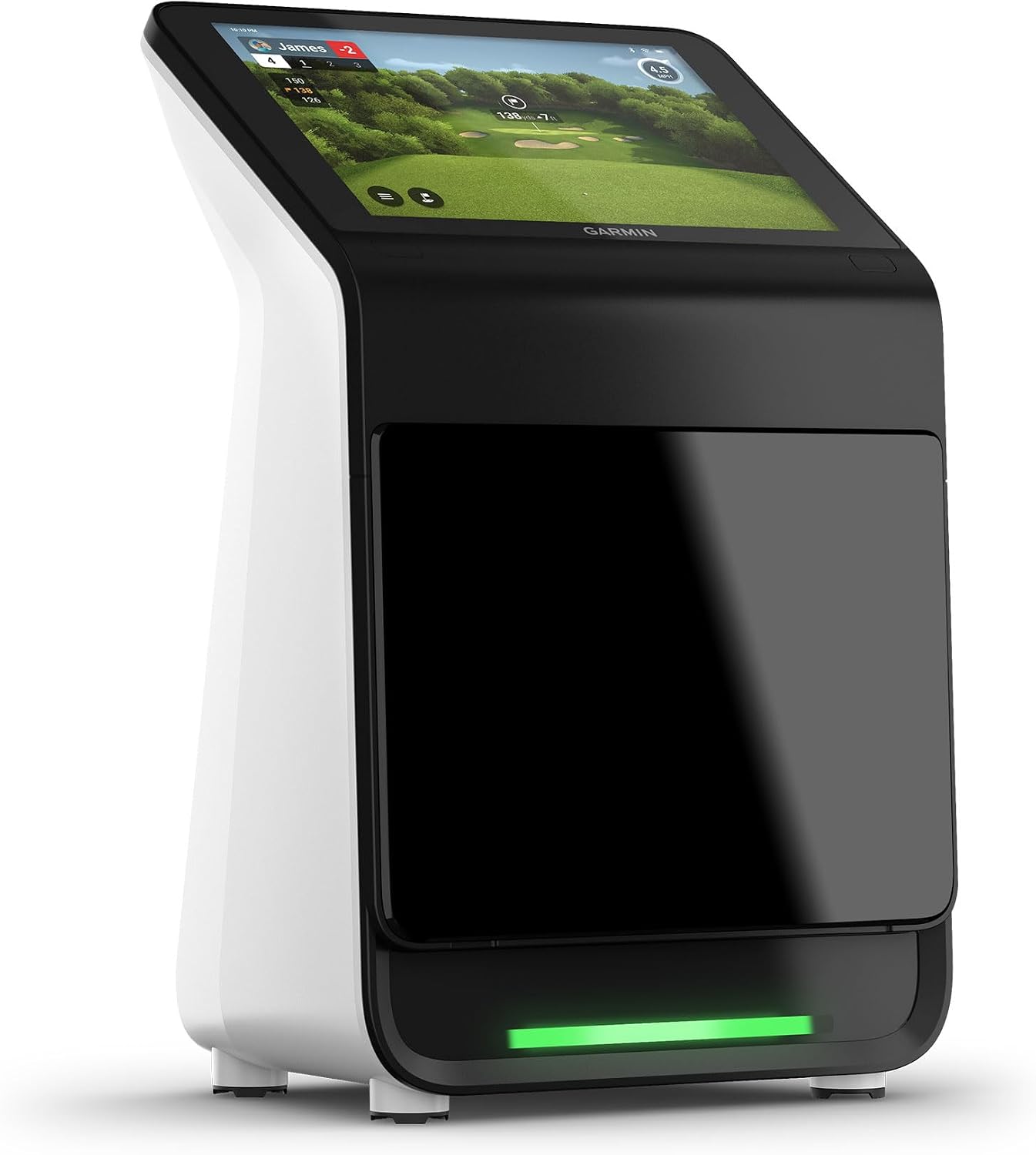
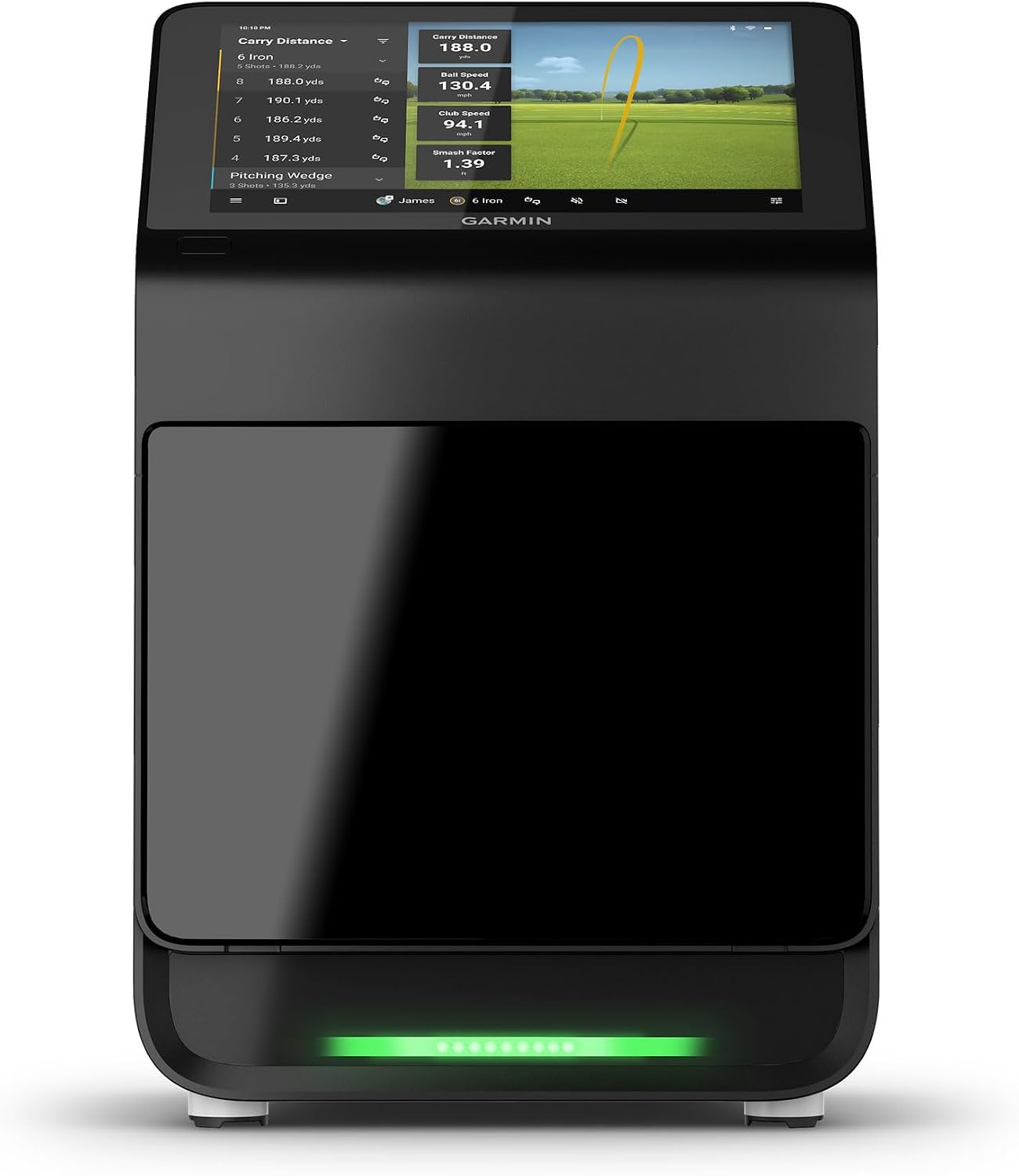
This unit is built around practical insight. You can track key metrics like ball speed, launch angle, and club face to path, and you can also use improved spin and axis data for analysis both indoors and outdoors. There is a training mode that tracks statistics for each club and shows shot dispersion based on an advanced ball flight model, which makes it easier to understand patterns over time. 🙂
Tech specs
- Display: 10 inch color touchscreen
- Camera system: 3 cameras for ball metrics
- Metrics include: ball speed, launch angle, and face to path
- Metrics include: spin rate and improved axis data
- Training data view: shot dispersion table based on an advanced ball flight model
- Compatibility for extra viewing: HDMI connection to a monitor or projector
- Battery life: up to 4 hours
Benefits
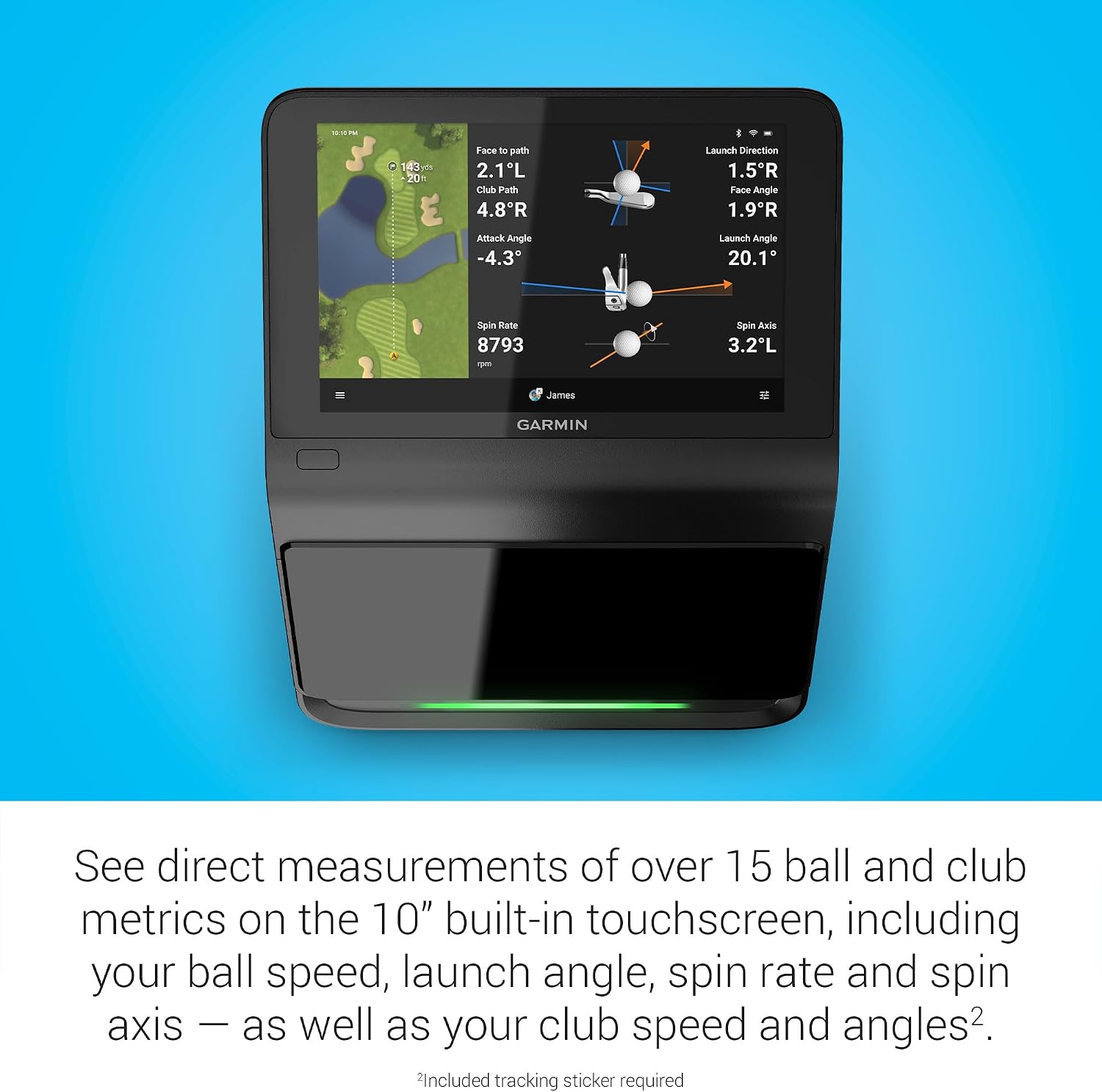
When you want your practice to be more than guesswork, the Approach R50 supports smarter decision making. You can mark your swing with advanced measures, then use the impact video feature for immediate visual feedback on how each shot is being delivered. That combination of live data plus high speed visuals helps you connect what you feel with what the ball actually does.
It also supports learning in a repeatable way. The training mode tracks statistics for each club and gives you a shot dispersion view that is grounded in an advanced ball flight trajectory model. If you are working on consistency, this kind of feedback loop can make it easier to spot what changes help and what changes do not.
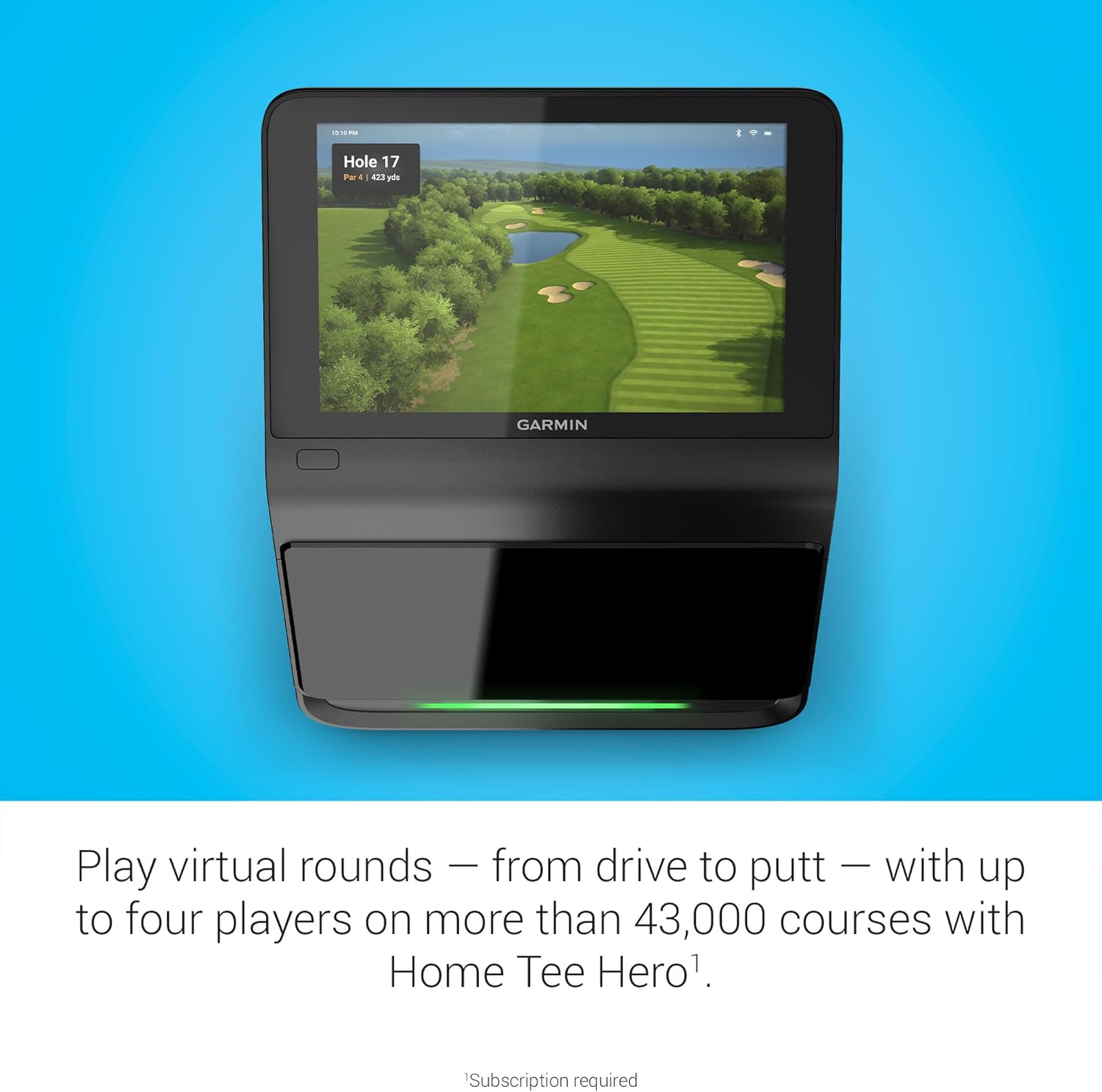
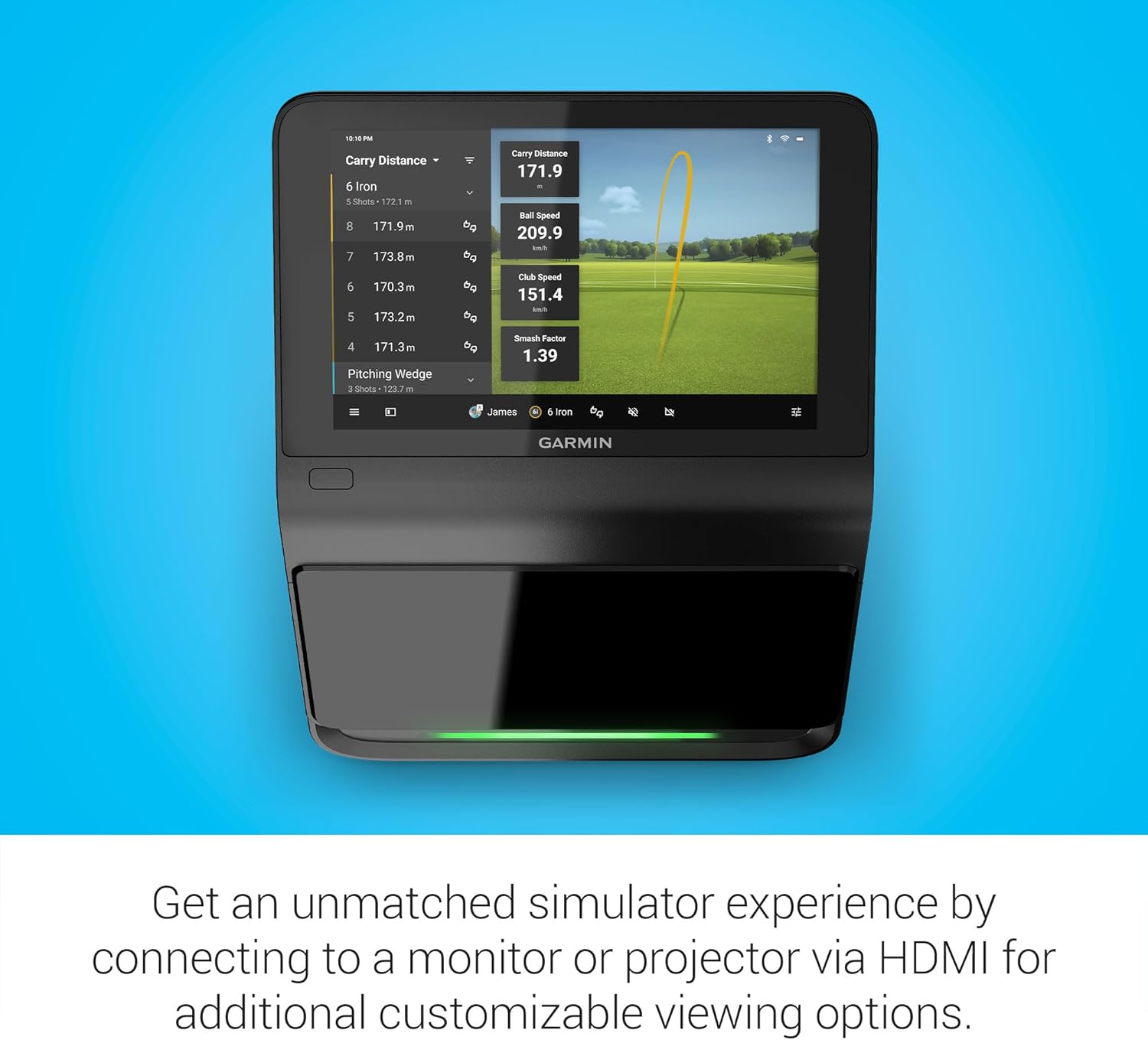
On the simulator side, you can enjoy virtual rounds including putting, with up to four players, across more than 43,000 courses through the in home option on the touchscreen. Virtual play requires an active Garmin Golf membership, and impact videos and training experiences are all shown directly on the Approach R50 interface. 🎥 If you prioritize variety in practice, you can also join a weekly tournament with published scores and view results on a global leaderboard from the device.
One more detail that matters for accuracy is the built in barometer. It measures atmospheric pressure to support carry distance estimates depending on your location. Take note that some capabilities require setup items or subscriptions, including the use of tracking adhesive that is included for certain face to path style measurements, and the active membership for Garmin Golf features.
Usage tips
Start by setting up the monitor and using the touchscreen to select the type of session you want, whether that is training statistics, reviewing impact videos, or playing a virtual round. The touchscreen interface is designed to keep you in the flow, so you can check results right after you hit. For more custom visuals, connect the Approach R50 to a monitor or projector using HDMI, then keep your primary controls on the 10 inch display while you expand your viewing setup.
If you are building a consistent practice routine, use training mode to track each club and monitor dispersion patterns over time. That way, your adjustments are based on trends, not single shot outcomes. You will also be able to transport the unit more easily thanks to the included travel bag, and the battery supports up to 4 hours of use so you can practice without constant power access.
Worth considering if you want a golf launch monitor and simulator with a built in 10 inch color touchscreen, camera based data capture, and a workflow that covers training, virtual rounds, and visual impact review in one place 😀.