Download app on Google Play


Imagen de GAOMON PD1161 11.6-inch drawing tablet ๐ŸŽจ en OfertitasTOP
New offer
Thumbnail principal de GAOMON PD1161 11.6-inch drawing tablet ๐ŸŽจ
Thumbnail 1 de GAOMON PD1161 11.6-inch drawing tablet ๐ŸŽจ
Thumbnail 2 de GAOMON PD1161 11.6-inch drawing tablet ๐ŸŽจ
Thumbnail 3 de GAOMON PD1161 11.6-inch drawing tablet ๐ŸŽจ
Thumbnail 4 de GAOMON PD1161 11.6-inch drawing tablet ๐ŸŽจ
Thumbnail 5 de GAOMON PD1161 11.6-inch drawing tablet ๐ŸŽจ
Thumbnail 6 de GAOMON PD1161 11.6-inch drawing tablet ๐ŸŽจ

GAOMON PD1161 11.6-inch drawing tablet ๐ŸŽจ

amazon US
Reviews
4,3
+1.466

Reviews

4,3
+1.466 reviews

Price

$199.99$159.99-20%
View in store
amazon US
Price evolution ยท Historical minimum: $149.99

Product description

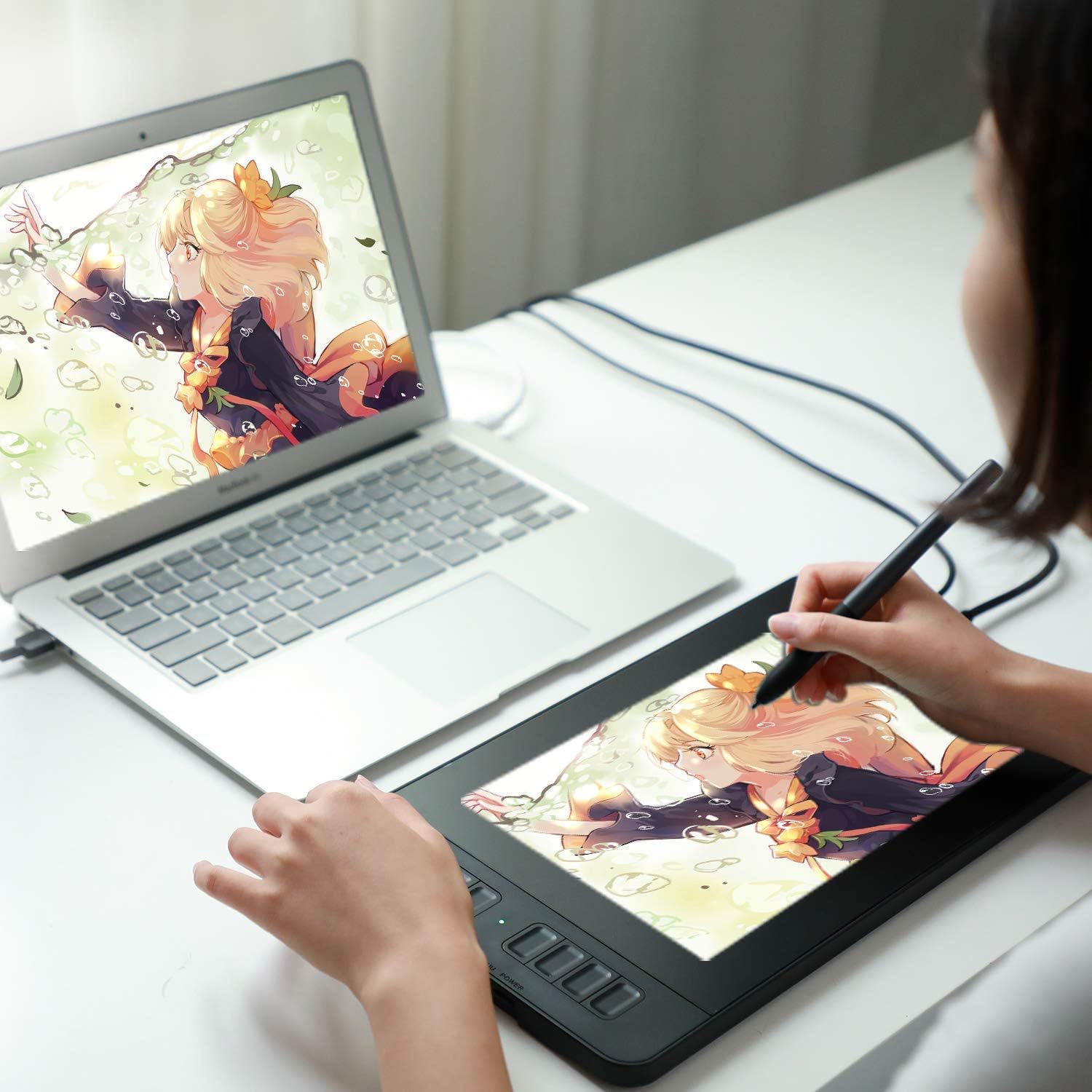
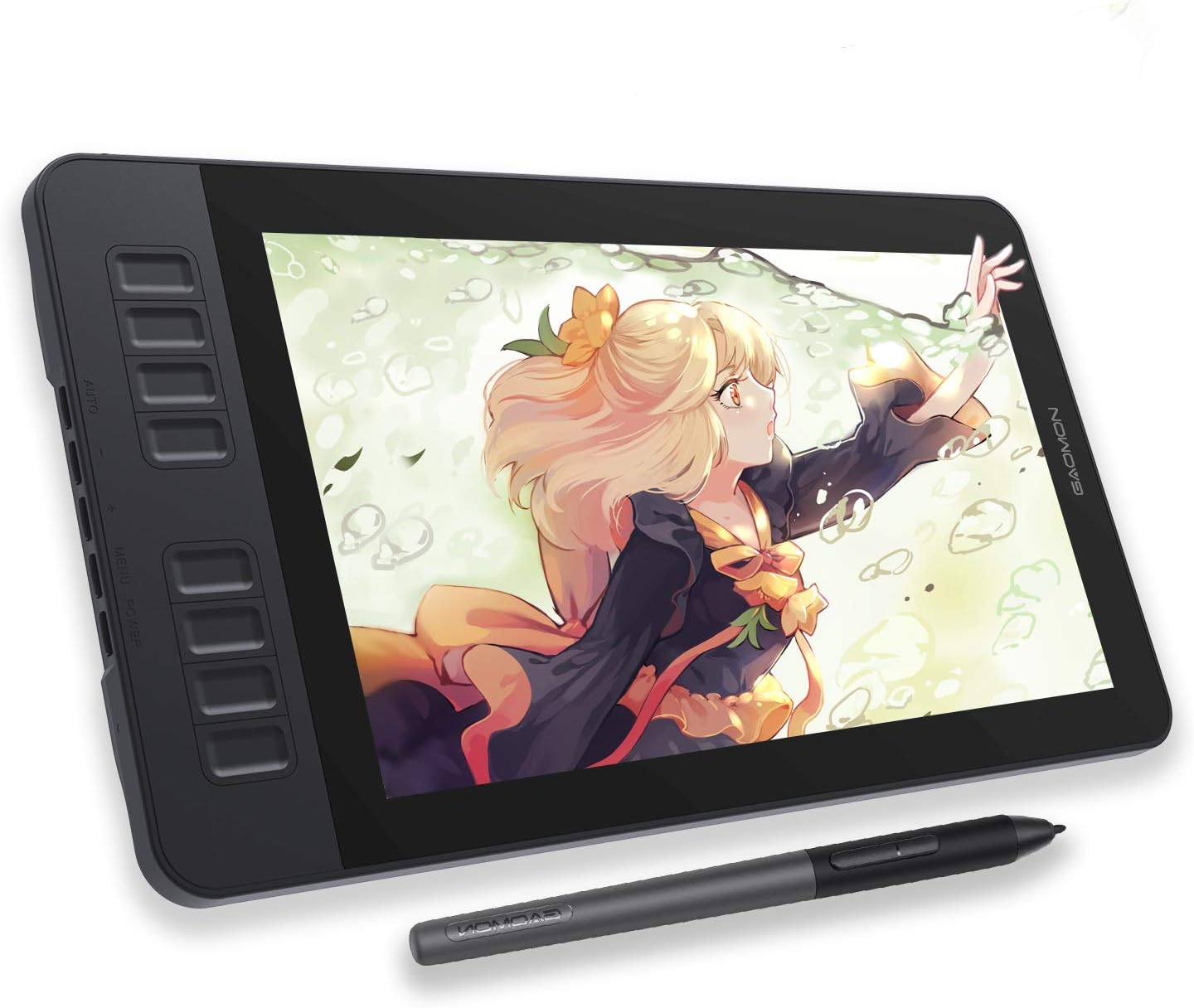
This 11.6 inch pen display from GAOMON brings direct on-screen sketching for artists and creators who need a responsive surface and accurate colors. Use it to draw, paint, edit images or take notes on your computer, with a natural paper-like feel courtesy of the pre-applied matte film. The package is not a standalone tablet, it must be connected to a Mac or Windows PC to work. The long-tail keyword "drawing tablet with screen" fits the product description and highlights its core use in digital art workflows.

Key features
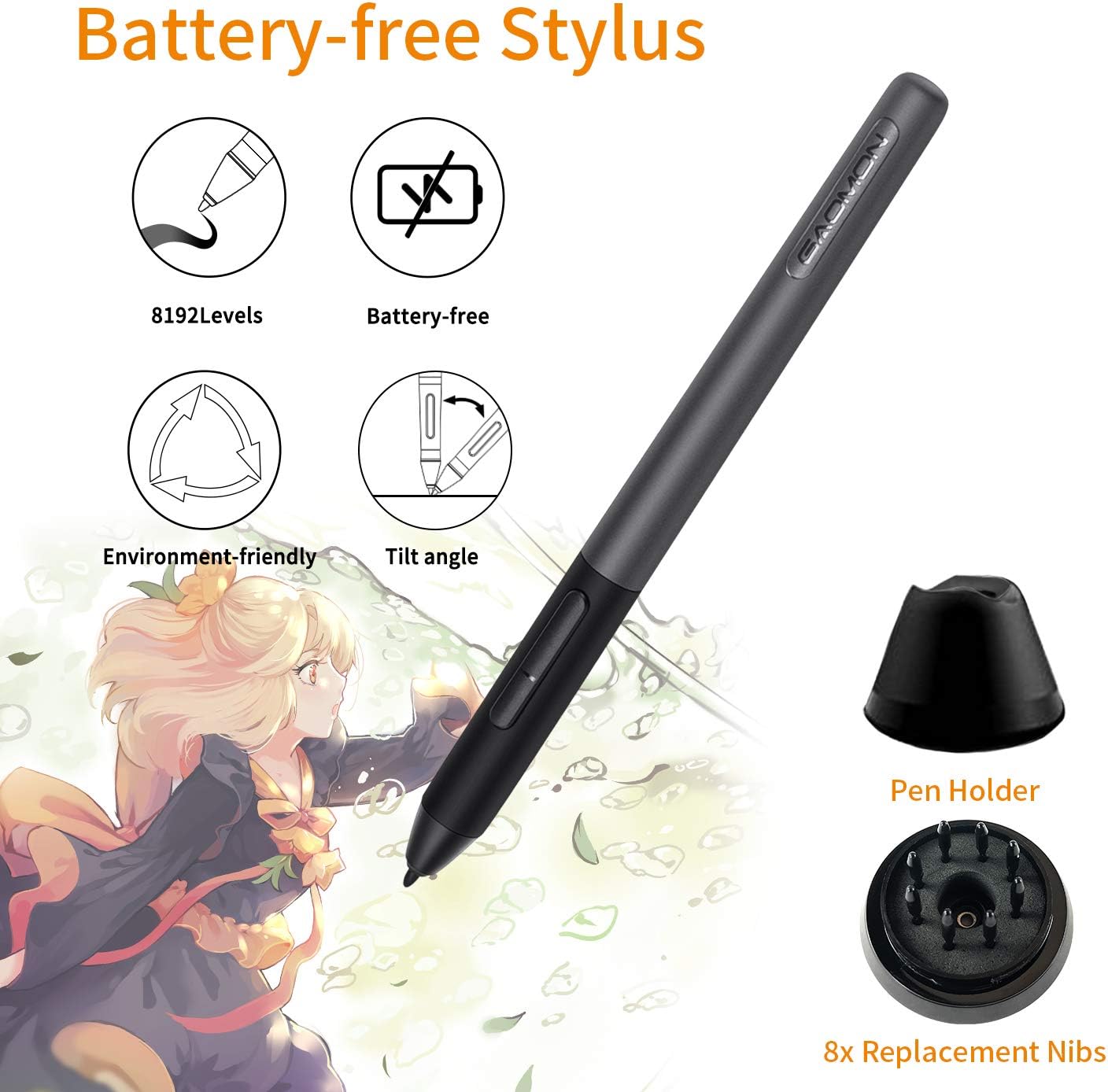
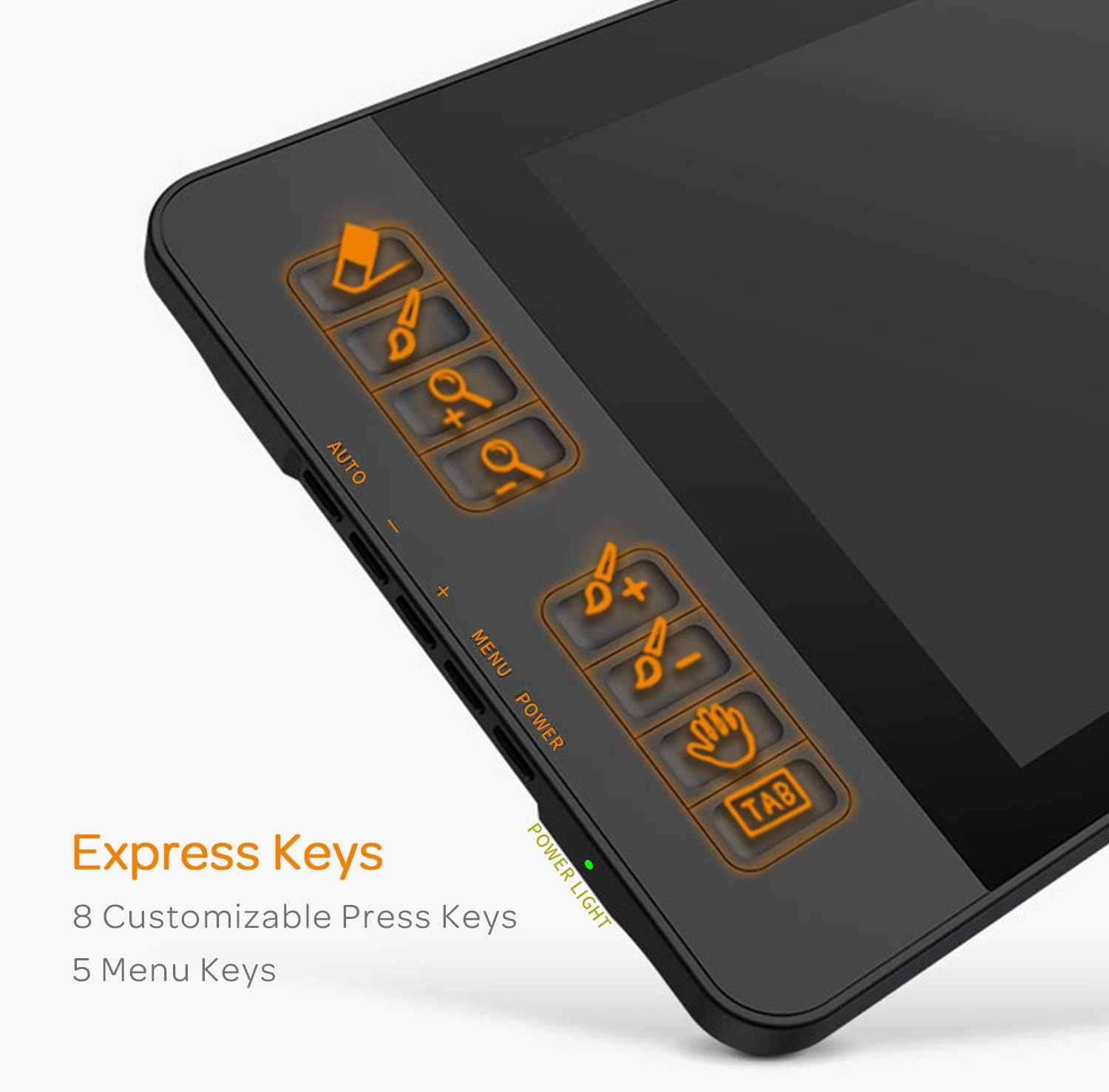
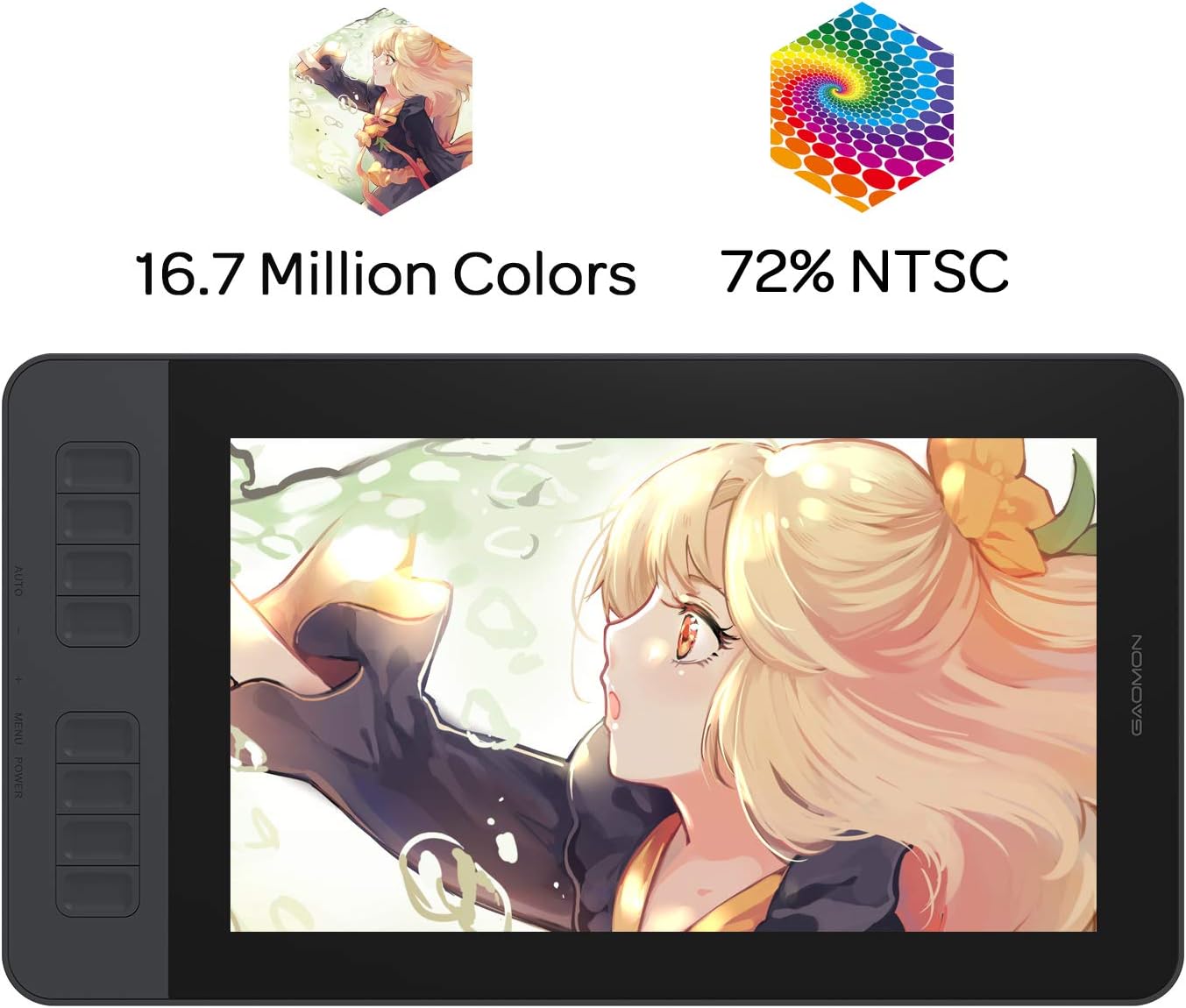
The screen offers Full HD resolution on an IPS panel with a matte protector that reduces glare while simulating paper texture. Color performance is tuned with a 72% NTSC coverage equivalent to 100% sRGB, and 16.7 million display colors provide smoother gradations for illustration and photo editing. The included pen is the battery-free AP50, offering 8192 levels of pressure and tilt detection for natural strokes, and the unit gives quick access through eight configurable express keys and two pen buttons to speed up repetitive actions. ๐ŸŽจ

Tech specs

  • Name: GAOMON PD1161
  • Screen: 11.6 inch Full HD IPS
  • Color gamut: 72% NTSC 100% sRGB
  • Pen: AP50 battery-free, 8192 pressure levels, tilt support
  • Shortcut keys: 8 programmable press keys and 2 pen buttons
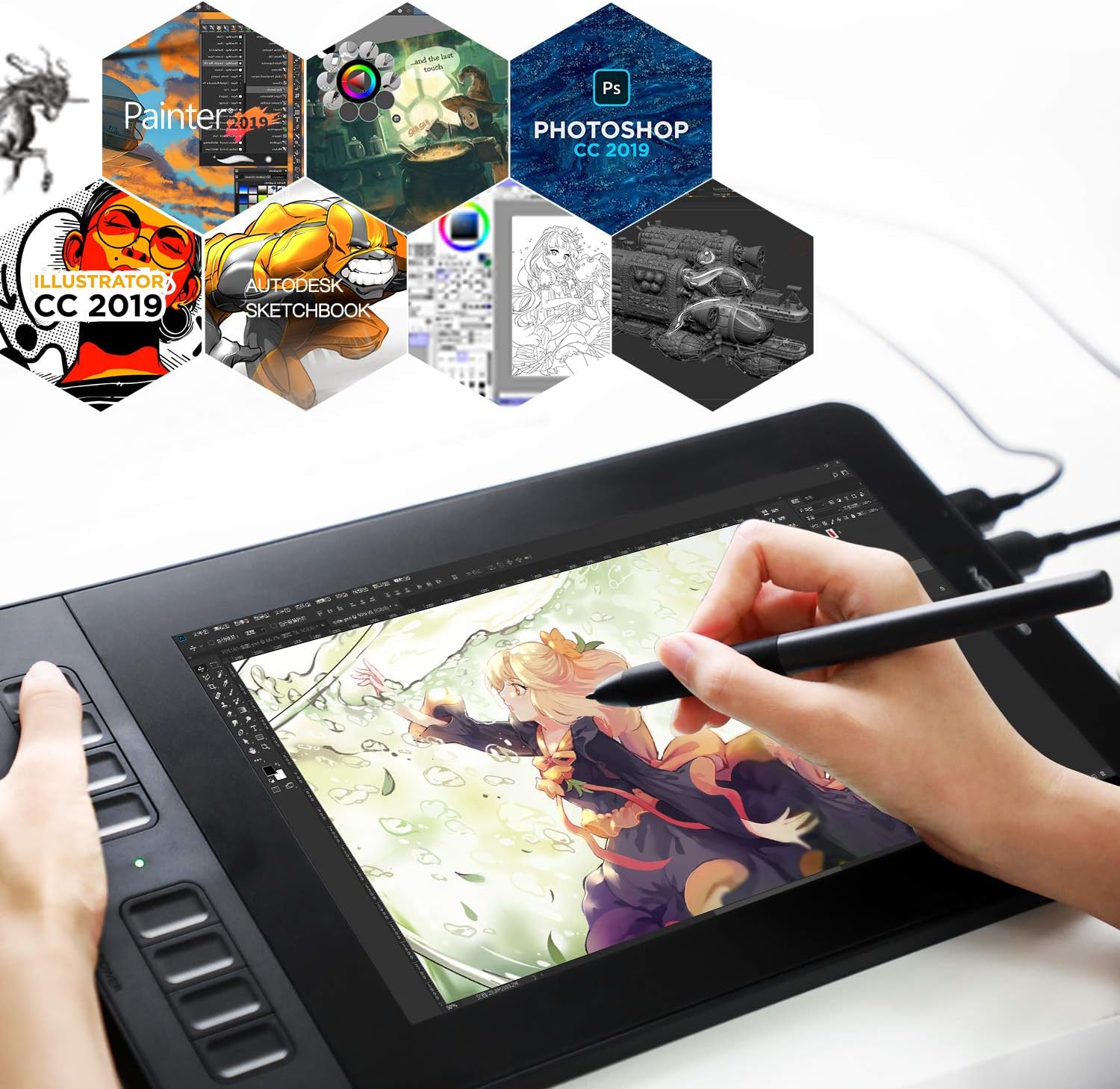
  • Compatibility: Windows 7 or later, macOS 10.12 or later

Usage tips
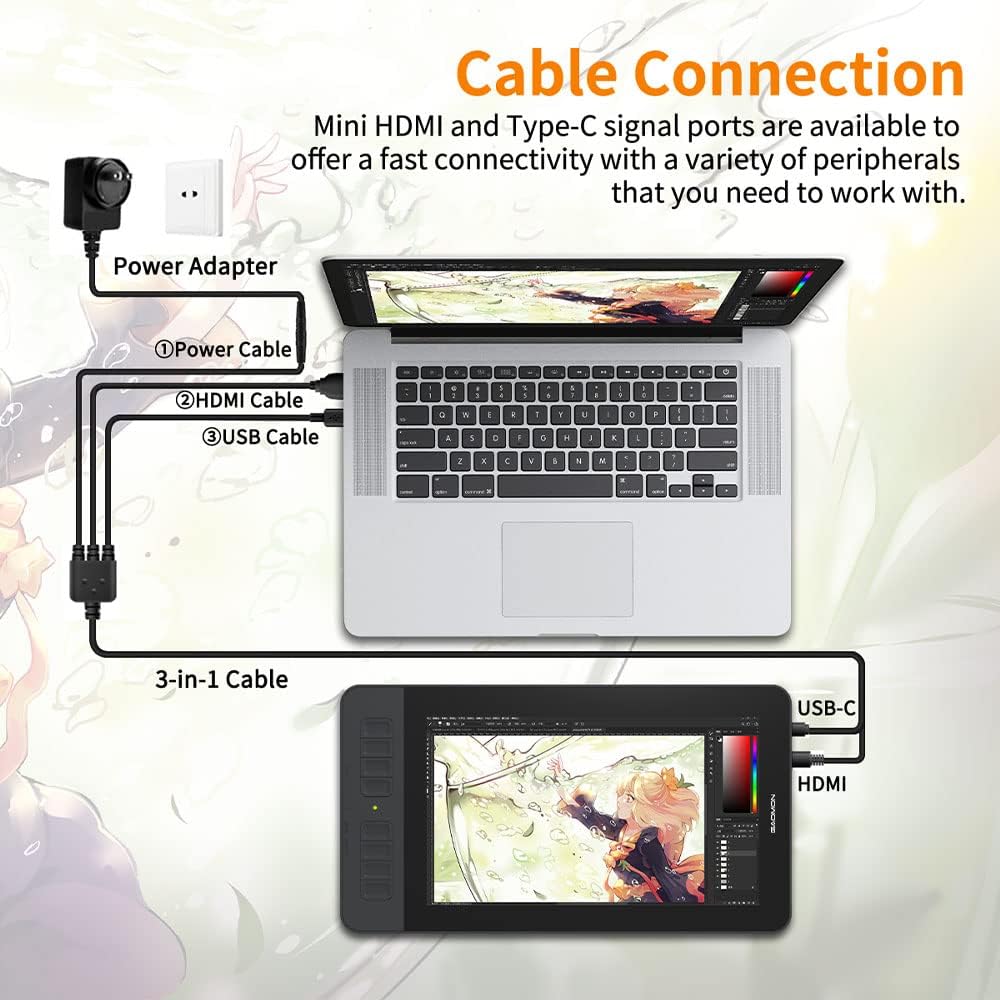
Connect the tablet to your laptop or desktop and install the driver to map shortcuts and calibrate the display. For sketching, adjust pen pressure curves in your software to match your hand strength. If you plan to edit photos, enable sRGB color management in your workflow to take advantage of the display calibration. Note that the pre-installed matte film helps control reflections but may slightly reduce peak brightness, according to the manufacturer. ๐Ÿ–Œ๏ธ

What stands out

The combination of a compact 11.6 inch active screen and a battery-free stylus makes this model an approachable option for beginners and hobbyists who want an affordable pen display. Its plug-in dependency on a computer and modest color gamut are practical trade-offs for a lower price point, and the programmable keys help integrate the device into established design routines. โœ๏ธ

View in store

Price evolution

Historical minimum: $149.99

Description:

This 11.6 inch pen display from GAOMON brings direct on-screen sketching for artists and creators who need a responsive surface and accurate colors. Use it to draw, paint, edit images or take notes on your computer, with a natural paper-like feel courtesy of the pre-applied matte film. The package is not a standalone tablet, it must be connected to a Mac or Windows PC to work. The long-tail keyword "drawing tablet with screen" fits the product description and highlights its core use in digital art workflows.

Key features

The screen offers Full HD resolution on an IPS panel with a matte protector that reduces glare while simulating paper texture. Color performance is tuned with a 72% NTSC coverage equivalent to 100% sRGB, and 16.7 million display colors provide smoother gradations for illustration and photo editing. The included pen is the battery-free AP50, offering 8192 levels of pressure and tilt detection for natural strokes, and the unit gives quick access through eight configurable express keys and two pen buttons to speed up repetitive actions. ๐ŸŽจ

Tech specs

  • Name: GAOMON PD1161
  • Screen: 11.6 inch Full HD IPS
  • Color gamut: 72% NTSC 100% sRGB
  • Pen: AP50 battery-free, 8192 pressure levels, tilt support
  • Shortcut keys: 8 programmable press keys and 2 pen buttons
  • Compatibility: Windows 7 or later, macOS 10.12 or later

Usage tips
Connect the tablet to your laptop or desktop and install the driver to map shortcuts and calibrate the display. For sketching, adjust pen pressure curves in your software to match your hand strength. If you plan to edit photos, enable sRGB color management in your workflow to take advantage of the display calibration. Note that the pre-installed matte film helps control reflections but may slightly reduce peak brightness, according to the manufacturer. ๐Ÿ–Œ๏ธ

What stands out

The combination of a compact 11.6 inch active screen and a battery-free stylus makes this model an approachable option for beginners and hobbyists who want an affordable pen display. Its plug-in dependency on a computer and modest color gamut are practical trade-offs for a lower price point, and the programmable keys help integrate the device into established design routines. โœ๏ธ