

FoMaKo KC608 Pro NDI PTZ Camera Controller (Black) with PoE, 4D Joystick and LCD Preview
Product description
What it is and why people buy it
If you’re running a church live stream, education feed, or multi-camera event and you want one operator to “drive” the cameras without juggling extra software, the FoMaKo KC608 Pro is built for that job. It’s an NDI PTZ camera controller keyboard designed to manage pan, tilt, zoom, focus, iris, backlight, and presets—so your production doesn’t depend on touch screens or guesswork.
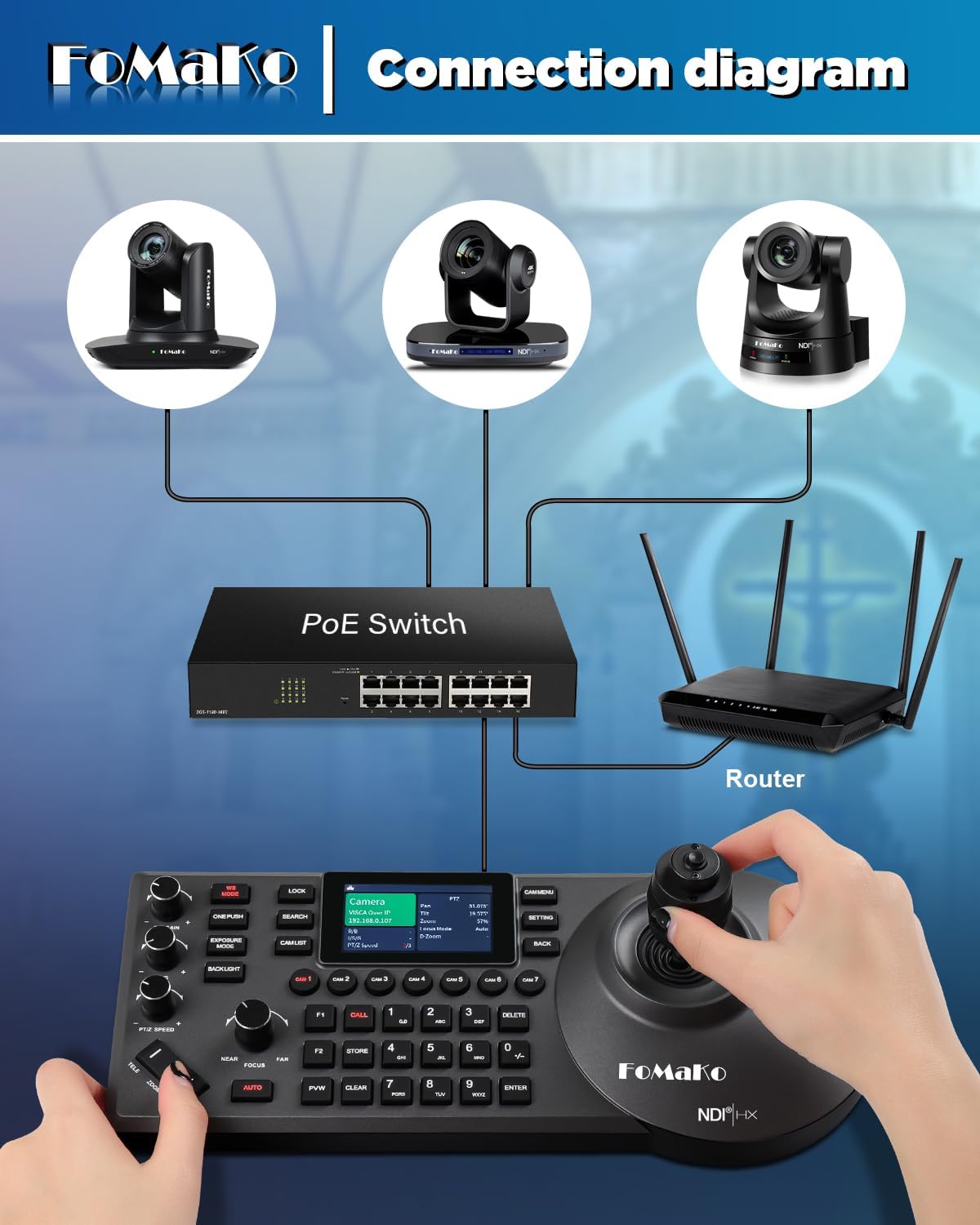
On paper, the big selling point is the combination of PoE (so you only need to connect it to your LAN) plus NDI technology for IP-based control. That’s a practical direction if your cameras and workflow already live on the network and you prefer centralized control for live switching and camera movement.
Key points
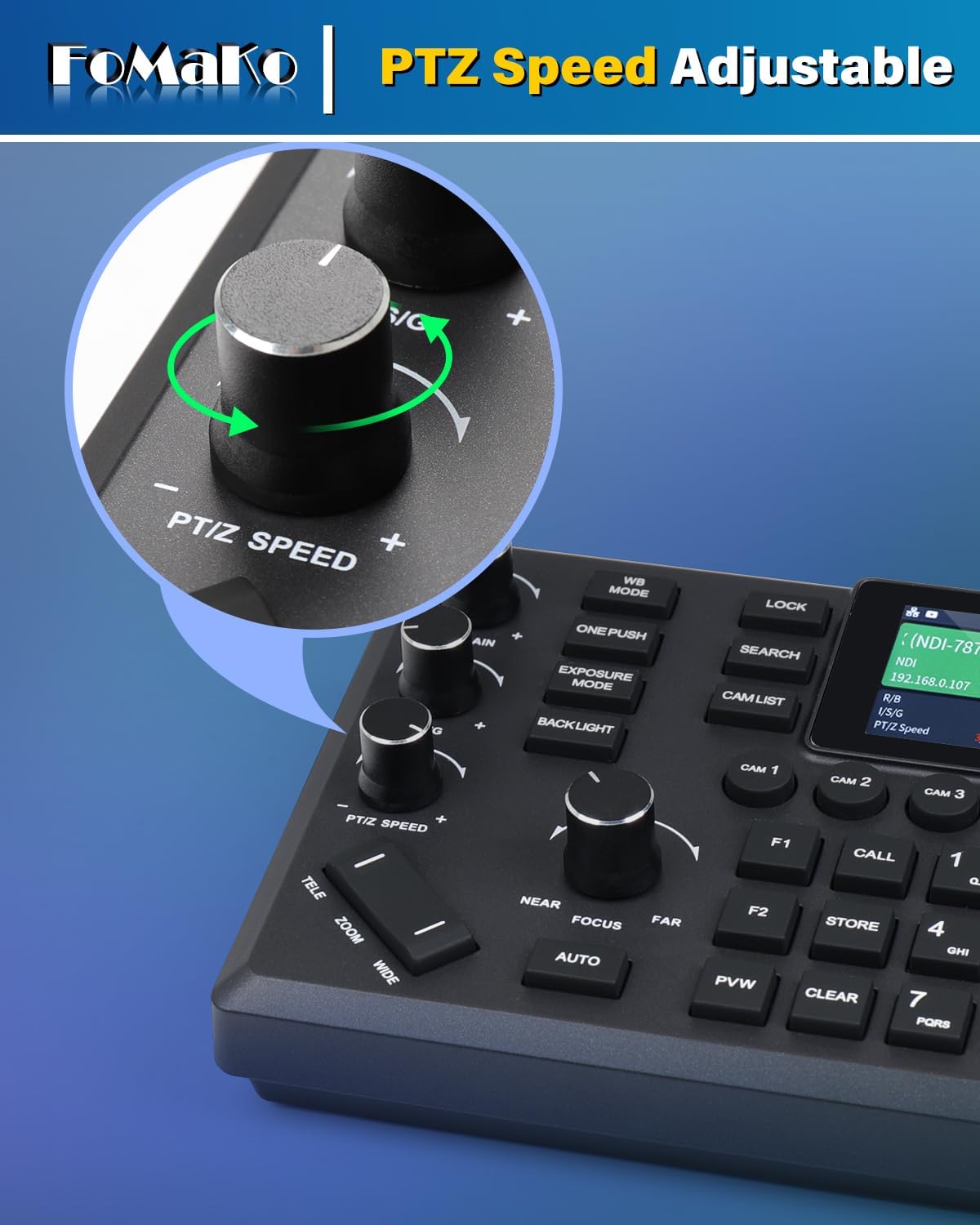
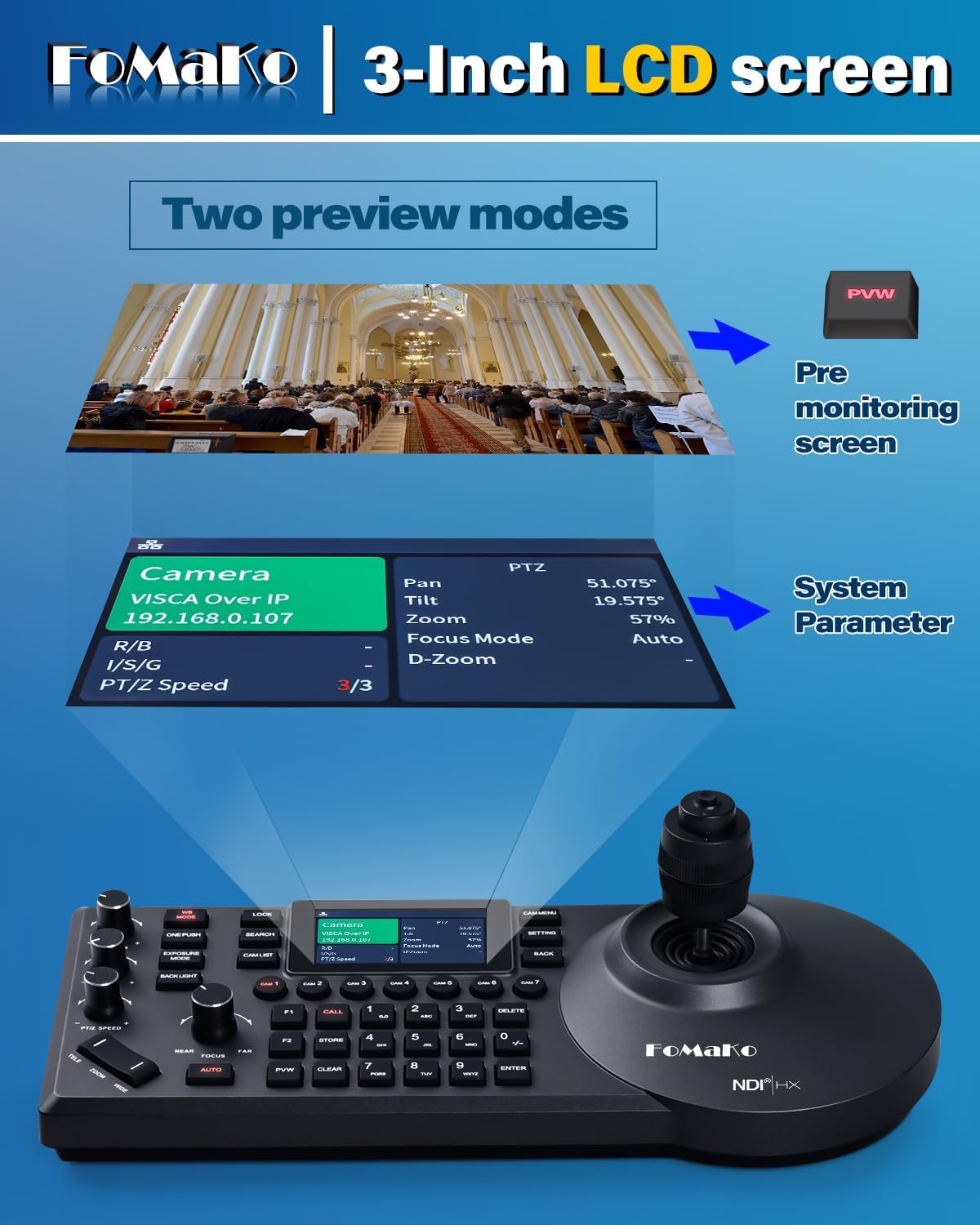
This controller is aimed at multi-camera live production where you need accurate PTZ control and fast preset recall. The 4D precision joystick with an ergonomic wrist-rest design is the kind of detail that matters once you’re moving cameras for 30–60 minutes at a time. You also get a built-in LCD preview, which can help reduce the “look away from the keyboard to confirm framing” problem.
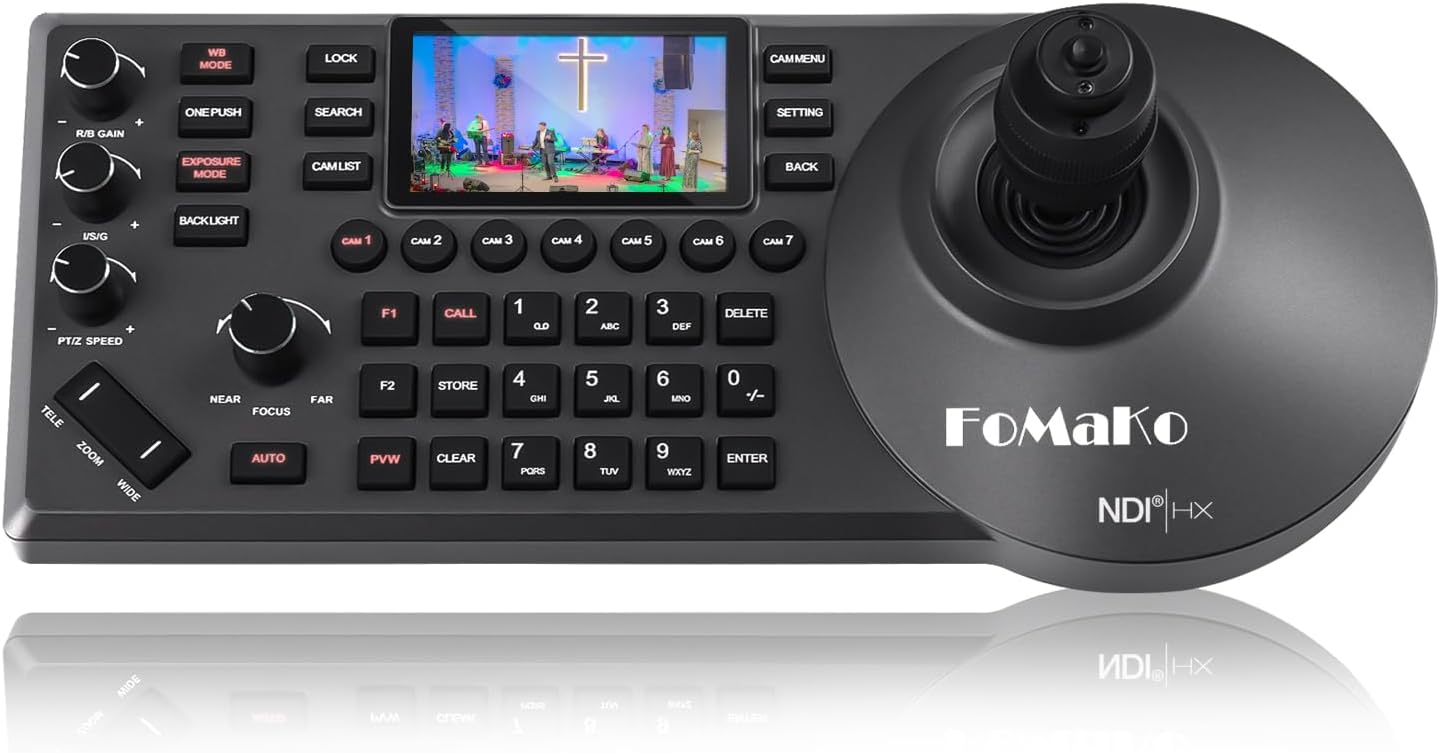
It supports NDI|HX2 protocol and includes an NDI license, which is a meaningful checkbox for stream setups that rely on NDI PTZ control. It also supports compatibility with VISCA, PELCO-P, and PELCO-D protocol, and the controller can connect via RS232, RS422, RS485, and Ethernet IP connections—so you’re not locked into one legacy approach.
A quick operational note: it supports seven camera selection shortcuts and can control up to 255 PTZ cameras, which is helpful when your production needs more than one or two angles.
What stands out in daily use
The workflow here is pretty clear: power and control through the network, then use joystick movement and preset-based operation to drive camera views. Since it’s PoE powered, you’re typically not adding another power brick to the mix—one network cable is the stated approach for connecting it to your LAN.
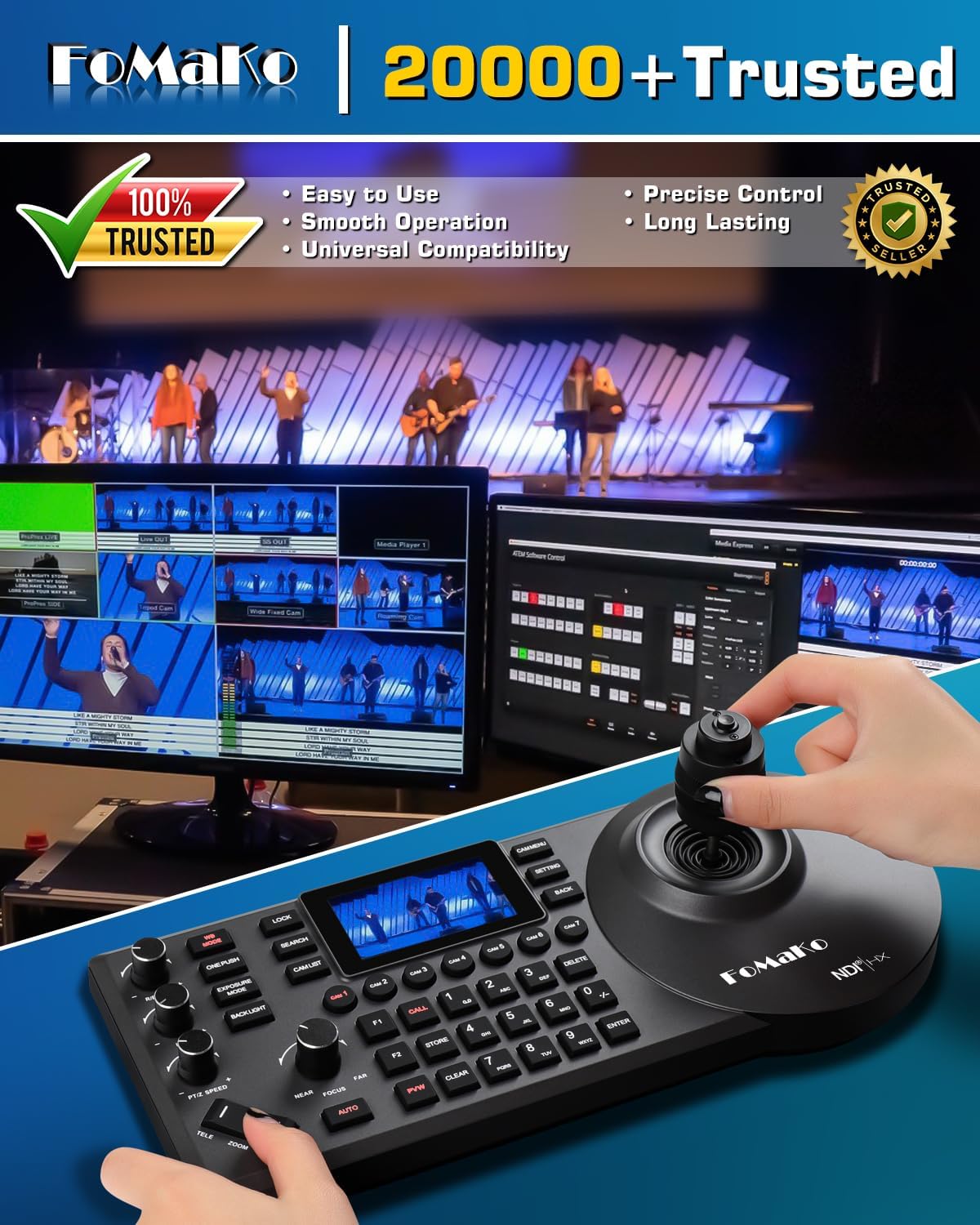
The “feel” is meant to be operator-friendly. The 4D joystick is designed for nuanced camera moves (pan/tilt/zoom plus additional control dimensions), and the wrist-rest concept is there to make repetitive adjustments less tiring. If you’ve ever had to steer a PTZ camera using a generic controller or a mouse, this kind of dedicated control layout is usually where the time savings show up.
Still, keep expectations realistic: a controller like this can make PTZ operation smoother, but it won’t automatically fix camera configuration or preset organization. If presets aren’t set up thoughtfully, you may spend more time than you want calling the right one.
Tech specs
- Name: FoMaKo KC608 Pro NDI PTZ Camera Controller (Black)
- Type: NDI PTZ IP controller keyboard (PoE powered)
- Protocol/compatibility: Supports VISCA, PELCO-P, PELCO-D
- NDI support: Supports NDI|HX2
- Joystick: 4D precision joystick
- Display: Built-in LCD preview
- Connections: RS232, RS422, RS485, Ethernet IP
- Camera shortcuts: 7 camera selection shortcuts
- Camera capacity: Can control up to 255 PTZ cameras
- Warranty: 3-year limited warranty
Where it shines (and where it may not)
It’s a strong match if you’re doing church live streaming, worship production, teaching broadcasts, conferences, events, or multi-angle recordings where one person needs responsive camera control and quick preset access.

It may not be the best choice if your setup is very simple (for example, only one basic camera and you don’t plan to use presets or multi-camera control). In those scenarios, a dedicated keyboard controller can feel like overkill.
Also, note that it mentions shortcut-key command setup for KC608 F1 and F2 via the manual. That’s not a dealbreaker, but it does mean you’ll want to plan a little setup time so your custom controls work exactly how you expect.
Compatibility and setup considerations
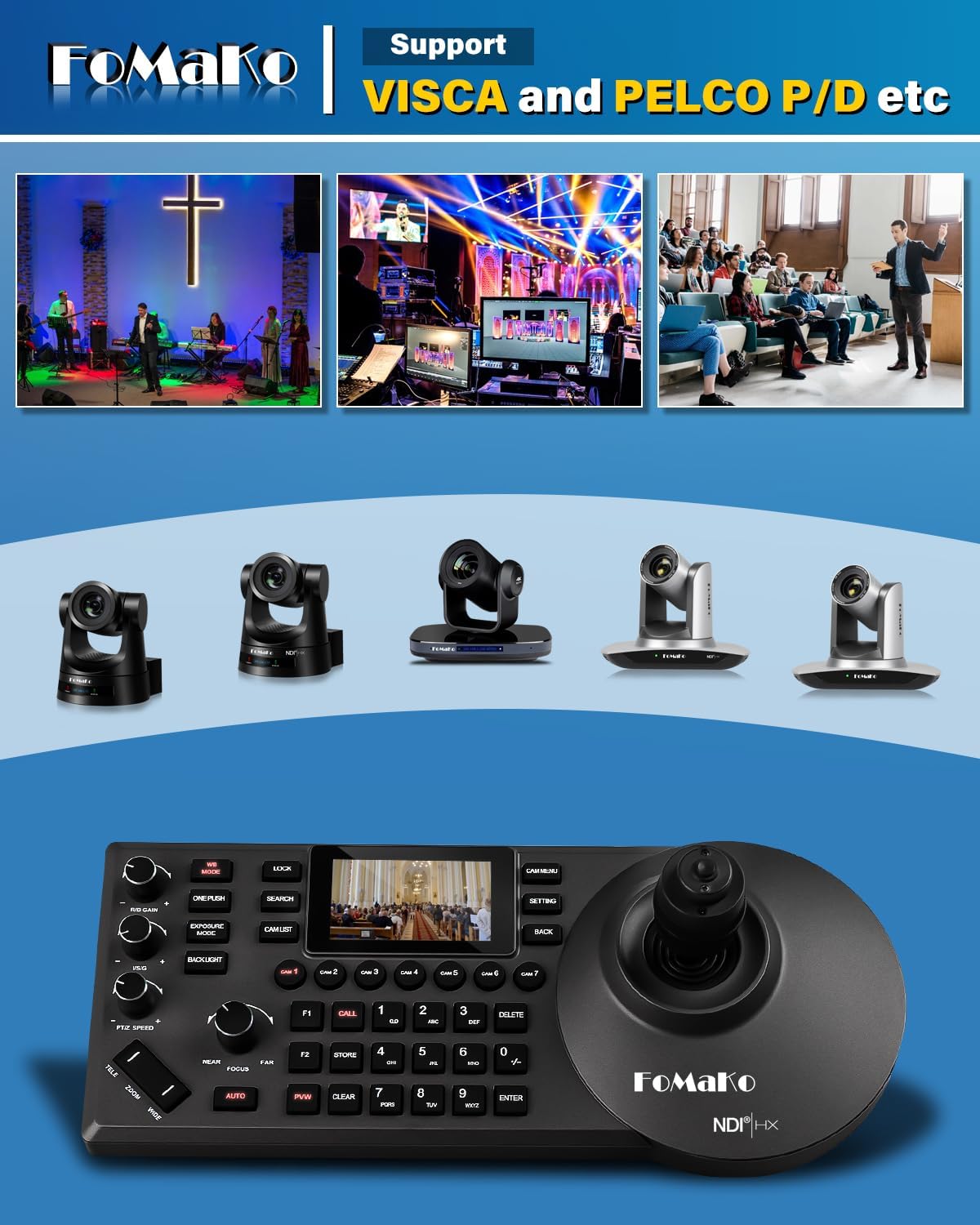
The KC608 Pro is designed for IP-based control over Ethernet in your LAN, described as enabling control of IP streaming PTZ cameras through one network cable. It’s also described as compatible with FoMaKo PTZ cameras and compatible with FoMaKo video mixer switchers.
On the software side, it’s stated to work with vMix/OBS and other live video streaming software. It also mentions Mac computer and Windows PC compatibility. If your production environment is NDI-centric, this alignment is the kind of thing that usually reduces friction.
One practical way to think about it: before buying, double-check how your PTZ cameras accept control (protocol and network approach) and make sure presets/backlight/iris behaviors are configured the way you need. The controller can only call what the cameras are ready to execute.
Should you buy it?
A solid pick if you want a PoE-powered NDI PTZ controller with a 4D joystick, built-in LCD preview, fast camera selection shortcuts, and the option to scale up to many cameras for live streaming or education productions.
You may want to skip it if you’re only controlling a single camera with minimal preset needs, or if you don’t have the time or willingness to set up shortcut keys and camera-side behaviors in advance.
If you prioritize operator-friendly control (especially for repeated pan/tilt/zoom adjustments and preset recalls), this controller fits that production reality better than generic control approaches.
Quick FAQ
Frequently asked questions
Does it include an NDI license?
Yes—an NDI license is included as part of the package, and it supports NDI|HX2.
What connection types does it support?
The controller supports RS232, RS422, RS485, and Ethernet IP connections.
How many cameras can it control?
It supports up to 255 PTZ cameras, with seven camera selection shortcut support.
Is it PoE powered?
Yes. The product description states it’s PoE supported and that you can connect it with one cable to your LAN.
Will it work with OBS or vMix?
The description states compatibility with vMix/OBS and other live video streaming software.