

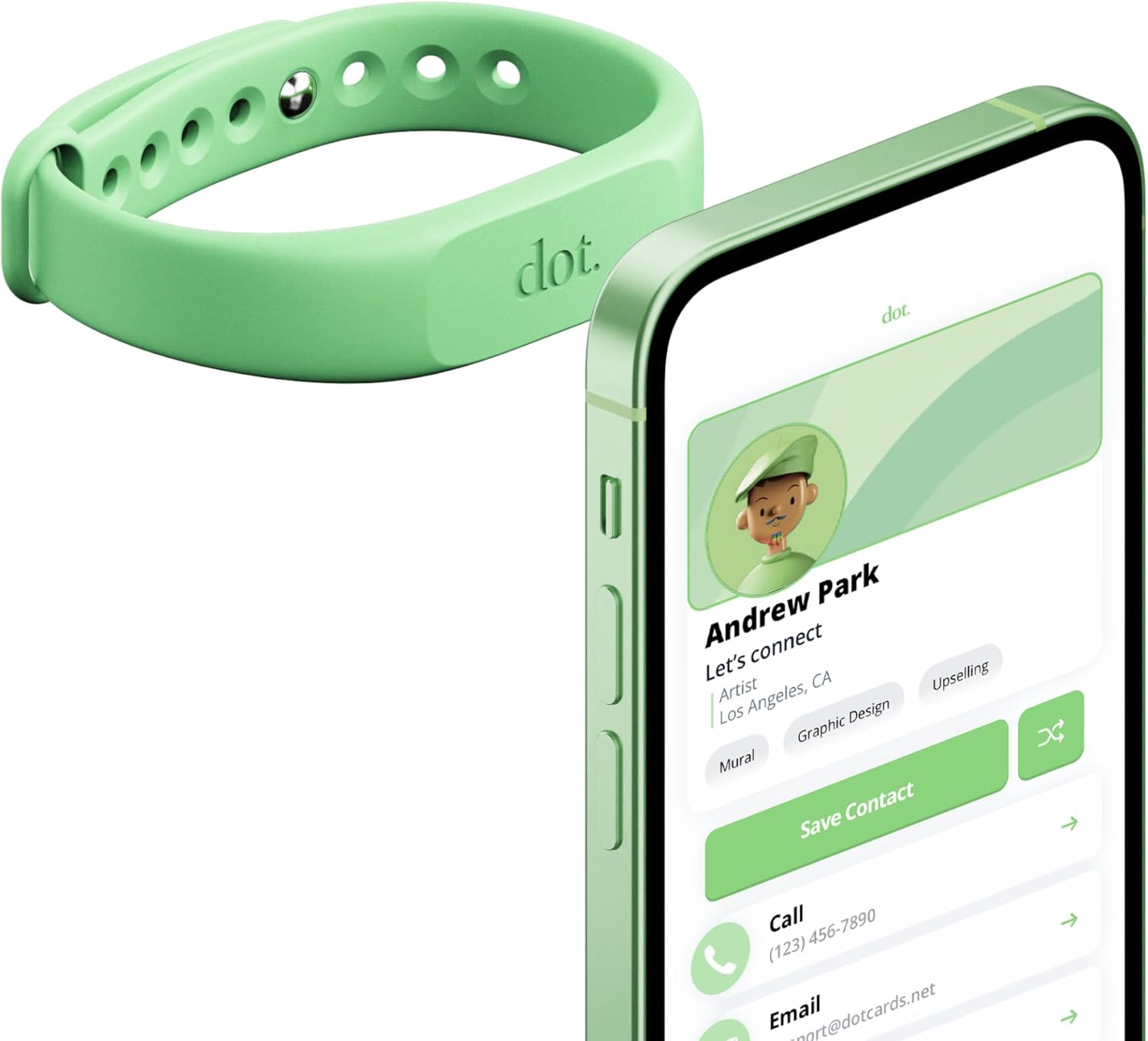
dot. Band - Digital Business Card Wristband (Sand)
Product description
Overview
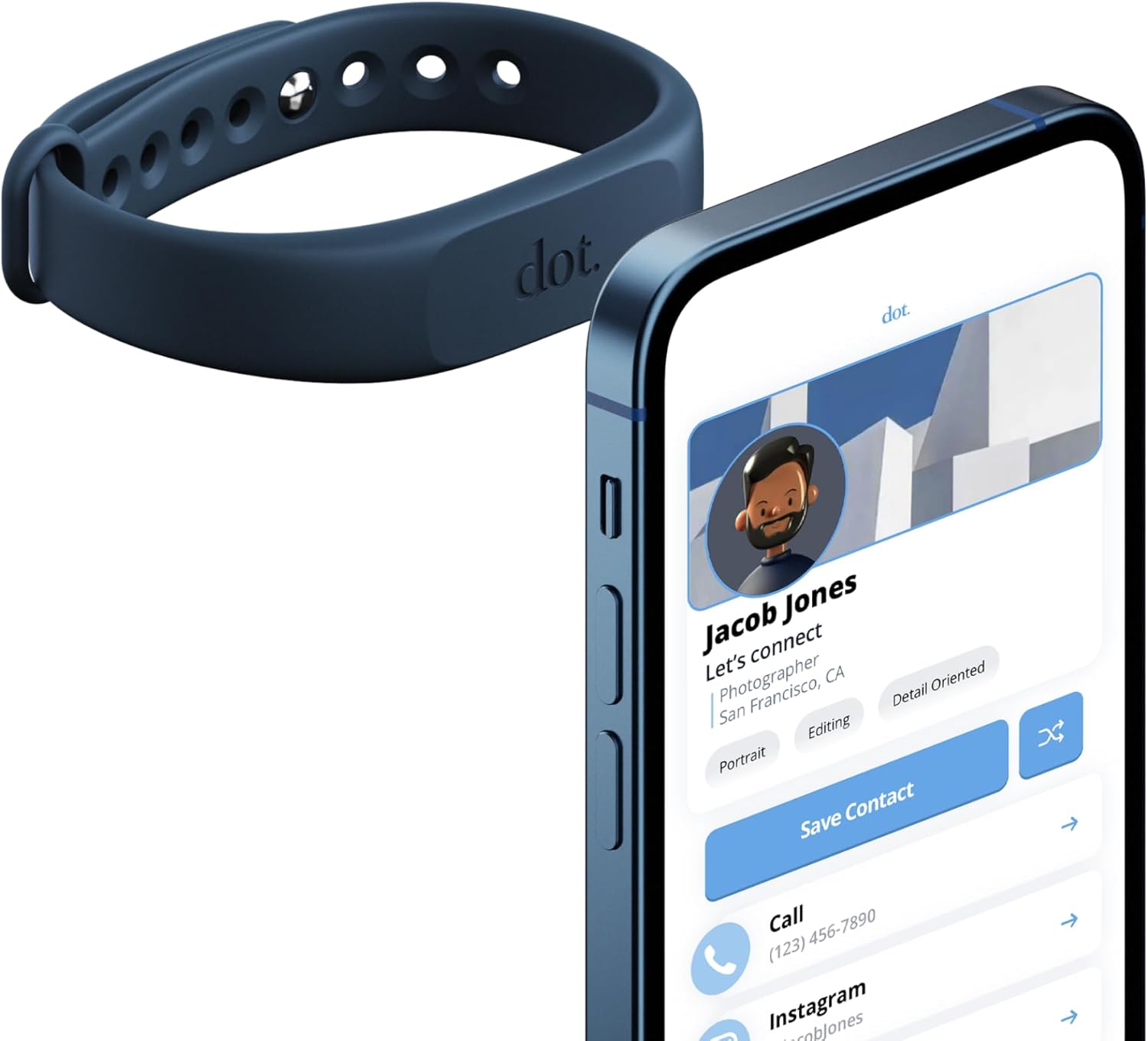
The dot. Band is a digital business card wristband designed for contactless sharing. It lets you share your dot.Profile with anyone without requiring the recipient to install an app or own a dot device. In practice, this means you can swap contact details quickly by tapping your band against a compatible phone or by having others scan the dot.Profile QR code.
Why it matters
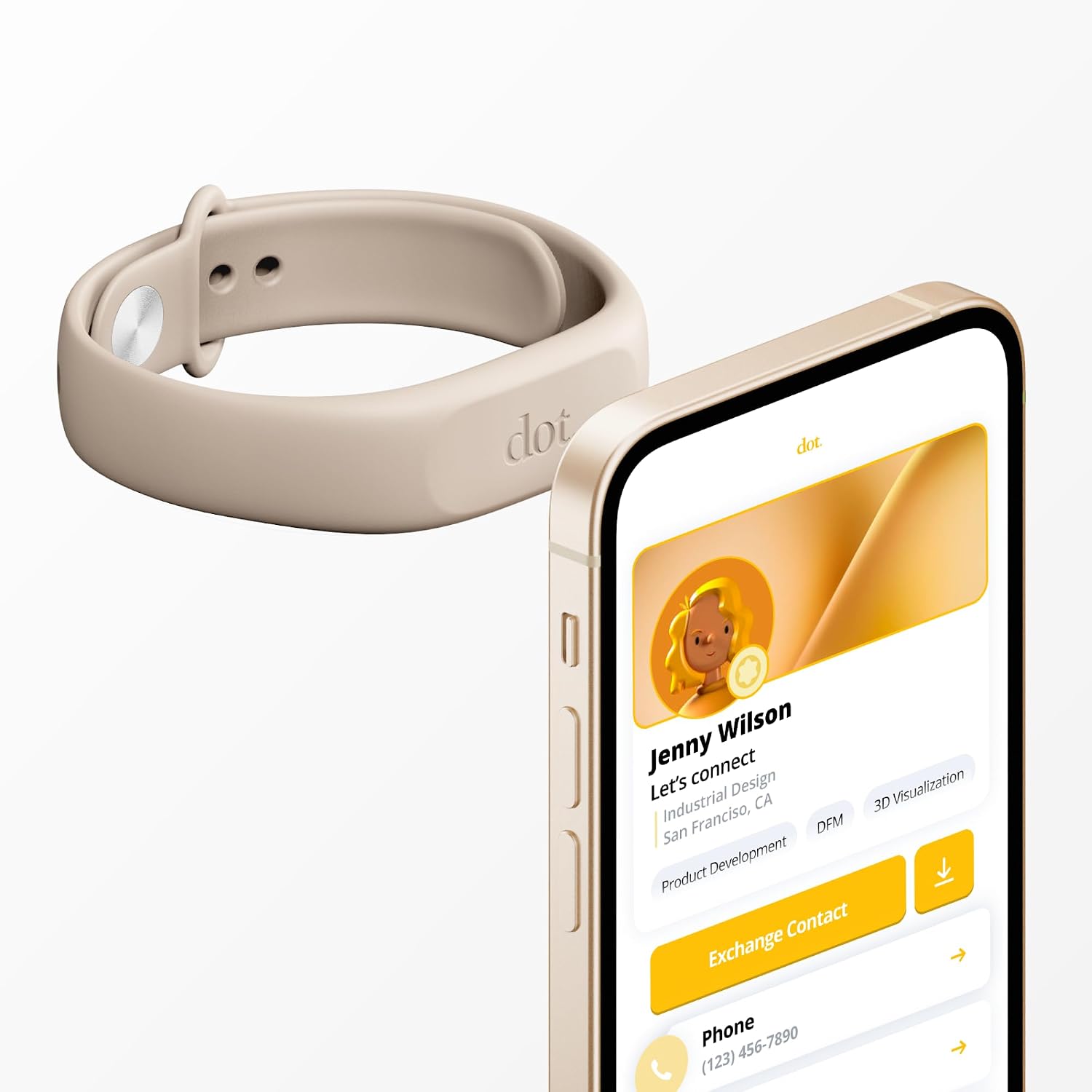
If you frequently network in person, a frictionless sharing method can save time and reduce the hassle of exchanging traditional vCard files or typing in details. The model emphasizes ease of use: no passwords needed to connect social links, and information can be updated on the go so your card stays current.
What’s included and setup
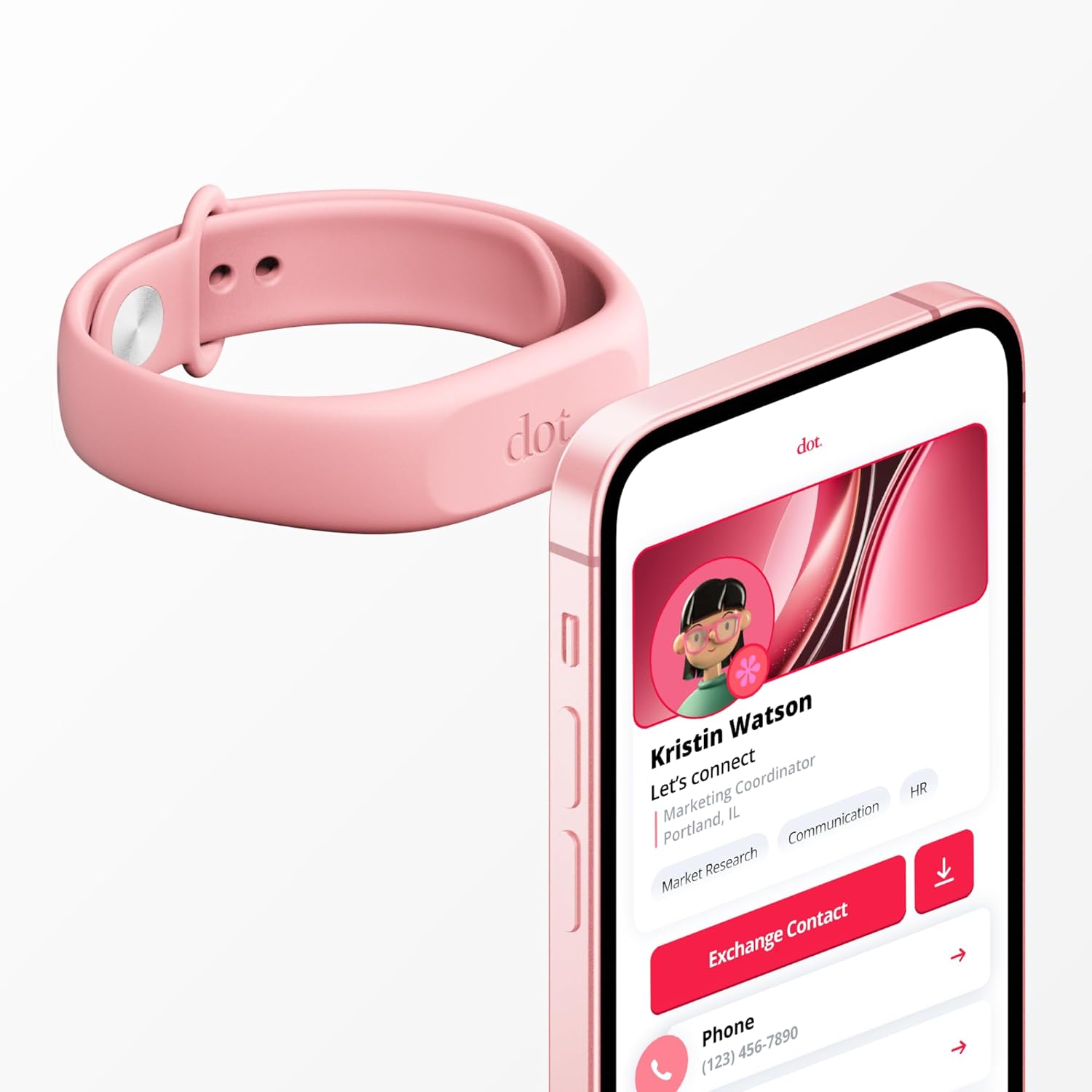
The product concept centers on a wristband that works with both iPhone and Android devices. No separate app or device requirement is needed for the basics of sharing. You can share your profile through a simple tap or QR scan and adjust fields as your professional contacts change. The privacy approach focuses on usernames and links rather than storing password-backed connections.
Pros and what to watch for
On the plus side, the workflow is straightforward: tap to share, update info easily, and avoid app dependencies that complicate quick introductions. A potential limitation is the reliance on a compatible phone or scanning setup, if a user’s device doesn’t recognize the tap or QR, sharing could be slower than expected in edge cases.
Who it’s for
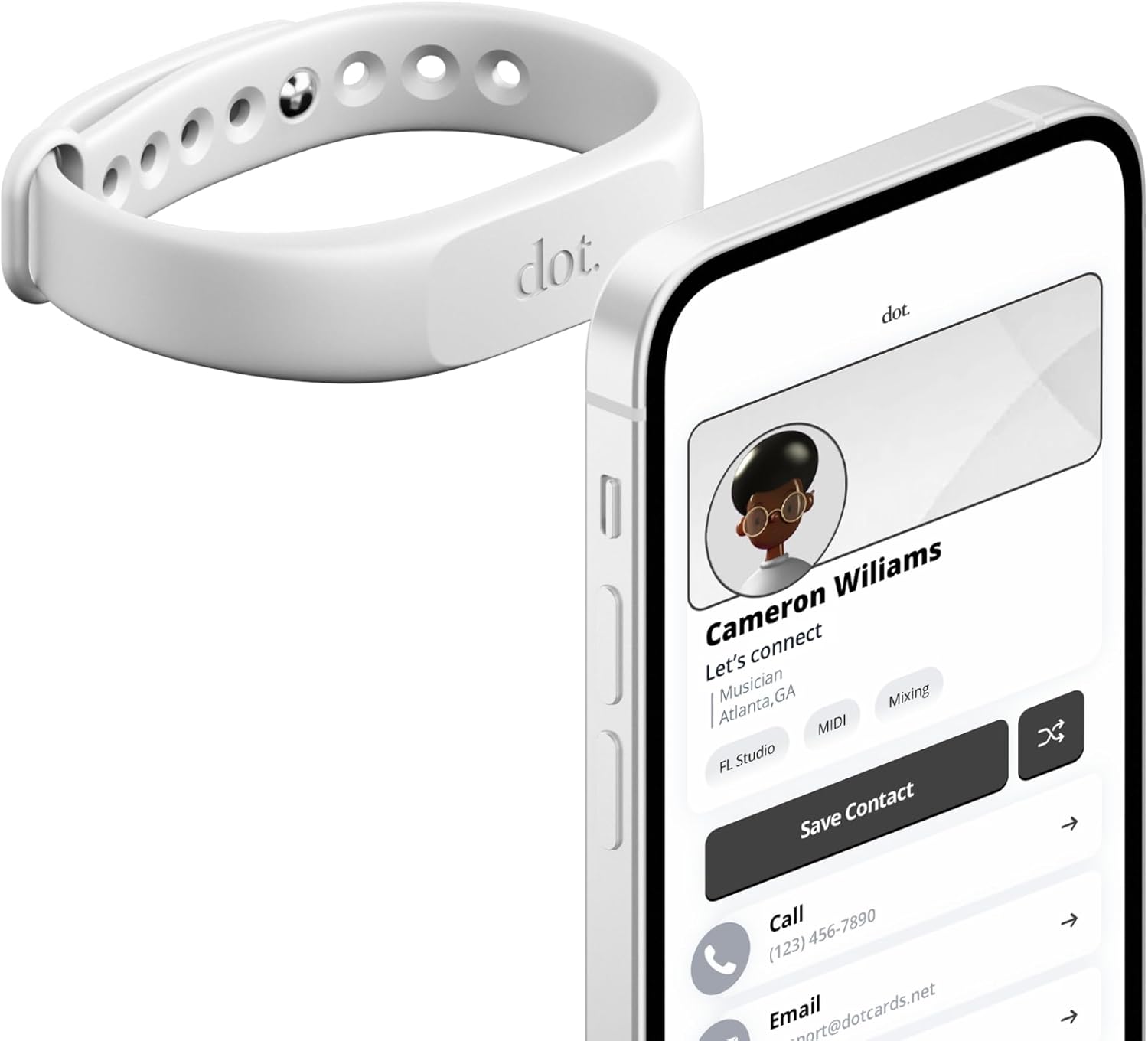
This solution fits professionals who value quick introductions, frequent events, or situations where carrying a physical business card is less convenient. It’s particularly useful for people who want a low-friction way to share updated contact details without juggling multiple apps.
Fit and limitations
If you prioritize a traditional card or are sharing in environments with older devices, the experience may vary. It’s important to keep your dot.Profile refreshed as details change, since the card’s usefulness hinges on current information.
What to check before buying
- Confirm the sharing method (tap vs. QR) aligns with how you typically meet new contacts.
- Consider how often you’ll need to update your information and whether you’re comfortable doing so on the go.
- Think about privacy expectations—this approach minimizes password usage but still exposes links/usernames you decide to share.
Practical use example
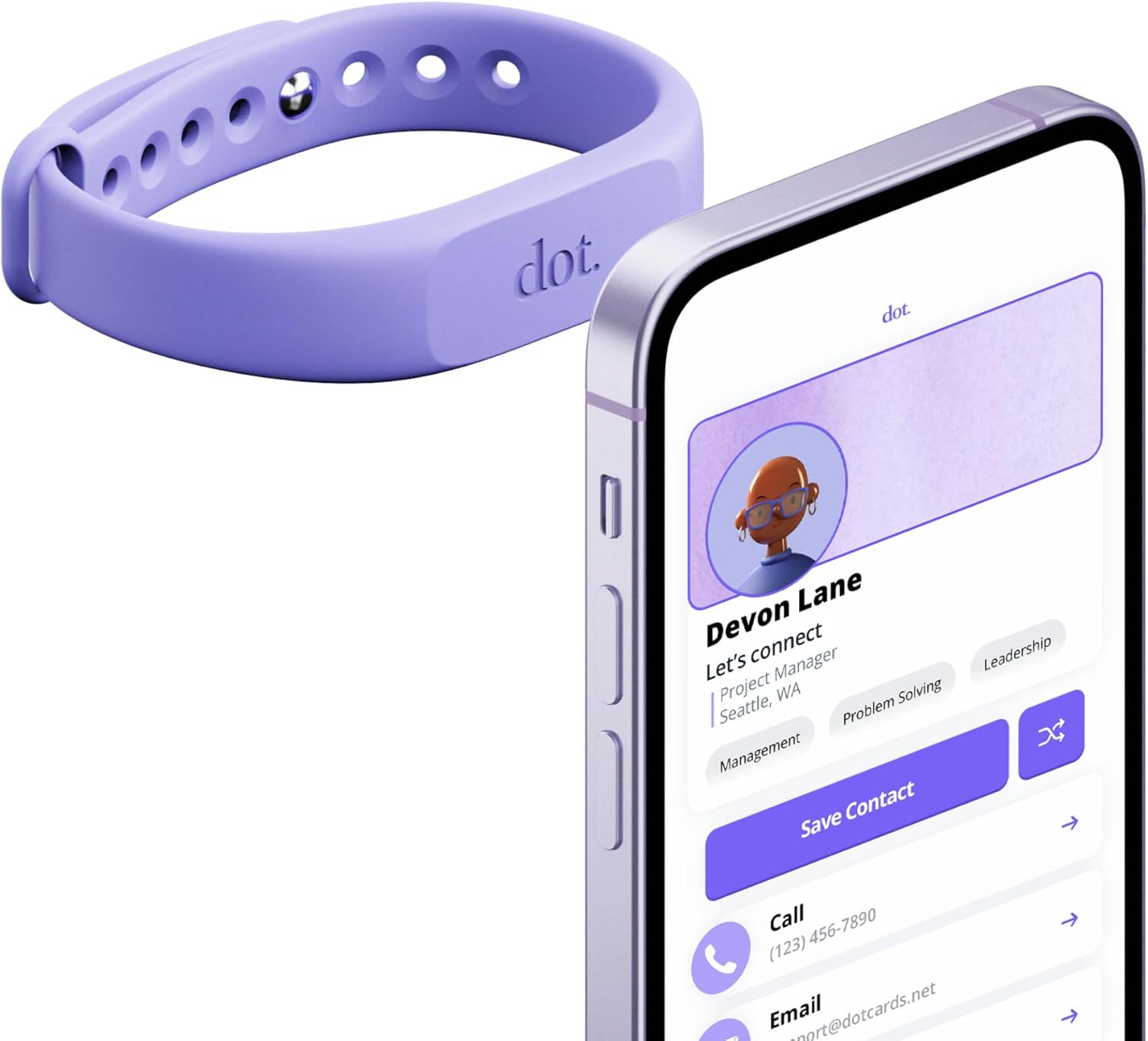
Imagine you’re at a conference. You tap your dot. Band against a colleague’s phone, they instantly receive your contact card. Later, you realize you updated your job title, you update your dot.Profile on the go, and the next person you share with gets the latest details without any extra steps.
The bottom line
If a fast, device-agnostic sharing experience matters and you’re often networking in person, this wristband approach can be a practical, low-friction option. It isn’t necessarily the best fit if you rely on apps for rich interactions or if your network includes many users on non-compatible devices.
Final thoughts
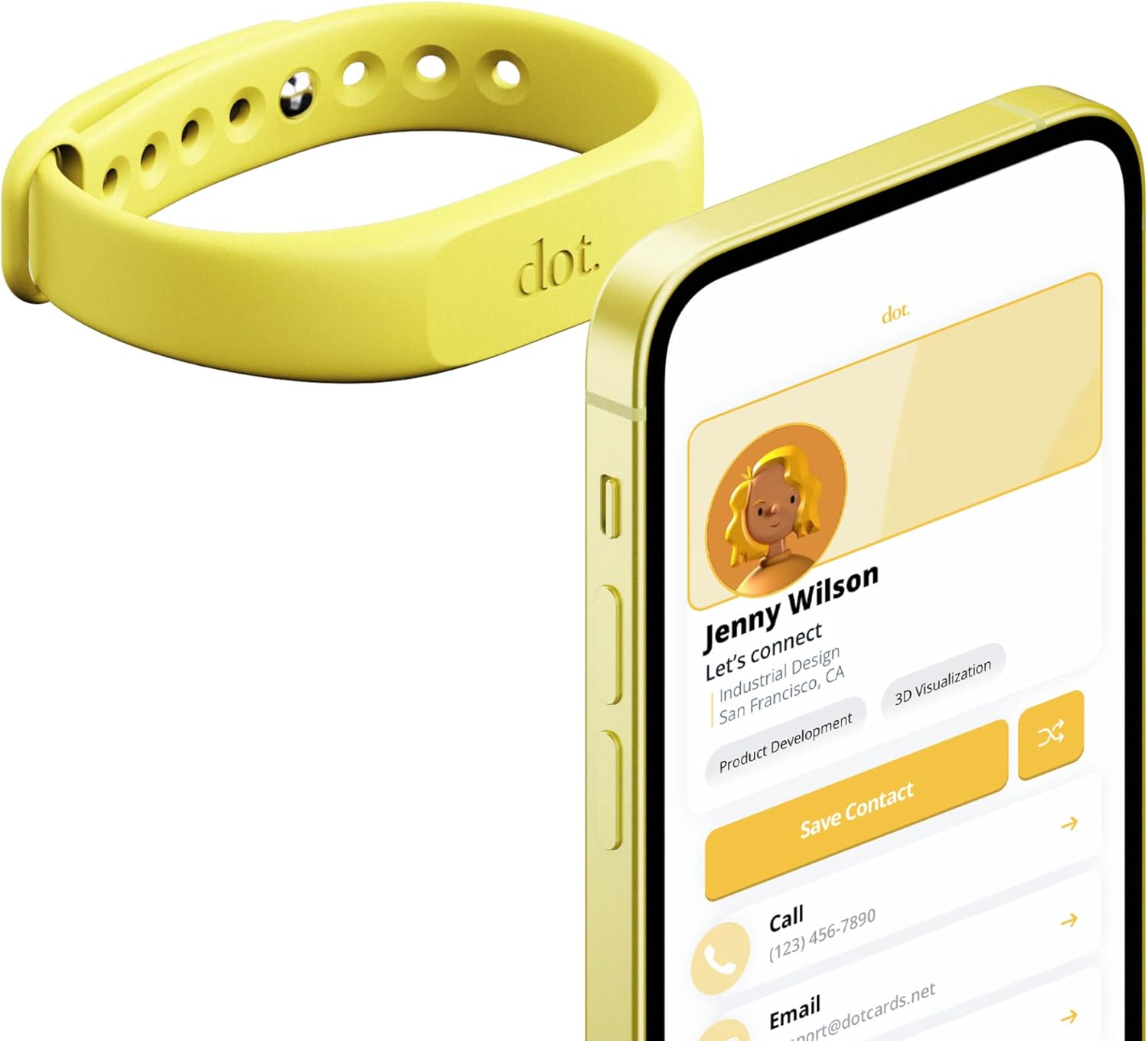
Worth considering if you want a hands-free way to share contact details quickly and without passwords. If your environment has mixed device compatibility, you may want to test how reliably taps and QR shares work with your typical contacts.
FAQ
- How does the sharing actually work? Share via tap on a compatible phone or by scanning the dot.Profile QR code.
- Do I need an app to use it? No app or device requirement is needed to receive or share basic information.
- Can I update my information after purchase? Yes, updates to your dot.Profile can be done on the go to keep details current.
- Is it secure? Dot emphasizes usernames and links rather than passwords, but always consider what you choose to include on your profile.
Is it worth it?
For those who value speed and simplicity in networking, the dot. Band offers a compelling, low-friction way to share professional details. If you rarely need updated information or rely on more feature-rich apps for contacts, it might be more of a niche fit.