

CyberLink PhotoDirector 2026: AI-Powered Photo Editing for Windows
Product description
What this is and who it’s for
CyberLink PhotoDirector 2026 is an AI-driven photo editing suite for Windows that targets serious hobbyists and professionals who want faster, smarter edits without sacrificing control. It combines generative AI, object removal, face retouching, layer-based editing, and a robust set of design tools. If your workflow involves raw scenes with distractions, or you routinely batch-process photo sets, this product presents a cohesive package designed to speed up common tasks while keeping creative options open.
What stands out on paper
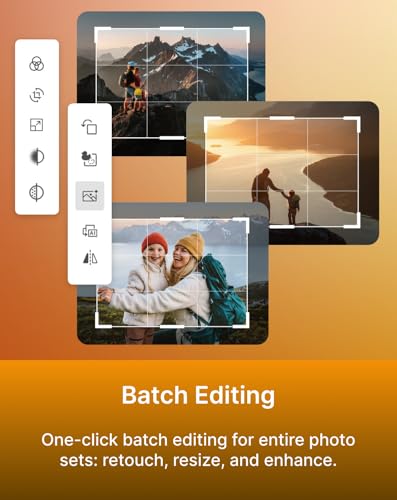
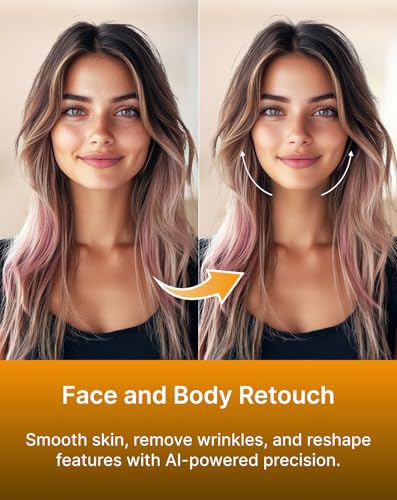
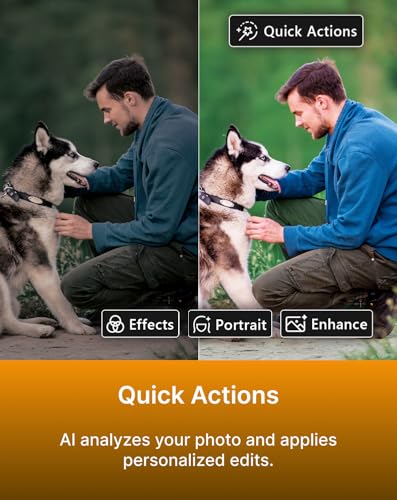
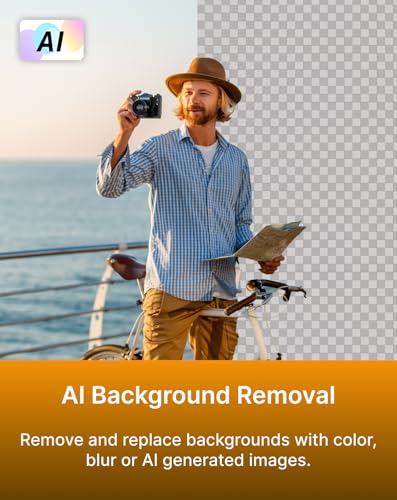
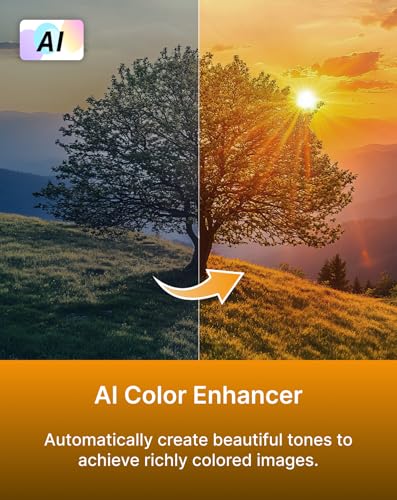
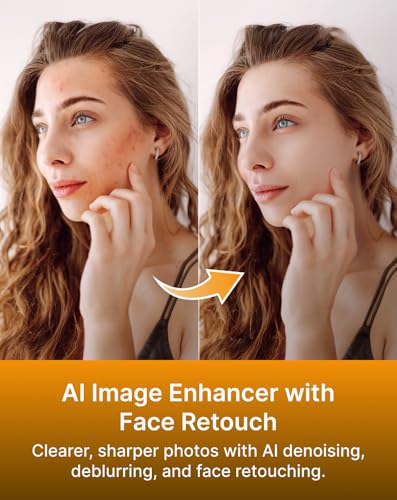
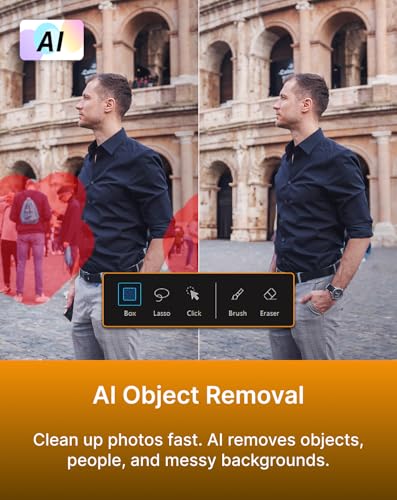
On the surface, PhotoDirector 2026 promises a powerful mix of automatic and manual capabilities: AI Object Removal with detection helps clean up clutter by removing distractions, AI Image Enhancer improves sharpness and denoising, and Face/Body Retouch applies refinements with AI-powered precision. Features like Wire Removal address outdoor clutter, AI Background Removal with background options, and AI Color Enhancer suggest a workflow that moves from problem detection to aesthetic refinement without bouncing between tools. Quick Actions aim to analyze a photo and apply personalized edits, while Batch Editing enables applying retouching and enhancements to entire sets with a single click.
How it can fit into real-world use
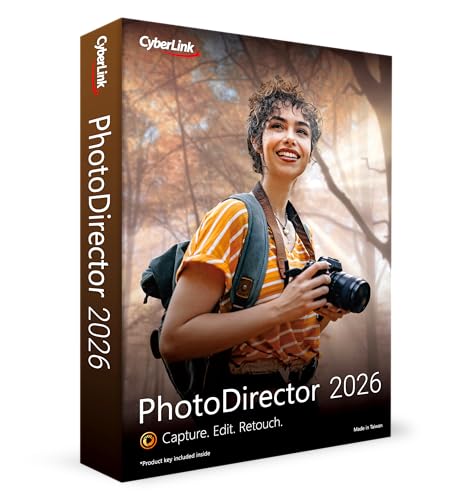
If you routinely shoot outdoor scenes with power lines or busy backgrounds, the Wire Removal and Background tools can save time by reducing manual masking. Portraits can benefit from Face Retouch and smoothing, with the option to reshape features for a more refined look. For creators juggling multiple images, Batch Editing lowers the hands-on time required to achieve a consistent look across a library. The box-with-download code implies a tangible, ready-to-use package that pairs offline delivery with immediate access to software.

What’s strong about it
- Comprehensive AI-based improvements: from object removal to color enhancement, you’re getting a broad set of automated corrections that can speed up editing.
- Layer editing and design tools: the inclusion of layers suggests a flexible workflow where edits are non-destructive and adjustable.
- Practical for batch workflows: One-click batch editing can be a real time-saver for photo sets.
- Background and atmosphere control: AI Background Removal plus Color Enhancer helps with creative decisions and output variety.
Limitations and caveats to consider
- It’s not a toy: with a dense feature set, there’s a learning curve to leverage tools like layers and AI-assisted retouching effectively.
- Results depend on image context: AI-based edits are strong in common scenarios, but you may still need manual tweaks for nuanced portraits or highly complex scenes.
- You’ll want to verify compatibility: the product is Windows-focused, and you’ll want to confirm system requirements align with your hardware and OS version.
Who this is best for
- Photographers who want faster cleanup of cluttered scenes and automated enhancements.
- Editors who value batch processing to maintain a consistent look across a photo set.
- Creators who experiment with backgrounds, color toning, and quick AI-driven presets to explore different aesthetics.
- People who appreciate having a single suite that covers object removal, retouching, and design elements rather than juggling multiple apps.
Who might want to skip or slow down
- If you primarily shoot simple, minimalistic scenes with little clutter, you may not need the extent of AI automation on offer.
- If you rely on integration with specific third-party ecosystems or presets outside the box, ensure compatibility and workflow fit before purchase.
- If your hardware is older or underpowered, some AI features may not perform at full speed, diminishing the value of the investment.
When it makes sense to buy
- You have a mix of portraits and outdoor scenes and want a more streamlined path from capture to publish-ready output.
- You want a boxed purchase with a downloadable code that provides immediate access, rather than a purely online or subscription model.
- You benefit from batch processing to bring consistency to large photo libraries.
When it might not be the best choice
- If you’re seeking a simple, single-purpose editor without a steep feature set, there may be lighter alternatives.
- If your priority is advanced vector design or non-photography design tools, you might need a companion app or a different solution to cover those gaps.
What to check before buying
- Confirm your Windows version and hardware can handle AI-driven edits, especially if you plan to use denoise, deblur, or background generation.
- Consider how much you’ll rely on batch editing versus manual retouching, ensure the interface makes sense for your typical workload.
- Think about your preferred color grading and output styles, ensure the AI Color Enhancer aligns with your creative goals.
How it compares to other approaches
For faster editing, you could rely on separate tools for object removal, retouching, and background work. PhotoDirector 2026 bundles these capabilities with a layer-based workflow, which can reduce the friction of switching between apps. If you value an all-in-one approach that emphasizes AI-assisted automation and quick batch capabilities, this software stands out as a practical middle ground between basic editors and high-end, multi-tool suites.
FAQ (practical, non-technical)
- Can I edit portraits without making them look artificial? PhotoDirector offers AI-based retouching with controls to smooth skin and adjust features, but you can fine-tune or revert edits to keep a natural look.
- Is it suitable for bulk editing of a photo shoot? Yes, Batch Editing lets you apply retouch and enhancements to an entire set with one action, which saves time when handling large libraries.
- Will AI tools replace manual editing entirely? Not quite. The AI features speed up routine tasks, but some scenarios benefit from manual masking, layer adjustments, and careful color grading.
- Do I need an internet connection for these features? The base release is a downloadable code box, certain AI features may run offline, but availability can vary by workflow and updates.
Final verdict
It’s a solid pick if you want an all-in-one Windows editor that blends AI-assisted retouching, object/background removal, and batch processing into a single workflow. If your priority is speed and an integrated layer-based approach with design tools, PhotoDirector 2026 can justify the investment. It may not be perfect for specialized, high-precision manual work, but for mixed workflows that value automation plus control, it’s worth considering.