

CRKD Nitro Deck — Professional Handheld Deck with Zero Stick Drift (Retro Mint)
Product description
What it is
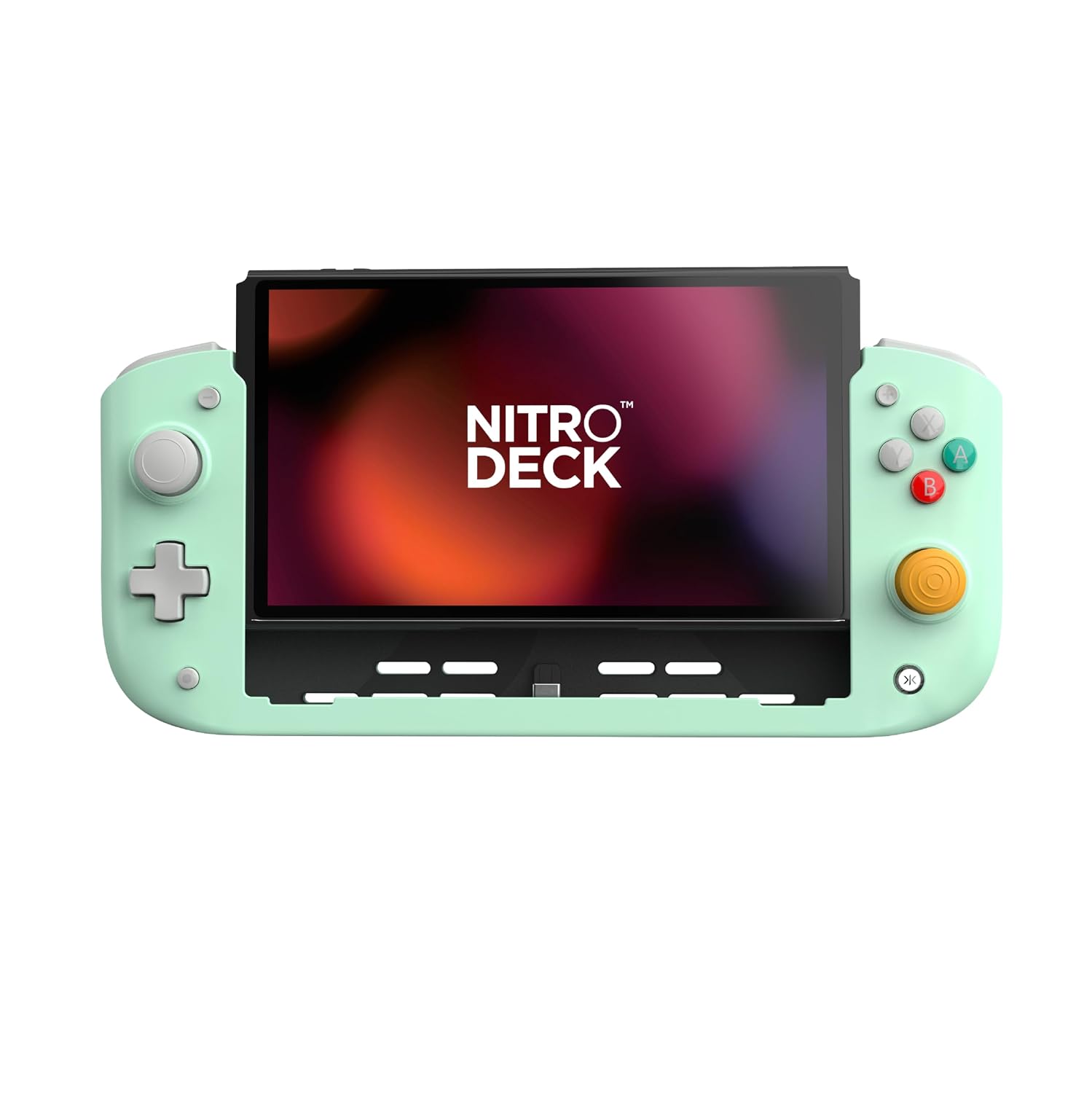
The CRKD Nitro Deck is a handheld gaming deck designed for Nintendo Switch and Switch OLED. It focuses on delivering precise control with zero stick drift, along with comfort and speed during extended play sessions.
Who it’s for
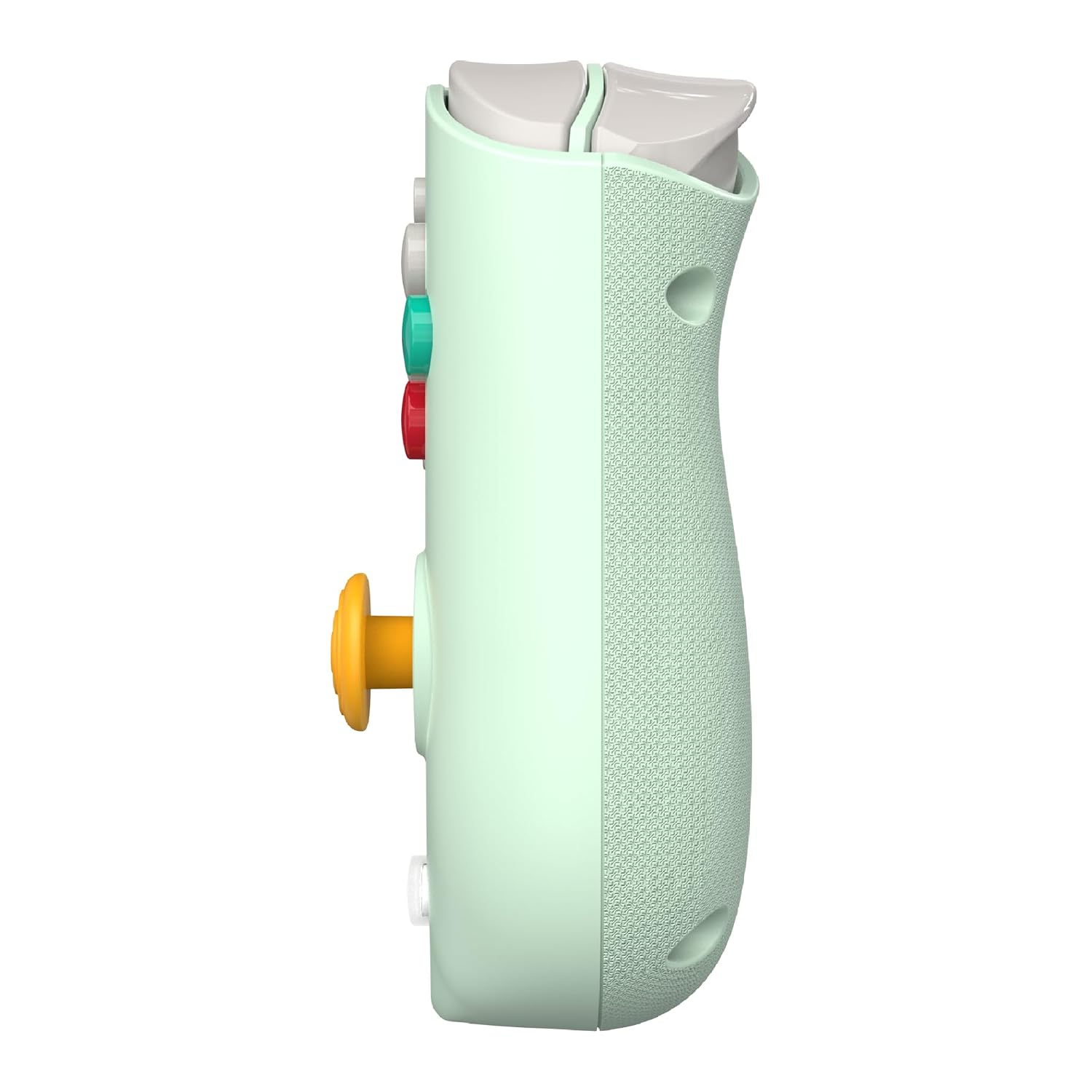
If you value responsive inputs, customizable controls, and longer, uninterrupted gaming sessions on the Switch, this device targets players who want a more ergonomic alternative to standard Joy-Con setups. It could appeal to gamers who use gyro aiming, crave tactile feedback through rumble, and like to tailor controls to their preferred style.
What stands out in use
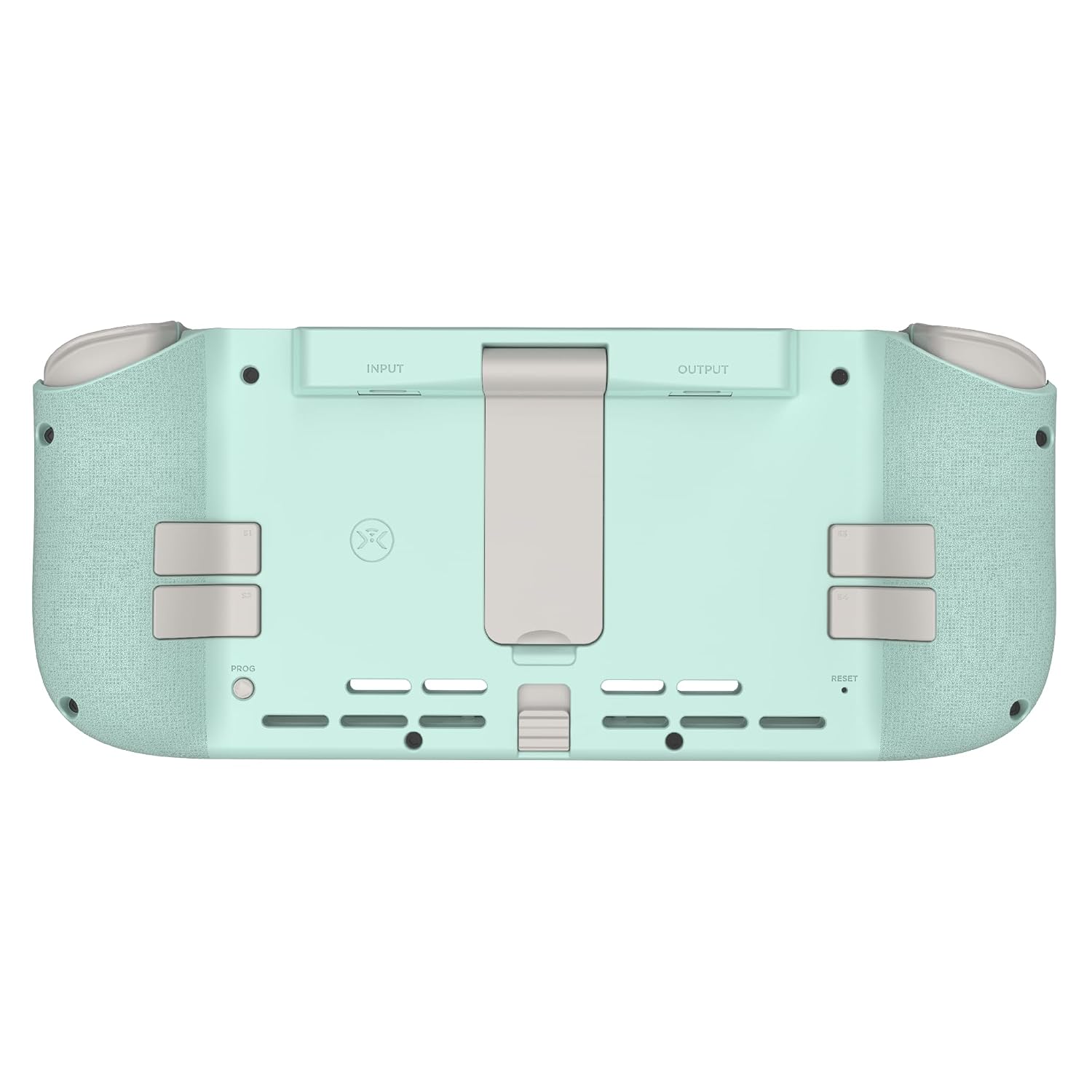
On paper, the Nitro Deck combines a low-latency USB-C connection with options to swap thumbstick toppers and remap back buttons. Gyro compatibility and rumble support add immersion, which can make action-heavy titles feel more reactive and engaging.
Limitations and caveats
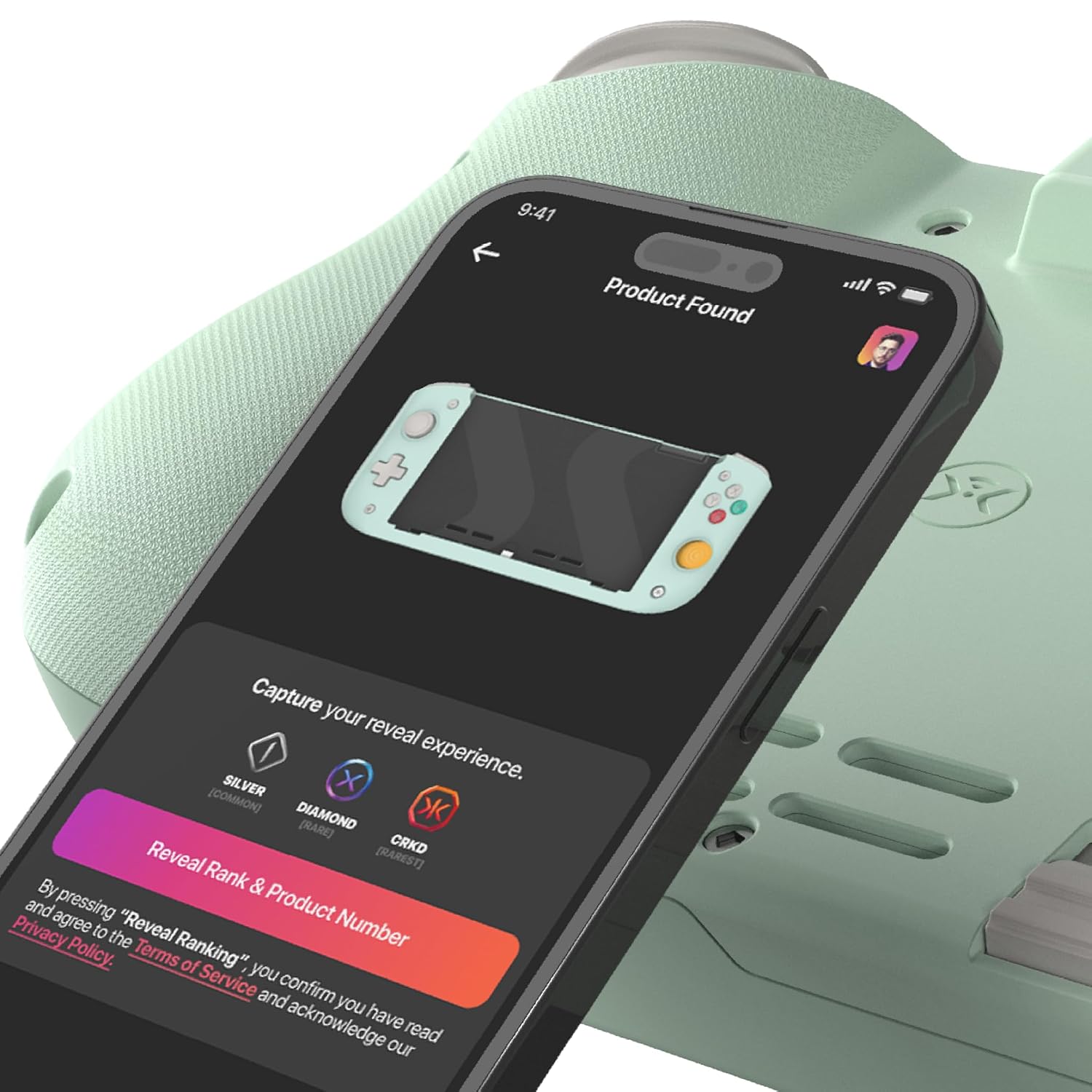
It’s not described with specific hardware specs like weight, dimensions, or battery life in the input. The experience hinges on the compatibility of the True Collection System via the CRKD Companion app, so you’ll want to check how digital ownership proof integrates with your current library. If you don’t prioritize gyro use or back-button remapping, the value proposition may feel more modest.
How to decide if it fits your setup
- You prioritize precise, drift-free control and a more ergonomic grip during long sessions.
- You want customizable inputs (back buttons and thumbstick toppers) to suit your play style.
- You use gyro aiming or appreciate tactile rumble for immersion.
- You’re comfortable using the companion app to manage digital ownership proof and personal settings.
Where it may fall short
If you’re satisfied with a compact, minimal setup or you don’t want to manage a separate app ecosystem, this deck could feel like extra layers of complexity. Also, without concrete weight or battery details, travel-friendly expectations should be tempered.
What to review before buying
- Confirm compatibility with your Switch model (including OLED) and any firmware requirements.
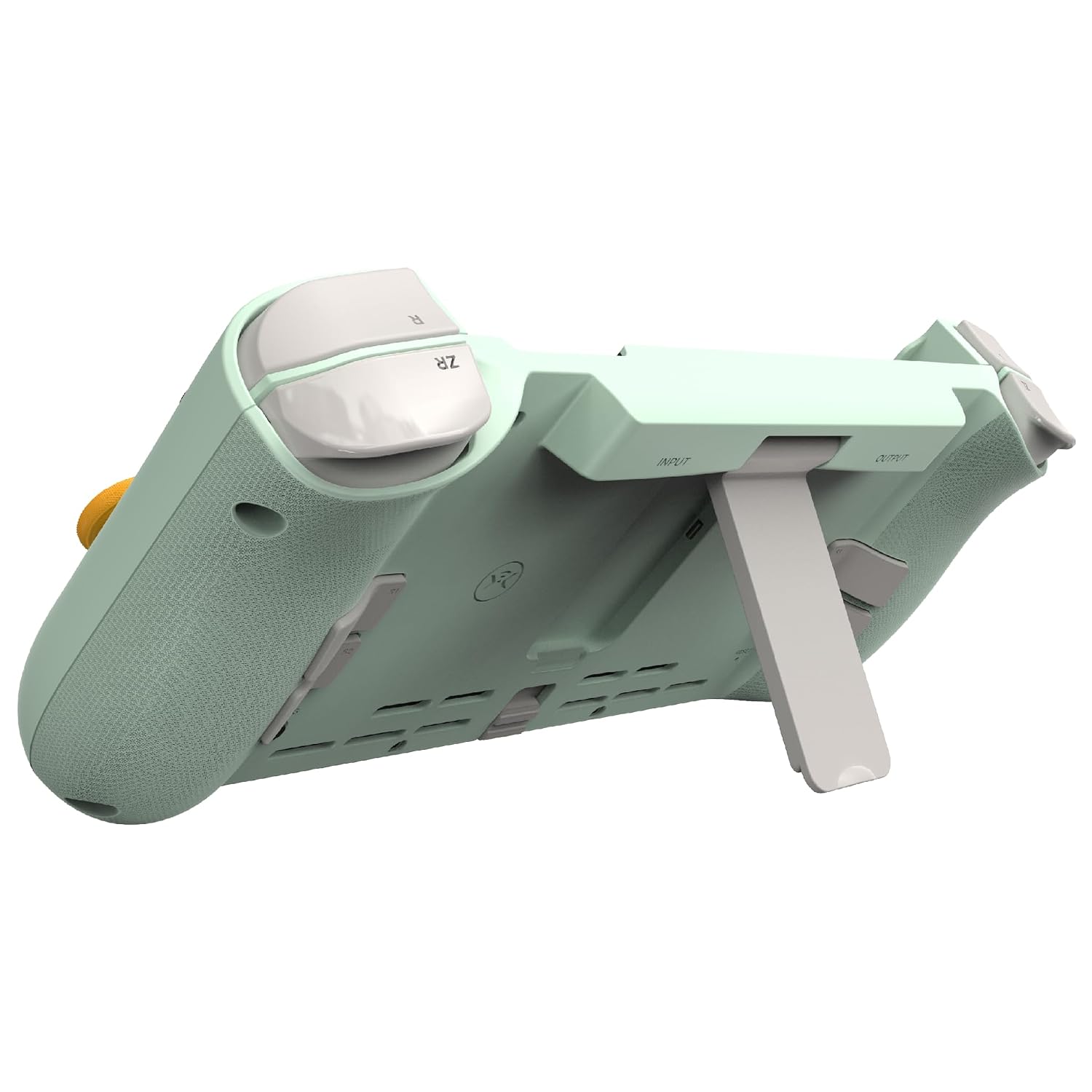
- Look at how back-button remapping works in practice and whether the toppers enhance comfort for your grip.
- Consider how pass-through charging affects play vs. on-the-go use, especially if you rely on prolonged sessions.
- Explore the True Collection System integration—whether it adds value for your collection management and digital ownership proof.
Practical usage snapshot
Imagine settling in for a long handheld session—aiming with more precision thanks to zero drift, then quickly tweaking controls mid-game via remappable back buttons. The option to swap thumbstick toppers means you can fine-tune grip and stick resistance to your preference without tools.
A realistic comparison approach
If you tend to opt for simple, stock setups, the Nitro Deck represents a more feature-rich path—sacrificing some portability for control customization and immersion. For players who don’t need gyro or rumble, a standard controller approach might suffice. If you already enjoy add-on accessories or third-party docks, this deck aligns with a broader customization mindset.
What matters most
Its core promise—drift-free precision and customizable controls—addresses common pain points in handheld Switch play, especially in fast-paced or accuracy-focused titles. Whether that translates into better in-game results will depend on how much you value the added features in your day-to-day gaming.
Final decision: Is it worth it?
It’s worth considering if drift-free control and deeper customization align with your Switch play style, and you’re open to using the companion app for personalization. If you prioritize a simple setup or lack interest in gyro and back-button customization, you may want to explore more straightforward options.
FAQ
- Does it work with Nintendo Switch OLED, and is gyro supported there? Yes, it’s designed for Switch and Switch OLED with gyro compatibility noted.
- Can I charge while playing? Yes, pass-through charging is included for uninterrupted sessions.
- How do back buttons and thumbstick toppers affect gameplay? They provide customizable inputs and potential ergonomic benefits, but effectiveness depends on your grip and preferred control scheme.