

Cricut Explore 4 Smart Cutting Machine 🎨
Reviews
Product description
This smart cutting machine from Cricut brings desktop crafting to a higher level, making personalized vinyl, iron-on, and cardstock projects easier for hobbyists and small business makers. It ships in a seashell finish and the Engagement Bundle supplies a wide starter kit so you can begin cutting, drawing, and transferring right away.
Key Points
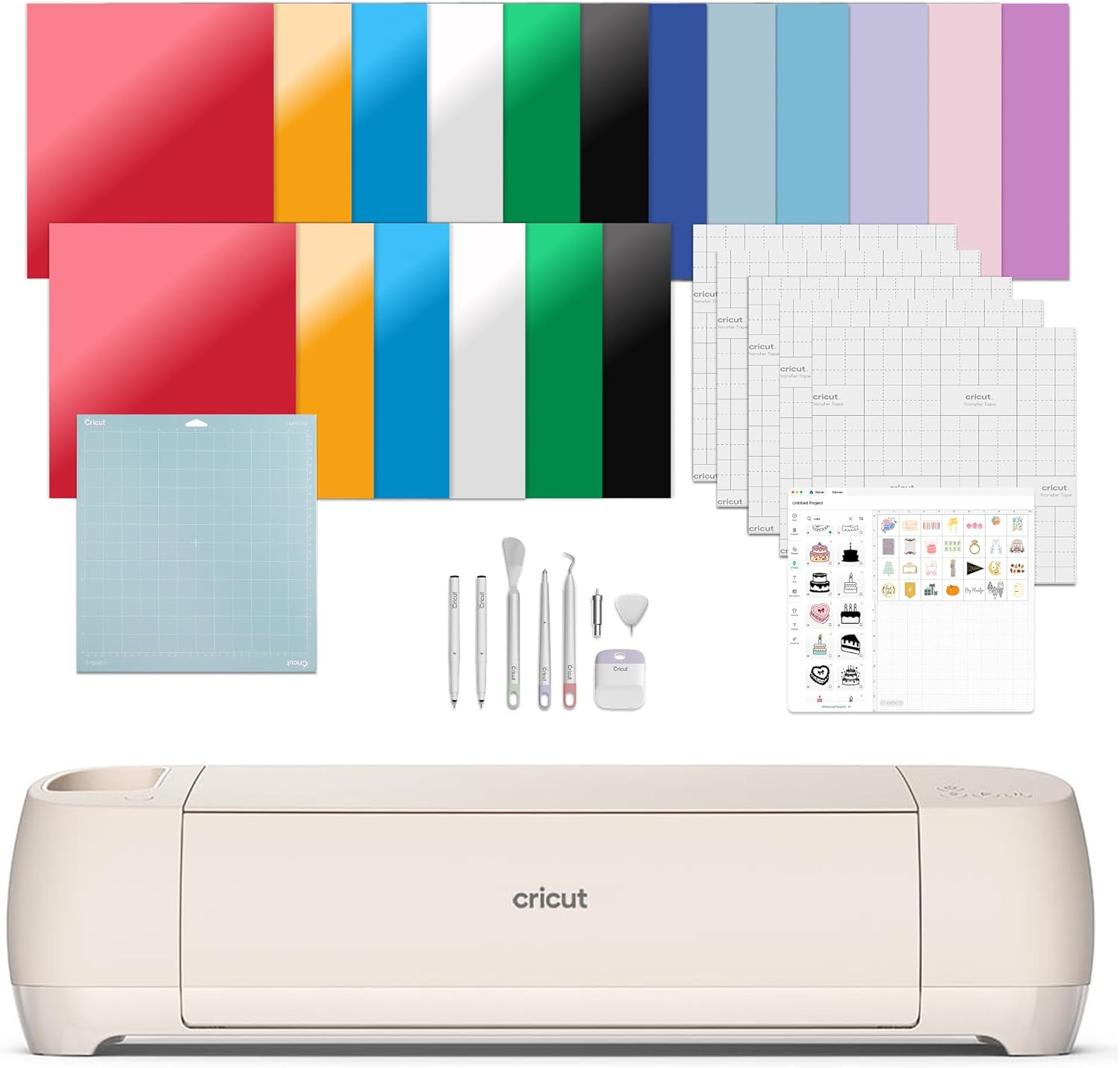
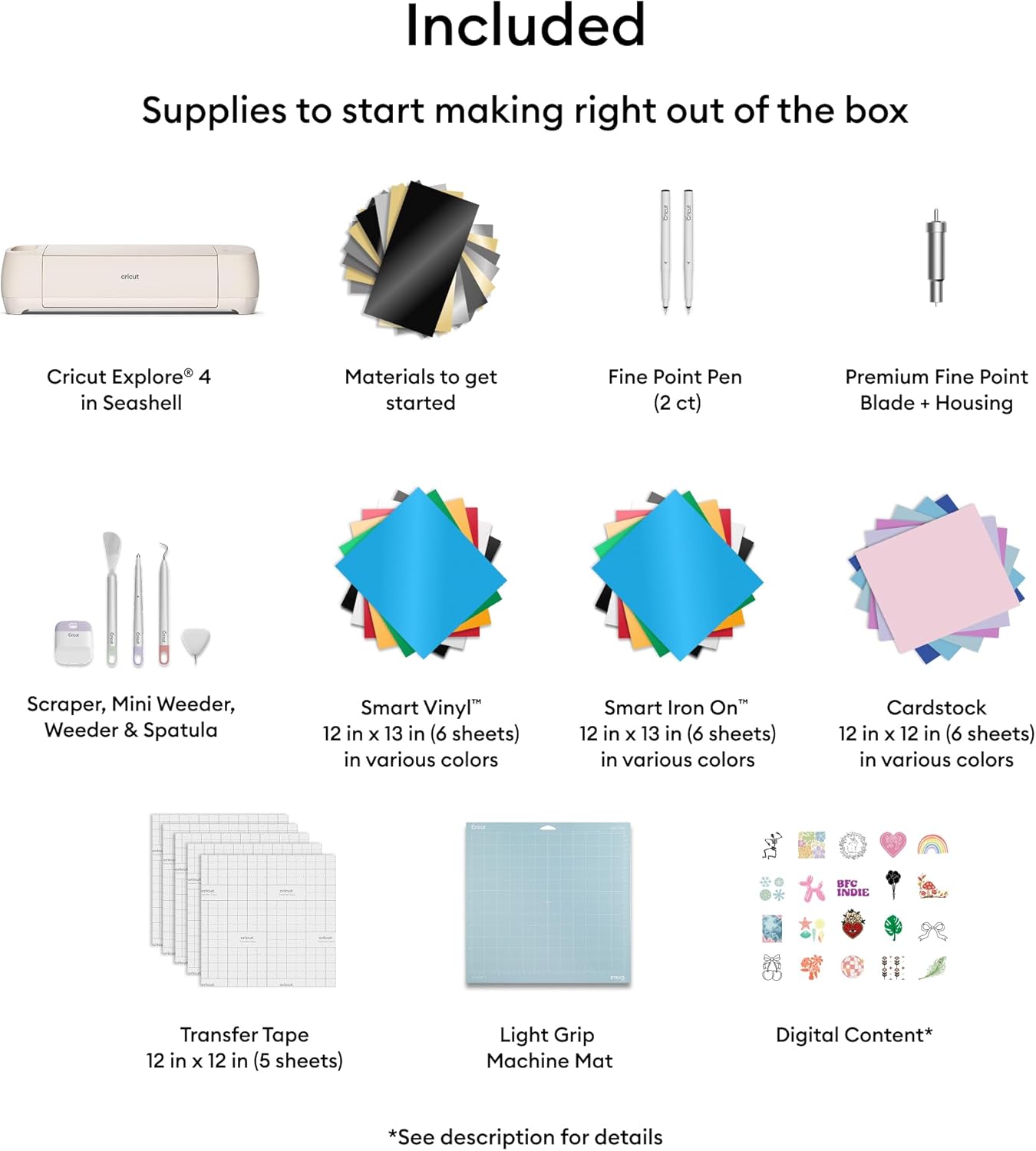
The Explore 4 handles more than cutting, with capabilities to draw, score, and support Print Then Cut for full-color stickers and labels. It works with over 100 materials including smart vinyl and Smart Iron On HTV, and according to the manufacturer it accepts both Smart Materials without a mat and standard materials with a mat. The Engagement Bundle adds essential supplies such as Smart Vinyl, Smart Iron On HTV, cardstock, transfer tape, a light-grip mat, pens, and tools to help you start projects quickly. Consider that heavier or specialty materials may still require specific mats or slower cut settings for best results.
Technical Specifications
- Name: Cricut Explore 4
- Finish: Seashell
- Included materials: - Smart Vinyl sample (13 x 6 inches) - Smart Iron On HTV sample (13 x 6 inches) - Cardstock sample (11 x 4.25 inches) - Transfer tape sample (12 x 6 inches)
- Included tools: - Fine-point blade and housing - Fine-point pen - Light-grip cutting mat - Weeder and basic tool kit
- Digital content: - 30 additional images in Design Space
Usage Recommendations
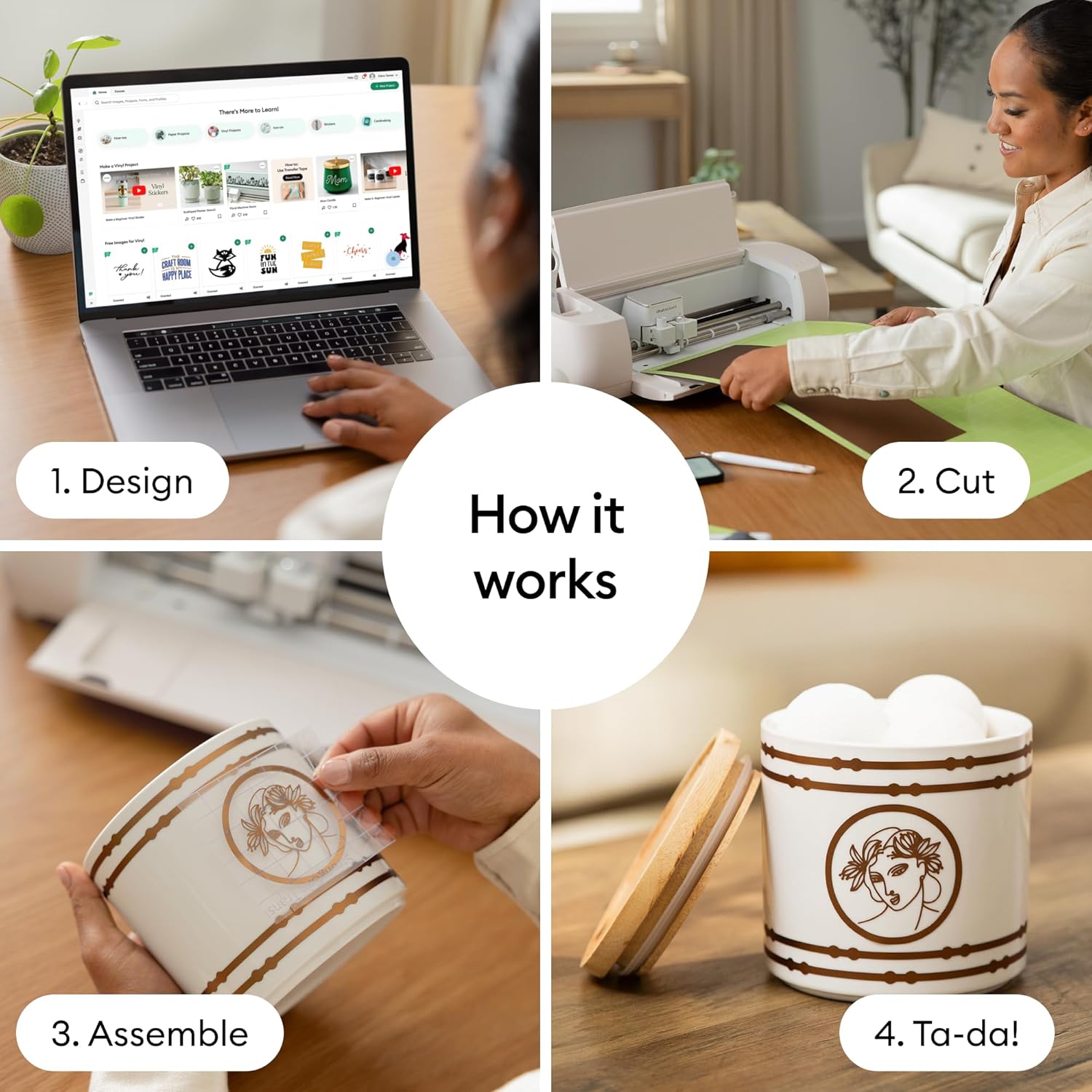

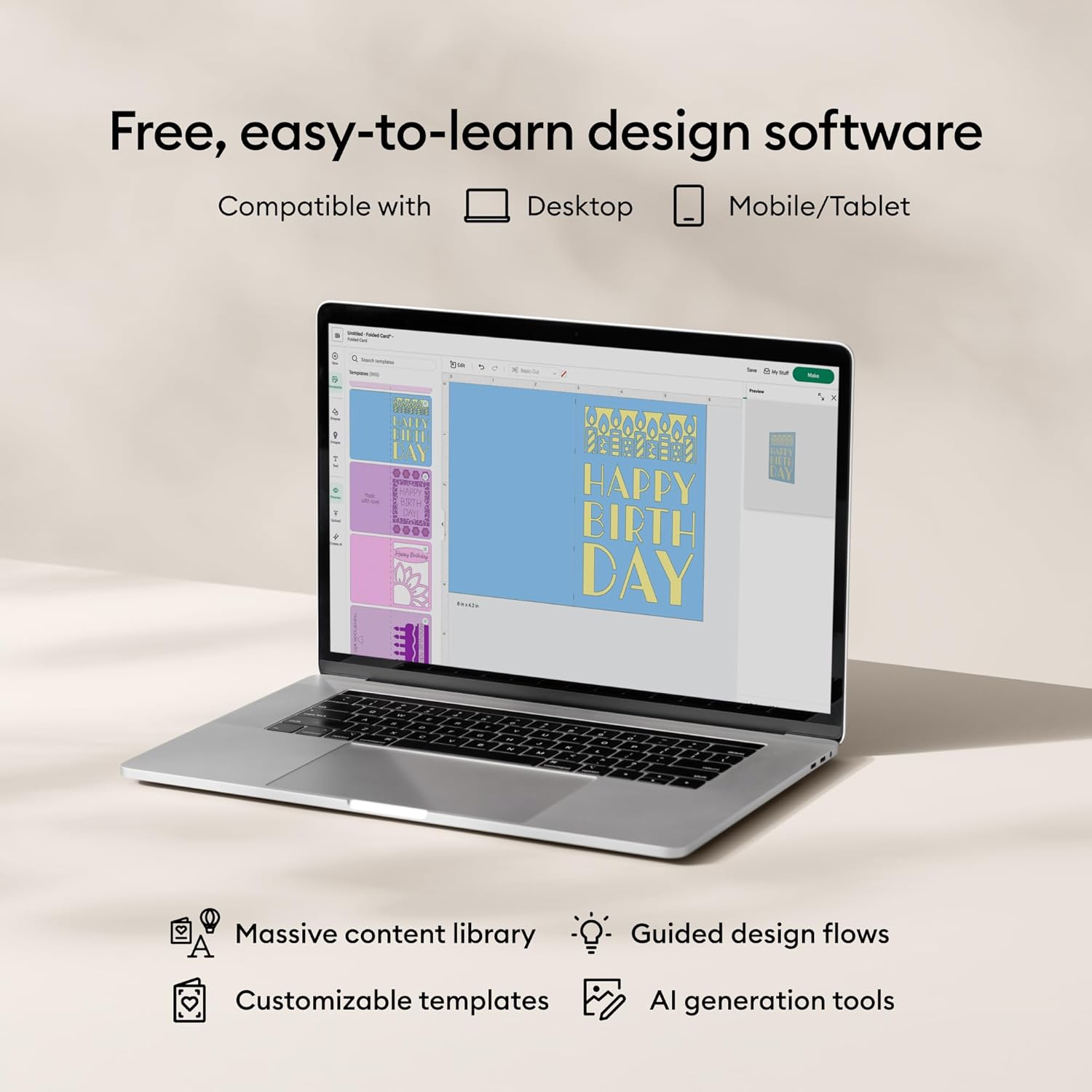
Start with the included Smart Vinyl and the light-grip mat for quick decal projects. Use Cricut Design Space on iOS, Android, Windows, or Mac to customize templates, arrange Print Then Cut artwork, and select recommended material settings. For layered iron-on garments, mirror designs before cutting and apply with steady pressure and heat. When working with intricate designs, the fine-point blade and included weeder will help remove small pieces cleanly.
The Best of This Model
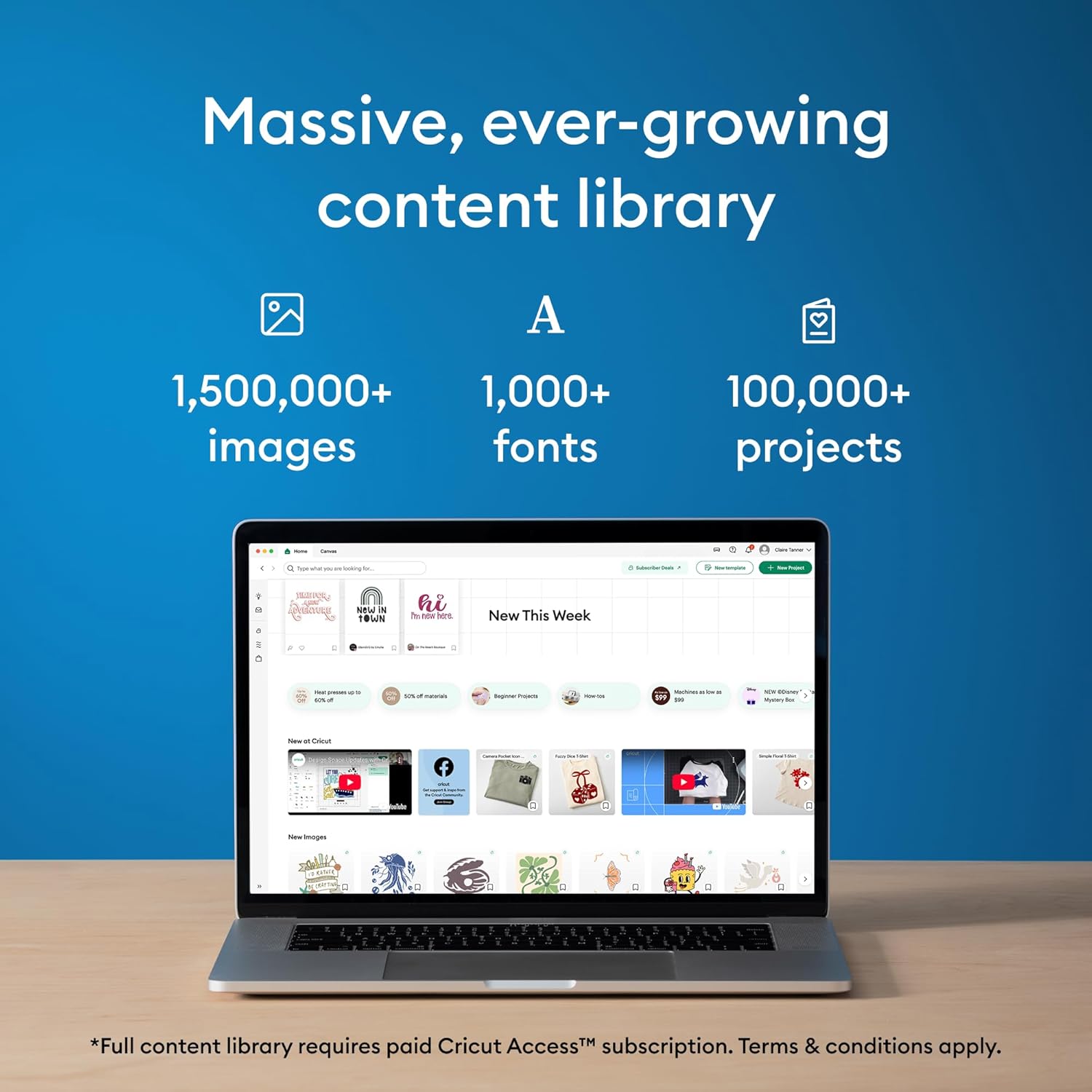
The Explore 4 combines matless cutting for longer Smart Materials and traditional mat-based work for smaller sheets, so it adapts to varied workflows. Cricut Explore 4 pairs well with Design Space and the optional Cricut Access subscription if you want a large library of images, fonts, and ready-to-make projects. One limitation to note is that some specialty media require compatible mats or premium blades according to the manufacturer, so plan for extra consumables if you use heavy cardstock or specialty foils.