

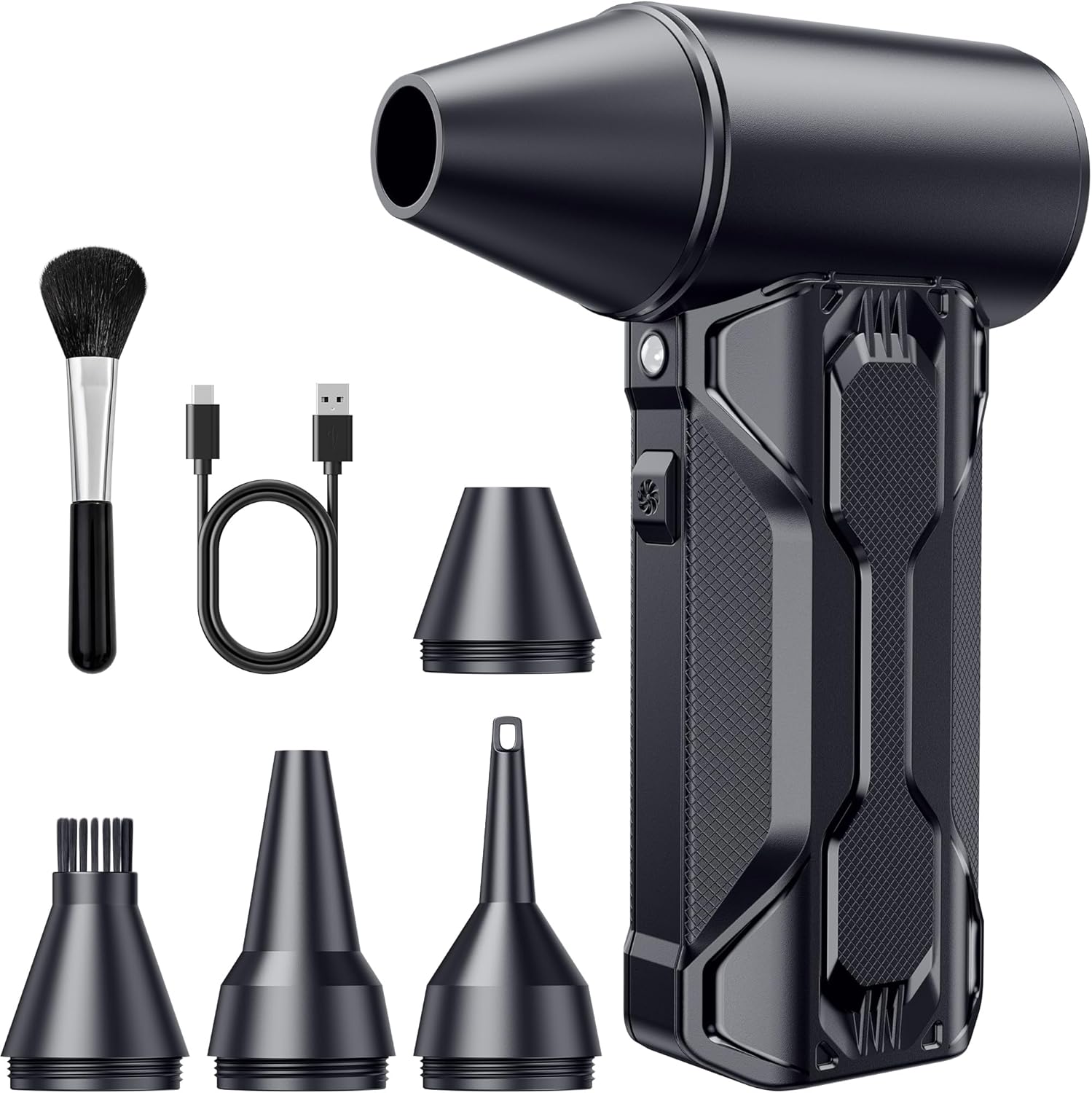
Compressed Air Duster TF02 (Black) — 110,000 RPM Brushless Cordless Electric Air Blower with 3 Speeds
Product description
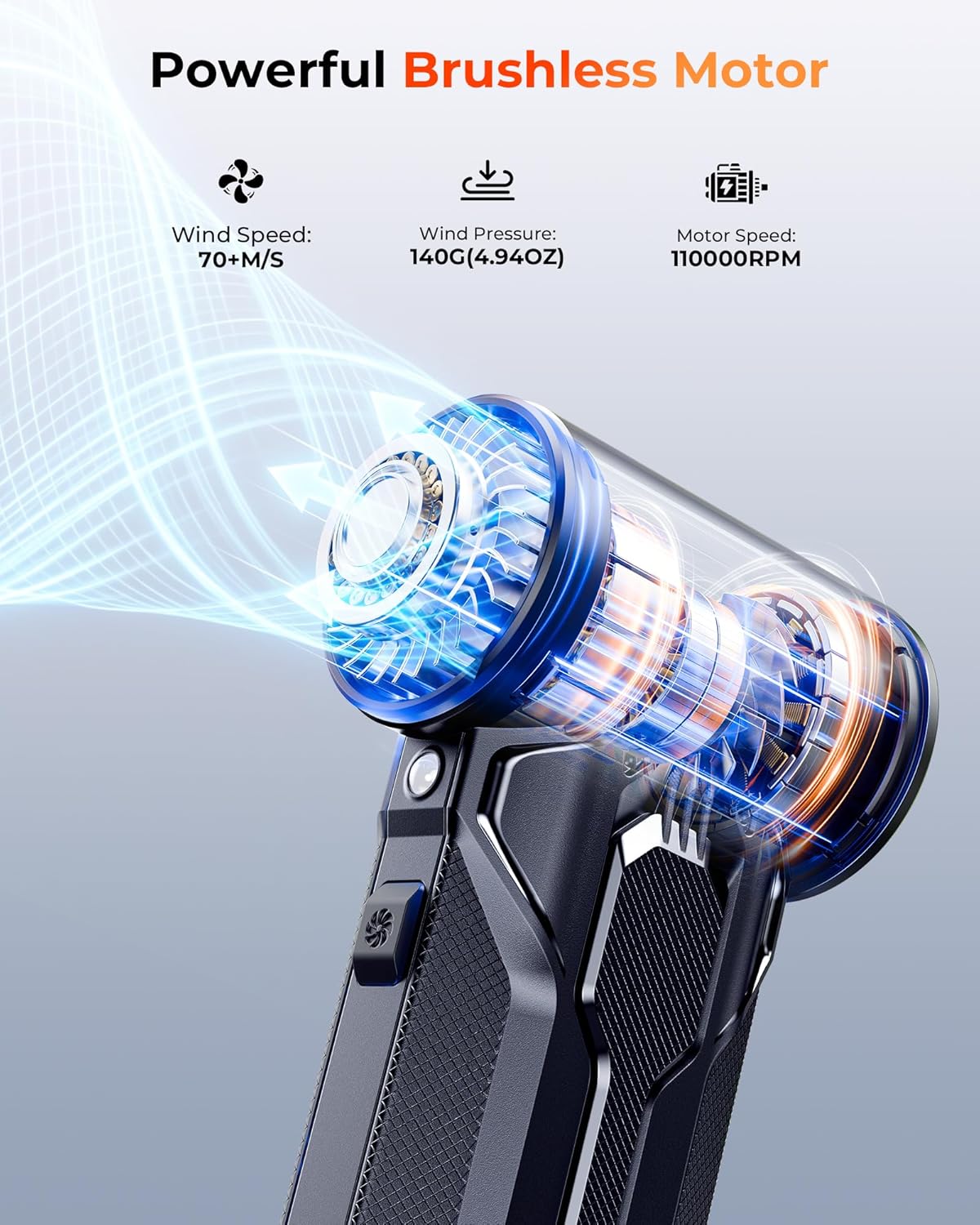
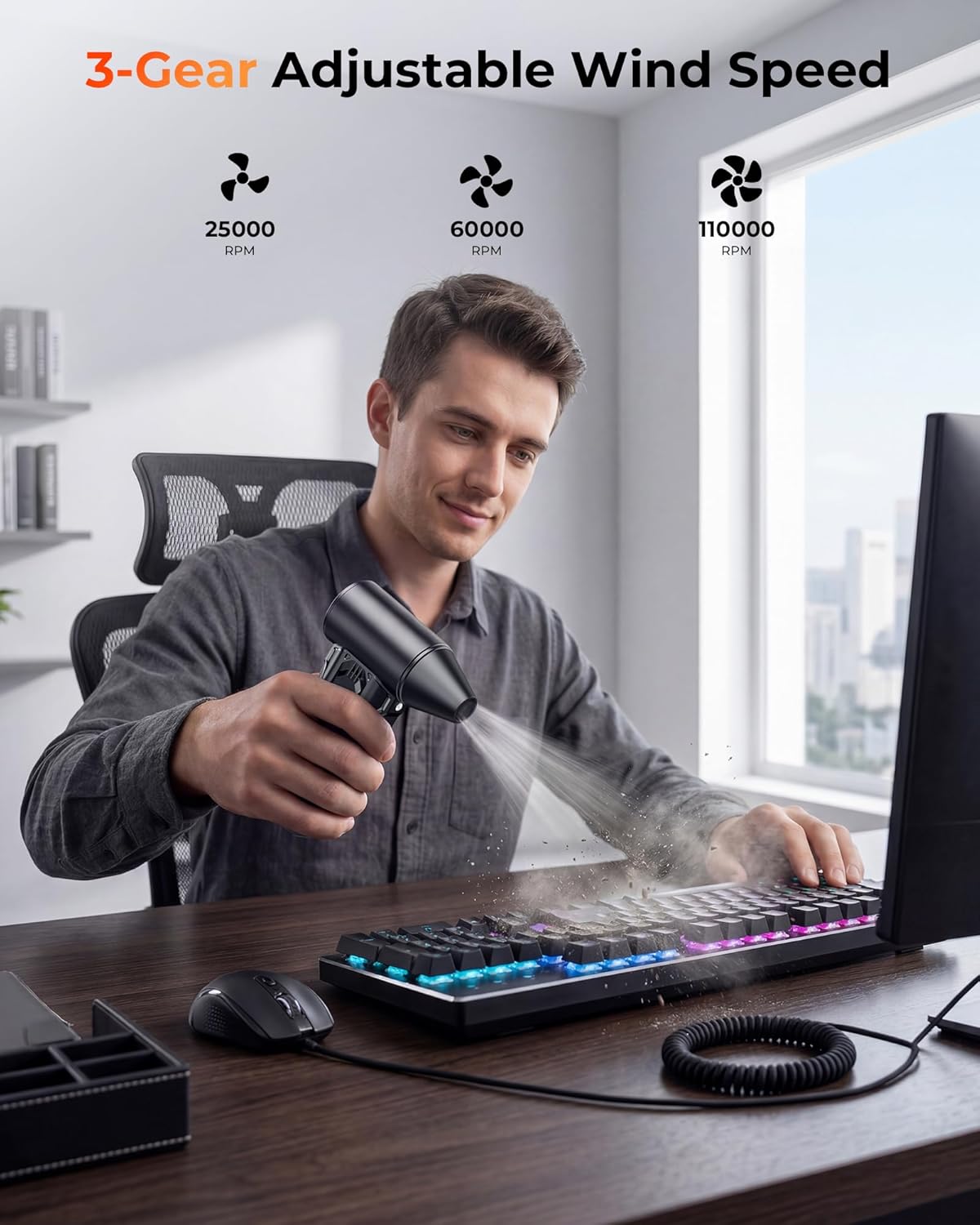
If you’ve ever tried to blow dust out of a keyboard, PC vents, or tight car corners with a half-working gadget, you know how frustrating it is. This compressed air duster leans into speed and control: a brushless motor rated up to 110,000 RPM, plus 3 adjustable speed settings so you can match the airflow to what you’re cleaning.
It’s not a “replace every tool forever” type of device. But for everyday dust, crumbs, and stubborn grime where a can of compressed air is inconvenient, it can be a practical grab-and-go option—especially with the included nozzles, soft brush, and built-in LED that helps you actually see what you’re removing.
Key features that matter in real use
On paper, the headline is the brushless motor and the 110,000 RPM top speed. The company also cites a wind speed of 52 m/s, and that kind of airflow is exactly what you want when debris clings to textured surfaces or collects around keys and ports.
Where this duster becomes more than a single-speed blower is the 3-speed setup. Lower settings make sense for delicate electronics and lighter dusting, while max power is better saved for tougher spots. That “choose your intensity” approach is the difference between cleaning that feels controlled versus cleaning that feels too aggressive.
A built-in LED light is another practical touch. Dust loves corners—behind a keyboard, along edges, or in darker footwell areas. The LED won’t magically solve everything, but it does make it easier to spot what you missed.
What’s included: more than just an air duster
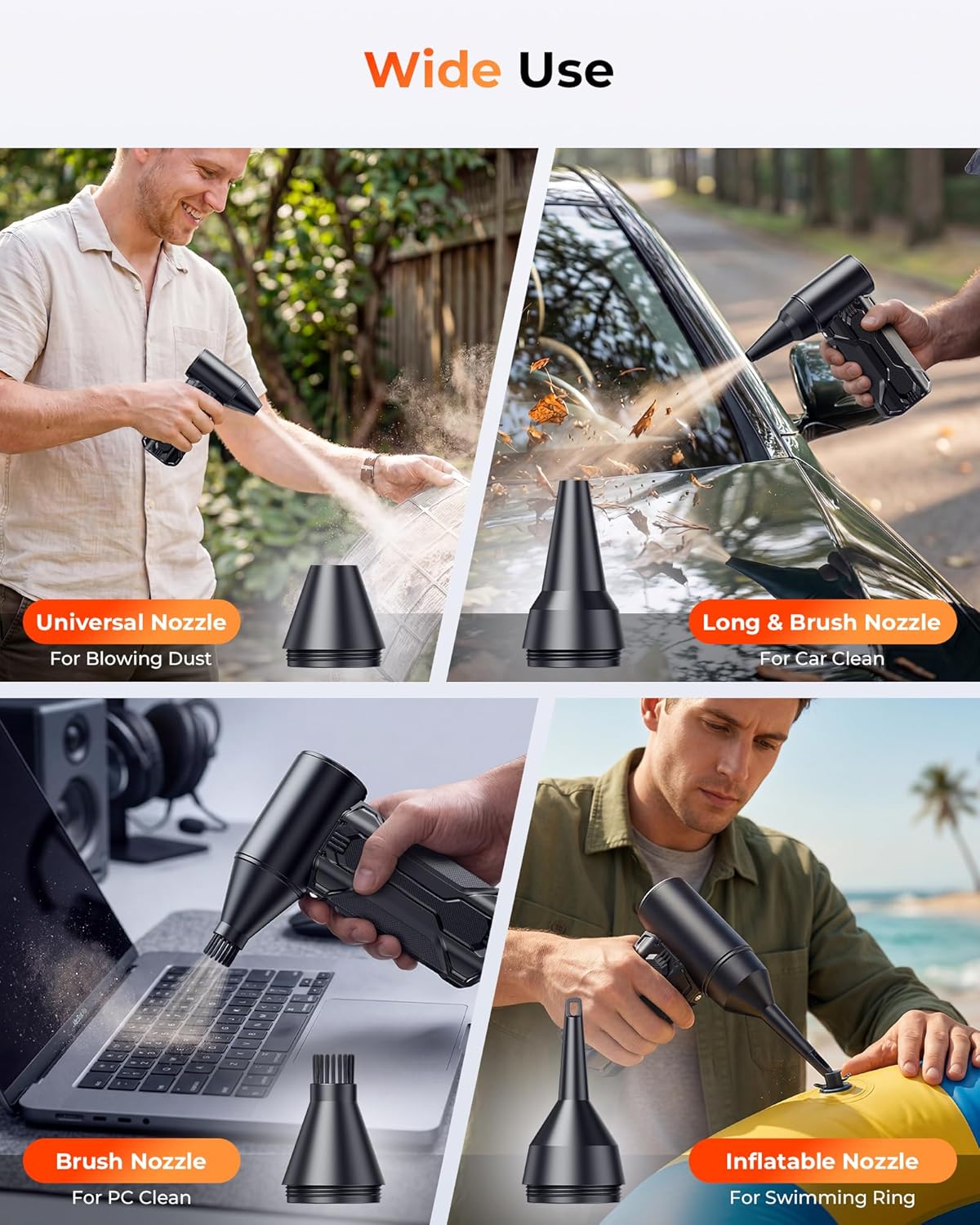
This model comes with 4 special nozzles and a soft brush. That matters because “blow air at it” isn’t always the best method.
The soft brush is useful for loosening dust before you blast it away, and the nozzles help you direct airflow into narrower spaces—like around keys, computer fans/vents, or hard-to-reach crevices.
The description also positions this as multi-functional beyond electronics: it’s listed as an inflator for air mattresses and pool floats, and as a booster for BBQs or campfires. That gives it broader household value if you’re looking for one cordless tool that can cover a few different tasks.
Power, runtime, and charging (what to expect)
This cordless duster uses two 2500mAh batteries and includes a USB-C cable for charging. The stated fast-charge time is 2.5 hours, and it lists runtime estimates of up to 100 minutes on the lowest gear and about 12+ minutes on max power.
That runtime split is important. If your goal is quick, targeted cleaning sessions—like clearing crumbs from a keyboard area or blowing dust out of a PC setup—the low/mid speeds sound like they’ll cover you for a while. If you plan to run max power continuously for big jobs (like heavy outdoor debris), you’ll likely want to manage your time or use lower settings more often.
Also worth noting: with any high-speed cordless blower, you may need a bit of restraint. The max setting is there for a reason, but constantly blasting at full power can be more than you need for everyday dusting.
Durability and safety design points
The body is described as tough ABS material, and there’s an intelligent temperature control system intended to prevent overheating, overvoltage, and short circuits. That’s the kind of protection that makes a daily-use tool feel less risky to keep around.

Still, temperature control helps with device safety, not with cleaning finesse. For sensitive electronics, speed selection and careful aim are still on you—this isn’t a substitute for gentle handling.
Who it’s for (and who should think twice)
It makes sense if you want a cordless compressed air duster for frequent, everyday cleanups: PC keyboard dusting, clearing vents, cleaning car interior corners, or tidying around home. The LED plus the brush/nozzles is the package that supports that “quick clean” workflow.
It may not be the best match if you expect unlimited max-power blasting for long sessions. The 12+ minutes on max power (as stated) suggests you’ll need a strategy—using lower gears for most work and saving the top setting for stubborn spots.
You may also want to skip it if your primary goal is specialized compressed-air-grade cleaning where fine control and ultra-gentle output are critical. In that case, you’d likely prefer tools designed for that exact sensitivity and workflow.
Practical tips for getting good results
Try this sequence for a keyboard or small electronics area: use the soft brush to loosen dust around keys and edges, then switch to a lower or mid speed and work in short bursts. The LED makes a big difference here—turn the light on and move the nozzle gradually so you can see debris shifting.
For car interiors, aim a nozzle at creases and seat seams, then do a second pass along the border edges. The goal is to move debris outwards, not just scatter it deeper.
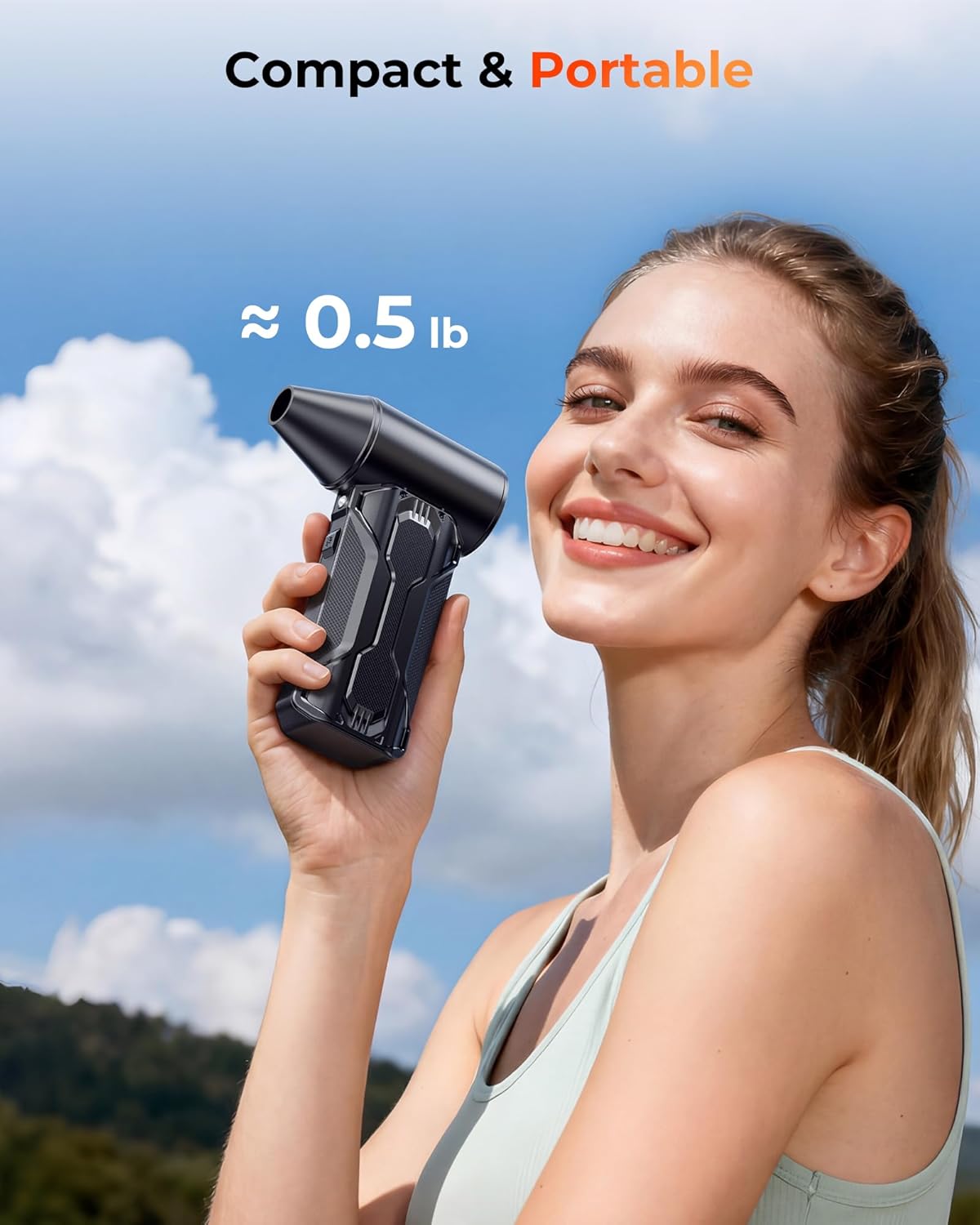
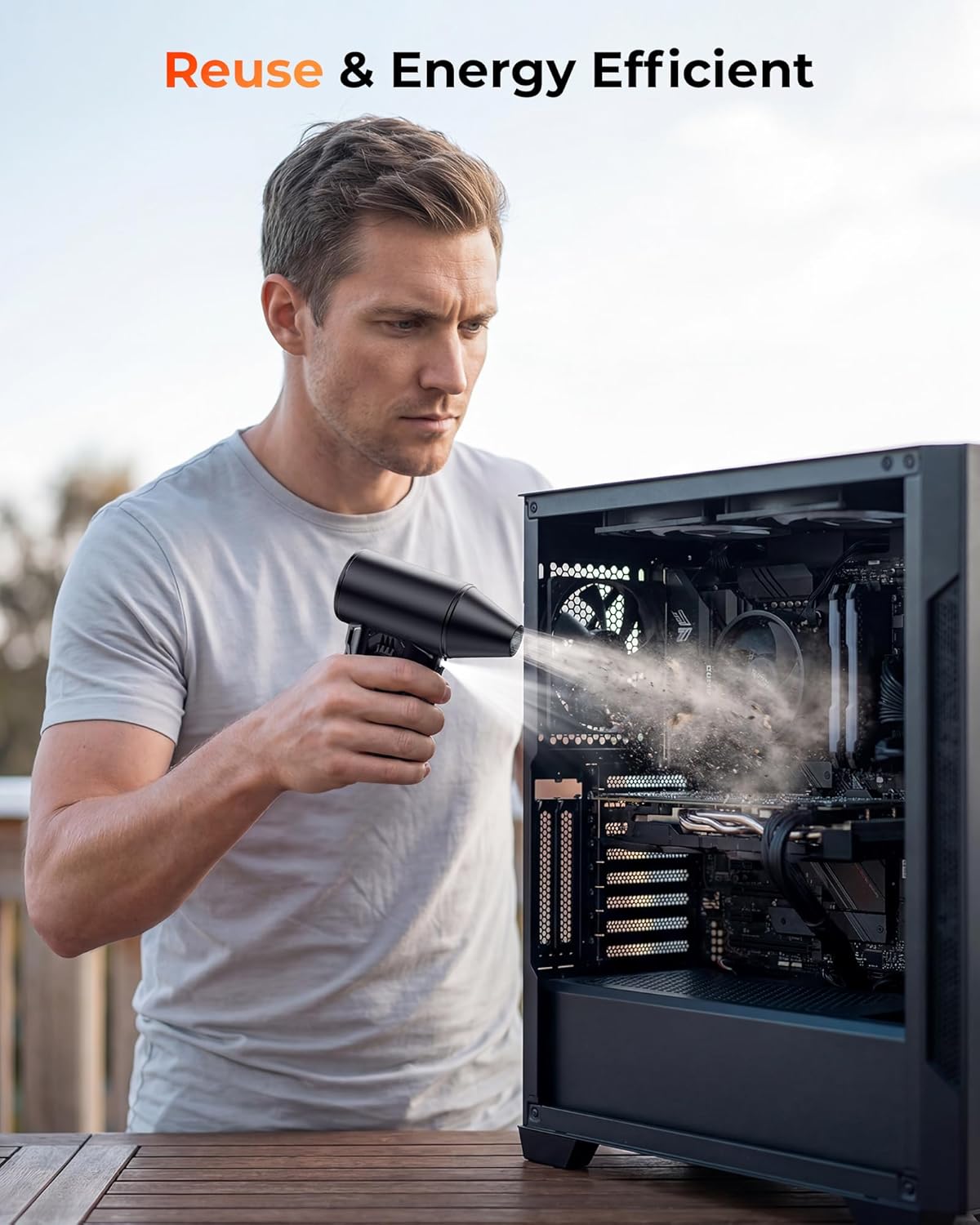
And if you use it as an inflator booster for inflatables or outdoor tasks, keep it for those broader household uses rather than mixing “everything” into one rushed session.
Final verdict
Worth considering if you’re shopping for a cordless compressed air duster that focuses on controllable airflow (3-speed settings), targeted cleaning (nozzles + soft brush), and visibility (built-in LED). The stated charging and runtime figures also fit a pattern of short, frequent cleaning more than marathon max-power sessions.
Should you buy it? Yes, if you want a practical daily tool for PC, keyboard, and car dusting where grabbing a can isn’t convenient. Better avoided if you expect long continuous use at the highest setting or need ultra-gentle performance as your top priority.
Quick FAQ
Quick FAQ
How long does it run on low speed? It’s listed as up to 100 minutes on the lowest gear.
How fast does it charge? The description states fully powered in about 2.5 hours using the included USB-C cable.
Does it come with attachments? Yes—4 special nozzles and a soft brush are included.
Is it safe for daily use? It’s described as using intelligent temperature control to help prevent overheating, overvoltage, and short circuits.
What can you clean with it besides PCs? The description also mentions home areas and car use, plus inflating air mattresses and pool floats, and boosting for BBQs or campfires.