

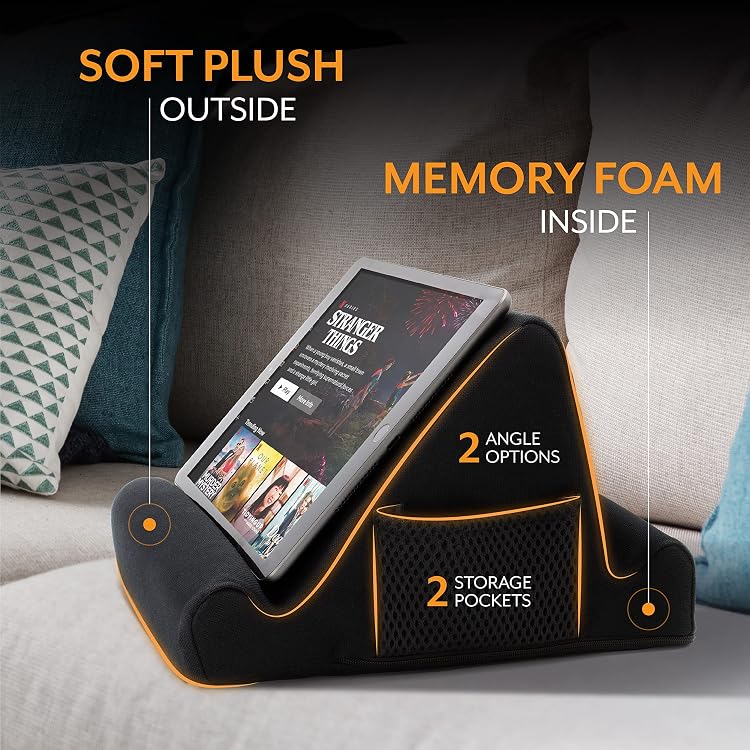
Brookstone Tablet Lap Cushion: Hands-Free Tablet & Phone Holder for Bed, Travel, and Everyday Reading
Product description
What it is and the problem it solves
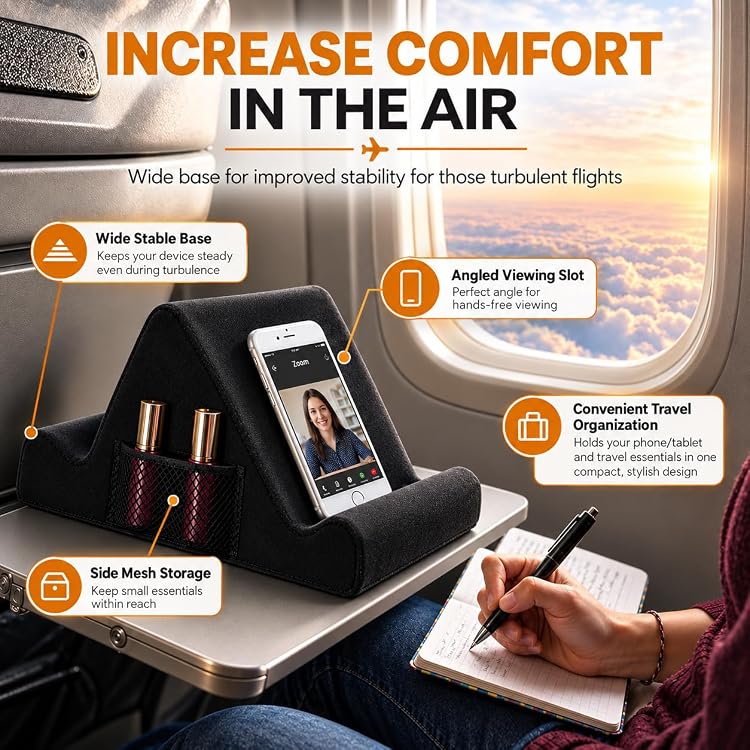
The Brookstone Tablet Lap Cushion is a portable, two-angled memory foam lap desk designed to hold a tablet or phone while you read, watch, or work from a couch, bed, or plane seat. It aims to reduce wrist strain and help you maintain a comfortable viewing angle, addressing common issues like awkward wrist positions, neck strain, and devices that slouch on the lap.
How it works in everyday use
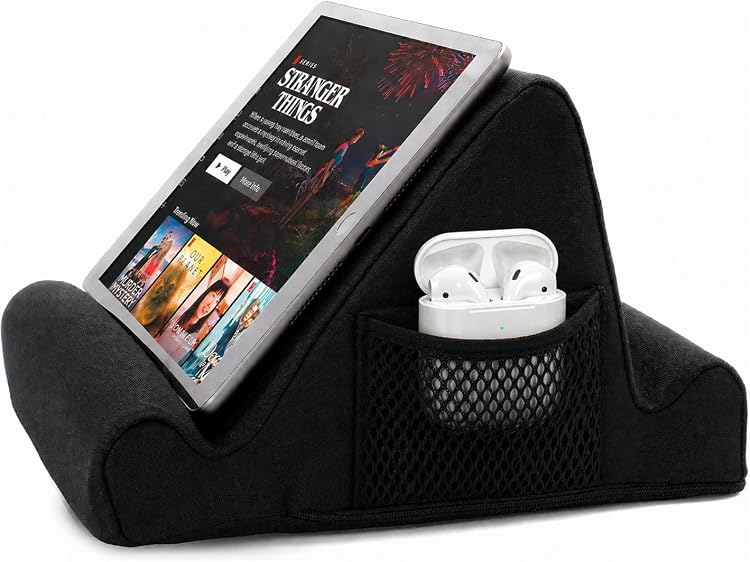
The cushion rests on your legs or a desk, providing stable support for a range of devices including Kindle Paperwhite, iPad, iPad Pro, and Samsung Galaxy tablets. With a plush, ergonomic design, it keeps your screen at eye level and at a practical angle for hands-free viewing. It’s lightweight enough for travel yet sturdy enough to stay put when you shift positions.
Who it’s for
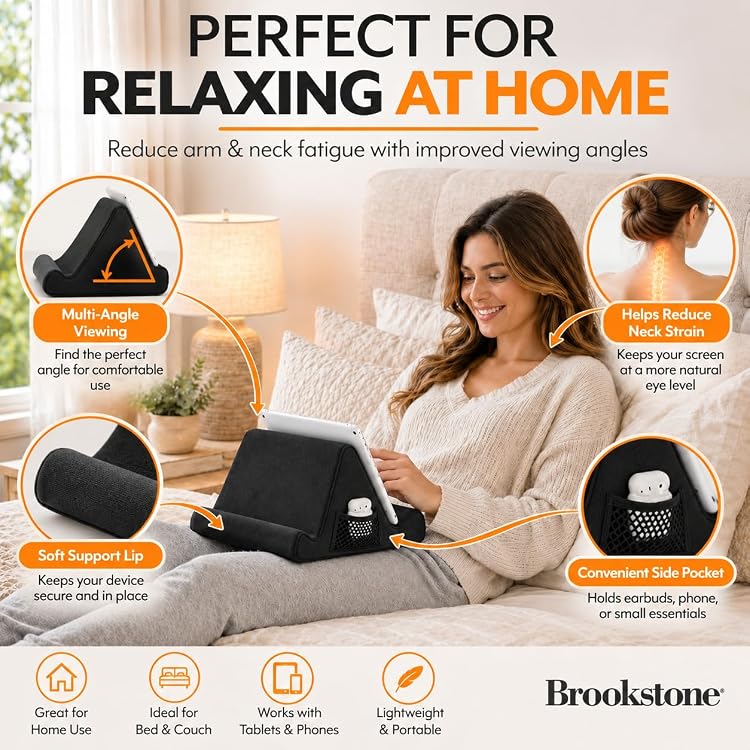
If you often read or stream while lounging, traveling, or multitasking from bed, this can be a convenient solution. It’s especially appealing for those who value a soft surface and a stable stand that doesn’t require holding the device. It’s not a rigid stand or a heavy desk setup, so it fits casual use and on-the-go scenarios more than workstation-like demands.
What stands out
On the positive side, the memory foam design prioritizes comfort during longer sessions and may help reduce wrist fatigue. The dual-angle feature gives you options for tilting your screen to a more natural viewing posture, which can feel like a meaningful improvement if you spend hours with a tablet in your lap.
Potential limitations
On the flip side, this isn’t a hard-frame stand with adjustable clamps or a high-precision positioning system. If you need very specific height tweaks or a model that doubles as a rigid desk, this cushion may feel a bit limited. Also, while it accommodates multiple devices, its effectiveness depends on device size and weight—some larger tablets or heavier cases might test stability on very active surfaces.

How to decide if it’s right for you
Conviene tener en cuenta how you typically use a tablet: for casual reading, streaming, or light work from bed or on the go, this cushion can be a practical companion. If you prioritize a rock-solid, adjustable stand for frequent typing or precise angles, you might want to explore other options.
What to check before buying
- Confirm your device fits within the supported range and sits stably on the cushion
- Consider whether you value the all-day comfort claim and if you’ll benefit from the two angled options
- Think about your typical surface (lap, couch arm, bed tray) and whether a soft cushion is enough for your setup
Practical use example

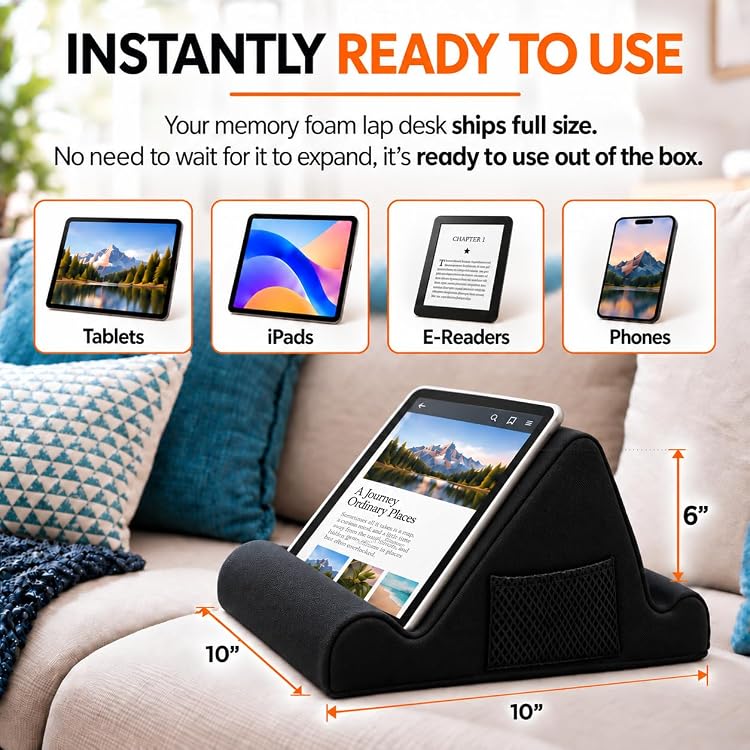
Imagine winding down after a long day, propping your tablet on the cushion while you binge a show or catch up on a chapter. The screen stays at a comfortable height without you needing to prop the device with pillows, and your hands remain free to snack, scratch a cat, or reach for a beverage without losing viewing position.
Quick comparison in context
If you’re choosing between a soft lap cushion and a rigid desk style, this Brookstone option leans toward comfort and portability. It’s a sensible pick when you want a lightweight, travel-friendly solution that makes reading or streaming more comfortable rather than a full desk setup for serious productivity.
Final decision: Is it worth it?
Is it worth it? For casual tablet use in bed or on the go, and if you value hands-free viewing with a soft, ergonomic surface, this Brookstone lap cushion offers practical benefits without heavy commitment or bulk. It may not be the best fit if you need exact, high-precision positioning or heavy-duty stabilization for frequent typing.
FAQ
- Q: Will this work with my Kindle and iPad at the same time? A: It’s designed to support various devices like Kindle Paperwhite and iPads, but it’s best used with one device at a time for stability.
- Q: Can I use it on a couch arm or bed tray as a desk substitute? A: Yes, the cushion is designed for use on legs or a desk, offering a stable surface with two viewing angles.
- Q: Is it comfortable for long reading sessions? A: The memory foam aims to reduce wrist strain and improve posture, which can help during extended use, though comfort is subjective.