


BRAIDOL Wireless HDMI Kit 4K streaming 📺

Reviews
Product description
Go to offer
Description:
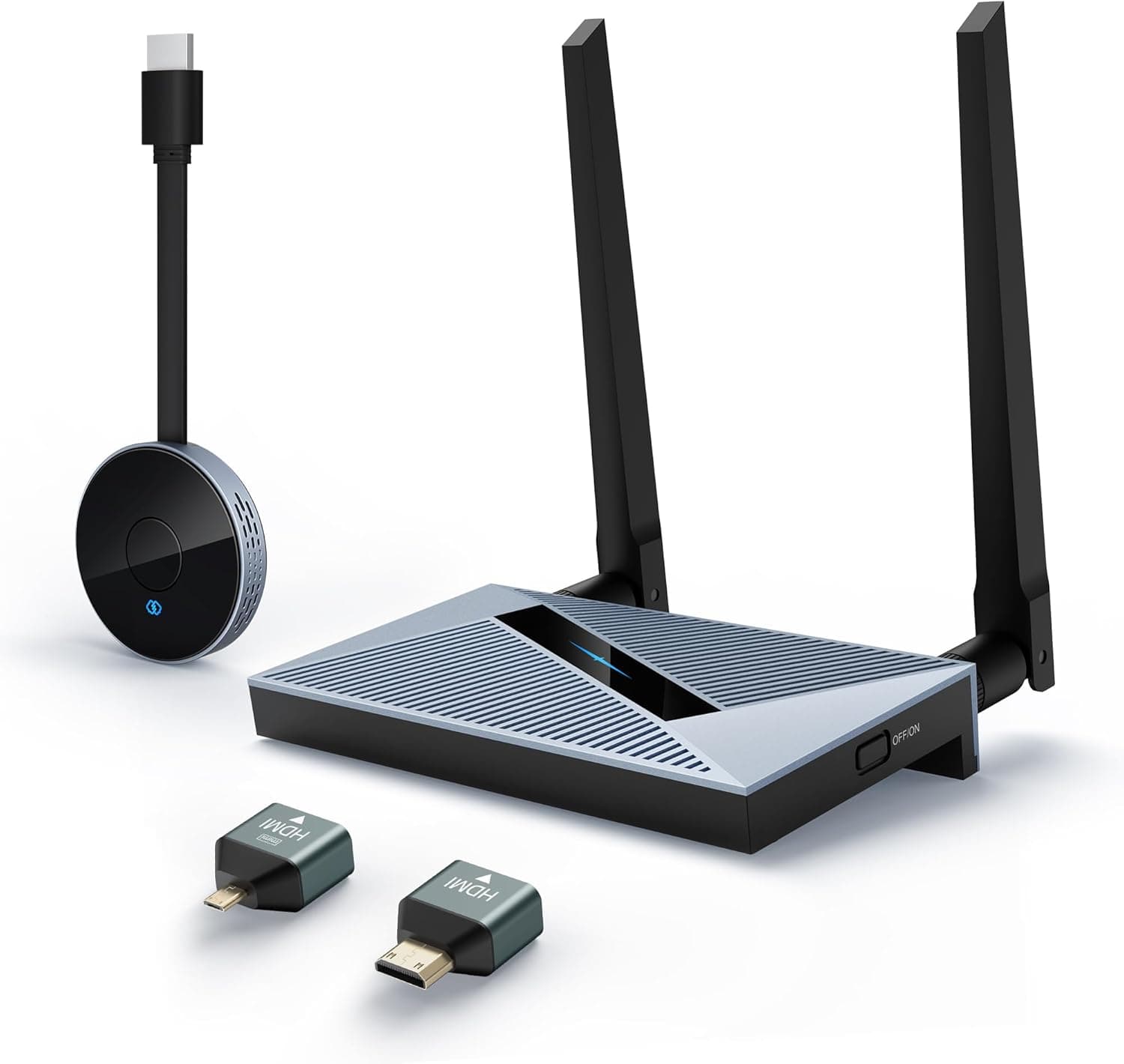
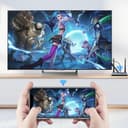
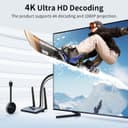
This wireless HDMI kit from BRAIDOL lets you send video and audio from a laptop, tablet, or smartphone to a monitor, TV, or projector without running cables, making it useful for meetings, streaming and presentations. It uses dual-band 2.4 GHz and 5 GHz transmission to aim for stable connections and supports 4K decoding with 1080p output for clear playback according to the manufacturer.
Key Points
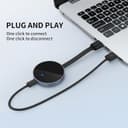
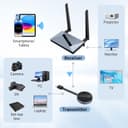
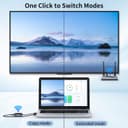
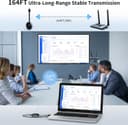
The kit includes a transmitter (TX) that can act as a standalone HDMI dongle and a receiver (RX) that plugs into a display. Setup is plug-and-play, so no driver installation is required and pairing between sender and receiver is automatic. The system supports screen mirroring and HDMI output from a wide range of devices including Windows and macOS computers, iOS and Android mobile devices, cameras, Blu-ray players and more. The wireless range is described as up to 50 meters, though walls and other obstacles may reduce effective distance in practice. This product is aimed at users who want a cable-free connection for presentations, streaming videos, or extending displays.
Technical Specifications
- Name: BRAIDOL Wireless HDMI Kit
- Transmission: Dual-band 2.4 GHz / 5 GHz
- Video decoding: up to 4K, output quality typically 1080p according to the manufacturer
- Range: up to 50 meters (obstacles may affect signal)
- Compatibility: Windows, macOS, iOS, Android, HDMI source devices
Benefits
Wireless transmission removes the tangle of HDMI cables and simplifies moving a laptop between meeting rooms or different screens. The ability to use the transmitter as an independent dongle expands compatibility with smartphones and tablets, so you can mirror mobile content without adapters. Using both 2.4 GHz and 5 GHz bands helps the unit adapt to different wireless environments, providing flexibility when one band is congested. The 4K decoding capability means higher-resolution sources can be handled, even when output is converted to 1080p for most displays.
Usage Recommendations
For best performance position the transmitter and receiver with a clear line of sight when possible, because solid walls and metal obstacles may degrade the signal. If you plan to stream fast-paced video or use the device for gaming, test latency under your typical conditions since wireless transmission may introduce a small delay compared to a wired HDMI connection. When connecting mobile devices, ensure screen mirroring or HDMI output is enabled on the source device. For installations in classrooms or conference rooms, try a preliminary check of range and band selection to determine whether 2.4 GHz or 5 GHz gives the most reliable result.
