

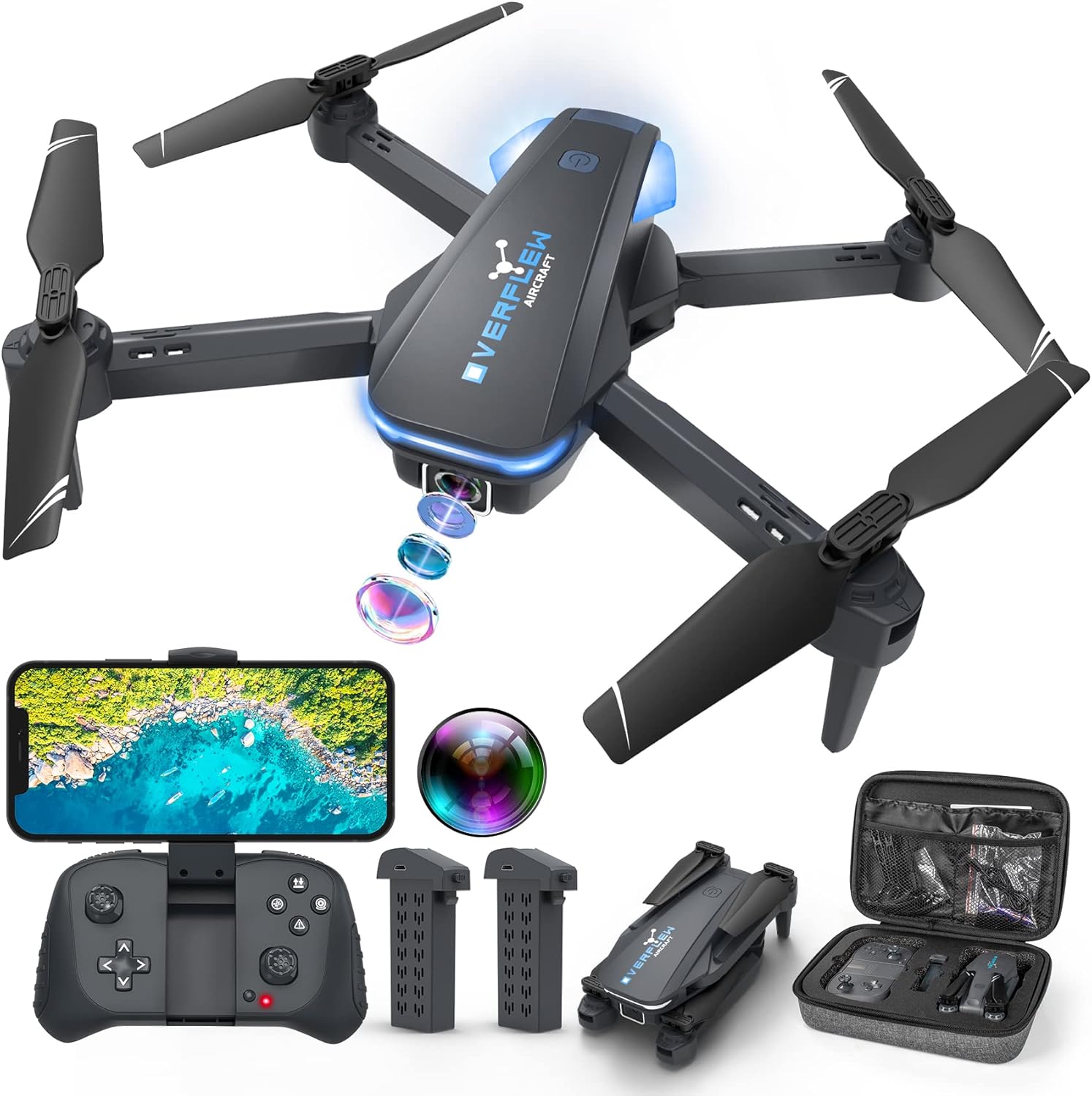
Beginner-Friendly Foldable Quadcopter Drone with 1080P Camera, Voice & Gesture Controls
Product description
What it is and why people buy it
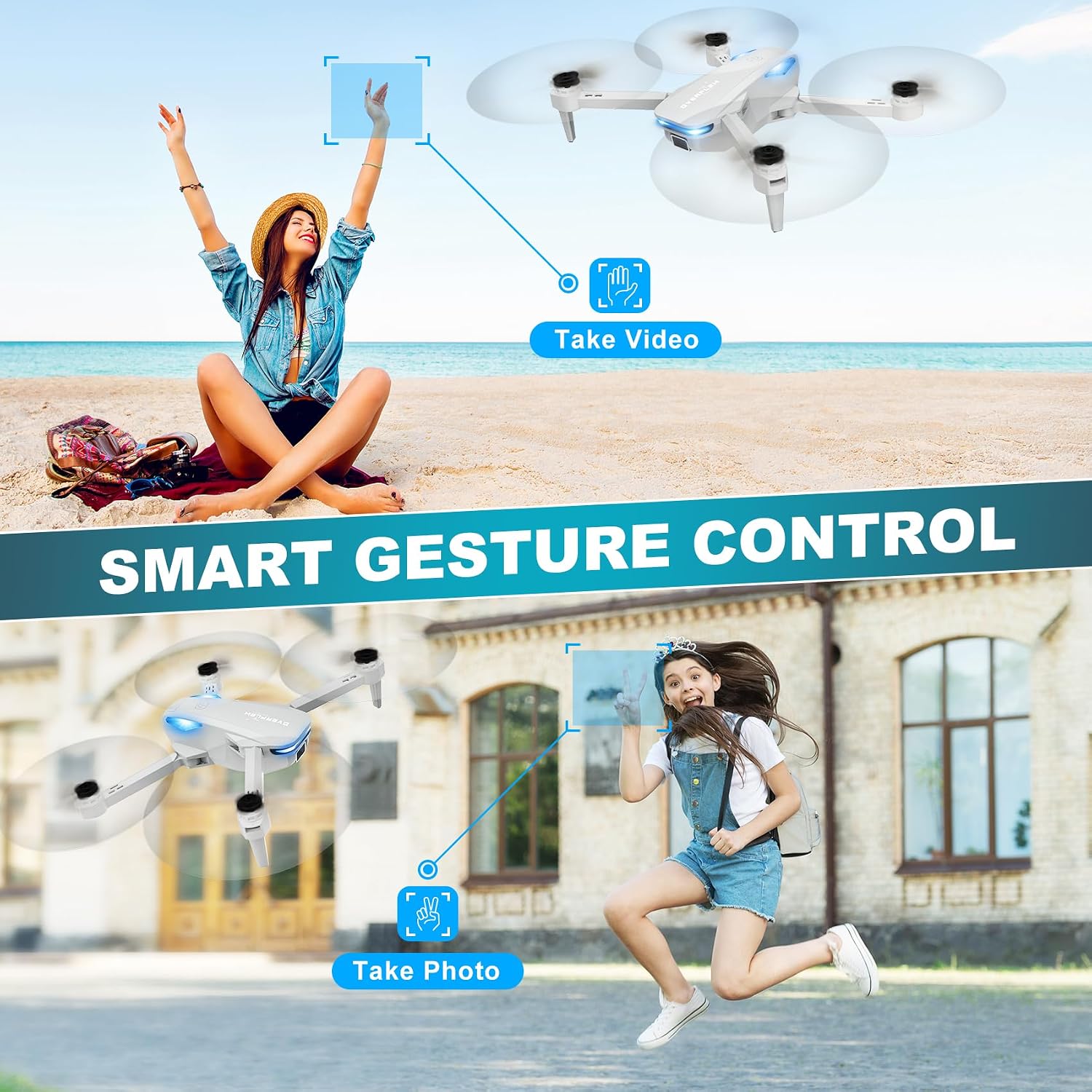
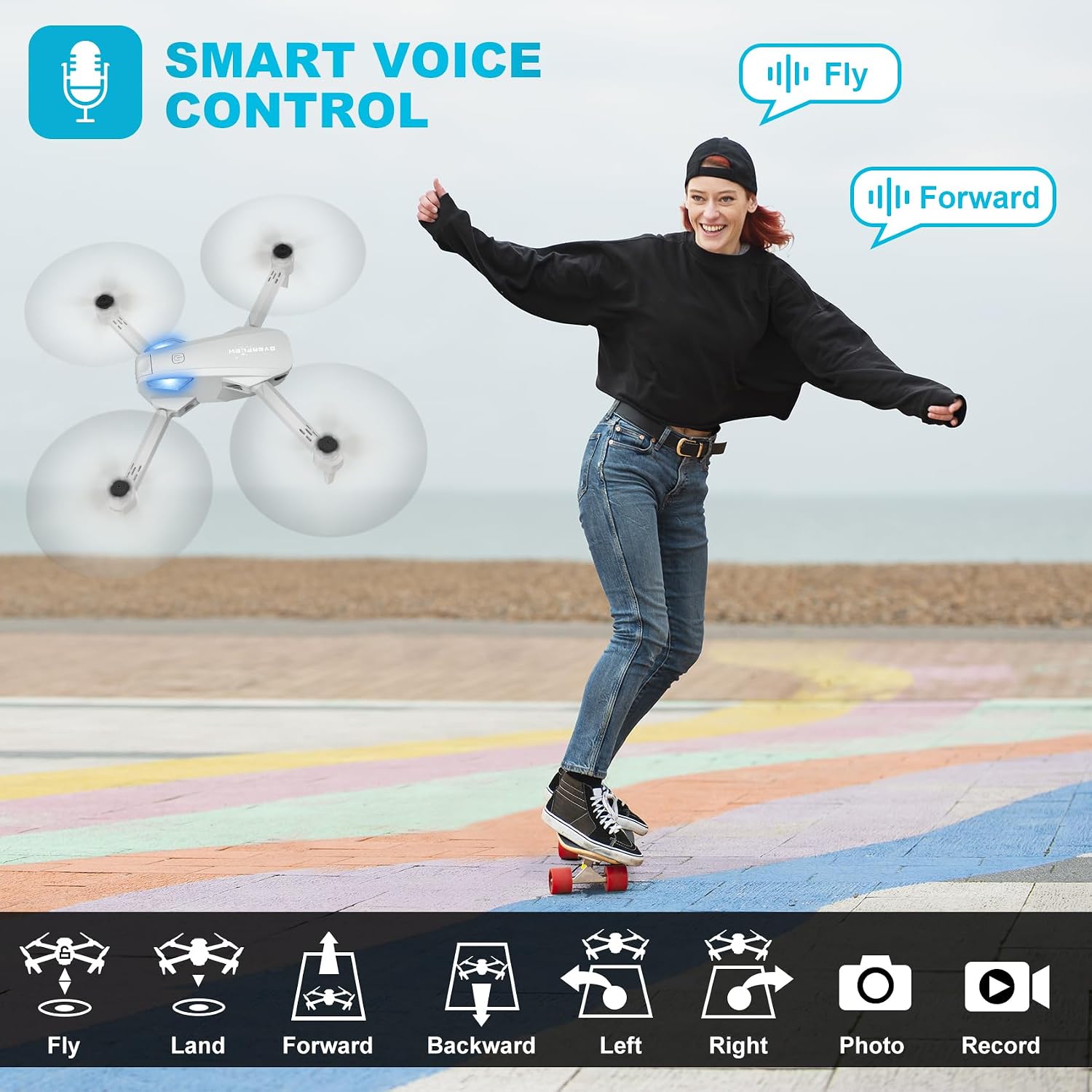
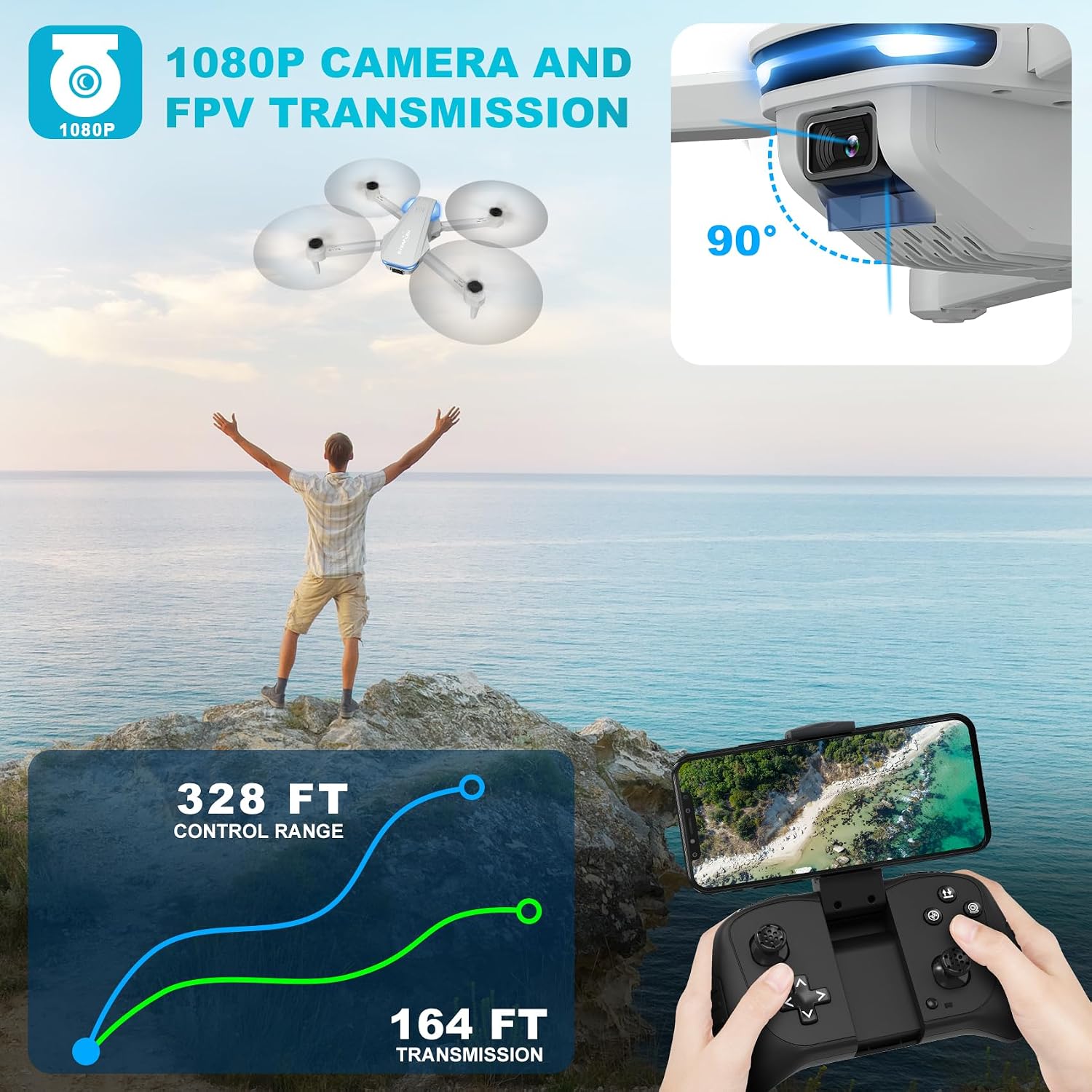
This foldable quadcopter is built for first-time pilots who also want a usable camera experience. The headline feature is a mounted 1080P camera with manual tilt, so you can aim it to look forward or point it down for what’s right below the drone while you fly. There’s also a long list of “starter” controls—altitude hold, one-key start, and 3D flips—plus voice control and gesture selfie features.
It’s the kind of drone you’d pick when you want to learn basic handling without dealing with complicated setup steps. Still, it’s worth keeping expectations grounded: this is described as a toy for beginners (ages 14 and over) and it’s not water-proof, so it’s not meant for wet weather or rough outdoor conditions.
Camera experience: good for exploring, not for pro requirements
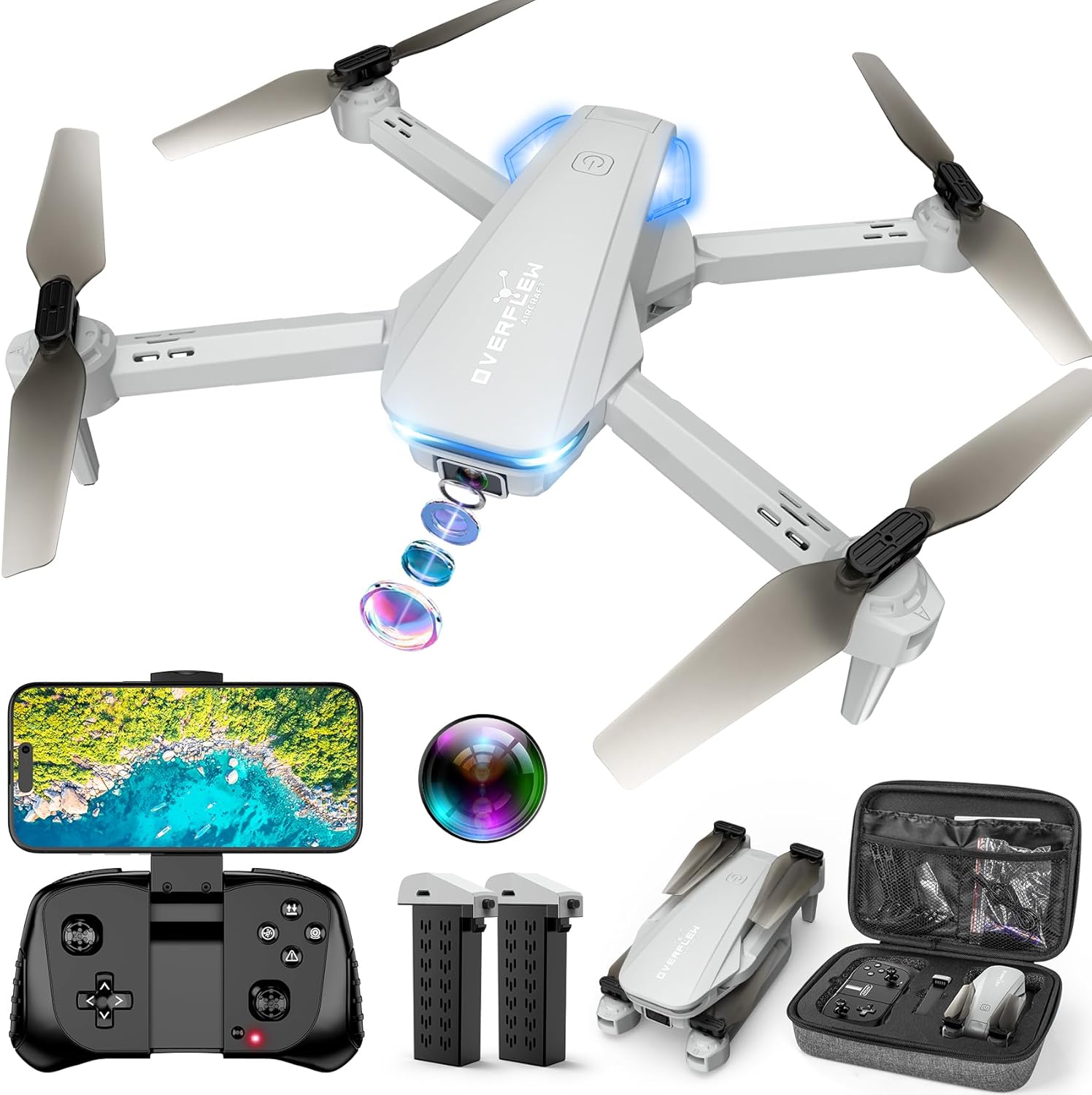
On paper, the camera setup is practical. You can manually adjust the camera angle to see what’s in front of you or aim down to check something nearby—like the roofline of a house or a spot you can’t easily reach. For casual creators, that translates to “try fun shots while you’re learning,” not advanced cinematic workflows.
If you want to capture photos or video, you need a WiFi connection and the dedicated “Hiturbo FPV” app. That’s a normal requirement for many beginner camera drones, but it does add one more step to the experience: flying with the remote can be straightforward, while recording involves pairing up through the app.
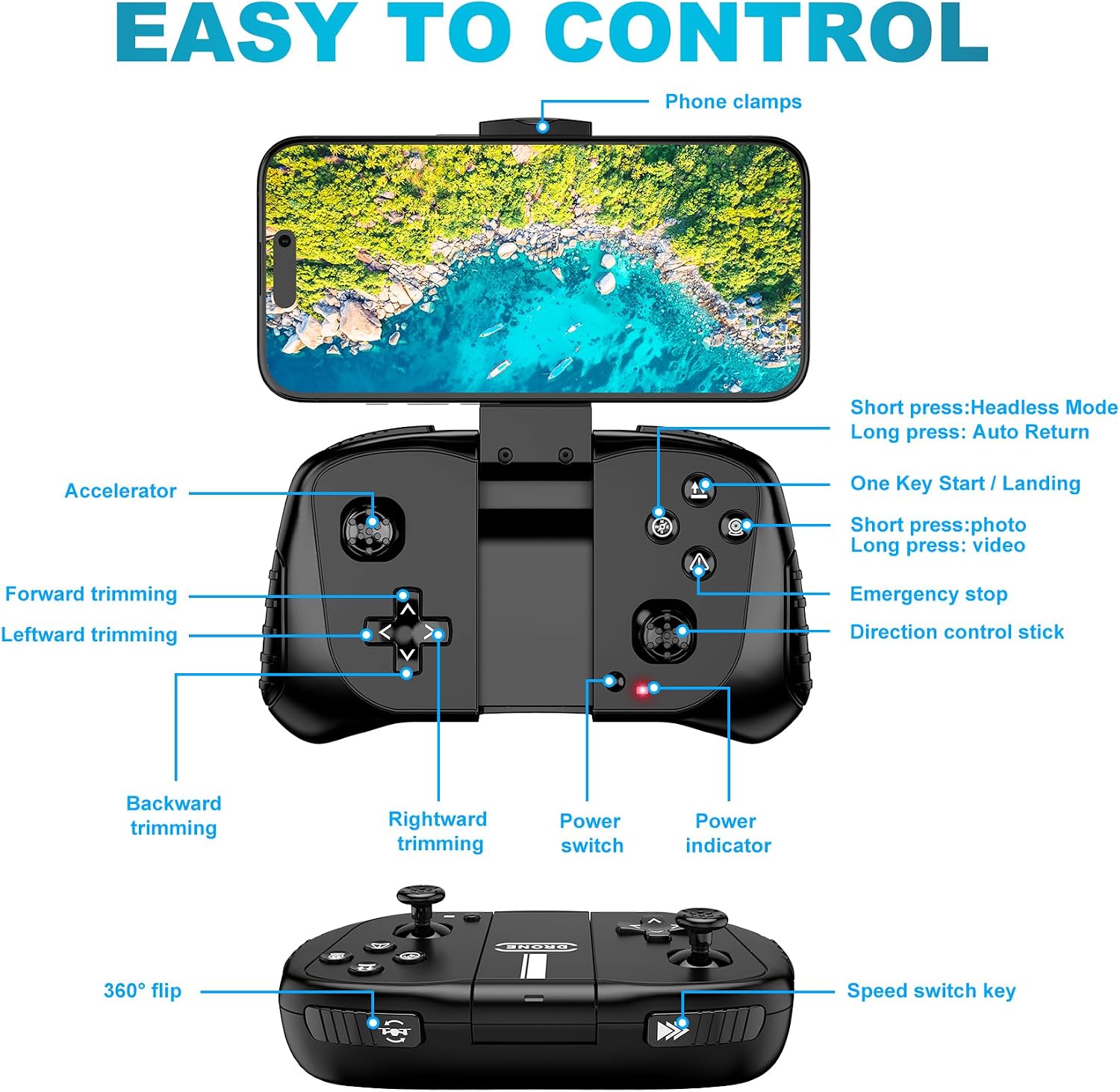
Controls you’ll actually use: altitude hold, flips, and one-key start
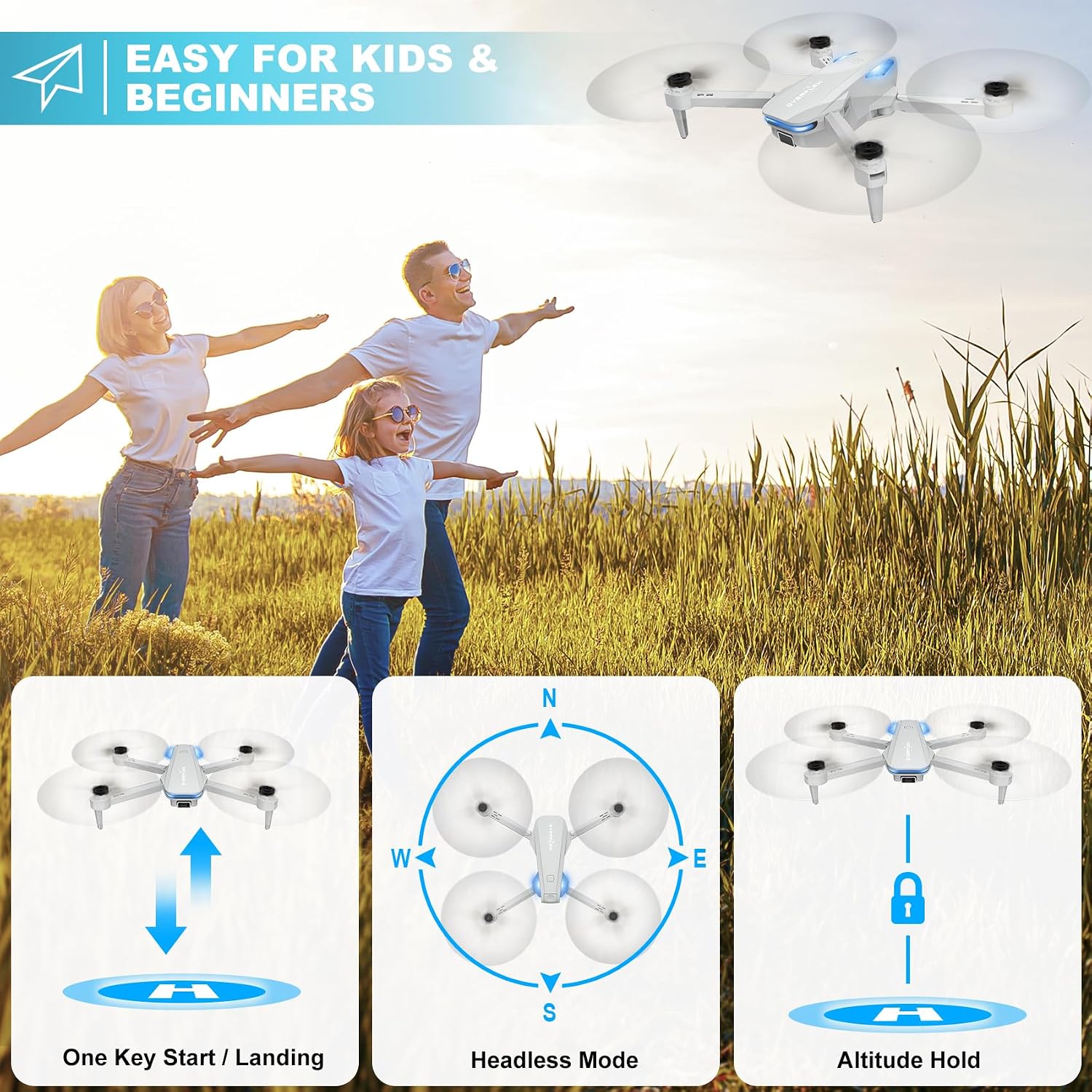
The feature set is clearly aimed at reducing the learning curve. Altitude hold helps keep the drone stable in the air, which can make practice sessions less stressful—especially when you’re building muscle memory. One-key takeoff/landing is also the kind of convenience that matters when you’re still figuring out throttle and direction.
And yes, it includes entertainment moves like 3D flips and speed adjustment. But keep in mind that more aggressive maneuvers (like faster speeds and frequent flips) can shorten flight time per battery. In other words, it’s fun, but the “more you push it, the less it lasts” tradeoff shows up fast.
Battery reality: up to about 12 minutes each (swap to keep going)
The drone comes with two rechargeable batteries. Each one is described as providing approximately 12 minutes of flight time, and the idea is that you can swap batteries and charge them in rotation to extend your total play session.
This is useful if you’re planning practice runs or want multiple short flights instead of one long session. Just don’t expect the full listed time to be consistent in every scenario. If you’re constantly using flips and higher speeds, your actual time per battery will likely come down.
Remote vs app vs voice/gestures (a common point of confusion)
You can fly the mini drone with a remote control or with a smart phone. However, the instructions are specific: to capture video or images, you must connect to the drone via WiFi and use the “Hiturbo FPV” app.
For voice control and certain functions like trajectory flight, it also notes that you need to disconnect the remote control and connect the drone to the app individually via the app’s control switch button. That means the workflow changes depending on what you want to do—classic remote flying is one experience, while voice/trajectory features are another.
If you’re the type who wants everything to work seamlessly without switching modes, this is the one limitation to think about before buying.
Tech specs (as provided)
- Name: Drone with 1080P Camera for Beginners and Adults
- Type: Foldable remote control quadcopter with 1080P camera
- Camera: Manually adjustable camera, aimed forward or down
- Flight time: Approximately 12 minutes per rechargeable battery (varies with flips/speed)
- Batteries: 2 rechargeable batteries included
- Controls: Remote control and smart phone (WiFi via “Hiturbo FPV” app for recording)
- Features: Voice control, gestures selfie, altitude hold, one key start, 3D flips, headless mode, speed adjustment
- Water-proof: Not water-proof
- Age guidance: Ages 14 and over
Is it worth it?
This drone makes sense if you’re a beginner who wants a gentler entry into flying—altitude hold and one-key start are the kind of features that can reduce frustration while you learn. It also fits if you want to experiment with basic aerial footage using the app, and you’re okay with the extra step of connecting via WiFi to record.
It might not be the best match if you want a weather-tolerant drone (it’s not water-proof), or if you prefer a “one setup, every feature at once” workflow—because voice/trajectory-style functions require disconnecting the remote and using the app controls.
A solid pick if you want fun practice flights with simple control, a camera you can tilt manually, and features like flips and gesture selfie. Better avoided if your goal is reliable filming every time without juggling remote/app connections, or if you plan to fly in wet or unpredictable conditions.
Quick FAQ
FAQ
Does it work for both beginners and adults?
Yes—it's explicitly described as being suitable for beginners, and the listing targets beginners and adults.
How do you take photos or record video?
You need to connect to the drone via WiFi and use the “Hiturbo FPV” app.
How long can you fly?
Each of the two rechargeable batteries is described as providing approximately 12 minutes of flight time, and flight time can be reduced by faster speeds and more flips.
Is it water-proof?
No. The drone is not water-proof.
What’s required for voice control and trajectory flight?
The instructions say you need to disconnect the remote control and connect the drone with the app individually for functions controlled through the app (including the voice control and trajectory flight features).