

BaldrTherm Wireless Weather Station, Dual-Zone
Product description
What to know
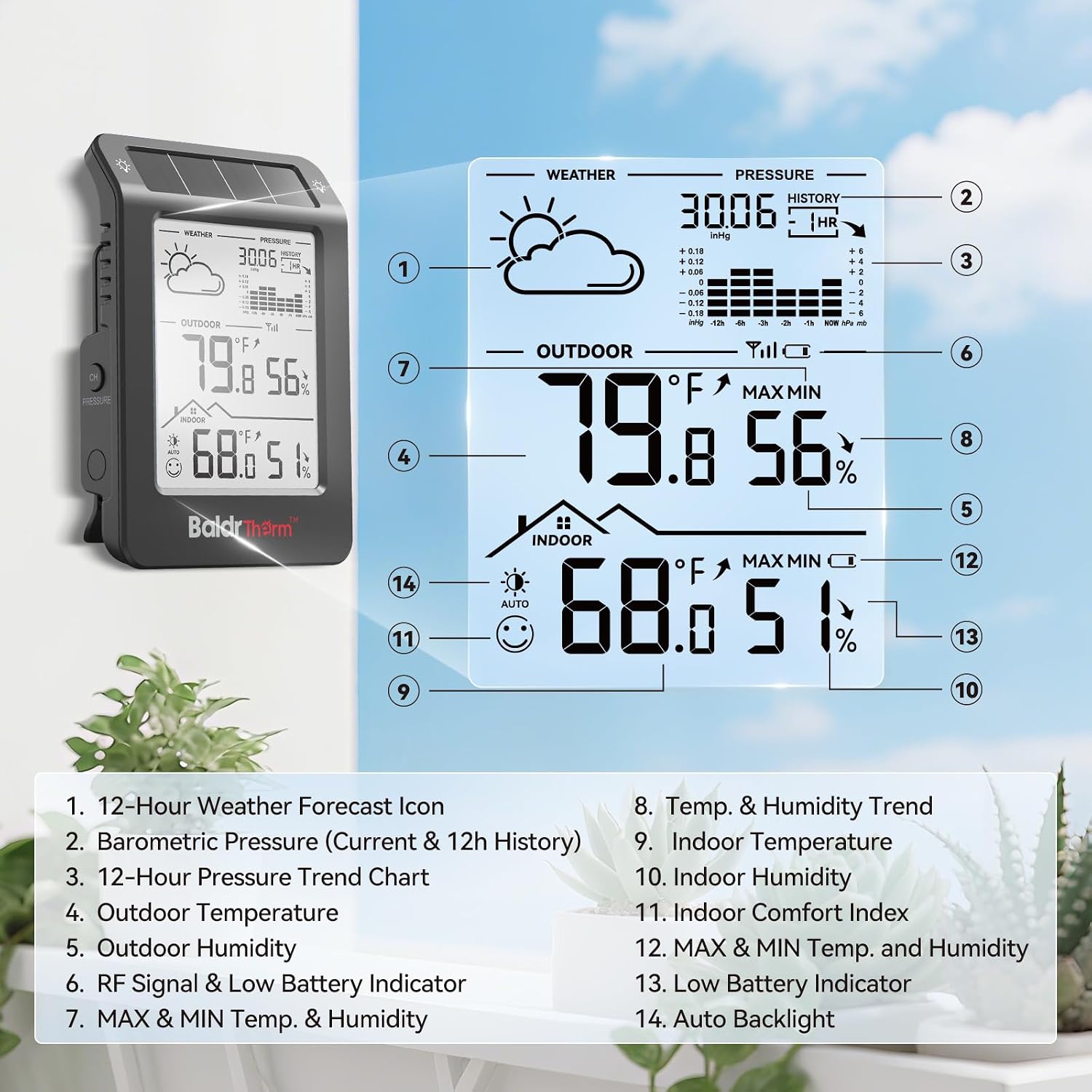
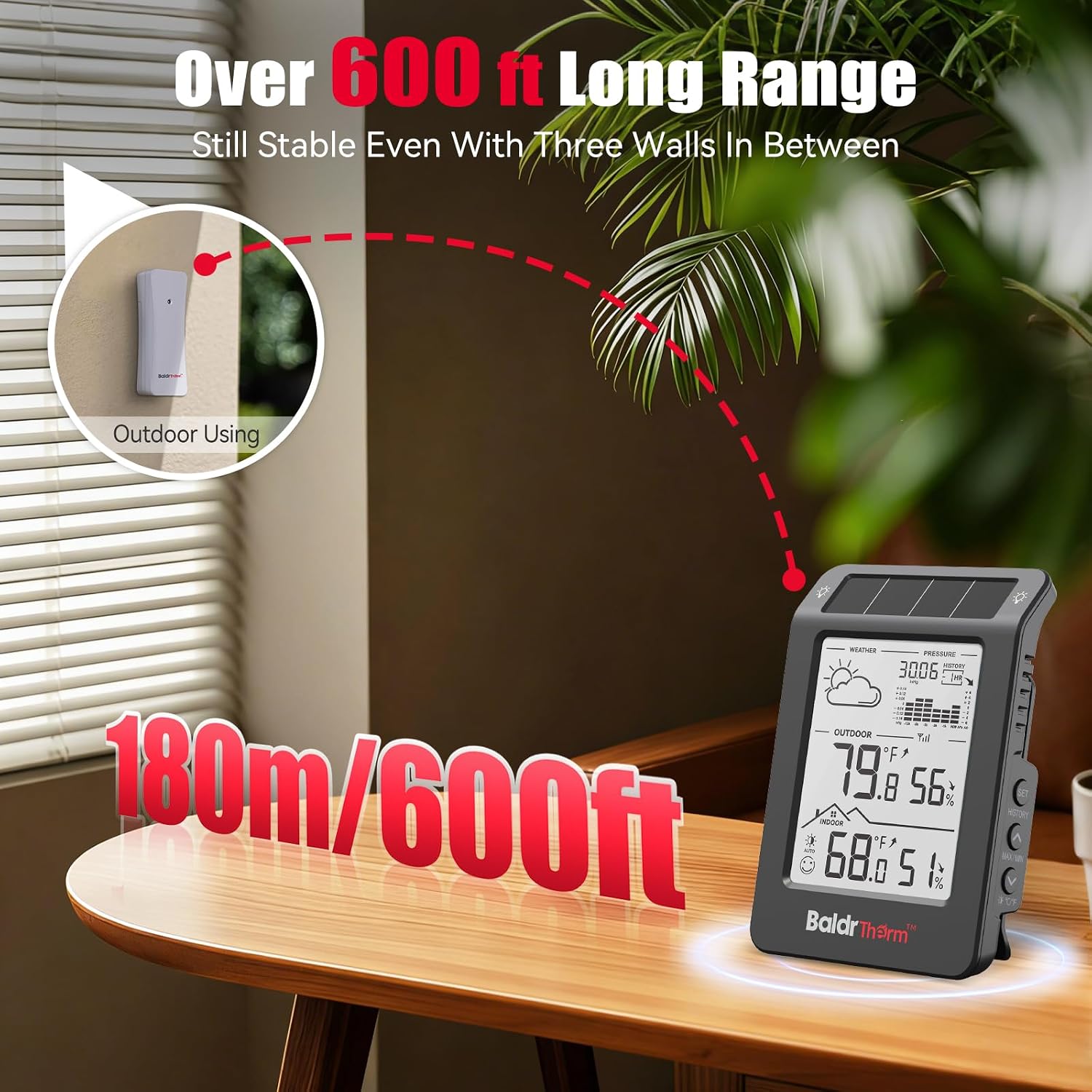
For households that want to check indoor conditions alongside a separate room or porch, the BaldrTherm wireless weather station puts readings from two locations on one main display. It shows temperature and humidity for the indoor area and the connected remote sensor, so you can get a quick read on a child’s room without walking over to check it. The sensor can connect from up to 100 meters away, according to the product details, though the actual placement you can use will depend on your home.
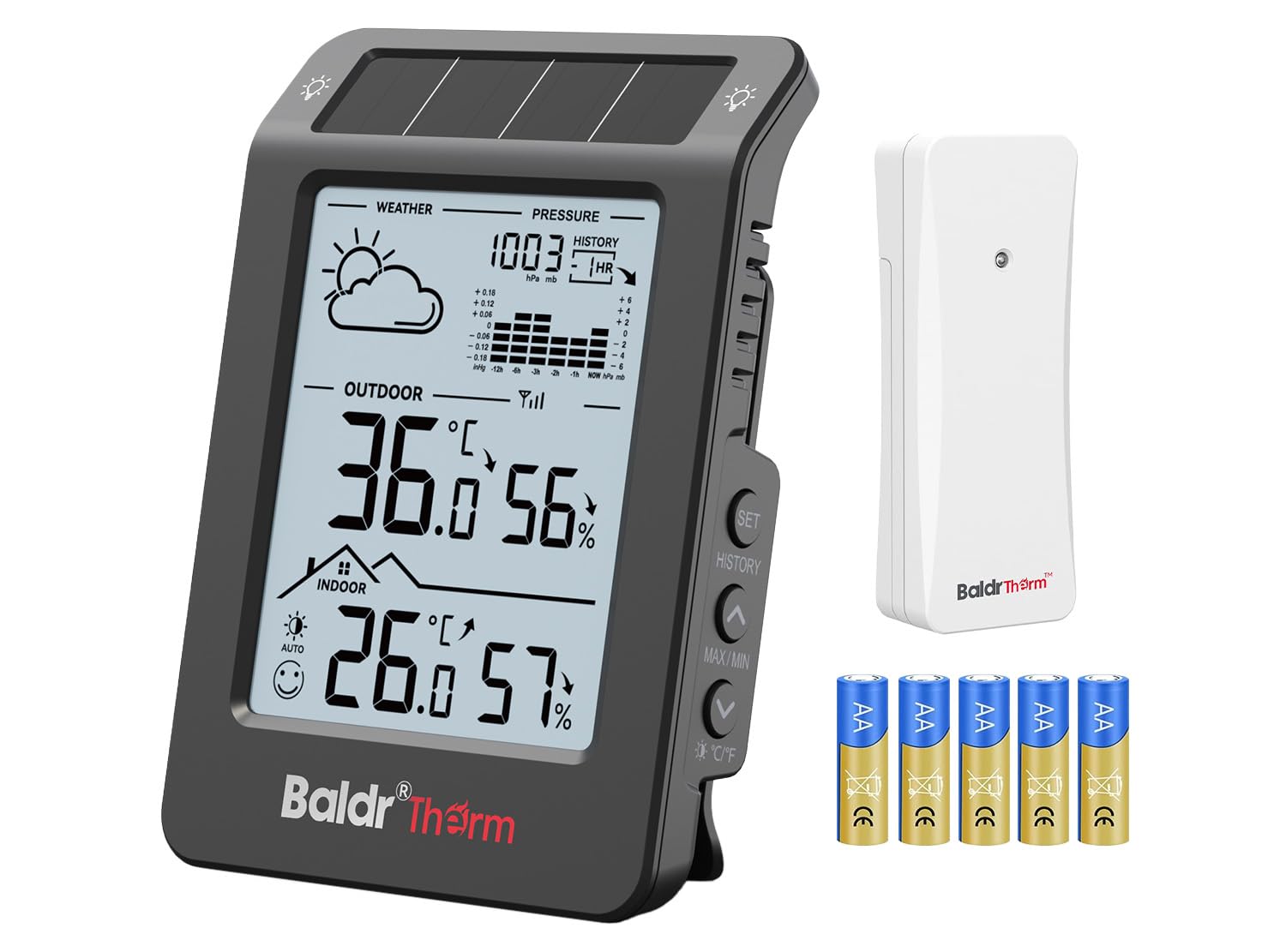
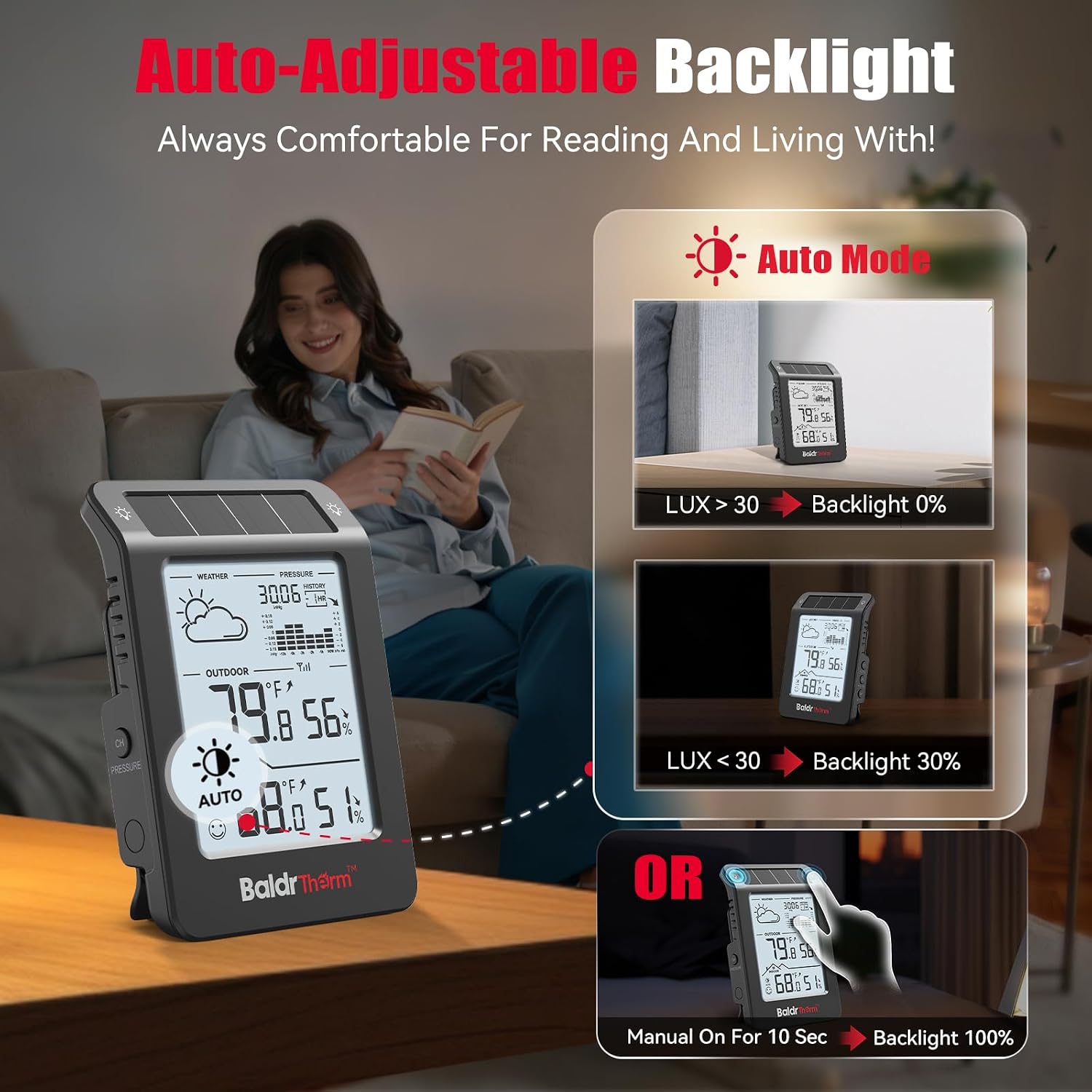
The station also displays barometric pressure and visualizes recent pressure changes, temperature and humidity trends. Its 12-hour forecast combines pressure, temperature and humidity data using the maker’s algorithm. That can help with everyday planning, but it’s a station forecast—not a substitute for checking an official forecast when weather could affect travel or outdoor plans. Keep in mind that the automatic backlight turns on when light drops below 30 lux, so it may not illuminate the display in a dim spot that still stays above that threshold.
How to use it
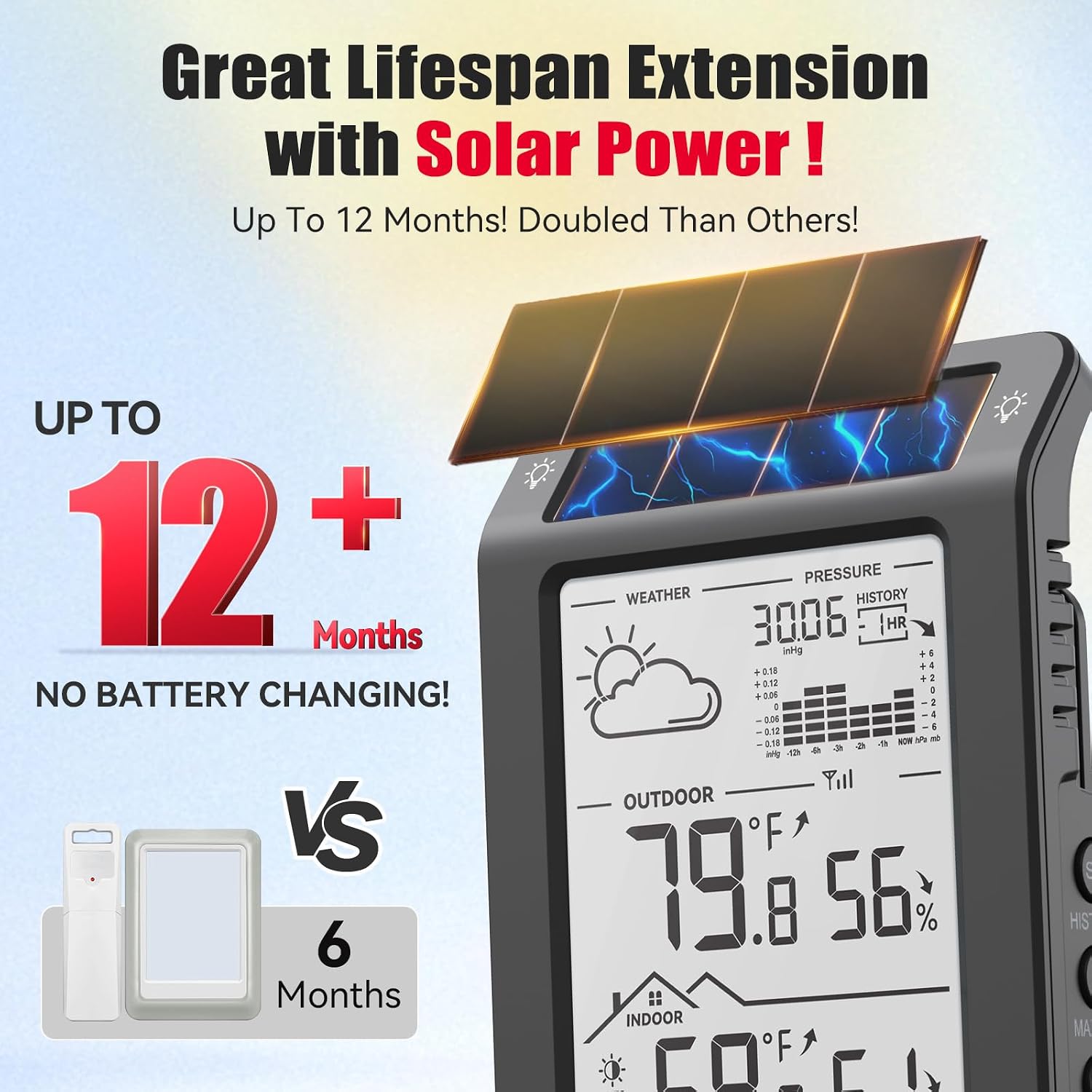
Place the main unit where you can see it easily, then position the sub-device in the second area you want to monitor. For example, a parent could keep the display in a bedroom and put the sensor near a child’s room, then check both temperature and humidity before choosing sleepwear. It also suits someone who wants to compare an indoor reading with conditions on an outdoor porch without stepping outside.
From the way it is set up, the main benefit is having several kinds of information in one place: two-zone temperature and humidity, pressure changes, and projected trends. The automatic light-sensing backlight is intended to make the display easier to read when the room gets darker, without requiring a manual switch.
Practical tips
Choose the sensor location based on the space you actually care about. A reading from a child’s room is more useful when the sensor is placed in that room than when it is left beside the main unit. If you’re monitoring a porch, remember that the listed range is a maximum, don’t assume every home layout will allow the sensor to connect at that distance.
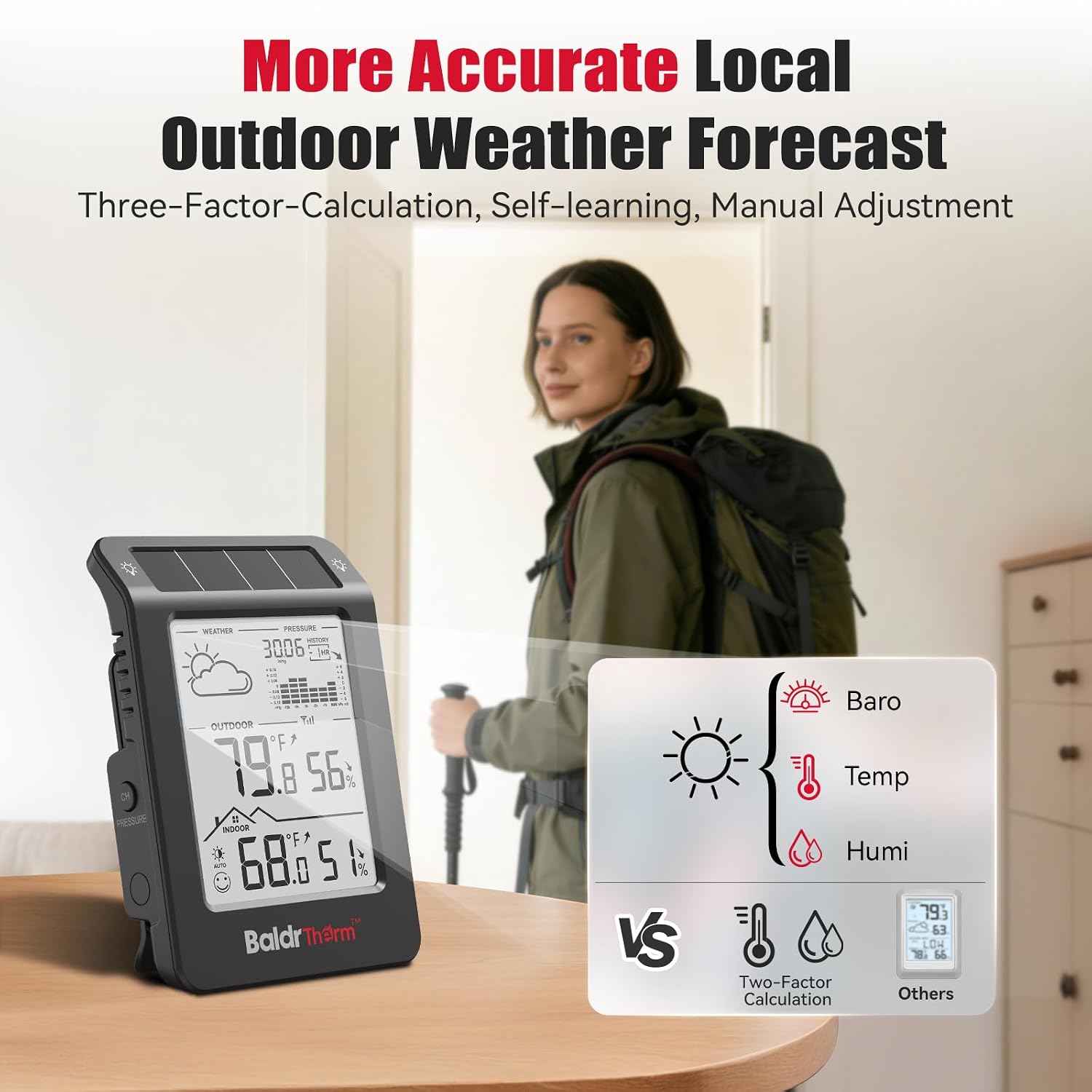
Use the trend visuals as context rather than as precise instructions. A pressure chart can show whether readings have been changing, while the forecast and temperature or humidity trends offer a quick heads-up. If a change matters for a specific decision, such as what to wear outdoors, check conditions directly as well. This is a more informative approach than a basic thermometer, but buyers who only need a single temperature reading may not need the extra forecast and trend features.
Before you decide
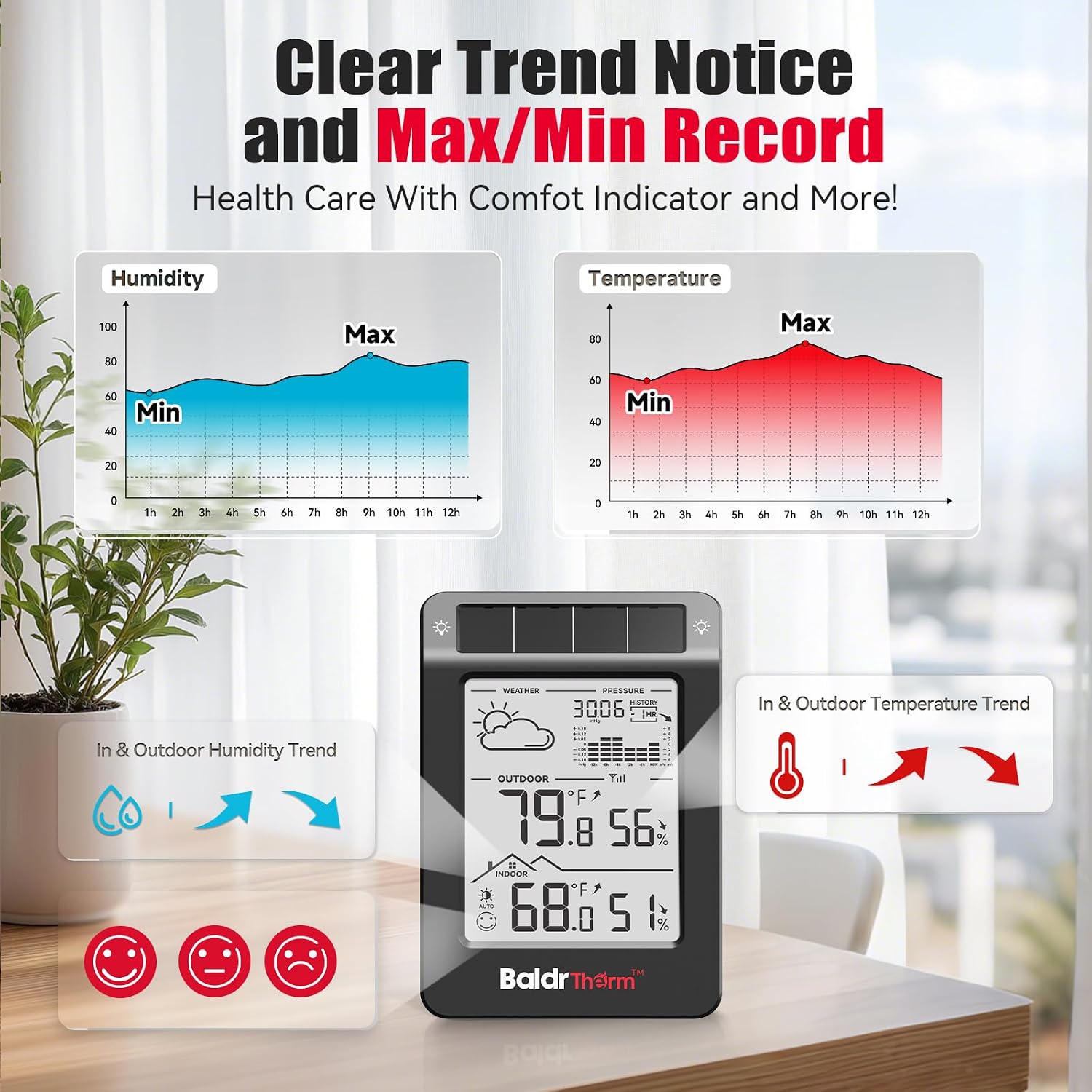
What does the main unit show? It displays indoor and remote-sensor temperature and humidity, along with barometric pressure and trend information.
How far away can the sensor be? The product details list a connection range of up to 100 meters. The usable distance in your home may depend on where you place the units.
Does the backlight stay on all the time? No. It is described as light-sensing and turns on automatically when ambient light drops below 30 lux.
When it makes sense
It makes sense if you want one display for two areas and expect to use temperature, humidity, and weather-trend information in everyday routines. The dual-zone setup is especially relevant when checking a separate room or porch from a central spot matters more than keeping the device as simple as possible.
It might not be a great match if you only want a basic room thermometer, or if you need a dependable local forecast for decisions where accuracy is critical. In those cases, a simpler thermometer—or a separate weather source for forecasts—may better fit the job. The deciding question is whether you’ll actually use the second sensor and the extra trend displays, not just whether they are available.