

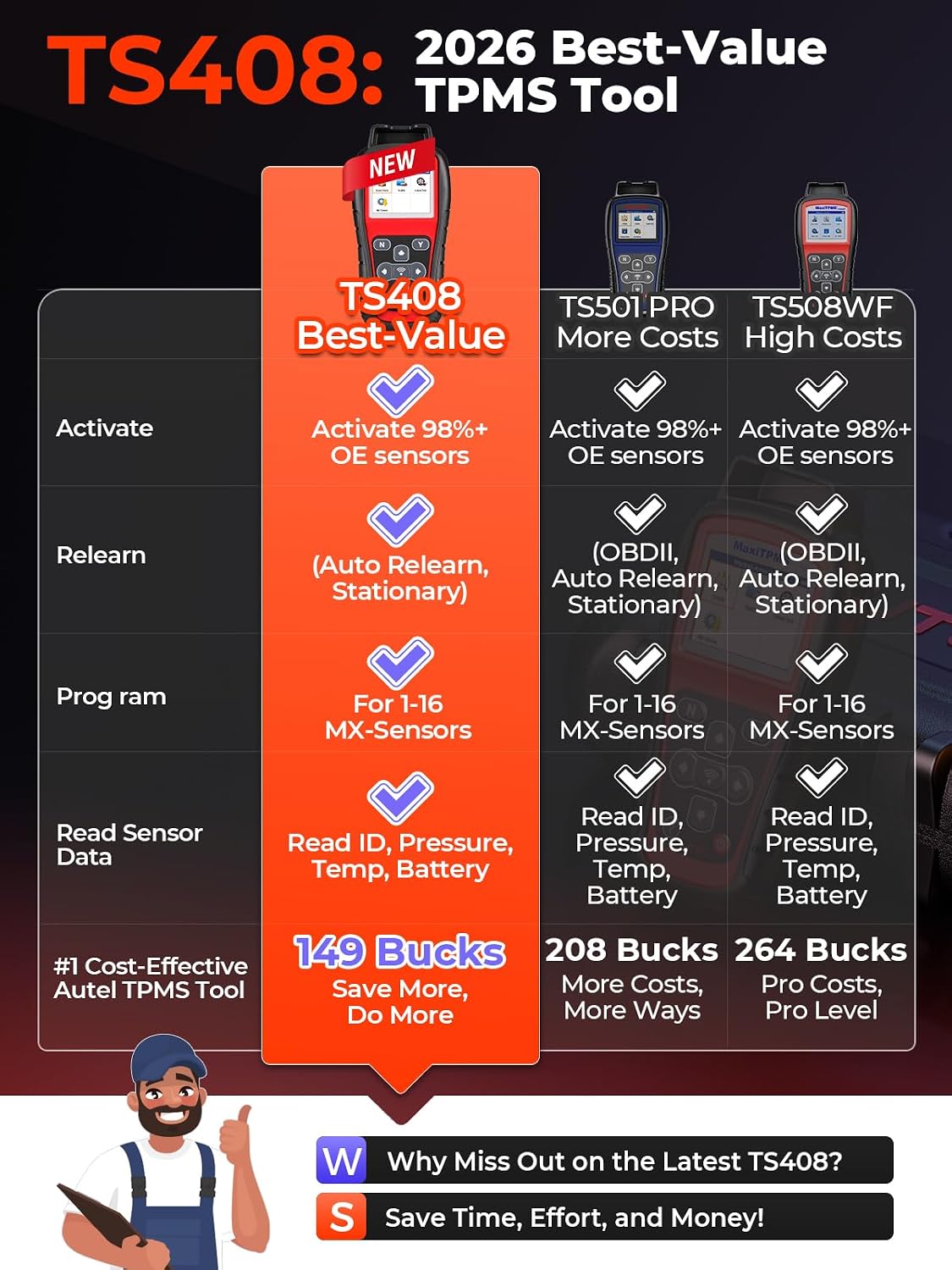
Autel MaxiTPMS TS408 TPMS Programming Tool with MX-Sensor Support and Relearn
Product description
Replacing a TPMS sensor or checking tire pressure, temperature, and battery status in a home garage or tire shop? The Autel MaxiTPMS TS408 activates sensors and guides supported relearn procedures on screen. It can program Autel MX-Sensors, but it does not support OBD programming or OBD relearn.
Why it’s worth it
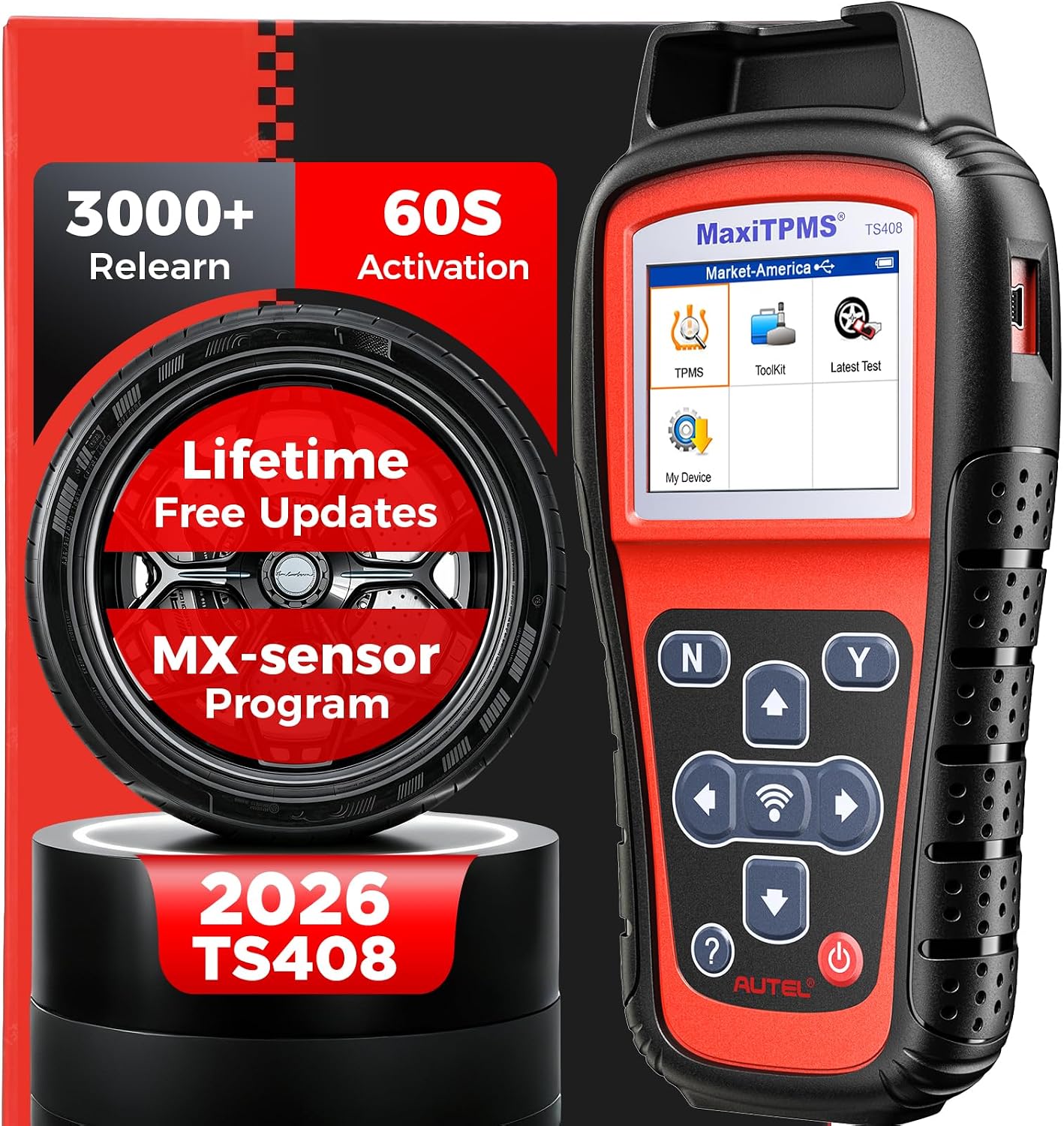
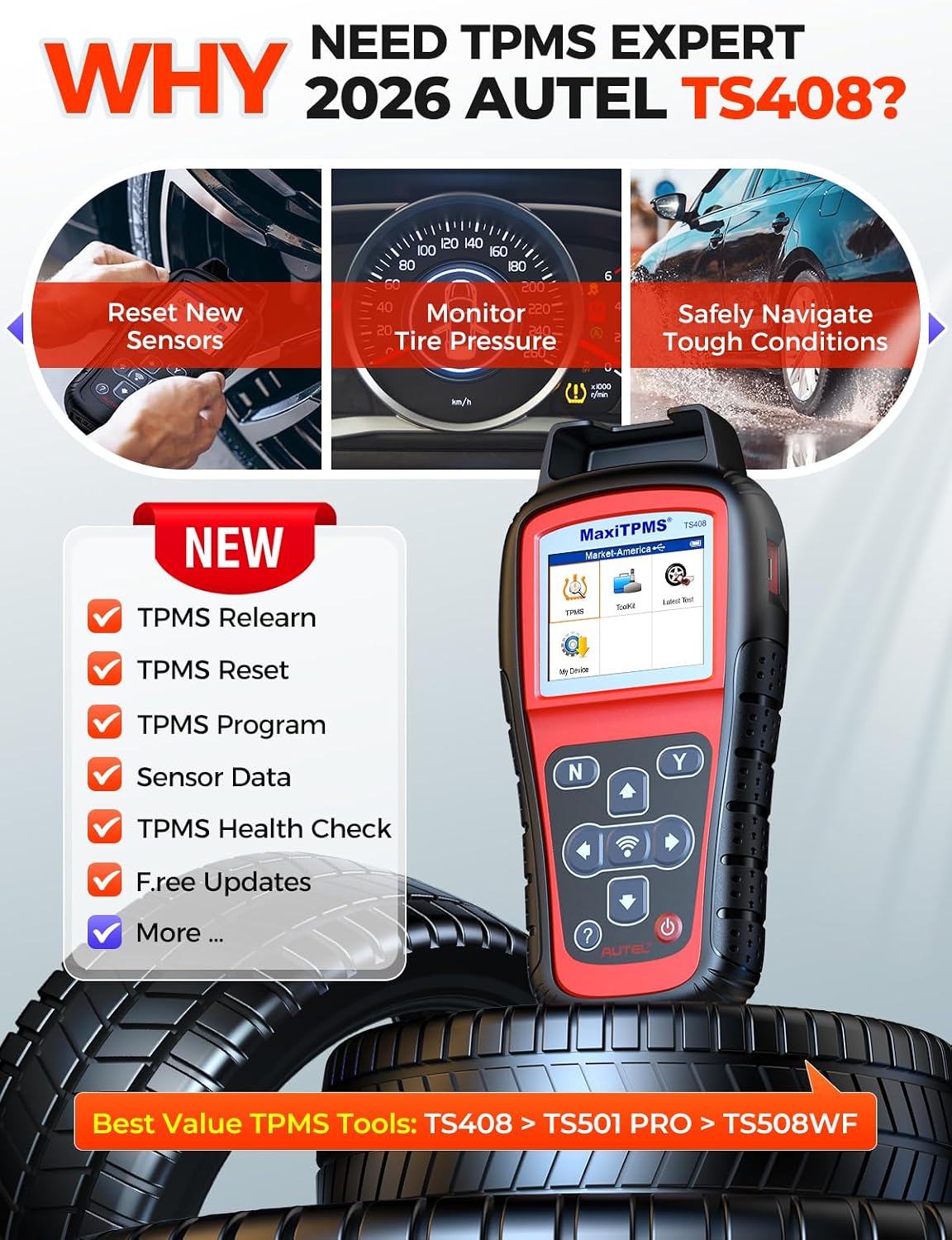
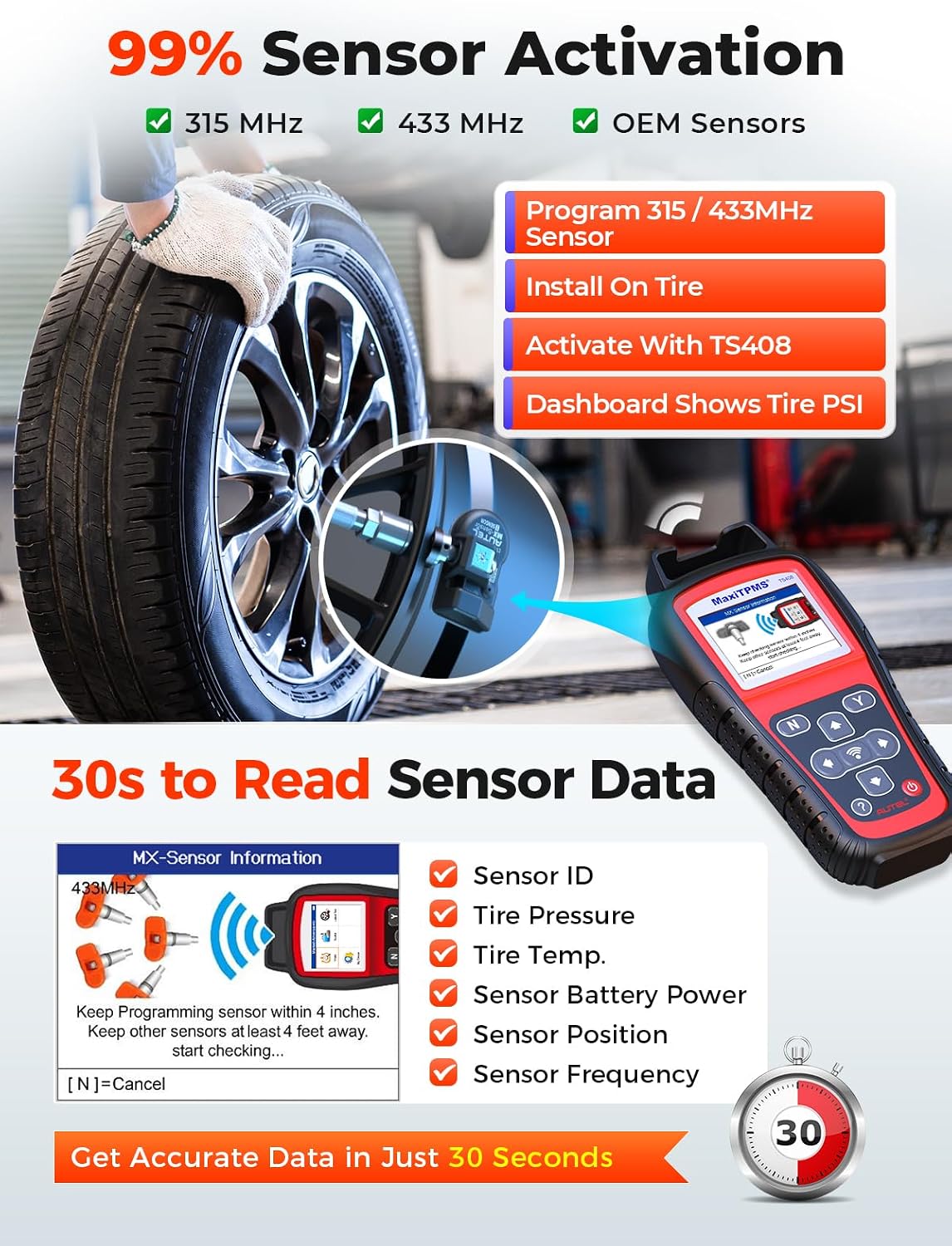
The TS408 combines sensor activation and data reading with programming and relearn functions, making it useful for more than checking a warning light. It can display sensor ID, pressure, temperature, battery status, position, frequency, and OE part number. That information can help narrow down which sensor needs attention before replacing parts.
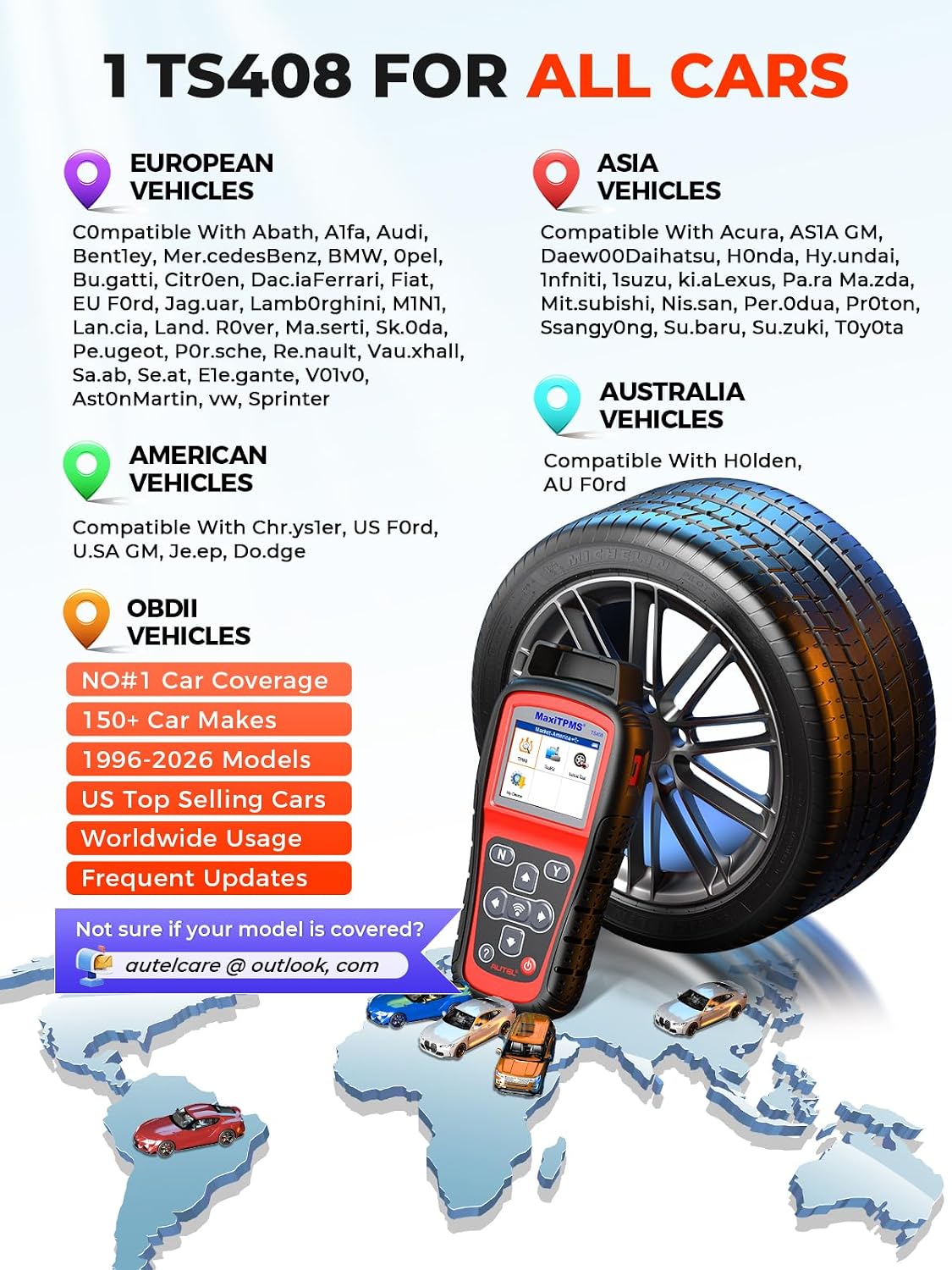
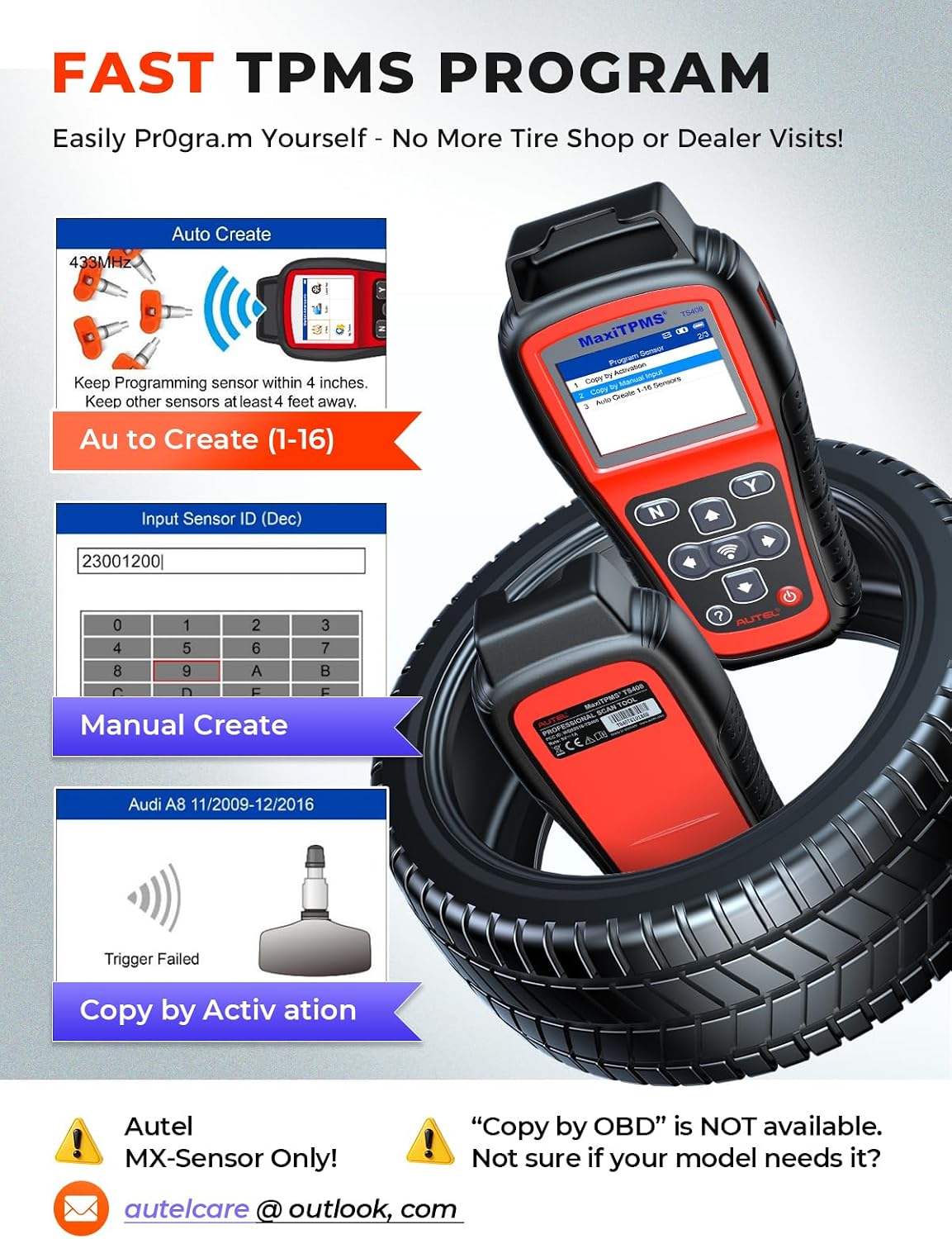
For a replacement, the tool offers three ways to create MX-Sensor data: copy an ID from an active original sensor, enter a known ID manually, or generate a new ID based on vehicle details when the original sensor is unavailable. It can program up to 16 MX-Sensors at one time. The listing advertises coverage for 150+ makes, though supported functions depend on the vehicle’s make, model, and year. Lifetime software updates are included, with no update fees stated in the product information.
Customer feedback is generally positive about sensor readings, speed, and the tool’s range of functions. Some buyers also like the carrying case, though that feedback alone does not confirm package contents. Experiences with programming and instructions are mixed, and buyers note the Autel-sensor restriction.
What to know
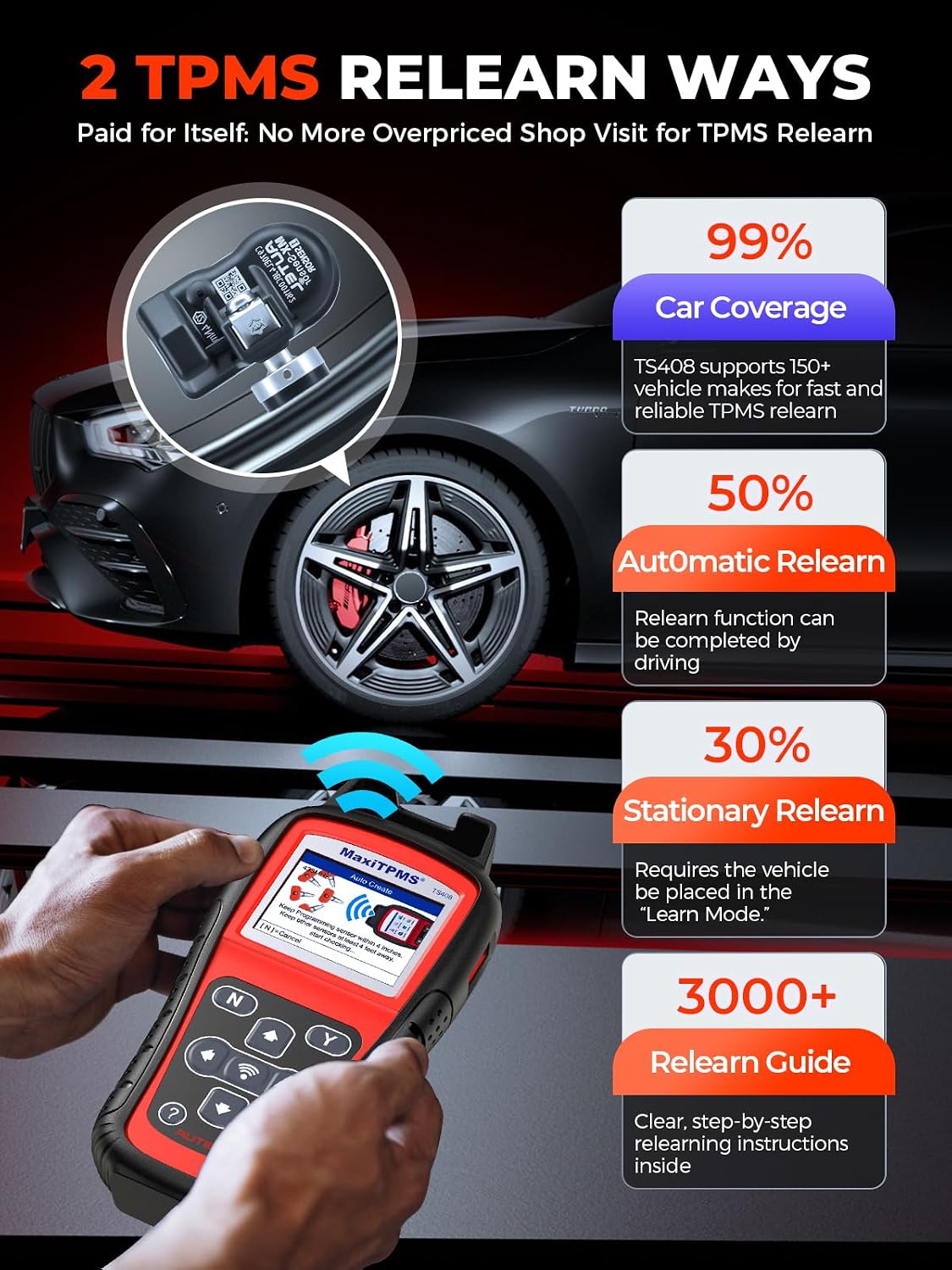
The TS408 activates many OE and universal TPMS sensors, but programming is limited to Autel MX-Sensors. Sensor activation support should not be confused with the ability to program sensors from other brands. It also does not offer Copy by OBD, OBD programming, or OBD relearn. If a vehicle or sensor requires one of those functions, this tool may not cover that job.
For example, after replacing a compatible sensor, a technician could use the TS408 to read the old sensor’s ID if it still transmits, program an MX-Sensor, and follow the available relearn instructions. Automatic and stationary relearn are supported on applicable vehicles, coverage varies, and a vehicle may require a different procedure. Compared with a tool that includes OBD-based programming or relearn, the TS408 is a more limited fit when those specific functions are needed. It makes sense if your work centers on compatible vehicles and Autel MX-Sensors. Not the best choice if your workflow depends on OBD procedures or programming other sensor brands.
Usage tips
Before choosing a programming method, identify whether the original sensor can transmit and whether its ID is available. Those details determine whether copying, manual entry, or auto-creation is appropriate. For auto-created IDs, the product information says a vehicle relearn is required after installation, follow the tool’s on-screen guidance and the procedure supported by the vehicle. Check compatibility by make, model, and year before relying on a particular function, especially if the original sensor is damaged or cannot be activated.
What to clarify
Can it program non-Autel sensors? No. The listed programming support is for Autel MX-Sensors, even though the tool can activate many OE and universal sensors.
Does it support OBD relearn? No. It offers automatic and stationary relearn where the vehicle supports them, but OBD relearn is not supported.
Can it work if the original sensor is dead? Auto-create can generate a new ID for an MX-Sensor when the original ID is unavailable, but the vehicle will require relearn after installation. Whether that procedure is available depends on the vehicle.
Buying verdict
The TS408 is worth considering for TPMS service that combines sensor data checks, MX-Sensor programming, and supported automatic or stationary relearn. Its limits are specific: programming is for Autel MX-Sensors, and OBD-based functions are absent. If those boundaries fit the vehicles and sensors you handle, its mix of guided service functions and lifetime software updates may suit regular garage or tire-service use. If you need broader sensor-brand programming or OBD procedures, choose a tool that explicitly provides them.