

Aula WIN60 HE mechanical keyboard 8000Hz
Product description
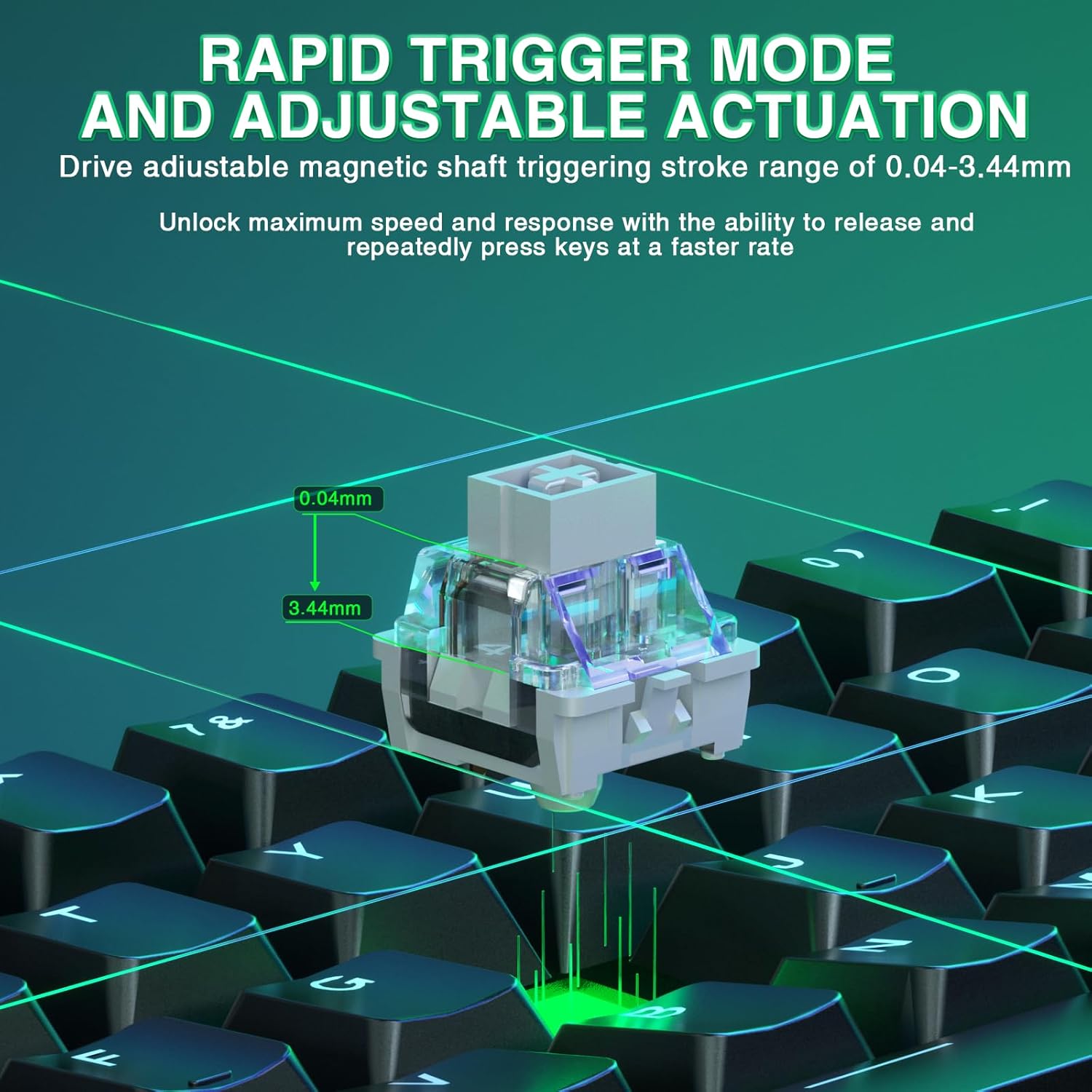
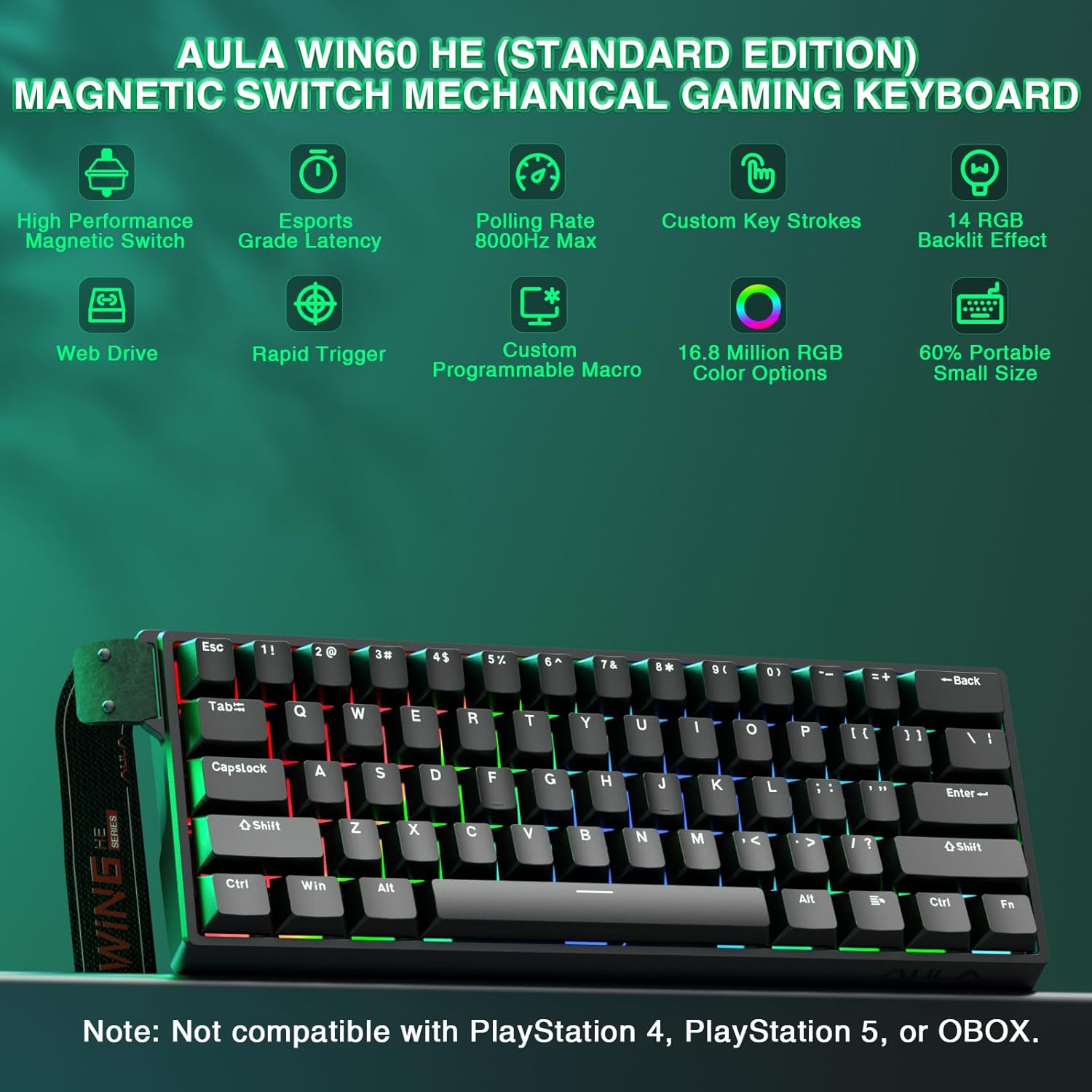
This compact gaming keyboard uses magnetic hall effect switches to deliver faster, more consistent key presses for competitive play. It fits into tight setups and stays reliable under heavy use, appealing to FPS players and anyone who values speed and low latency.
Quick overview
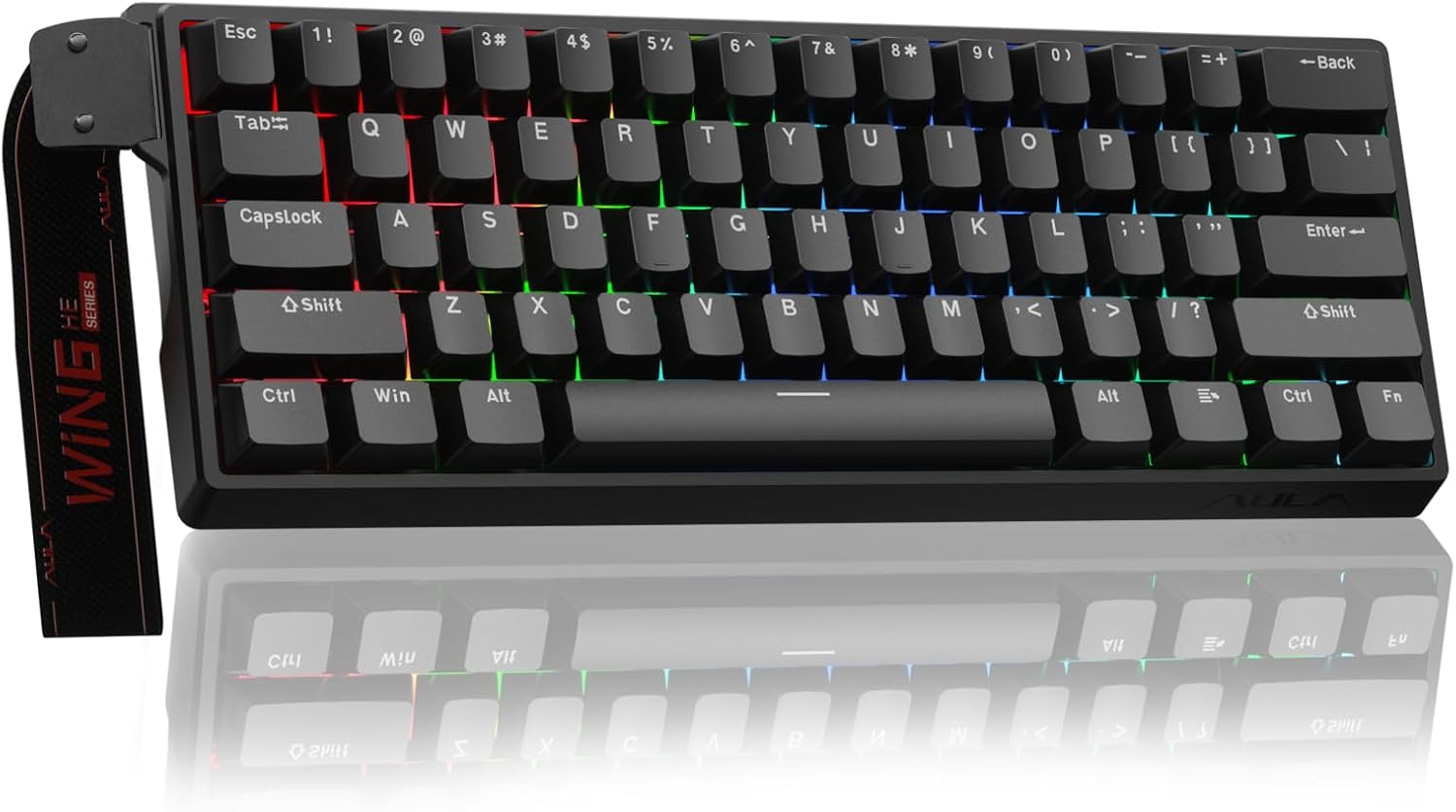
Three short lines to start. The first highlights the core advantage, low-latency actuation for rapid firing. The second notes the small 60% footprint that frees desk space. The third mentions web-based customization for quick personalization. Do you need a keyboard that responds faster than standard mechanical options? This one focuses on ultra-fast triggers and consistent switch behavior.
Tech summary
- Type: Hall effect magnetic switch keyboard
- Polling rate: 8000 Hz
- Format: 60%
- Response step: 0.02 mm
- Connectivity: Wired
What stands out
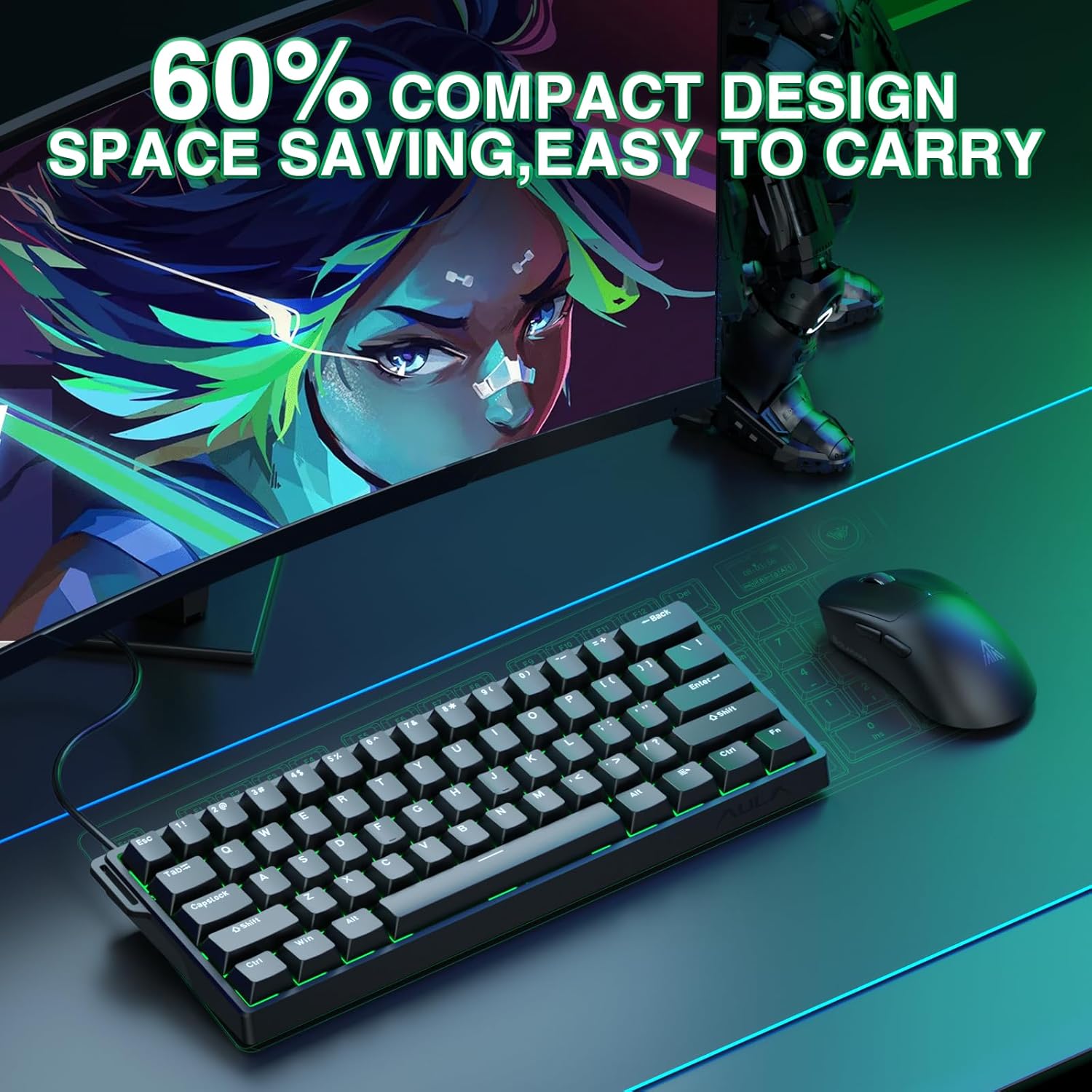
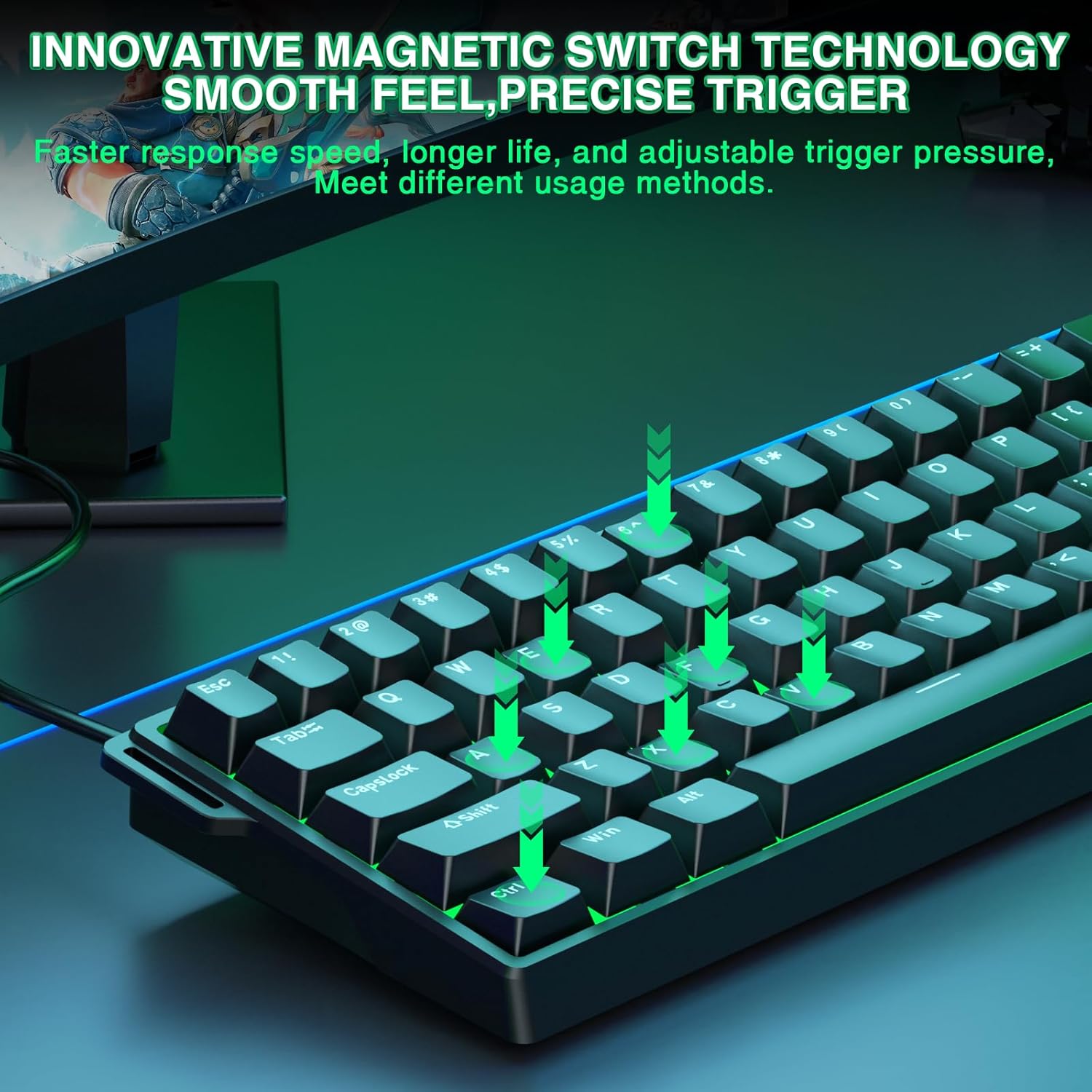
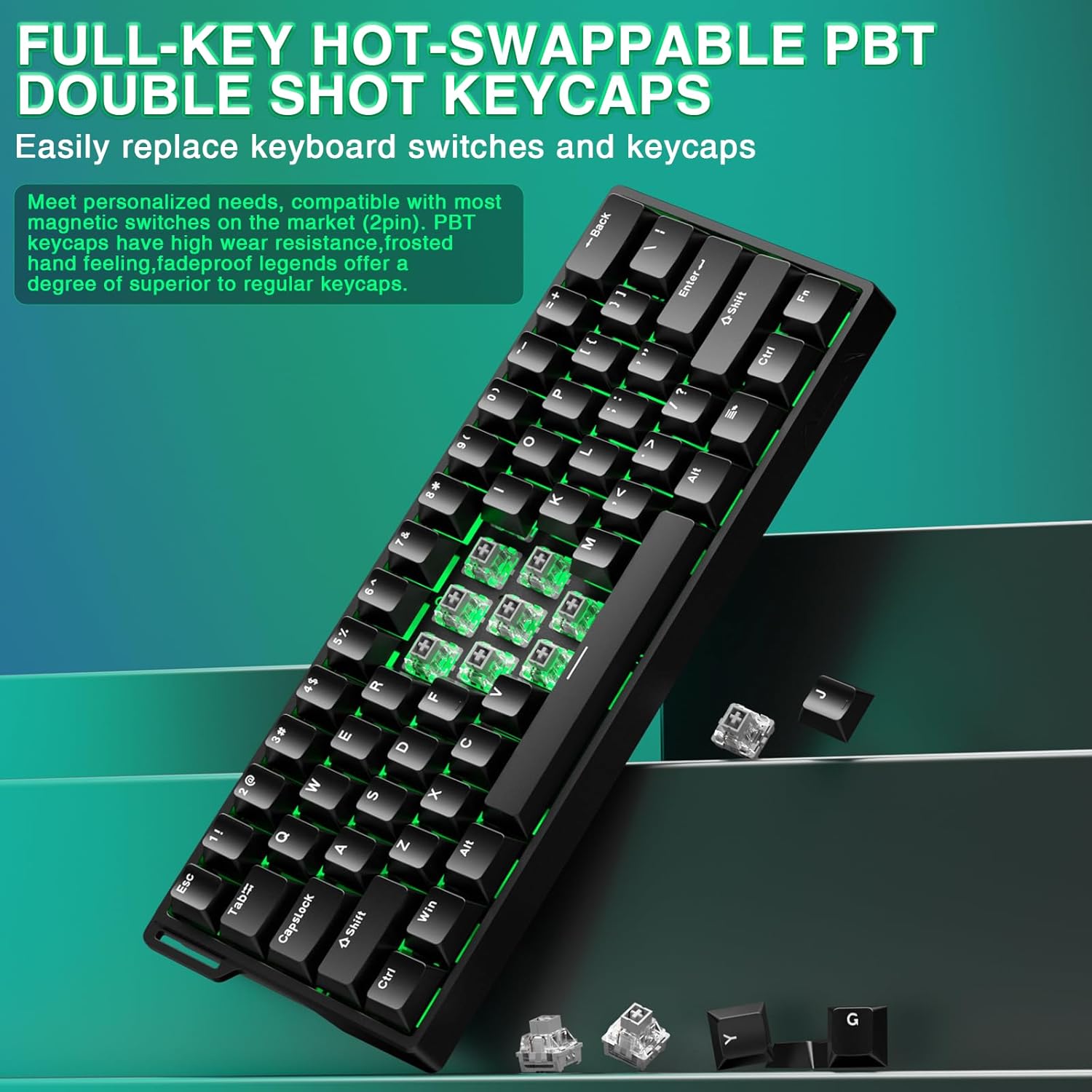
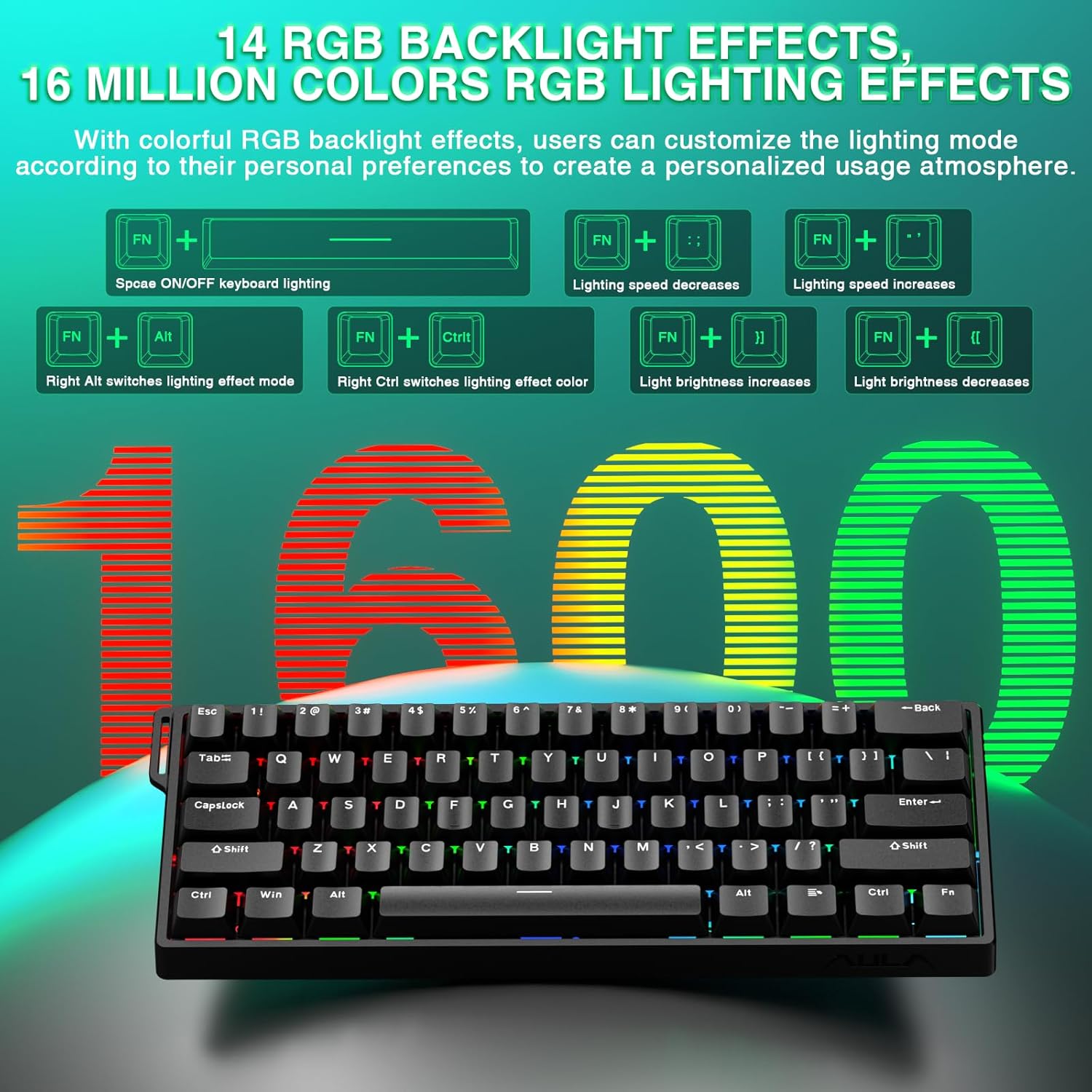
The Aula WIN60 HE pairs a space-saving layout with specialized magnetic switches that avoid physical contact, which reduces wear and keeps feel consistent over time. Gamers will notice quicker peek-and-shoot actions thanks to the 0.02 mm trigger distance, and the 8000 Hz polling keeps inputs aligned with high-frame-rate setups. RGB lighting sits lower to illuminate PBT keycaps, creating vivid effects without glare 🎨. The driver runs in a browser, so you can remap keys and create macros without installing heavy software, which helps on shared or locked-down systems.
Usage tips
Keep the keyboard in wired mode for the best polling performance, and use the web driver to tune actuation and macros before a session. The 60% layout saves space but removes dedicated arrow keys and a numpad, so you may want a secondary input method if you rely on those. Lighting and macro profiles can be stored online for quick switching across machines, useful for tournaments or LANs 🎯.
Maintenance
Wipe keycaps gently and avoid liquids near the PCB. Magnetic switches reduce debris-related wear but regular cleaning of the caps and occasional compressed air bursts will help keep lighting and typing feel consistent over time. Note that the compact layout may not suit users needing a full keyboard for spreadsheets or heavy number entry.