

Anker Car Charger
Product description
Technical details
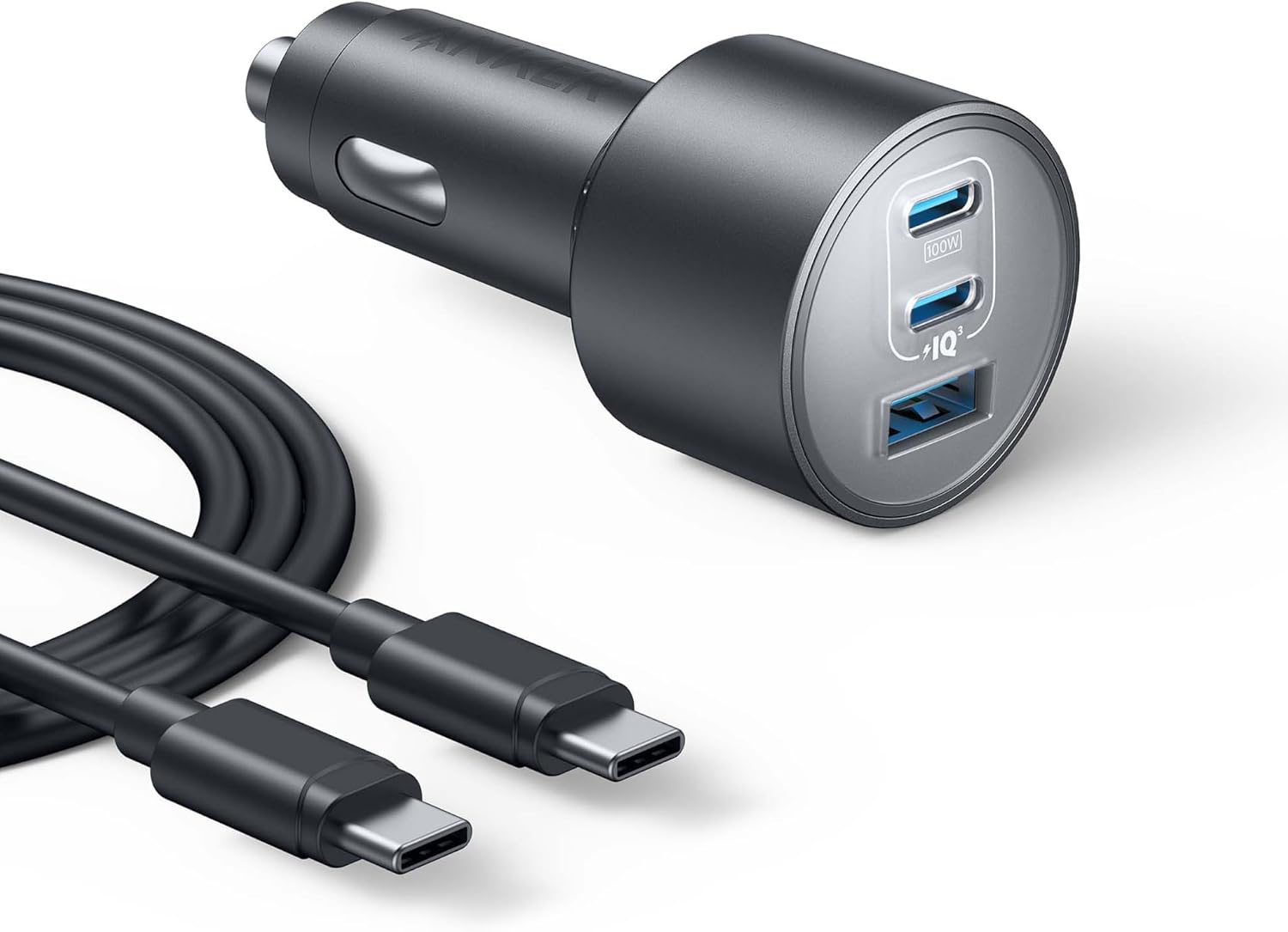
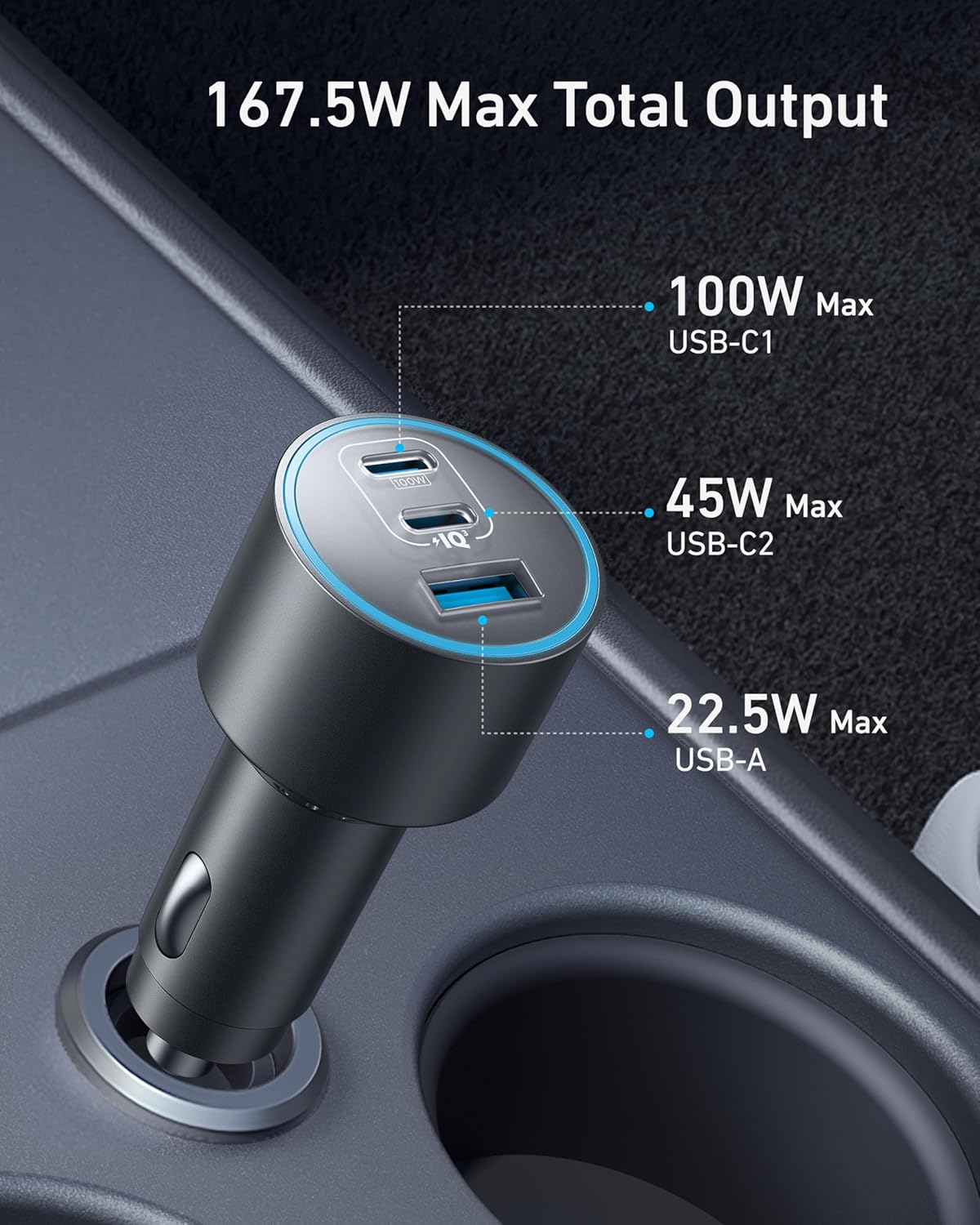
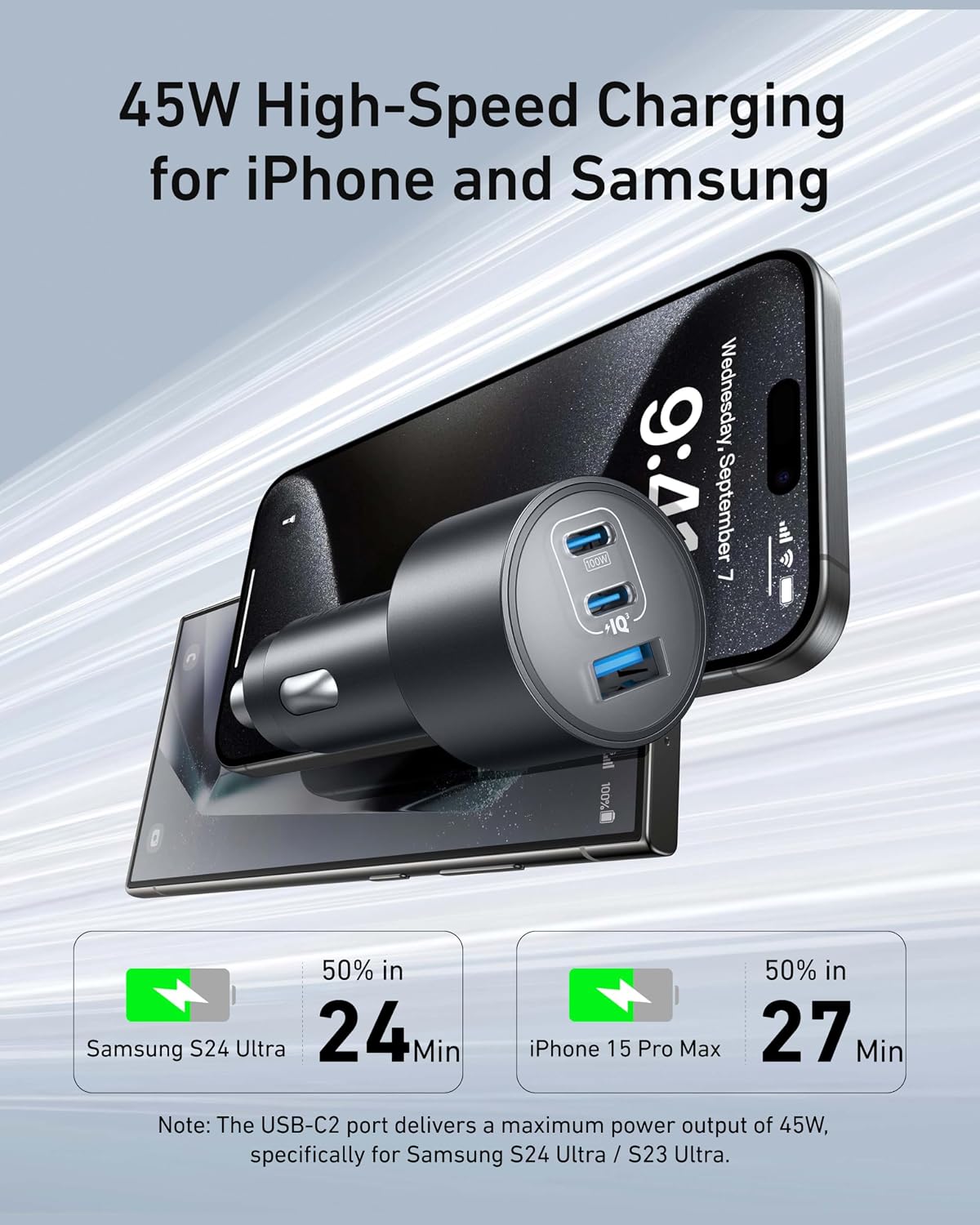
The standout feature is three charging ports in a compact car charger: two USB-C ports and one USB-A port. That gives you more ways to charge a laptop, phone, or other device in the car without relying on a single connection. The listed maximums are 100W for USB-C1, 45W for USB-C2, and 22.5W for USB-A, with a 167.5W maximum total output.
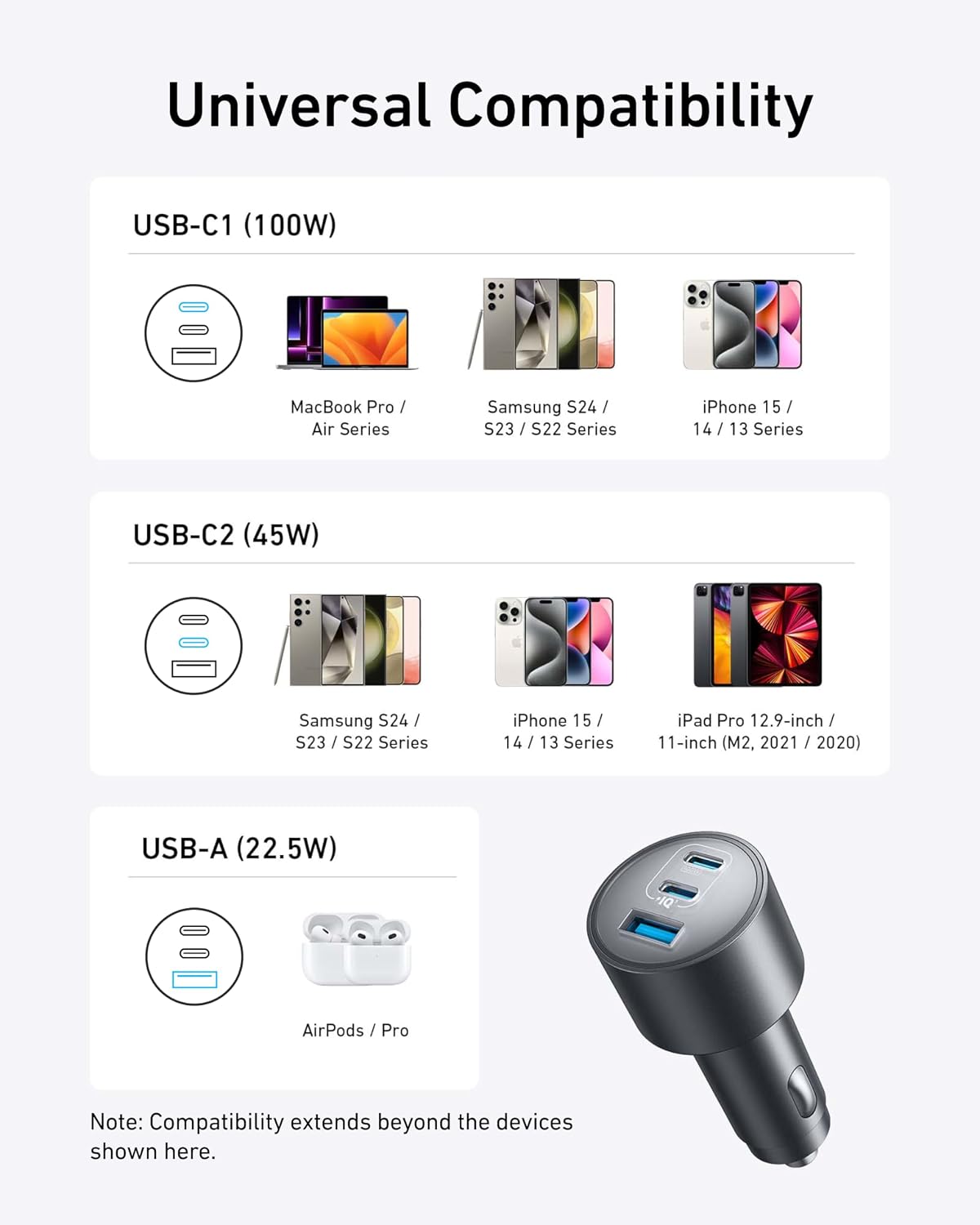
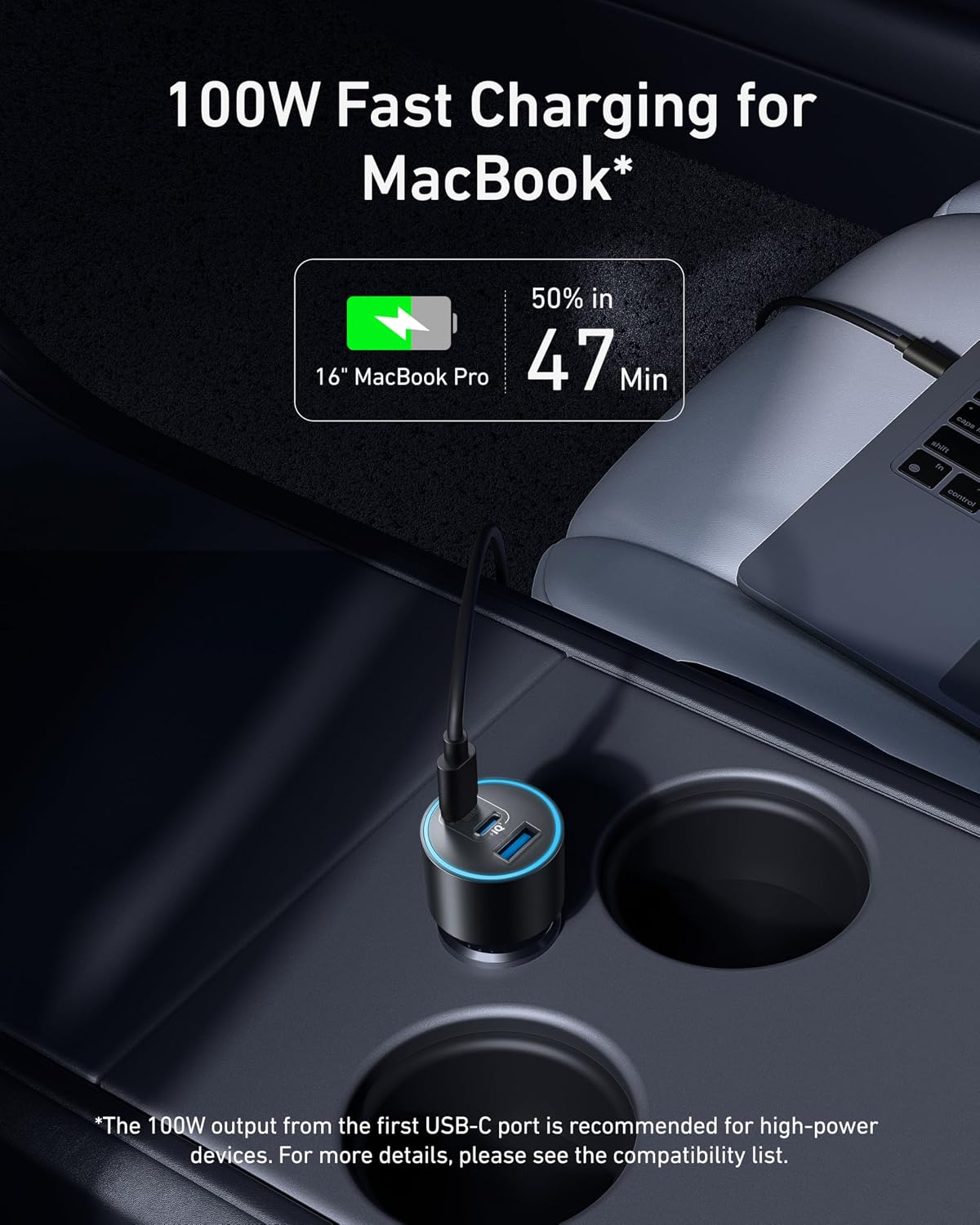
The maker says the 100W USB-C1 port can charge a 16-inch MacBook Pro from 0% to 50% in 47 minutes. Treat that as a maker-stated result, not a guarantee for every setup, charging speed can depend on the connected device and conditions. The product name also lists MacBook, iPhone, Samsung, iPad, and AirPods devices, but it doesn’t specify a complete compatibility list.
Getting the most from it
This charger is aimed at drivers who want to power more than one device from a single car charger. For example, you could connect a laptop to USB-C1 and a phone to USB-C2 on a longer drive, keeping the USB-A port available for another device. A single-port charger is a simpler fit if you only need to charge one item at a time, this Anker model is more useful when several devices share the trip.
One important detail is missing: the listing gives the maximum for each port, but not how power is distributed when multiple ports are in use. The 167.5W total shouldn’t be read as a promise that each port will deliver its individual maximum simultaneously. It makes sense if you value multiple connections and a compact design, Not the best choice if you need a documented simultaneous power breakdown before buying.
Usage tips
Use the included USB-C-to-USB-C cable for a compatible USB-C device, and match the device to the port that suits its charging needs. USB-C1 has the highest listed output, while USB-C2 and USB-A provide additional connections. The box also includes a welcome guide and an 18-month warranty.
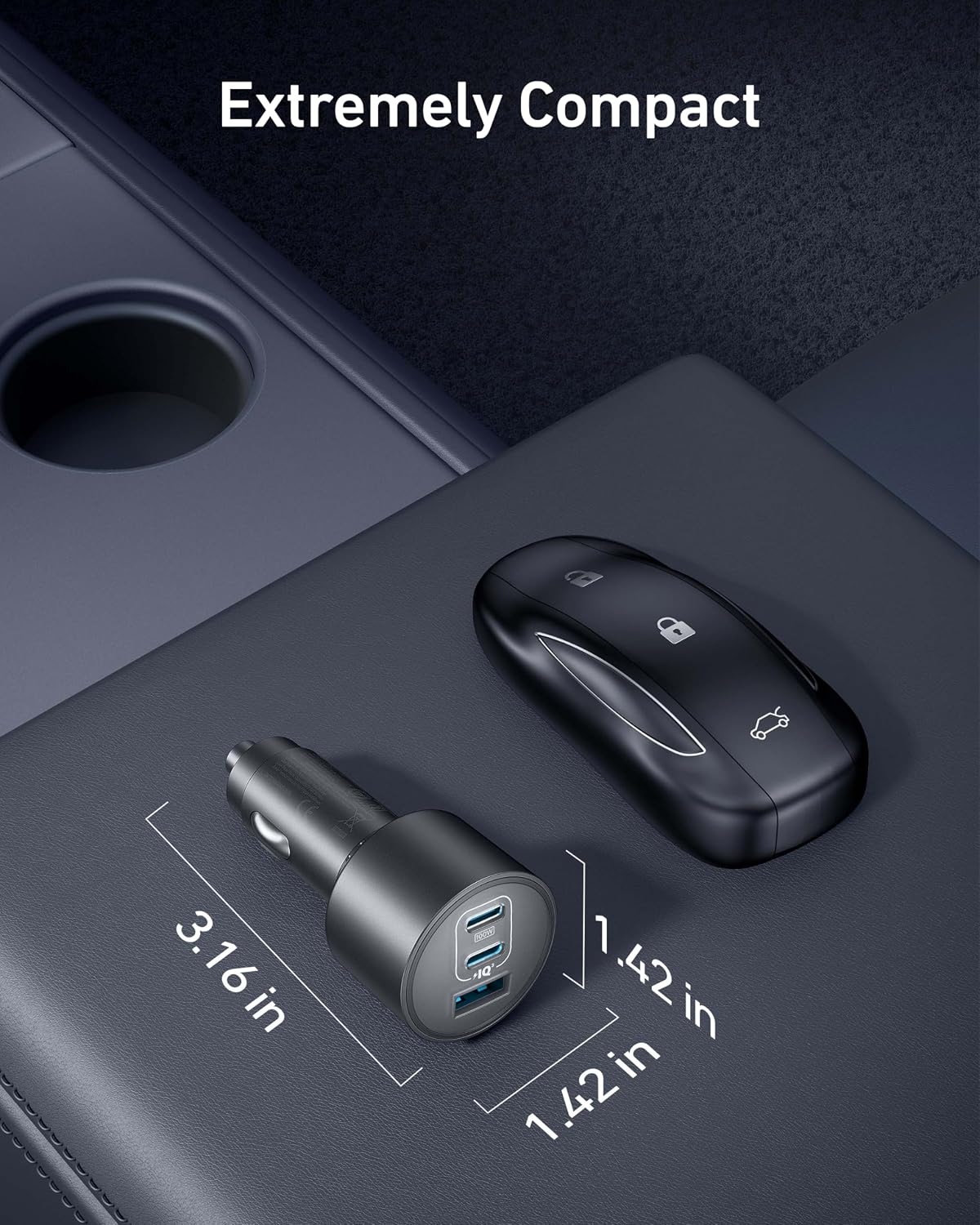
Think about your usual car setup before choosing it. If you regularly carry a laptop and phone, the three-port layout can reduce the need to choose which one gets connected. If your devices use different cable types, this package lists only one USB-C-to-USB-C cable, so you may need to supply other cables. The charger is described as ultra-compact, but no dimensions are provided to help compare its fit with a particular vehicle interior.
Questions before you buy
What ports does the charger have? It has two USB-C ports and one USB-A port. Their listed maximum outputs are 100W, 45W, and 22.5W, respectively.
Is a cable included? Yes. The package includes a 3.3 ft USB-C-to-USB-C cable. The listing doesn’t name additional cables.
Does it charge a MacBook Pro quickly? The maker states that USB-C1 can take a 16-inch MacBook Pro from 0% to 50% in 47 minutes. Actual results may vary, and no equivalent timing is provided for other devices.
Final verdict
This is a practical choice for a car where several devices need charging and USB-C output matters, especially if a laptop is among them. Its three-port layout and stated 100W USB-C1 output give it a clearer use case than a basic single-port adapter. The trade-off is that the listing doesn’t explain how output is shared across connected devices, and the included cable only covers USB-C to USB-C. Choose it for flexible in-car connections, skip it if you need confirmed power allocation for simultaneous charging or a specific set of included cables.