

ANCEL BM700 PRO BMW diagnostic scanner 1-tool
Reviews
Price
Product description
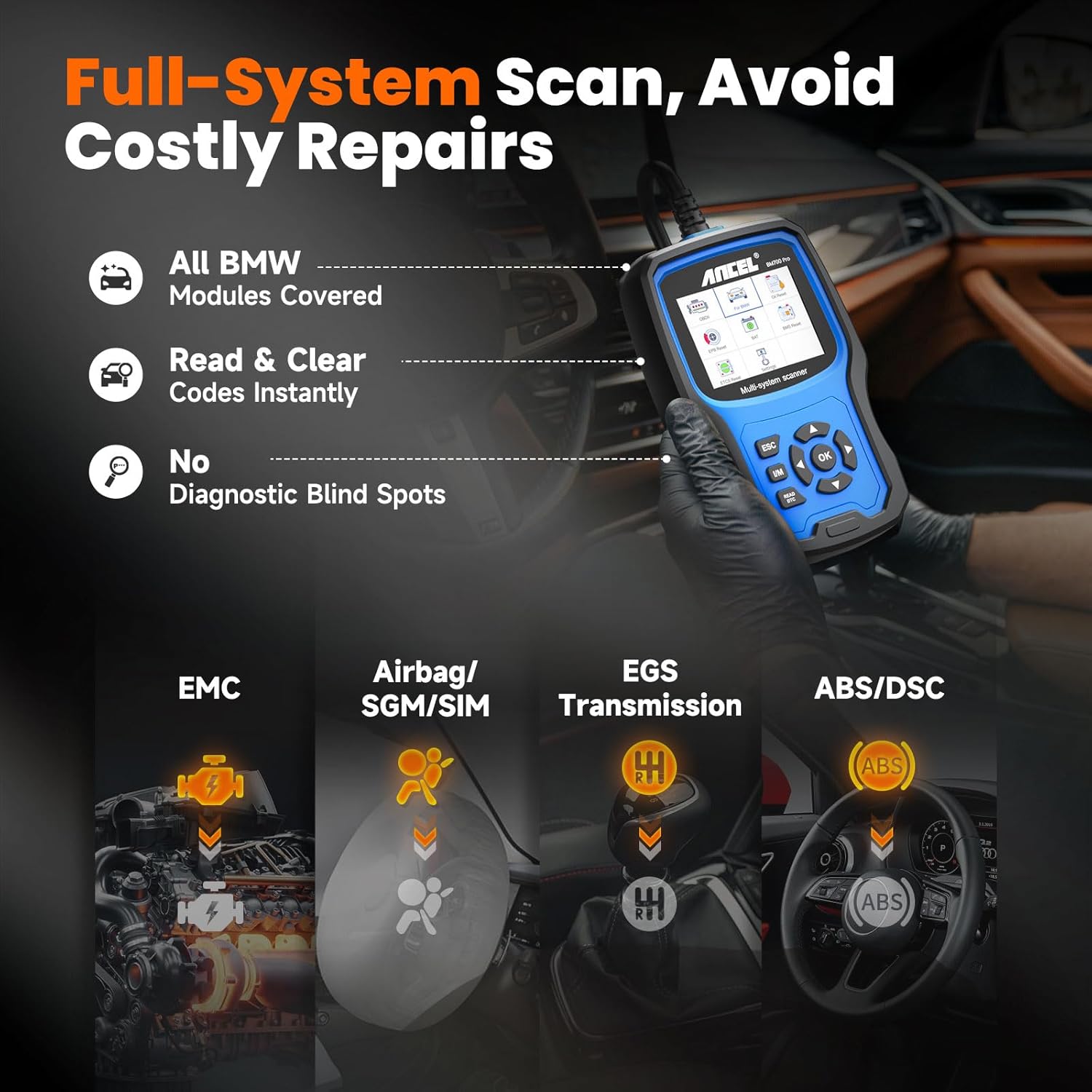
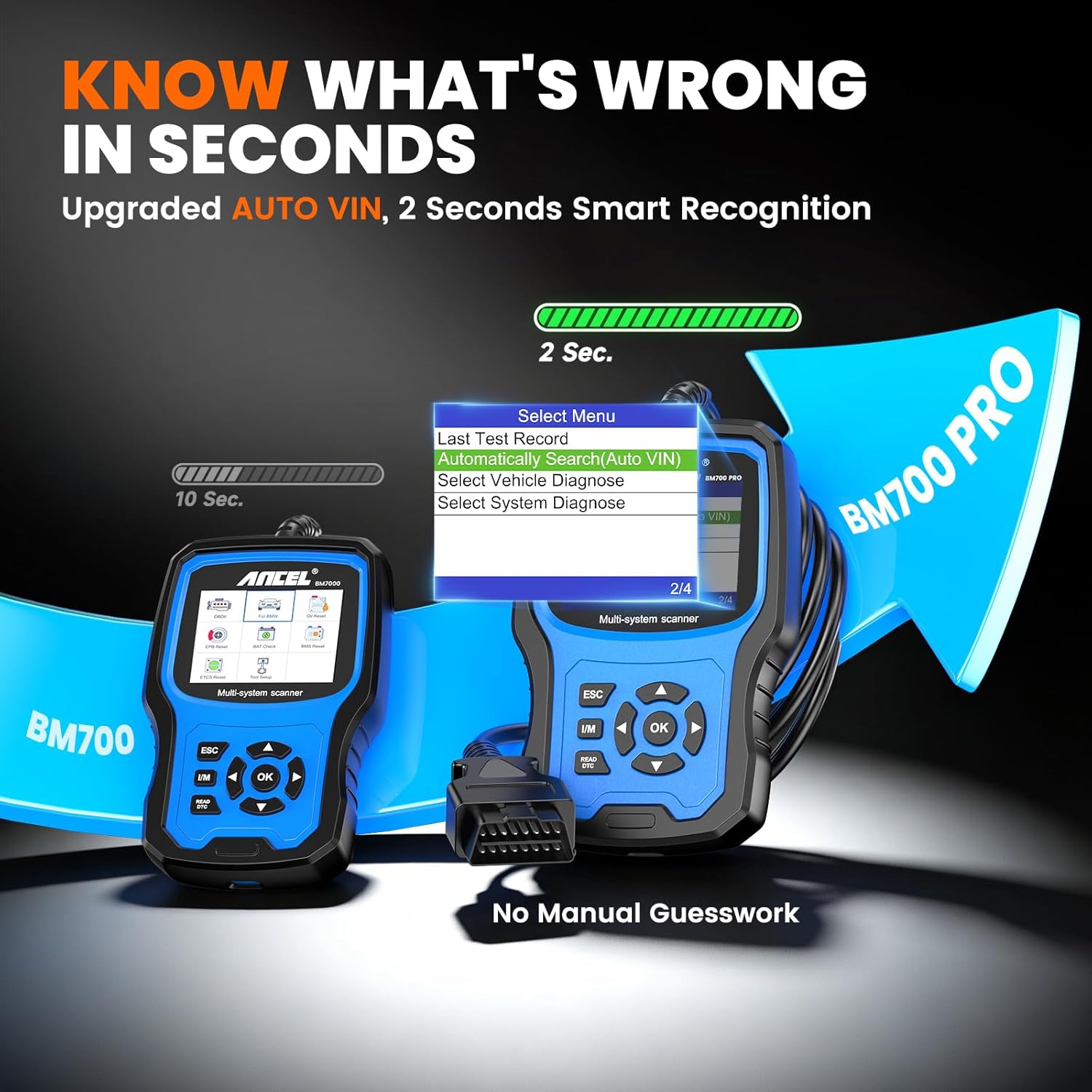
This diagnostic tool from ANCEL targets owners and technicians who need a BMW-specific scanner for maintenance and troubleshooting. It combines VIN auto-recognition with full-system scanning and battery registration, making routine service tasks and fault diagnosis more straightforward for BMW, Mini and Rolls‑Royce models.
Key Points
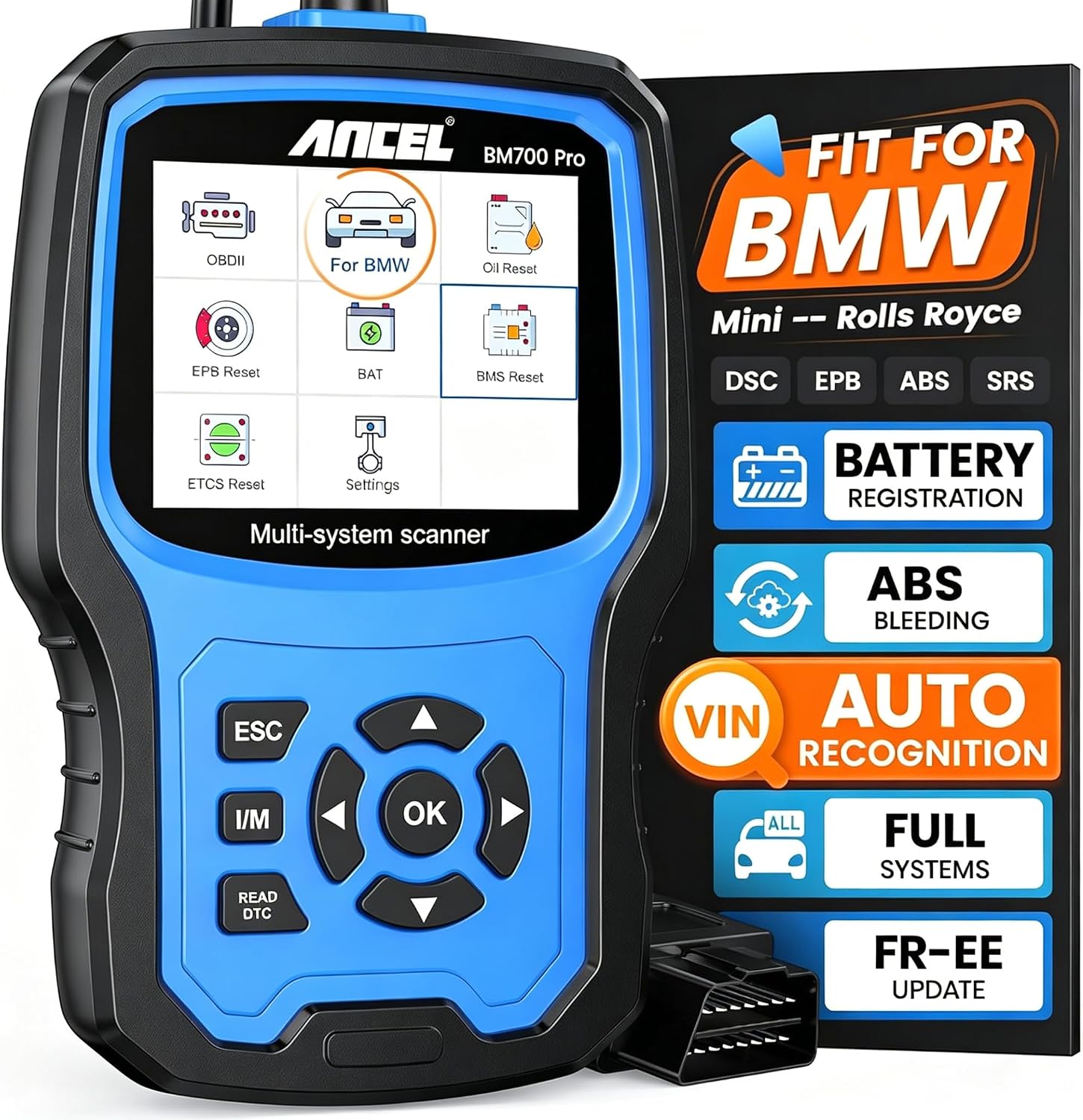
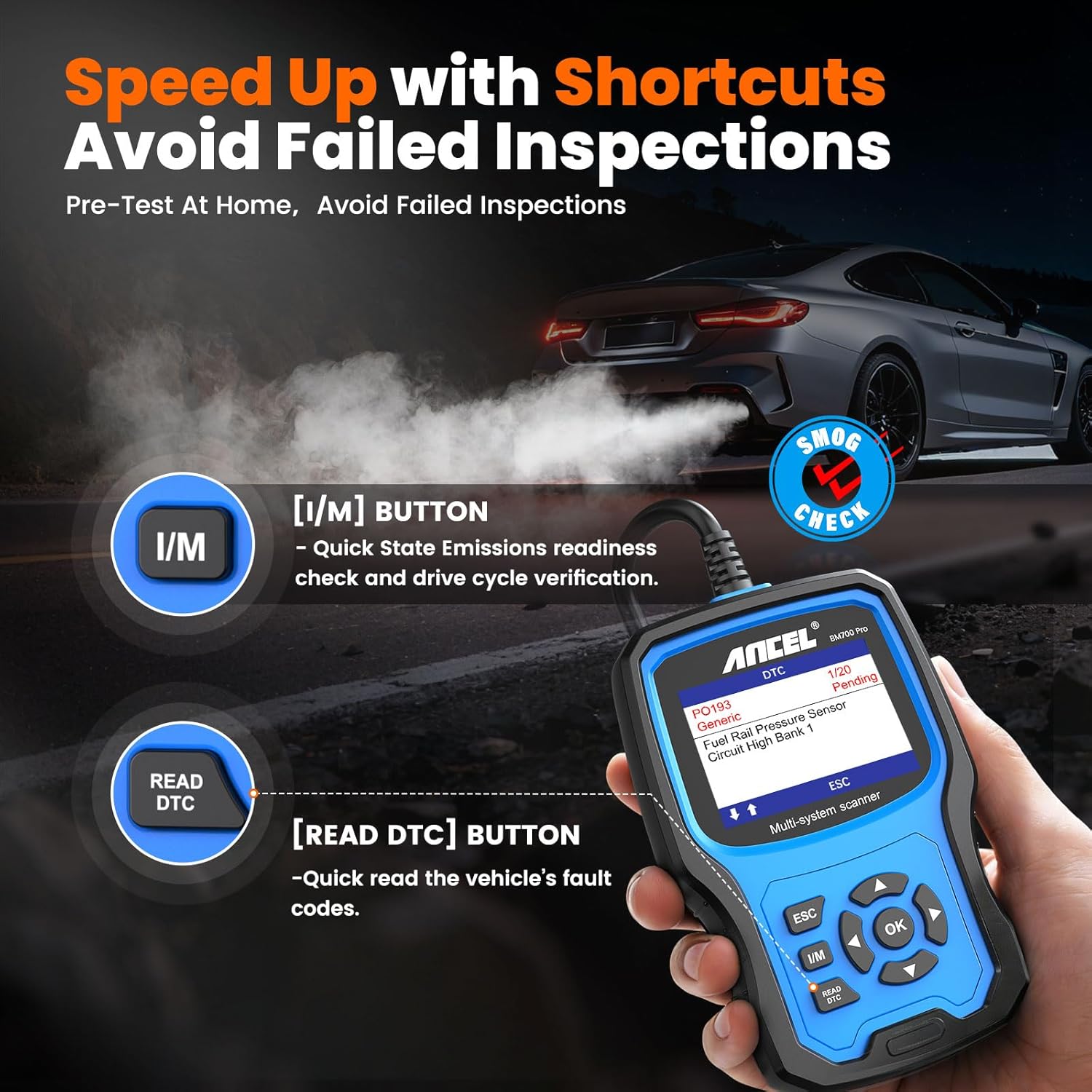
The ANCEL BM700 PRO focuses on BMW-compatible diagnostics including VIN automatic reading and battery registration. It reads and clears diagnostic trouble codes across all systems, supports live data viewing, and performs special reset services according to the manufacturer. The interface aims to be user-friendly for both DIYers and professional workshops, and the unit comes in a blue casing that is easy to spot in a tool kit. Note that compatibility depends on the model year and specific vehicle configuration, and some advanced functions may vary by vehicle.
Technical Specifications
- Name: ANCEL BM700 PRO Fit for BMW Scanner
- Supported makes: BMW, Mini, Rolls‑Royce (RR)
- Functions: VIN auto-recognition, full system scan, code read/erase, battery registration
- Connectivity: OBD2 wired connection
- Color: Blue
Benefits

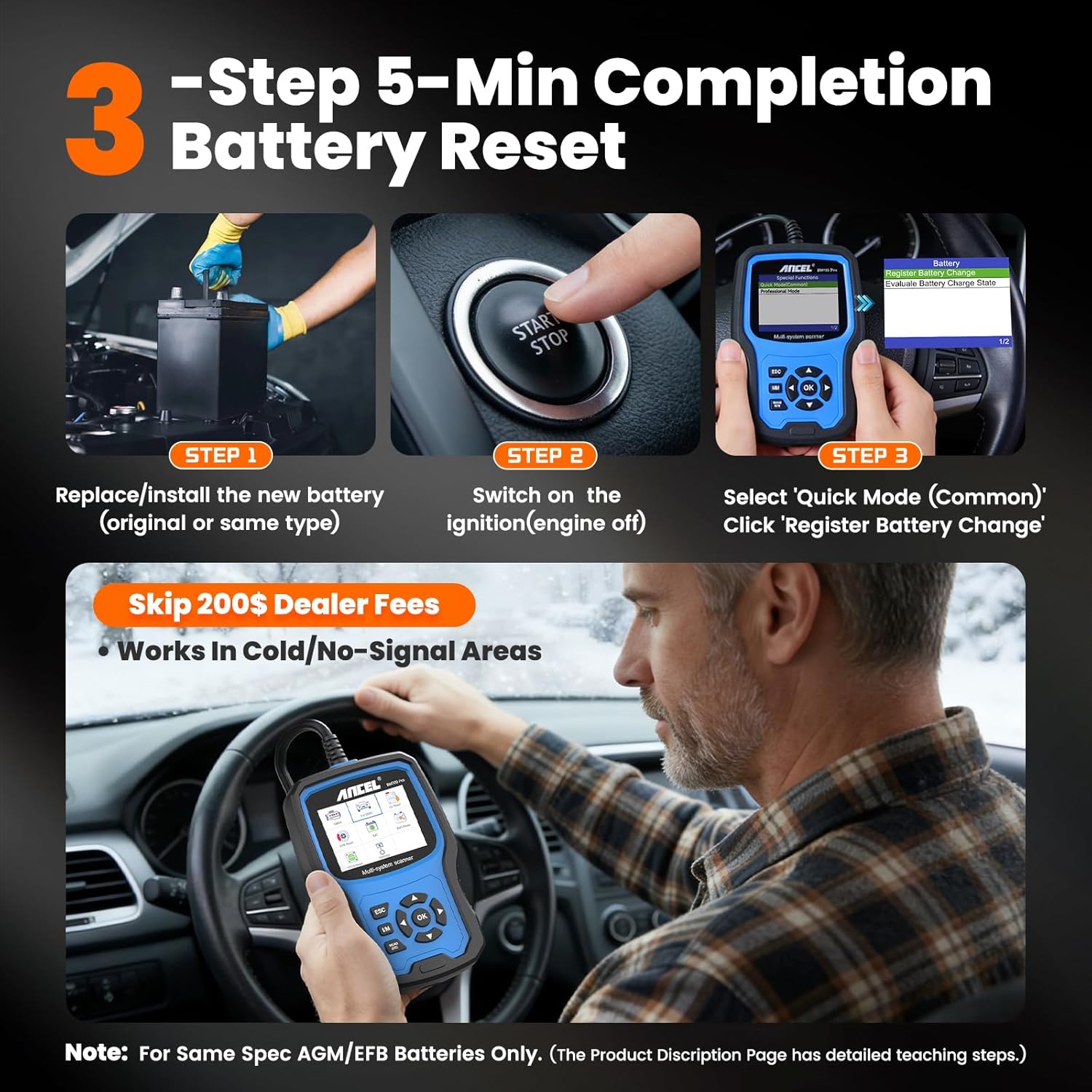
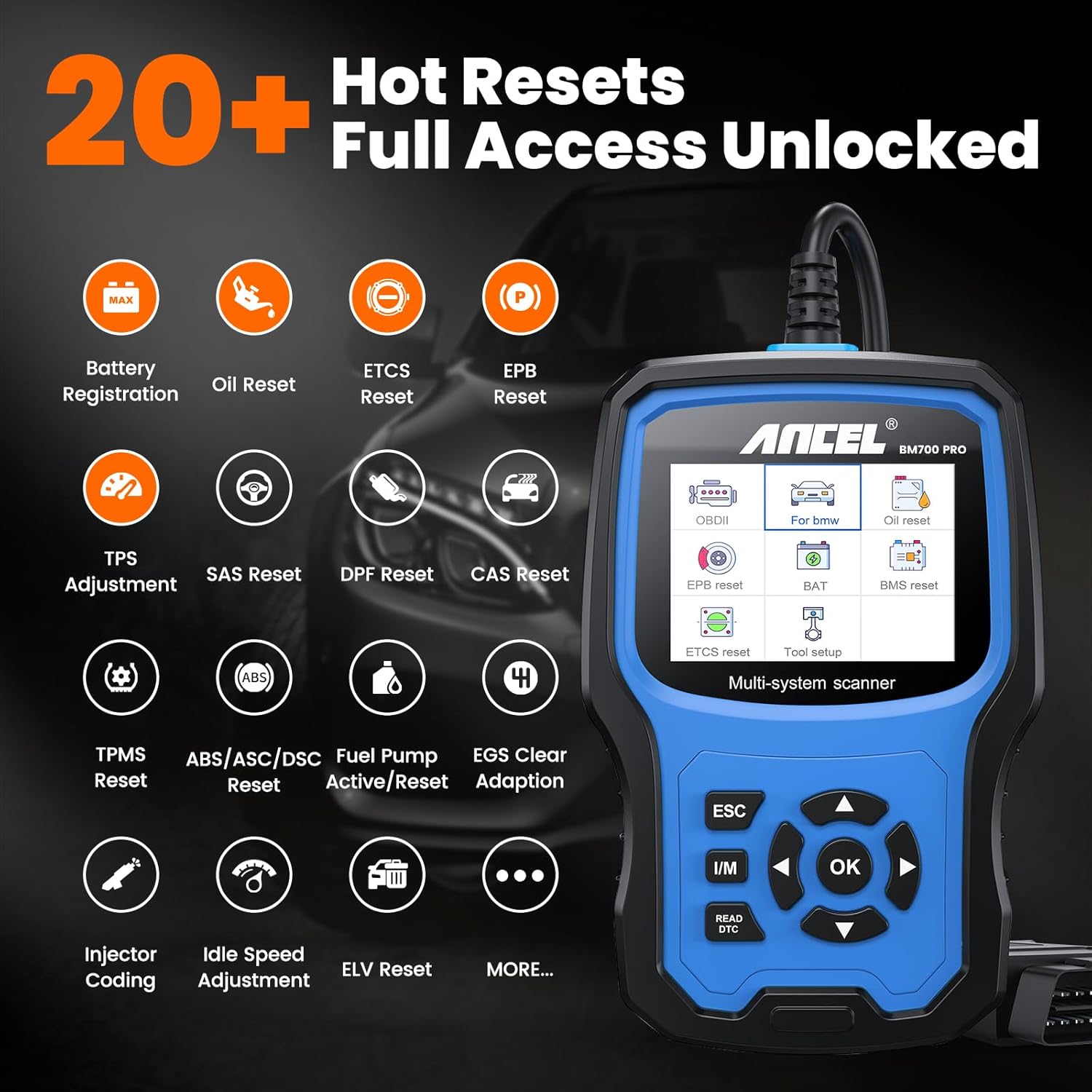
Having built-in battery registration simplifies battery replacements and avoids warning lights that can result from changed battery parameters. The automatic VIN recognition speeds up the diagnosis process so you spend less time selecting vehicle details manually. Live data and full-system access let you monitor sensors and actuators while testing repairs or verifying intermittent faults. Additionally, the tool includes multiple reset services which can help after maintenance tasks where system recalibration is required.
How to Use It
Connect the scanner to the vehicle OBD2 port and allow the device to read the VIN for rapid vehicle identification. Run a full system scan to list stored and pending codes, then view live data streams to inspect sensor readings while the engine runs. For battery changes, use the battery registration routine to record the new battery parameters, following on-screen prompts. Always consult the vehicle service manual for any manufacturer-specific procedures that must be followed during resets or adaptations.
Practical Tips
Keep the scanner updated according to ANCEL’s instructions when updates are available from the manufacturer so compatibility with newer models is maintained. Consider verifying feature availability for your exact model and year before relying on advanced functions, because some options may be limited on older or highly specialized vehicles. Using the tool alongside basic hand tools and a multimeter will help with thorough troubleshooting and confirmation of electrical issues.