

AMVR Golf Club Attachment 15.7" VR Golf Club
Product description
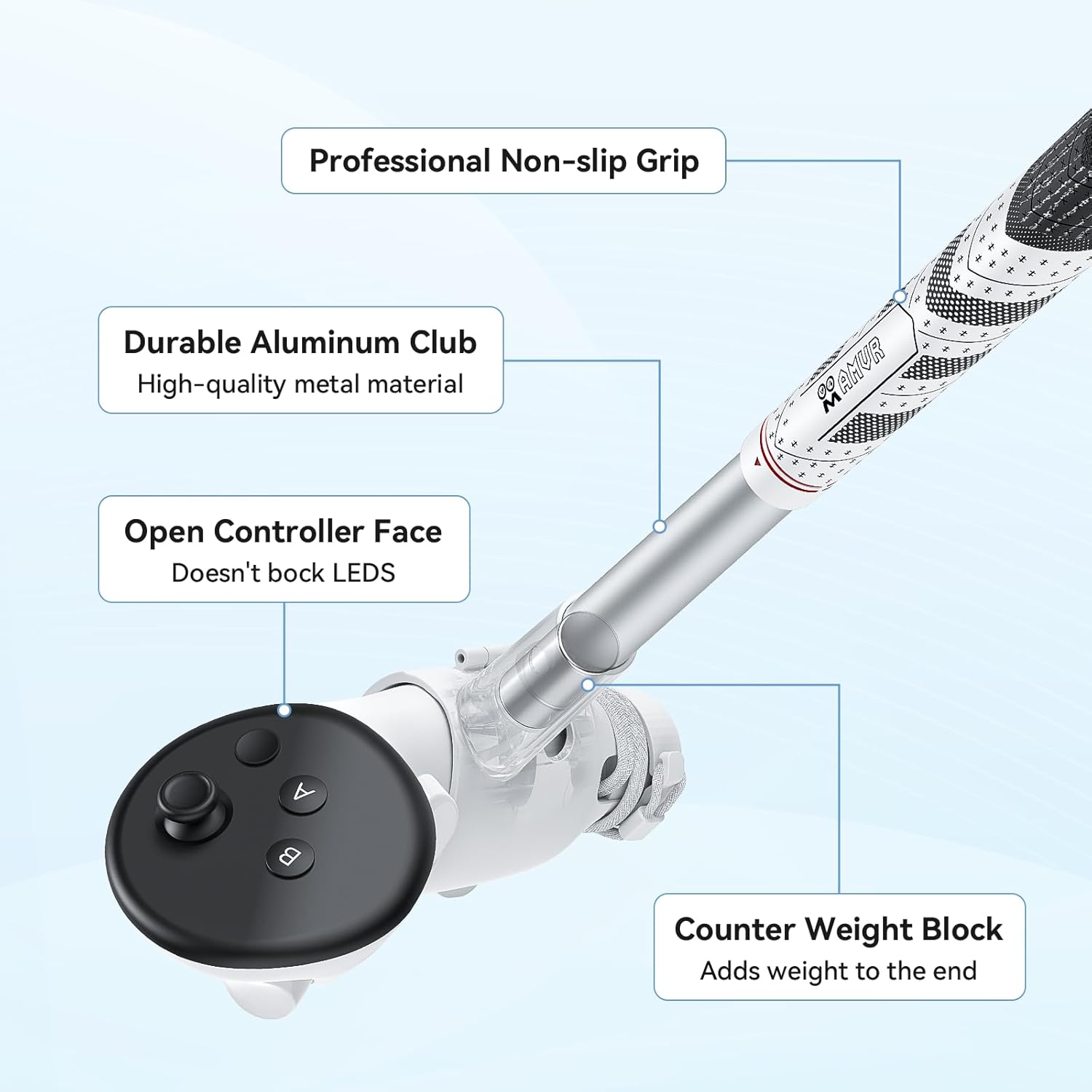
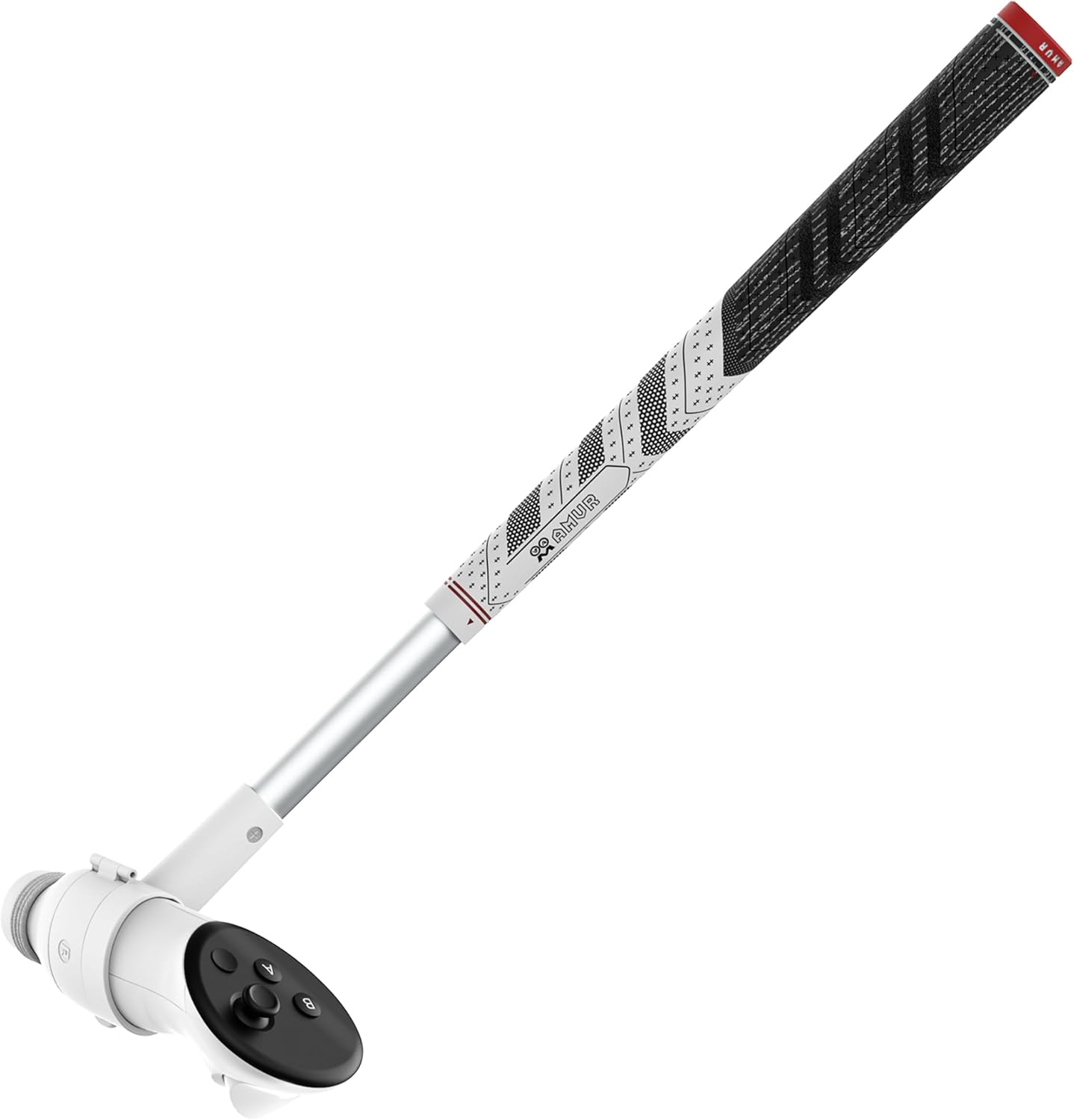
This VR golf club attachment turns a Quest controller into a longer, more club-like form for more natural swings when playing golf titles on Meta/Oculus Quest 3 or Quest 3S. It adds reach and a weighted feel to help simulate a real golf club while keeping controller tracking facing the headset, according to the manufacturer.
Key Points
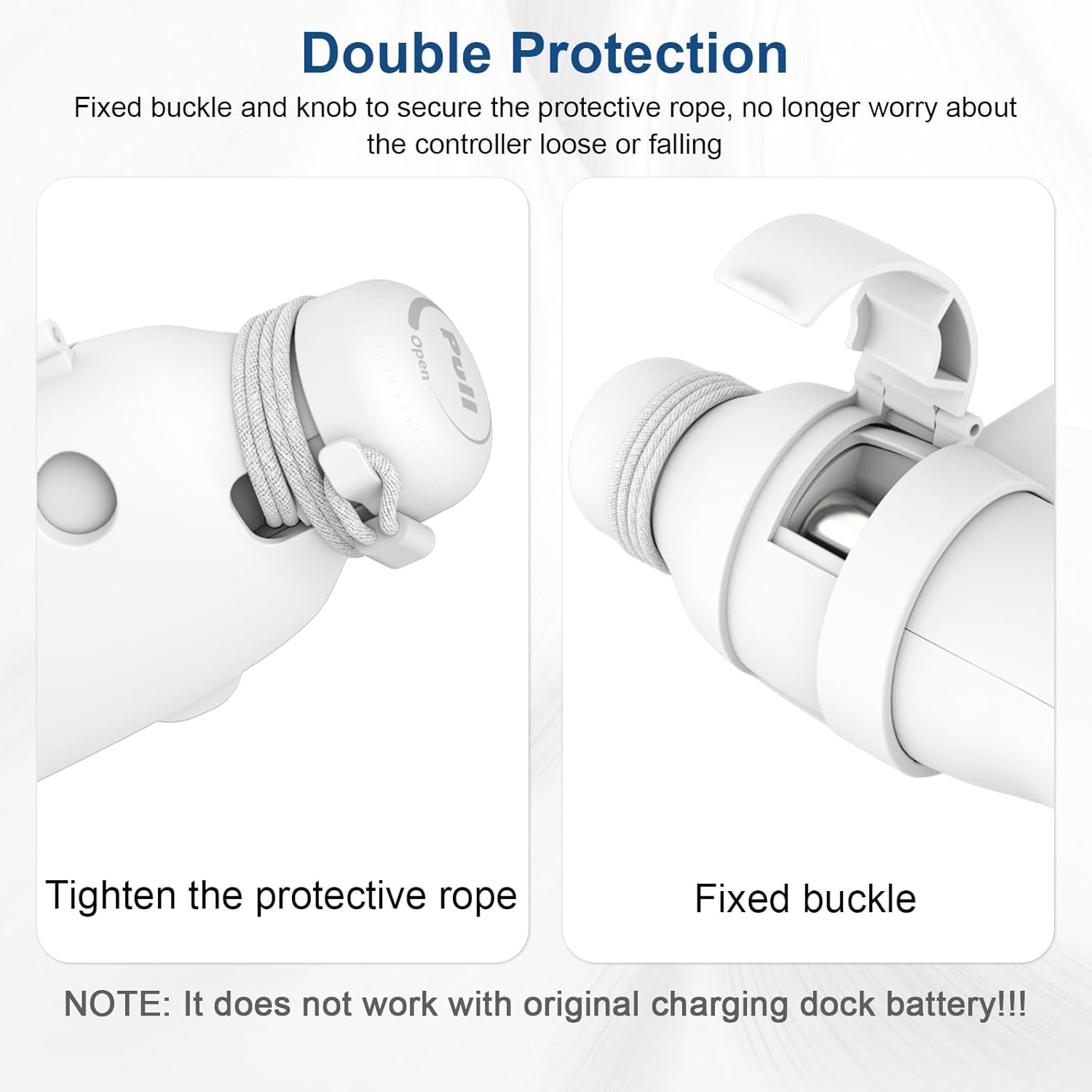
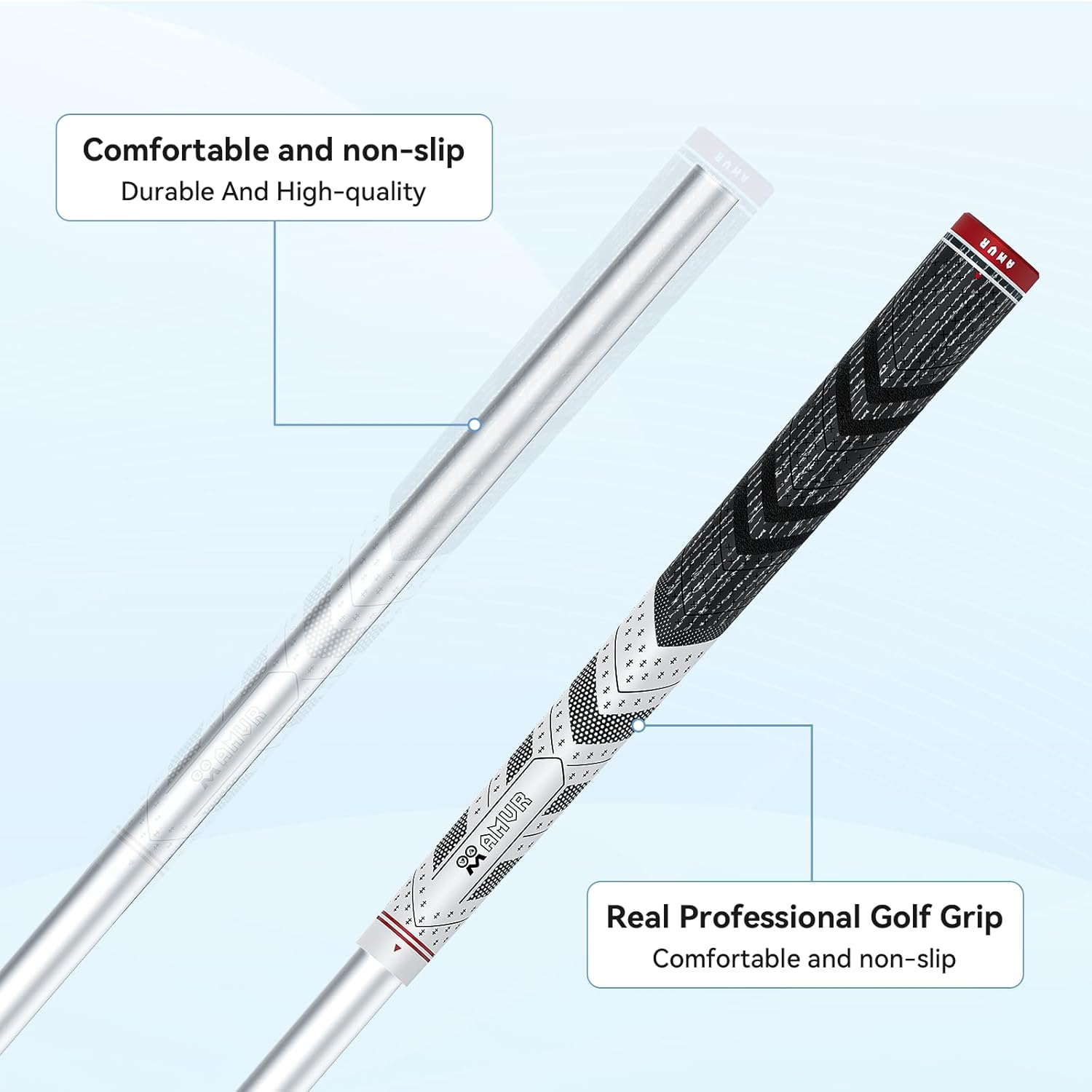
The accessory combines a firm fixing buckle with an adjustable cord knob to give two layers of protection for your controller. This reduces wobble and helps keep the controller secure during swings. The grip uses materials similar to professional golf clubs so you can hold it comfortably and with confidence. ⚪️ The design aims to preserve button access so you can still operate the controller without removing the attachment. 🎯 Note that tethers or loose straps can affect tracking and should be managed carefully.
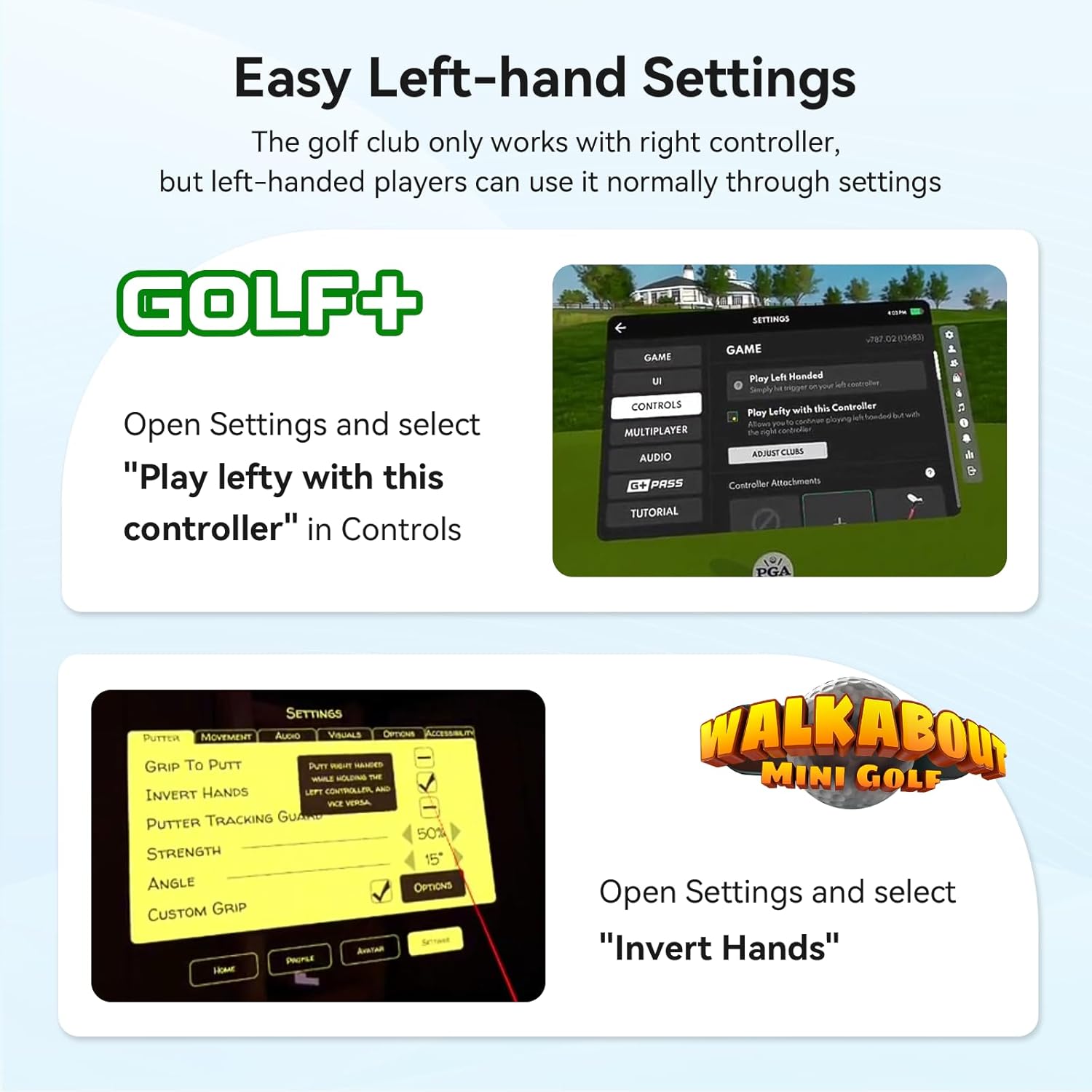
Technical Specifications
- Name: AMVR Golf Club Attachment
- Compatibility: Meta/Oculus Quest 3S, Quest 3
- Length extension: 15.75 inches
- Tracking design angle: 80 degrees
- Material: Non-slip grip surface, club-style handle
- Installation time: A few minutes, tool-free
Benefits
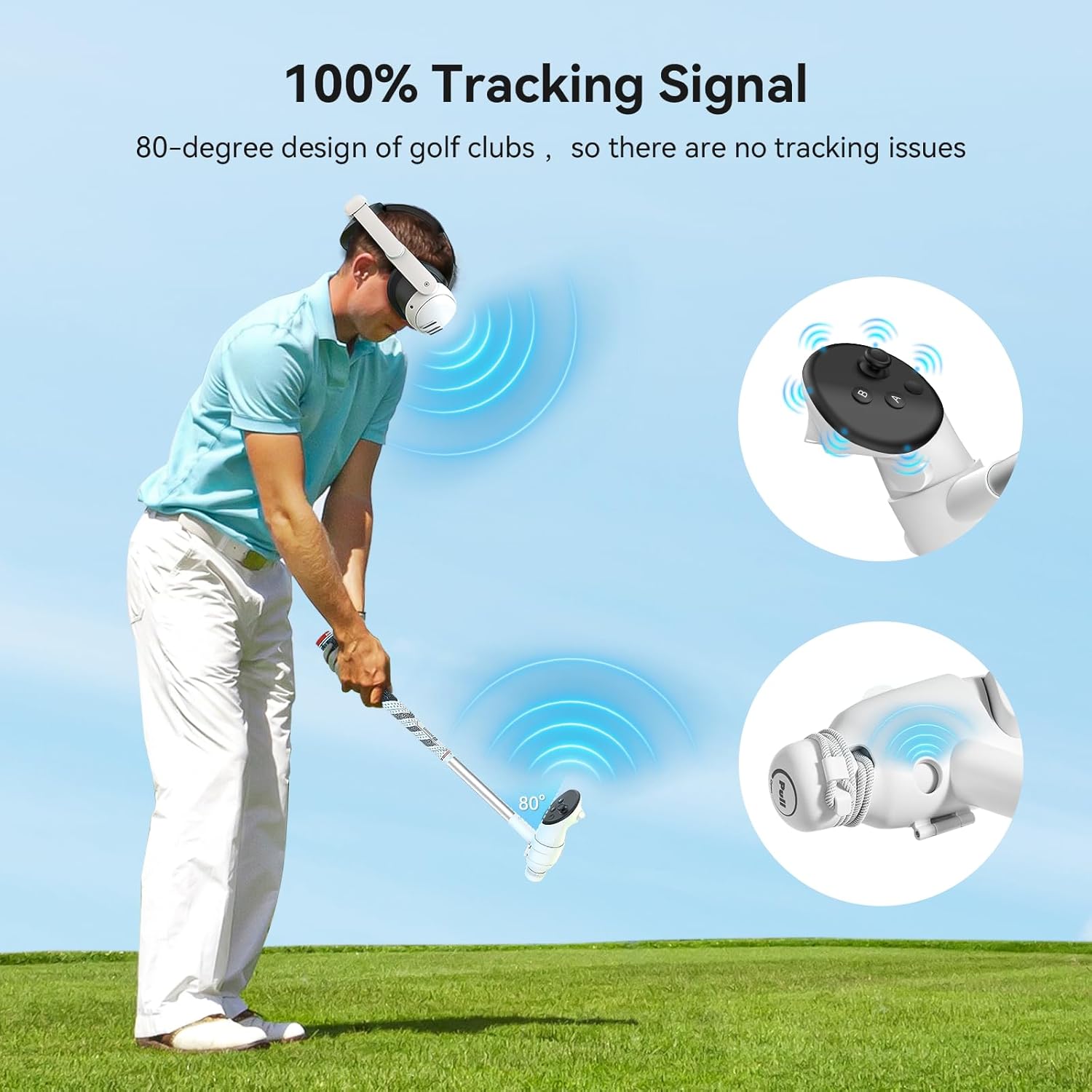

By extending the controller by 15.75 inches, the attachment shifts the center of mass so swings feel closer to those of a real club. This added length and the lower weight distribution make directional control and tempo feel more intuitive in many golf VR titles. The 80-degree alignment is intended to keep tracking markers oriented toward the headset for consistent positional data, according to the manufacturer. One nuance to consider is that certain loose accessories or wrist straps may interfere with tracking, which can affect performance in some setups.
Usage Recommendations
Install and remove the attachment quickly without tools, following the simple buckle-open method described by the maker. During play, press buttons through the grip when needed, since the design preserves accessibility. Warm up with few practice swings in the game's tutorial area to get used to the altered balance and to confirm tracking stability before longer sessions. If you notice any tracking glitches, check that nothing is covering the controller sensors and that the fixed buckle is snug.
Practical Tips
For more realistic practice, pair the club attachment with a stable play area and clear line of sight to the headset sensors. Clean the non-slip handle as needed with a mild cloth to maintain grip performance. Consider that the heavier feel is by design and may take a short adjustment period if you are used to playing handheld only.