




Alxum 2-Port HDMI KVM Switch ⚙️

Description:
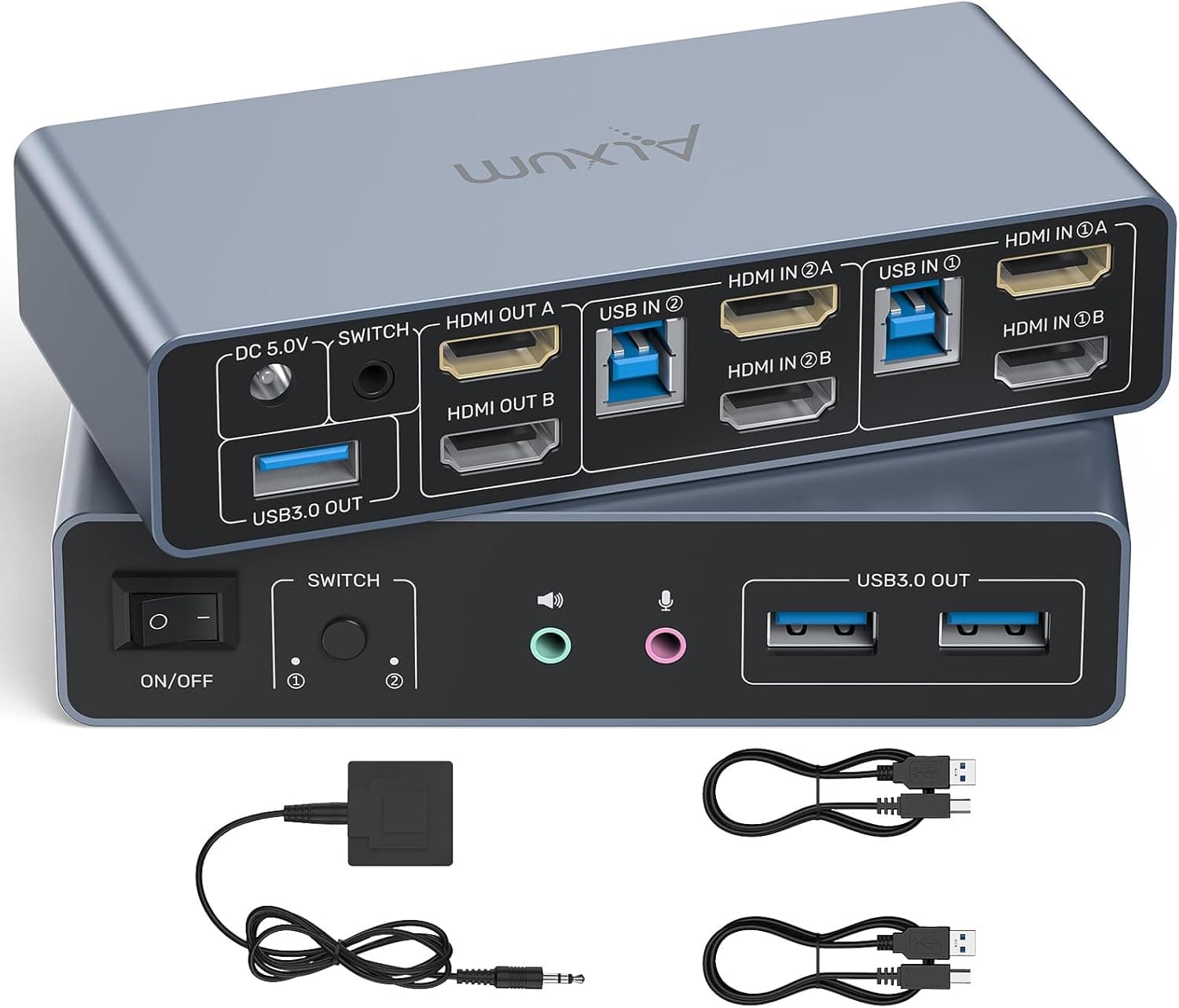
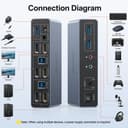
This Alxum 2-Port HDMI KVM Switch enables seamless control of two computers and two monitors using a single keyboard, mouse, and USB device setup. It supports both extended and mirrored display modes, allowing users to either show different content on each screen or duplicate the same image across both displays. The device includes three additional USB-A ports and built-in audio and microphone connectivity, making it ideal for home offices or multi-device workstations where simplicity and shared peripherals matter.
Key Points
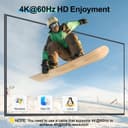
The Alxum 2-Port HDMI KVM Switch operates without requiring software installation or drivers, offering immediate setup. It features two switching modes: button-based toggling and desktop controller switching, which helps maintain a clutter-free workspace. The switch supports up to 4K@60Hz resolution on both monitors, delivering sharp and vibrant visuals. It is compatible with 4K@30Hz and 1080p inputs, ensuring flexibility across different screen types and content sources.
Technical Specifications
Brand + Model
: Alxum 2-Port HDMI KVM SwitchInput/Output
: 2 x HDMI ports (HDMI 2.0 or higher), 3 x USB-A 3.0 ports, built-in audio and micResolution Support
: Up to 4K@60Hz (4096×2160), 4K@30Hz, 1080pUSB Speed
: USB 3.0 with transfer speeds up to 5 GbpsPower Requirement
: Requires a 5V DC power adapter to remain activeOperating Modes
: Extended display and mirrored display
Usage Recommendations
For optimal performance, connect an HDMI 2.0 or newer cable with a length under five meters. Ensure both monitors are set to the same resolution and refresh rate to achieve full 4K output. The switch works best when one computer is active at a time, and it is not recommended to run both systems simultaneously, especially with portable devices. Keep the power adapter plugged in at all times during use.
A clear, transparent protective film covers the device during shipping—this can be removed before first use. The switch does not support DP input or DP-to-HDMI cables, so users must use HDMI connections only. While the device offers straightforward control over multiple systems, it lacks a network interface, limiting remote access capabilities.
