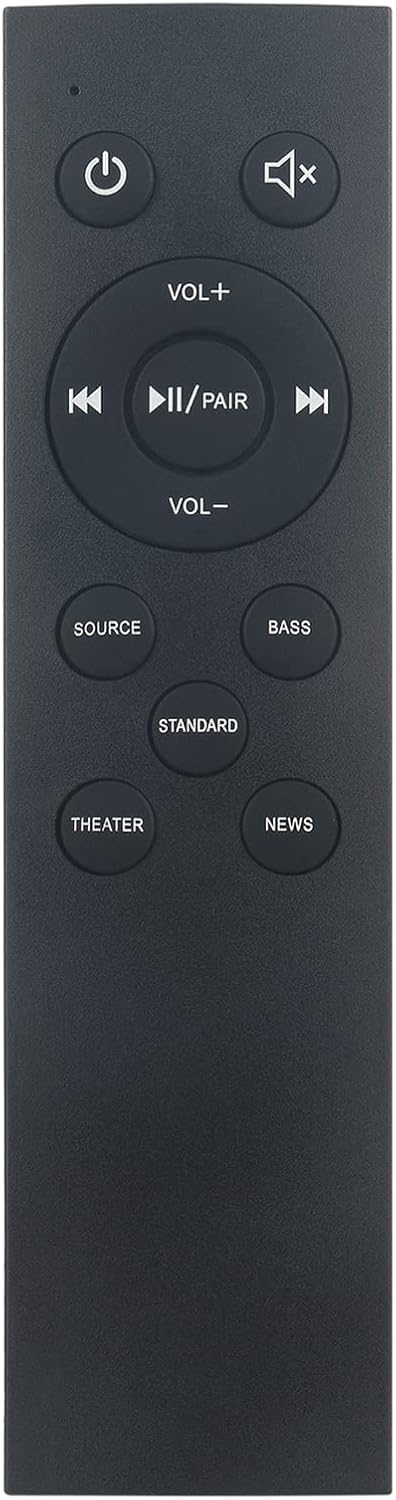
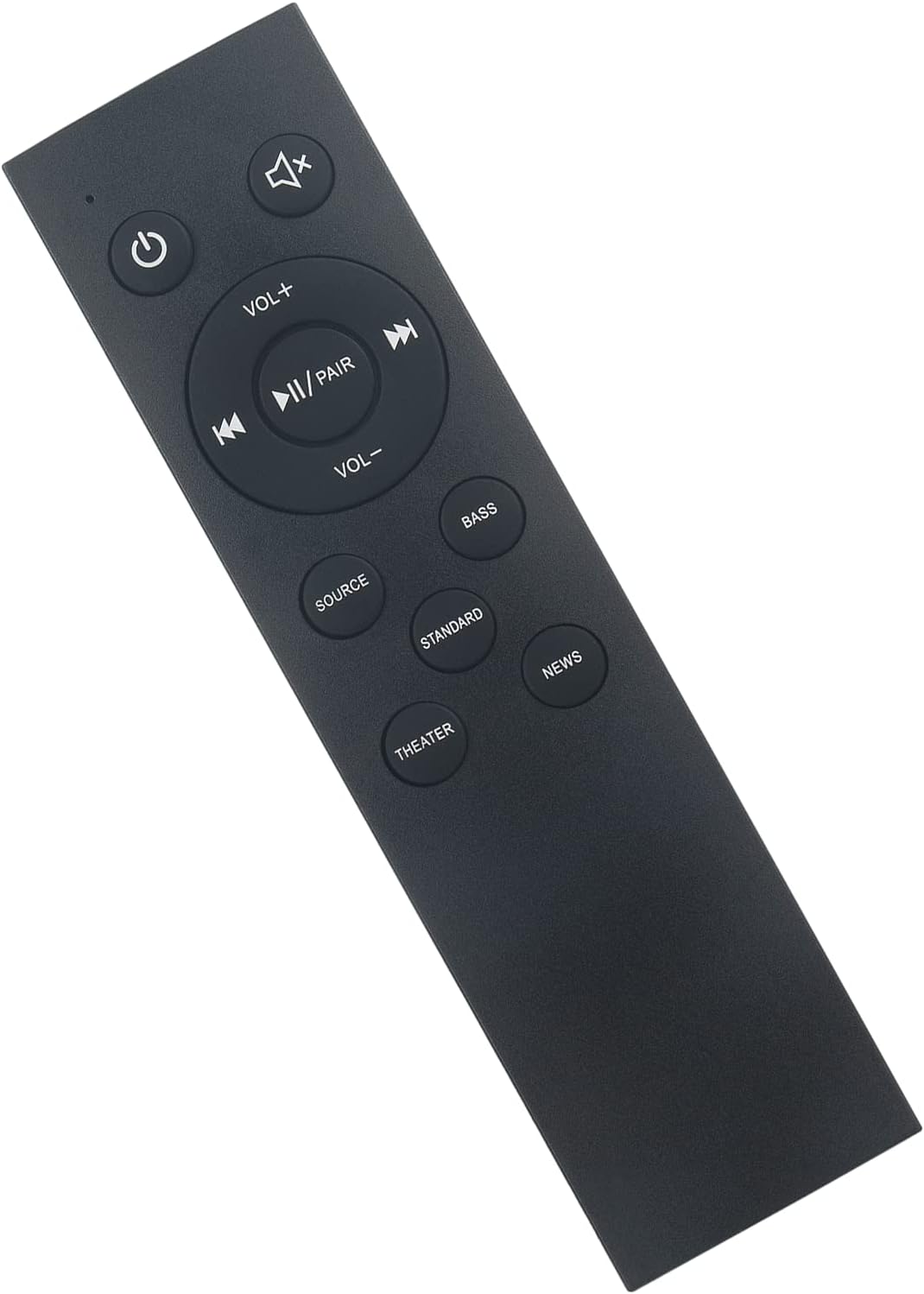
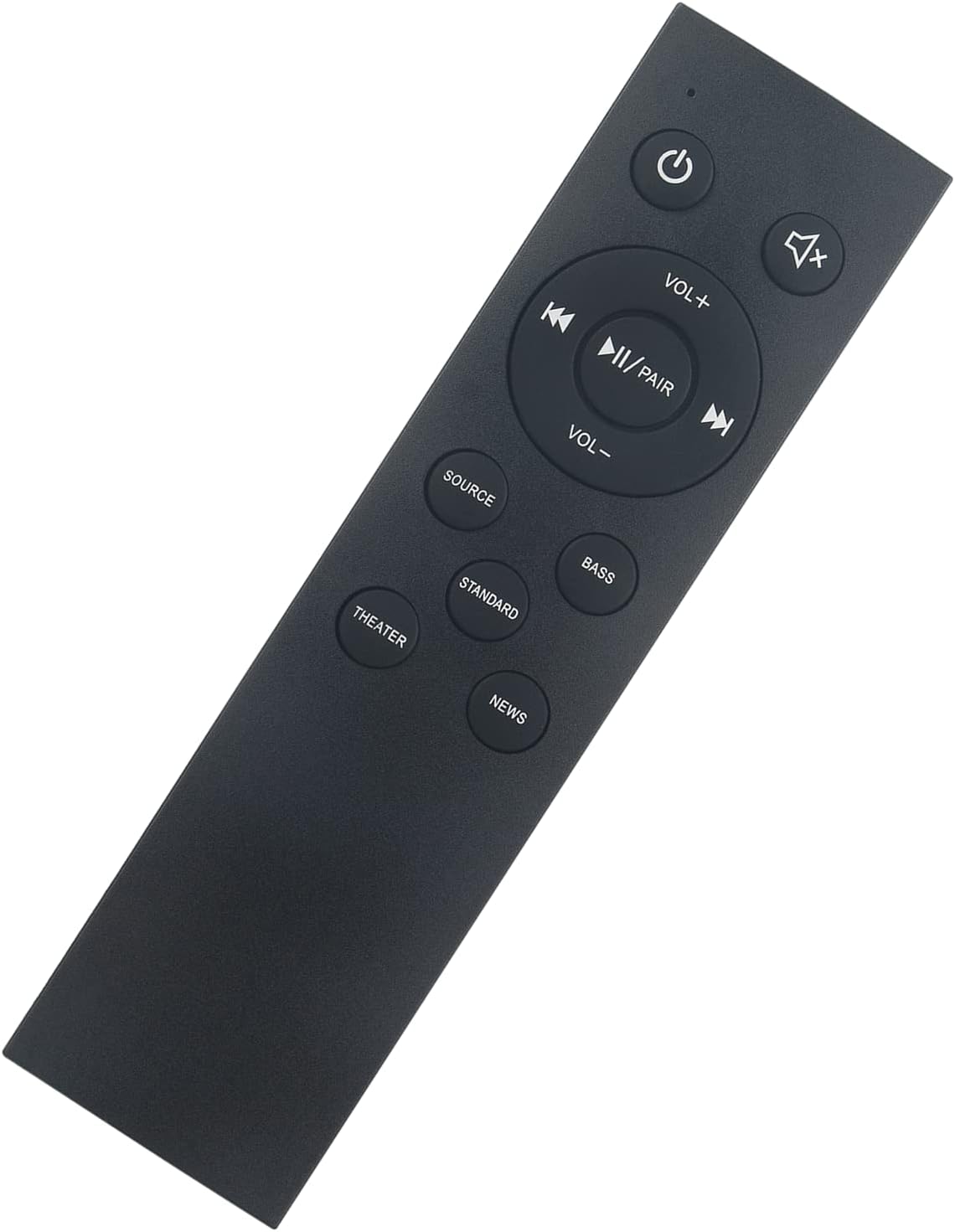
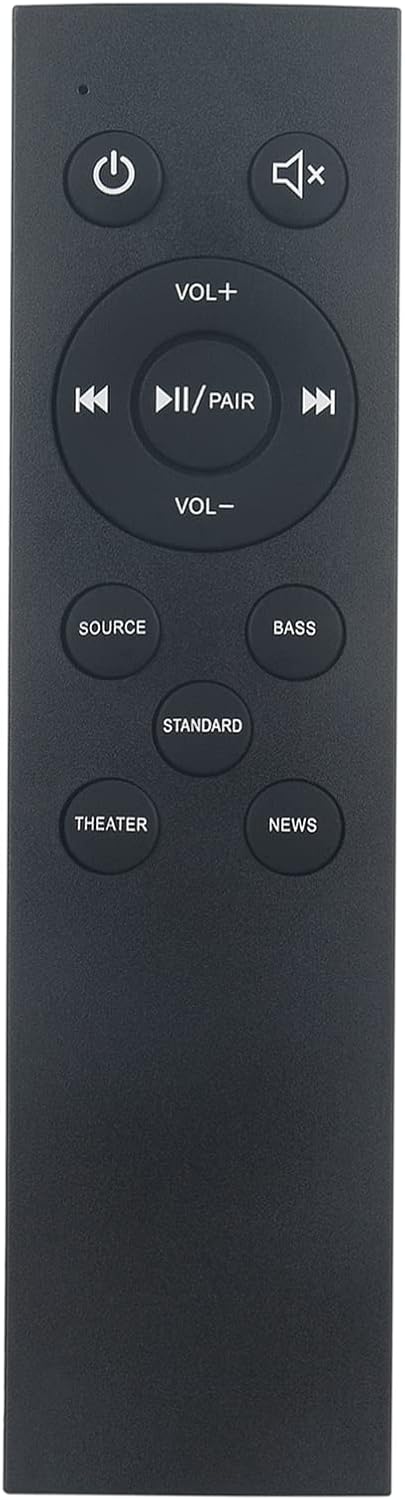
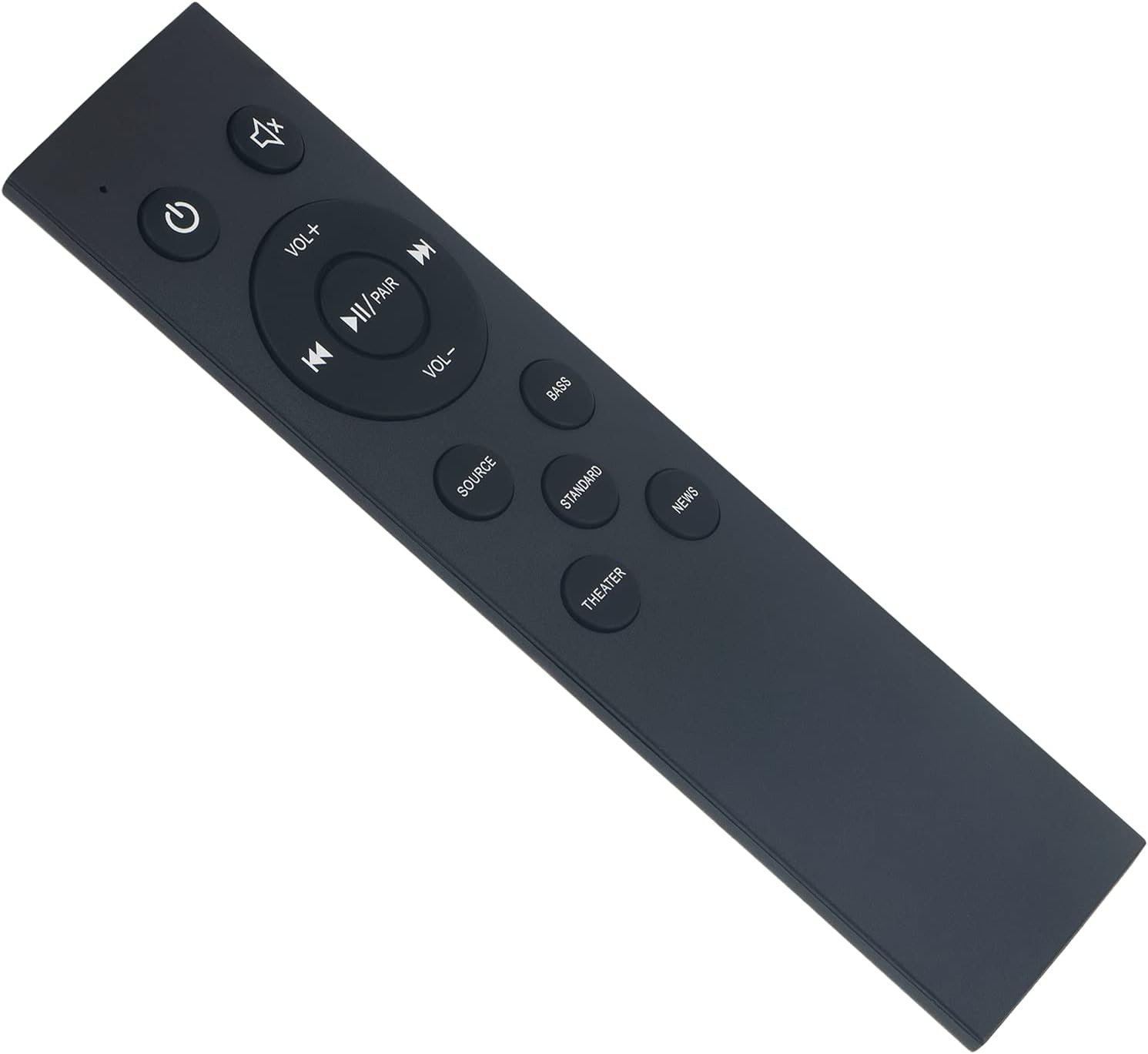
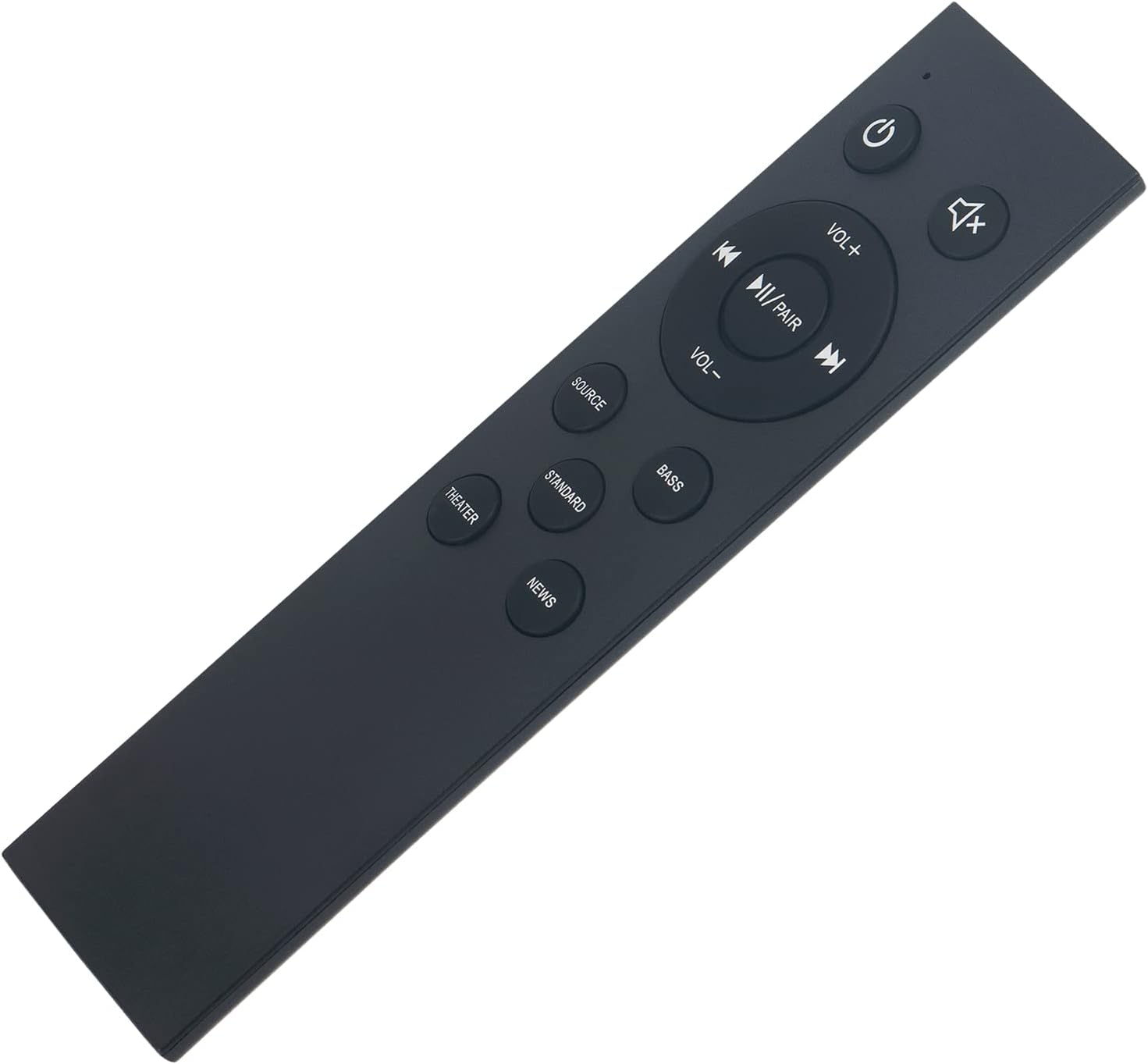
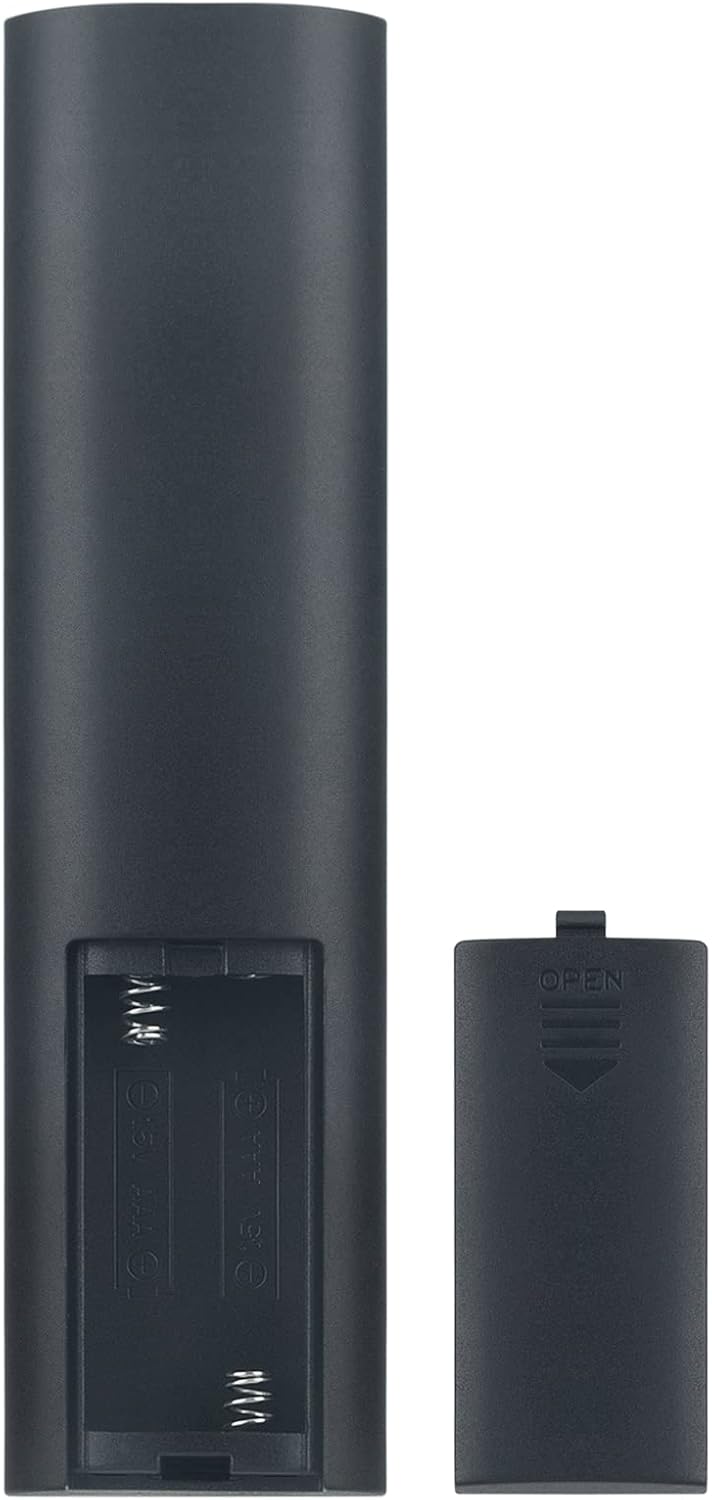
What this is and what it solves\nIf your Insignia soundbar remote is missing, damaged, or not responding, the ALLIMITY NS-HTSB22 is a straightforward replacement option. Designed to fit models NS-HTSB22, NSHTSB22, NS-SBAR21F20, and NSSBAR21F20, this infrared sensor remote aims to bring back direct control without the hassle of programming. It’s marketed as a drop-in replacement, which means you can likely get back to adjusting volume, playback, and input without a complicated setup.\n\n## How it sits in real-world use\nOn paper, this remote is simple: point, press, and operate. In practice, if your original remote suffered from button wear or sporadic response, a replacement can restore fast control without learning a new layout. For folks who rely on quick adjustments during movie nights or background music sessions, this model can cut downtime waiting for compatibility with the device.\n\n## The good and the fine print\nWhat stands out is the claim of no setup or programming needed. That makes it appealing for users who want a quick fix rather than a new device to manage. On the flip side, since it’s a generic replacement, you may notice differences in feel or tactile response compared to the original remote. It’s also important to confirm that your specific soundbar variant falls under the listed compatible models. If you’ve got a non-standard configuration or recent firmware changes, there’s a chance some features won’t align perfectly.\n\n## Who it’s for\nThis replacement is a sensible choice if you’ve lost your original remote, if the button mappings on your current remote are failing, or if you want a spare unit that doesn’t require extra setup. It’s particularly practical for casual listening or home theater setups where immediate control matters more than premium feel.\n\n## When it makes sense to buy\nOpt for this replacement when you need a no-fuss, plug-and-play option for basic soundbar operations—volume, mute, play/pause, and input switch—without the need to pair or configure via menus. If you depend on advanced functions or voice control, you might want to assess whether those features are fully replicated by a third-party remote.\n\n## What to check before purchasing\n- Confirm the model compatibility: NS-HTSB22, NSHTSB22, NS-SBAR21F20, NSSBAR21F20.\n- Verify your current remote’s layout aligns with the replacement’s button plan.\n- Consider whether you want a spare remote in case of future issues with the original.\n\n## Practical use example\nImagine you’re winding down after a movie and want to lower the volume without getting up. A quick press on the replacement remote’s volume control or mute can save a few steps, keeping the moment intact without interruptions.\n\n## Tech snapshot (brief)\nThis is described as an infrared sensor remote with no setup or programming required. It does not list additional smart features or network compatibility. If you rely on smart home routines, you may need to continue with the original remote or explore other integration options.\n\n## FAQ\n- Q: Do I need to program this remote? A: No setup or programming is required according to the product description.\n- Q: Which models does it fit? A: NS-HTSB22, NSHTSB22, NS-SBAR21F20, NSSBAR21F20.\n- Q: Will all buttons behave the same as the original? A: It’s intended as a replacement, button feel may differ slightly from the original.\n- Q: Is it compatible with all Insignia sound bars? A: Compatibility is limited to the models listed above.\n\n## Decision moment\nIs it worth it? If you need a simple, immediate fix to regain basic control of your Insignia soundbar without programming, this replacement could be worth considering. If you require full parity with the original remote’s tactile feel or advanced features, you may want to test compatibility carefully or consider alternatives.