

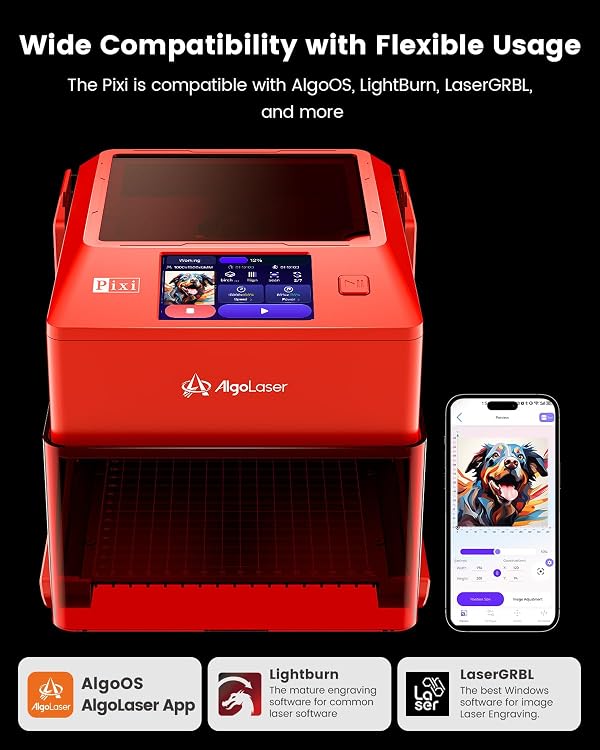
AlgoLaser Pixi-Red-10W Laser Engraver with 3.5-Inch Touchscreen and Offline Control
Product description
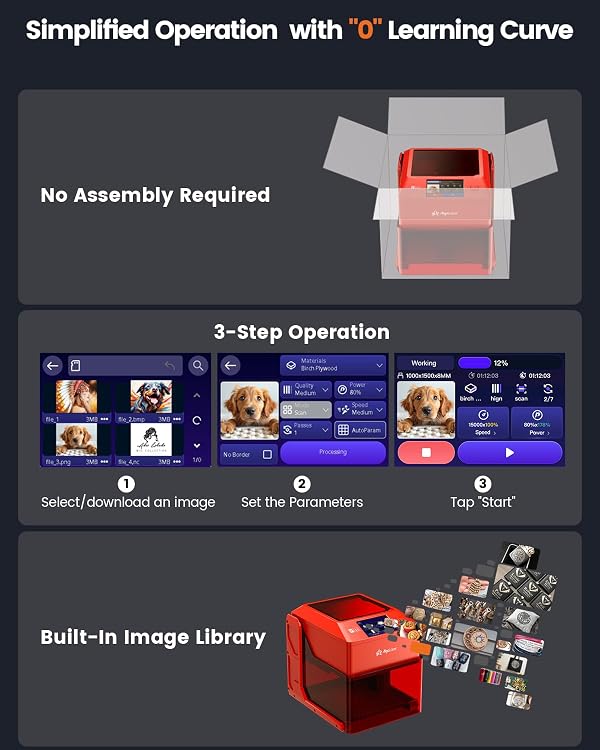
For DIYers, educators, and small businesses looking to personalize items, the AlgoLaser Pixi-Red-10W brings design input and engraving controls together in a compact machine. Its 3.5-inch touchscreen and AlgoOS tools let you draw, add text, or load designs without needing a computer for everyday operation. Wireless and offline options make it easier to choose a workflow that suits your project.
The essentials
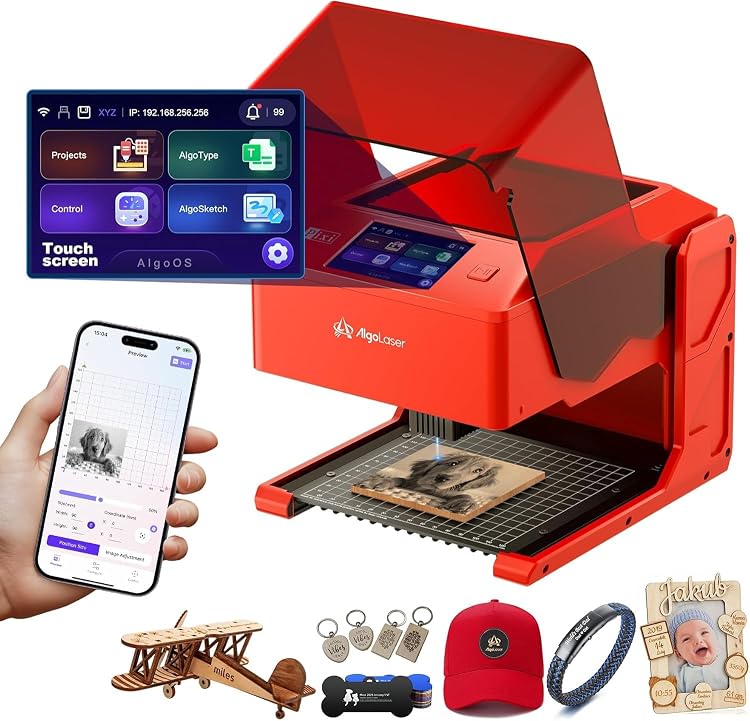
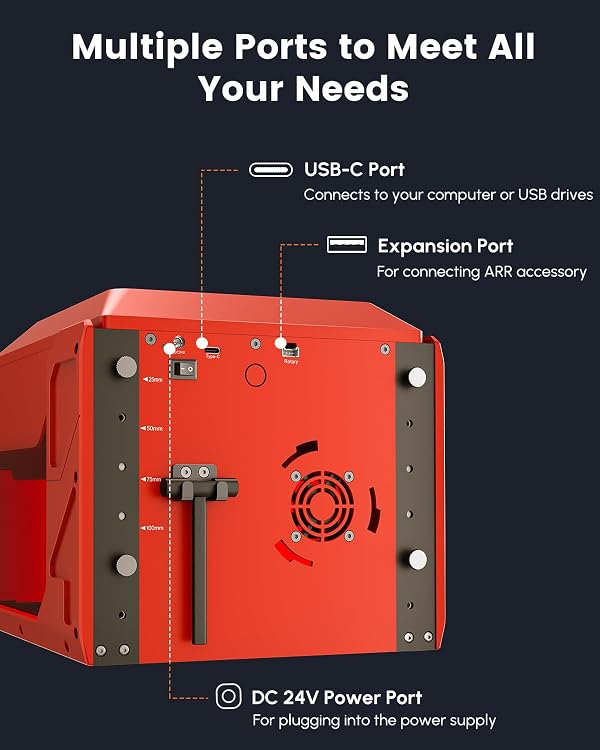
Pixi combines a 10W laser engraver with built-in tools for creating or preparing a design. AlgoSketch captures hand-drawn artwork, while AlgoType lets you add text, the drag, place, engrave process keeps the steps straightforward for custom projects. Use the touchscreen to work directly on the machine, or connect through Wi-Fi or USB-C and use supported design software such as LightBurn or LaserGRBL.
The machine is designed for engraving materials including wood, acrylic, leather, and glass, making it useful for adding names, logos, artwork, and other details to gifts or merchandise. Reverse engraving is another option for creating high-contrast designs on materials such as acrylic and glass, colored backers are recommended for transparent materials. Supported image formats include JPG, SVG, PNG, BMP, G code, and DWG, offering several ways to bring existing artwork into a project.
Best use cases
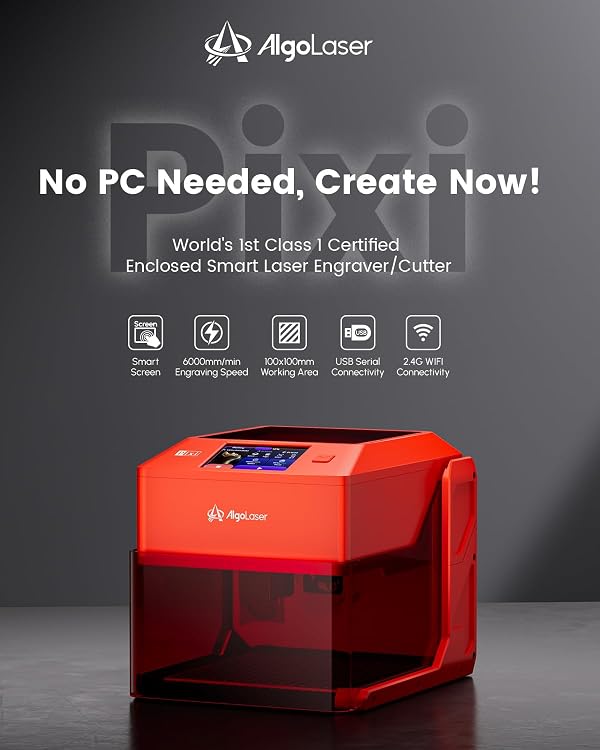
Pixi suits projects where personalization matters more than heavy cutting: decorating leather goods, making custom gifts, engraving wood pieces, or preparing small-batch merchandise. An educator can use its hand-drawing and text tools to introduce a design idea, then send it to engraving from the touchscreen. For makers comparing a computer-centered setup with a more self-contained workflow, Pixi’s built-in controls support offline operation, while computer and mobile connections remain available when they fit the task.
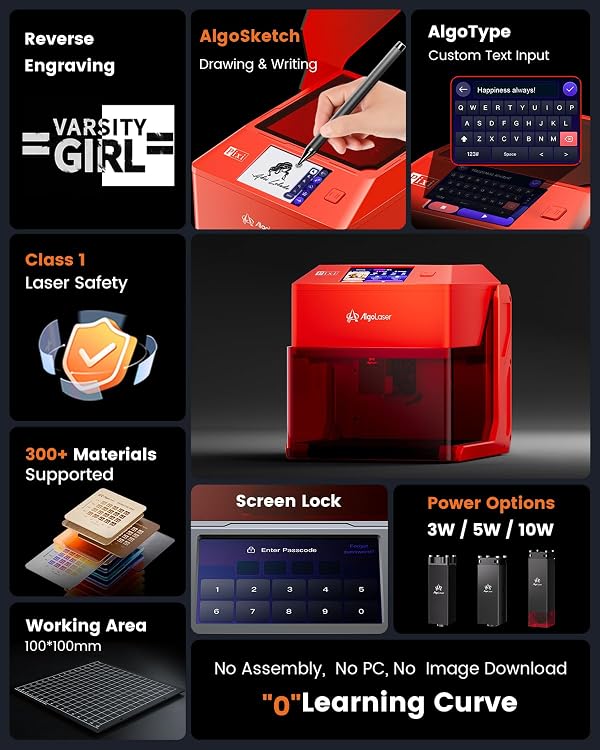
Customer feedback highlights ease of use, engraving quality, and connectivity, with buyers appreciating the accessible setup and wireless or USB-C options. Reliability feedback is mixed: some customers report good operation, while others describe functional issues. The machine also includes an auto-pause safety door that stops the laser when the lid is lifted, plus a password-protected lock screen and real-time fault alerts.
Practical tips
Choose the material and design for the result you want, and use the supported file formats when importing artwork. For transparent materials used with reverse engraving, colored backers are recommended. The manufacturer describes Pixi as primarily an engraver, it can cut very thin materials with multiple passes, while its main use is engraving rather than heavy cutting.
Operate the machine in a well-ventilated workspace, wear protective laser safety goggles, and stay with it while it is running. The safety door pauses the laser when opened, and operation resumes once the lid is securely closed. These habits support a considered setup for projects at home, in a classroom, or in a small business.
Practical questions
Can I use Pixi without a computer? Yes. Its touchscreen, AlgoSketch, and AlgoType support creating or preparing work directly on the machine, including offline engraving. A computer is optional for importing external design files.
Which materials can it engrave? The listed materials include wood, leather, acrylic, and glass, along with plastic, coated metal, and paper. Results can vary with material type, color, and surface coating.
Is it intended for cutting as well as engraving? Pixi is designed mainly for engraving. It can cut very thin materials using multiple passes, while frequent or thick-material cutting calls for a higher-power machine.
Final verdict
The AlgoLaser Pixi-Red-10W is a practical fit for makers who want an approachable way to personalize wood, acrylic, leather, and other listed materials. Its touchscreen design tools, offline operation, and flexible connection options make it especially useful for small creative projects where a computer-free workflow and custom engraving are central to the job.