

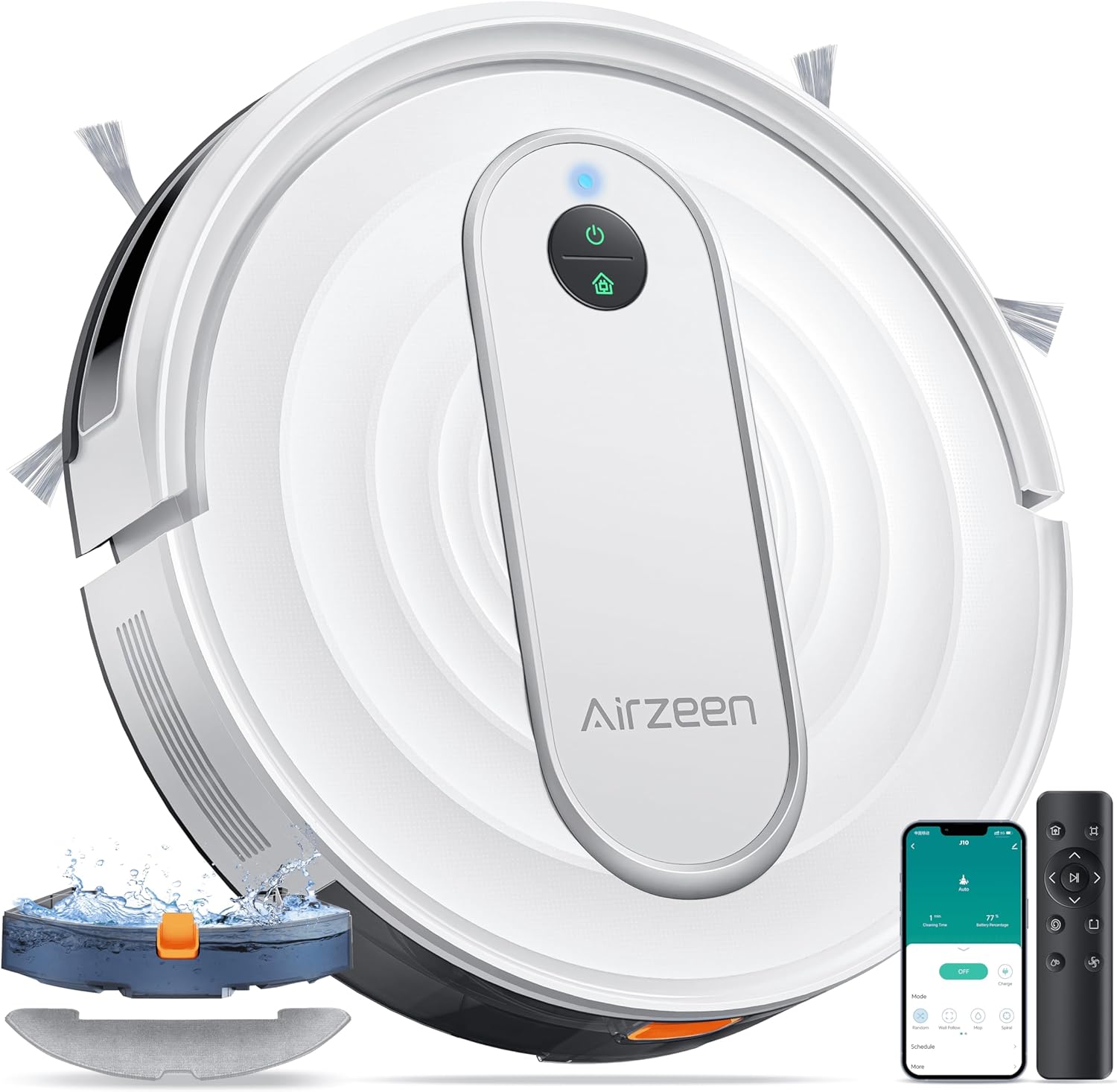
Airzeen Robot Vacuum and Mop J10 with 4000Pa Suction, APP/Alexa Control, and Auto Self-Charging
Product description
The essentials
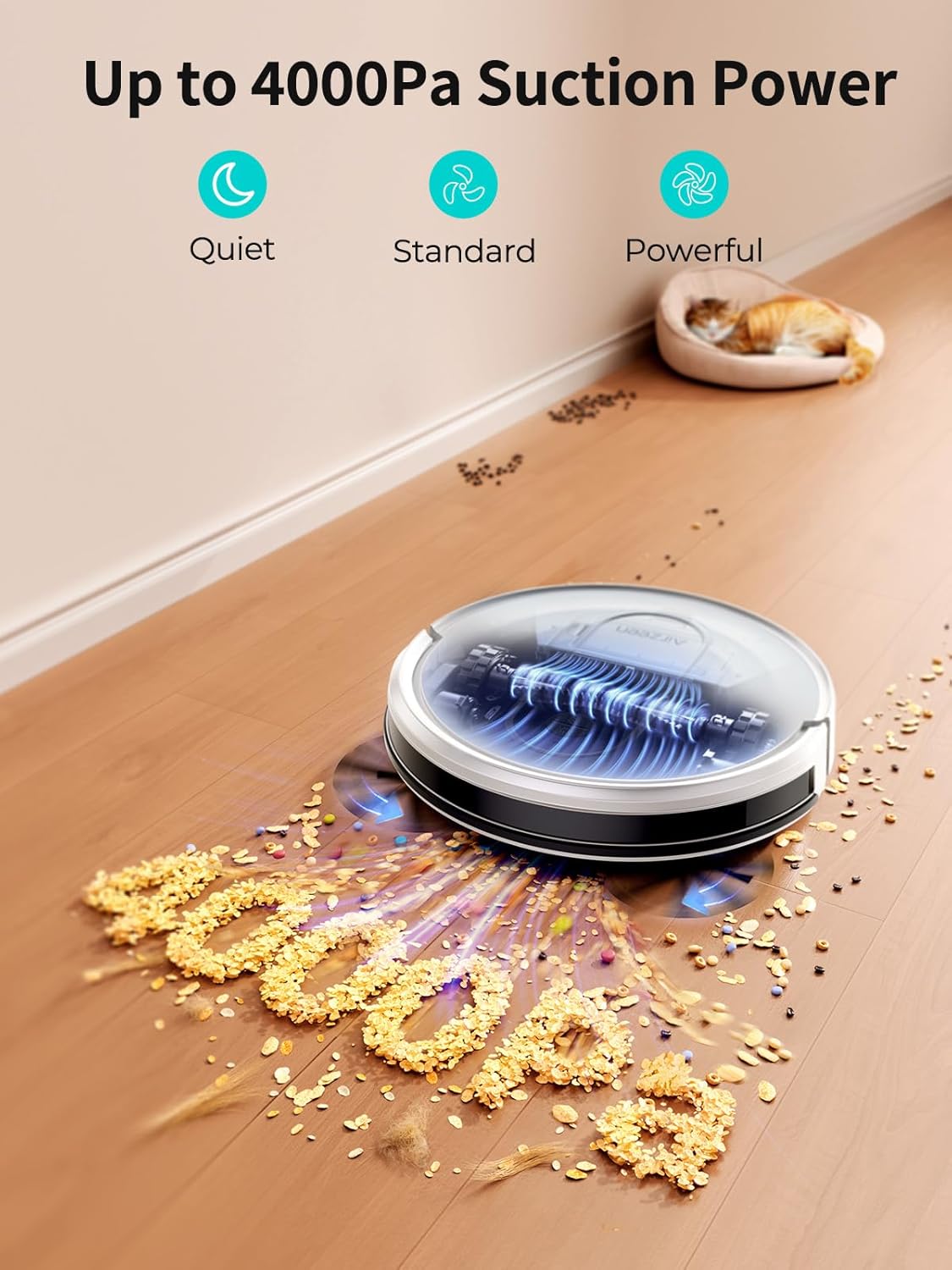
If you want a robot that can handle both everyday vacuuming and mopping, the Airzeen J10 is built around that “3-in-1” idea: sweeping, vacuuming, and mopping. On paper, it targets homes where pet hair and daily debris are common, with adjustable suction levels (three) and a 4000Pa-class suction claim to help pick up dust and hair on hard floors and carpets.
It also brings app and voice-style control into the mix (APP/Alexa plus remote control), plus a system that can avoid obstacles and falls using infrared anti-fall and collision sensors. For many households, the real appeal is less about fancy gimmicks and more about reducing the number of times you have to switch tools between vacuuming and mopping.
That said, it’s not perfect for every carpet setup—especially when you use the mop mode. The instructions note that in mop mode you should remove the mop holder or set a no-go zone to prevent dirtying the carpet. So if your carpet is thick, high-pile, or you’re not comfortable setting boundaries, you may find limitations.
What you’ll notice day to day
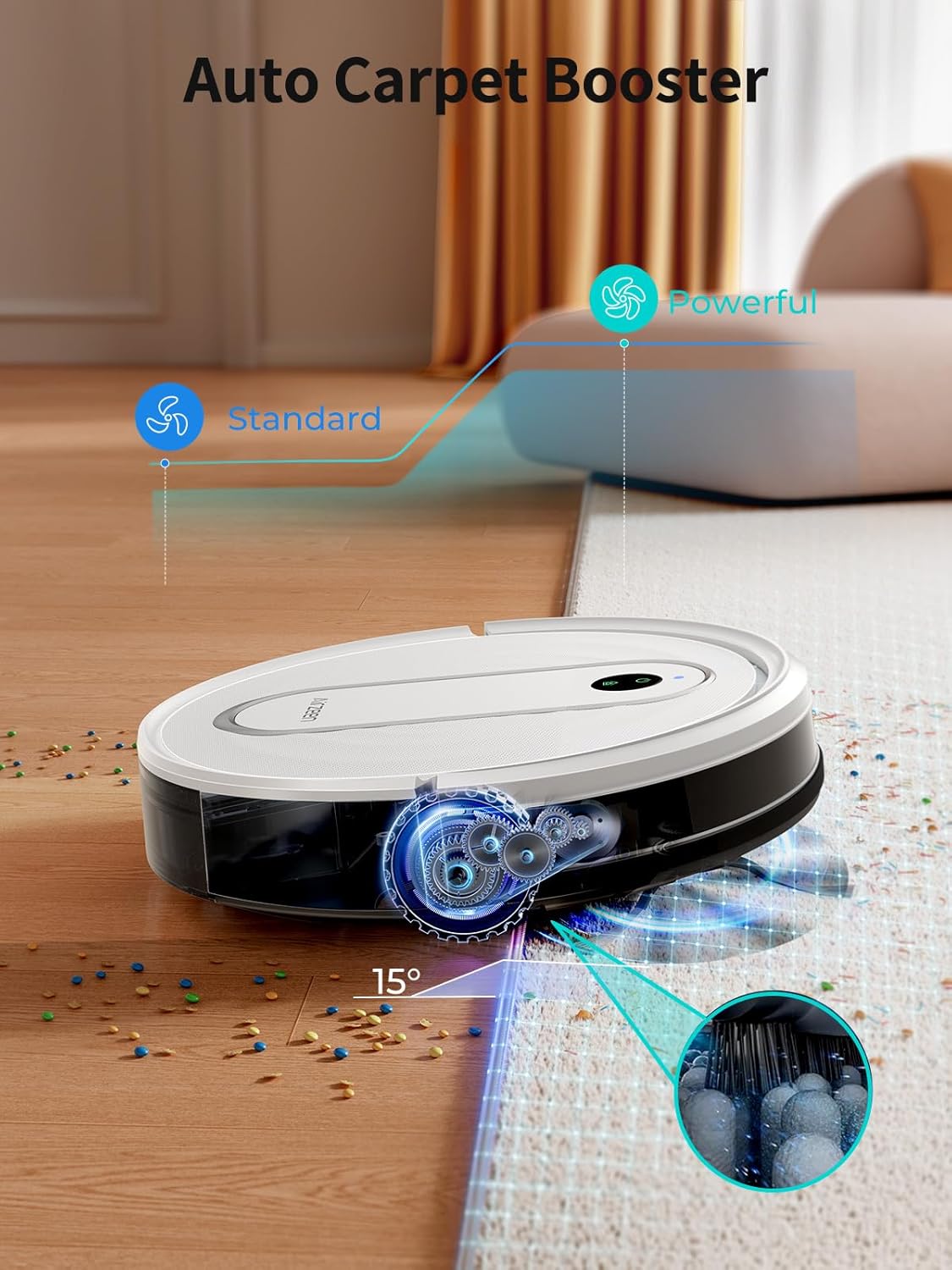
Start with suction and surface transitions. The J10 includes a boost in power (described as a 27% boost) and has three adjustable suction levels you can tune based on the floor type. It also detects carpets and can adjust its wheels to help transition from hard floors to carpeted areas.
For pet owners, that matters because hair and fine dust tend to hide in carpet fibers and along edges. Where this robot tends to make sense is when you want consistent pickup across the “mess zones” of a typical home: living room carpet spots, hallway hard floors, and the usual crumbs.
The mopping side is the other day-to-day piece. The robot combines vacuum and mop functions, and it includes a water tank plus a mopping cloth holder. However, because mop mode can affect carpets if boundaries aren’t set, you’ll need to be a bit more deliberate than with a vacuum-only robot.
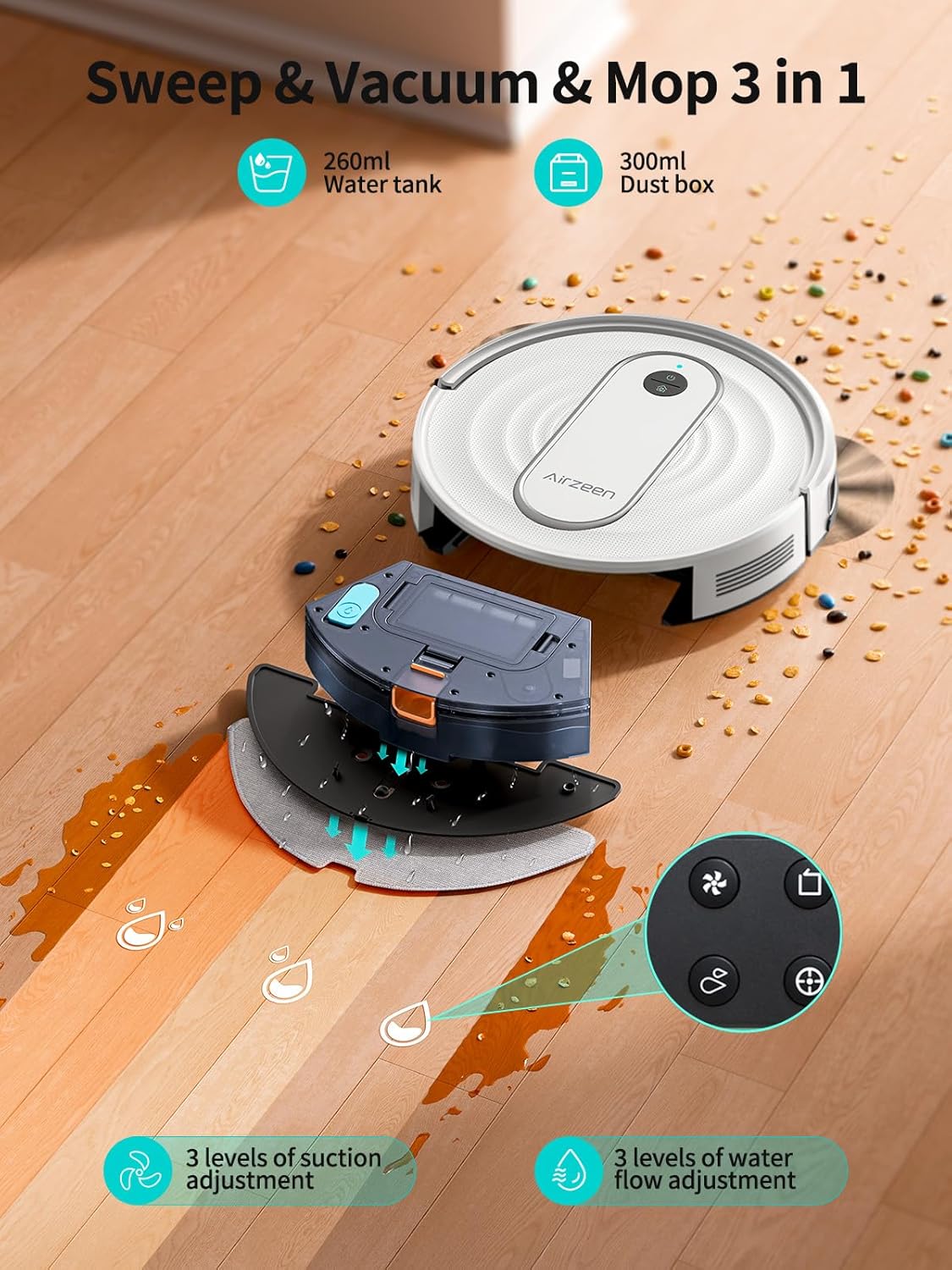
Here’s a simple example: run vacuum mode in the morning on mixed floors, then switch to mop mode only for hard-floor areas (or create a no-go zone). That way you’re not asking the robot to guess where it should be “dry” versus “wet.”
Key features that matter for buying
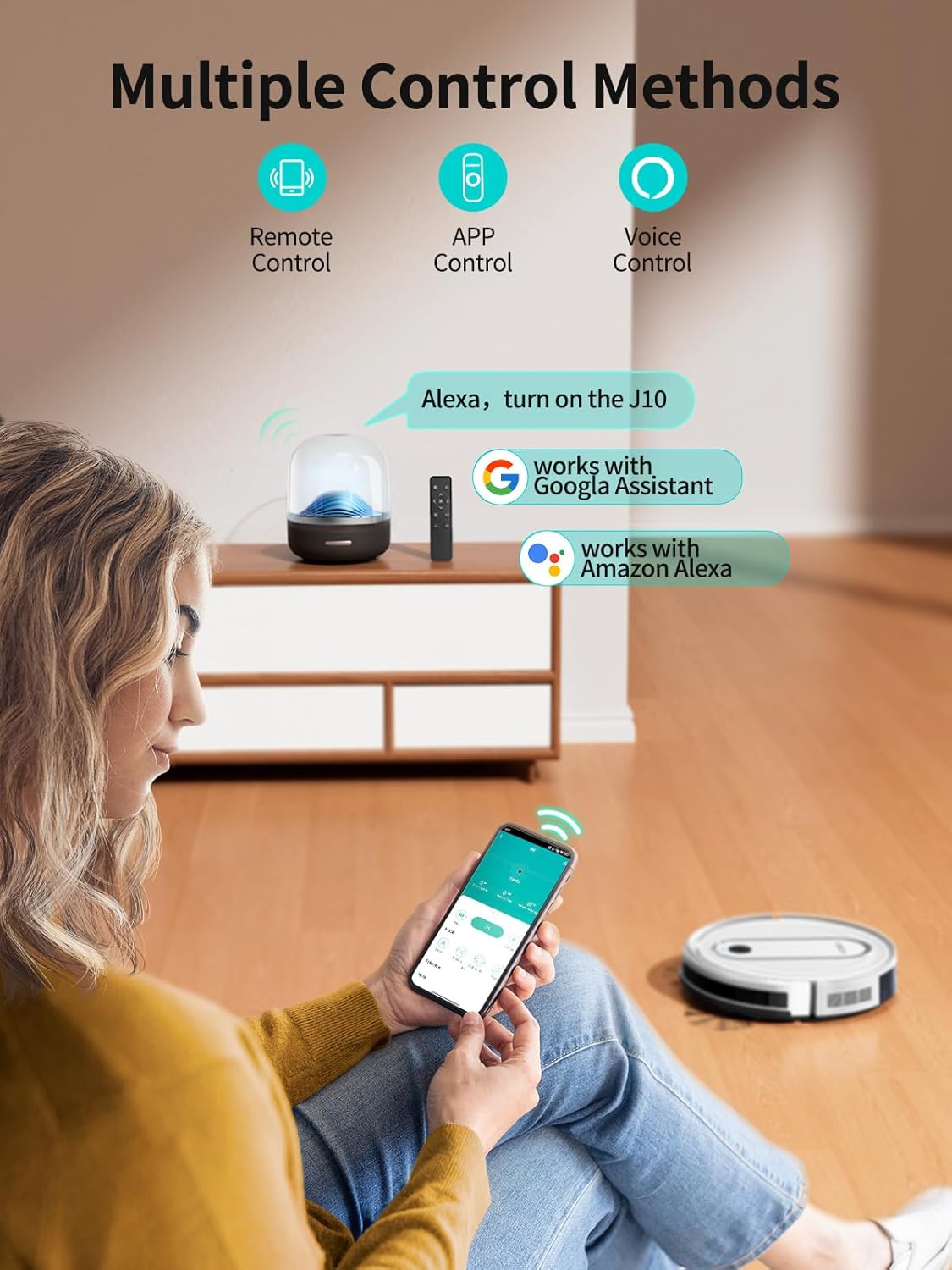
The control setup is straightforward: APP/Alexa control and remote control are included for use without network access. The note provided says the remote use relates to 2.4 GHz Wi‑Fi and Bluetooth only, so if your home setup is very different, that’s worth keeping in mind.
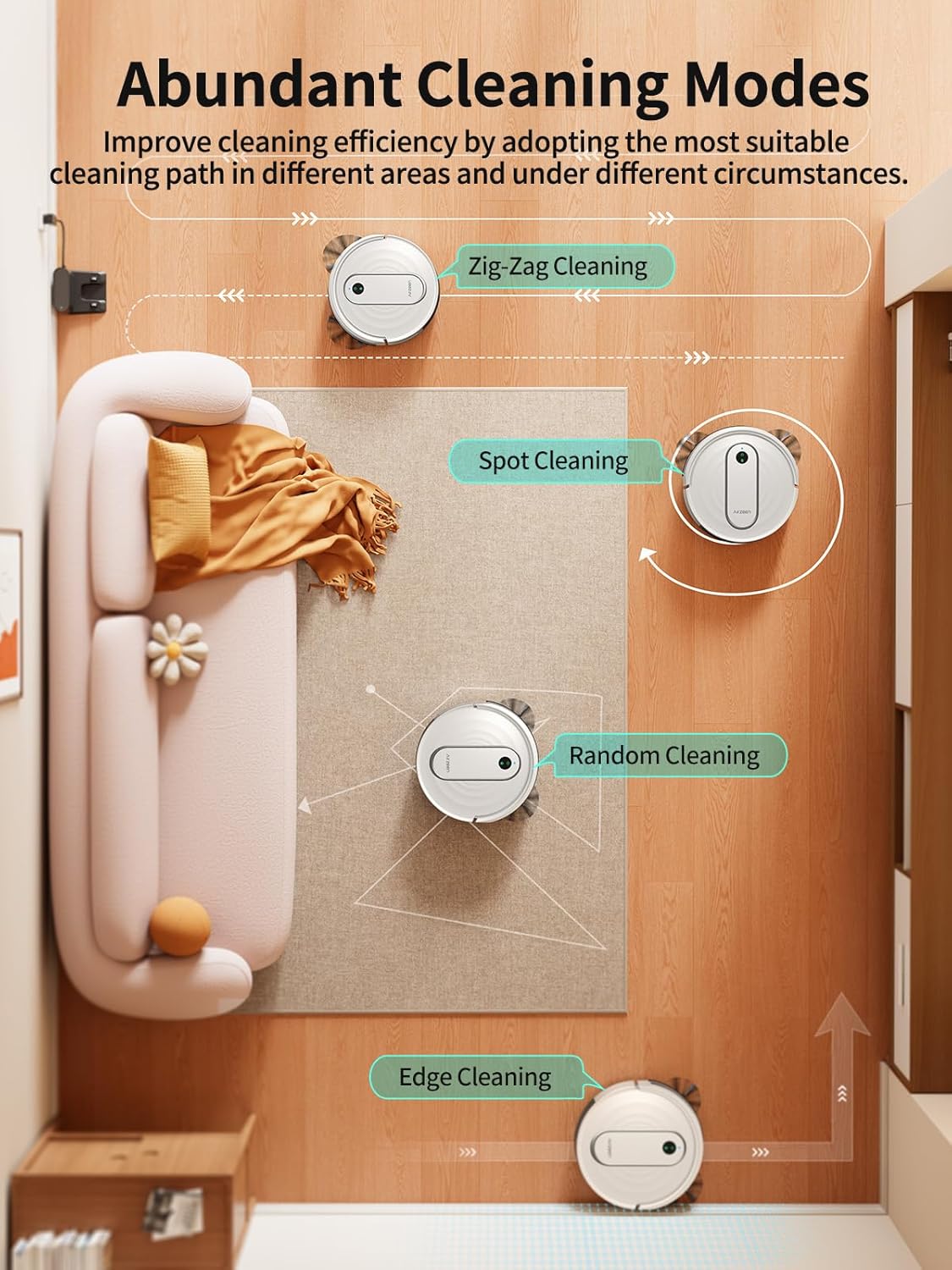
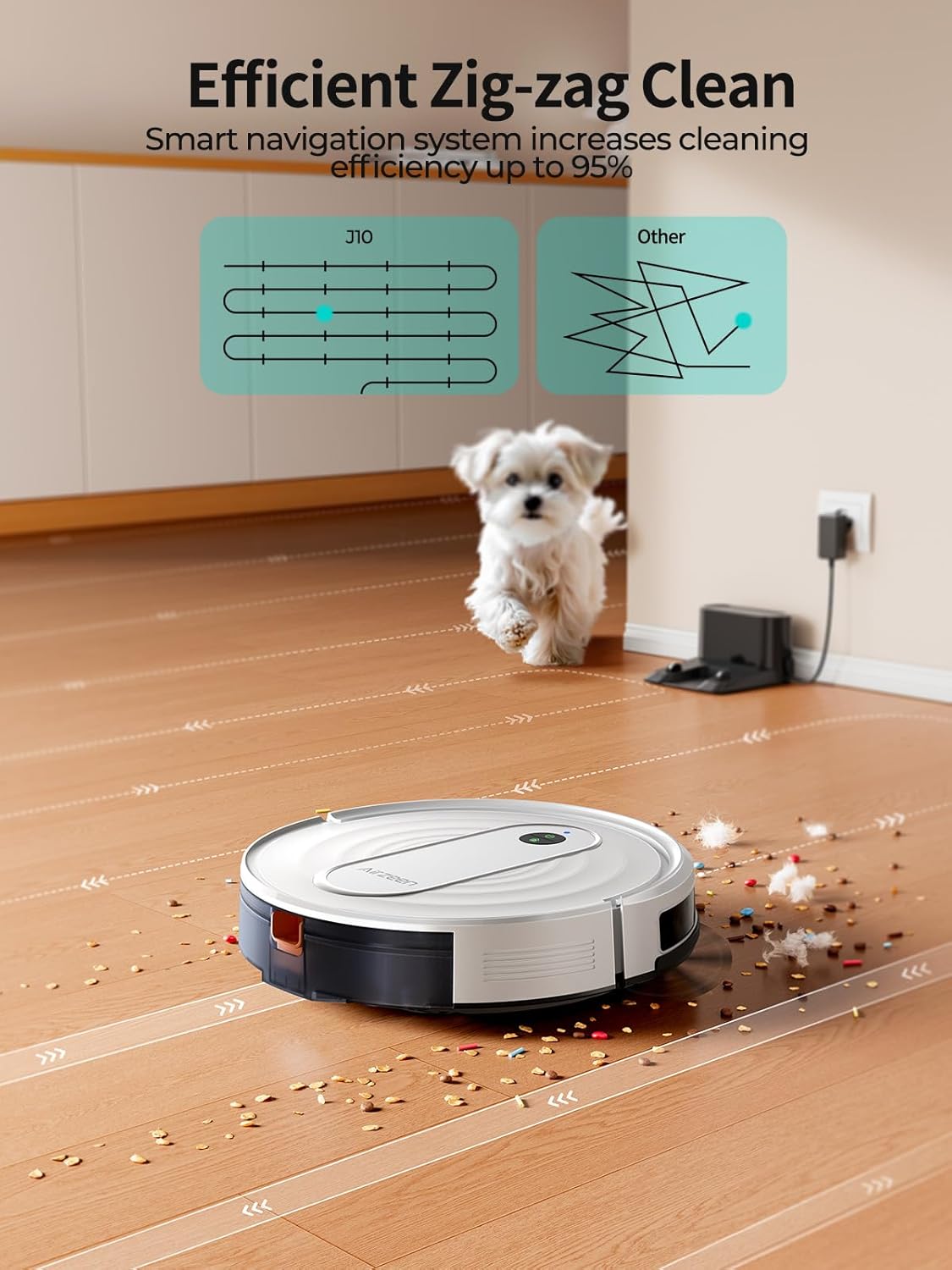
Cleaning behavior includes 4 cleaning path modes, which is helpful if your floor layout is irregular. And the infrared anti-fall and collision sensor plus magnetic strip for no-go zones is a practical way to manage areas you’d rather not clean.
Finally, the battery and charging approach reduce downtime. The robot uses a 2600mAh battery and is described as providing up to 120 minutes of cleaning when the water tank is full. It also returns to charge automatically when the battery drops below 15% or after cleaning.
Tech specs
- Name: Airzeen Robot Vacuum and Mop J10
- Type: Robot vacuum and mop (3-in-1)
- Suction power: Up to 4000Pa (described as “powerful suction” with a 27% boost)
- Suction levels: 3 adjustable levels
- Battery capacity: 2600mAh
- Max cleaning time (when water tank is full): Up to 120 minutes
- Charging behavior: Auto return to charge when battery is below 15%
- Control: APP/Alexa/remote control
- Remote note: 2.4 GHz Wi‑Fi and Bluetooth only
- Sensors: Infrared anti-fall and collision sensor
- No-go zones: Magnetic strip included
- Cleaning path modes: 4 modes
- Power adjustment on carpet: Wheels adjust when detecting a carpet (per description)
Where it shines, and where it may not fit
This is a solid fit if you want one robot to handle mixed floors—hard flooring plus low-pile carpet—while also dealing with pet hair and daily dust. The combination of suction adjustment, carpet transition behavior, and app/voice/remote control is aimed at making maintenance less annoying.
It may not suit you if your primary priority is mopping carpets thoroughly or if you’re not willing to manage boundaries. The product notes a specific caution for mop mode: remove the mop holder or establish a no-go zone to prevent dirtying your carpet. If you dislike that extra step, you may prefer a vacuum-first robot and handle mopping separately.
Also, while it has an auto-charging cycle and multiple path modes, it’s still a mid-range style approach to home cleaning automation rather than something designed to replace careful spot cleaning for spills and stuck-on messes.
Should you buy it?
Worth considering if your home has a mix of hard floors and low-pile carpets and you want app/voice control plus vacuum-and-mop in one unit. The 4000Pa-class suction claim, adjustable suction levels, carpet detection behavior, and the auto self-charging workflow are the strongest reasons it could be a practical “set it and forget it” helper.
You may want to skip it if your carpets are high-pile or you’re not comfortable using the magnetic strip no-go zones and the mop-mode precautions. If you mostly need vacuuming only (and not mopping), a vacuum-only approach could be simpler.
Mini FAQ
Is it good for pet hair?
The description positions it as a good match for pet hair pickup, with strong suction and adjustable levels across hard floors and carpets.
Does it work on carpets?
It’s described as suitable for low-pile carpets and includes carpet detection with wheel adjustment to transition from hard floors to carpet.
How do no-go zones work?
A magnetic strip is included so you can mark areas the robot should avoid cleaning.
Can I use the remote without Wi‑Fi?
A remote control is included for use without network access, with the note that 2.4 GHz Wi‑Fi and Bluetooth only apply.
What’s the mop-mode warning?
In mop mode, you should remove the mop holder or set a no-go zone to prevent the vacuum from dirtying your carpet.