

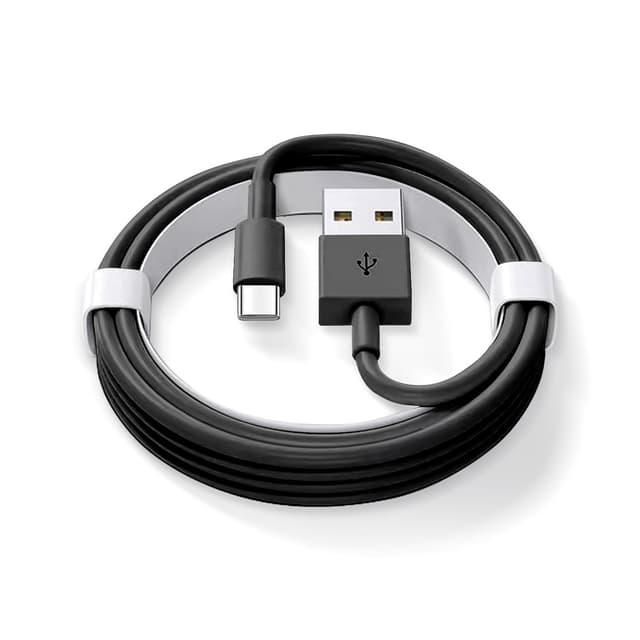
AHDFWI 2-Pack CarPlay USB Cable (3.3 ft) for iPhone 15 Series & Select iPads
Product description
Key takeaways
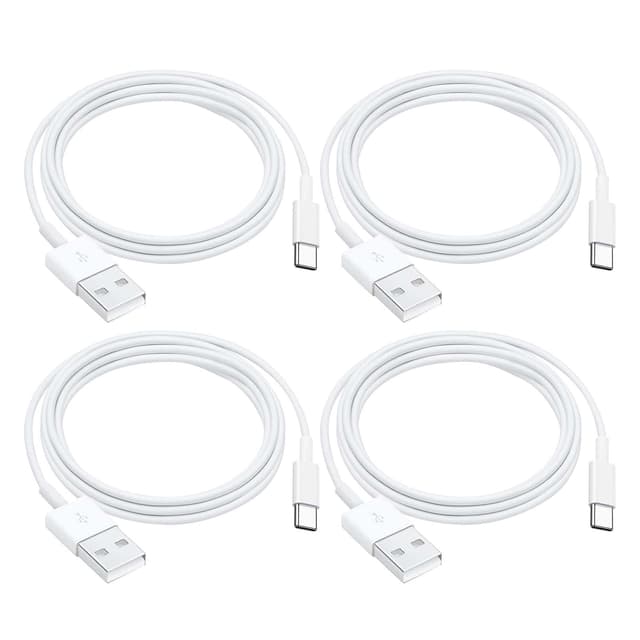
If you want a straightforward way to charge and connect your iPhone or iPad for CarPlay on the go, this AHDFWI 2-Pack USB cable is built for that exact job. The pitch here isn’t “one cable for everything” so much as “a CarPlay-friendly data + charging cord you can keep in more than one place.” Having two lengths available at once can be handy if you swap between a home setup and the car, or if one cable always seems to disappear.
That said, there’s one important catch you shouldn’t ignore: the listing mentions you’ll need to set up Siri & Search before linking CarPlay. On paper, this cable is aimed at users who want a practical connection experience, not a plug-and-play miracle that skips the setup steps.
What you’ll notice day to day
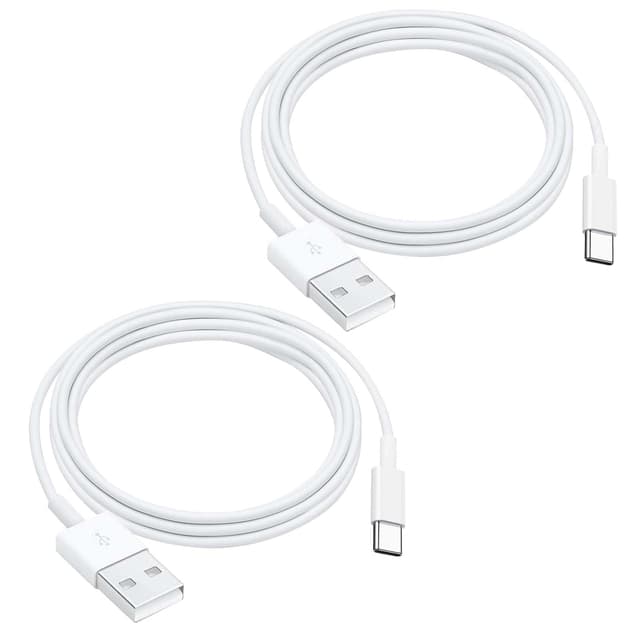
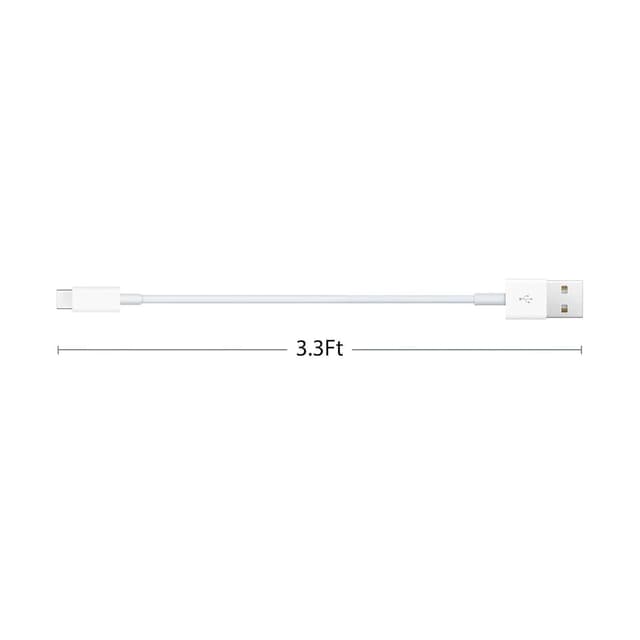
In everyday use, the biggest benefit is convenience. The cable is described as a 2-pack with a 3.3 ft length, which is a common “sweet spot” for reaching from the console or charging port to where your phone sits. It’s long enough to avoid awkward cable tension, but not so long that you end up with a messy coil in the car.
The other part is the connection purpose: it’s positioned for CarPlay plus charging and data transfer. So if your goal is to keep your iPhone topped up while still using the car’s interface, you’re targeting the right category of cable rather than picking something that only charges and leaves data features limited.
Compatibility and setup matters (more than you might think)
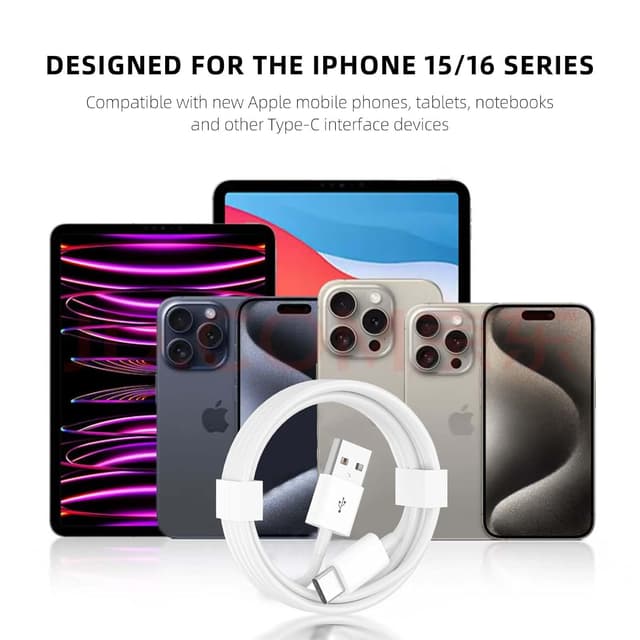
The product description lists compatibility across several Apple devices, including iPhone 15, 15 Pro Max, and 15 Plus, plus multiple iPad models such as iPad Pro 12.9/11, iPad 10th Generation, iPad Air (5th/4th Generation), and iPad mini (6th Generation).
However, the listing also clearly calls out a setup requirement: you should check “Siri and Search” in your phone settings, and then use the appropriate linking flow for CarPlay. It even mentions waking up with “Hey Siri” after you open the relevant settings. That’s not a cable spec detail you can ignore—CarPlay behavior often depends on device settings and pairing steps, not just the cord.
It might be worth double-checking your iPhone model and your current CarPlay setup before buying, especially if you’re trying to solve a connection issue quickly.
Durability and reliability, with realistic expectations
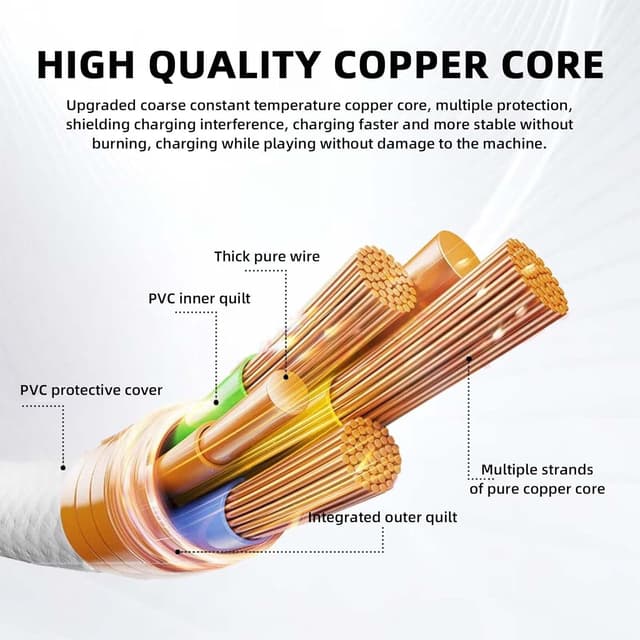
The cable is described as crafted from premium materials and built to last, with an emphasis on a stable and reliable connection. While that’s a good sign for day-to-day durability, it’s still a cord that will get bent, tugged, and routed through real life—so you’ll want to treat it like a car accessory, not a permanent wall outlet cable.
Also, the listing doesn’t give specifics like connector type or charging wattage. So if you’re shopping with performance targets in mind (for example, “I need the fastest charging possible”), you may want to confirm those details elsewhere before relying on marketing language.
Pros and where it shines
- A 2-pack means you can keep one cable in the car and one at home or at work.
- Designed for CarPlay, along with charging and data transfer.
- 3.3 ft length is practical for typical in-car cable routing.
When it may not suit you
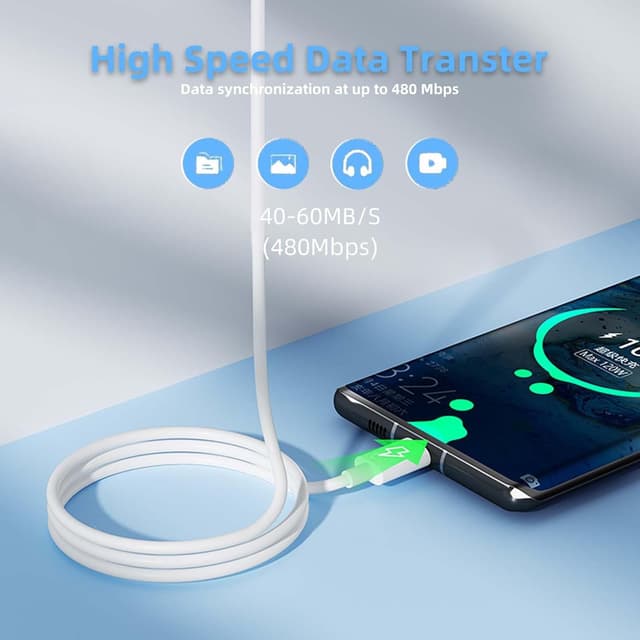
It may not be a great match if you’re expecting maximum speed specs or detailed charging performance guarantees from the listing—there aren’t concrete power details provided here. It also might feel annoying if you don’t want to adjust “Siri and Search” and complete the CarPlay linking steps.
Everyday use tips
A simple way to get good results is to set up CarPlay once with a cable you trust, then leave the second one as a backup for the other place you spend time. For example, you could keep one cable in the car for daily driving and another in your bag or office drawer—so you’re not forced to repurpose a random charger cable that may not be meant for data and CarPlay.
If you notice pairing issues, don’t immediately blame the cable. Re-check the Siri & Search and CarPlay linking steps mentioned in the description.
Frequently asked questions
Is this cable only for charging?
No. The description explicitly positions it for CarPlay, charging, and data transfer.
Do I need to change any phone settings before using CarPlay?
The listing says to check “Siri and Search” in your phone settings before linking to CarPlay.
How long is the cable?
The cable length is 3.3 ft.
What devices does it claim to work with?
The description lists iPhone 15 series models (15, 15 Pro Max, 15 Plus) and several iPad models including iPad Pro (12.9/11), iPad 10th Generation, iPad Air (5th/4th Generation), and iPad mini (6th Generation).
Should you buy it?
Worth considering if you want a CarPlay-focused USB cable that also supports charging and data transfer, and you like the convenience of having two cables available at once. It suits everyday drivers who don’t want to hunt for the right cord every time they get in the car.
Skip it if you need clearly stated charging performance specs, or if you’re unwilling to do the Siri & Search and CarPlay linking setup the listing mentions. For those cases, a different approach—like verifying power/data specs first—will likely save you frustration.