
aelrsoch External Blu-ray Drive USB 3.0

Price evolution
Product description
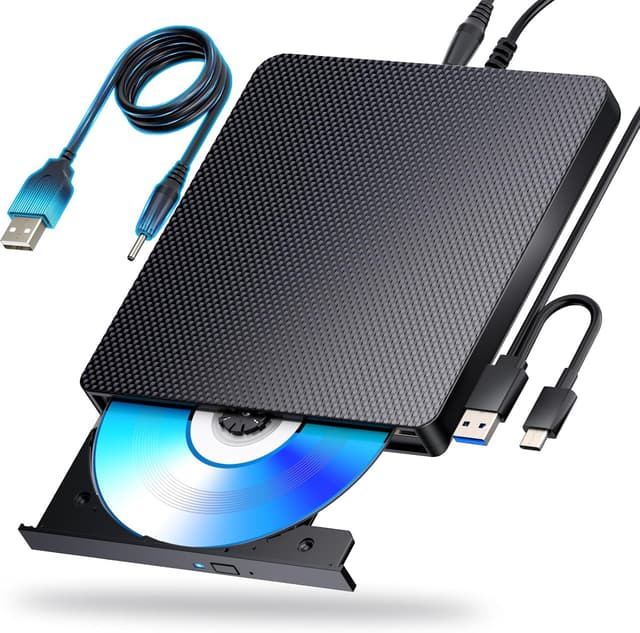
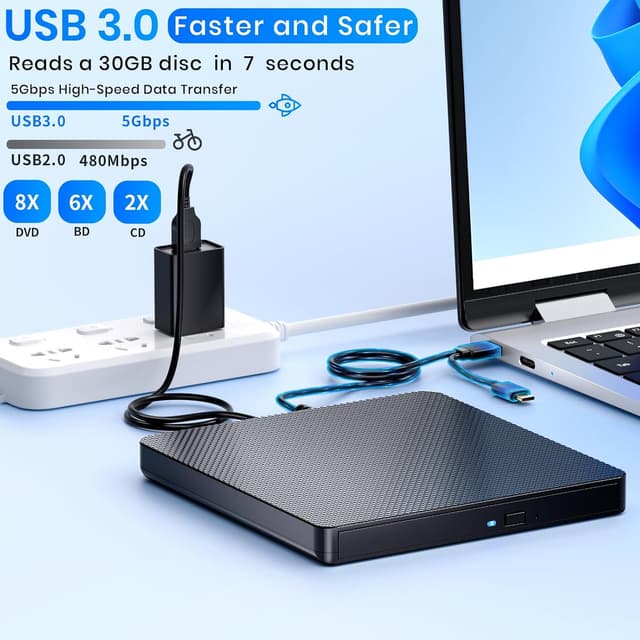
This slim external Blu-ray drive from aelrsoch reads and writes BD, DVD and CD media while offering USB 3.0 and Type-C connectivity for faster transfers. It targets users who need optical media access on laptops and desktops without an internal drive, delivering up to 5 Gbps bandwidth for smoother data moves and support for high-capacity discs.
Highlights
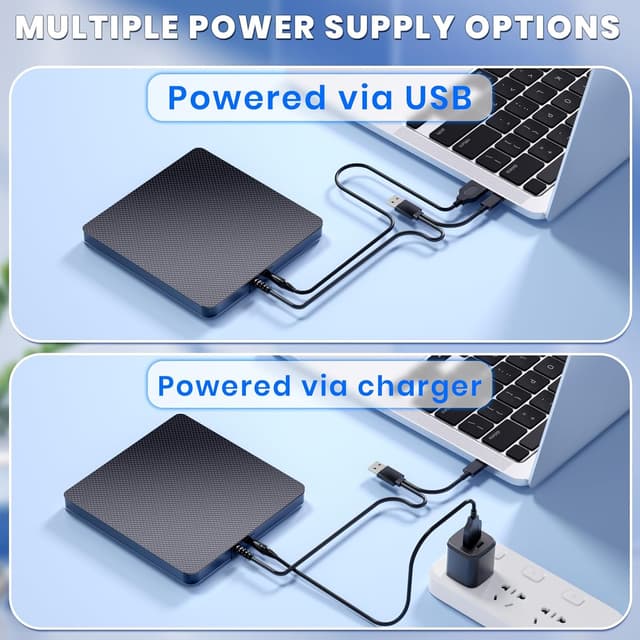
The drive handles BD up to 100 GB, standard DVDs and CDs with reliable error correction and low noise during operation. It includes both USB 3.0 and Type-C cabling in the package so you can plug into newer MacBooks or Windows machines without hunting for adapters. Keep in mind that Blu-ray playback and authoring require third-party software like PowerDVD or Leawo according to the manufacturer, and the unit is not compatible with TVs, tablets, gaming consoles or Chromebooks.
Tech specs
- Name: aelrsoch External Blu ray Drives Player Read/Write
- Type: External Blu-ray burner
- Format: BD, DVD, CD read and write
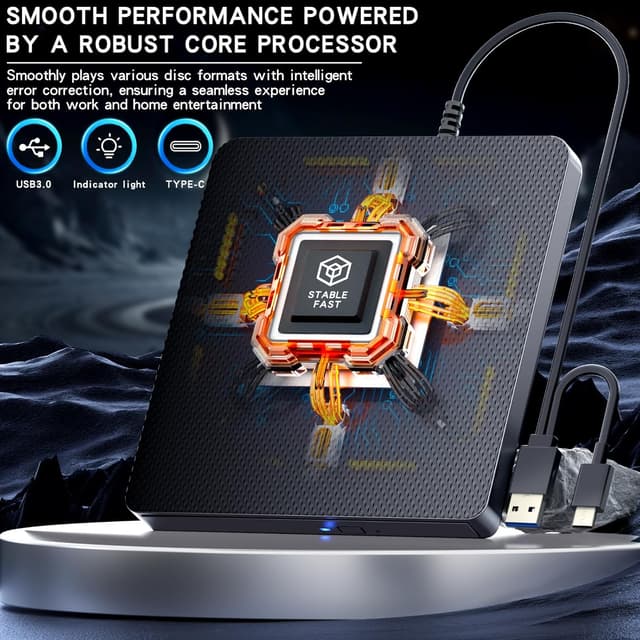
- Interface: USB 3.0, Type-C
- Capacity: Supports BD up to 100 GB
- Color: Black
Why it’s worth it
This external Blu-ray burner is compact and lightweight for travel, so you can carry it in a laptop bag and access discs on the go. It uses USB 3.0 bandwidth to speed up transfers compared to older ports, which helps when moving large video files or backing up discs. There is a one year warranty and customer support via amazon orders to help with drive recognition or playback issues.
Best use cases
You’ll appreciate it if you need a portable optical solution for archiving footage, watching BD movies on a laptop with the right software, or burning discs for distribution. It makes sense if your workflow requires occasional disc reads and writes and you prefer a single plug play experience with USB 3.0 or Type-C ports.
Care & maintenance
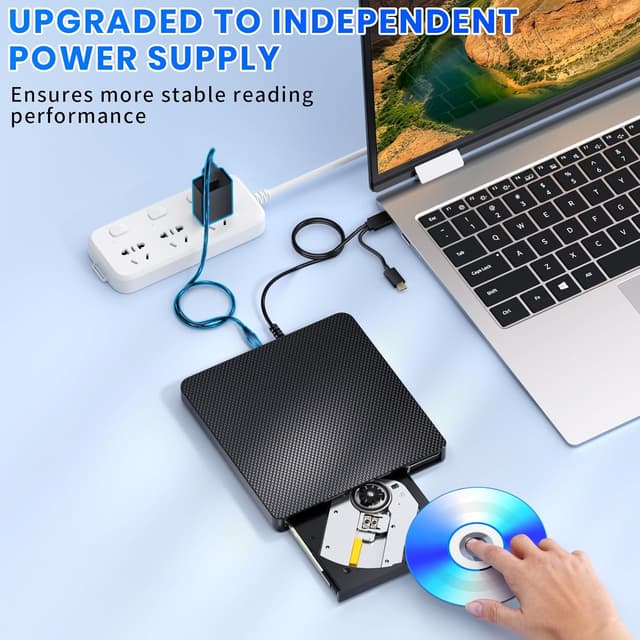
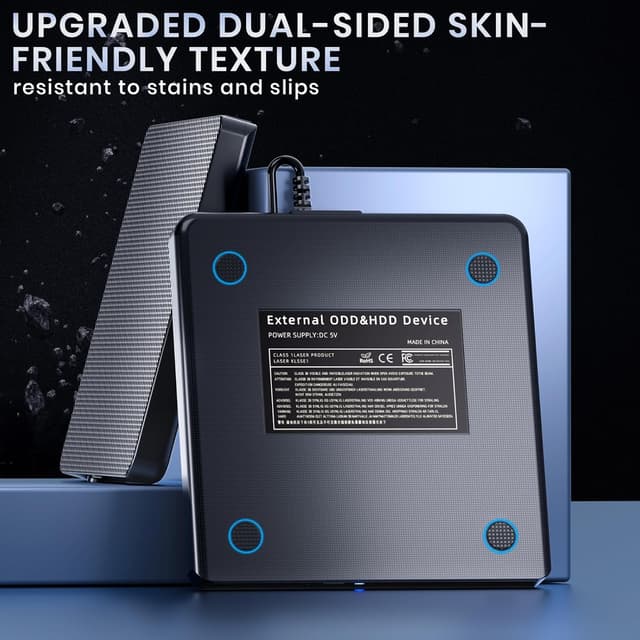
Treat the drive gently and keep it in its sleeve when not in use to avoid impact damage, which the manufacturer notes the unit resists. Use trusted Blu-ray playback or burning software for best results, and disconnect the cable when moving the laptop to avoid write errors. The drive consumes low power during use, according to the product notes.