

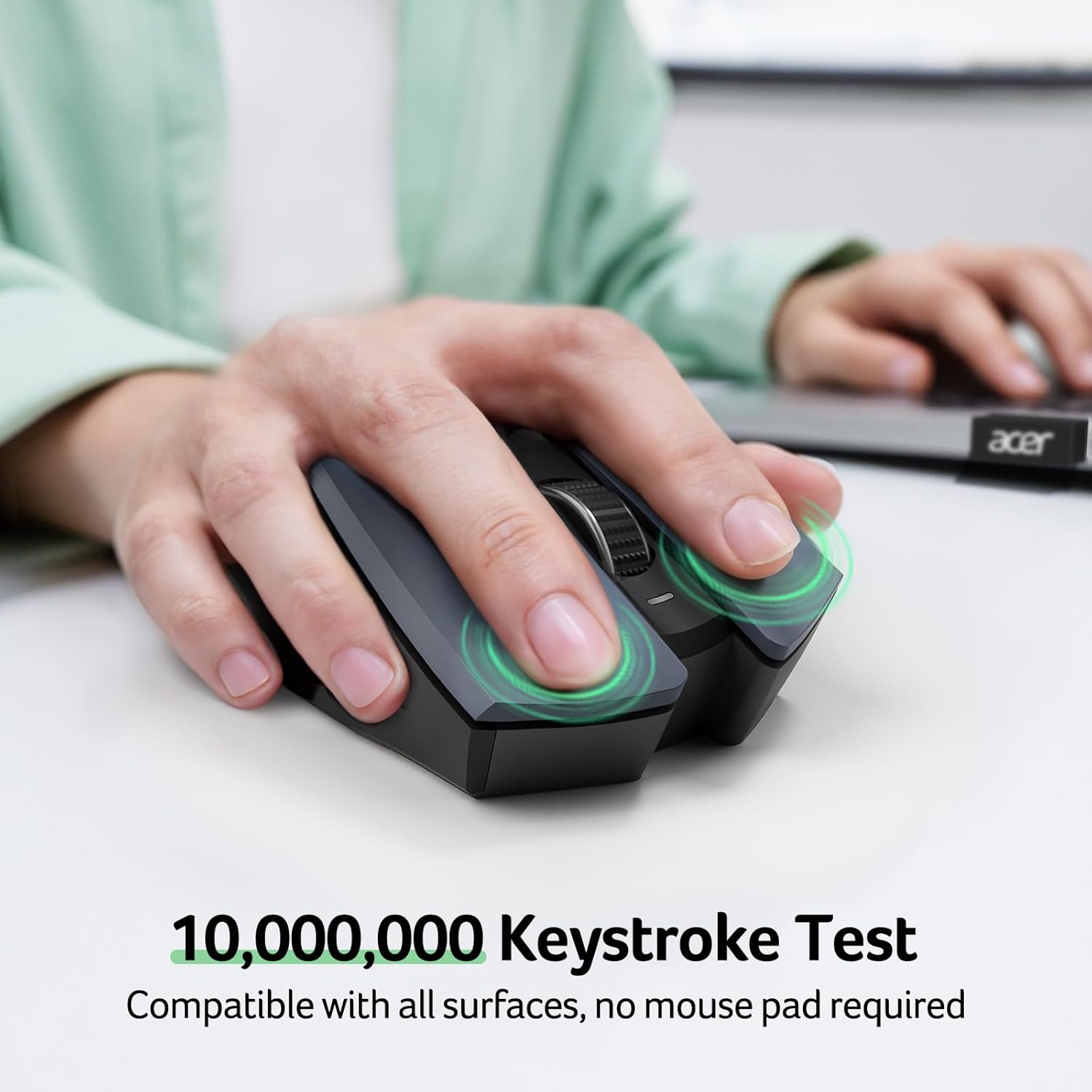
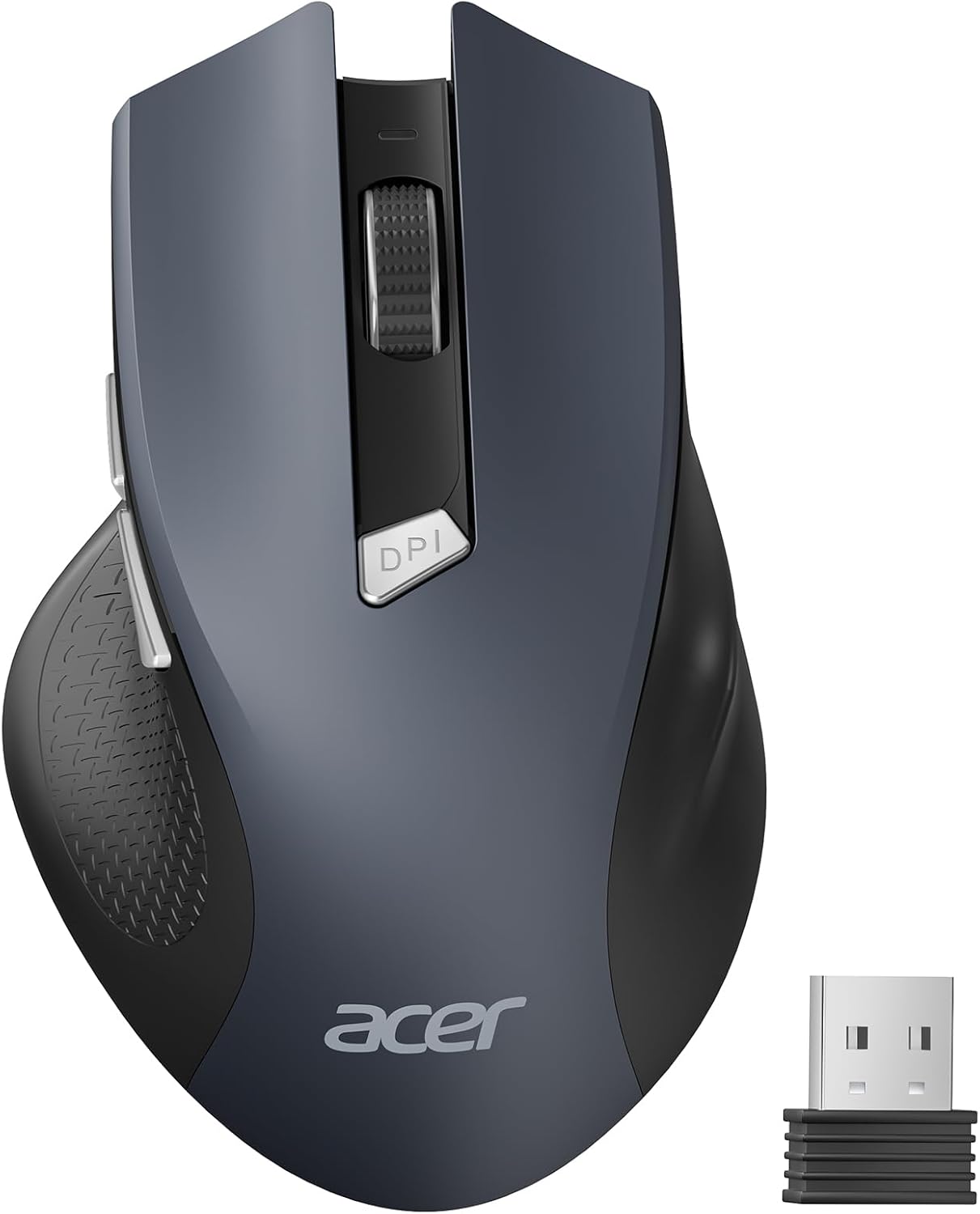
Acer OMR266 Wireless Mouse, 2.4GHz, 3 DPI Settings, 6 Buttons
Product description
If you need a right-handed mouse designed for medium-to-large hands, the Acer OMR266 is a straightforward wireless option for a desk or laptop setup. It connects through a USB-A receiver rather than Bluetooth. Would adjustable sensitivity and dedicated browsing buttons suit the way you work? The choice of three DPI settings and six buttons gives you a few practical controls without requiring extra software.
Getting the most from it
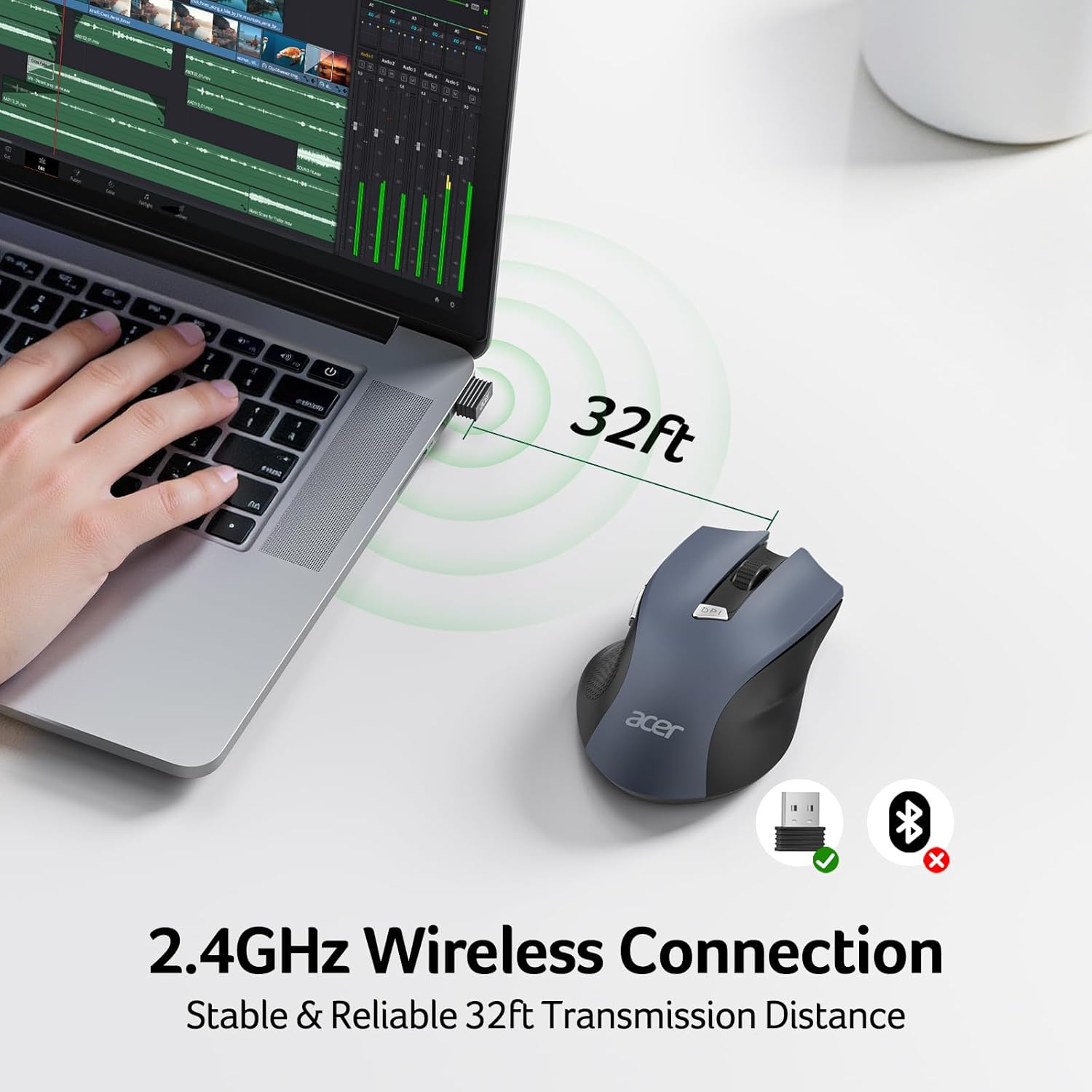
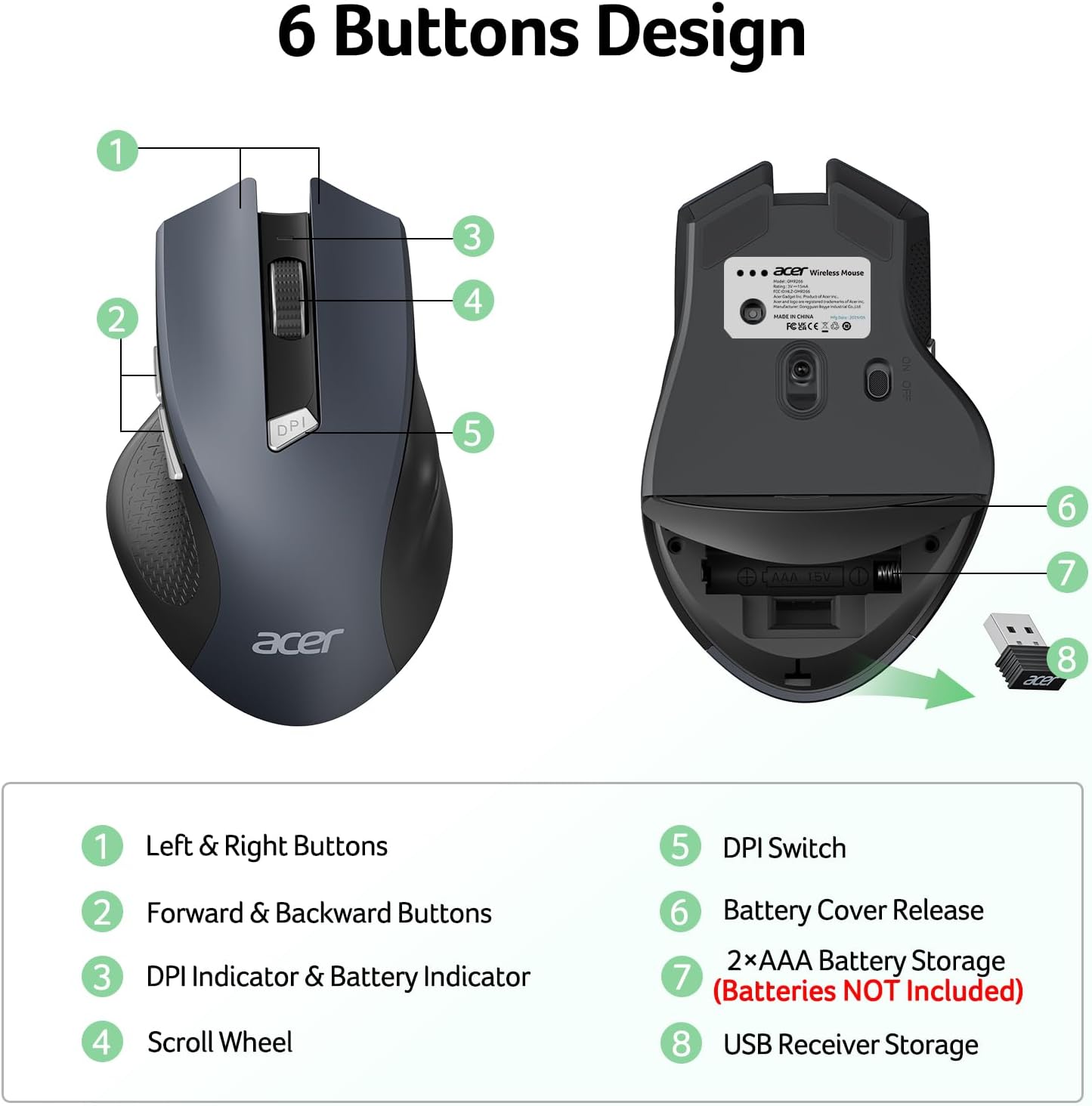
Plug the USB-A receiver into your computer and install two AAA batteries, which are not included. The receiver is stored inside the mouse’s battery compartment, so it is worth looking there before setting it up. The mouse uses a 2.4GHz wireless connection, with a stated range of up to 32 feet, and is designed for plug-and-play use.
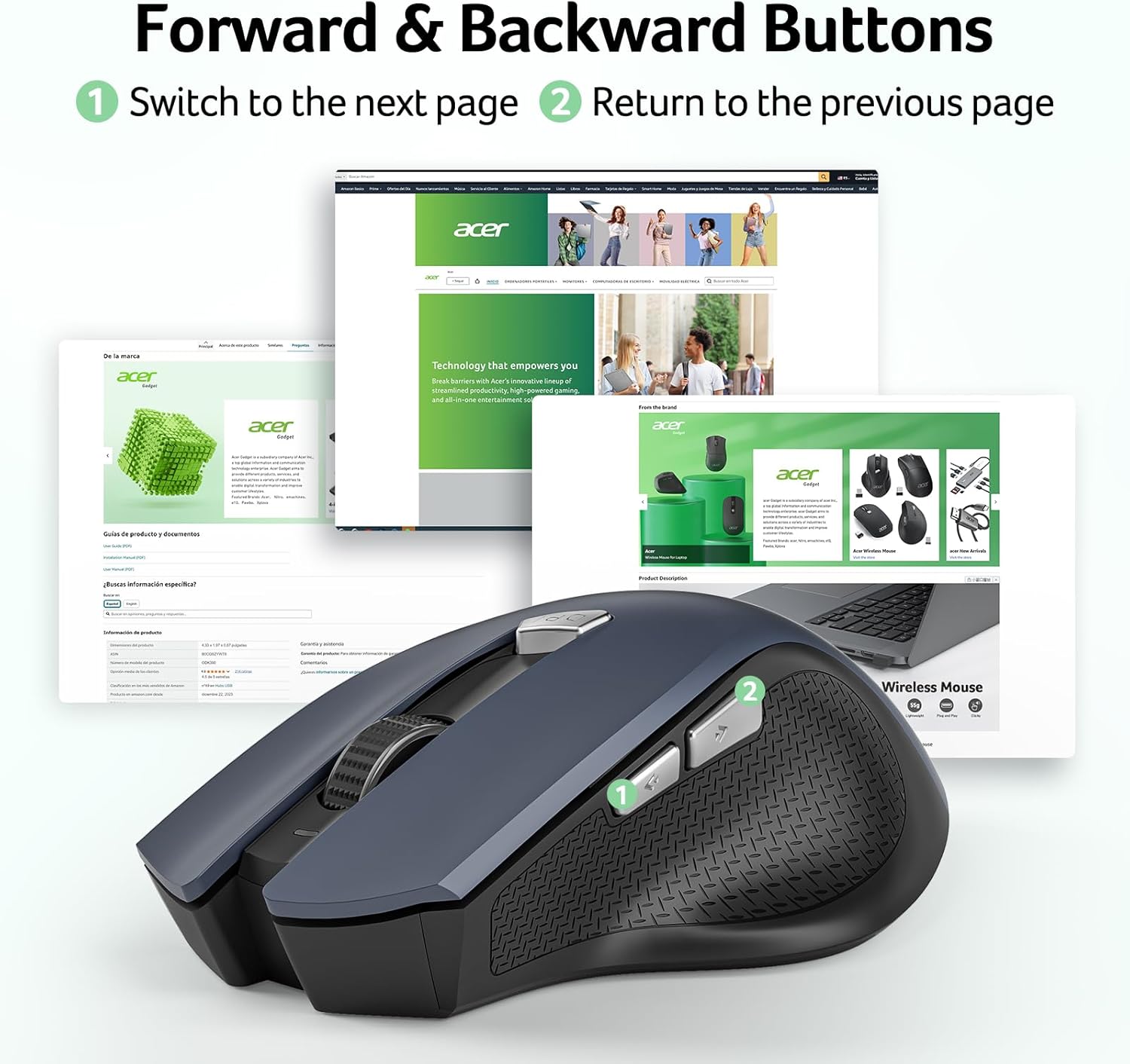
For everyday browsing, the forward and back buttons can make moving through web pages or files more direct. They do not work on Mac, so Mac users should treat them as an extra for other supported systems rather than a reason to choose this model. The DPI button cycles through 800, 1200, and 1600 DPI, the indicator light signals the selected level. A lower setting may suit slower, controlled pointer movement, while a higher one can be useful when you want the pointer to travel farther with less movement.
The mouse enters sleep mode after 10 minutes of inactivity and wakes with two or three clicks. That behavior is useful to know if it seems unresponsive after sitting idle. Its optical tracking, right-handed layout, and stated 5.1-by-3.2-inch footprint point to a desk-oriented mouse rather than a compact travel design.
What stands out
The main distinction is the combination of a medium-to-large hand fit, adjustable DPI, and side navigation buttons in a simple receiver-based setup. At 85 g, it is described as lightweight, while its plastic enclosure keeps the design conventional. A basic mouse with fewer controls may be enough for occasional use, the OMR266 adds sensitivity choices and shortcut buttons for people who browse or switch between files regularly. In contrast, someone specifically looking for Bluetooth or a rechargeable mouse should look at a different type of device: this model is not Bluetooth and is not rechargeable.
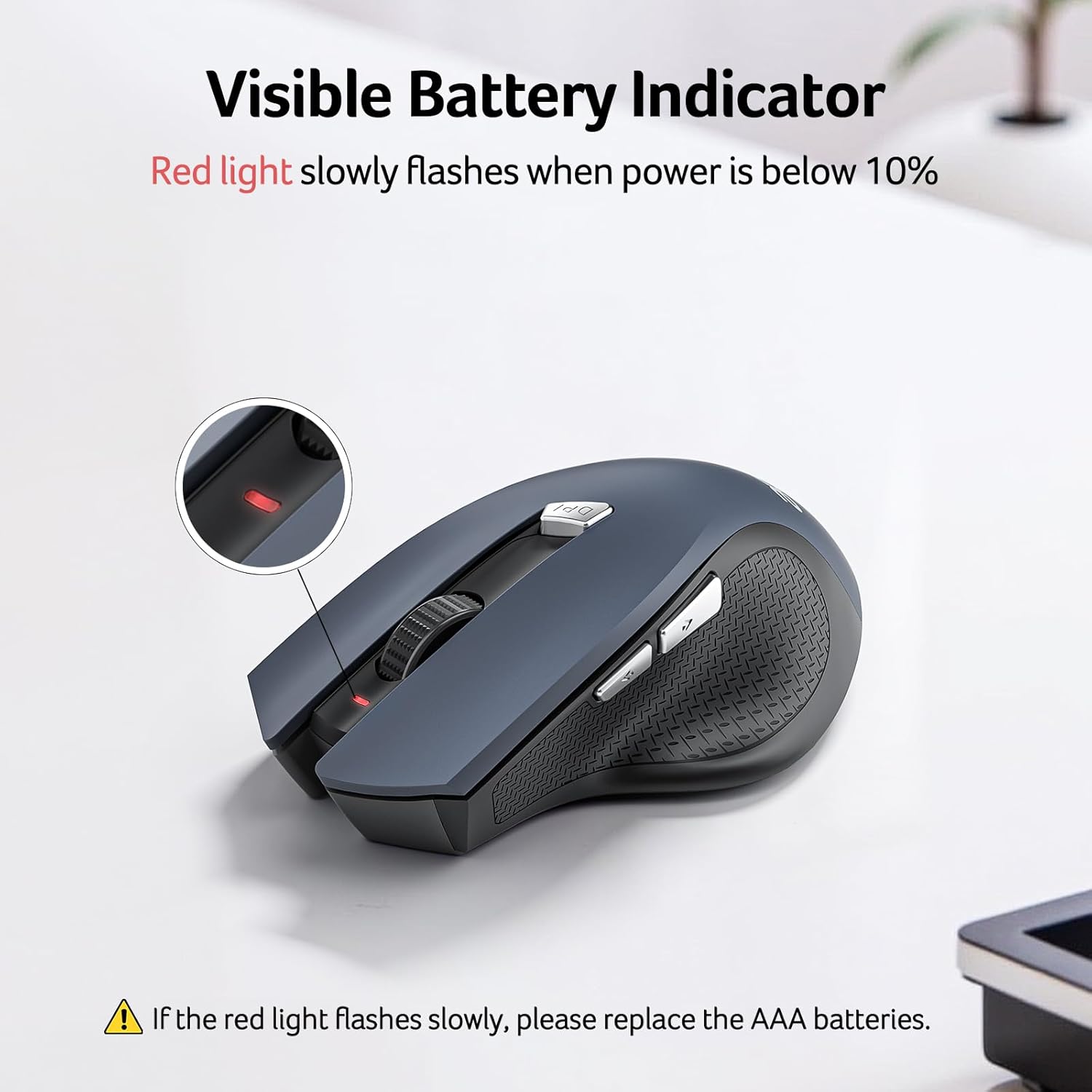
Buyer feedback is not unanimous on every point. Some customers describe it as comfortable for extended desk use and easy to set up, while opinions on responsiveness and size vary. Several find the fit suitable for medium-sized or larger hands, but others consider it too large, particularly for smaller hands. Battery-life reports also differ, so the included battery indicator may be useful for keeping an eye on remaining power, though batteries themselves must be supplied separately.
Highlights
- Connection: 2.4GHz wireless with a USB-A receiver
- DPI settings: 800, 1200, and 1600
- Controls: 6 buttons, including forward and back buttons
- Hand orientation: Right-handed
- Power: 2 AAA batteries required, not included
- Weight: 85 g
- Dimensions: 5.1 inches long by 3.2 inches wide
- Compatibility listed: Windows, macOS, Linux, and Android
- Idle behavior: Enters sleep mode after 10 minutes, wakes with two or three clicks
Questions before you buy
Does it connect over Bluetooth? No. It uses the included USB-A receiver, stored in the battery compartment.
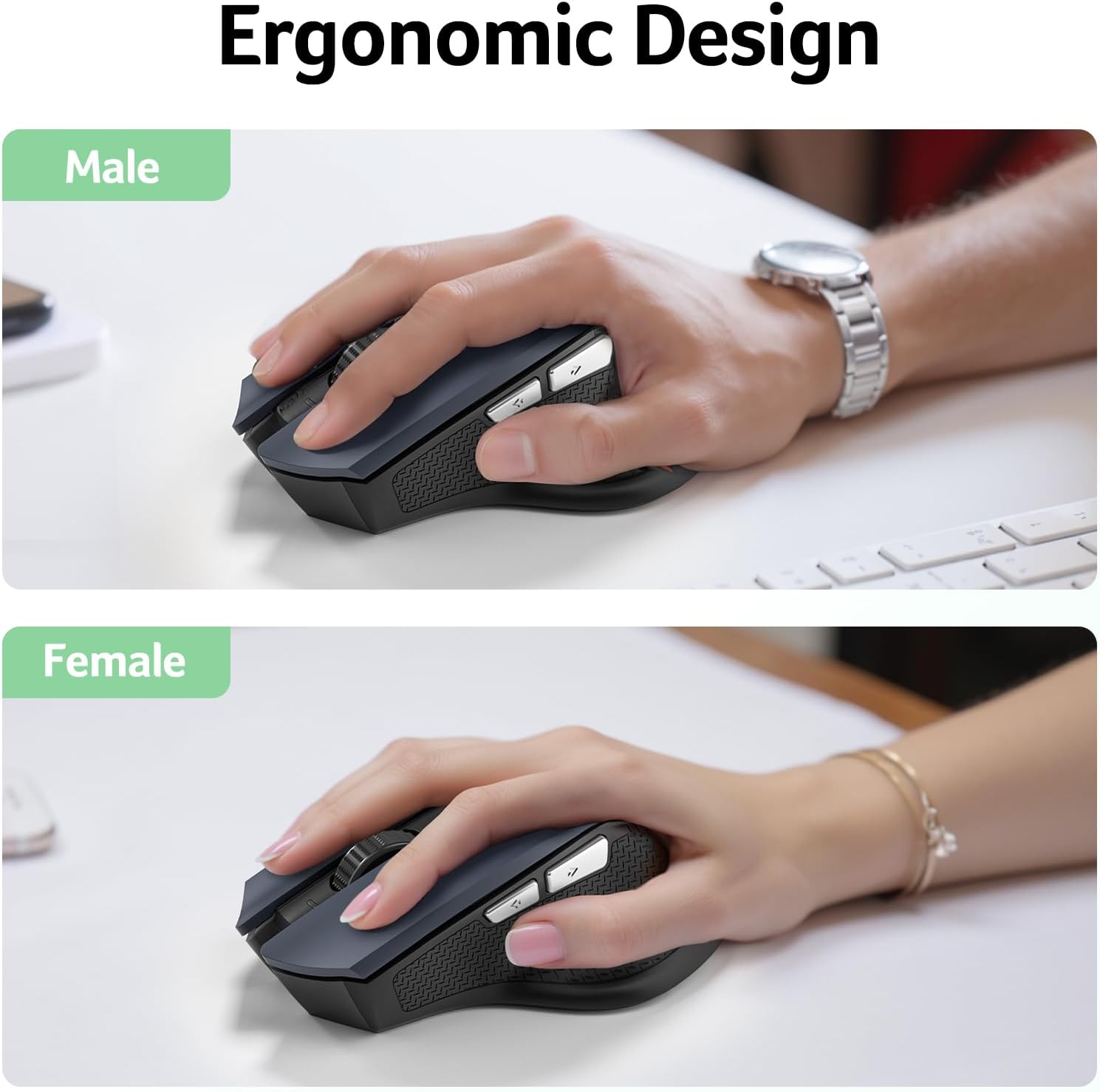
Can you use the side buttons on a Mac? The product information says the side buttons do not work on Mac. The mouse itself is listed as compatible with macOS.
Are batteries included? No. It requires two AAA batteries, which need to be installed with the correct polarity.
Final verdict
A solid pick if you want a right-handed, receiver-based mouse for a desk setup, prefer a medium-to-large shape, and will use adjustable DPI or browser navigation buttons. The USB-A connection and replaceable AAA batteries make the setup clear, but they will not suit every preference. You may want to skip it if you need Bluetooth, rechargeable power, working side buttons on Mac, or a smaller mouse for small hands. For those needs, choosing a different connection type or size is the more relevant comparison than focusing on extra buttons or DPI settings.