

4K@60Hz 1x2 HDMI Splitter (HDMI 2.0) – Mirror 2 Displays from a Single Source
Product description
What it is and what it solves
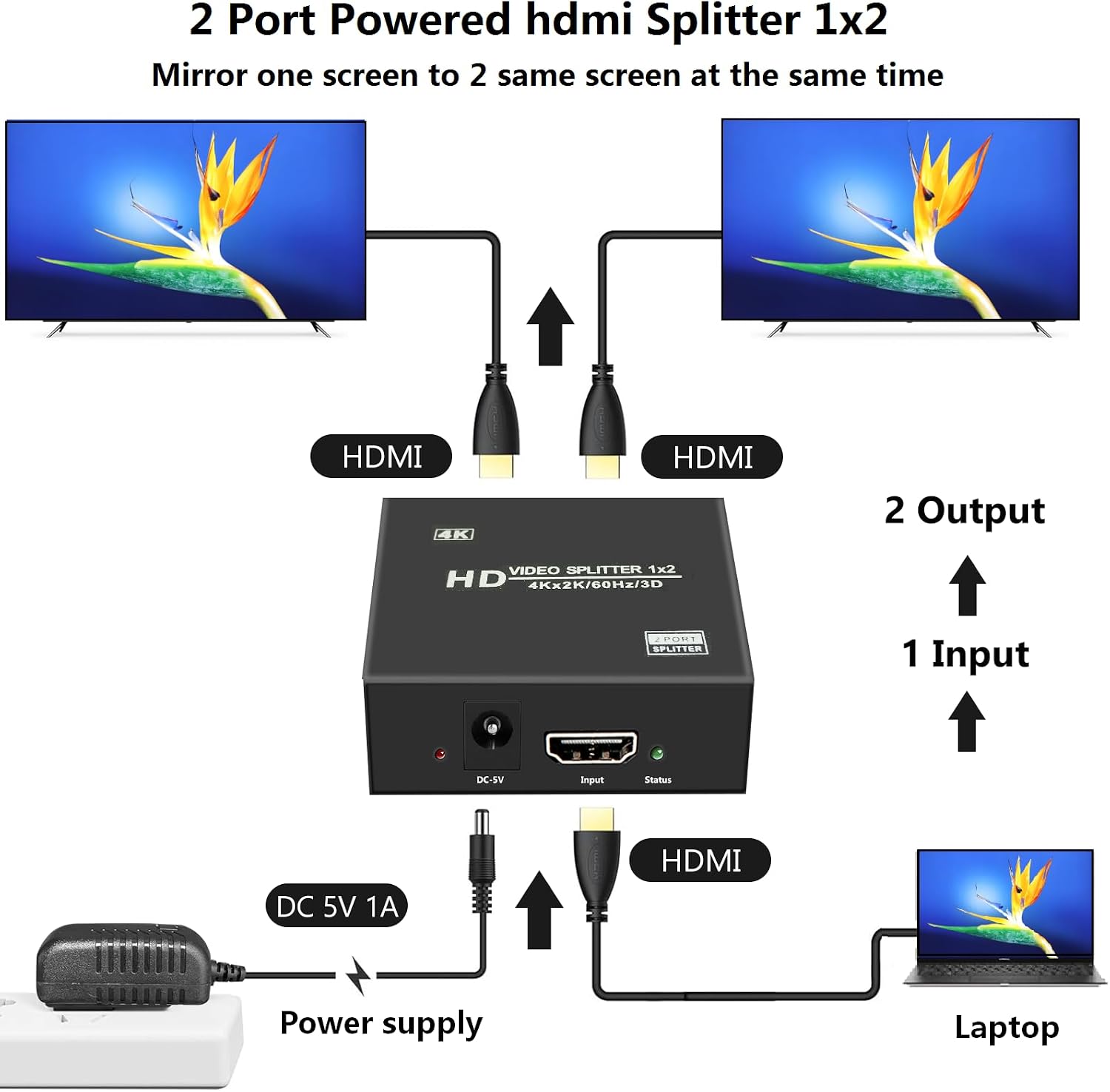
This is a 4K 1x2 HDMI splitter designed to duplicate a single HDMI source to two displays at the same time. It supports 4K@60Hz with 4:4:4 color and a total bandwidth of 18 Gbps, aligning with HDMI 2.0a/HDCP 2.2/1.4. The device is powered by a 5V/1A adapter and is intended for mirroring rather than extending desktops. If you need two screens showing the exact same content from a Blu-ray player, game console, or PC, this splitter provides a straightforward, plug-and-play solution with minimal latency.
How it works on paper
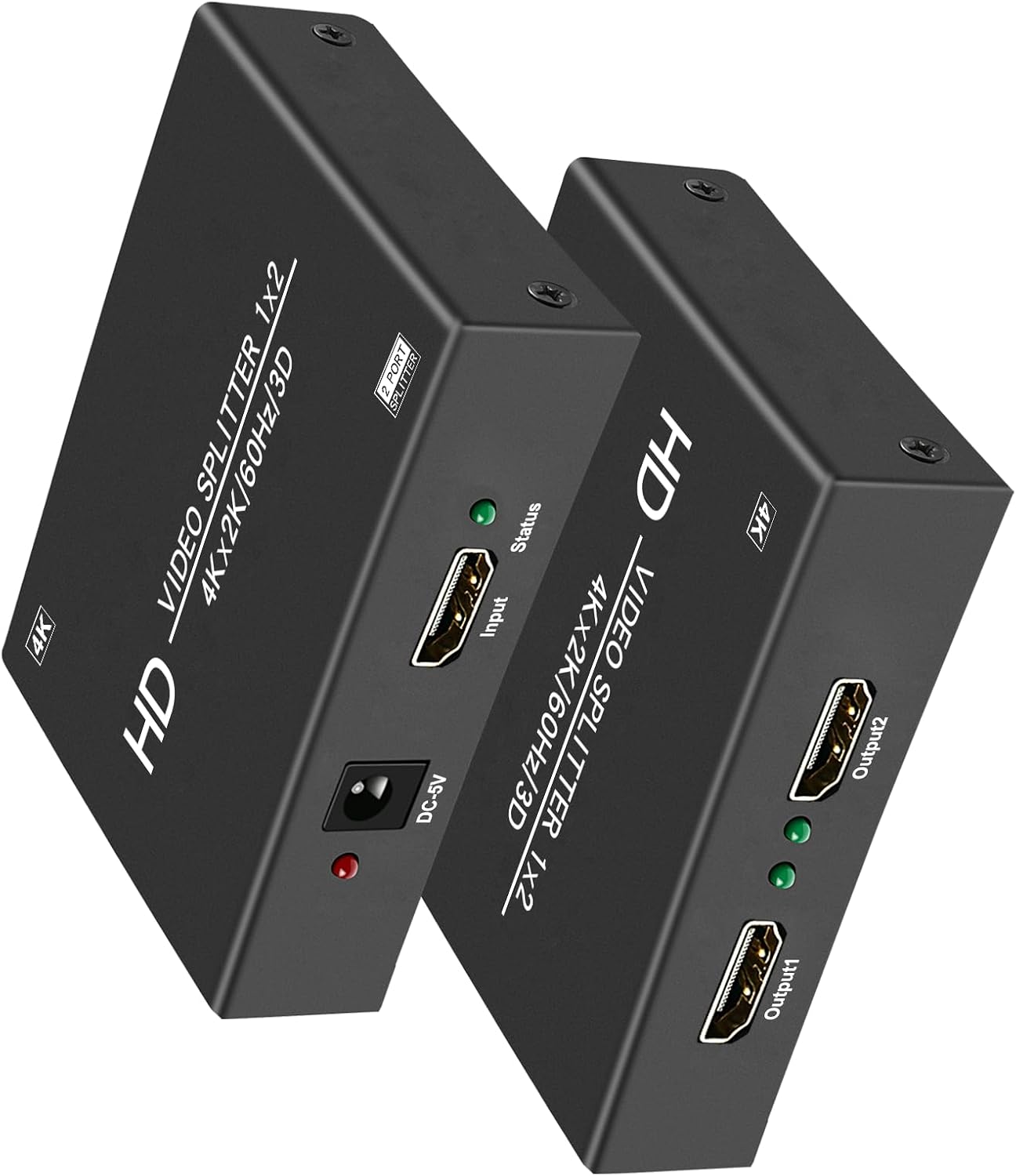
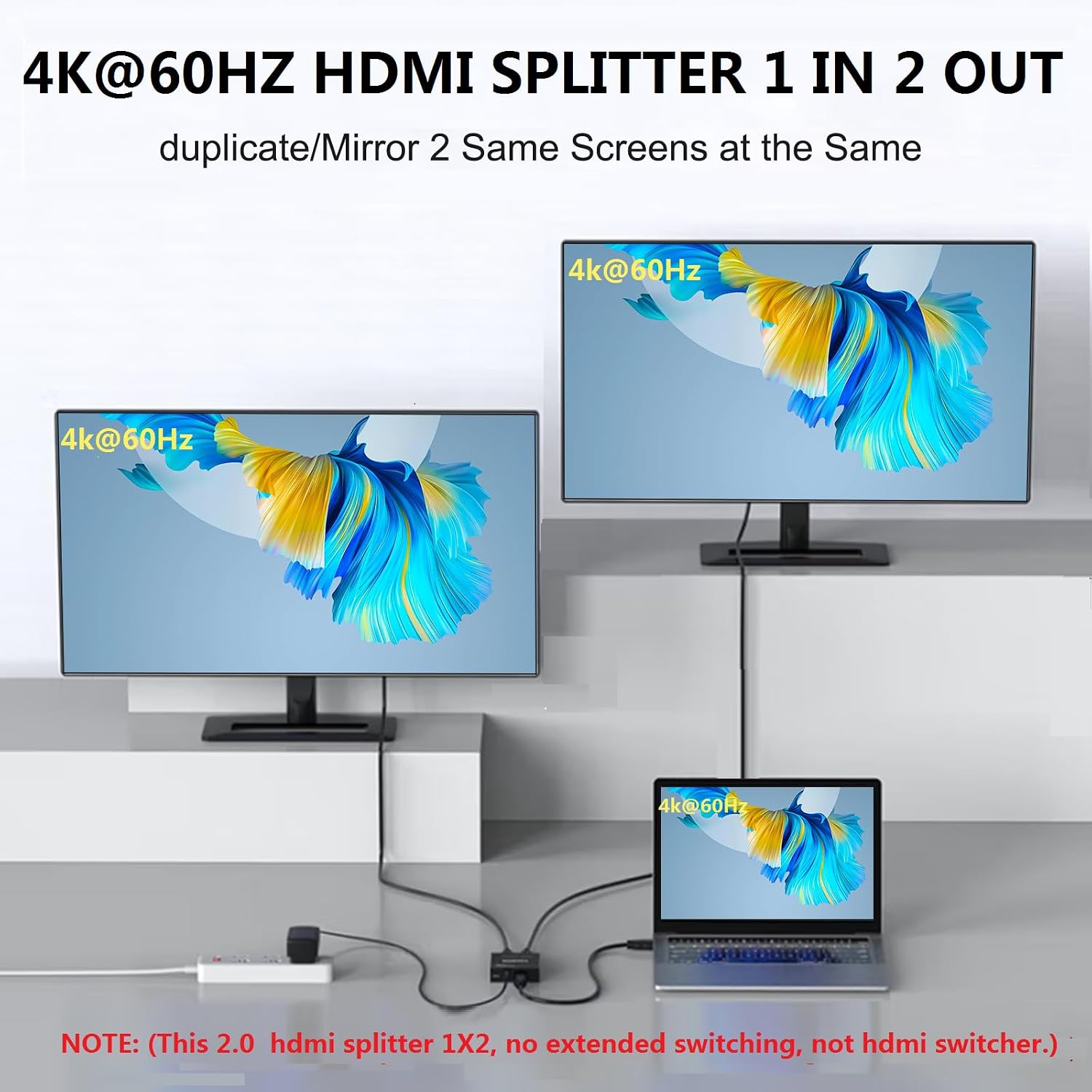
On the technical side, you’ll get two output ports that display the same picture from one input. It’s important to note that it does not support extending your desktop or switching between sources—it's a dedicated mirror/duplication tool. The kit is designed for scenarios where duplication is more important than independent screen content, such as showroom displays, presentation rooms, or a home theater setup where two TVs or monitors need to show the same feed.
What stands out and what may fall short
Pros: - Simple, driver-free setup with plug-and-play operation. - Supports 4K at 60Hz and 4:4:4 color for accurate images, suitable for media playback and gaming at high fidelity. - Powered design helps maintain signal quality over longer runs and through multiple displays. - Broad compatibility with common consumer devices (computers, PS5, Blu-ray players, etc.).
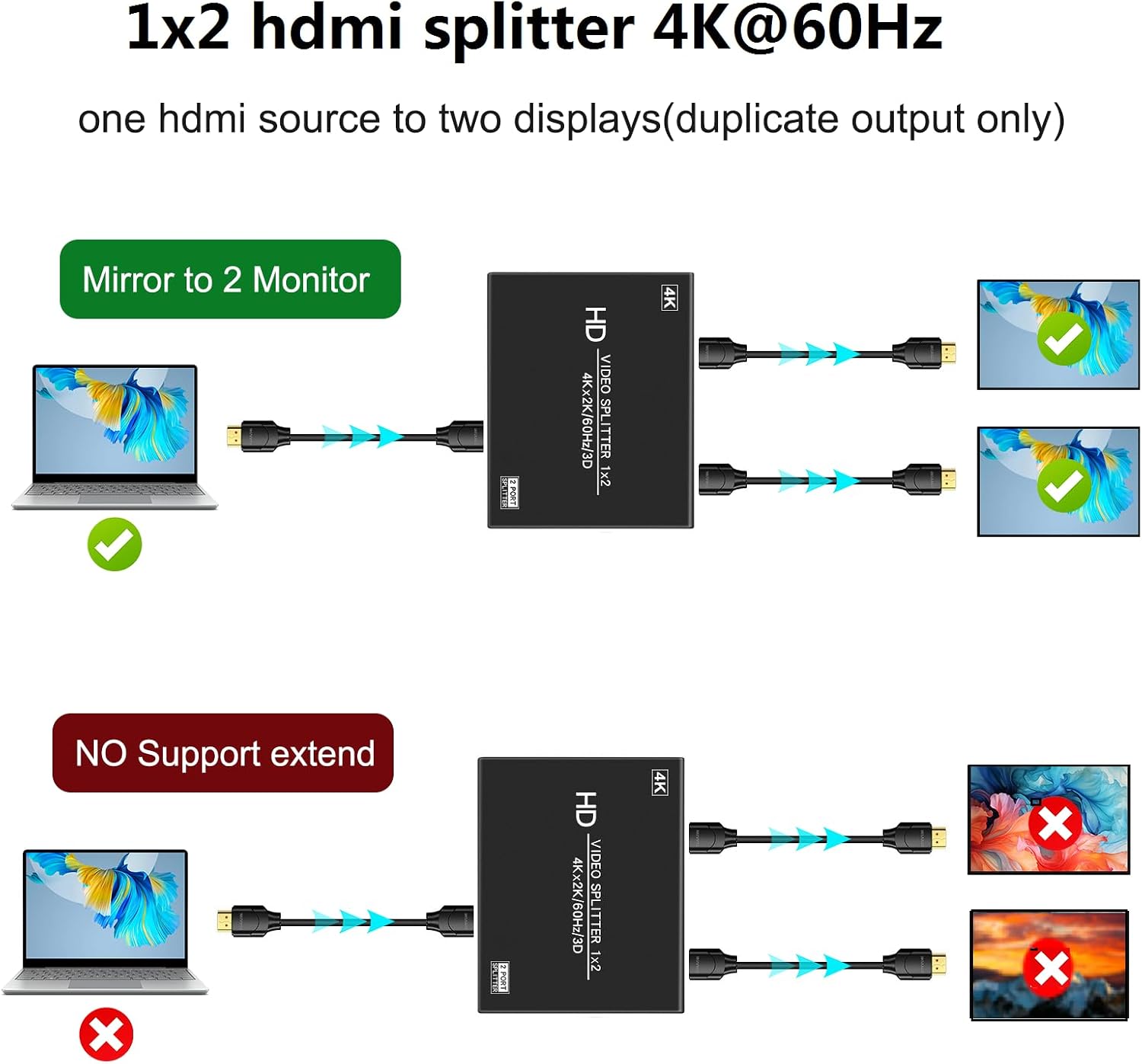
Potential limitations: - Only duplication, it cannot extend the desktop or act as a switch between multiple sources. - Output resolution depends on the lower of inputs/outputs, so you may not achieve the maximum 4K on both displays if one path restricts it. - The stated distance for input/output cables is up to 30 ft, but real-world performance can vary based on cable quality and environment.
Ideal use cases
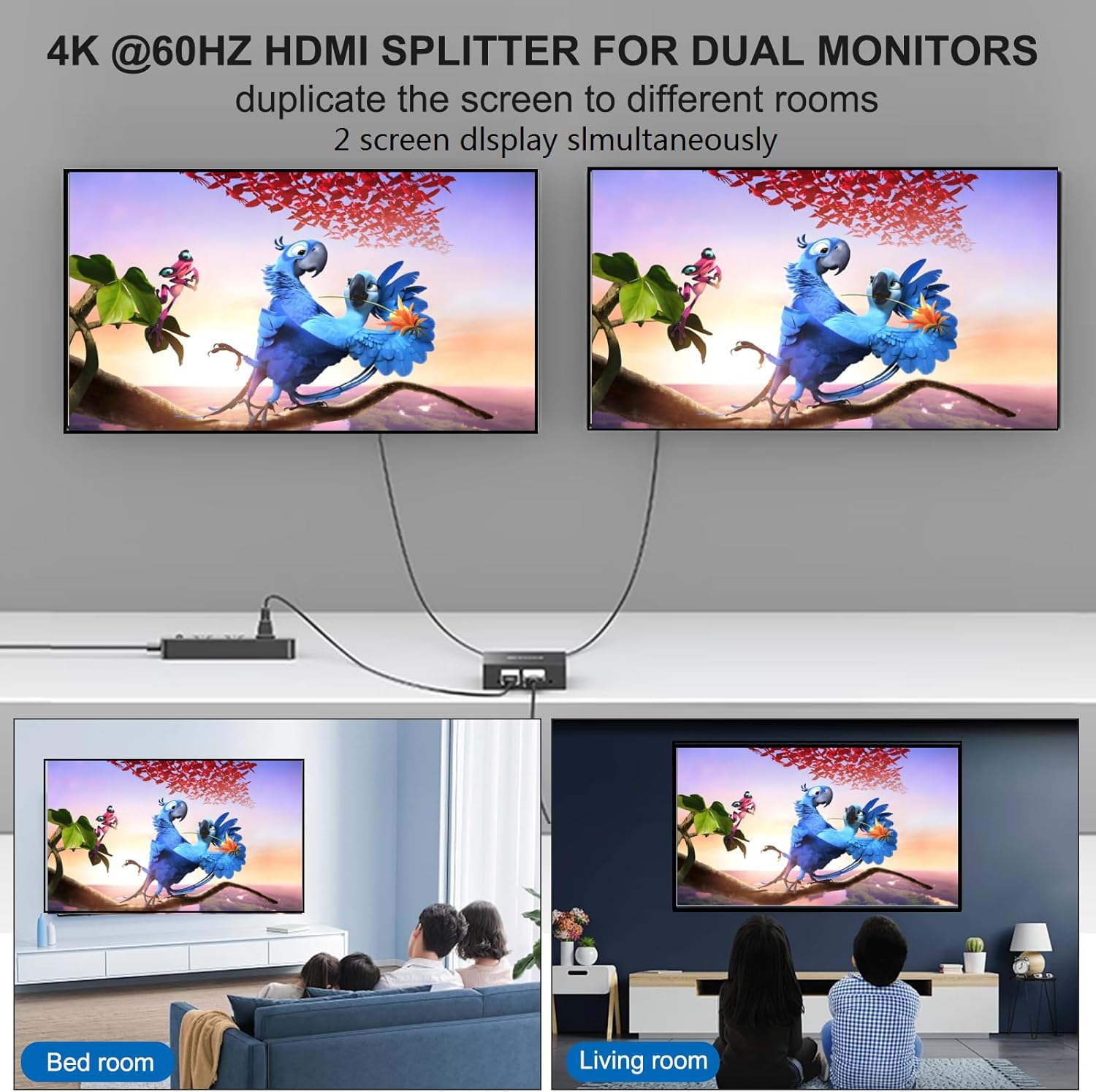
This splitter is a solid choice if you need two TVs or monitors to mirror the same content from one source—perfect for digital signage, trade shows, classrooms, conference rooms, or a home theater where you want the same movie or game feed on two displays.
Who it’s for and who should skip it
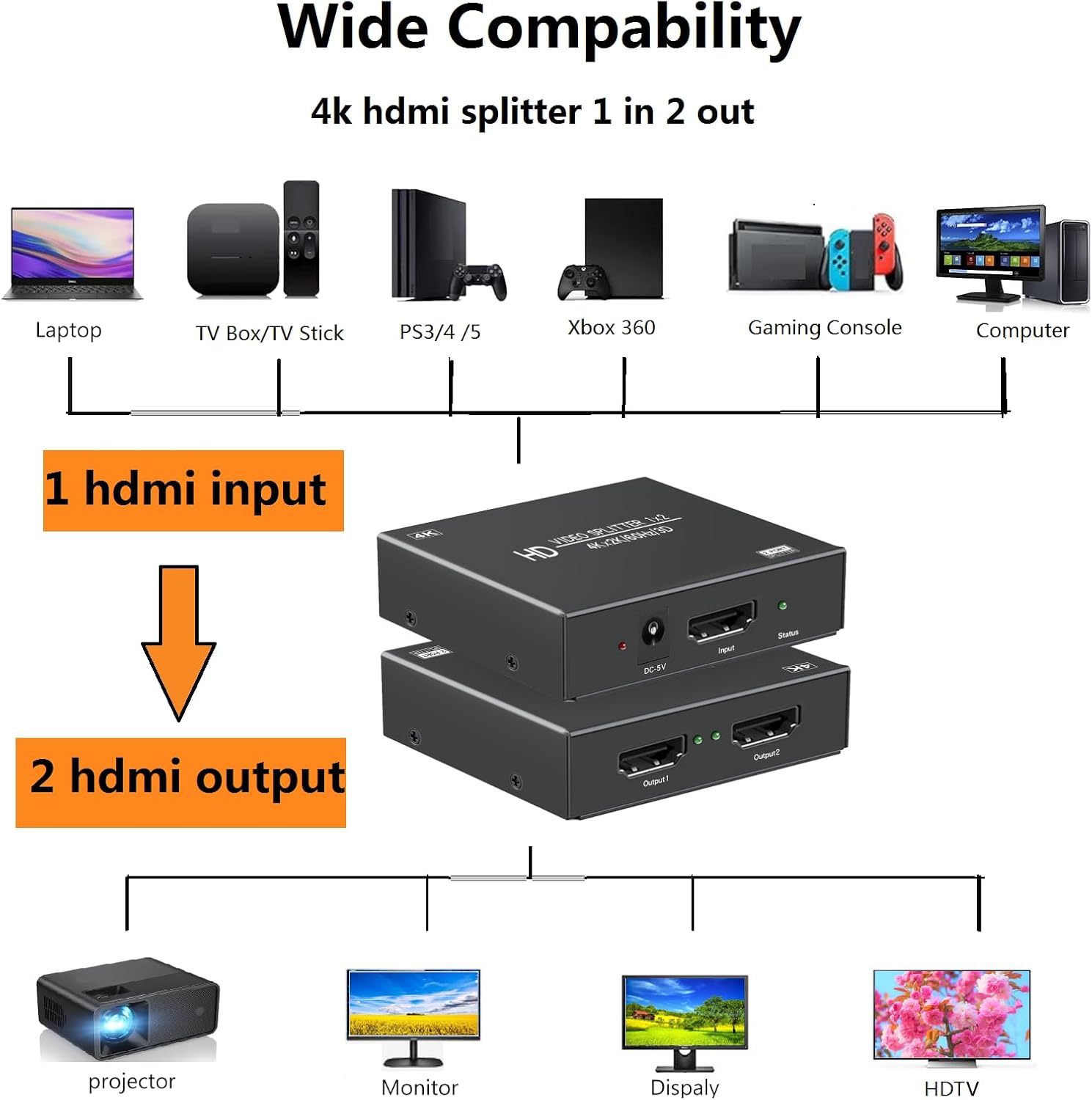
Who it fits: - Anyone needing simple duplication from a single HDMI source to two displays. - Setups where you don’t need to extend or switch sources, but you want consistent content across two screens.
Who should consider alternatives: - If you want to run two different displays with distinct content, this device won’t meet the need. - If your setup requires desktop extension or multiple input management, you’ll likely prefer a true HDMI switcher or an extender-capable device.
Practical considerations before buying
- Verify your source and displays can operate at 4K@60Hz with 4:4:4 color, and confirm any HDCP requirements align with your content.
- Plan cable lengths carefully, while 30 ft is supported, longer runs could degrade signal depending on cable quality.
- Check if you truly need duplication, if your goal is flexible display arrangements, a different solution might be more suitable.
Performance context and comparisons (in-office language)
Compared to a basic HDMI splitter that isn’t powered, this model’s powered design helps maintain signal integrity across two outputs at 4K@60Hz. It isn’t a replacement for a switcher or an extender, so if you anticipate needing to move between multiple inputs or extend screens beyond mirroring, look for a device specifically designed for that purpose. For straightforward duplication tasks, this unit offers a reliable, no-frills approach that keeps setup simple.
FAQ (based on available data)
- Does it extend the desktop to two monitors? No, it mirrors the same signal to both outputs.
- What resolutions are supported? Up to 4K@60Hz with 4:4:4 color, across compatible devices.
- Is a separate HDMI switcher required? No external driver is required, it’s a plug-and-play, powered splitter.
Decision: Should you buy it?
Is it worth it? If your priority is two displays showing the exact same content from one source and you don’t need extended desktops or switching between sources, this 4K@60Hz 1x2 HDMI splitter is worth considering. It’s best for environments like presentations, showrooms, or home setups where duplication is the main goal. If you need independent display content or flexible source management, you may want to explore alternatives that support extend or switch functions.