

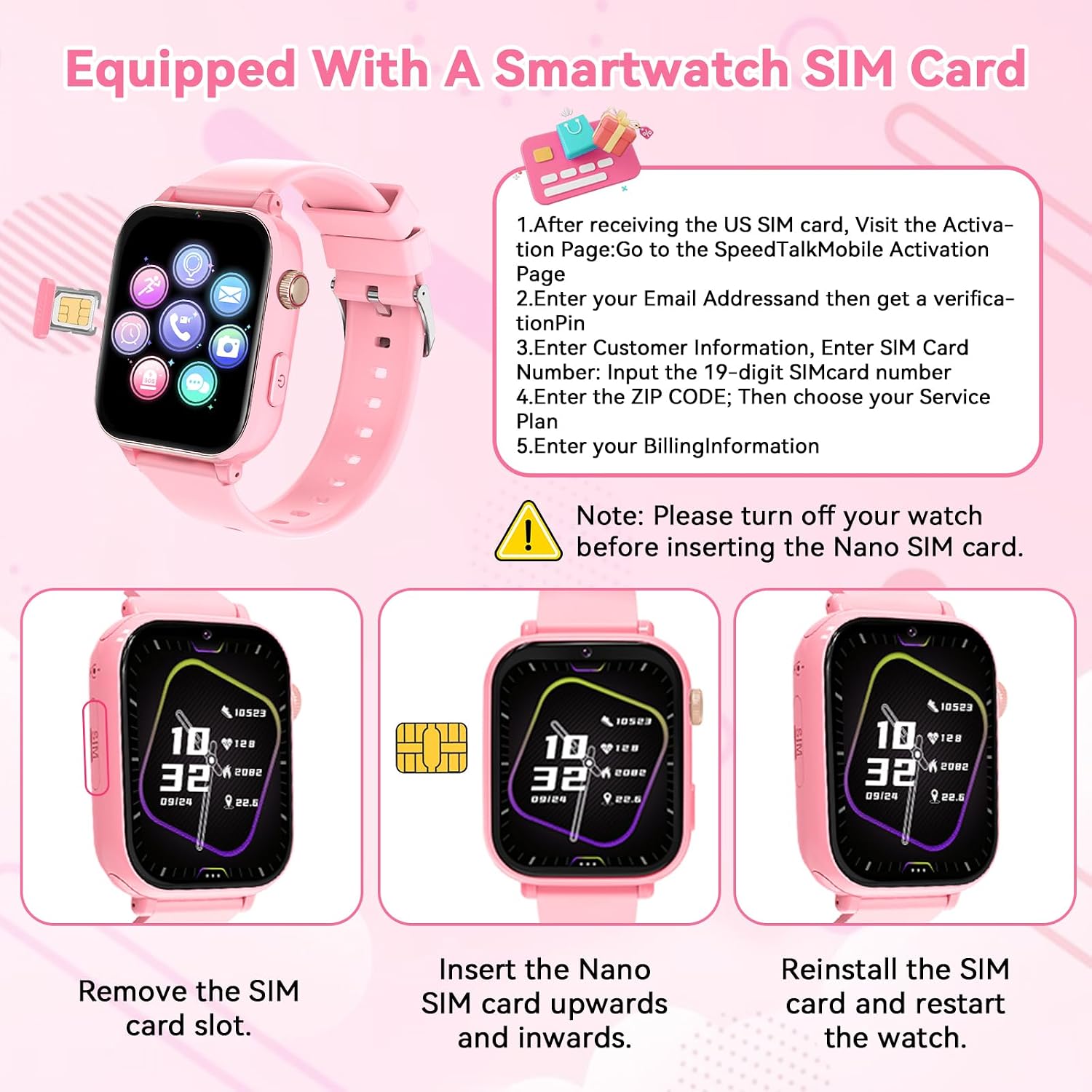
4G Kids Smart Watch Phone GPS with Video Calling, Class Mode, and SOS — Pink
Reviews
Price
Product description
What it is and who it’s for
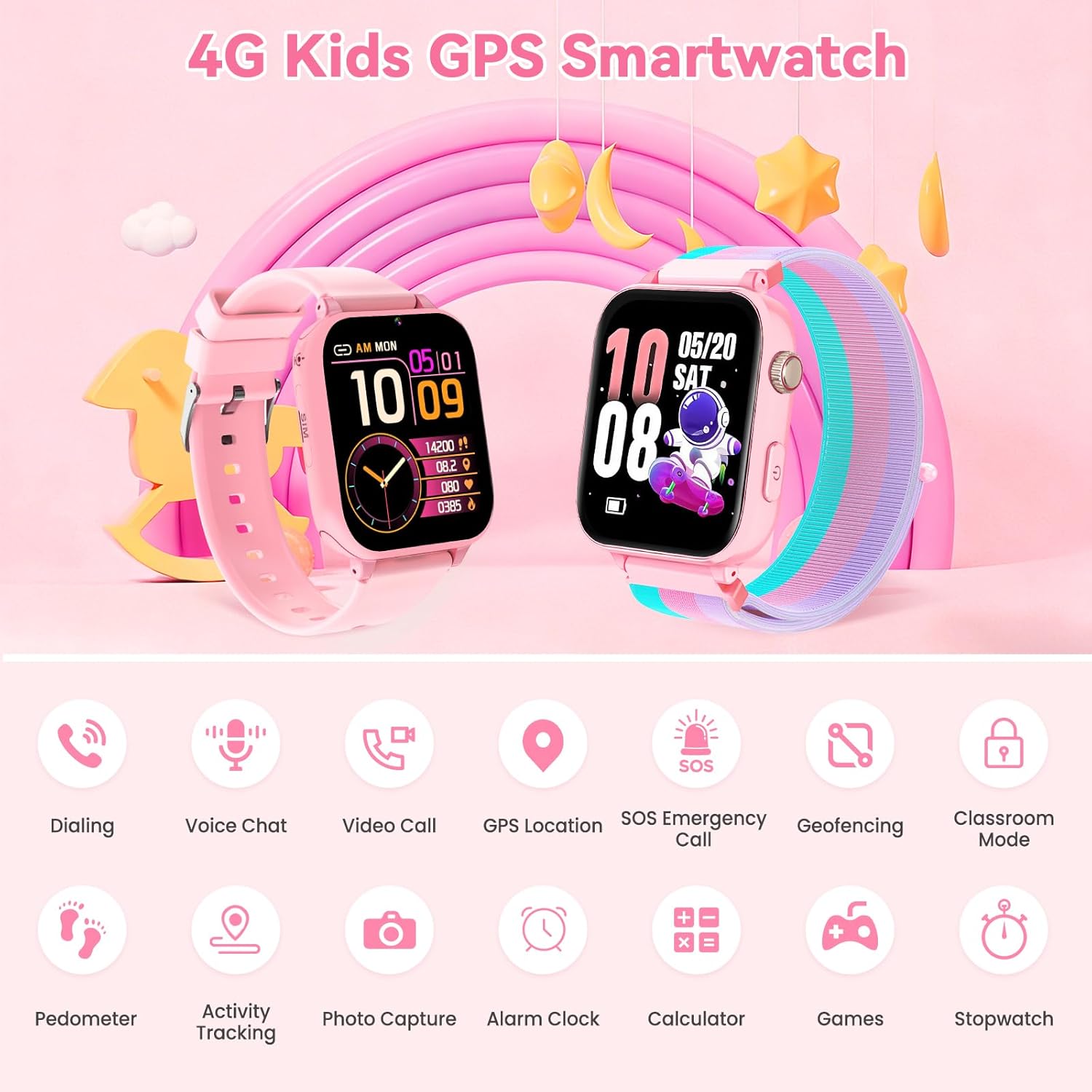
This is a 4G kids’ smart watch designed to combine kid-friendly communication with safety features. It functions as a wearable phone with a front-facing camera for two-way video calls, GPS and LBS location, a geofence system, and an SOS button. The watch is pitched toward parents who want more visibility into their child’s whereabouts and a controlled way to stay in touch.
How pairing and setup work
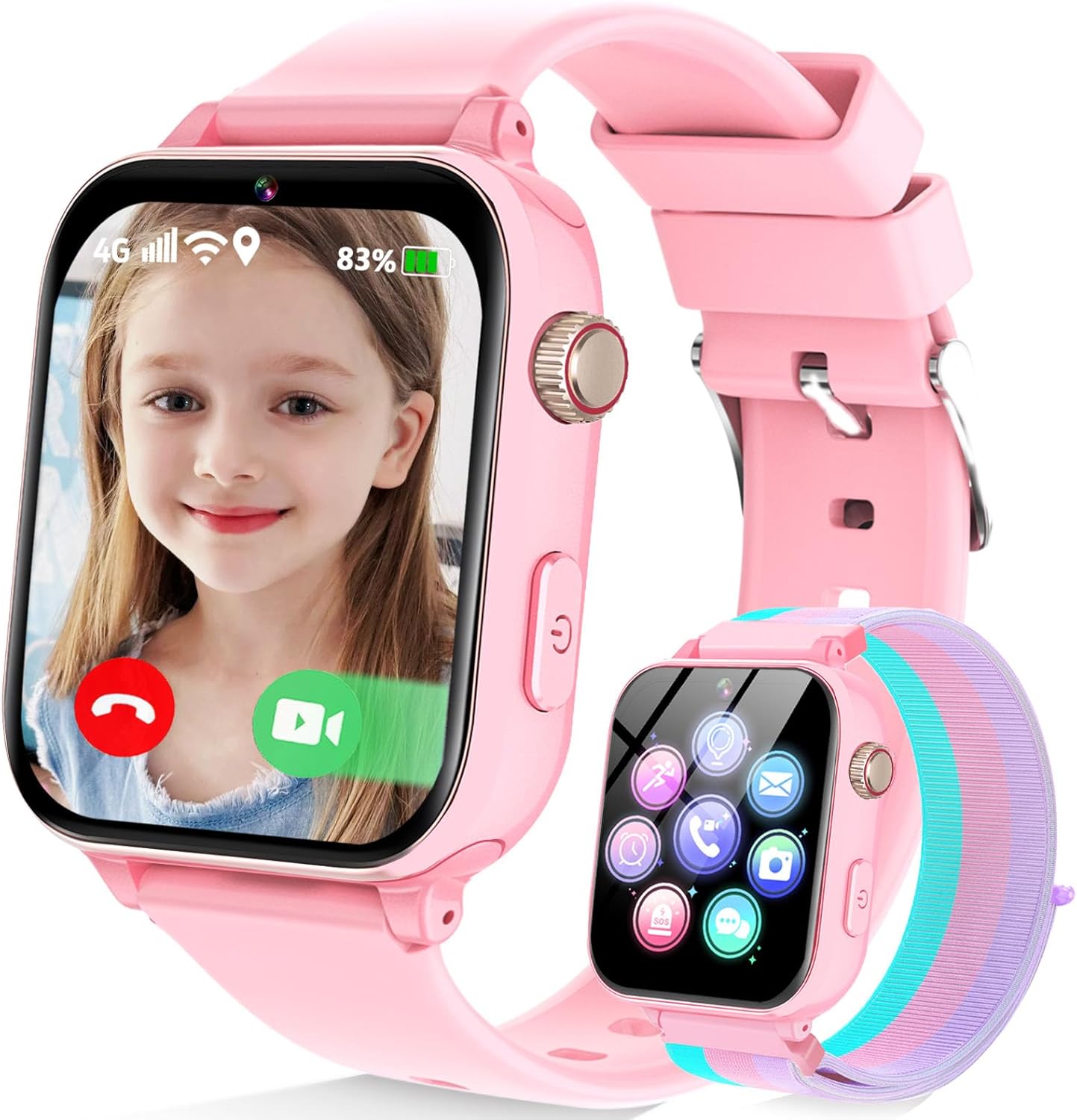
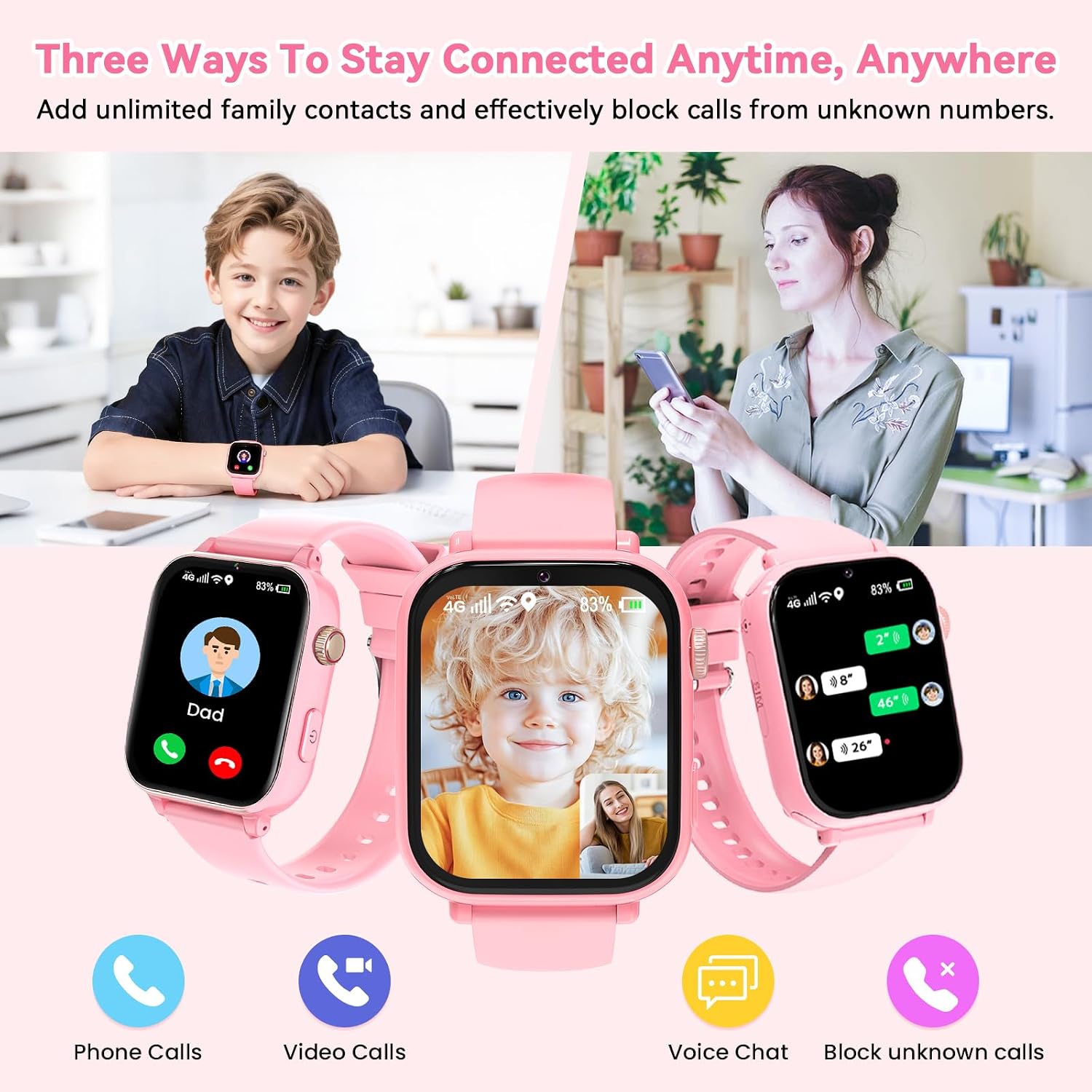
Setup is intentionally simple: pair via the built-in QR code by using the Junicare App, scan, and you’re ready. Parents can manage contacts from the app, block unknown numbers, and monitor real-time location. A complimentary Speedtalk SIM is included for use in the United States, with activation on the provider’s site and an appropriate data plan chosen before use.
Core benefits in practice
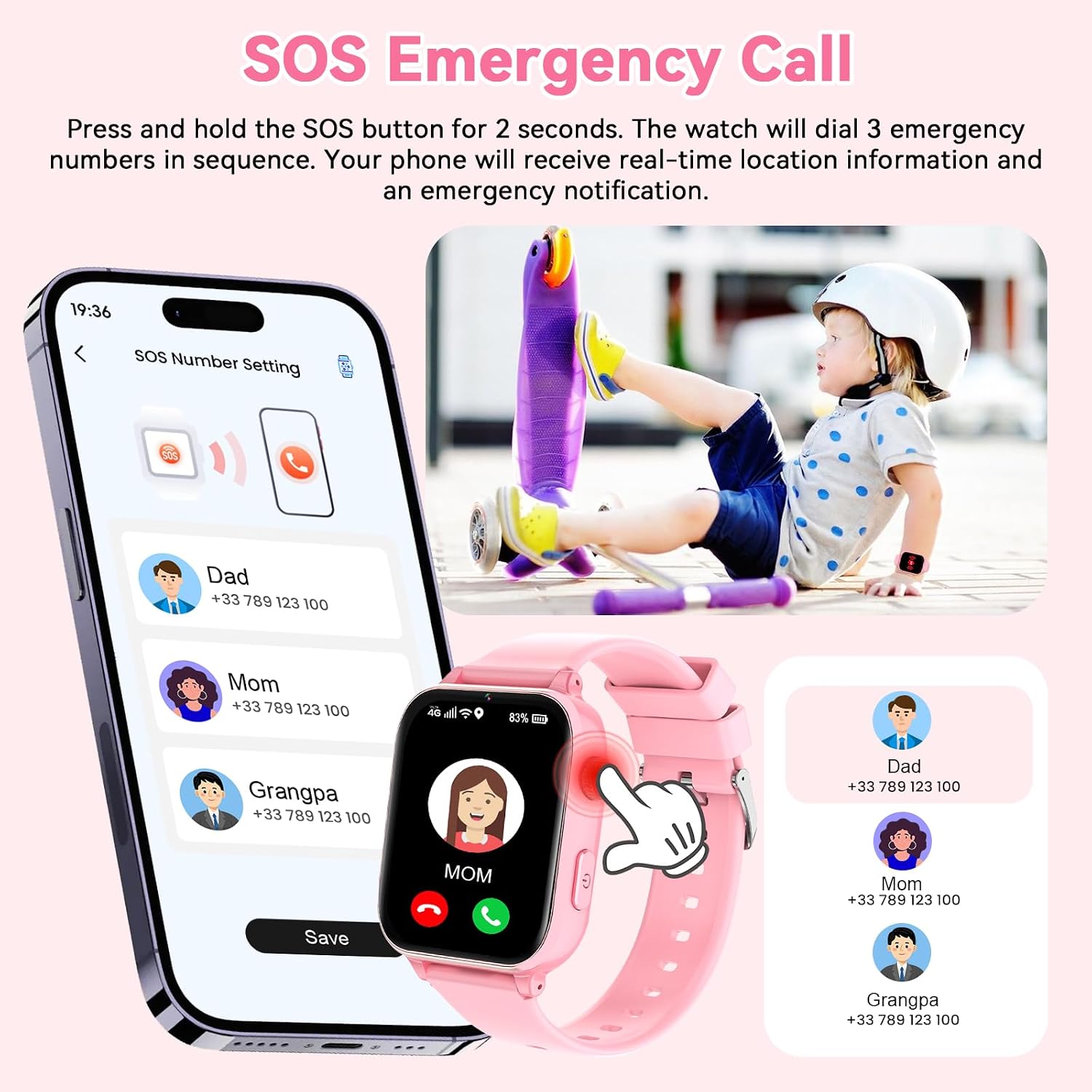
On paper, the watch offers 4G calling, text chat, and HD video chat, which means you can check on your child even when you’re not nearby. The SOS button provides quick, one-tap emergency contact, which adds a layer of security for kids during daily activities or after-school routines.
What stands out in daily use
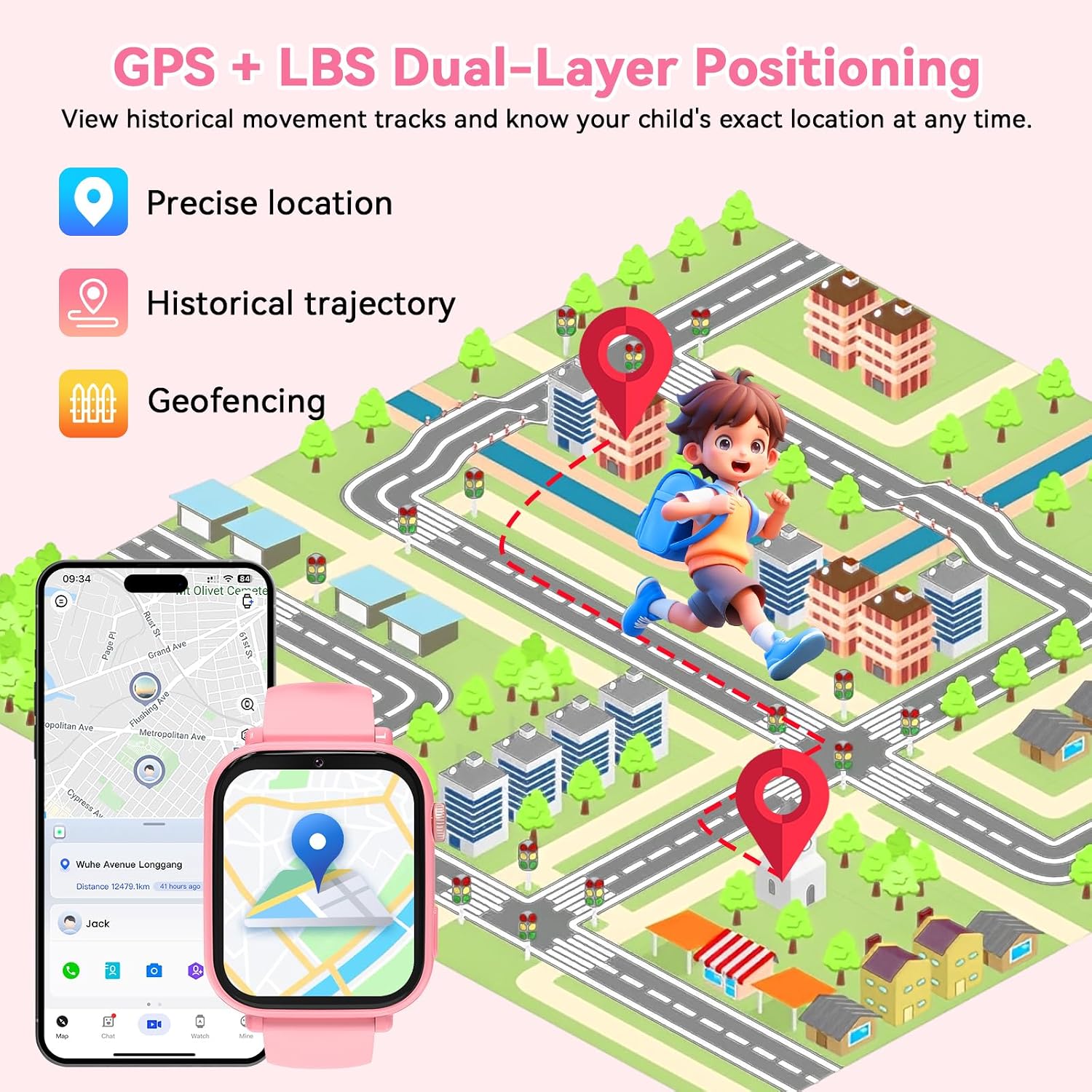
The device uses dual GPS + LBS positioning to give real-time location updates. You can set digital geofences around places like home and school via the app, and you’ll receive alerts if your child leaves the designated area. This reduces the need for constant direct supervision while keeping you informed.
Limitations and things to consider
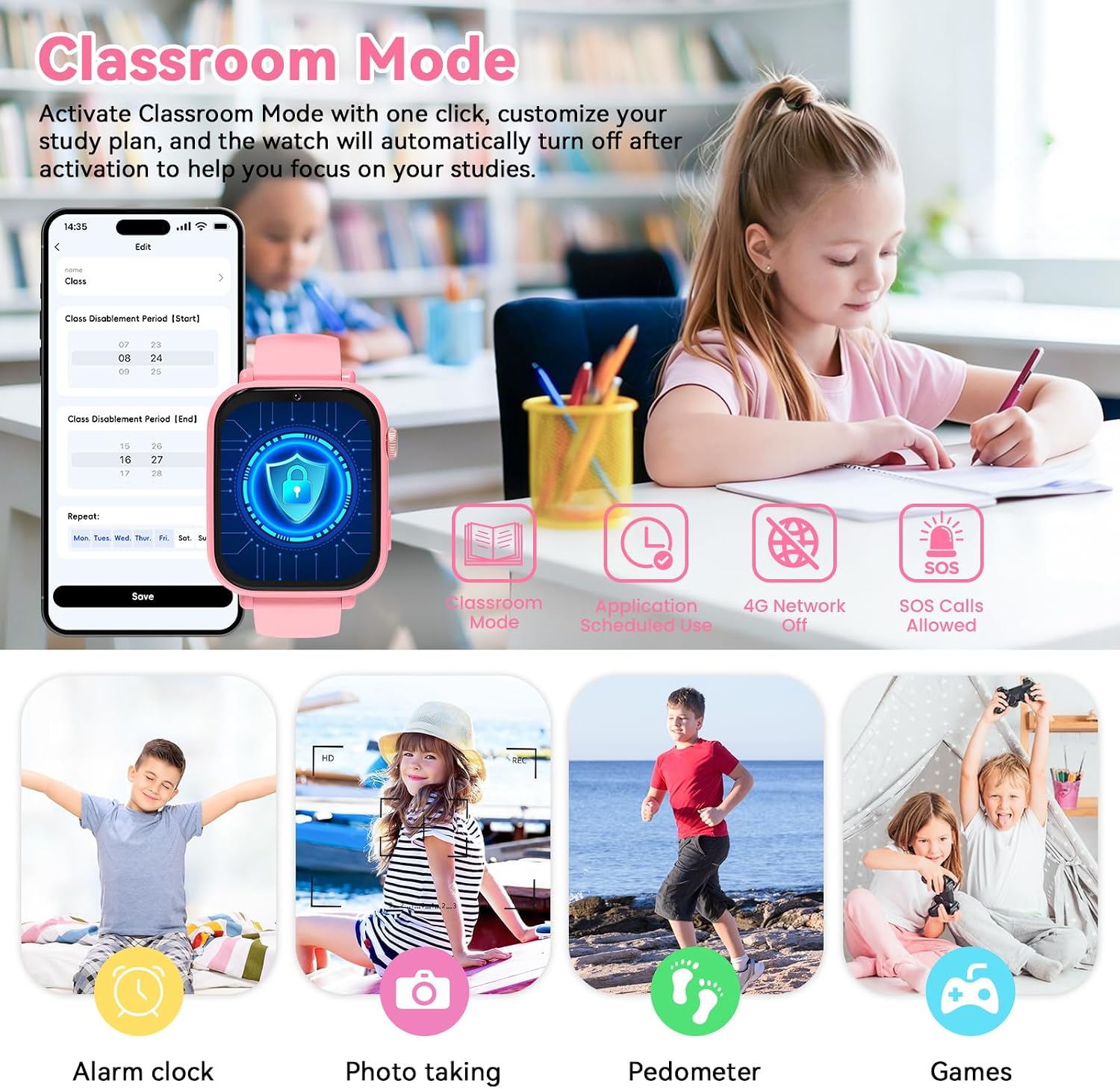
If you prize a minimal device with no screen time management, this watch may still feel feature-heavy. Class Mode exists to help kids focus by disabling non-essential functions during school hours, but the effectiveness depends on consistent app control. Also, the included SIM is only for US usage, so you’ll need to consider data plans and potential costs beyond the free card.
Who it’s best for
- Parents seeking a watch that doubles as a phone with safety features for kids aged 4–12.
- households wanting to balance communication with light, real-time location tracking.
- families who value remote class-mode controls to reduce distractions during school
Who might want to think twice
- if you’re looking for a strictly no-screen, ultra-simple device, this smartwatch has more features than you may need.
- if you’re outside the United States, the included SIM is not usable, you’d have to verify compatibility with local carriers and plans.
Practical buying considerations
- Confirm you’re okay with a 1.7-inch curved HD IPS screen that is comfortable for kids but not the largest display.
- Review the data plan options you’ll attach to the SIM card, plan costs can affect ongoing usability.
- Consider how you’ll use the Class Mode: timing, scheduling, and enforcement will depend on the app’s settings.
How this compares to other approaches
For families weighing a dedicated child phone vs. a wearable, this device emphasizes location safety and parental control through an app, with a strong emphasis on geofencing and SOS access. If you want a more traditional phone experience with fewer safety features, a different device or a non-4G option might be worth considering. If your priority is constant, granular control over what kids can access, this watch offers a balanced set of safety-focused features in a compact form.
Is it worth it?
Final verdict: this watch makes sense if your main goals are real-time location, direct communication with your child, and quick SOS access, all wrapped in a kid-friendly wearable. It’s not the simplest or cheapest option, but it provides a practical blend of tracking, calling, and classroom-oriented controls that can support busy families. Consider whether you’ll consistently manage the SIM plan and whether the geofence features align with your daily routines.
Quick tips before you buy
- Check if you’ll use the geofence alerts regularly and set sensible safe zones.
- Plan for ongoing SIM data costs and ensure you’re comfortable with the provider’s coverage in your area.
- Think about your child’s school policy on devices and whether Class Mode will fit into that schedule.
FAQ
- How does the SOS feature work? A single button initiates an emergency call to a listed contact.
- Can you disable games and other entertainment features? Yes, Class Mode can restrict certain functions to minimize distractions during school.
- Does it work with iOS and Android? Pairing uses a dedicated app, the phone’s OS compatibility isn’t the focus, but you’ll need a compatible smartphone to manage the app and settings.