

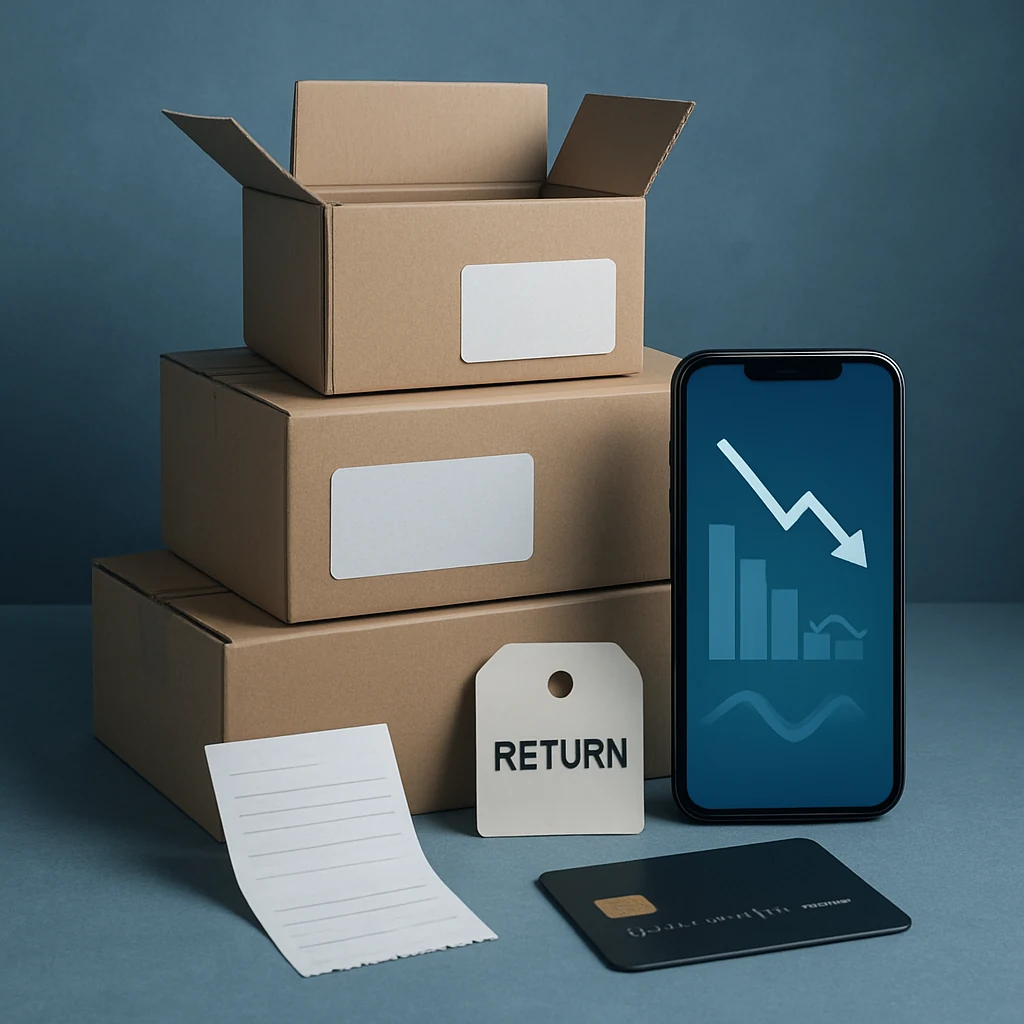
The “After You Buy” Playbook: Save More on Online Orders
Don’t stop at checkout. Use returns, price drops, holiday policies, and post-purchase tactics to turn online deals into real savings in USD.
Most people stop hunting for savings the moment they click Place order. That’s exactly when a lot of “hidden” money shows up—price drops, longer holiday return windows, partial refunds, and the option to re-buy smarter if shipping or sales tax changes the math.
This is a practical, US-focused after-you-buy checklist you can run on almost any online purchase (from sneakers to small appliances). Use the early steps every time, and save the heavier moves for bigger-ticket items.

A prioritized post-purchase savings checklist (with when to use it)
1) Capture your “receipt package” immediately (2 minutes)
Why it works: If you need a price adjustment, a warranty claim, or a return, the fastest path is having your proof ready—especially when you’re dealing with third-party sellers or marketplace orders.
When to do it: Always. Right after checkout.
Save these in one folder (email or cloud): order confirmation, invoice, tracking page, and screenshots of the product listing that show price and return policy. If sales tax is listed separately, keep that page too—refunds usually include sales tax, but it’s easier when you have the original breakdown.
2) Re-check the listing once the item ships (and again after delivery)
Why it works: Prices can move fast online, particularly around Black Friday/Cyber Monday, Prime Day-style events, and brand promo weekends (think Memorial Day or Labor Day sales). Some retailers quietly drop prices after inventory updates or competitor moves.
When to do it:
- Once it ships (so you know the order is locked in)
- Within a few days of delivery (so you still have time to act)
What you’re looking for isn’t only the sticker price. Watch for changes to:
- Shipping cost (free shipping suddenly appears)
- Bundle value (same price, but now includes extras)
- Coupon availability on the product page
If the new total is meaningfully lower, move to the next step.

3) Ask for a price adjustment before you think about returning
Why it works: A lot of US retailers will do a price adjustment sometimes, under specific conditions (same item, sold by them, within a time window, not a flash sale). Even if the policy says “no adjustments,” customer support may offer store credit or a one-time courtesy.
When to do it: When the exact item is cheaper on the same site (or when their own promo code now applies).
Keep the message simple and specific: order number, the current URL, current price, and ask if they can match it. If they can’t, ask whether they’d prefer you do a return-and-rebuy (some will say yes, some will say no).
Tip: When comparing totals, use the real number you paid: item price + shipping + sales tax. A “$10 drop” can vanish if the cheaper listing adds shipping or changes the seller.
4) Use the “return-and-rebuy” move only when the math is clean
Why it works: Sometimes the fastest way to get the lower price is to reorder and return the original—especially with large retailers that process returns smoothly.
When to do it: Bigger purchases where the savings are worth the effort, and the return is genuinely easy.
Before you do it, check these friction points (this is where people accidentally lose money):
- Return shipping: Is it free, prepaid, or deducted from your refund?
- Restocking fees: Some categories may have them.
- Return method: Drop-off at a partner location is usually easiest; shipping it back can cost time and packaging.
- Refund timing: If cash flow matters, remember refunds can take time after the return is received.
If any of those items are unclear, go back to Step 3 and try for an adjustment first.
5) Leverage seasonal return policies (especially holiday extensions)
Why it works: In the US, many retailers extend return windows during the holiday season. That gives you more time to watch for price drops, swap sizes, or return gifts without rushing.
When to do it:
- Holiday shopping (late fall into year-end)
- Back-to-school purchases (where sizing/fit changes quickly)
Don’t assume the extended window applies to everything. Clearance items, final-sale items, and third-party marketplace orders can follow different rules. This is another reason Step 1 (saving the policy from the listing) matters.

6) Don’t pay for a warranty twice (and don’t skip it blindly)
Why it works: Extended warranties and protection plans are often pushed at checkout. Sometimes they’re worth it; often they duplicate coverage you already have.
When to do it: Electronics, appliances, tools—anything expensive enough that repair would hurt.
A quick, practical approach:
- Check the manufacturer warranty length and what it actually covers.
- Check whether your credit card offers any additional protections (some do, many don’t now—verify your specific card benefits).
- If you’re considering a protection plan, compare the plan terms with your real risk: how hard is it to replace, and how likely are you to need service?
This isn’t about saying “never buy protection.” It’s about making sure you’re not paying extra out of habit.
7) Audit subscriptions and “future charges” tied to the order
Why it works: Some online deals are structured as a first-order discount that turns into a recurring subscription, auto-ship, or membership renewal. The savings are real only if you control the next charge.
When to do it: Health/beauty, pet supplies, meal kits, razor refills, vitamins, software trials—anything with “subscribe” wording.
Right after delivery, open your account settings and confirm what’s scheduled next. If you want the discount but not the long-term commitment, set a reminder to cancel or pause before the next billing cycle.
8) “Damaged box” or missing parts? Ask for a partial refund before returning
Why it works: If the item works but arrived with cosmetic damage (or packaging damage) and you’d keep it at the right price, customer support may offer a partial refund. This can be a better outcome than repacking, printing labels, and waiting for a replacement.
When to do it: When the issue is minor, and you’d accept a discount.
Be clear and calm: provide photos, state whether you want a replacement or a partial refund, and ask what they can do. If it’s a safety issue or the item is not as described, a full return is usually the right move.
A simple timeline you can actually follow
If you want this to be automatic, run it like a routine:
- Day 0 (checkout): Save receipt package (Step 1).
- Shipping day: Re-check listing (Step 2).
- Delivery day: Inspect item + audit subscriptions (Steps 7–8).
- Within the return window: Watch for price drops and decide: price adjustment vs return-and-rebuy (Steps 3–4).
These steps pair nicely with the other savings tactics you already use (price comparison, promo codes, seasonal sale planning). If you’re building a broader system, start at the hub and work outward: /.

Common mistakes that erase post-purchase savings
The biggest traps aren’t complicated—they’re easy-to-miss details:
- Assuming the cheaper price is the same seller (marketplaces can change this).
- Comparing before sales tax and shipping are added.
- Waiting too long and missing the return window.
- Re-buying and forgetting to start the return.
If you avoid those, the “after you buy” strategy becomes low-stress.
FAQs
Is it rude to ask for a price adjustment?
No. In the US, it’s normal to ask—just keep it factual. Provide your order number and the current price link. If they say no, you can decide whether returning is worth it.
Will I get sales tax back if I return an online order?
Usually, yes—refunds typically include sales tax because it was part of what you paid. But processing can vary by retailer and state rules, and certain fees might not be refundable. Your invoice makes this easier to confirm.
What if the lower price is from a different seller on the same marketplace?
Treat it like a different store. Many platforms won’t adjust for a third-party seller’s price. In that case, compare the full cost (shipping, delivery time, return policy) before you jump.
Should I reorder first or return first?
If the item might go out of stock (common during big sales), reordering first can be safer—as long as you’re confident the return will be accepted. If cash flow is tight, returning first may be better.
Do this next (one action)
Pick your most recent online order and do Step 2 right now: open the product page and compare today’s total (item + shipping + sales tax) to what you paid. If it’s lower, send a quick price-adjustment request before you even think about a return.
You may also be interested

Cash Back or Coupon? Keep Your Online Savings From Disappearing
Learn when to use coupons, cash-back portals, or card offers—and how to avoid tracking mistakes before Black Friday and Cyber Monday.

Open-Box and Refurbished Deals: A Smarter Way to Shop Holiday Sales
Learn how to vet open-box and refurbished deals before Black Friday, from condition and warranties to battery health, seller quality, and gift readiness.

Discounted Gift Cards: 6 Mistakes That Can Erase Your Savings
Buying discounted gift cards for holiday shopping? Avoid balance problems, refund traps, and bonus-card restrictions before locking up your money.