

Refurbished & Open-Box Online: 9 Mistakes That Kill the Deal
Refurb and open-box can be real bargains—if you avoid the common traps. A practical guide to buying used tech and more online in the US.
Refurbished and open-box listings can be some of the best “quiet deals” online—especially after big sales seasons like Black Friday/Cyber Monday, Prime Day, or the post-holiday return wave. But they’re also where a bargain can turn into a time-sink fast.
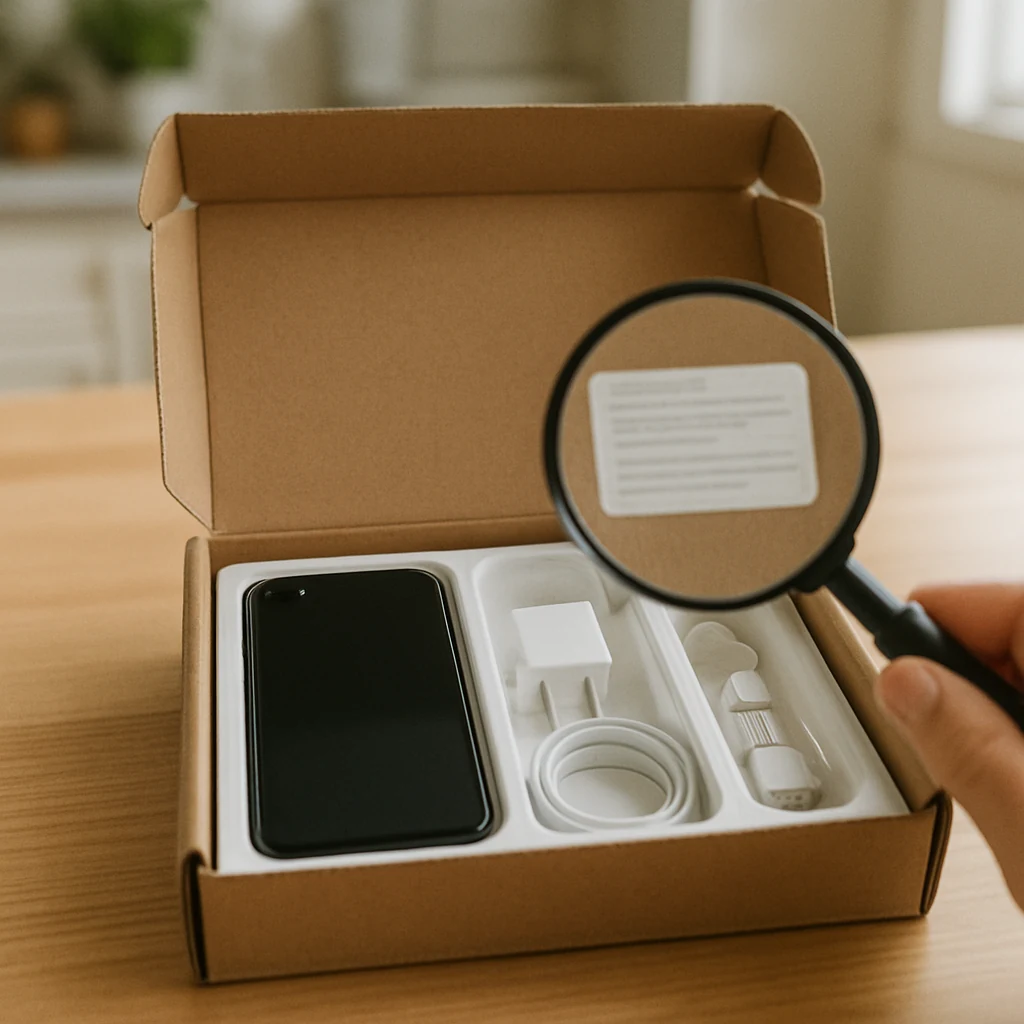
This guide is built around the mistakes that usually wipe out the savings (or create headaches) when buying refurb/open-box in the US—plus what to do instead.

Mistake #1: Treating “refurbished,” “open-box,” and “used” like the same thing
These labels aren’t interchangeable, and the difference matters more than the price tag.
- Open-box usually means the item was purchased and returned quickly. It might be like-new… or it might be missing something.
- Refurbished suggests the item was inspected and restored to working condition (by the manufacturer or a third party). The quality can vary wildly.
- Used often means “as-is,” and the listing details become your entire safety net.
Do this instead: Before you click Buy, look for who did the refurb (manufacturer vs. third party), the stated condition grade, and what’s included in the box. If the listing doesn’t clearly say those things, treat it as higher risk—because it is.
Mistake #2: Skipping the “Sold by” check (and only looking at the logo)
A huge number of online “deals” are really marketplace listings. The site branding can make it feel like you’re buying from the retailer directly, but you may actually be buying from a third-party seller.
This can affect:
- return rules
- warranty coverage
- customer support responsiveness
- how disputes get handled
Do this instead: On every listing, pause and read Sold by and Fulfilled by/Shipped by. If you’re shopping on a marketplace (like Amazon, Walmart, or eBay), decide upfront whether you’re okay with third-party sellers—and if yes, only buy from sellers with solid recent feedback and clear policies.
Mistake #3: Not doing the “missing parts” audit before checkout
The most common open-box problem isn’t that the product is broken. It’s that something small is missing—then you spend your savings replacing it.
Think: chargers, cables, stylus, remote, mounting brackets, proprietary adapters, manuals, original packaging, even trays and inserts for small appliances.
Do this instead: Read the “What’s in the box” section like it’s the main product description. If it’s not listed, assume it’s not included. For anything with accessories, price out replacements before buying so you know if the deal is still a deal.

Mistake #4: Ignoring lockouts and account ties (especially for phones, tablets, and smart home gear)
Some categories come with hidden “activation” risks.
Examples include:
- phones with activation/financing issues
- devices still tied to an account (think Apple ID Ofertas Activation Lock-style problems)
- smart home devices previously registered and hard to reset
Do this instead: Only buy from listings that clearly state the device is reset, ready to activate, and not tied to an account. If the listing is vague, message the seller before purchase or choose a different source.
If the platform offers a certified refurb program (like manufacturer-refurbished stores or marketplace “certified” programs), that’s often the safer lane for these categories.
Mistake #5: Assuming “warranty included” means manufacturer warranty
A refurb listing might include a warranty, but it may be:
- a seller warranty (handled by the seller, not the brand)
- a third-party warranty (with its own claim rules)
- limited to certain defects
Do this instead: Look for the exact wording: manufacturer warranty vs. seller warranty vs. third-party protection plan. If it doesn’t say, don’t guess.
Also, check the claim process. A warranty that requires you to pay shipping both ways—or makes you jump through hoops—can turn into a “not worth it” situation.
Mistake #6: Focusing on the sticker price and forgetting the real total
Refurb/open-box items still have the same deal-killers as new purchases: sales tax, shipping charges, and (sometimes) restocking fees.
That $15–$30 difference you’re excited about can disappear fast once the full checkout total shows up.
Do this instead: Build a habit: compare out-the-door totals in USD, not just headline prices. If you’re cross-shopping multiple sites, get to the checkout screen (without placing the order) so you’re comparing apples to apples.
If you want a deeper shipping-focused approach, this is also a good time to browse the saving guides on the homepage: /

Mistake #7: Buying “final sale” refurb without a same-week testing plan
Some refurb and clearance listings come with tighter return windows, “final sale,” or return shipping costs. Even when returns are allowed, waiting two weeks to open the box is how people get stuck.
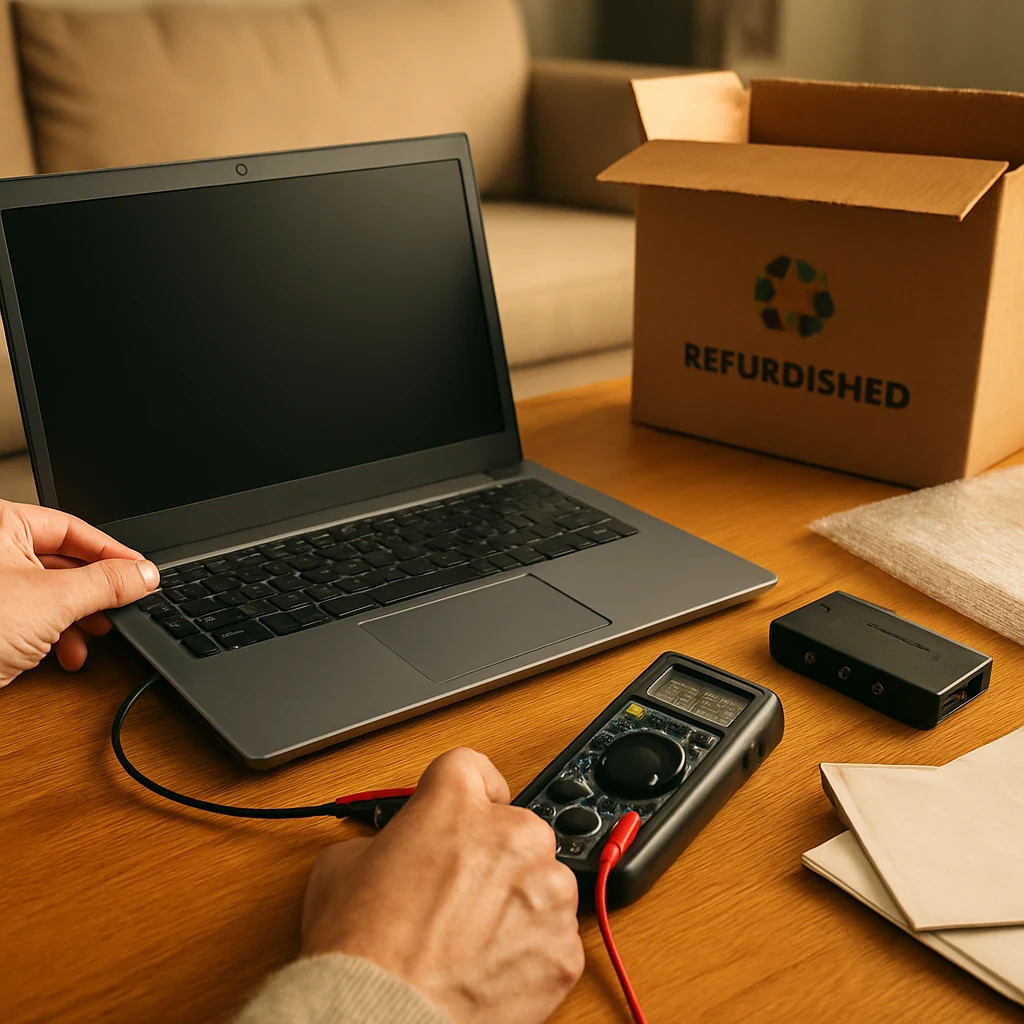
Do this instead: Plan a simple testing routine for the first 24–72 hours.
Keep it practical:
- power on/off cycles, ports, charging, battery behavior
- Wi‑Fi/Bluetooth pairing if applicable
- screen and buttons (including dead pixels or sticky keys)
- speaker/mic/camera checks for devices that have them
And keep the packaging until you’re sure you’re keeping it. If you need to return, original packaging can make the process smoother.
Mistake #8: Not matching the condition grade to your tolerance (and the product category)
A “good” condition laptop is different from a “good” condition blender—and your tolerance level changes depending on the product.
Cosmetic wear might be fine for a TV stand you’ll never touch, but not fine for a phone you hold all day. Likewise, “minor scratches” might not matter on the underside of a router, but might be a deal-breaker on a tablet screen.
Do this instead: Decide what you can live with before you shop. For items you’ll see and touch constantly, prioritize higher condition grades or listings with real photos (not generic stock images). For less-visible items, you can often save more without daily annoyance.
Mistake #9: Paying with the wrong method (and losing your safety net)
When you’re buying refurb/open-box, the payment method is part of your risk management.
Do this instead: Consider paying with a credit card that offers purchase protection or extended warranty benefits (terms vary by issuer), and keep all order emails and listing screenshots until you’re past the return window. If you use a buy now, pay later plan, double-check how returns and refunds are handled so you don’t end up making payments while a return is processing.
Quick tips you’ll actually use
If you only have 60 seconds, run this mental checklist:
- If the listing doesn’t clearly say what’s included, assume accessories are missing.
- Prefer “manufacturer refurbished” when the product is complex (phones, laptops, tablets).
- Don’t buy “final sale” unless you can test immediately.
- Compare out-the-door totals (item + shipping + sales tax) before deciding.
- Screenshot the listing details in case the description changes later.
Where refurbished and open-box deals tend to shine
Without getting into a full calendar (we’ve covered timing elsewhere), there are a few moments when refurb/open-box inventory tends to be more plentiful:
After major shopping spikes—think post-holiday returns, back-to-school season, and the days after big online events like Prime Day or Black Friday/Cyber Monday—retailers and marketplaces often have more returns and exchanges flowing back into their systems.
The practical takeaway: if you missed a big sale, checking open-box/refurb shortly after can be a smart “second chance” strategy.
The bottom line: make the deal “verifiable,” not just cheap
Refurbished and open-box shopping works best when you treat the listing like a contract: condition, included items, seller identity, warranty, and return terms.
Action to take today: Pick one category you buy often (headphones, small appliances, laptops, tools—whatever fits your life). Write down your non-negotiables (condition, accessories, return window), then use those rules for your next purchase. You’ll skip the sketchy listings automatically—and the real bargains will stand out fast.
You may also be interested

Cash Back or Coupon? Keep Your Online Savings From Disappearing
Learn when to use coupons, cash-back portals, or card offers—and how to avoid tracking mistakes before Black Friday and Cyber Monday.

Open-Box and Refurbished Deals: A Smarter Way to Shop Holiday Sales
Learn how to vet open-box and refurbished deals before Black Friday, from condition and warranties to battery health, seller quality, and gift readiness.

Discounted Gift Cards: 6 Mistakes That Can Erase Your Savings
Buying discounted gift cards for holiday shopping? Avoid balance problems, refund traps, and bonus-card restrictions before locking up your money.