

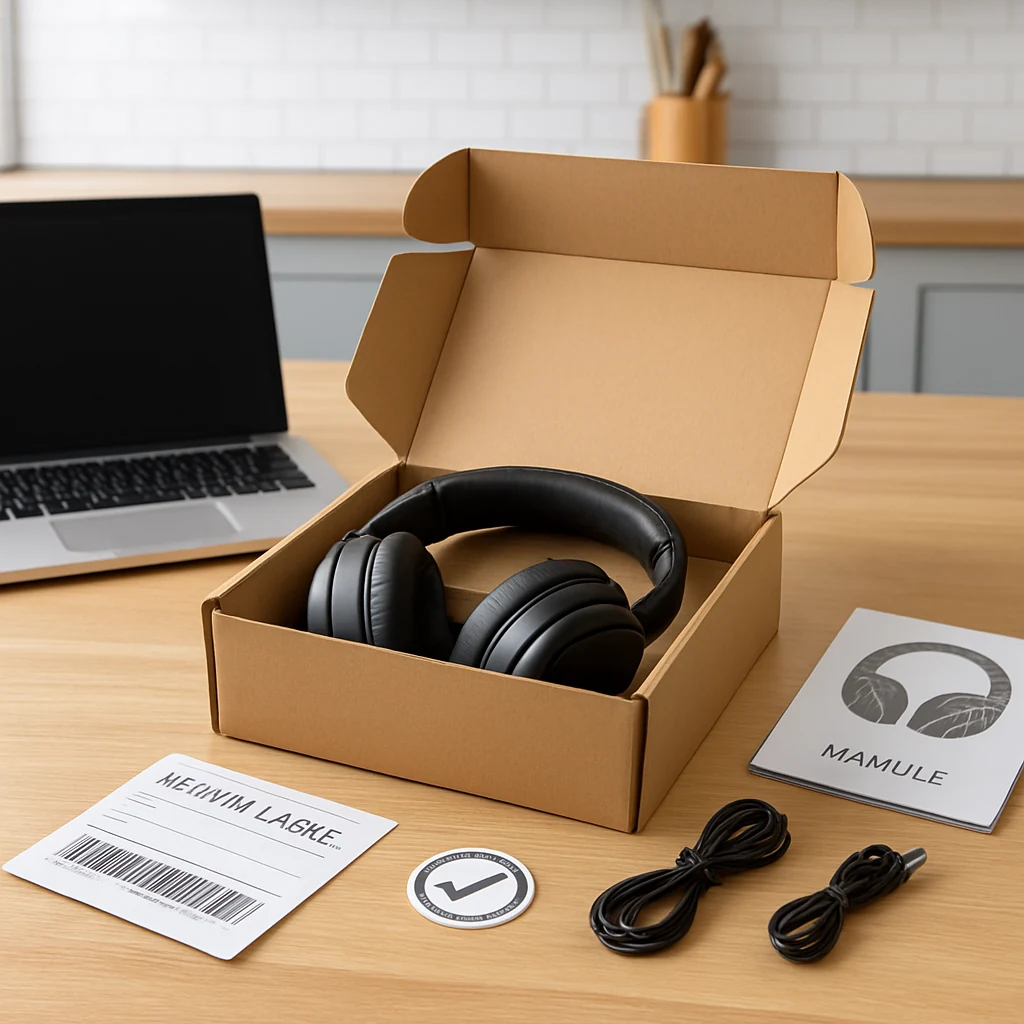
Open-Box, Refurb, and “Like New”: How to Score Better Online Deals
Skip the obvious sale pages. Learn how to buy open-box and refurbished items online in the US—without getting burned on returns, warranties, or condition.
Most people hunt online deals in the same places: coupon boxes, “Deals” tabs, and the big shopping weekends. That works—but it also means you’re fighting the biggest crowds for the same limited promo inventory.
A quieter (and often more reliable) way to save is shopping condition-based listings: open-box, refurbished, “like new,” pre-owned, and liquidation/overstock. These are common across US retailers and marketplaces, and they can be especially useful when “sales” feel thin or prices bounce around.
Below is a prioritized approach—what to try first, why it works, and when it’s worth your time.

1) Start with retailer-certified open-box (lowest risk)
Open-box is the sweet spot for many shoppers: the item was returned or used for display, but it’s being resold by a retailer that typically grades condition and offers a standard return window.
Why this saves money: retailers would rather recover value quickly than store and re-list returns forever. Open-box pricing is also less tied to the public “sale” price, so it can stay attractive even when promos end.
When to use it: when you want a deal and a straightforward return process—especially for higher-ticket items like laptops, monitors, tablets, headphones, small appliances, and home electronics.
Practical moves that matter in the US:
- Prefer listings sold directly by the retailer (not a random third-party seller) when possible. You usually get clearer condition notes, easier returns, and better support.
- Check the return method (mail vs. in-store). If you live near a physical location, in-store returns can lower your risk.
- Look for accessories notes. An open-box item can be a great deal until you realize it’s missing a charger or remote you’ll have to buy separately.
2) Use manufacturer refurbished when you care about reliability
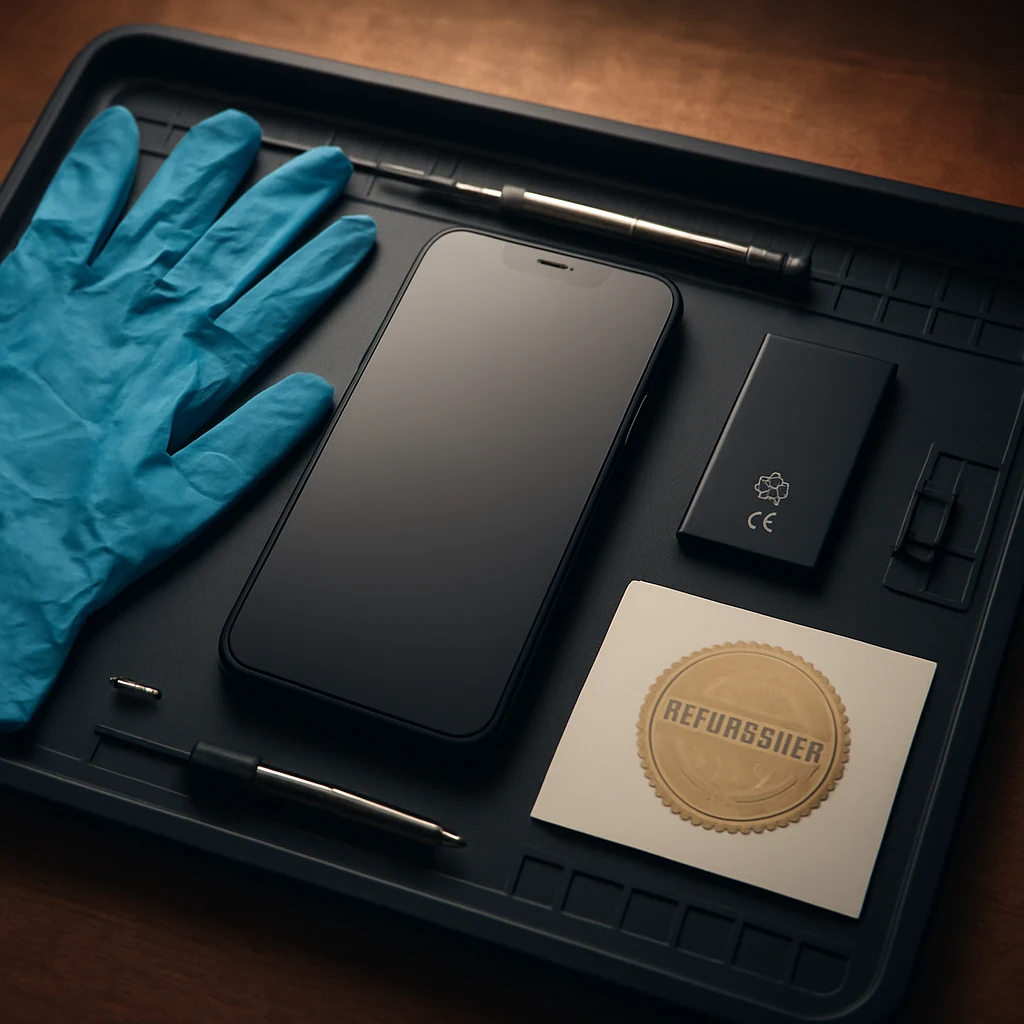
“Refurbished” ranges from sketchy to excellent. The best version is manufacturer refurbished (or a manufacturer-authorized refurb program). These items are typically tested, repaired if needed, and re-certified for resale.
Why this saves money: you’re buying something that’s already been through inspection, often with a limited warranty. You’re paying less because it can’t be marketed as new.
When to use it: when you want the durability of a vetted device without paying full price—think smartphones, tablets, routers, printers, power tools, and kitchen gear.
Two US-specific things to confirm before you buy:
- Warranty terms: Is it a manufacturer warranty, a refurb warranty, or a third-party protection plan? (These aren’t the same.)
- Parts/compatibility: For phones and laptops, confirm things like carrier compatibility/unlocked status and the included power adapter type.
3) Shop “Renewed/Refurbished programs” on big marketplaces—carefully
Major marketplaces often run their own “refurb” or “renewed” programs, where sellers must meet certain requirements and the marketplace offers a defined return policy. This can be a solid compromise: more selection than a single retailer, more structure than random used listings.
Why this saves money: you get competitive pricing and a standardized policy framework, which is not guaranteed on peer-to-peer used listings.
When to use it: when the exact model you want is hard to find new, when colors/storage sizes are out of stock, or when you’re shopping just after a big release (when returns and trade-ins flood the market).
What to watch:
- Who handles returns: marketplace vs. seller. A “marketplace-backed” return process is usually easier.
- Condition grading language: “Excellent,” “Good,” and “Acceptable” can vary. Read the condition notes, not just the label.
4) Target “missing box” and “cosmetic blemish” listings for maximum value
Sometimes the best deals are not “used,” they’re simply not retail-perfect: damaged packaging, minor scuffs, or an item that can’t be sold as new because the seal is broken.
Why this saves money: you’re not paying for presentation. If you don’t care about pristine packaging (or you’re buying something that lives under a desk), you can save without taking on much performance risk.
When to use it: for functional items where cosmetics don’t matter—monitors (if the screen is perfect), power tools, home networking gear, speakers, or small appliances.
Tip: before you buy, ask yourself one question—Will I regret seeing that mark every day? If yes, step down to a smaller discount and buy “like new” instead.
5) Build a quick “true cost” check before you click Buy
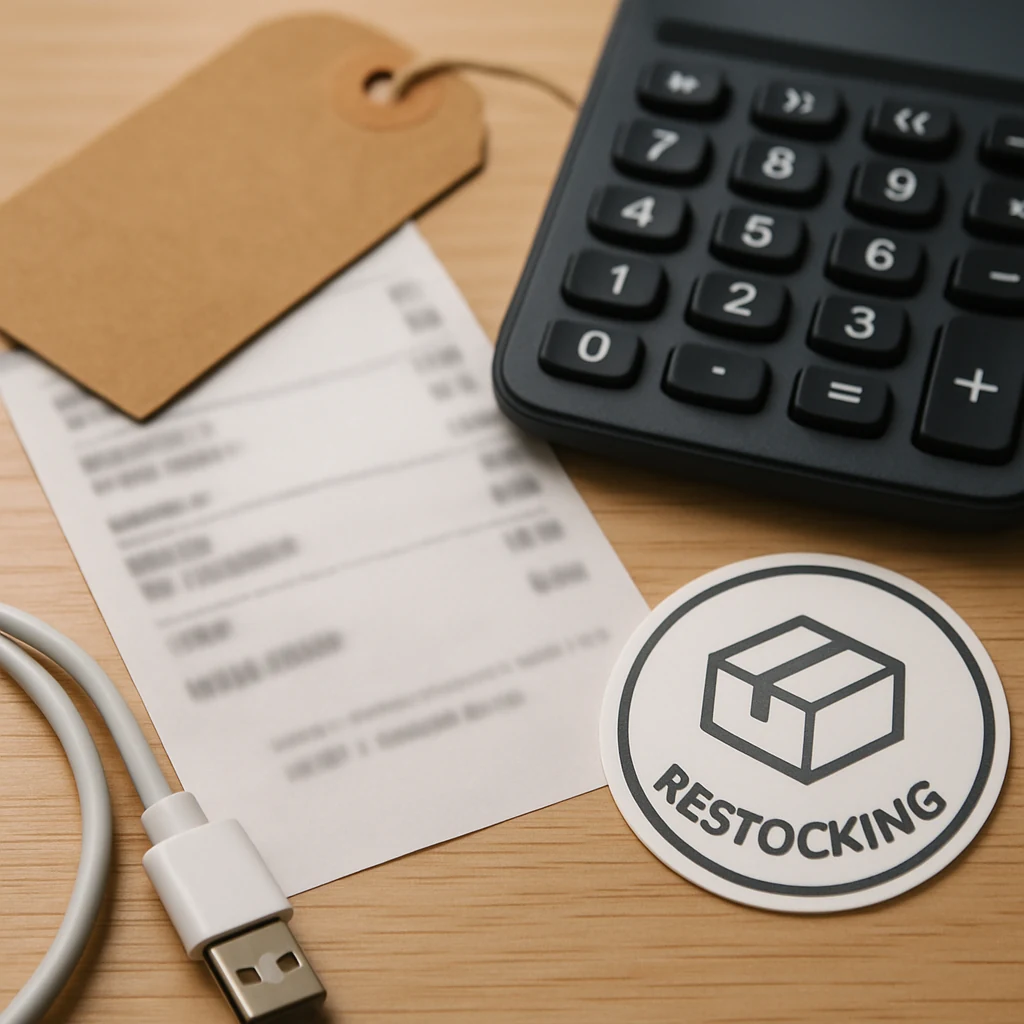
Condition-based deals can get expensive if you ignore the add-ons. Do a 30-second math check so the “deal” stays a deal.
Here’s the short checklist I actually use (and it’s the only list you need):
- Sales tax: compare totals at checkout, not just the item price.
- Shipping cost + delivery time: a slower ship time might be fine—unless it pushes you past a return window you need.
- Accessories you’ll need to replace: chargers, filters, proprietary cables, mounting hardware.
- Return shipping/restocking: especially on large items.
Why this saves money: open-box and refurb pricing can look great until sales tax, shipping, and missing parts erase the gap.
When to use it: always for bulky items (TVs, vacuums, furniture) and anything you might return.
6) Time your open-box/refurb buys around US shopping seasons (not just the sale days)
You don’t have to wait for Black Friday to find these deals. In fact, some of the best inventory spikes happen around big shopping moments.
Why this saves money: return volume rises after major gifting seasons and big promo events, and that often feeds open-box pipelines.
When to look:
- Early January: post-holiday returns can increase open-box availability.
- Late August Ofertas early September: back-to-school purchases can generate returns and exchanges.
- After major promo events: when people impulse-buy and then send things back.
This isn’t about predicting exact price drops (nobody can). It’s about shopping when the selection tends to be better, which gives you more leverage to pick a higher condition grade.

7) Make the return policy your safety net (and actually read the fine print)
Condition-based deals are where return policies matter most—because the item’s history isn’t as clean as brand-new inventory.
Why this saves money: your real “discount” is the ability to undo a bad outcome without paying extra fees.
When to prioritize it: for anything with subjective comfort or fit (headphones, office chairs), anything fragile (monitors), or anything you’re buying as a gift.
Return-policy details that are especially important in US online shopping:
- Return window length (and when it starts—order date vs. delivery date)
- Restocking fees (common on certain categories)
- Condition requirements (original packaging, included accessories)
- Return shipping costs (some sellers deduct it from your refund)
If the listing is vague, treat that as a signal—not a challenge.
8) Use price comparisons differently: compare against current new price, not MSRP
A classic trap is seeing “Was $X, now $Y” and assuming it’s a steal. For open-box/refurb, the only comparison that matters is: What does the same item cost new right now from a reputable seller?
Why this saves money: MSRP anchors you to a number that may be irrelevant months later.
When to do it: whenever a listing highlights a big “original price” or “estimated value.”
A practical way to do this without overthinking:
- Check one major retailer’s current price.
- Check the brand’s direct store (if available).
- If the open-box/refurb price isn’t clearly better after tax/shipping, move on.
(If you want a more general deal-hunting home base, start at the site root: /.)
9) Pick categories where open-box/refurb is usually worth it
Some items are simply better candidates.
Why this saves money: the risk varies by category. Items with easy functionality checks and low hygiene concerns tend to be safer.
When to lean in:
- Electronics with clear testing: monitors (check pixels/backlight), routers, laptops (battery cycles matter), tablets.
- Tools and home improvement: often durable, and cosmetic wear is less important.
- Small kitchen appliances: great if returns are easy and parts are included.
When to be more cautious:
- Wearables and personal care items where sanitation and battery health matter.
- Anything with hidden damage risk and expensive return shipping.
10) Save the box and test immediately (your “new item” routine)
Once your order arrives, treat it like a mini project. Don’t let the return window evaporate while the item sits unopened.
Why this saves money: the fastest way to lose a discount is missing a return deadline.
When to do it: within the first 24–48 hours if you can.
Do a quick test aligned to the product:
- Electronics: ports, charging, Wi‑Fi/Bluetooth, screen/keys, speakers.
- Appliances: all modes, seals/filters, unusual noise or smell.
- Anything with accessories: confirm every included part matches the listing.
One simple action to take today
Pick one item you plan to buy in the next 30 days, then check open-box and manufacturer-refurb options before you look for coupon codes. If the return policy is solid and the total at checkout makes sense, you’ll often beat the “public sale” price—without waiting for the next big promo weekend.
You may also be interested

Cash Back or Coupon? Keep Your Online Savings From Disappearing
Learn when to use coupons, cash-back portals, or card offers—and how to avoid tracking mistakes before Black Friday and Cyber Monday.

Open-Box and Refurbished Deals: A Smarter Way to Shop Holiday Sales
Learn how to vet open-box and refurbished deals before Black Friday, from condition and warranties to battery health, seller quality, and gift readiness.

Discounted Gift Cards: 6 Mistakes That Can Erase Your Savings
Buying discounted gift cards for holiday shopping? Avoid balance problems, refund traps, and bonus-card restrictions before locking up your money.