


How to Buy Refurbished & Open-Box Online (and Actually Save)
A practical US guide to scoring legit refurbished/open-box deals online—without getting stuck with missing parts, weak warranties, or bad returns.
Buying refurbished or open-box online can be one of the easiest ways to save real money—especially on electronics, small appliances, and tools—if you shop it like a pro. The catch is that “refurbished” can mean anything from factory-inspected to “someone wiped it down and hoped for the best.”
This mini-guide walks you through a simple process to find legit deals, avoid sketchy listings, and still use coupons, cashback, and price checks without turning it into a second job.

Step 1: Decide what “refurbished” you’ll actually accept
Before you open ten tabs, get clear on your comfort level. In the US, these words get used loosely:
Open-box usually means the item was returned (often unused or lightly used). It may be missing packaging or small accessories.
Refurbished should mean it was inspected and tested, and any issues were repaired. But the quality depends on who did the refurb.
Certified refurbished Ofertas manufacturer refurbished is typically the safest category because the brand (or an authorized partner) sets the standards.
A quick way to choose: if you’re buying something that could be annoying to troubleshoot (phones, laptops, robot vacuums), aim for certified/manufacturer refurbished when you can. For simpler items (blenders, basic monitors), open-box can be fine if returns are easy.
Step 2: Pick the right “deal source” for your item
Where you buy matters as much as the price. In general, you’ll see refurbished/open-box items from:
- Brand outlets (the manufacturer’s own refurbished store)
- Big-box retailers’ open-box programs
- Marketplaces (third-party sellers listing under a platform)
- Specialty refurbishers (companies that focus on used/renewed inventory)
You don’t need to swear loyalty to one. Instead, match the source to what you’re buying:
If you want the cleanest warranty experience, brand outlets tend to win. If you want the biggest variety and “treasure hunt” pricing, marketplaces can be strong—but only if you verify the seller and the return policy.
(If you want more deal-hunting guides like this, start at the homepage: Ofertas.)
Step 3: Read the listing like a checklist (without overthinking it)
Refurb/open-box deals go bad for the same reasons: missing parts, unclear condition grading, and surprise return restrictions.
When you open a listing, look for these details before you get excited about the price:
Condition grade (and what it really means)
Many sellers use grades like “Excellent Ofertas Very Good Ofertas Good Ofertas Fair.” Those labels aren’t standardized. What you want is specifics:
- Cosmetic notes (scratches, dents, screen wear)
- Battery health language for battery-powered items (phones, laptops, earbuds)
- Whether it’s been tested and reset
If the listing is vague (“may show signs of use”) and the return policy is strict, that’s a red flag.
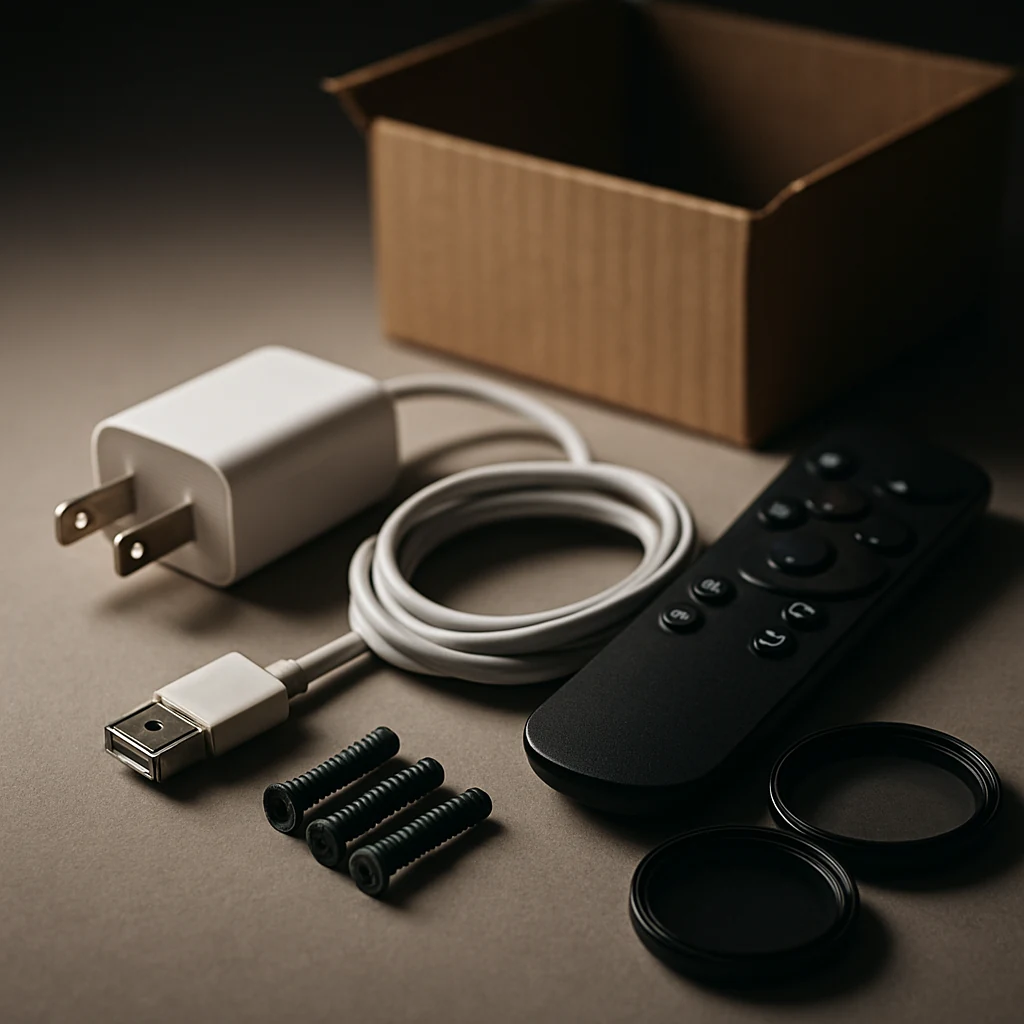
What’s in the box
This is where people accidentally overpay. A “deal” becomes less of a deal when you have to buy the missing pieces.
Scan for:
- Charger/power adapter (and whether it’s original)
- Cables, remote, filters, attachments
- Manuals (not essential, but a signal of completeness)
If it doesn’t clearly say what’s included, assume only the main item unless the seller confirms otherwise.
Warranty and support
Don’t just look for the word “warranty.” Look for length and provider. A short seller warranty can still be fine if returns are easy, but treat it differently than a manufacturer-backed warranty.
Returns (the real safety net)
For refurbished/open-box, the return window and return shipping rules matter a lot. Pay attention to:
- Return window length
- Who pays return shipping
- Restocking fees (if any)
- “Final sale” language
If you see “returns not accepted,” you’re not shopping a deal—you’re taking a gamble.
Step 4: Do the total price math (with tax, shipping, and accessories)
Refurb deals are often advertised with a clean headline price that doesn’t reflect what you’ll actually pay.
Before you buy, do a quick total:
- Item price
- Shipping (or the minimum cart size for free shipping)
- Sales tax at checkout
- Any must-have accessories you’ll need because the listing doesn’t include them
That last one is the silent killer. If an open-box cordless vacuum is missing the wall mount or a laptop is missing the right charger, you can wipe out your savings fast.
Step 5: Price-check it like a deal pro (without getting stuck in research)
Refurb pricing moves quickly, especially around major US shopping moments like Back-to-School, Prime Day, Labor Day sales, and the Black Friday/Cyber Monday stretch.
Here’s a simple way to avoid over-researching:
Compare against three benchmarks
Use the same model number and compare:
- Current new price from a reputable retailer
- Recent “normal” price (if your favorite price tracker shows it)
- The best alternative condition (open-box vs refurbished vs new)
If the refurb price is close to new, the only reason to buy refurb is a better warranty/returns situation—or immediate availability.
Watch for “fake savings” patterns
Even without digging into charts, you can spot suspicious deals:
- A huge discount, but the warranty is vague or missing
- The seller name looks generic, with limited history
- The listing avoids model numbers and uses broad product names
If the seller won’t be specific, don’t be the one funding their learning curve.
Step 6: Stack savings the safe way (coupons, cashback, and cards)
Yes, you can often stack discounts on refurbished/open-box items—but rules vary.
Start with the least risky stack:
- Cashback portal (activate before you click through)
- Credit card offers (if available)
- Coupon code (only if it applies to refurbished/open-box)
Be cautious with random coupon sites. A bad code can waste time, and sketchy extensions can clutter checkout. If a retailer offers its own promo code field, try the brand’s email signup or legit promotions first.
Also consider your credit card protections (varies by card): some cards offer extended warranty or purchase protection, which can be extra valuable on refurbished items.
Quick tips (the ones that save the most headaches)
- If the listing doesn’t state what accessories are included, assume the bare minimum.
- Prioritize easy returns over a slightly lower price—especially for electronics.
- Prefer listings that show a clear model number and condition details.
- Screenshot the listing and return policy before you buy (details can change).
Step 7: When it arrives, do a 10-minute inspection (and document it)
Your return window is your leverage. Use it.
Within the first day (or two), do a quick inspection while you still have all packaging:
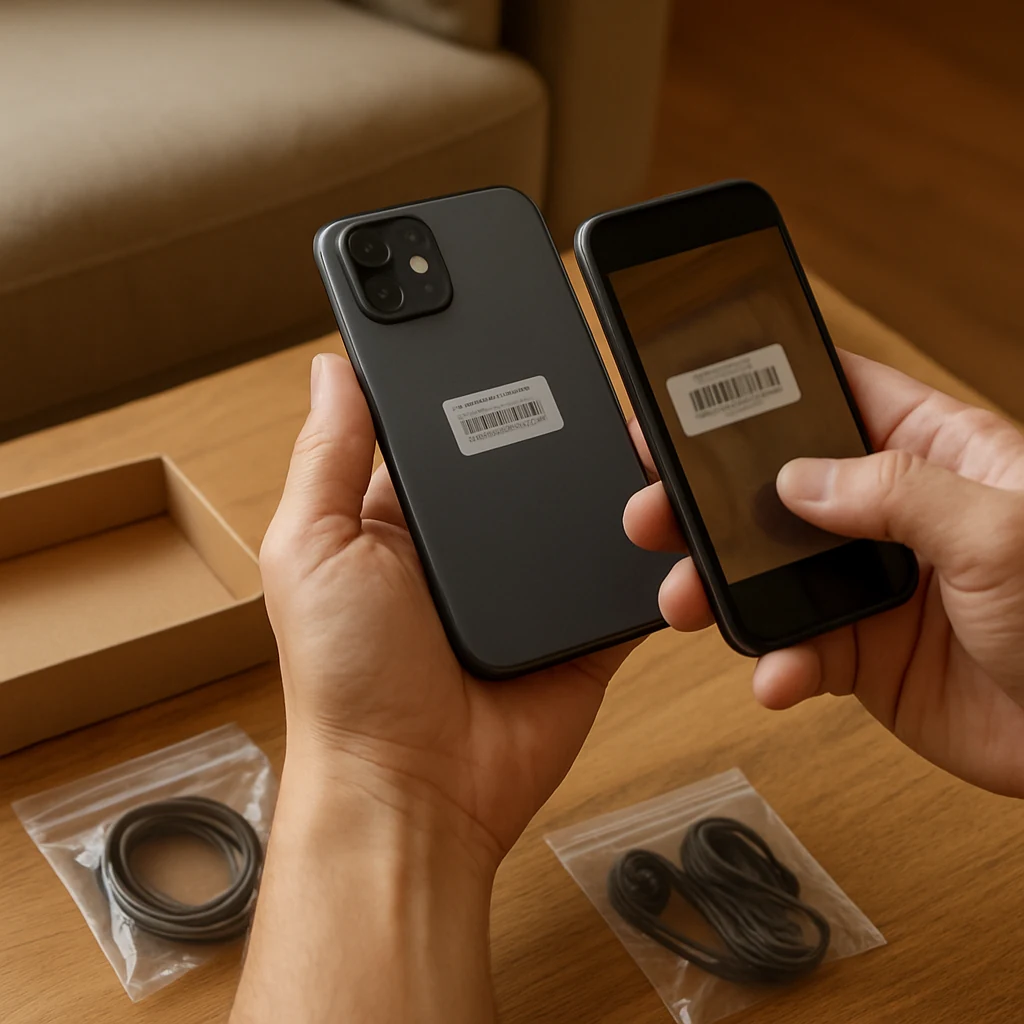
Unbox + verify
Check:
- Serial/model number matches what you ordered
- Accessories match the listing
- Obvious cosmetic condition matches the grade
Test the “deal-breaker” functions
Don’t just turn it on. Test what would make you return it:
- Laptop: ports, Wi‑Fi, keyboard/trackpad, speakers
- Phone/tablet: charging, cameras, speakers, biometric unlock
- Headphones: pairing, both channels, mic
- Appliances: core modes, seals, unusual noises
Take photos if anything’s off
Photos make returns smoother. If you end up needing support, you’ll be glad you didn’t wait.
Step 8: If there’s a problem, use the fastest escalation path
Refurb/open-box issues are usually solved quickly if you contact the right place first.
A practical order:
- Retailer/platform return flow (fastest path to a refund/replacement)
- Seller messaging (if marketplace purchase and required)
- Manufacturer warranty (if it’s certified/manufacturer refurb)
Don’t burn days troubleshooting if the return is straightforward. If your goal was savings, your time matters too.
What’s worth buying refurbished (and what I’d avoid)
Refurb works best when the product is durable and easy to test quickly.
Usually great candidates:
- Laptops/monitors (if returns are easy)
- Small kitchen appliances
- Power tools
- Network gear (routers/mesh) from reputable sellers
Be cautious with:
- Items with hygiene concerns (unless clearly refurbished to a standard you trust)
- Super-cheap categories where the savings are tiny but the hassle is high
- Anything marked final sale
FAQs
Is “refurbished” the same as “used”?
Not necessarily. “Used” often means sold as-is. “Refurbished” implies testing and (sometimes) repairs. The key is who did the refurb and what warranty/returns you get.
Are refurbished items eligible for coupons and cashback?
Sometimes. Some stores exclude refurbished/open-box from coupon codes or cashback payouts. Check the promo terms and keep your order confirmation in case you need to follow up.
How much should I expect to save?
It depends heavily on the product, the condition, and the season. Focus less on a target percentage and more on whether the final total (including tax, shipping, and any missing accessories) beats a new option with similar warranty/returns.
What if the item works but doesn’t match the condition grade?
If the cosmetic condition is worse than described, treat it like any other mismatch: document it quickly and start a return or partial refund request through the retailer’s normal process.
Should I buy a protection plan on refurbished items?
Sometimes it’s worth it, sometimes it’s not. If the item has a strong manufacturer warranty (certified refurb) and you used a credit card with extra protections, you may not need an added plan. If returns are limited and the warranty is short, a plan can be a smarter hedge.
Refurbished and open-box shopping isn’t about chasing the lowest sticker price. It’s about buying a slightly imperfect box with a very solid safety net—clear condition notes, fair returns, and a total price that still beats new after tax and shipping. Once you get that rhythm, refurb deals become one of the most reliable ways to save online in the US.
You may also be interested

Cash Back or Coupon? Keep Your Online Savings From Disappearing
Learn when to use coupons, cash-back portals, or card offers—and how to avoid tracking mistakes before Black Friday and Cyber Monday.

Open-Box and Refurbished Deals: A Smarter Way to Shop Holiday Sales
Learn how to vet open-box and refurbished deals before Black Friday, from condition and warranties to battery health, seller quality, and gift readiness.

Discounted Gift Cards: 6 Mistakes That Can Erase Your Savings
Buying discounted gift cards for holiday shopping? Avoid balance problems, refund traps, and bonus-card restrictions before locking up your money.