


Build a “Deal Radar” for Online Shopping (Without the Coupon Chaos)
A practical US-friendly system to spot real online deals: alerts, timing, clean browser setup, and checkout checks that protect your savings.
Online deals aren’t hard to find in the US. The hard part is knowing which ones are worth your time—and catching the good prices before they disappear. The fastest way to do that isn’t opening 20 tabs during Black Friday. It’s building a simple “deal radar” you can use year-round.
Below is a prioritized system you can set up once and keep using for everyday buys, big seasonal sales, and those “I need it by Friday” purchases.

1) Create a dedicated “deal” browser profile (why it matters, when to use it)
If your shopping life is happening in the same browser profile as work logins, news, and social media, deal-hunting becomes noisy fast. A separate profile keeps extensions, saved carts, and promo emails organized—without turning your main inbox into a coupon landfill.
Why this works: Retailers personalize offers, show different promo banners, and drop limited-time codes through pop-ups and email. A clean profile makes it easier to see what’s actually available, and easier to keep your checkout flow consistent.
When to apply: Use this anytime you’re buying something you might price-check later (electronics, small appliances, tools), or anytime you’re shopping a big event like Prime Day, Black Friday/Cyber Monday, or back-to-school.
Set it up with these basics:
- One separate email address just for shopping confirmations and promo signups.
- A password manager so you’re not reusing passwords across stores.
- Only the extensions you trust and actually use (too many can slow checkout and cause conflicts).
If you want more deal guides and smart shopping workflows later, keep an eye on the homepage at Ofertas.
2) Turn “maybe later” into a watchlist with price alerts
Most overspending online starts with a simple pattern: you don’t need it today, but you’re afraid the price will jump tomorrow. Price alerts flip that around. You buy when the price hits your number, not when a countdown timer tells you to panic.
Why this works: A lot of online “sales” are just temporary pricing swings. Tracking gives you context so you can tell the difference between a real drop and a normal fluctuation.
When to apply: Use alerts for anything you can wait on for at least a week: headphones, running shoes, skincare, kitchen gear, fitness equipment, and most home items.
Practical ways to do it without overcomplicating:
- Keep one running list (notes app or spreadsheet) with item name, preferred retailer(s), and your target price.
- Set alerts at the product level when possible (same model, same color/size), so you’re not comparing apples to oranges.
- Add a quick note about “must arrive by” dates. Timing changes how aggressive you can be.

3) Use a US shopping calendar—but shop the gaps, not just the headlines
Everyone knows Black Friday and Cyber Monday. The better savings habit is learning the “in-between” windows where discounts are common and competition is lower.
Why this works: During headline events, the best-priced inventory can sell out quickly, and you’re more likely to compromise (“close enough”) under pressure. In quieter windows, you can compare options and read return policies without racing.
When to apply: Use the calendar strategy for planned purchases (home upgrades, clothing refresh, outdoor gear) and for “seasonal need” items.
Here are typical US timing patterns to keep in mind (without assuming any specific discount amounts):
- Post-holiday and January resets: clearance is common as retailers make room for new inventory.
- Presidents’ Day Ofertas Memorial Day Ofertas Labor Day weekends: often used for category promos (home, mattresses, appliances), plus storewide codes.
- Back-to-school (mid/late summer): solid for laptops, backpacks, basics, dorm items.
- Prime Day-style events (mid-year): good for deals across many categories, but prices can be retailer-specific.
- End-of-season clearance: buy winter gear as spring starts; buy patio/outdoor as fall approaches.
The simple move: when you want something, ask “Is this a headline-week purchase—or can I wait for a quieter window?” If you can wait, add it to the watchlist and let alerts do the work.
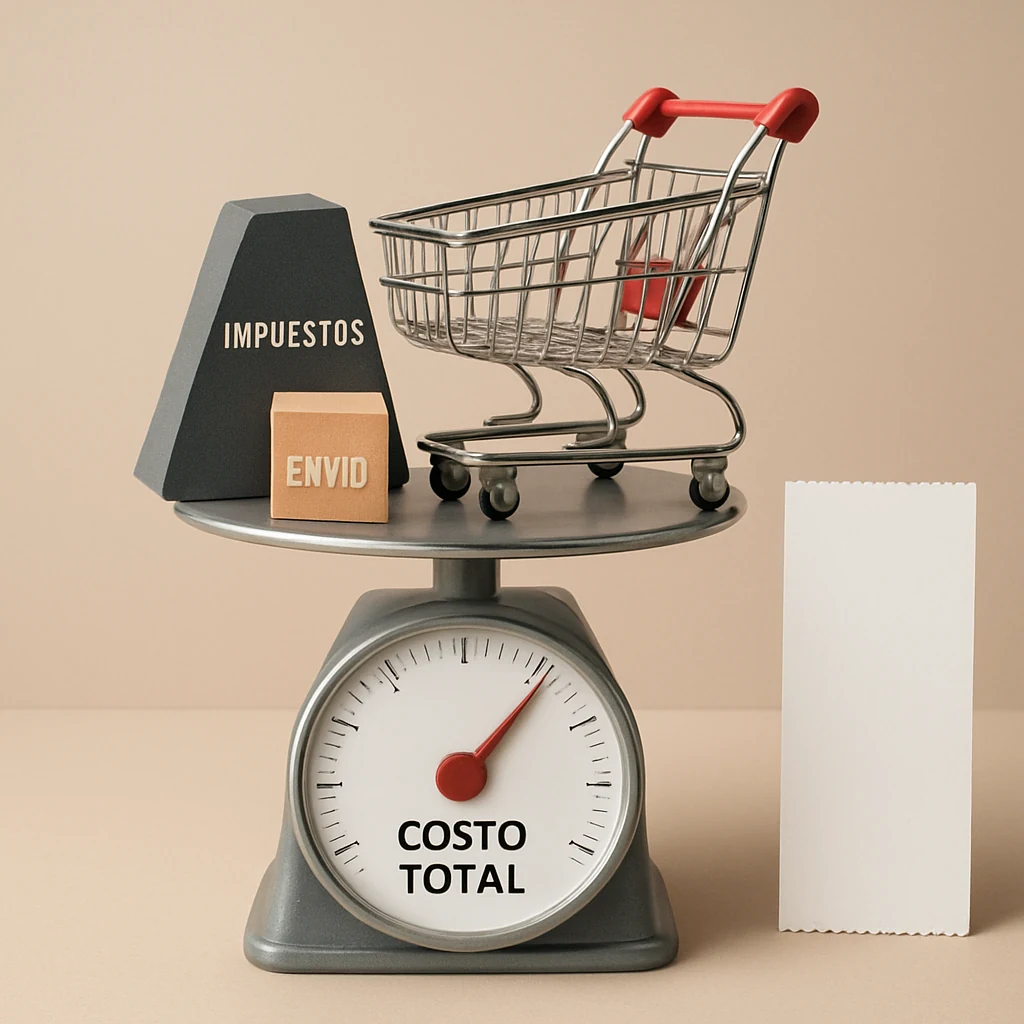
4) Compare total checkout cost, not just the listed price
Two tabs can show the same item for the same sticker price and still have very different real totals once you factor in sales tax, shipping, and return friction.
Why this works: In the US, sales tax varies by location, and shipping policies vary by retailer, membership, and order size. A “deal” can get expensive when shipping is high, delivery is slow, or returns are a hassle.
When to apply: Always apply this to:
- Items with multiple sellers (marketplaces, third-party storefronts)
- Bulky or heavy items
- Anything you might return (clothing, shoes, gifts)
A quick, practical checkout comparison:
- Sales tax: don’t ignore it. If you’re comparing two retailers, check the final total in cart.
- Shipping: look for thresholds (“free shipping over $X”) and realistic delivery dates.
- Returns: confirm return window length and whether return shipping is deducted or charged.
- Condition notes: “final sale,” “as-is,” or “marketplace seller” can change the risk.
Even if you don’t finish checkout, build the habit of getting to the cart total before you decide.

5) Use promo signups and cart holds strategically (without getting spammed)
Some discounts show up only when you’re logged in, signed up, or actively in the cart. You don’t need to chase every popup—but you can use them intentionally.
Why this works: Retailers often use first-time customer offers, text signup offers, or “welcome” promos to convert undecided shoppers. If the purchase is already planned, it can lower your cost without extra searching.
When to apply: Best for a planned purchase you’ve already price-checked and are ready to buy today (especially if the store has a strong return policy).
A low-drama approach:
- Use your dedicated shopping email, not your main inbox.
- Screenshot promo terms (expiration dates, exclusions) so you’re not guessing later.
- If a code doesn’t apply, don’t force it—move on to price comparison or timing instead.
Quick tips you can use in 5 minutes
If you only have a few minutes, these are the highest-impact habits:
- Save product pages to a watchlist immediately—don’t rely on “I’ll remember later.”
- Check delivery date before you get emotionally attached to the price.
- Read the return policy on anything you’re not 100% sure about.
- If the price is close, pick the retailer with easier returns over the one that’s slightly cheaper.
A simple way to start today
Open a fresh browser profile and create a single watchlist. Add three items you actually want to buy in the next 30–60 days, set a realistic target price for each, and commit to checking the total in cart (sales tax + shipping + returns) before you purchase.
That’s your deal radar: less chaos, fewer impulse buys, and more savings that actually show up on your card statement.
You may also be interested

Cash Back or Coupon? Keep Your Online Savings From Disappearing
Learn when to use coupons, cash-back portals, or card offers—and how to avoid tracking mistakes before Black Friday and Cyber Monday.

Open-Box and Refurbished Deals: A Smarter Way to Shop Holiday Sales
Learn how to vet open-box and refurbished deals before Black Friday, from condition and warranties to battery health, seller quality, and gift readiness.

Discounted Gift Cards: 6 Mistakes That Can Erase Your Savings
Buying discounted gift cards for holiday shopping? Avoid balance problems, refund traps, and bonus-card restrictions before locking up your money.