

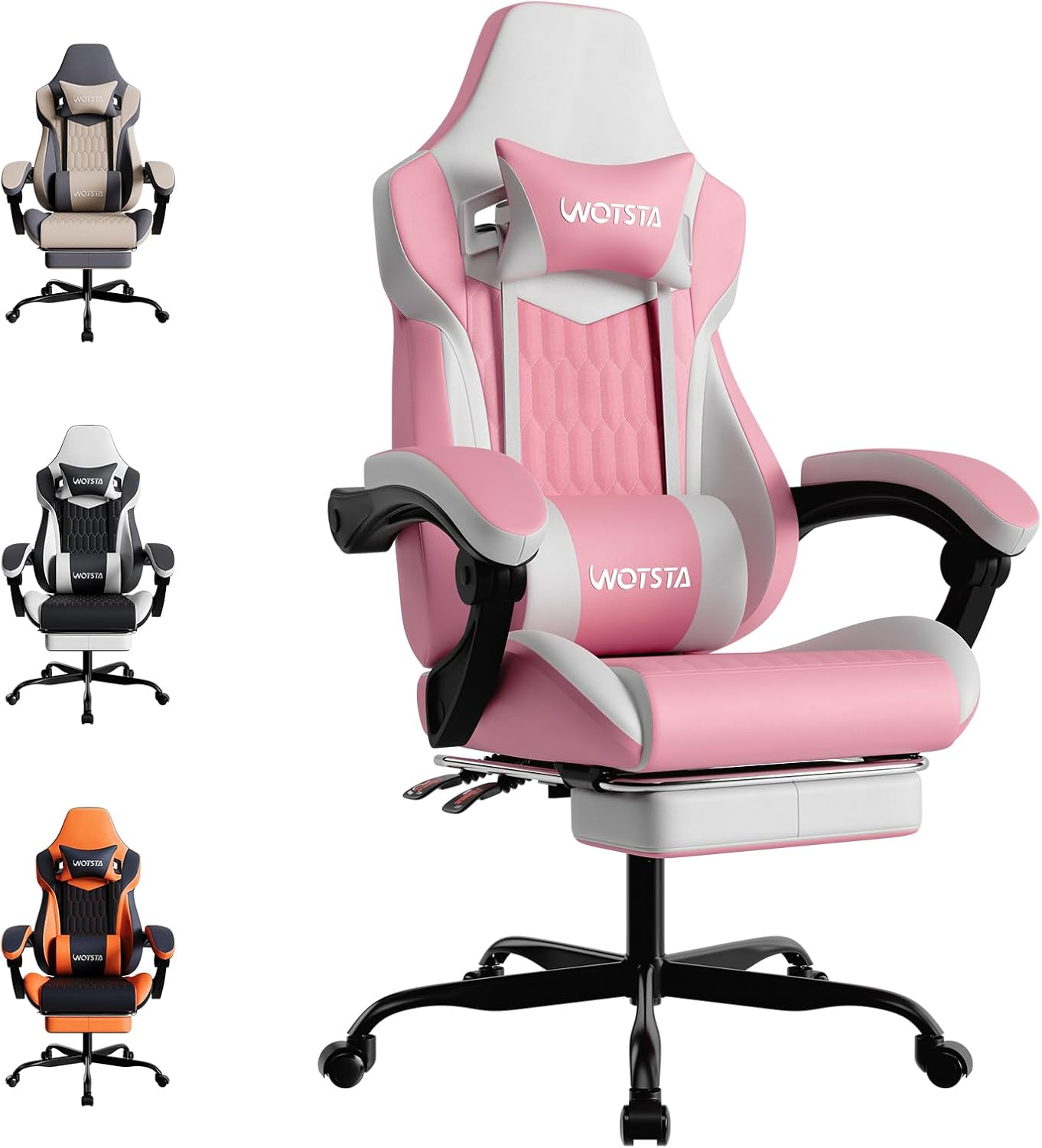
WOTSTA Gaming Chair with Footrest, Lumbar Support and 135° Recline (Pink White)
Product description
The essentials
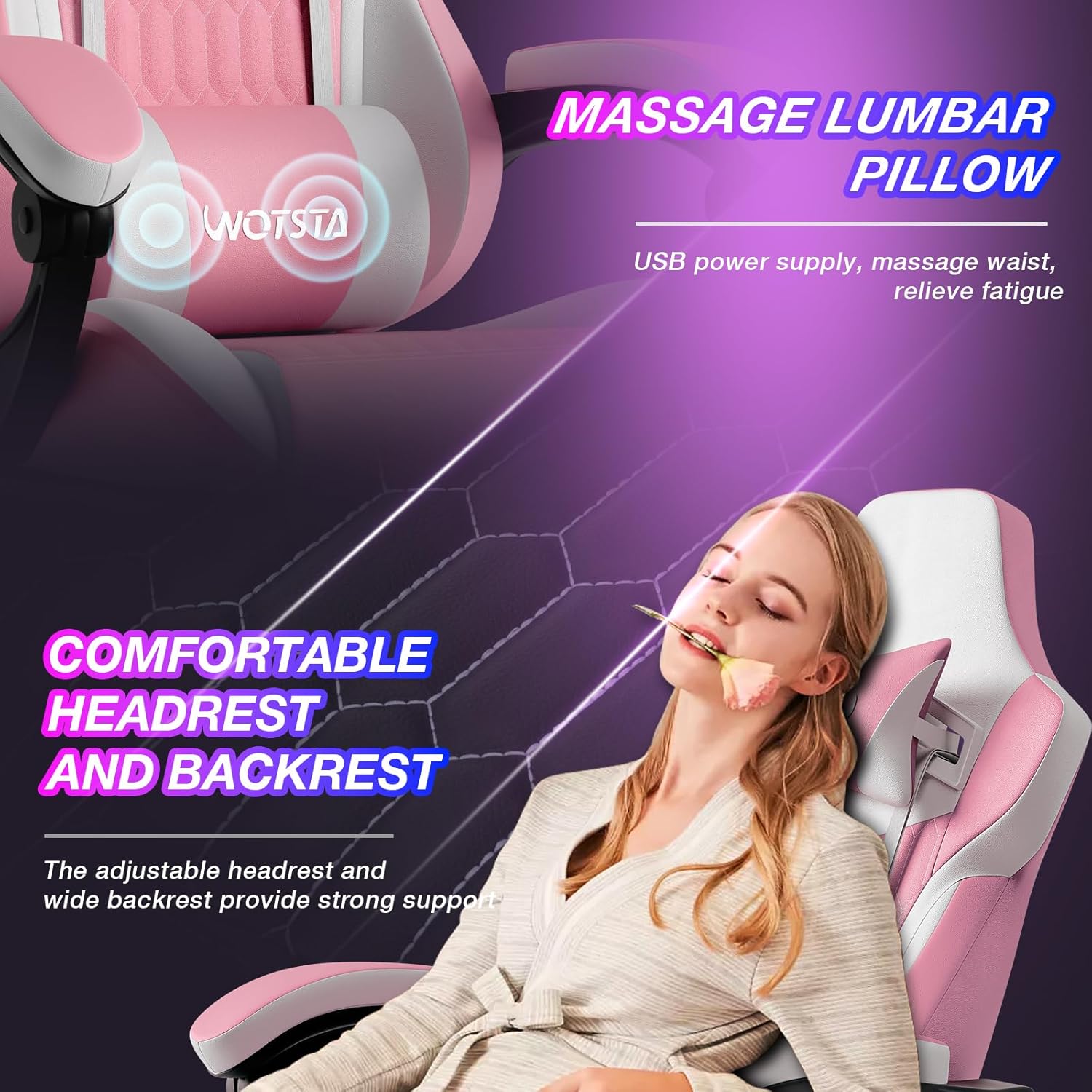
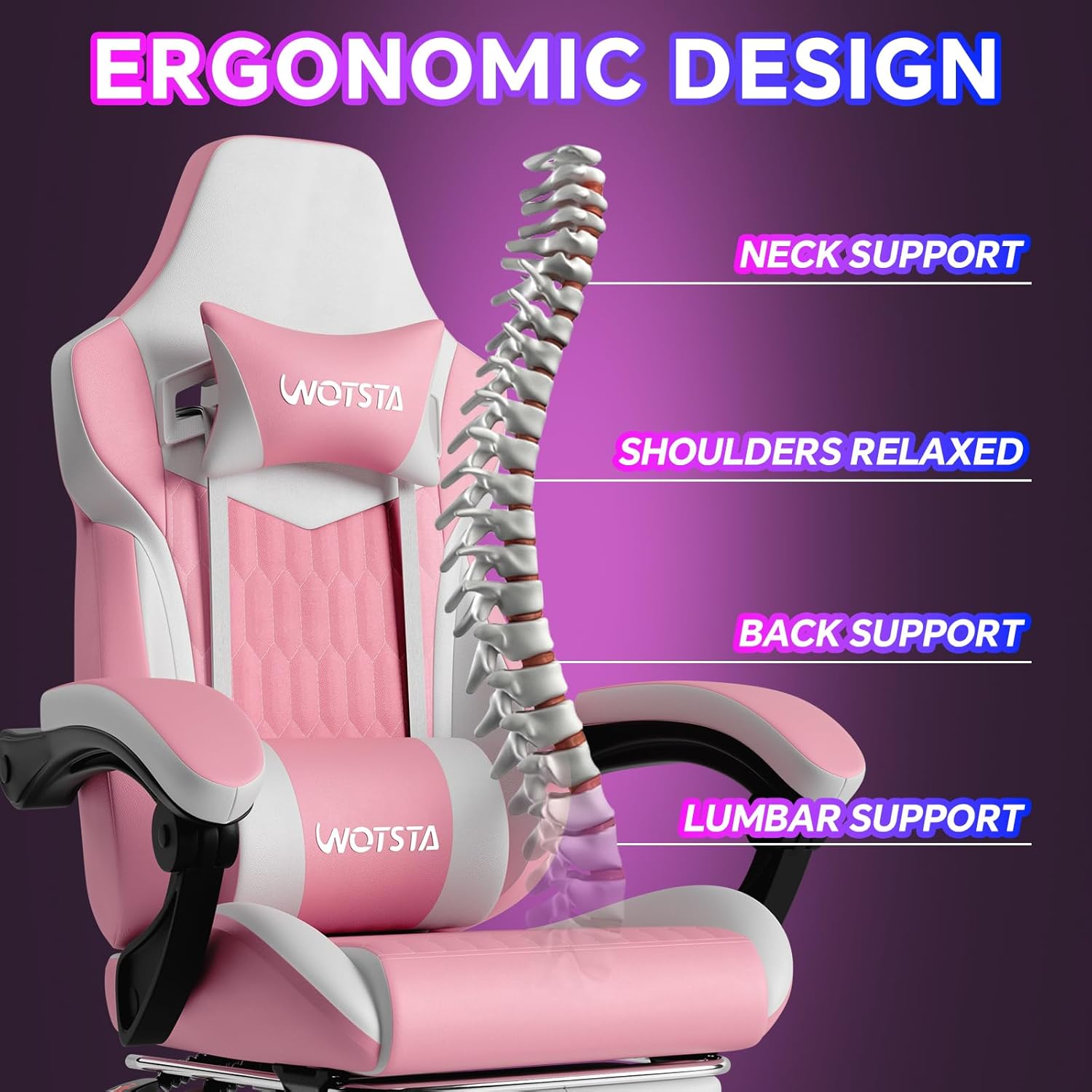
If you’re looking for a gaming-style chair that’s also meant to work for an office day, this WOTSTA Gaming Chair is worth a careful look. It leans on an ergonomic back design with lumbar support, plus a soft headrest and waist pillow, with the idea of easing neck and lower-back fatigue during long sessions.
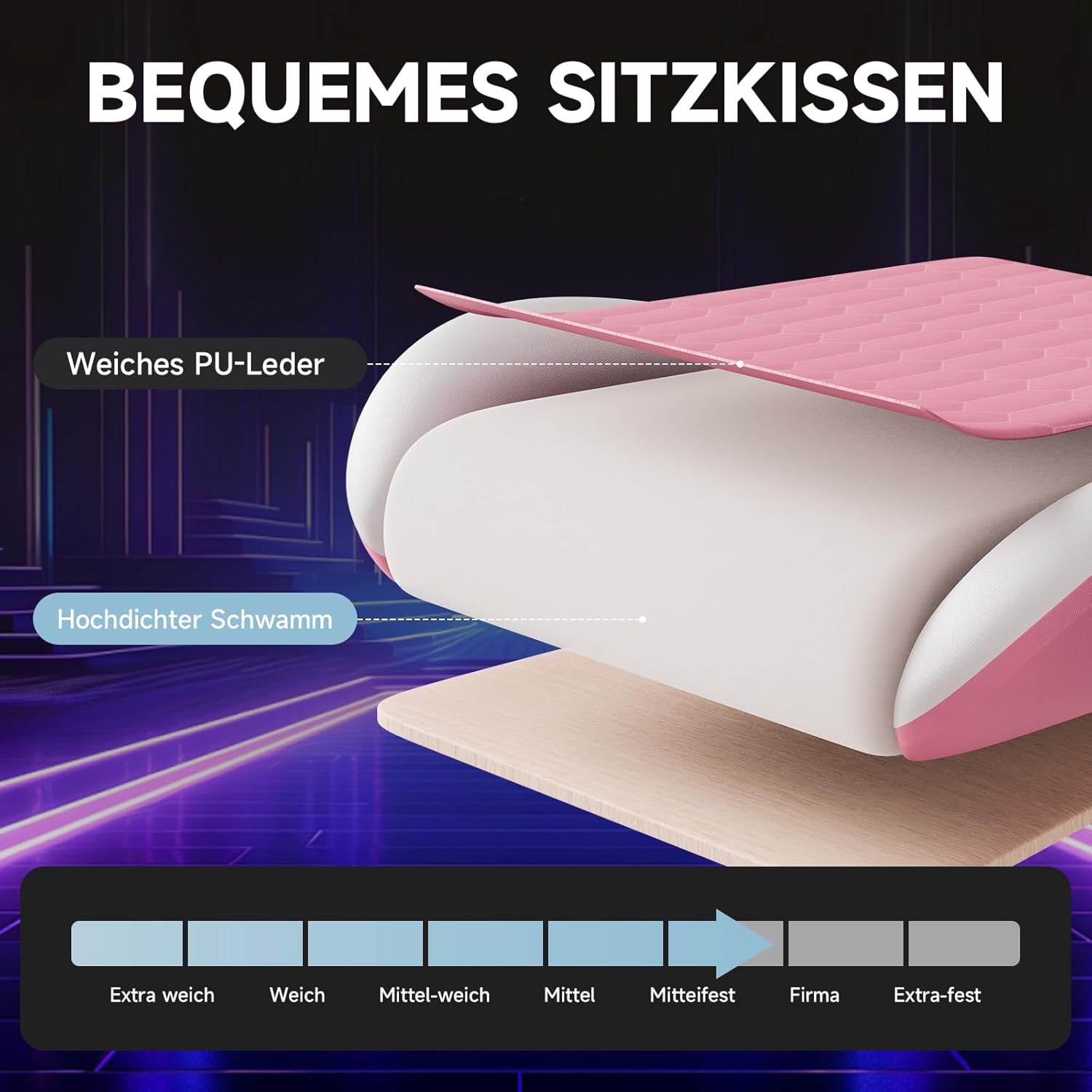
Where it gets more interesting is the comfort build. The seat uses independent pocket springs (the kind you often see in higher-end mattresses) to help spread your body weight, rather than relying purely on foam. Add a breathable, leather-style outer layer and the chair is designed to stay feeling comfortable even after extended use.
It’s not a premium “race seat” in the ultra-technical sense, but on paper it targets everyday comfort: gaming, desk work, and the sort of long sitting that can leave shoulders and neck feeling tight.
What to know before buying
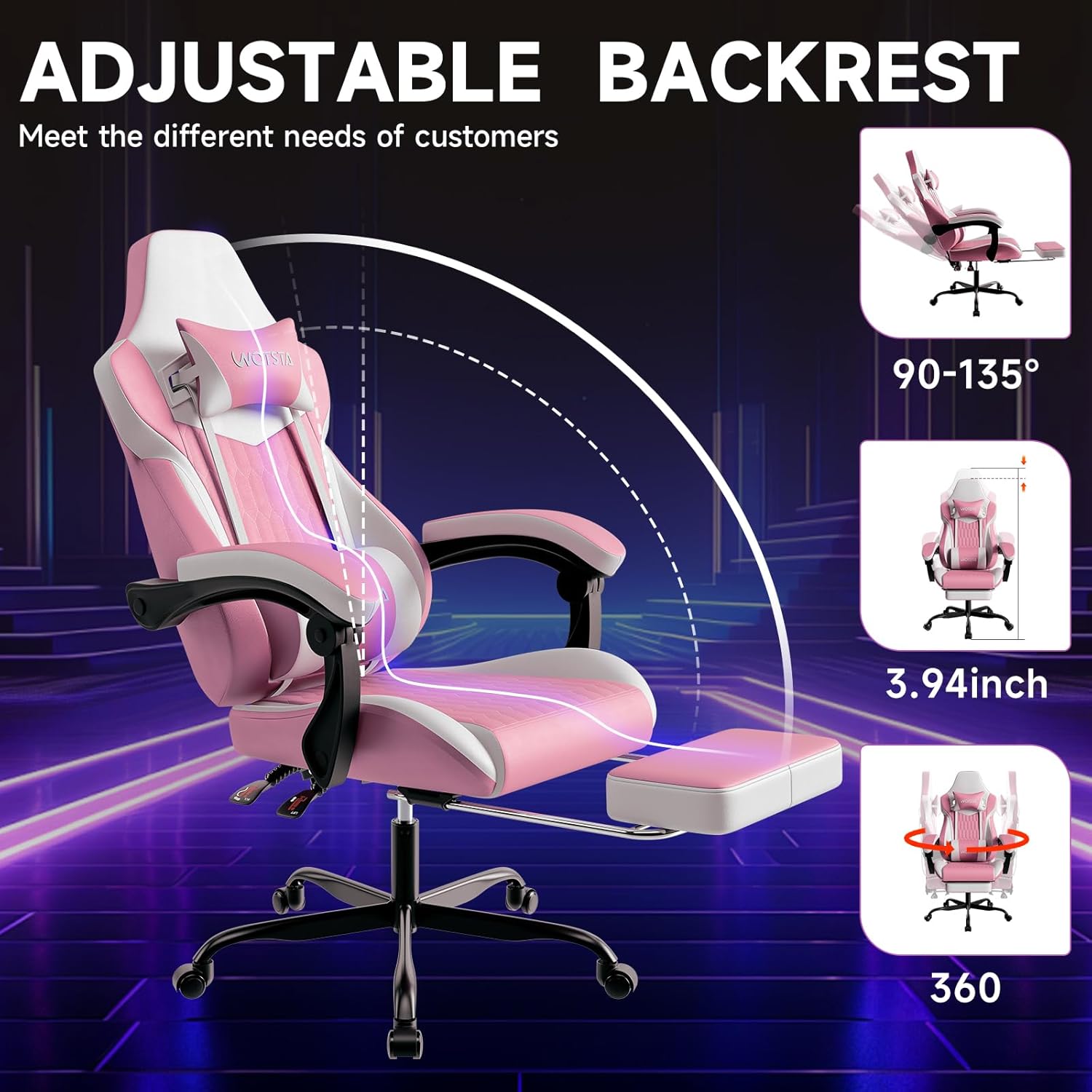
A big part of the decision here is how you plan to sit. The backrest can be adjusted freely up to 135 degrees, and the armrests tilt synchronously with the backrest. There’s also a retractable footrest you can pull out when you want to take the load off your legs and settle into more of a sofa-like recline.
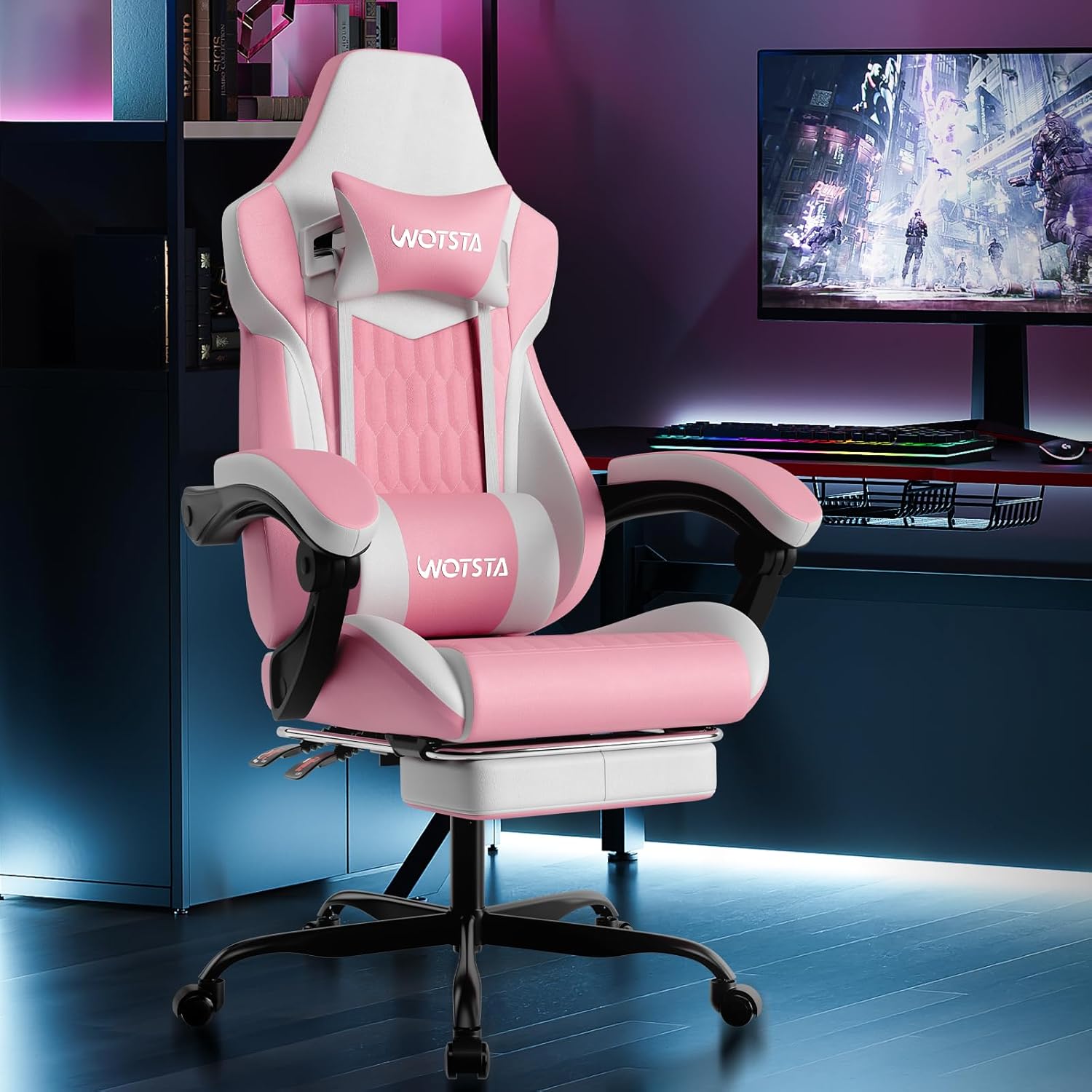
This combination makes it a practical choice if you alternate between upright desk time and more relaxed downtime. If you’re the type who always sits bolt-straight and never reclines, the extra mechanisms may not feel necessary.
One limitation to keep in mind: the chair’s comfort depends heavily on fit and your own posture. Even with lumbar support and a waist pillow, not everyone will feel “supported” in the same way—especially if your seating height or desk setup doesn’t match your posture needs.
Where it shines
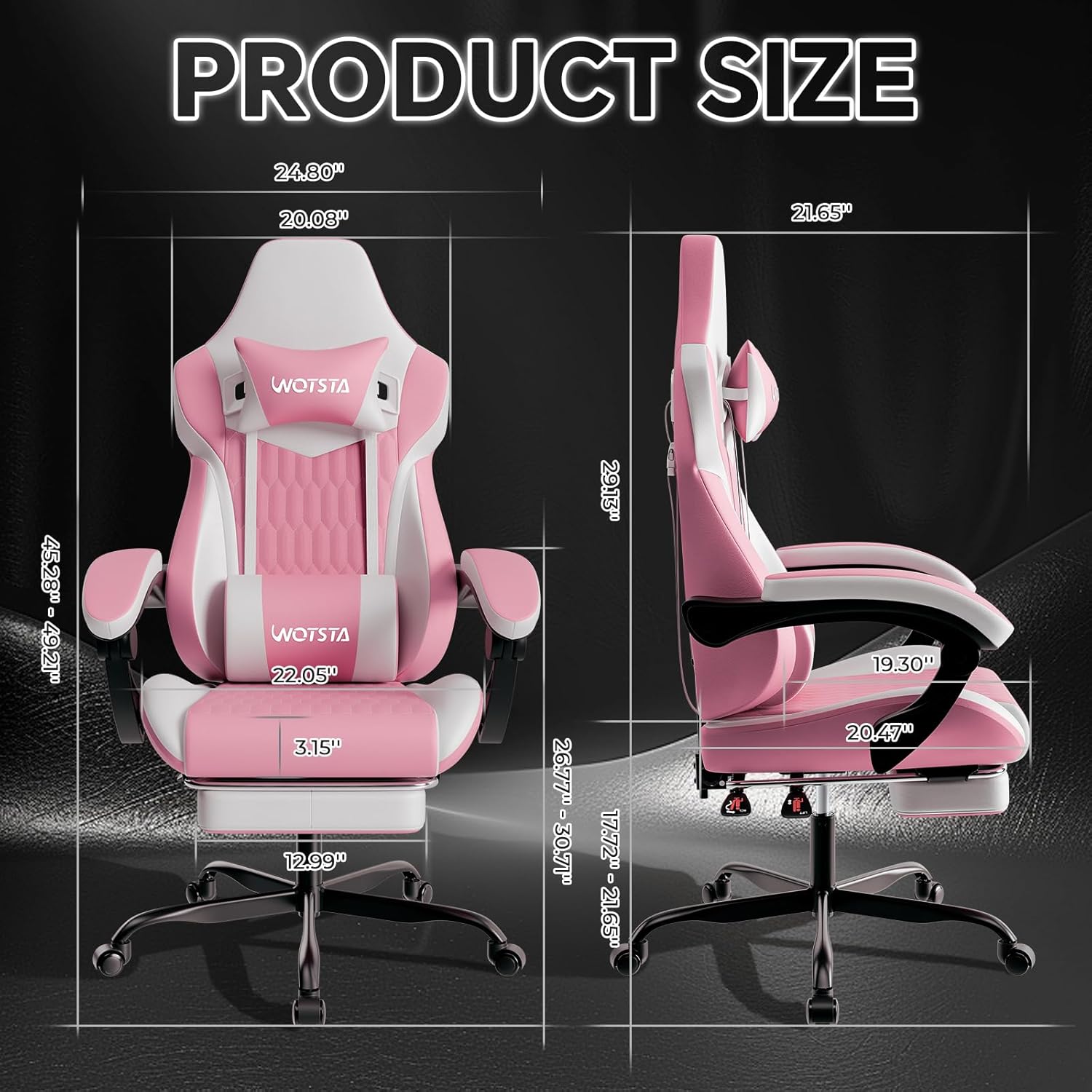
The comfort concept is fairly clear: reduce pressure points while you’re working or playing. The wider side backrest is designed to wrap the body more firmly, which should help reduce shoulder and neck stress over long hours.
In use, you can picture the day-to-day difference. For example, you might set the chair more upright for typing and mouse work, then recline gradually after work by adjusting the backrest to a comfortable angle. When you want to unwind—say, watching something or taking a break—the footrest lets you rest your legs without moving to another seat.
The pocket spring cushion approach is also a notable “not just looks” feature. It’s the kind of build that can feel better than basic padding if you spend a lot of time sitting, because it aims to distribute pressure more evenly.
Quick overview of key features
Tech specs
- Type: Gaming / ergonomic computer chair with footrest
- Backrest adjustment: up to 135 degrees
- Armrests: adjust synchronously with the backrest tilt
- Footrest: retractable, pulls out to support legs
- Cushion: independent pocket springs, designed to distribute body weight
- Headrest & lumbar support: includes soft headrest and waist pillow
- Frame: high-strength steel frame structure
- Base: thickened base for improved stability and reduced deformation over time
- Wheels: 360-degree rotating silent wheels
- Warranty: one-year warranty
- Assembly: installation manual included, assembly described as doable within 20 minutes
Who it’s for (and who should avoid it)
It makes sense if you want a single chair that can handle both gaming and office use, and you like the idea of recline plus a footrest for proper rest. The lumbar support, headrest, and waist pillow point to people who get that neck-and-waist fatigue feeling after long sitting. The quiet 360-degree wheels also suit desks where you move around a lot.
It might not suit you if you specifically need a very minimalist chair, or if you dislike chairs with multiple adjustment points. Also, if you’re expecting “studio-chair” levels of custom adjustability (beyond back angle, linked armrests, and footrest), this one may feel more like a comfort-led gaming chair than a fully modular ergonomic system.
Is it worth it?
A solid pick if you’re after an ergonomic gaming chair setup with lumbar support, a recline up to 135 degrees, pocket spring seating, and a retractable footrest—especially if you spend long hours at your computer and want less neck and waist strain on average.
You may want to skip it if you don’t plan to recline or use the footrest, or if you’re very particular about fine-grained ergonomic adjustments and styling. On the whole, it sits in the “comfort-first” category rather than being a niche specialist.
Before you commit, it’s worth checking the room you’ll have for the recline angle and footrest, and making sure the chair’s posture support features match how you actually sit at your desk.
Mini FAQ
Care & maintenance
The breathable leather-style outer layer is described as skin-friendly and not stuffy, designed to help keep dry and comfortable with long-term use. Beyond that, there aren’t specific cleaning instructions provided in the information here, so it’s sensible to follow any care guidance from the manual once you have the chair.
Final questions buyers usually ask
- Can the backrest recline fully for relaxing? Yes—up to 135 degrees.
- Does the chair include lumbar support? It includes a waist pillow and is designed for lumbar-style comfort along with a headrest.
- Is assembly required? Yes, but it’s described as straightforward with an installation manual and can be completed in about 20 minutes by following the instructions.
- Does it come with a warranty? Yes, there’s a one-year warranty mentioned.