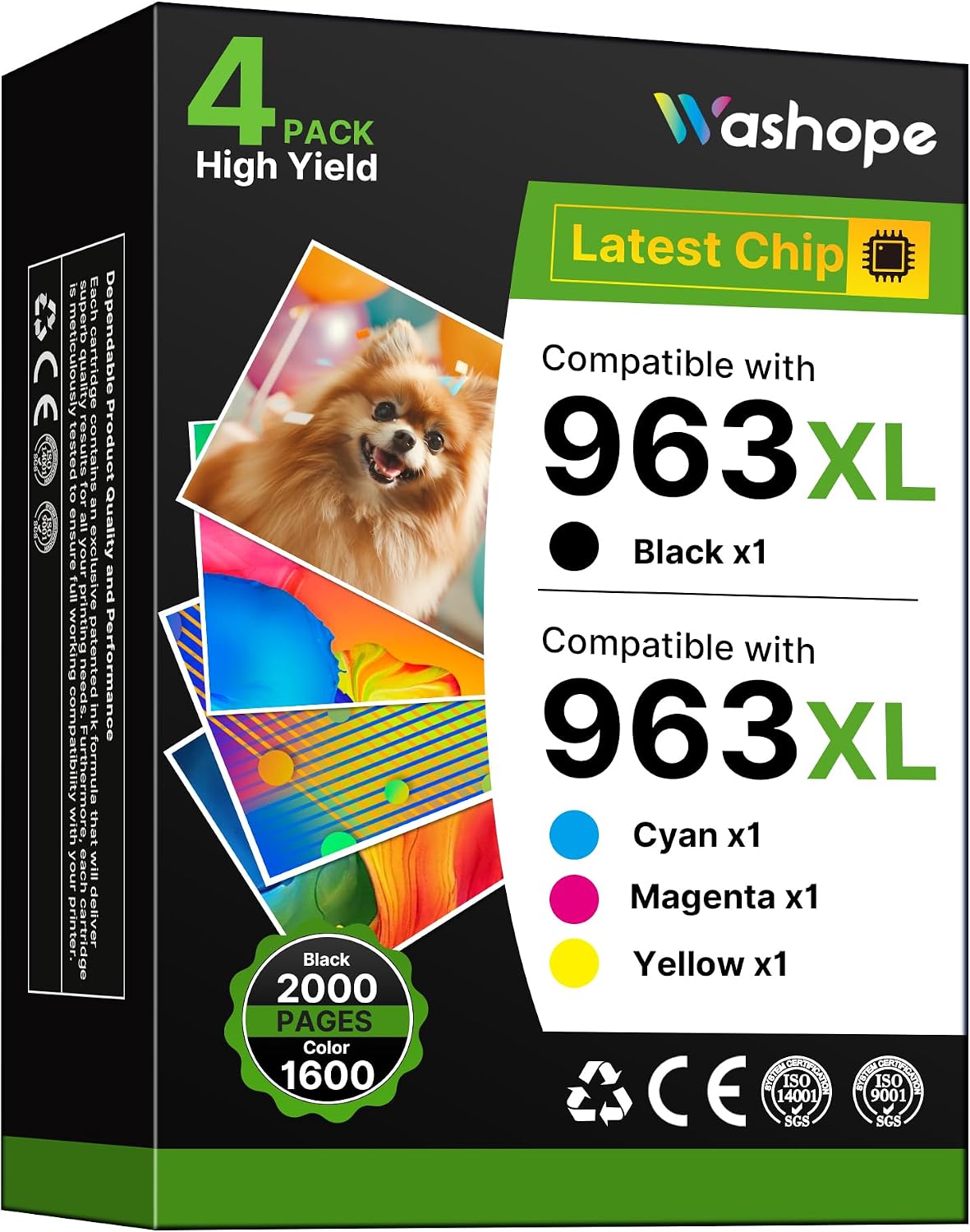
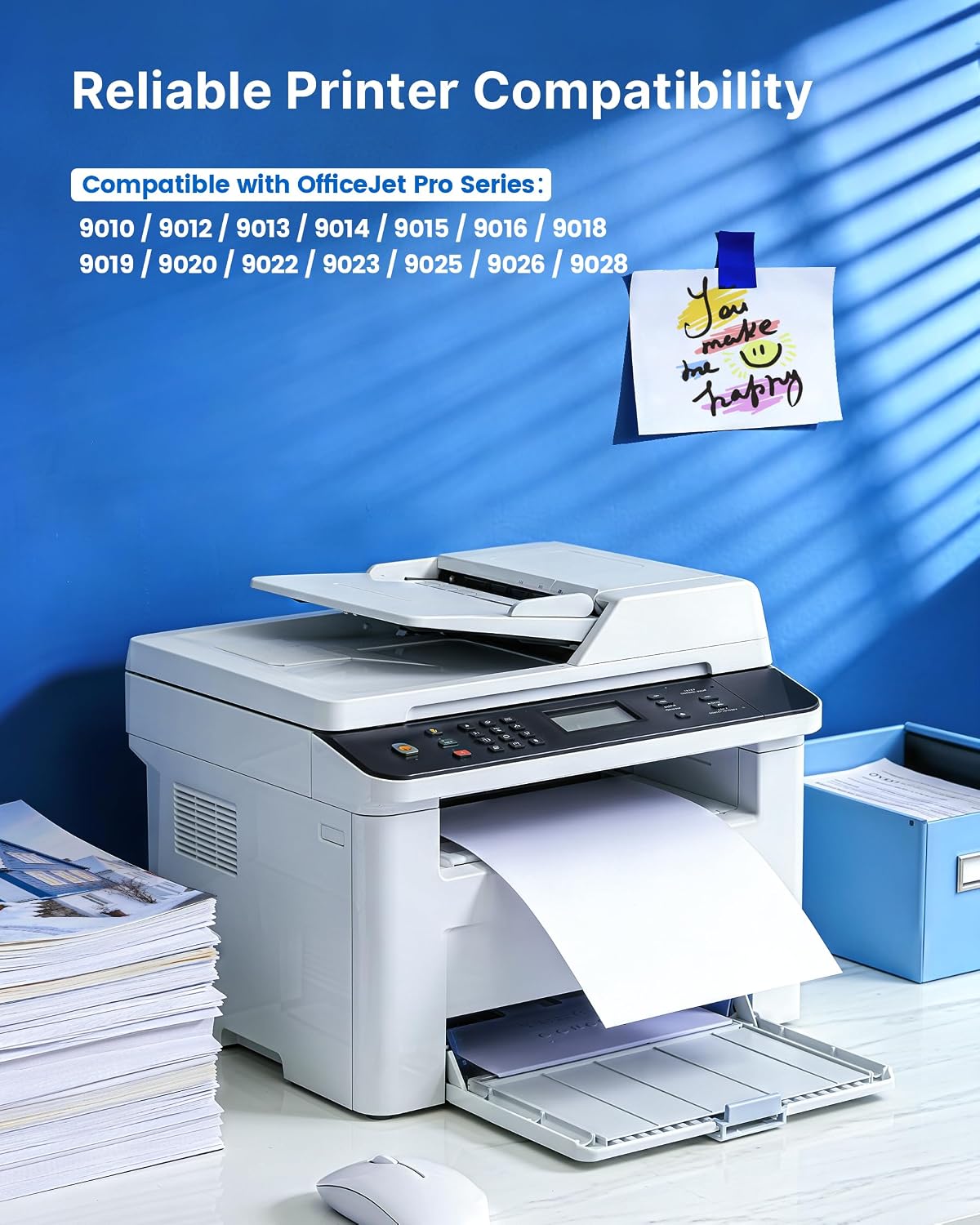
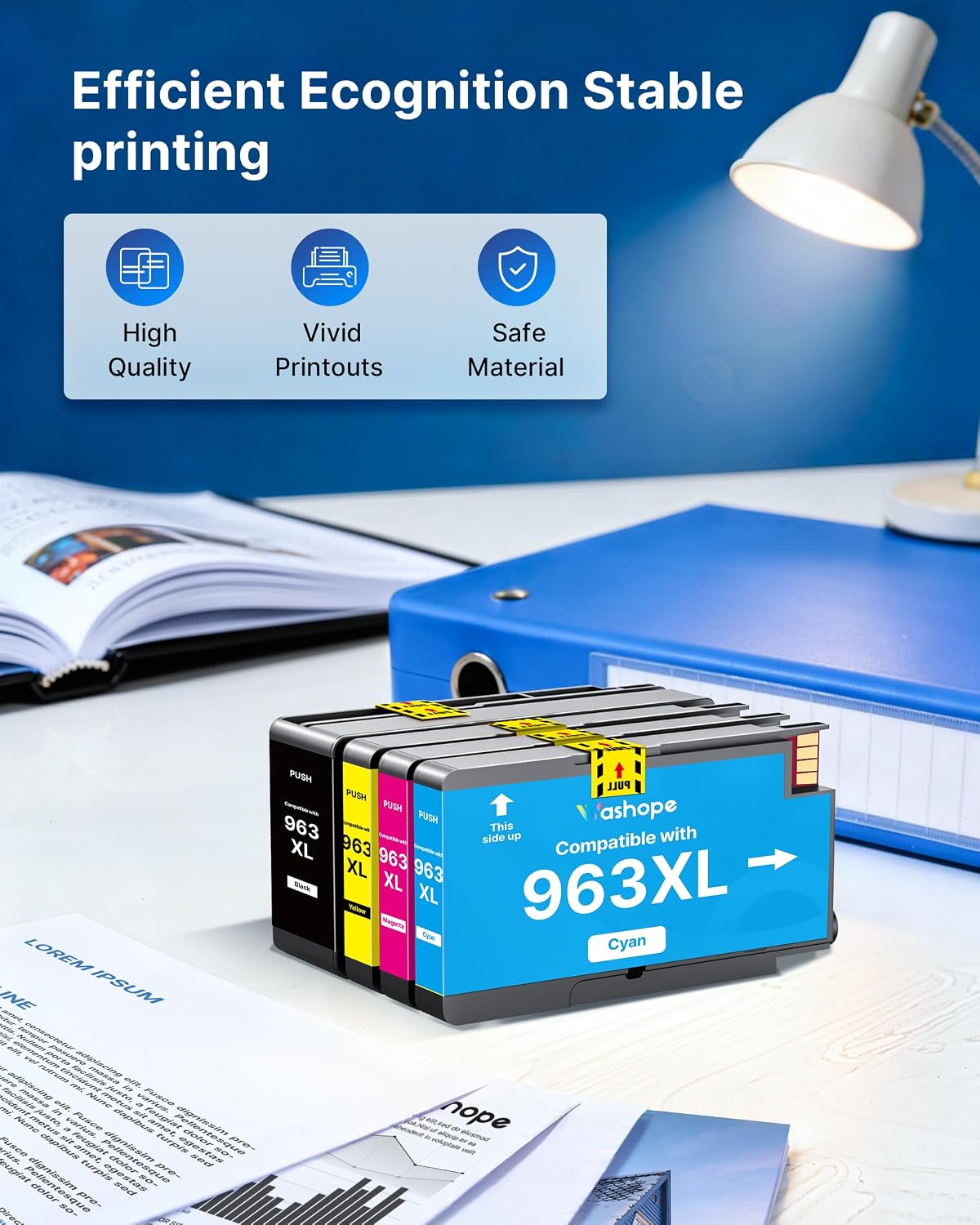
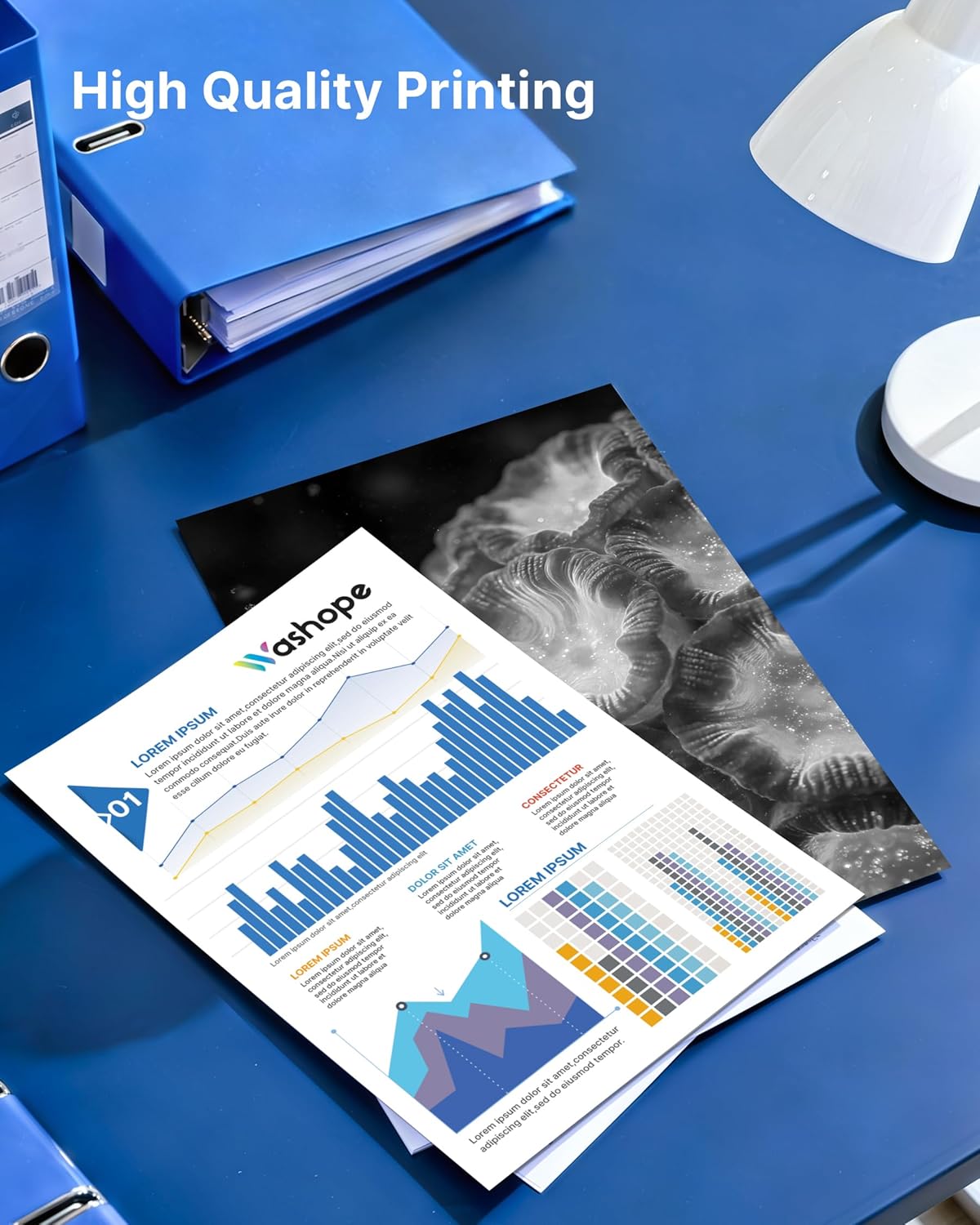
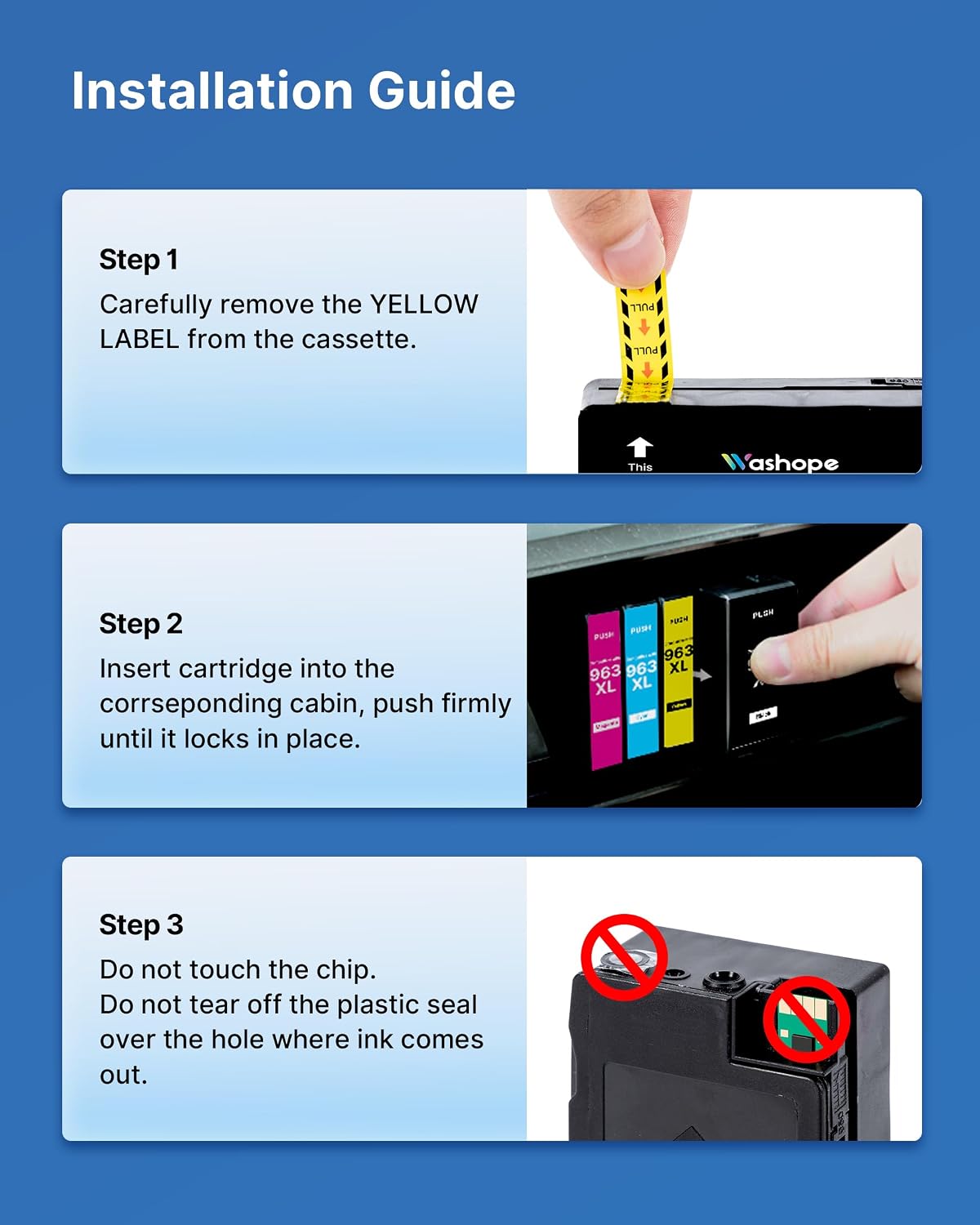
What this product is and what it’s for\nIf you own an HP OfficeJet Pro 9010/902x printer and want to keep printing without breaking the bank, this Washope 963XL multipack offers a non-original alternative. The set includes 4 x 963XL cartridges in Black, Cyan, Magenta and Yellow, designed to be compatible with a wide range of 963/963XL powered HP OfficeJet Pro models. It aims to deliver solid page yields and reliable results for everyday document printing and standard photo tasks, without venturing into premium photo accuracy or colour-critical work.\n\n## How it stacks up on paper\nOn paper, each 963XL Black cartridge is presented as capable of around 2000 pages, with the colour cartridges rated at about 1600 pages at 5% coverage on A4. The pack also includes a basic user guide and installation steps, emphasising a straightforward swap: remove the yellow protection tab, then insert into the corresponding slot. It’s a practical option if you’re after a simple re-fill substitute rather than a high-end print studio setup.\n\n## Pros and what to watch\nPros: lower cost per page versus some branded options, straightforward replacement process, steady supply for mixed monochrome and colour tasks, useful when you print in moderate volumes.\nCons: as a non-original alternative, it might not deliver the same colour precision or longevity as OEM inks, and results can vary by printer and usage. It also explicitly notes incompatibility with HP ‘e’ series printers and HP+ services, which is worth verifying for your setup.\n\n## Who it’s for\nIf you primarily print everyday documents, school or home office paperwork, and occasional photos where absolute archival colour fidelity isn’t critical, this multipack can be a sensible value play. It’s less ideal for users who rely on precise colour management, frequent high-end photo prints, or devices tied to HP+ features.\n\n## Who should think twice or what could be better\nIf your workflow depends on exact colour accuracy, or you frequently print with HP+ enabled devices, you may prefer to stick with original inks or check compatibility more thoroughly before purchasing. Also, if you own an HP OfficeJet Pro model that falls into the ‘e’ series or HP+ ecosystem, these cartridges are not the right fit.\n\n## Before you buy: practical checks\n- Confirm your printer’s model family (9010/902x series) and whether it’s on the compatible side listed.\n- Ensure you don’t require HP+ features for your daily tasks.\n- Consider your typical colour balance needs: this set aims for balanced everyday colour rather than fine-tuned photo accuracy.\n\n## In use: a practical scenario\nImagine printing a set of board meeting handouts and a handful of family photos over the weekend. You’ll likely notice clear text with adequate colour for charts and basic images, but the photos won’t match the depth you’d expect from premium inks. In short, it’s usable for mixed office use, with some compromises in visual finesse.\n\n## The technical snapshot (brief)\nThis isn’t a technical datasheet, but the package includes a four-colour set designed to align with HP 963XL slots and the 9010 family printers. It warns against tapping the chips and highlights standard installation tips to avoid damage during replacement.\n\n## Final buying decision\n## Is it worth it?\nWorth considering if you prioritise value for money in a printer that already handles HP 963XL cartridges well and your print volume is moderate. It makes sense for standard document work and light colour tasks, provided you don’t rely on HP+ features or premium photo output.\n\n## Frequently asked questions\n- Q: Are these compatible with all HP OfficeJet Pro 9010 series printers? A: They are compatible with several models in the 9010/9020 range, but HP+ and ‘e’ series devices are explicitly excluded.\n- Q: Will the colours be as vivid as original HP inks? A: Expect solid everyday colour, but not guaranteed identical to OEM inks or high-end photo printing.\n- Q: How many pages can I expect per cartridge? A: Up to about 2000 pages (Black) and 1600 pages per colour cartridge at 5% coverage, per the manufacturer’s figures.\n- Q: What if I encounter a misprint or clogging? A: Follow standard printer maintenance steps and recheck installation, non-original inks can behave differently from OEM.\n