

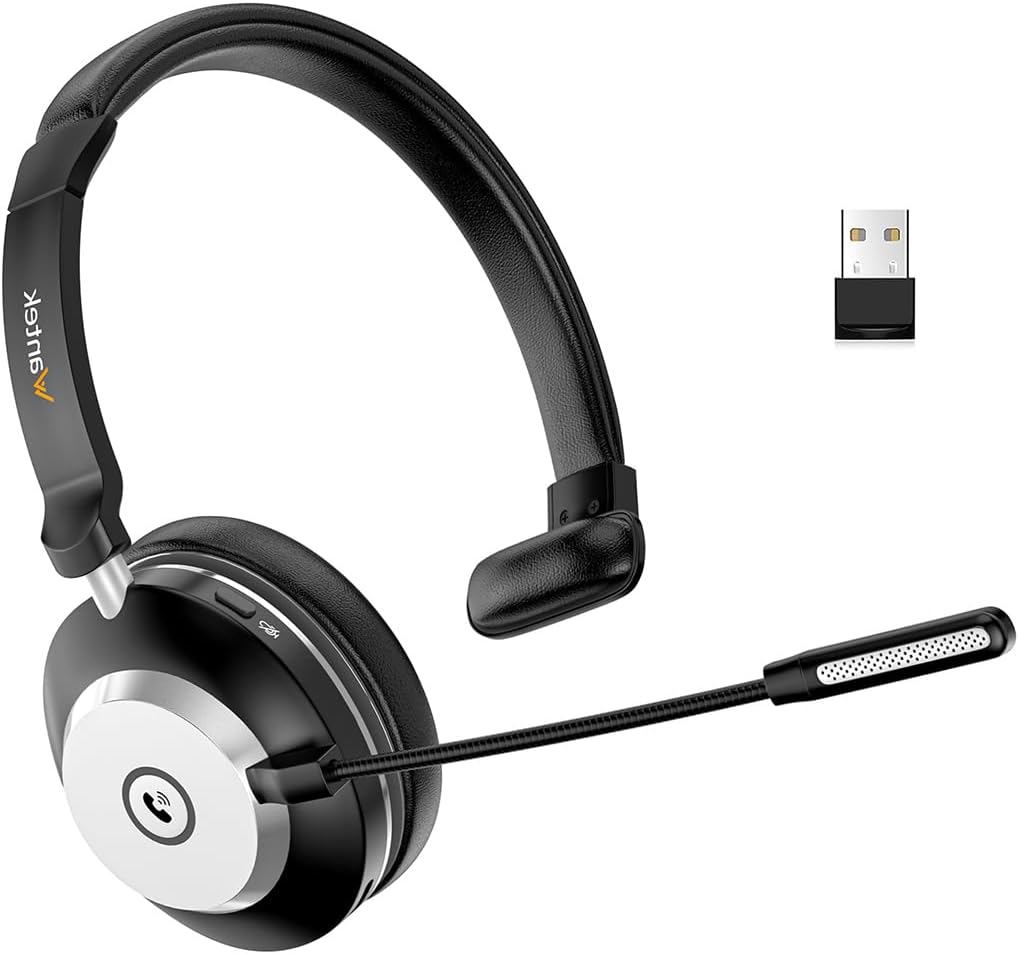
Wantek Bluetooth Headset (V5.2) with Microphone, USB Dongle, Mute Button and Charging Base
Product description
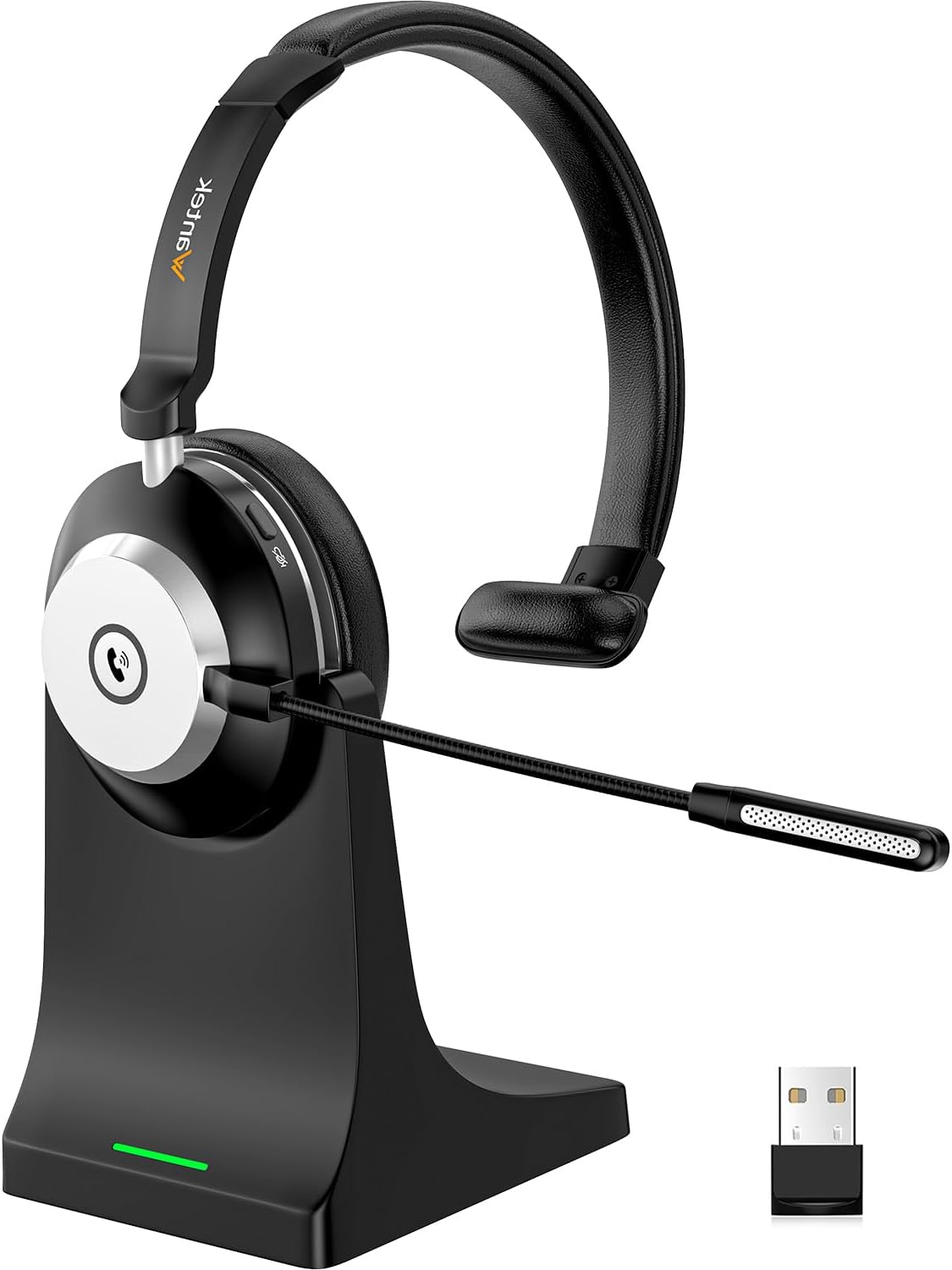
If your day involves calls on a PC (and occasionally mobile or video meetings), a Bluetooth headset with an easy mute can quietly make work smoother. The Wantek model leans into that straightforward approach: quick pairing, a physical power switch, and a side mute button that’s meant to be used without hunting around mid-call.
It’s not trying to be a premium “studio” headset, and you should read it as a practical work headset with wireless convenience. On paper, it looks well-suited to hybrid work where you want to move around a bit without cables.
Key takeaways
The standout idea here is simplicity. You toggle the power switch instead of holding a button for seconds, and the headset is designed to pair immediately after the first connection. For computers without built-in Bluetooth (or if you’re restricted from using Bluetooth), it also includes a USB dongle so you can still connect via USB.
The other big “day-to-day” point is the mute workflow. The mute button sits on the side of the headset for quick access, and it’s designed to work on mobile calls as well as on popular UC/video platforms (using the Bluetooth dongle). There are also voice prompts that announce “mute on” and “mute off”, which can be helpful when you’re on a call and can’t look at the device.
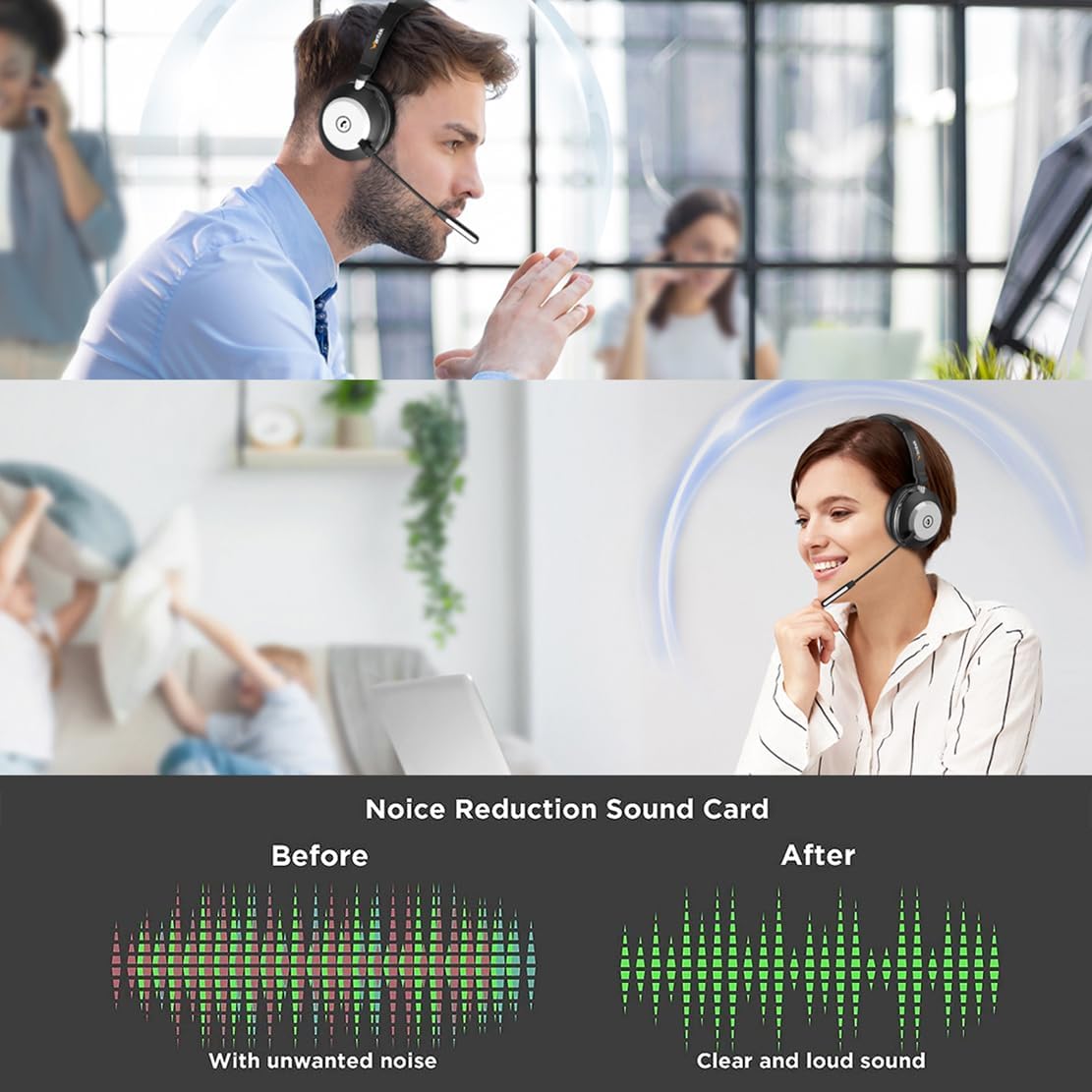
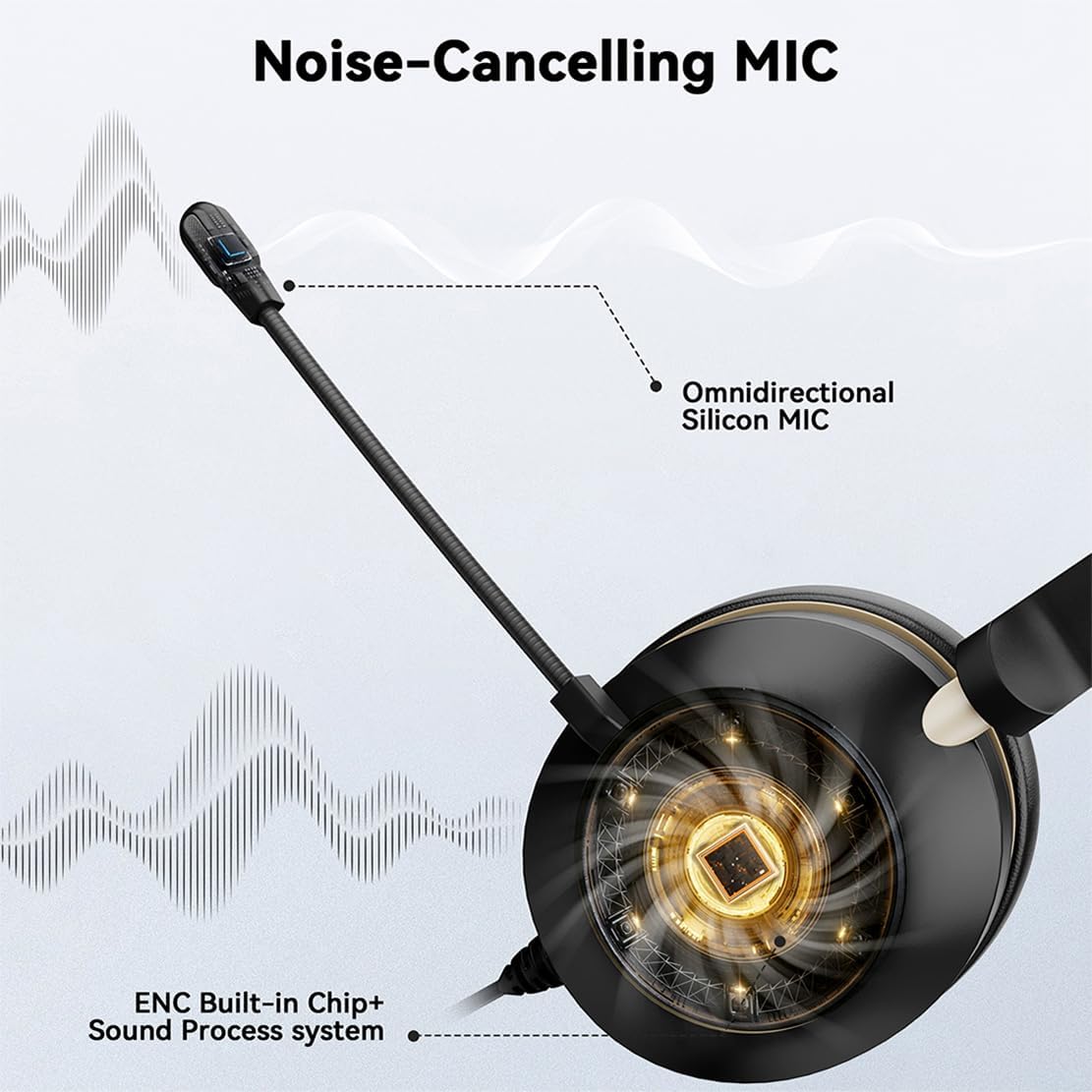
On the audio side, the microphone is described as rotatable (up to 270°) and designed to separate voice from environmental sounds, aiming to keep your words crisp and clear.
One sensible limitation to keep in mind: the benefits around stable connection and pairing depend on your computer environment. The manufacturer even suggests updating your Bluetooth driver if the connection is unstable and you drop it frequently.
The essentials
This Wantek headset is a wireless Bluetooth headset with a microphone for PC use, supported by Bluetooth 5.2 plus a USB dongle option for computers that don’t support Bluetooth (or where Bluetooth connection isn’t allowed). It also includes a charging base and a mute button.
In practical terms, the setup is intended to be “plug in and go”. You insert the USB dongle into your computer and you can talk or listen straight away, with no programs required according to the product description.
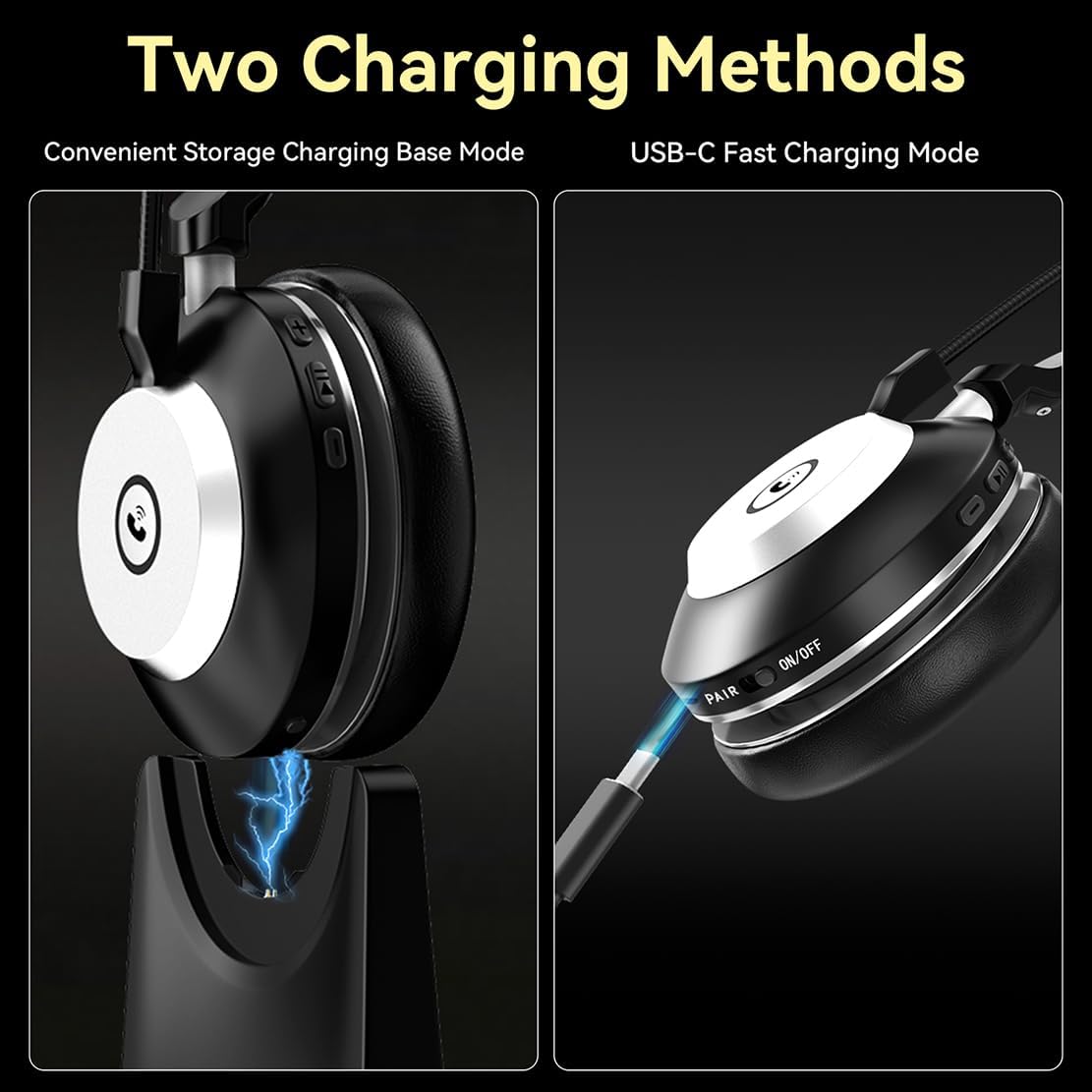
A small but real comfort factor is the physical on/off toggle switch. If you’ve ever had to press and hold a tiny button while waiting for a blinking LED, you’ll probably appreciate this approach.
Example of use: imagine you’re in a Teams meeting and need to mute quickly while you speak to someone nearby. Instead of juggling software controls, you press the side mute button, and if you’re unsure whether it took effect, the headset can announce “mute on” / “mute off” by voice.
What matters most for calls and meetings
For work calls, muting and mic behaviour matter more than flashy extras. This headset is positioned around making communication clearer and reducing distractions.
The microphone design is described as rotatable (270°) and intended to separate your voice from environmental sounds. That’s aimed at reducing unwanted background noise during phone calls, and keeping your speech intelligible.
It’s also described as being usable with Zoom, Skype or Teams (and other UC platforms), specifically when using the Bluetooth dongle. If you mainly rely on a single video-calling app on a laptop/desktop, that’s the kind of compatibility detail you’ll want to confirm for your exact workflow—though the description is fairly explicit about these common platforms.
What you’ll notice day to day
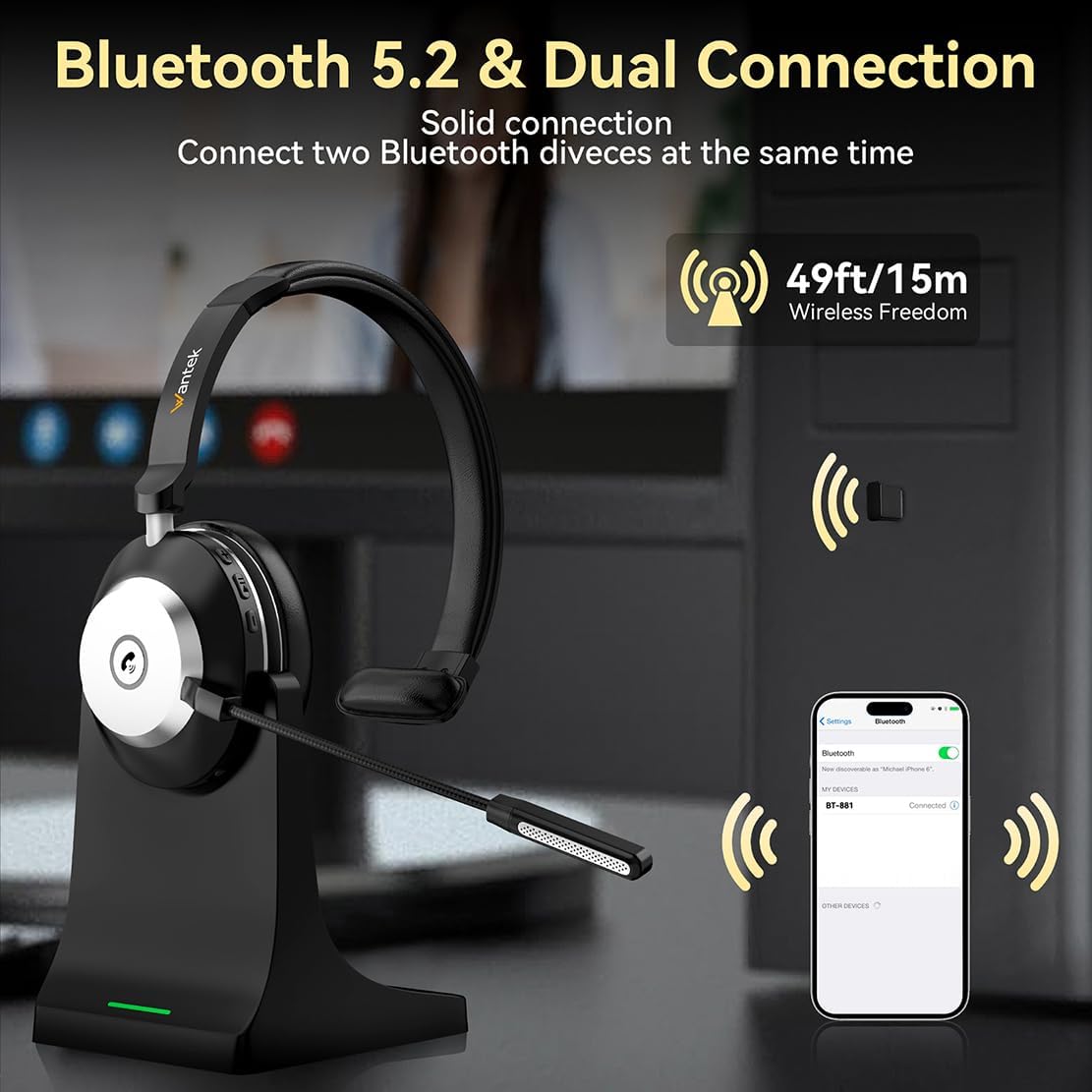
Bluetooth 5.2 is mentioned as bringing faster pairing speed, a more secure/stable connection, lower latency and improved audio quality, plus longer battery life compared with Bluetooth 5.0/5.1 (as claimed). The wireless range is stated as up to 10m/33ft.
That range is the sort of figure that only really helps if you move around your workspace. If you’re sitting right next to the desk the whole time, range won’t be your deciding factor. But if you regularly stand up, step away, or multitask during calls, it can make the headset feel less like “just another accessory” and more like a practical work tool.
Also, it’s worth noting the “it will immediately pair your device after connecting the first time” phrasing. In real life, devices can vary, but the intent is clear: fewer pairing headaches after the initial setup.
Tech specs
- Type: Bluetooth headset with microphone (wireless PC headset)
- Bluetooth version: V5.2
- Wireless range: up to 10m/33ft
- Microphone: 270° rotatable microphone process (voice/environmental sounds separated)
- Power control: physical on/off toggle switch
- Connection options: Bluetooth and USB dongle (for computers without Bluetooth or if Bluetooth isn’t allowed)
- Mute control: side mute button plus voice commands (“mute on” / “mute off”)
- Compatibility examples (via dongle): Zoom, Skype, Teams and other leading UC platforms
Pros and cons to weigh up
Pros
- Physical on/off toggle switch designed to make turning on easier
- Plug & play setup described with a USB dongle (no programs to download)
- Dedicated side mute button for quicker call control
- Voice prompts for mute status can reduce “did I mute?” moments
- 270° rotatable microphone aimed at clearer speech and less distraction
It may not suit everyone
- If your main priority is maximum audio performance for music, this is framed as a work/calls headset rather than a music-first option.
- Connection stability may depend on your computer. If you’re prone to dropped Bluetooth connections, the description suggests updating your Bluetooth driver.
Should you buy it?
A solid pick if you want an easy, work-focused Bluetooth headset for PC calls, especially if your laptop/desktop either lacks Bluetooth or you prefer a dongle-based connection. The physical power switch and side mute button look designed to reduce friction during meetings and calls.
You may want to skip it if you’re specifically after a high-end audio headset for music listening, or if you expect perfect compatibility without doing any checks—because the dongle-based “UC platform” use is the clearest route described.
It tends to suit people who work across home/office, attend video calls often, and value quick mute control more than complex settings.
Mini FAQ
Does it work with computers that don’t have Bluetooth?
Yes, the description says it comes with a USB dongle for computers without Bluetooth or when Bluetooth connection isn’t allowed.
Is it difficult to pair the headset?
Not on paper. After the first connection, it’s designed to pair immediately, and the on/off power is handled by a physical toggle switch rather than holding a button.
Can I mute during Zoom, Skype or Teams calls?
The mute function is described as working with Zoom, Skype or Teams (using the Bluetooth dongle) and also on mobile phone calls.
What should I do if the connection keeps dropping?
The product description advises updating the Bluetooth driver of your computer if the connection is unstable and you frequently lose it.