


VTech KidiZoom Studio (Blue) kids video camera with games, effects and LCD screen
Reviews
Price
Product description
What it is and why kids tend to enjoy it
The VTech KidiZoom Studio (Blue) is a children’s video camera designed to help youngsters make their own clips, not just press the shutter and hope for the best. It’s built around guided play: video making with fun extras, a kids-friendly editor, and a set-up that encourages storytelling (tripod, selfie-friendly folding lenses and a green screen-style background).
On paper, it’s the kind of camera that sits in the “creative play” category rather than “serious filming”. That’s not a criticism—if your main goal is getting kids engaged with filming while keeping the controls age-appropriate, the package of effects, animated backdrops and built-in activities is exactly the point.
What stands out in everyday use
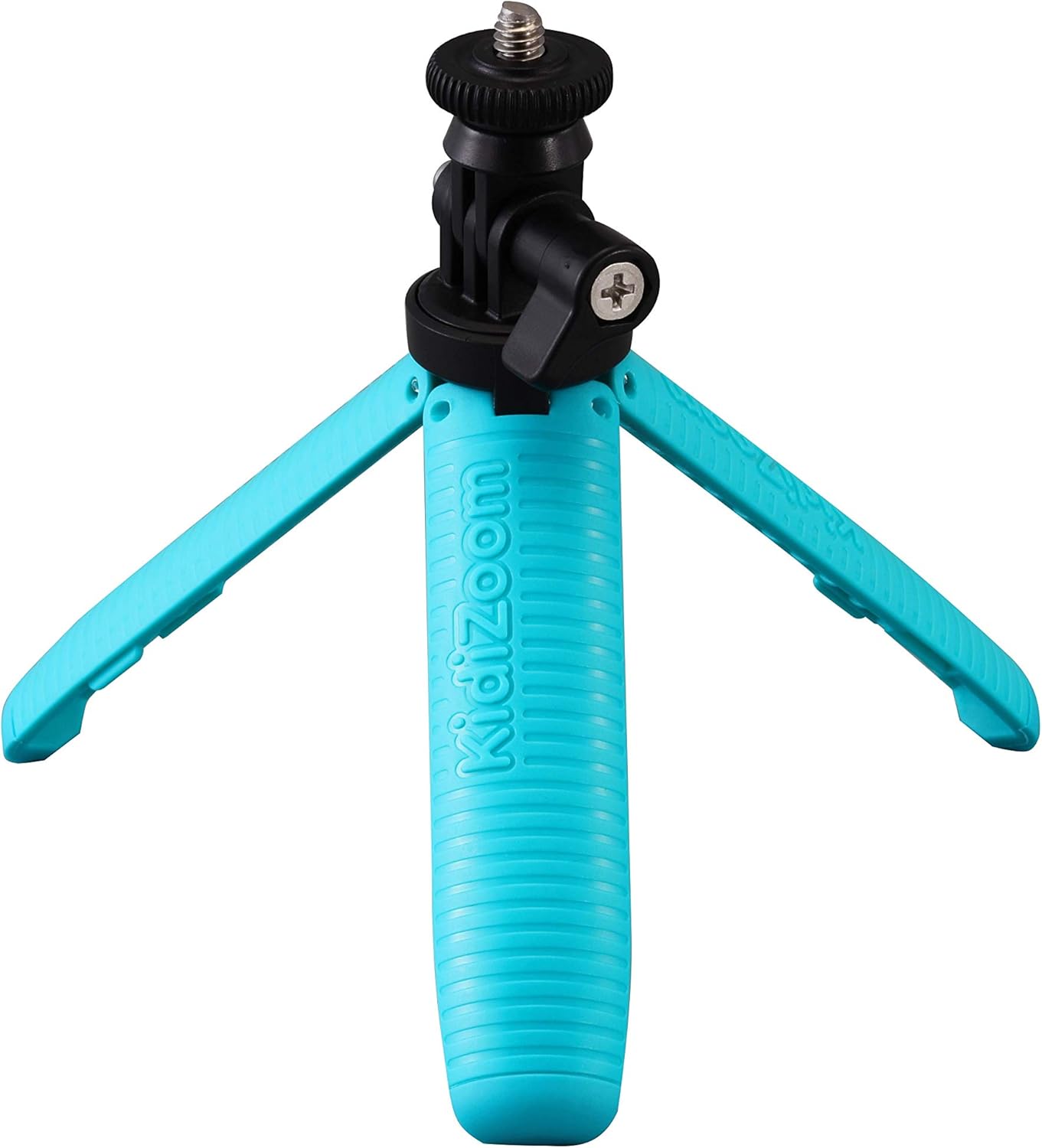
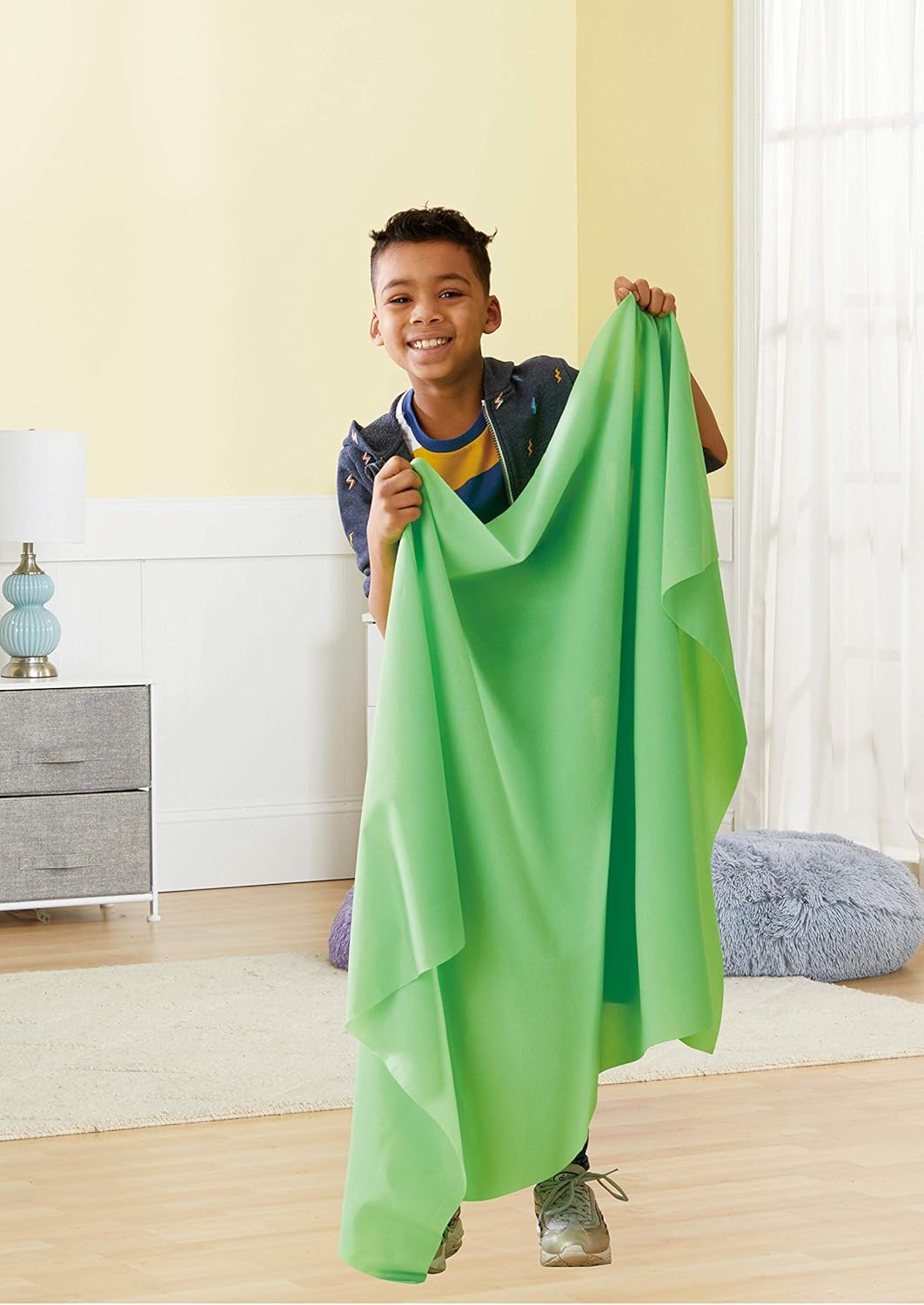
One of the practical wins is the included mini-tripod. It makes a big difference for kids because steady framing is easier when they’re not trying to hold the camera perfectly still. There’s also mention of a green background, which is handy for creating themed scenes without needing an actual room makeover.
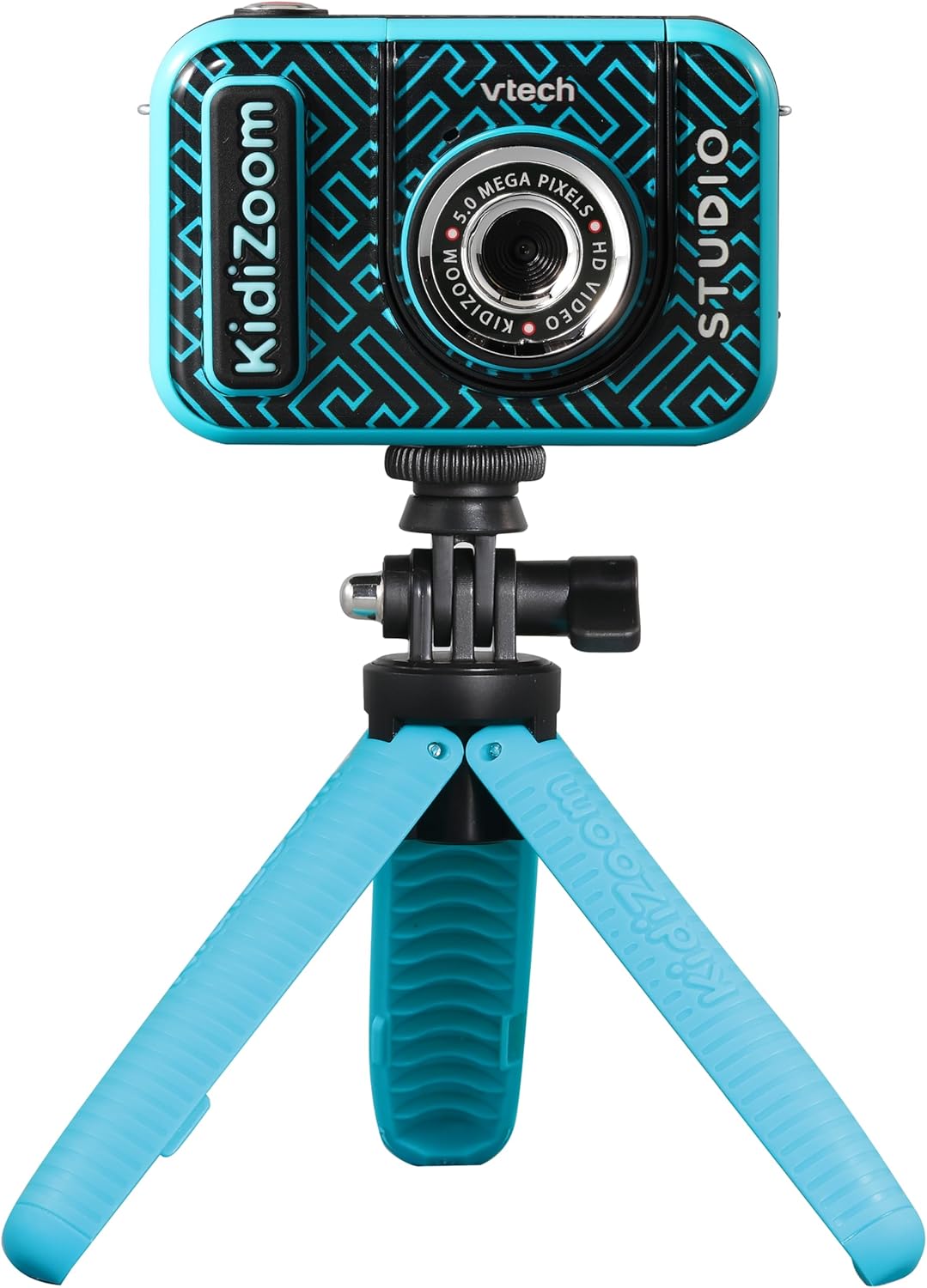
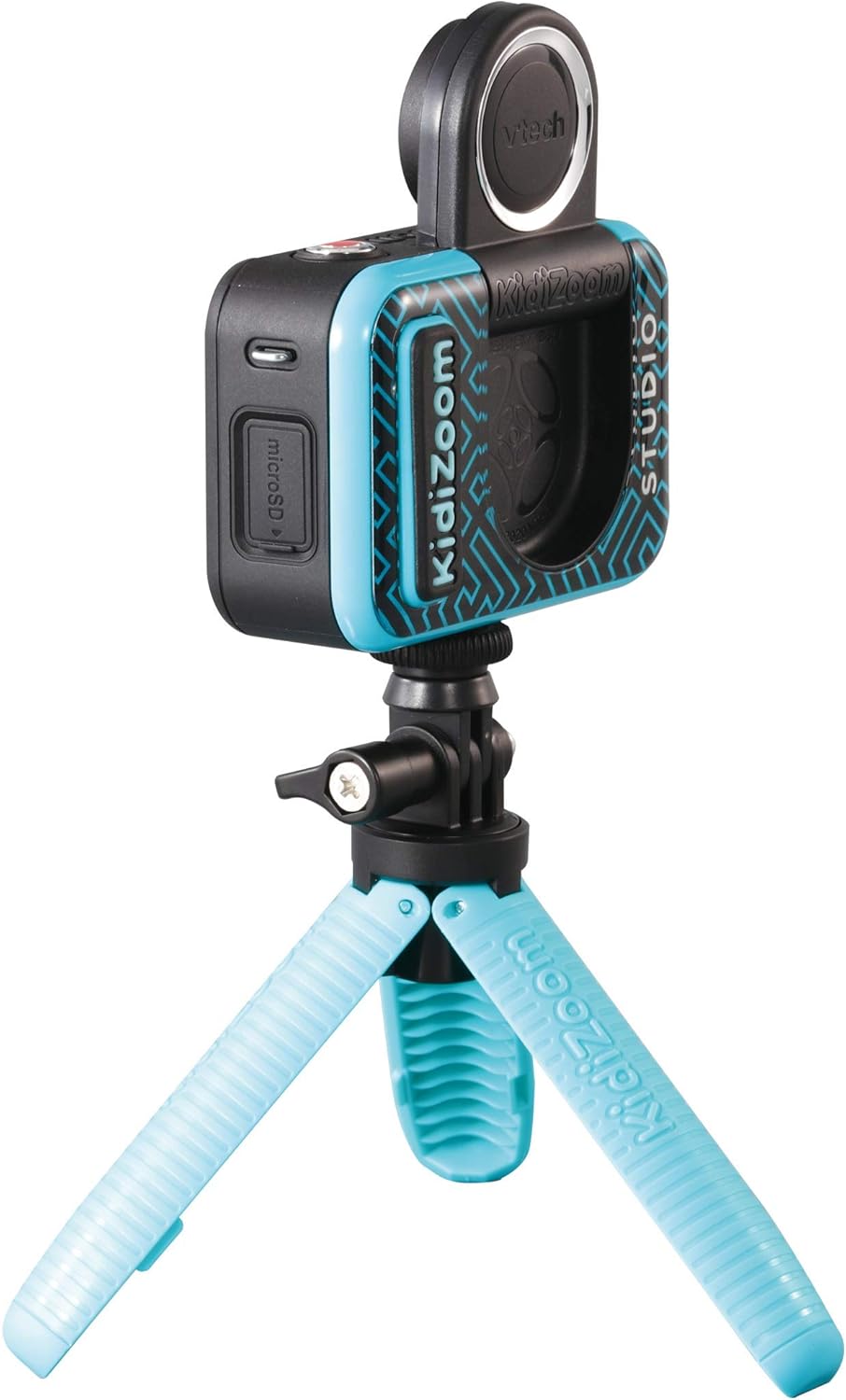
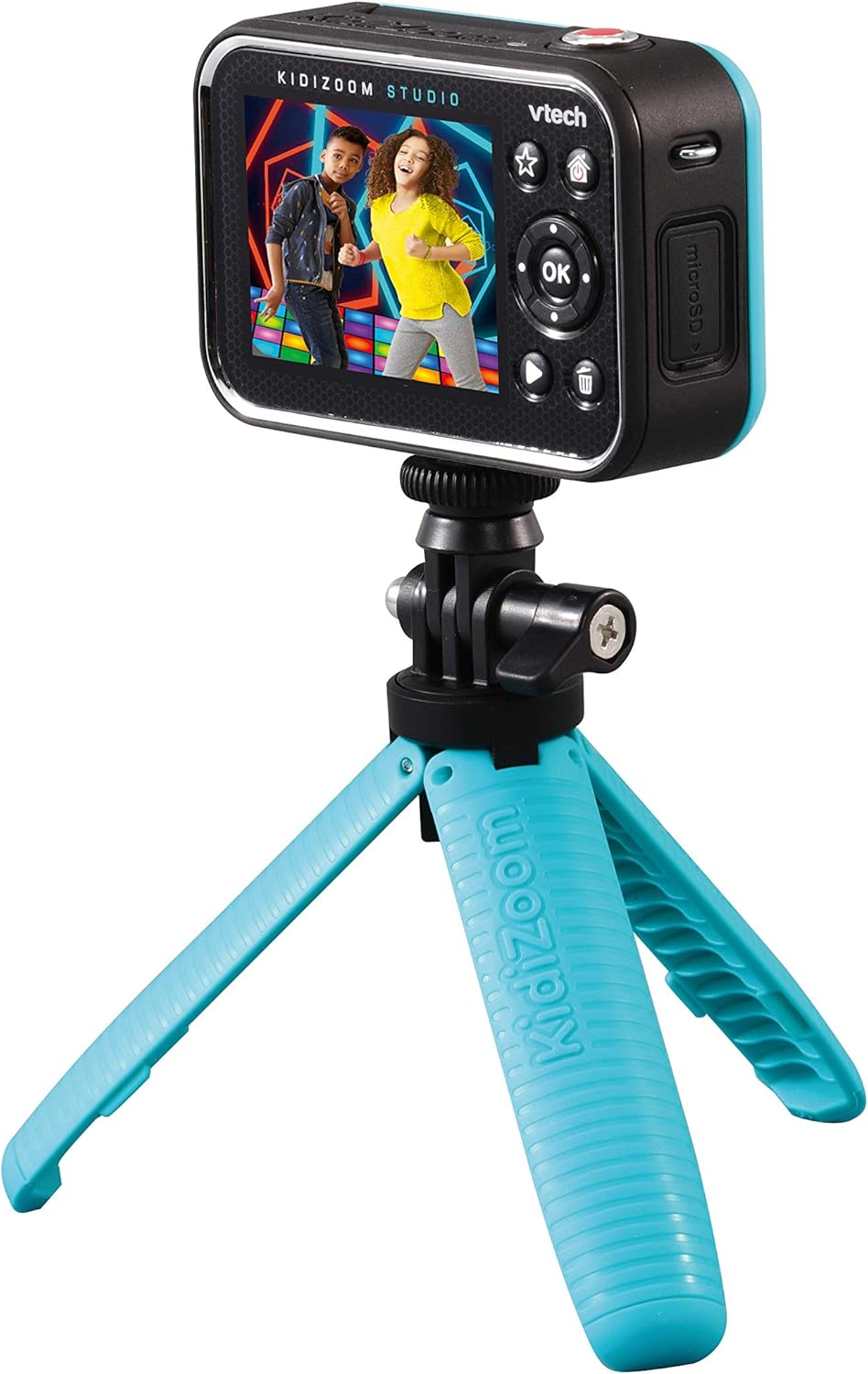
The camera also includes folding lenses for selfies, plus an LCD screen measuring 4 inches. For many families, that screen size matters because it’s simply easier for children to see what they’re capturing and make quick adjustments while filming.
You also get a kids video editor that’s explicitly described as suitable for children. That should take some of the friction out of “what now?” once the recording is done—though the exact complexity level will naturally depend on the child’s age and patience.
There’s built-in play in the form of 20 animated backgrounds. If your child enjoys repeating the same idea (e.g., “acting out” a story, doing silly takes, re-filming for better results), these backdrops give variety without you needing to set anything up.
Key features you’ll actually notice
This is a kids camera that leans heavily into creative features rather than only capturing video. Based on the details provided, here’s what you’ll likely spend time using:
- 20 animated backgrounds for different video adventures
- Folding lenses for selfie-style filming
- A built-in kids video editor
- 4-inch LCD screen for viewing and filming
- Rechargeable integrated lithium polymer battery
- Included mini-tripod plus a green background for themed scenes
The “hand and wrist game” is also mentioned, which suggests it’s not only for stationary tripod filming. Still, it could be a case of “fun when it fits the moment”—if you’re expecting a deep, console-style gaming experience, you may find it more lightweight than you’d hoped.
Tech specs (what we know from the product details)
- Name: VTech KidiZoom Studio (Blue)
- Type: Video camera for children
- Display: 4-inch LCD screen
- Battery: integrated lithium polymer rechargeable battery
- Included accessories mentioned: mini-tripod, hand and wrist game, and a green background
If you want to be extra careful before buying, it’s worth checking the listing for any details not covered here—such as how the camera connects to devices (if it does) or what file sharing is like in practice.
Who it suits (and who should be cautious)
This makes sense if you’re buying for a child from 5 years old who likes dressing up, acting, telling stories, filming with friends/siblings, or generally getting hands-on with creative tech. The combination of animated backgrounds, effects-style fun, and a screen for viewing suggests it’s meant to keep them actively involved.
It may not suit you as well if you’re looking for a camera that’s primarily about photo/video quality, advanced manual controls, or flexible professional workflows. This is more of a guided, play-first device, and it can feel a bit limited if your expectations are closer to “serious filmmaking”.
Care and setup considerations before you buy
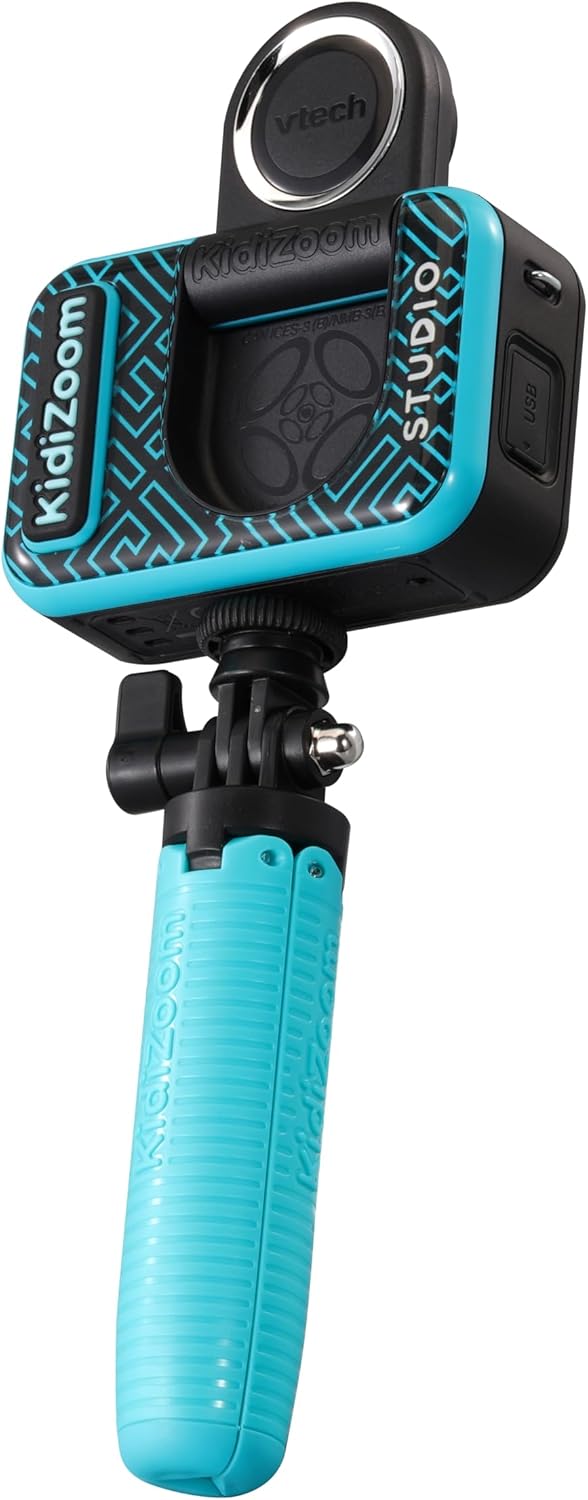
Kids cameras tend to live on floors, desks, and in the hands of people who are still learning what “gentle” means. With that in mind, consider whether you can store the camera and accessories safely when it’s not in use—especially the tripod and any parts designed for folding.
Also, if your child is excited by the idea of filming from the tripod and using the green background, plan a simple routine: set up the tripod, pick a backdrop, record a short “scene”, then try the editor. That kind of short loop keeps momentum without turning it into a project that stretches too long.
Final verdict
Worth considering if you want a children’s video camera where play, effects and a child-friendly editor are built in—especially with the included mini-tripod and 4-inch LCD screen for easier filming and checking results.
You may want to skip it if you’re expecting pro-level controls or a serious creator workflow, it’s designed for fun and guided creativity, so it can feel more like a kids’ studio toy than a filmmaking tool.
A solid buy choice for families who want “make your own videos” to be realistic on busy days, not something that needs extra software, complicated settings, or constant adult troubleshooting.
Mini FAQ
FAQ
Is the KidiZoom Studio designed for beginners?
Yes—based on the description, it’s made for children and includes an editor and games geared towards that age range.
Does it work for selfie-style filming?
It includes folding lenses for capturing selfie-style video, so it’s set up with that in mind.
What’s the benefit of the animated backgrounds?
They help create variety without changing your setup, which can keep kids interested across multiple filming sessions.
Is the battery rechargeable?
Yes, it has an integrated rechargeable lithium polymer battery.
Is it suitable for kids aged 5 and over?
The product details state it’s for boys and girls from 5 years plus.