


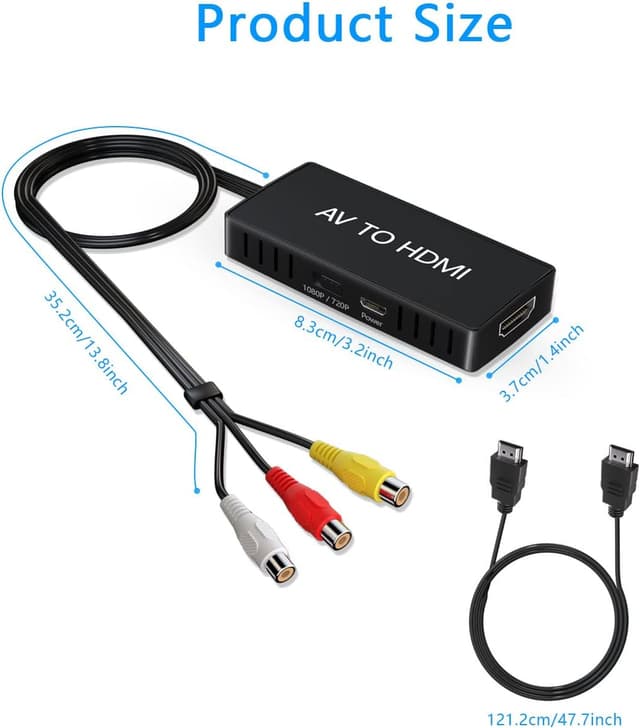
VIXLW AV to HDMI Converter 1080P
Product description
This AV to HDMI adapter turns analogue composite RCA signals into a 720p or 1080p HDMI output, making it easier to connect older consoles and legacy players to modern HDTVs or monitors. It is compact and plug-and-play, and suits situations where you want to view VHS tapes, classic games or older DVD players on a large screen with minimal setup.
Key Points
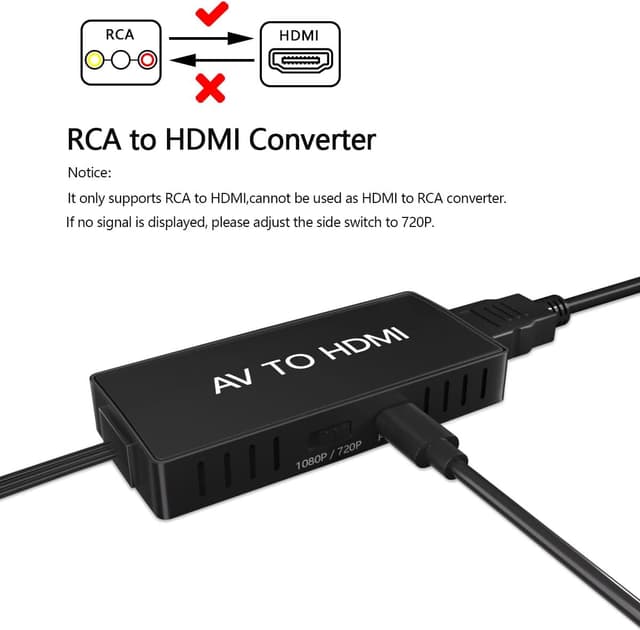
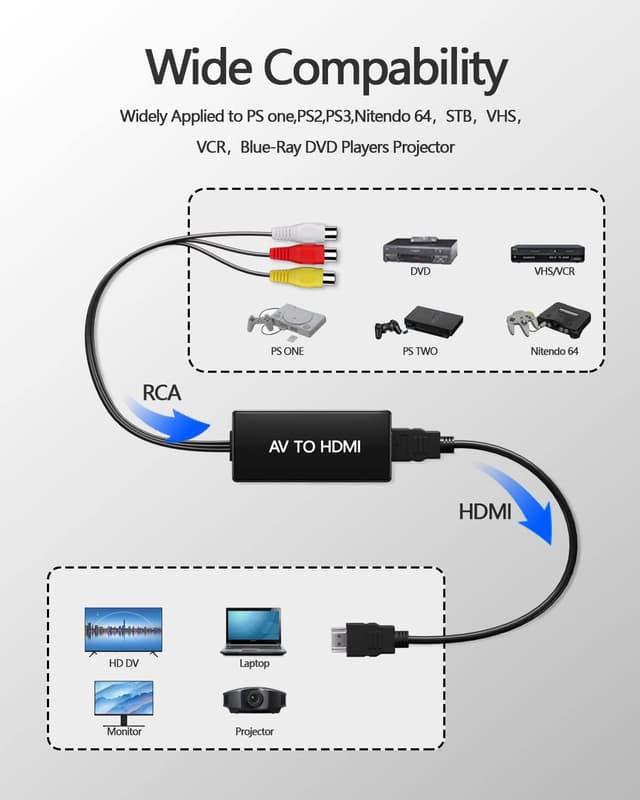
The converter accepts composite CVBS (RCA) input and outputs HDMI at 720p or 1080p (60 Hz) according to the manufacturer. It supports standard broadcast formats including PAL, NTSC3.58, NTSC4.43, SECAM, PAL/M and PAL/N. No drivers are required for operation, though the device must be connected to a 5V USB power source via the included micro USB cable to function. This makes it a straightforward solution for connecting PS2, PS3, Wii, Xbox, N64, VCR, STB and similar AV devices to modern displays. Note that picture quality depends on the original source and the limits of composite video, so you should not expect the clarity of native digital signals.
Technical Specifications
- Name: VIXLW AV to HDMI Converter
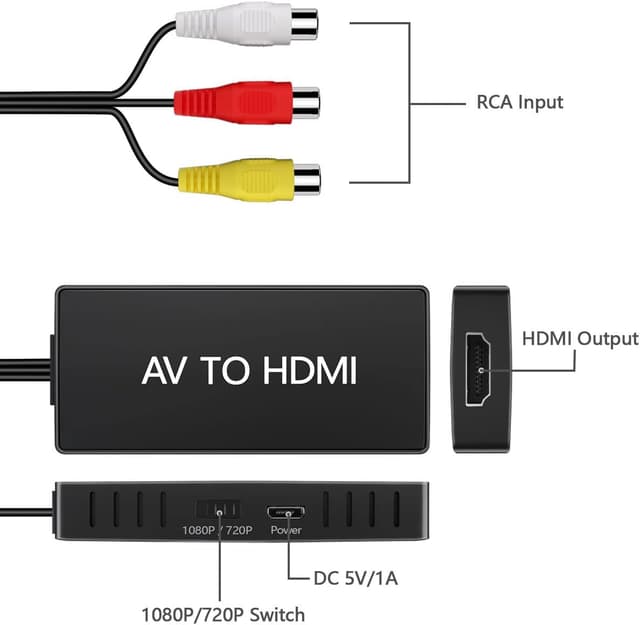
- Input: RCA composite video and stereo audio.
- Output resolution: 720p / 1080p at 60 Hz.
- Supported video formats: PAL, NTSC3.58, NTSC4.43, SECAM, PAL/M, PAL/N.
- Power: 5 V via micro USB (USB cable included).
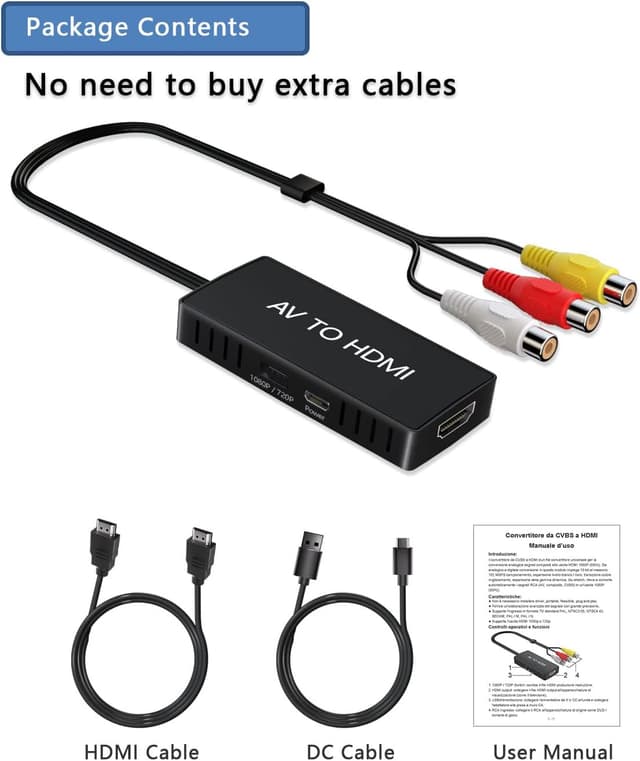
- Accessories included: HDMI cable, micro USB cable, user manual.
Usage Recommendations
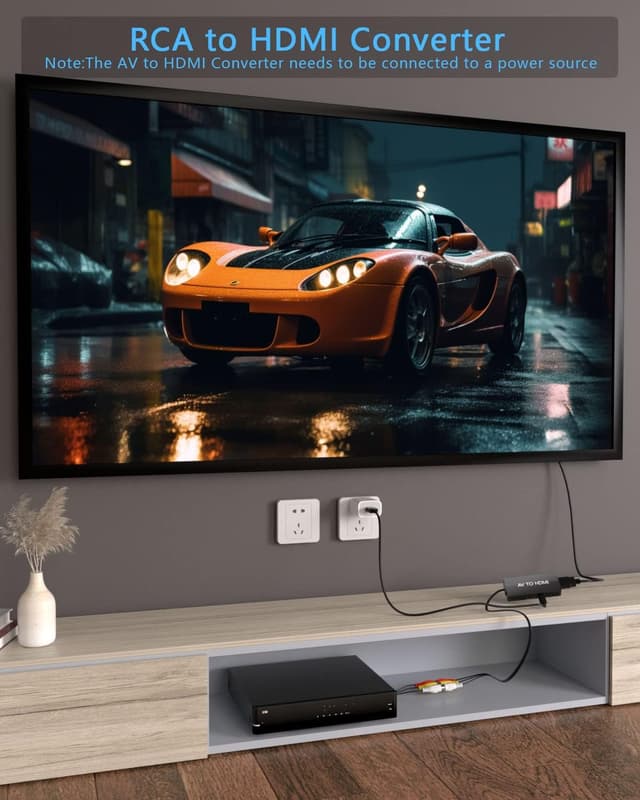
Connect the RCA plugs to the source device’s composite output and use the supplied HDMI cable to link the converter to the TV or monitor. Plug the micro USB cable into a USB power port or USB adapter that provides 5 V before switching on the source device. Allow a few seconds for the converter to initialise and detect the input format, and select the correct HDMI input on your display. If the image appears with incorrect colours or a shifted aspect, try toggling between PAL and NTSC source modes on the playback device where possible.
Practical Tips
Place the converter close to the display to keep cable runs short and reduce the chance of signal loss. This unit is intended to improve compatibility rather than enhance image fidelity; it upscales analogue signals for HDMI displays and will carry through any noise or limitations present in the original recording. If you need advanced processing or image restoration, consider a dedicated upscaler or video restoration hardware in addition to this adapter. 😊