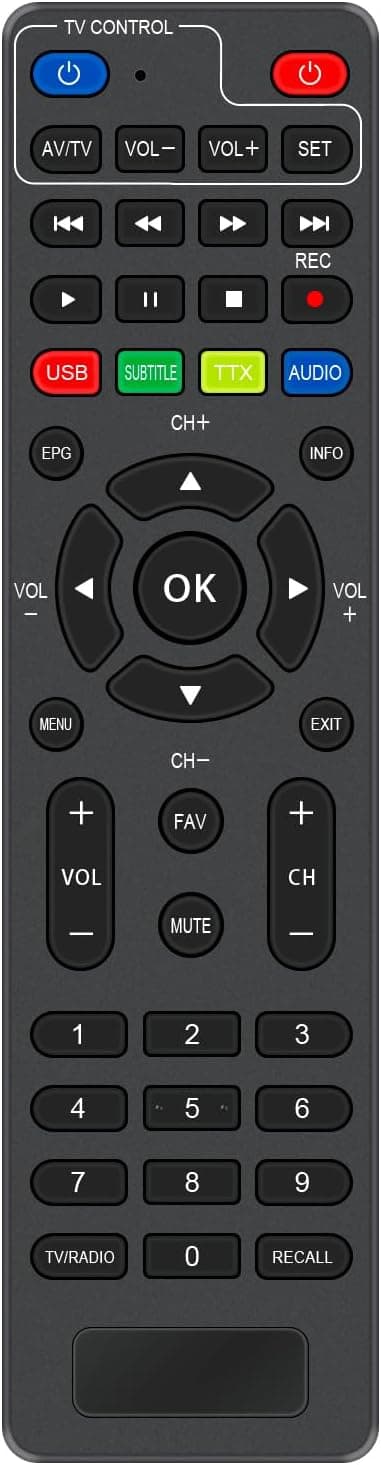
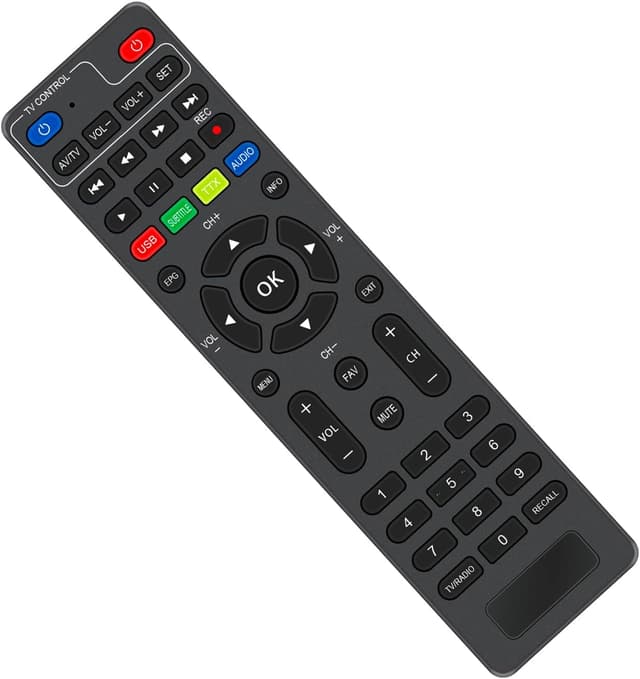
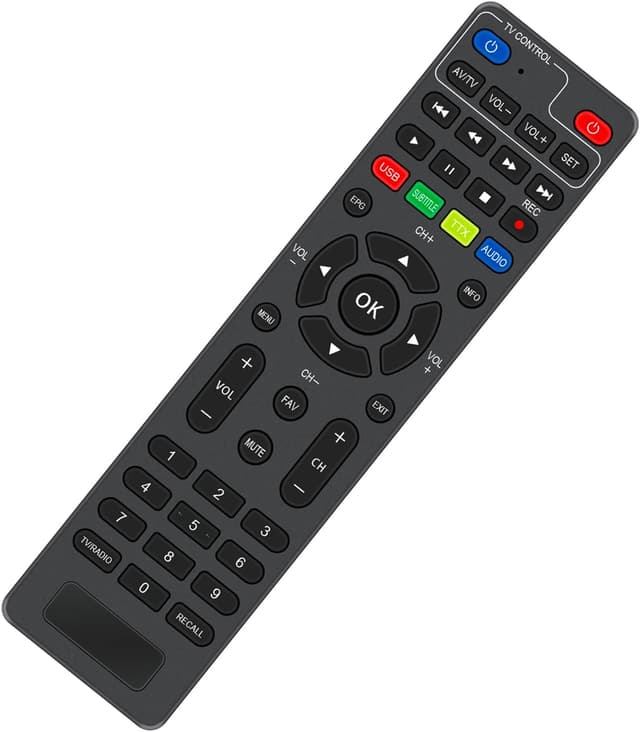
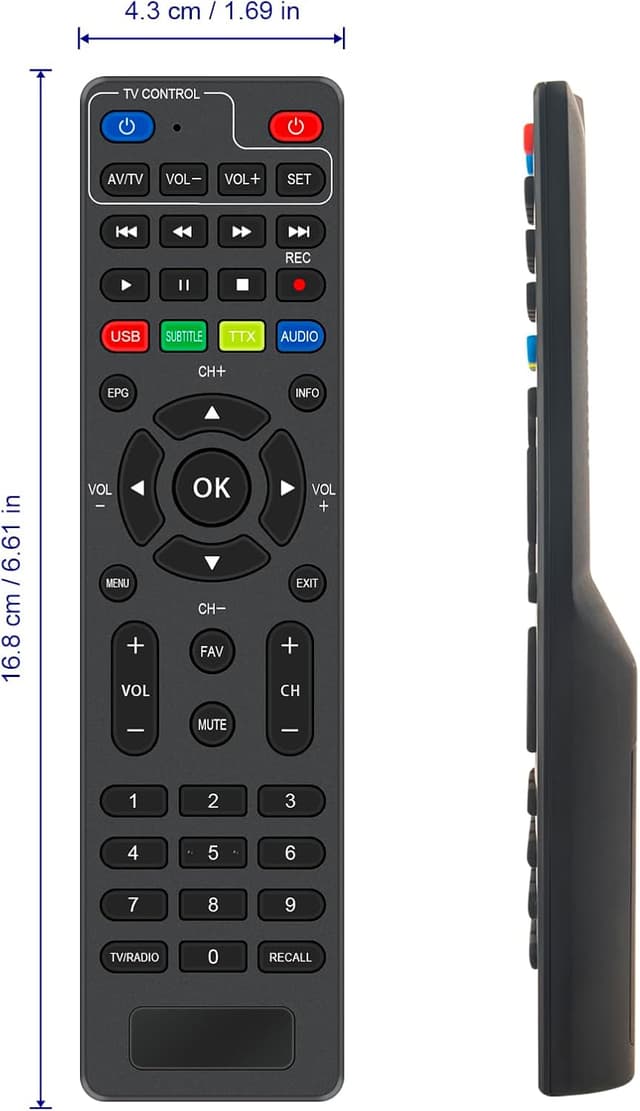

VINABTY Universal Remote for I-ZAP T365-PLAY

Price evolution
Product description
This replacement remote from VINABTY provides a straightforward way to get your I-ZAP T365-PLAY decoder back under control, without fuss. It works out of the box once you insert new batteries, and is intended to substitute a broken or ageing original while keeping basic functions accessible. The remote targets everyday viewing and simple setup, offering stable infrared transmission and a usable range for typical living-room distances. 📺⏰
Highlights
Compact and functional, this universal replacement is presented as a direct fit for the I-ZAP T365-PLAY model. It focuses on practicality rather than extras, so you can expect standard keys for channel selection, volume and navigation plus a straightforward layout that reduces accidental presses. It is promoted as requiring no programming and as delivering reliable signal transmission according to the original description. 💻
Product specs
- Name: VINABTY Universal Replaced Remote Control
- Type: Replacement remote
- Compatibility: I-ZAP T365-PLAY
- Format: Infrared remote
- Colour: Not specified
Why it’s worth it
If you need a fast swap for a non-working handset, this unit keeps things simple and affordable. It avoids the delay of repairs or learning a complex universal model, and suits users who prefer minimal setup. Do note that extra features found on manufacturer remotes may be absent, so check that the basic controls you use are supported before buying. 🙂
How to use it
Install fresh batteries, point towards the decoder and press a few buttons to verify operation. If a function appears missing, try the main navigation and power keys first to confirm core compatibility. You’ll like it if you want a pragmatic, no-nonsense replacement that restores everyday control quickly.