

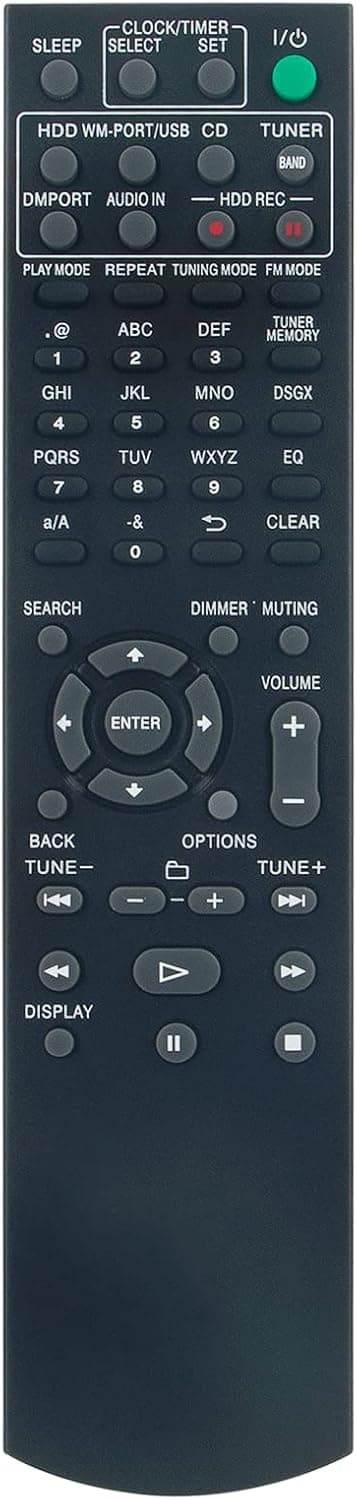
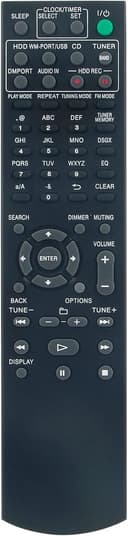
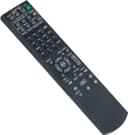
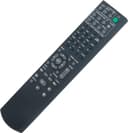
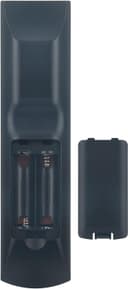
VINABTY RM-E02E replacement remote for Sony audio system 🎧

Description:
This compact replacement remote is meant to restore full control of compatible Sony mini hi-fi systems quickly, with simple setup and familiar button layout. If you need a replacement remote for Sony HCD-E300HD models, this unit aims to match original functions and let you use playback, volume and menu controls without extra configuration.
Key Points
This remote comes as a direct substitute for common Sony codes used in the HCD-E300HD family, helping you avoid complex programming. It is presented as plug-and-play, and according to the seller inserting a fresh battery is all that is required before use 🔋. The layout mirrors the original so basic operation such as switching sources, controlling CD play and adjusting sound levels feels familiar.
Build and finish are modest, reflecting its role as a functional spare rather than a premium accessory. Buttons are tactile and sized to reduce mispresses during everyday use. One nuance to consider is that third-party remotes may vary slightly in button labelling or feedback compared with the manufacturer’s original model, and some advanced functions may not map exactly as on the genuine remote.
This unit is offered by a vendor in the United States and is aimed at users who prefer a straightforward swap rather than a lengthy setup process. For home audio systems where the original remote is lost or damaged, it provides a practical and economical alternative 📺.
Technical Specifications
- Name: VINABTY RM-E02E
- Compatibility: HCD-E300HD, RM-E02E, RME02E, NAS-E300HD, SS-CE300HD, NASE300HD, HCDE300HD, SSCE300HD
- Programming: No programming required, insert battery and operate
- Batteries: Requires batteries, not included
- Seller origin: United States
Usage Recommendations
Start by removing the old batteries from the remote and inserting fresh ones to ensure full contact and correct voltage. Aim the remote directly at the system’s IR sensor for best response and keep clear line of sight to avoid intermittent signals. If a function does not respond as expected, try replacing the batteries first, then press the corresponding button more deliberately to allow the system to register the command.
Consider keeping the remote in a dedicated spot near the system to reduce wear and avoid accidental drops. If you rely on smartphone control or an AV hub, compare the mapped functions to confirm the replacement supports the specific features you use most often.
