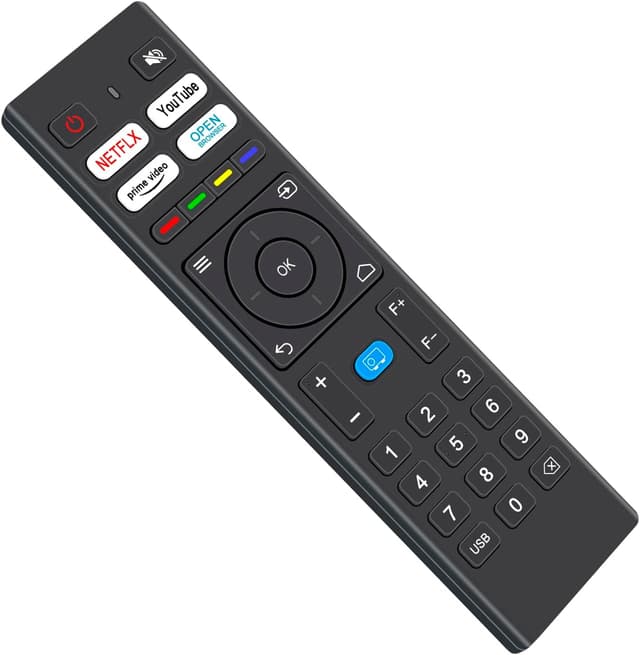

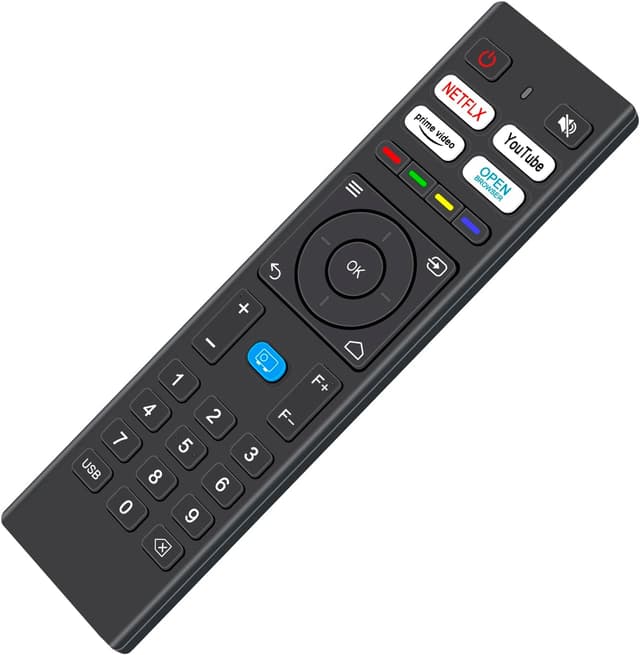
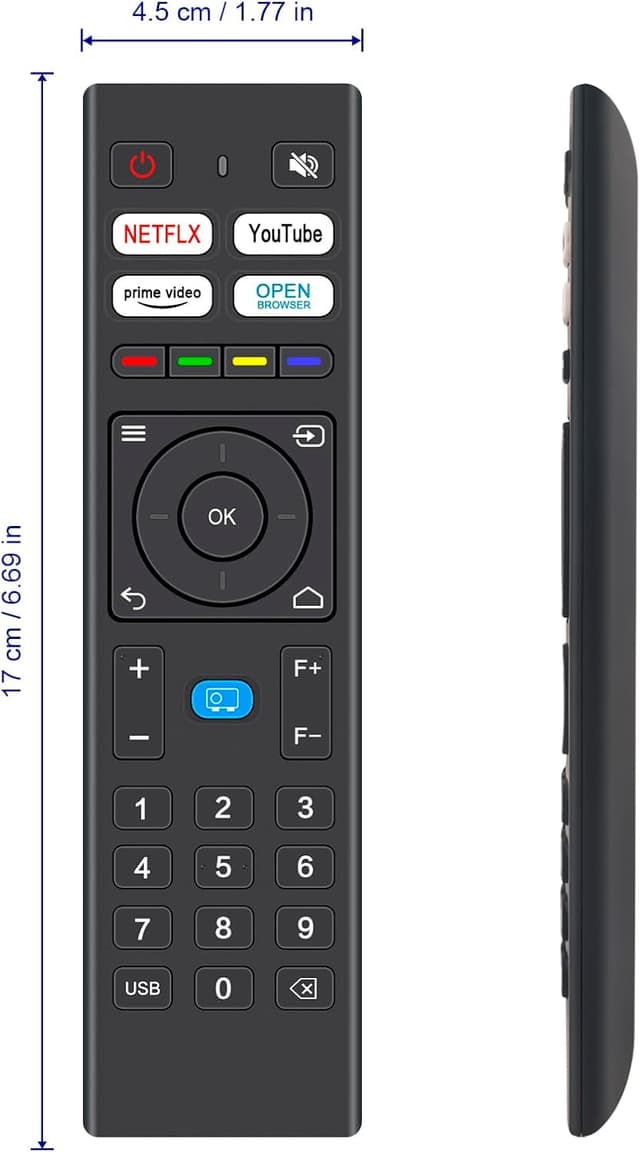
VINABTY Replacement Remote for VOPLLS 4K M10

Price
Price evolution
Product description
This compact replacement remote control restores basic operation to compatible projectors including VOPLLS 4K M10 and other listed models, offering a straightforward way to keep watching without interruption. It is ideal as a backup when the original remote is lost or unresponsive, and it works out of the box without programming.
Key features
The remote uses infrared 3.0 technology so the signal remains reliable across a practical range, according to the manufacturer. Buttons are arranged for common projector functions and the layout mirrors typical original remotes, making it easy to pick up and use right away. The casing is moulded in ABS with an ergonomic arc to fit the hand and keys provide a clicky tactile feel. Note that it is a direct IR replacement and not a universal Bluetooth controller, so compatibility is limited to IR‑accepting models listed by the seller.
Technical details
- Name: VINABTY Replacement Remote Control
- Type: Infrared remote
- Compatibility: Fit for VOPLLS 4K M10, WiMiUS K9, MECOOL KP2, DBPOWER G01, YABER V12 U12, TOPTRO X9 projectors
- Range: 33 feet
- Material: ABS
- Package contents: 1 x IR Remote Control
Usage tips
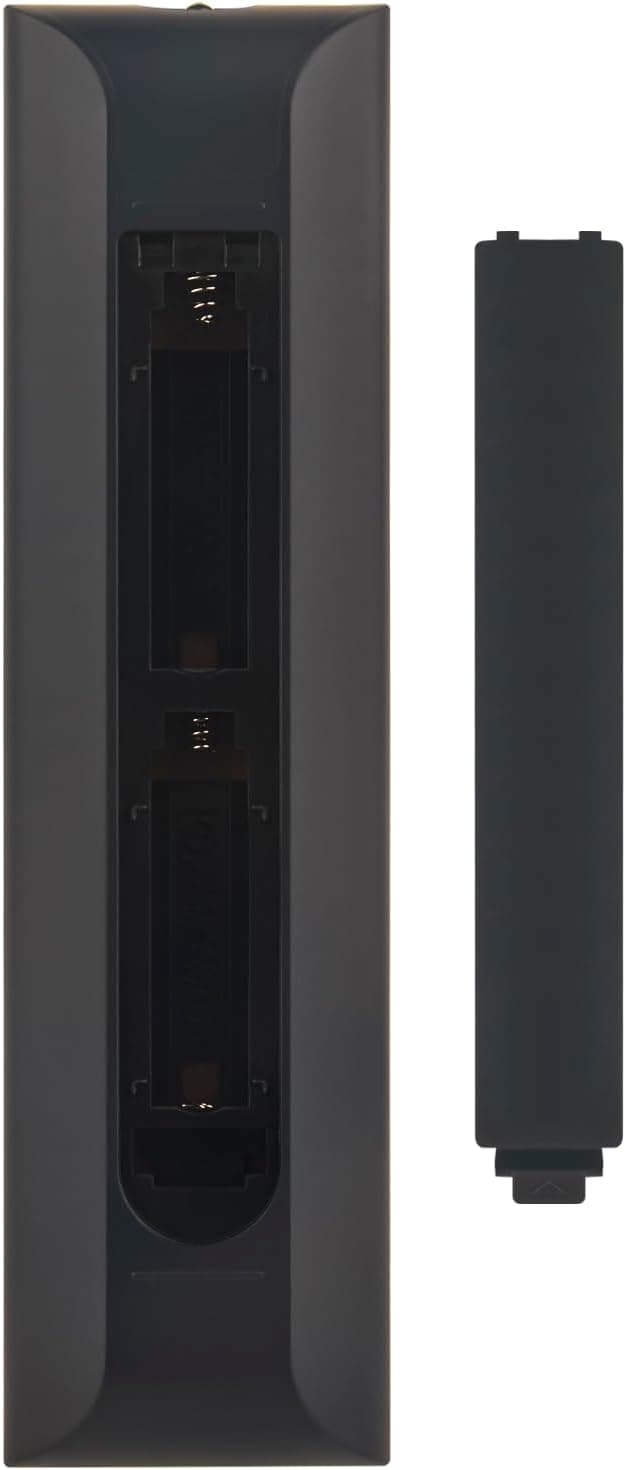
It arrives ready to use and needs no pairing, so replace the batteries and point it at the projector sensor to test functions. If some keys do not respond check battery orientation and distance, and try a direct line of sight within the 120 degree operating angle. It’s a sensible spare to keep in a living room or home office, especially if the original remote is fragile or already worn.
Care & maintenance
Keep the remote away from liquids and clean the surface with a soft dry cloth. Replace batteries promptly to avoid leakage and remove batteries if the unit will be unused for long periods. With basic care the ABS body and buttons should remain serviceable for everyday use.