

VINABTY RC002CD CD player remote control for Marantz CD5004/CD5003/CD6002/CD6005/CD6006
Product description
What you’re buying (and what it’s for)
If you’ve misplaced the remote for your Marantz CD player, day-to-day control can turn into a bit of a faff. The VINABTY RC002CD is a replacement-style CD player remote control designed to work with specific Marantz models listed by the product: CD5004, CD5003, CD6002, CD6005, and CD6006.
On paper, the appeal is simple: you get a straightforward way to operate the disc player without messing around with setups or software. It’s aimed at the practical problem of “the old remote’s gone (or broken)” rather than at anyone who wants lots of extra features.
Key points
This remote is built for easy, no-fuss use. There’s no setting requirement mentioned, and it’s positioned as something you can pick up and use right away. The controls are described as ergonomic, with a comfortable grip and “sensitive buttons”, plus a claim of good transmission and responsive command handling.
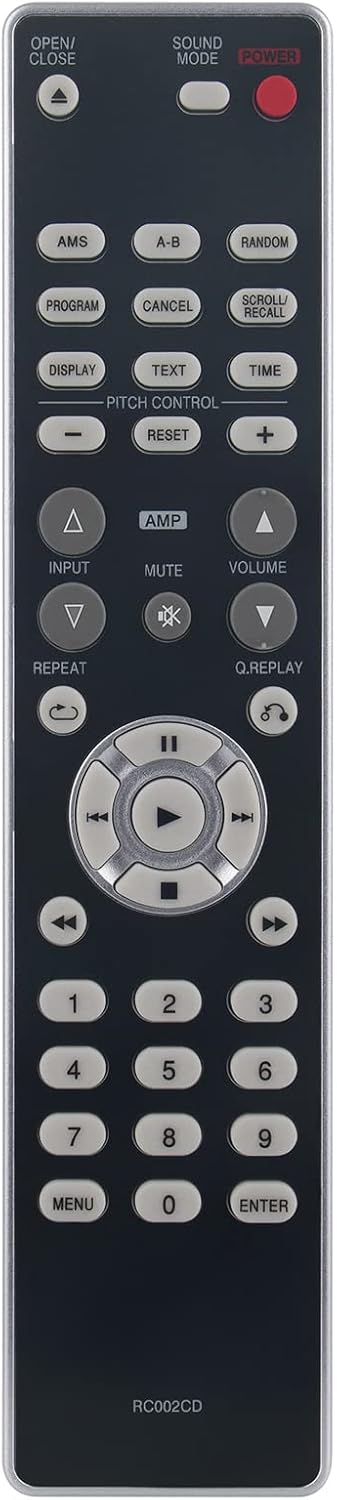
That all sounds exactly like what you’d want in a replacement remote: quick to use, comfortable in the hand, and predictable when you press buttons from across the room. Just bear in mind that remote performance can vary with room layout and line-of-sight, so it’s not something you should expect to behave like a magical, always-perfect controller.
Tech specs
- Type: CD player remote control
- Compatibility (listed): Marantz CD5004, CD5003, CD6002, CD6005, CD6006
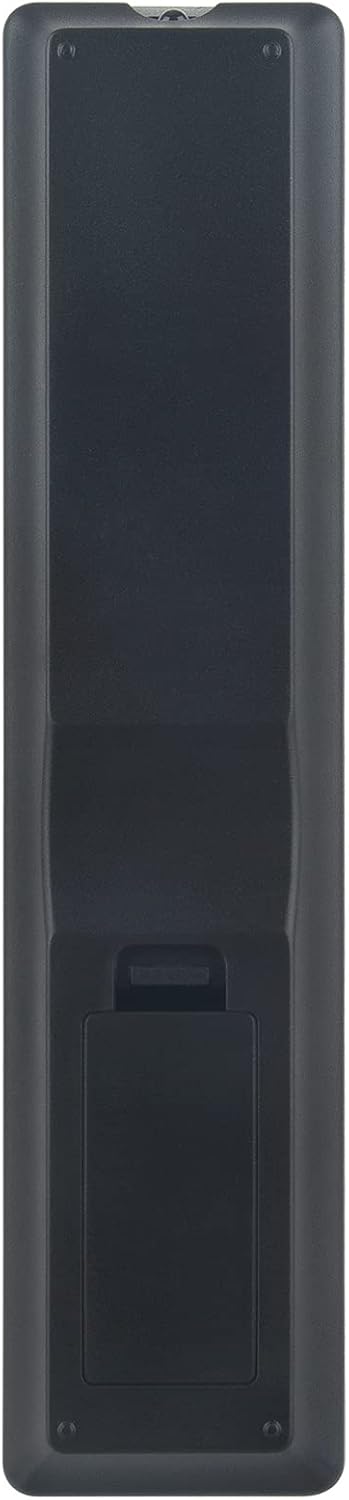
- Battery type: 2 x AAA batteries (not included)
- Setup: no setting required (per the listing)
What you’ll notice in everyday use
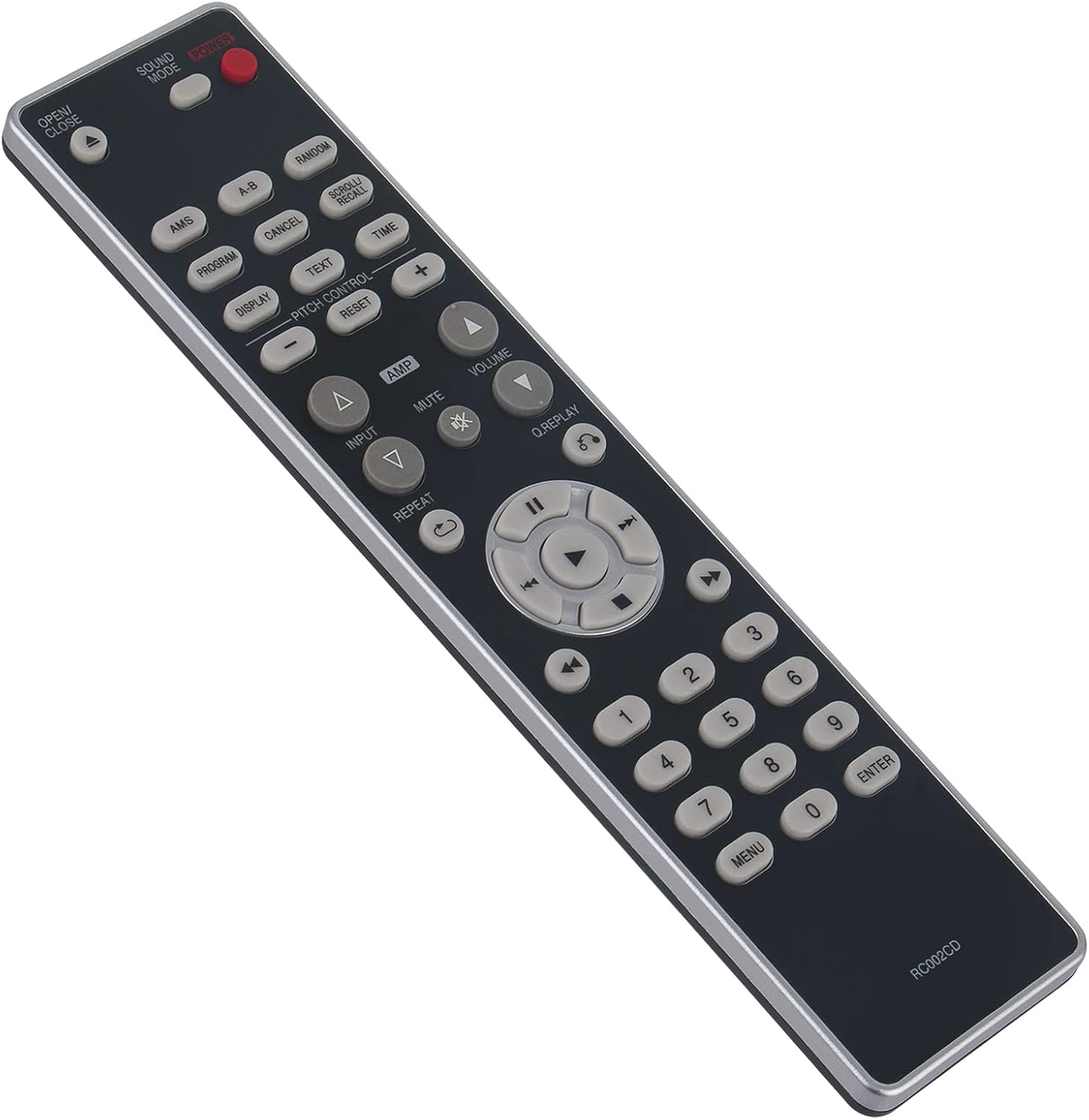
In practice, the biggest difference between a working remote and one that’s missing is how much you’ll actually use the CD player. With the RC002CD, the intent is to make basic commands feel responsive—think skipping tracks, starting playback, pausing, and navigating during listening sessions.
A typical example: you’re putting something on for background music in the living room. You want to hit play, then maybe jump ahead to a different track without walking over to the unit. The listing’s focus on good transmission, perfect response to commands, and comfortable button feel is meant to support that exact routine.
It may not replace the remote you had in terms of “feel” if you were used to a specific original model’s button layout, but as a replacement, it aims to do the job cleanly.
Where it shines (and where it may fall short)
Where it makes the most sense is if you specifically own one of the compatible Marantz CD players listed and you want a replacement remote that doesn’t require extra installation steps.
You may want to be a bit cautious if: - Your model is not one of the ones named in the listing. Even within the same brand, remotes aren’t always interchangeable. - You’re expecting the listing to include batteries—2 x AAA are required, but they’re not included.
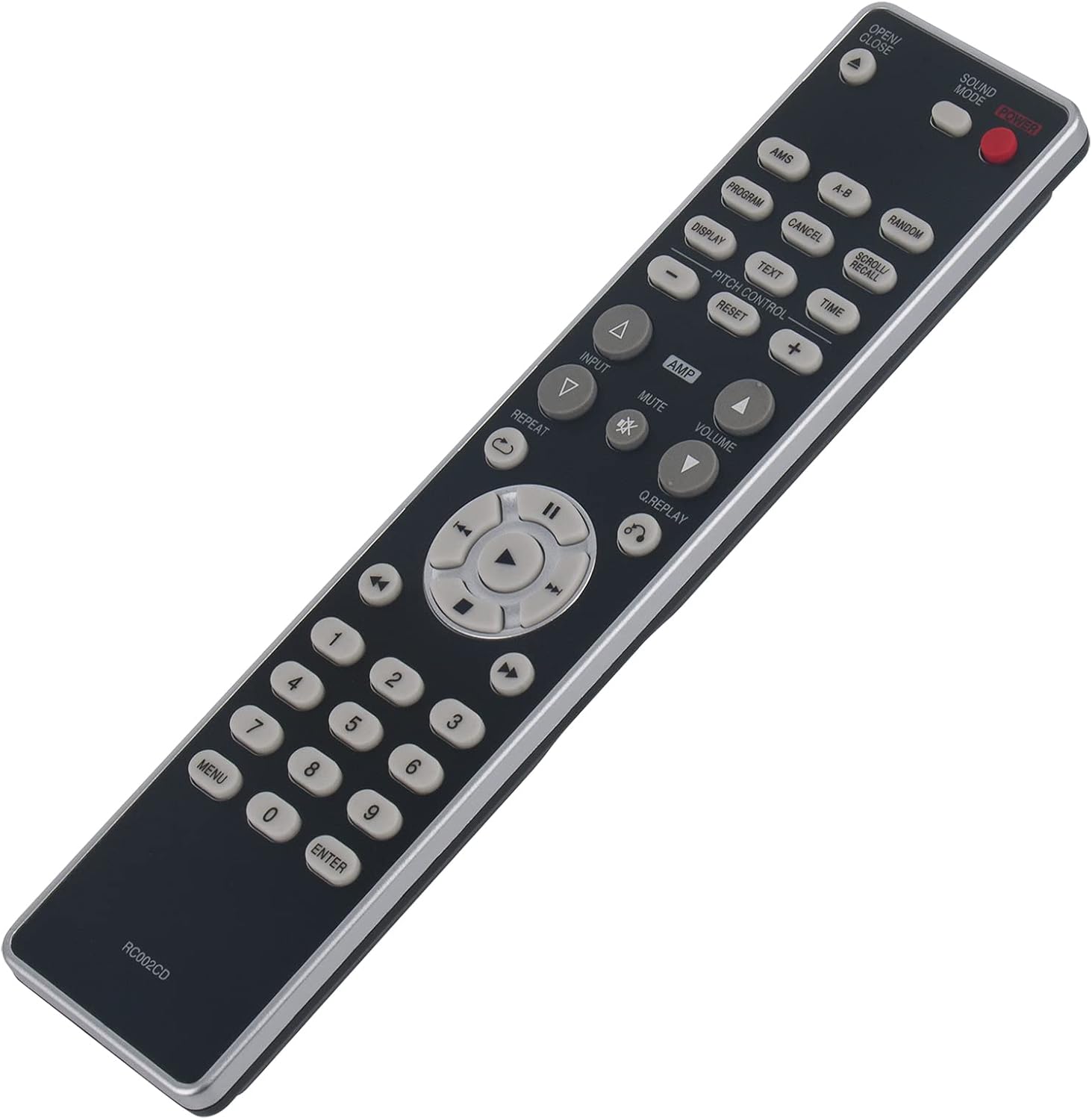
Also, “no setting required” is a helpful promise, but it still relies on the remote matching your exact player version. If your current remote seems very similar to the one you’re replacing, that’s a good sign—if you’re unsure, it’s worth double-checking before you buy.
Getting the most from it: quick checks before you purchase
Before you hit buy, it’s worth taking a few minutes to make sure this is the right replacement.
First, confirm your CD player model number is exactly one of the compatible options given: CD5004, CD5003, CD6002, CD6005, or CD6006.
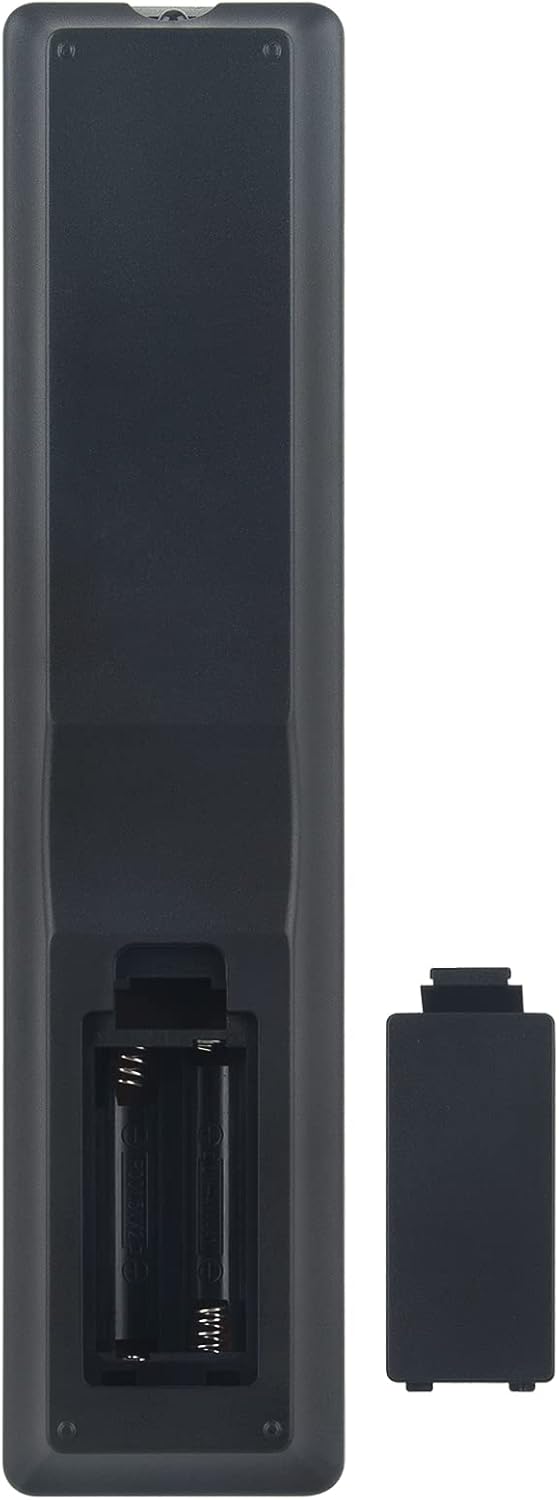
Second, plan for power. Since it uses 2 x AAA batteries and they’re not included, you’ll want to have a pair ready. It’s a small thing, but it prevents the annoying “remote arrives, nothing happens” moment.
Finally, consider your situation. This type of replacement remote is meant for everyday control, not for advanced setup or programming.
Should you buy it?
This is worth considering if you’ve lost or damaged your Marantz CD player remote and you own one of the listed models. It’s designed for quick, uncomplicated use, with ergonomic handling and responsive command transmission described in the listing.
It may not be the best choice if your CD player model isn’t exactly on the compatibility list, or if you’re buying with the expectation that batteries come included. In other words, it’s a sensible replacement—just make sure it matches your player first, and factor in the AAA batteries.
Mini FAQ
Will I need to install software or do any setup?
The listing says no setting is required and there’s no need to install additional drivers or software.
What batteries does the remote use?
It needs 2 x AAA batteries, but they are not included.
Which Marantz CD players is it compatible with?
The product lists compatibility with CD5004, CD5003, CD6002, CD6005, and CD6006.
What if I can’t find my exact remote model?
The listing suggests contacting the seller if you can’t find your remote control you need, and they state they will provide a satisfactory solution within 12 hours.