


Vexilar W15 Robot Vacuum and Mop with Multi-Cyclone Docking Station (10000Pa, LiDAR, 5 Maps)
Product description
What it is and why you’d want it
Vexilar’s W15 is a robot vacuum and mop designed to handle the messy bits in day-to-day homes: pet hair, everyday dust, and the kind of debris that ends up stuck in carpet fibres as well as on hard floors. The big idea here is combining strong suction (10000Pa) with a docking station that automatically empties the dustbin, plus LiDAR navigation so it doesn’t just bounce around and hope for the best.
On paper, it targets people who want a more hands-off clean without constantly fiddling with bags or switching modes manually. You’re basically paying for convenience (self-emptying docking) and navigation control (LiDAR, multiple maps), not just for a basic robot that only vacuums.
What you’ll notice in everyday use
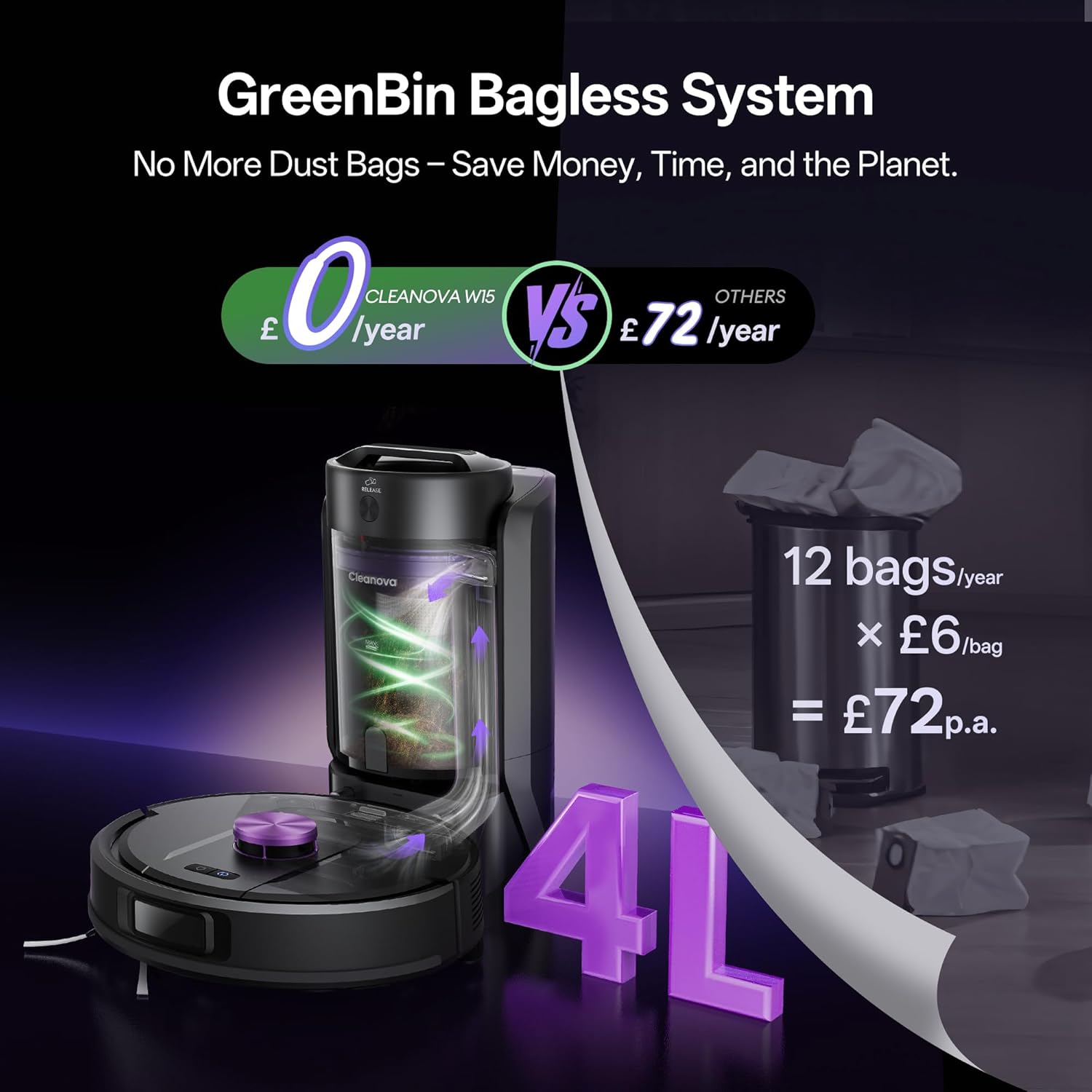
The W15 uses a multi-cyclone bagless docking station to empty the dustbin automatically. That’s meant to reduce the “secondary pollution” you can get when you empty bins yourself. It also avoids recurring bag purchases, and the listing even claims estimated annual savings, though you’ll want to treat that as an estimate rather than a guaranteed figure.
In use, the practical payoff is that you can run a cycle and let the robot deal with it while you get on with your day. If you’ve got pets, this kind of workflow matters—especially if hair tends to gather where people actually walk and sit.
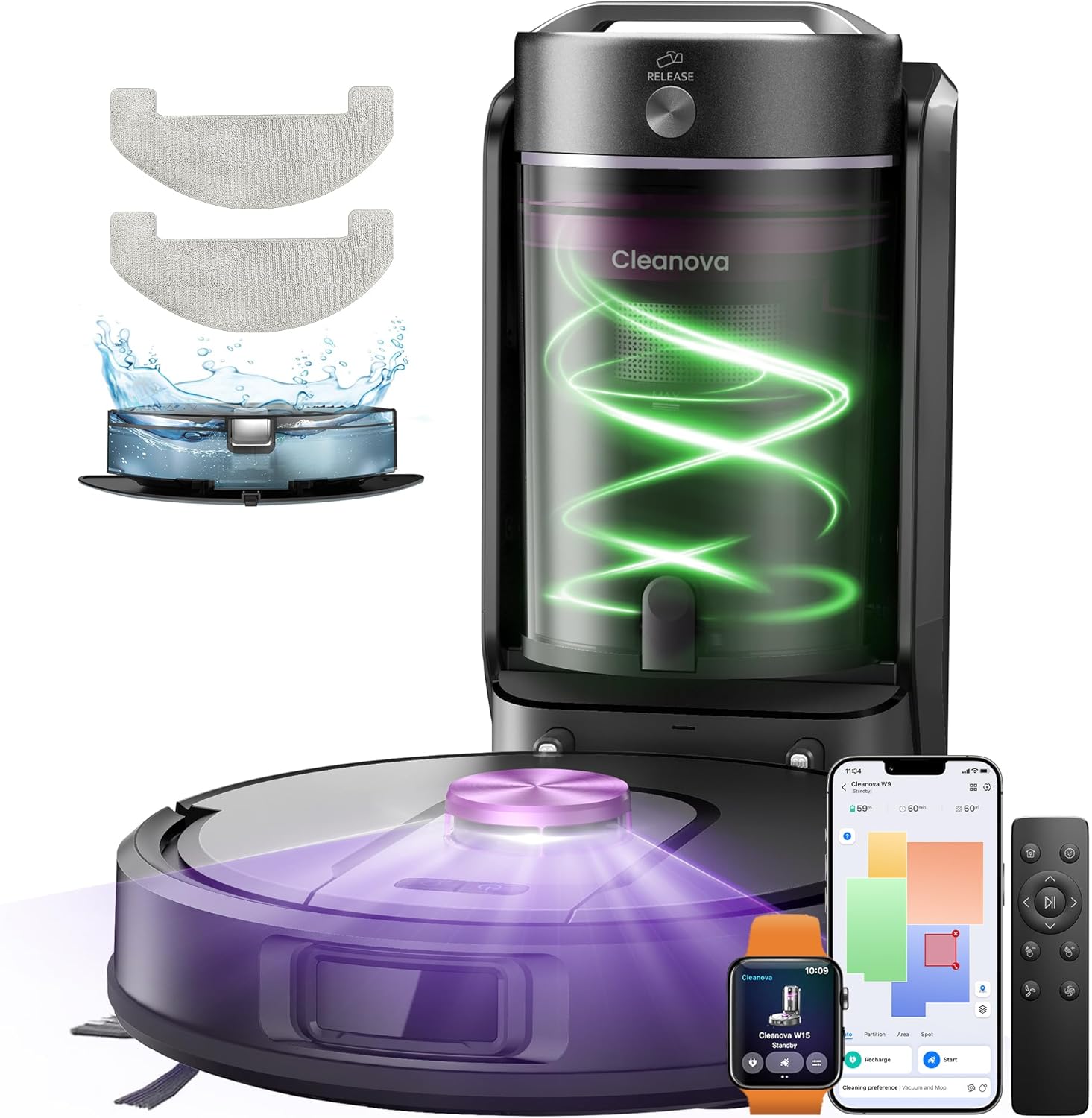
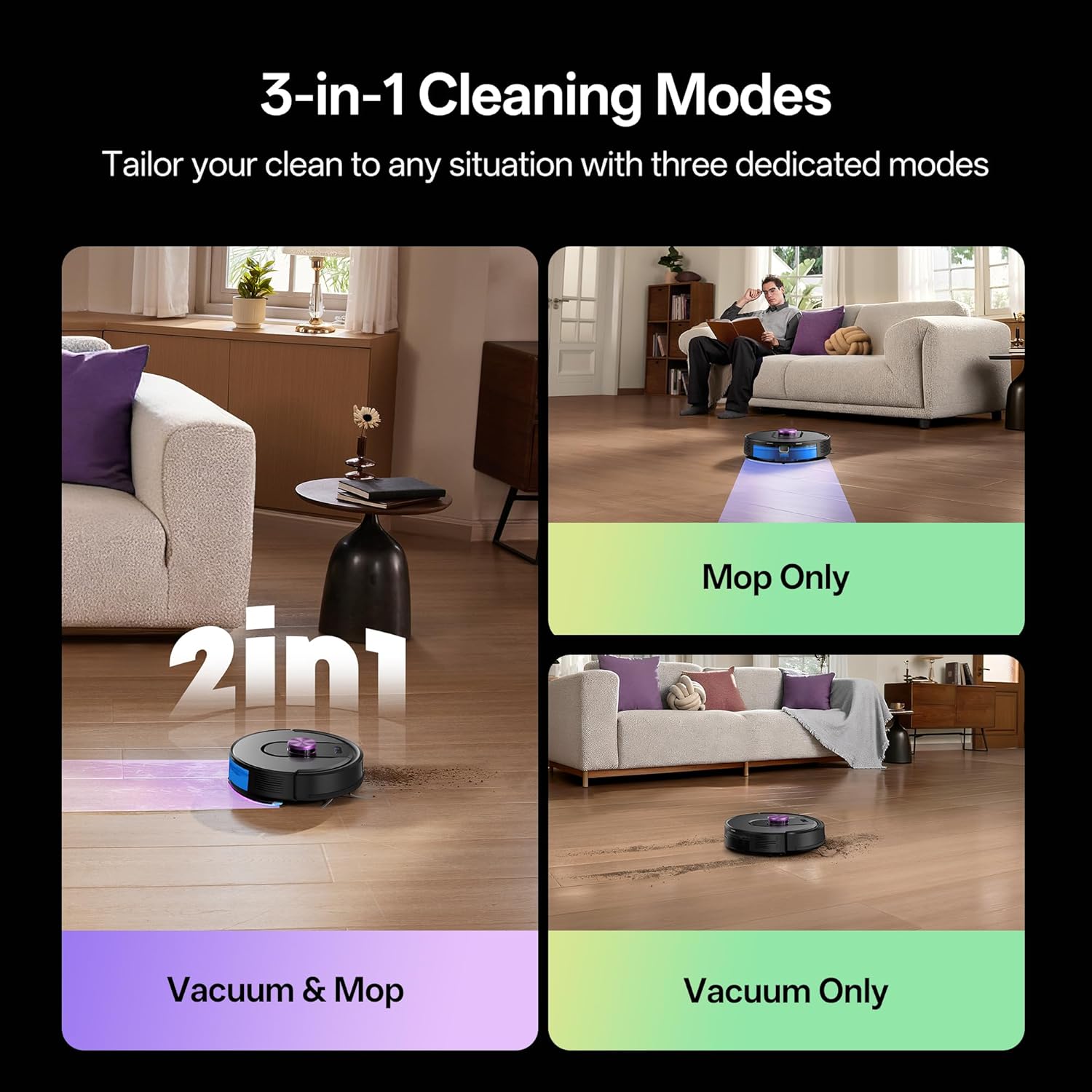
There’s also a 3-in-1 approach (vacuum, sweep, and mop) in a single operation. The water tank and dust bin sizes are given (200ml water tank and 300ml dust bin), and the idea is that the robot doesn’t require you to manually switch between vacuum-only and mopping steps.
Suction, noise levels, and cleaning modes
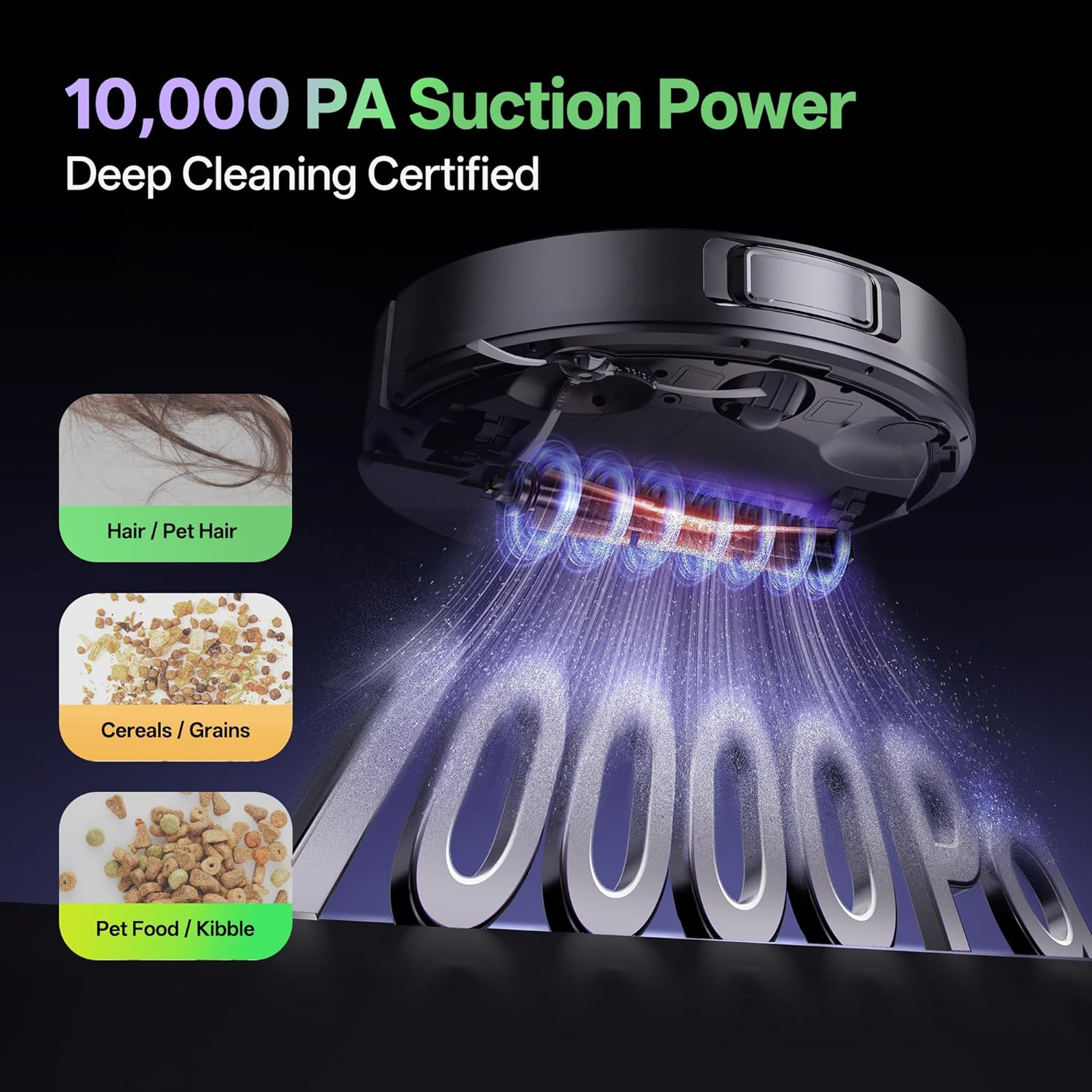
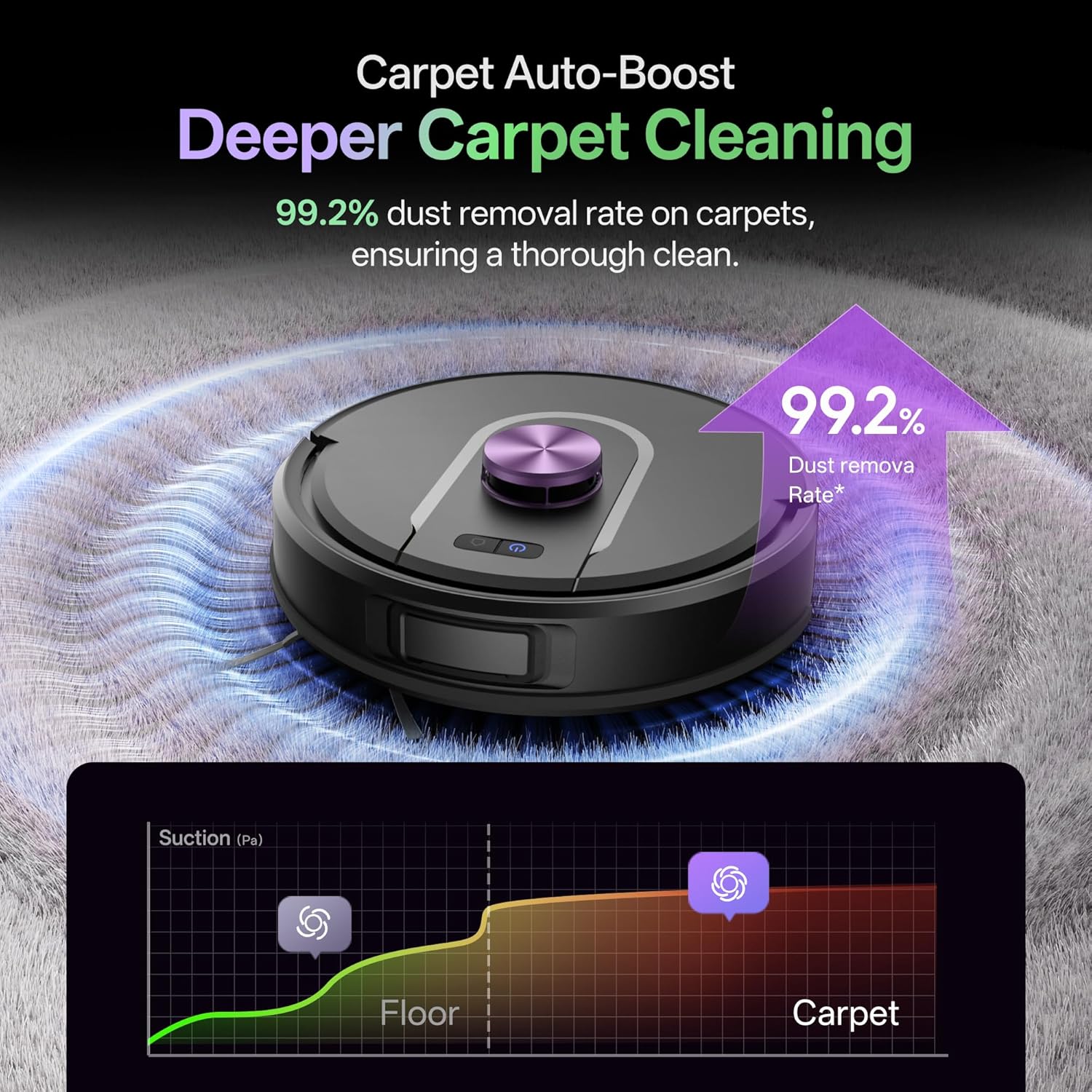
Suction is one of the headline specs: 10000Pa with three suction modes. Quiet Mode is stated as 50dB, alongside Standard Mode and Turbo Mode. That quiet figure is a strong selling point if you’re sensitive to noise or you want it running while people are around.
Just keep expectations grounded: more suction doesn’t automatically solve everything. Carpet thickness, how often you run the robot, and how cluttered your floors are will affect real-world results. If you tend to leave mess for days, you may still need a more manual clean once in a while.
Navigation and mapping: where this differs from “random” bots
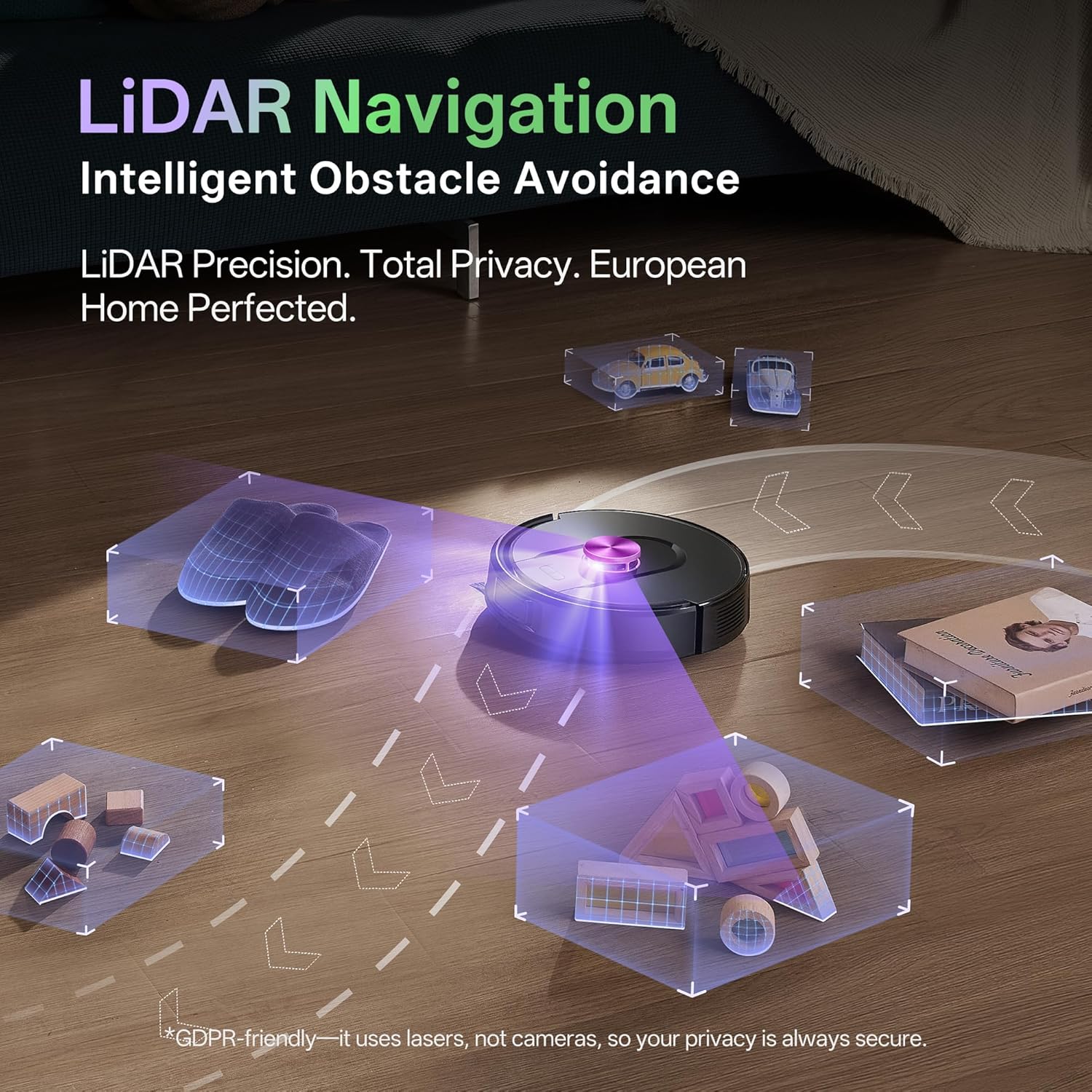
This model uses intelligent 360° laser navigation (LiDAR), scanning its surroundings 2,160 times per second with a range of 8 metres. It maps your home in about 15 minutes and plans an efficient route. The listing also mentions obstacle avoidance and a stated cleaning coverage figure of 98%, with an emphasis on not double-cleaning.
You also get up to 5 maps and the ability to set up to 15 no-go zones or virtual walls. That matters if you’ve got rooms you don’t want mopped, areas with cables, or spaces where pets like to be unpredictable. Depending on your layout, mapping support can turn a robot from “sometimes useful” into “actually controllable”.
A small limitation to keep in mind: the listing advises leaving around 1 metre of free space on each side of the base and about 2 metres in front so the docking return and departure are smooth. If your docking spot is tight, it may not behave as well.
Vacuum + mop settings: what you can realistically control
The W15 lets you combine three suction levels with three water flow settings, which is useful if you need lighter mopping for daily maintenance on hard floors and heavier attention where residue builds up.
It also includes a “Matrix Cleaning Mode” that’s described as systematic area coverage and intensive residue removal, which sounds useful if you’re trying to be more thorough without doing extra work yourself. That said, if your main goal is deep carpet stain removal, a robot mop typically won’t replace a proper carpet cleaner—this is more about keeping floors consistently clean.
Battery life and charging behaviour
The runtime is listed as 180 minutes, and it’s described as covering up to 200 m² in a single cycle (based on the product’s stated figures). When the battery drops below 15%, it returns to its charging station, then resumes cleaning once recharged to 80%.
This is a reassuring behaviour if you have a larger space and don’t want the robot to stop mid-job. For smaller homes, it just means you’re less likely to notice “cycle cut-offs”.
Control options for the whole household
The W15 connects via 2.4 GHz Wi‑Fi and is controlled using a smartphone app. It also supports voice control through Alexa, Google Assistant, and Siri (including for Apple Watch). There’s a remote control included and the listing positions it as simple enough for everyone in the family, including seniors and children.
One practical angle: voice control can be handy when you remember a room needs attention after you’ve already started your evening routine. Still, if you prefer fully manual control, you may end up using the app or remote more than voice commands.
What matters most before you buy
- Dirt type and flooring mix: The listing explicitly targets carpets, tiles, and hard floors. If your home is mostly one surface type, you might want to check whether you’ll genuinely use the mop function or whether a vacuum-only approach would be more cost-effective.
- Docking placement: Make sure you can follow the spacing guidance around the base, otherwise docking may be less reliable.
- Your tolerance for mapping time: The first map creation takes about 15 minutes. That’s normal for LiDAR robots, but it’s still something to plan for.
- No-go zones setup: If you have narrow spaces or areas to avoid, you’ll want to take a bit of time setting virtual boundaries.
Pros and limitations
What stands out: It’s built around strong suction (10000Pa), quiet mode (50dB), LiDAR navigation with multiple maps, and a self-emptying docking station designed to reduce the mess of manual bin emptying.
Where you may find it less convincing: It’s a mid-to-upper convenience-focused robot rather than a specialist cleaning tool. If you’re expecting it to tackle stubborn spills or heavy stains like a dedicated deep-clean machine, you could be disappointed. Also, real performance will depend on how well your rooms map and how tidy your base area is for docking.
Is it worth it?
Worth considering if you want a robot vacuum and mop that can handle pet hair, manage both carpet and hard floors, and reduce your day-to-day maintenance thanks to the multi-cyclone self-emptying docking station. The LiDAR mapping, up to 5 maps, and no-go zone support are particularly useful if your home layout is changeable or you don’t want the robot mopping every room.
Better avoided if you have a very awkward docking location (not enough clear space around the base), you don’t need mopping at all, or you expect the robot to replace a deep carpet or stain-cleaning routine. In those cases, a simpler approach could make more sense.
Mini FAQ
How loud is it when running on Quiet Mode?
Quiet Mode is stated as 50dB, which is aimed at keeping noise down during household use.
Does the docking station collect dust in bags?
The listing describes a bagless multi-cyclone docking station that empties the dustbin automatically, so it’s positioned as avoiding bag replacements.
How many rooms can it remember?
It supports up to 5 different maps and you can set up to 15 no-go zones or virtual walls.
Can it control cleaning by room schedule?
The listing says you can name rooms, set cleaning order, and schedule targeted cleaning based on your needs via the app.
Does it come with a remote?
Yes, a remote control is included and described as ready to use immediately.