

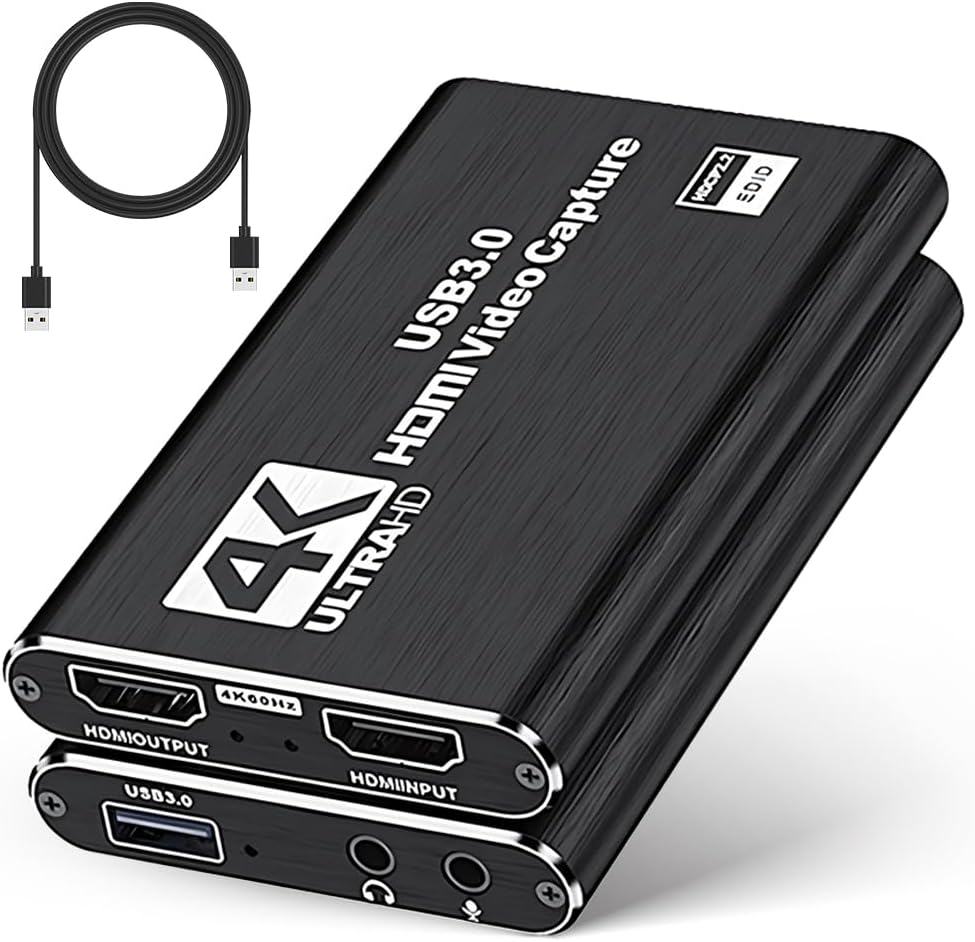
VANTISAN 4K HDMI Video Capture Card with Audio + Mic (USB 3.0, up to 1080p 60fps)
Product description
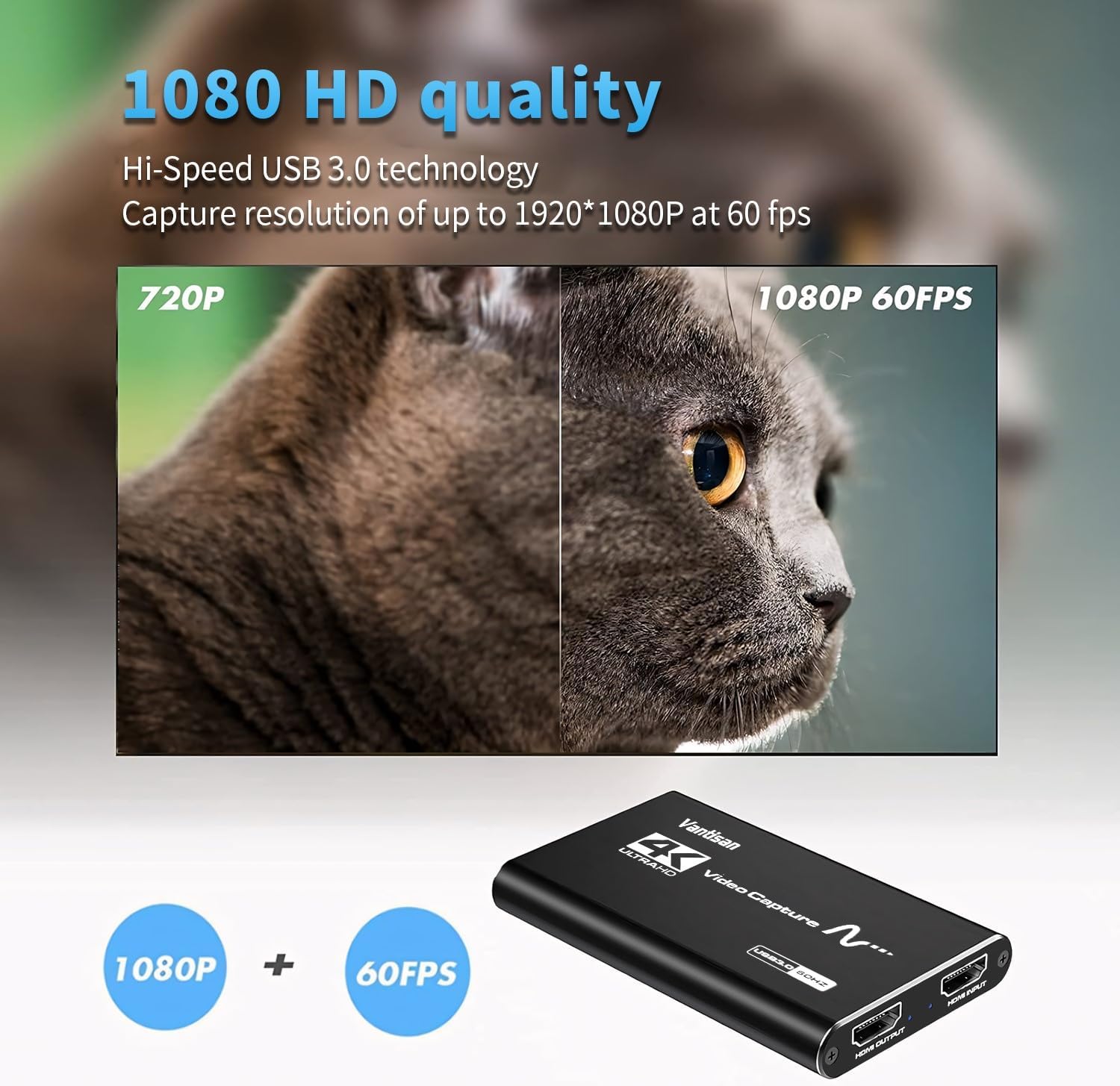
If you want to capture gameplay or camera output without the faff of driver installs, the VANTISAN HDMI capture card is built around a simple idea: plug it in, get recognised, and start streaming or recording. On paper it supports up to 1080p at 60fps recording, plus 4K input up to 30Hz and 4K60Hz passthrough, which is a lot for one box.
That said, capture cards can be a bit more “it depends” than people expect—especially around what your software can handle and how audio is routed. So it’s worth weighing the feature set against what you actually need day to day before you buy.
The essentials
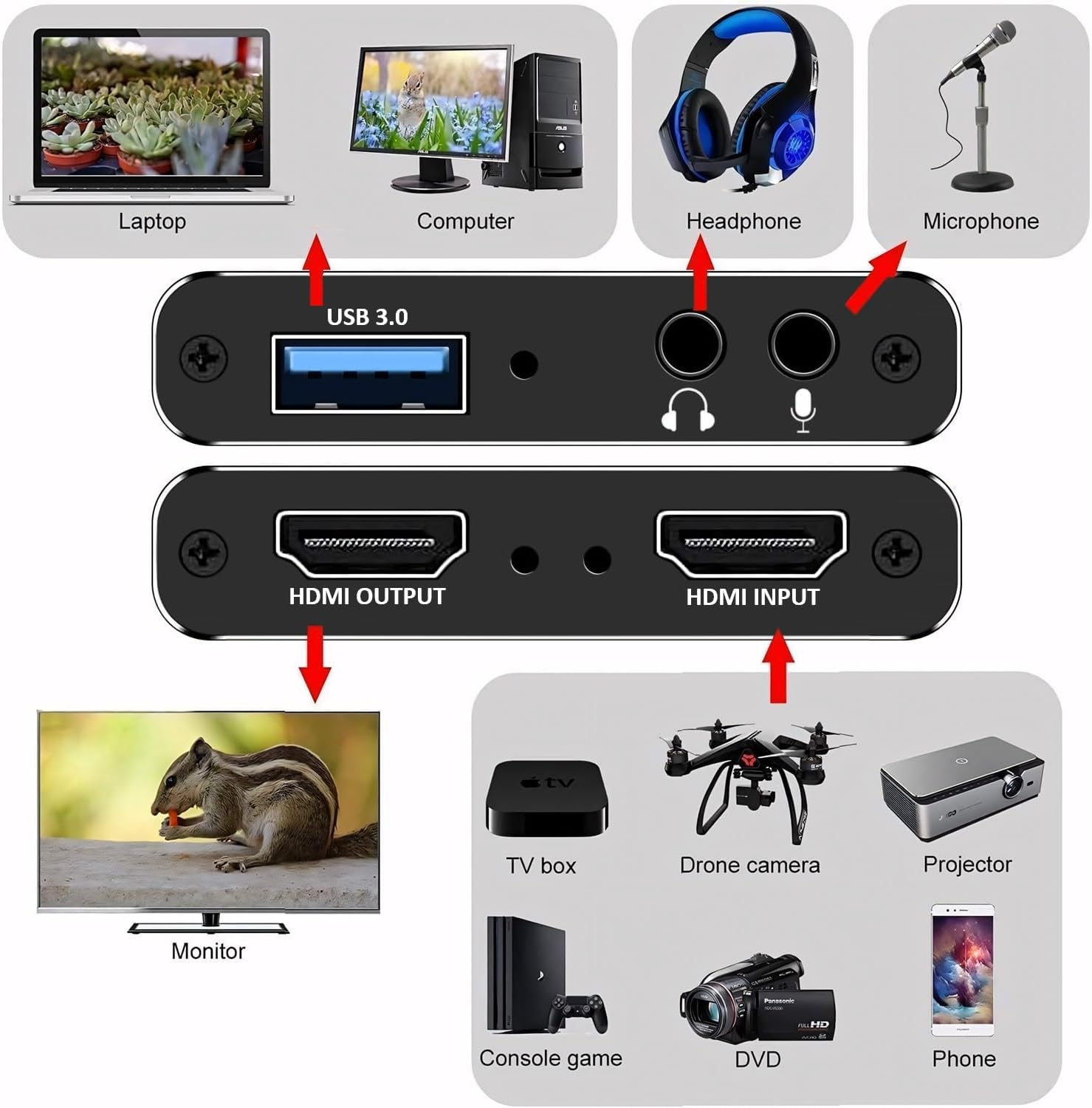
The VANTISAN 4K Video Capture Card takes an HDMI signal and turns it into a USB 3.0 capture feed for your computer. It’s designed for situations like:
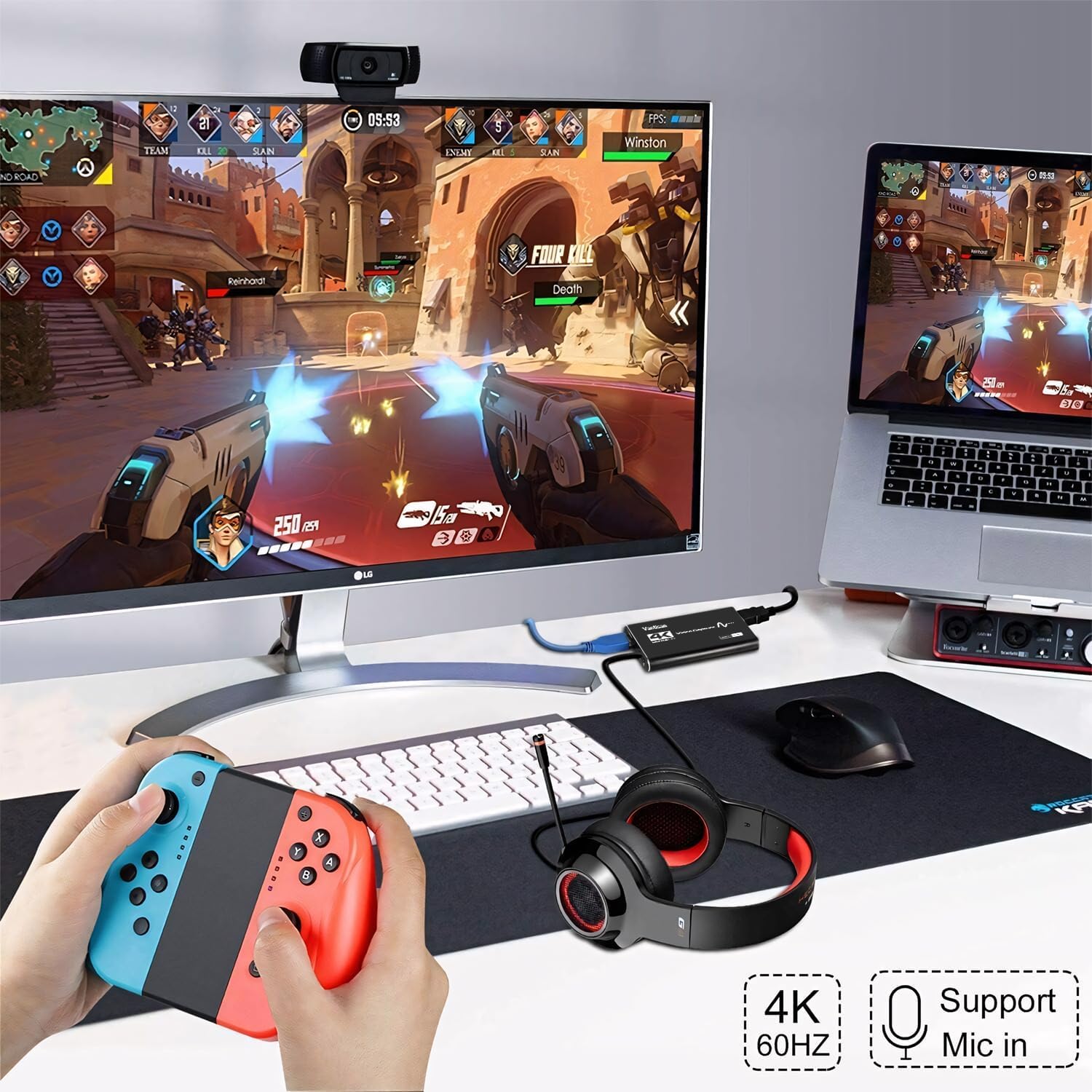
- Streaming or recording from devices such as a PS5 or Nintendo Switch
- Capturing content from a camera that outputs via HDMI
- Adding live voice commentary using a 3.5mm microphone
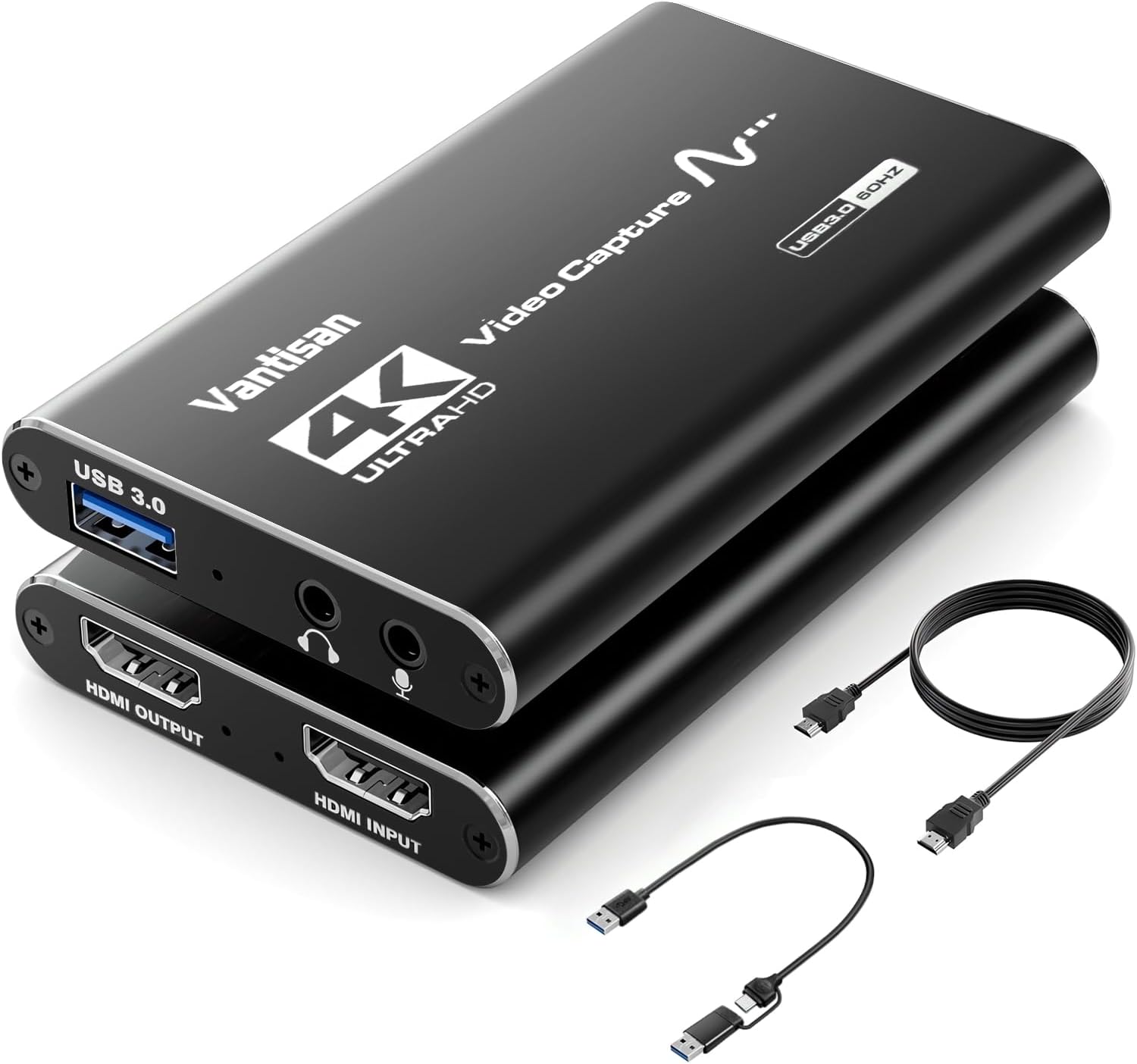
A notable part of the pitch is the “no driver, plug-and-play” approach. The device is claimed to be automatically recognised as a webcam, with smart optimisation that detects the incoming video and audio format and adjusts output resolution and frame rate accordingly.
What you’ll notice in real use
The headline numbers matter, but what you’ll feel is whether the workflow is smooth. Here’s the practical side based on its described design:
- With 1080p/60fps recording support, it’s aimed at fast-moving content like gameplay where choppy motion is the last thing you want.
- The HDMI passthrough output (with support up to 4K60Hz mentioned) is there to keep viewing on an external display looking fluid while you capture.
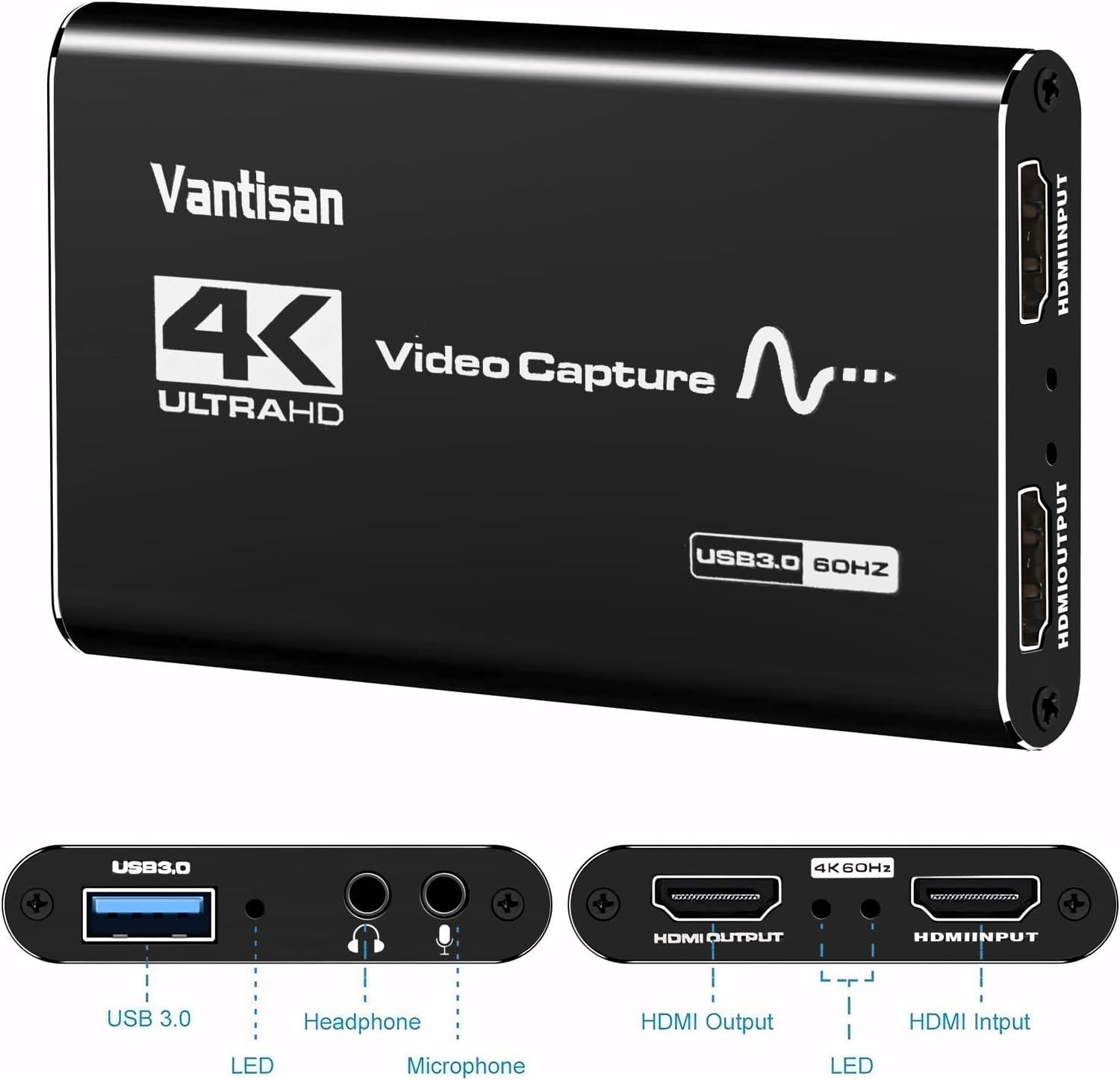
- The audio setup is flexible for creators who don’t want to juggle separate devices: you get a 3.5mm microphone input and a headphone output, enabling simultaneous audio and video capture.
One micro-example: if you’re doing a mid-length streaming session, you can plug your HDMI source into the capture card, connect a wired mic into the 3.5mm input, and monitor audio via the headphone output. That removes a chunk of “where’s my audio?” troubleshooting.
Key points
It’s positioned as a capture card that focuses on straightforward setup, decent spec for mainstream streaming, and creator-friendly audio connections. The aluminium alloy shell is also a practical detail—heat management and durability matter when a device is left running for long sessions.
You also get full RGB colour range support (0–255) and a claim of low latency and sharper, more vibrant visuals. That’s the kind of wording that’s hard to fully verify without testing your specific setup, but it does suggest they’re aiming at video fidelity rather than treating this as a basic adapter.
Tech specs
- Supports up to 1080P/60fps video recording
- 4K input up to 4K30Hz
- 4K60Hz passthrough output
- HDMI input, USB 3.0 interface output
- 3.5mm microphone input and headphone output for audio
- Plug & play with smart optimisation (no drivers or external power supply needed, per description)
- Built with aluminium alloy shell
- Full RGB colour range support (0–255)
- Compatibility listed for Windows, Mac OS, and Linux
Where it shines, and where it can fall short
Worth it if you want a plug-and-play HDMI capture solution for streaming or recording, and your priority is setup simplicity plus solid mainstream capture specs (not just “it works”). It also makes sense if you plan to talk over gameplay or camera footage using a standard 3.5mm microphone.
Not the best choice if you’re expecting a fully predictable experience across every video format and every streaming app. The device adjusts resolution and frame rate based on detected input, but in the real world capture software settings still play a big role. If you have very specific production requirements, you may need a bit of trial and error.
Also, it’s not really aimed at users wanting a “high-end multi-gear studio pipeline” feel—its strengths are simplicity and portability, not studio-grade complexity.
Compatibility & requirements (what to check before buying)
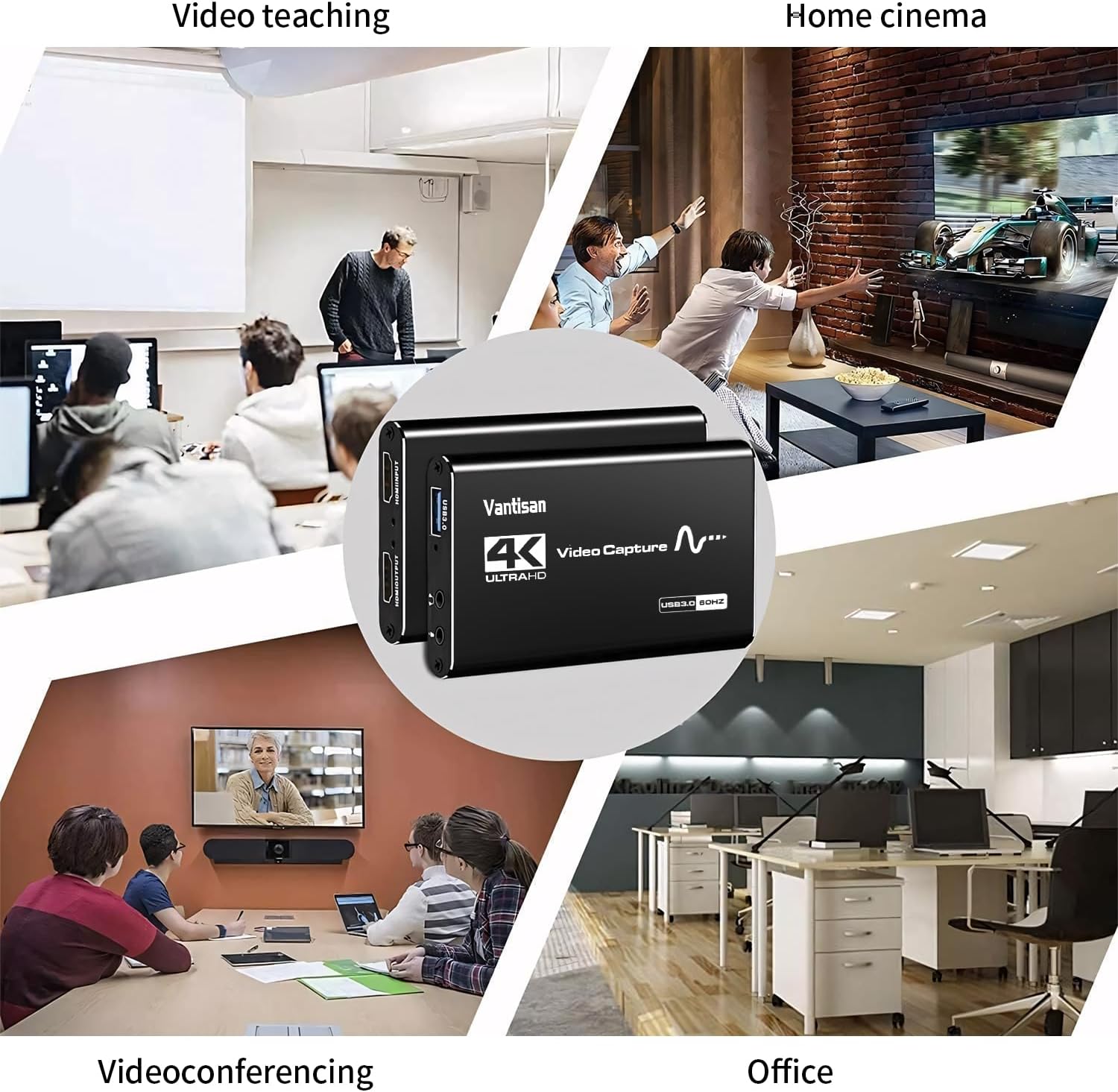
The description lists compatibility with Windows, Mac OS, and Linux, and mentions support for popular streaming/recording platforms such as Twitch, YouTube and Facebook. Still, before you commit, it’s sensible to double-check:
- Whether your capture/streaming software supports the resolutions and frame rates you care about
- That your HDMI source and display chain match your expectations for passthrough
- That you’re happy using a standard 3.5mm microphone for commentary (and monitoring via the headphone output)
If your setup is camera-focused rather than console/game-focused, this should still work as long as the camera outputs HDMI.
What’s included, and warranty
In the box you should receive 1× HDMI Video Capture Device, 1× HDMI cable, 1× USB 3.0 to USB-A/USB-C cable, and 1× user manual. The listing also includes a 12-month warranty, which is useful reassurance for a device that you’ll likely rely on regularly.
Final verdict
It’s a solid pick for anyone who wants an HDMI capture card that’s geared towards easy setup, up to 1080p/60fps capture support, and straightforward audio handling via 3.5mm mic input and headphone monitoring. The aluminium alloy build and plug-and-play approach also fit well with the kind of “use it, stream it, pack it away” workflow many creators have.
However, if you’re chasing maximum control over every aspect of video/audio formatting with minimal tweaking, you may find it a touch limiting—capture behaviour can depend on your software settings and the incoming signal.
Is it worth buying? It makes sense if you’re creating content from PS5/Nintendo Switch-style sources or an HDMI camera and you want a practical, creator-friendly HDMI-to-USB setup. You may want to skip it if your workflow demands advanced custom configuration from day one.
Mini FAQ
Does it need drivers or external power?
The description says no drivers or external power supply are needed—just plug it in and it should be recognised as a webcam.
Can I record and pass the signal through to a monitor?
It’s described as having an HDMI passthrough output, with support mentioned up to 4K60Hz.
What audio connections does it support?
It includes a 3.5mm microphone input for voice commentary and a headphone output for monitoring.
What devices is it intended for?
The listing calls out streaming/recording for platforms like Twitch, YouTube and Facebook, and mentions use with devices such as Nintendo Switch and PS5.
Is it compatible with both Windows and Mac?
Compatibility is listed for Windows, Mac OS and Linux, so it should cover the most common setups.