

USHINING 4G Senior Mobile Phone with SOS Button
Product description
This compact big-button mobile is built to make everyday calls and messaging straightforward for older users, with an included charging dock that keeps the handset ready without fiddly cables. The senior mobile phone with charging dock fits carers and relatives looking for a simple, reliable device that prioritises clear sound and easy operation.
Key Points
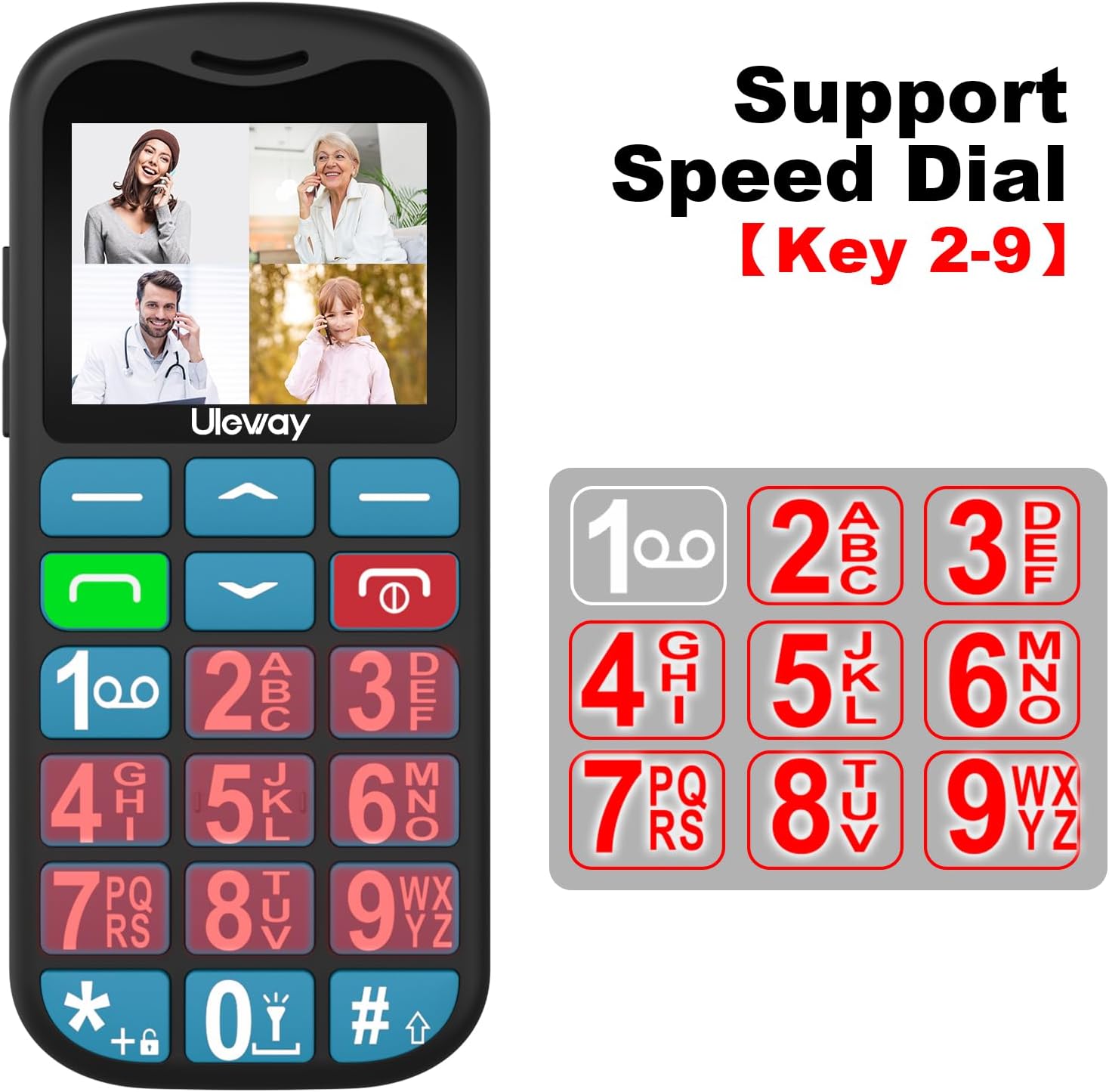
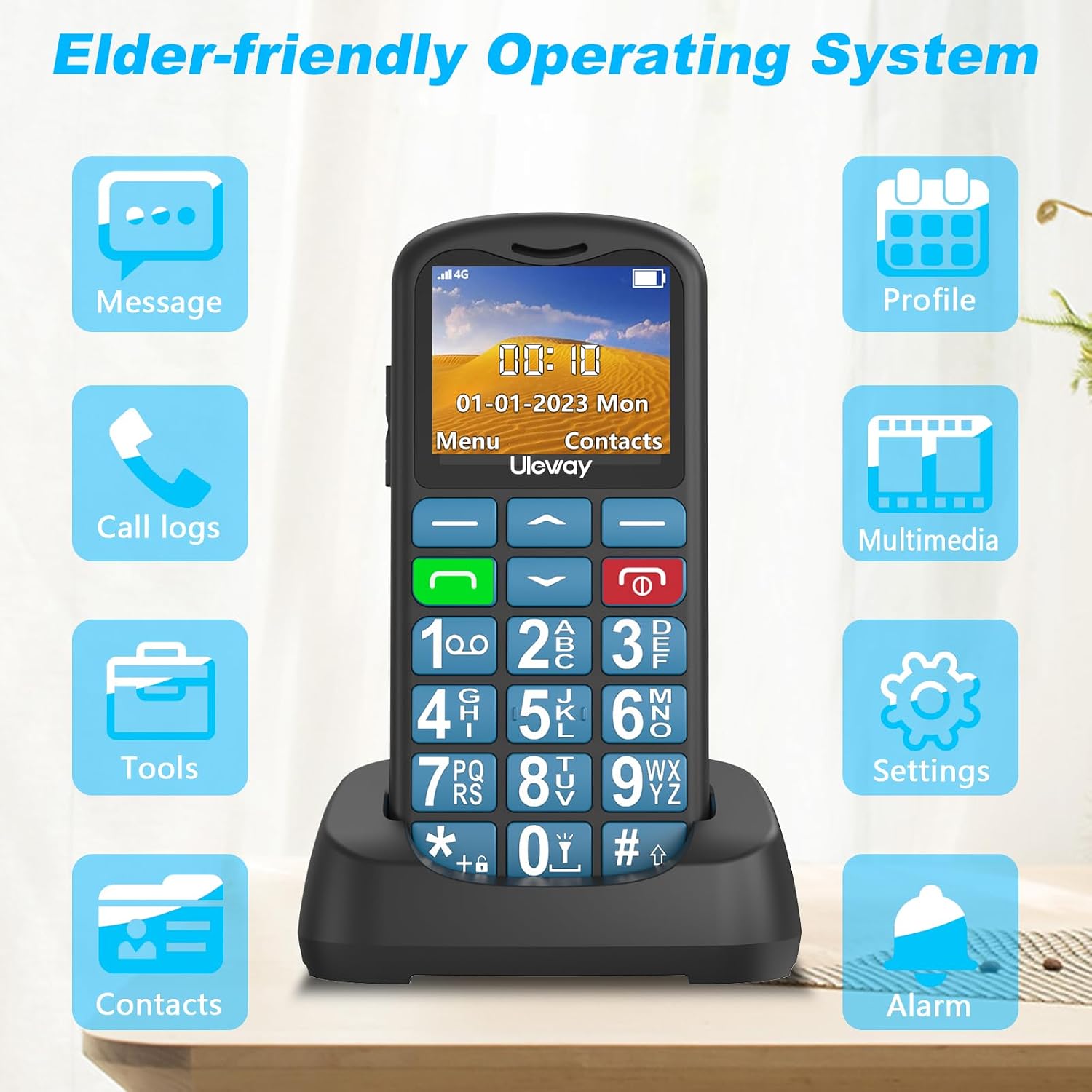
The layout focuses on usability with large tactile keys, a 1.77-inch IPS HD screen and simplified menus that use bigger fonts and clearer icons. Volume and speaker clarity are emphasised, with a loud amplified speaker that reaches up to 110 dB for improved audibility during calls. 🔊
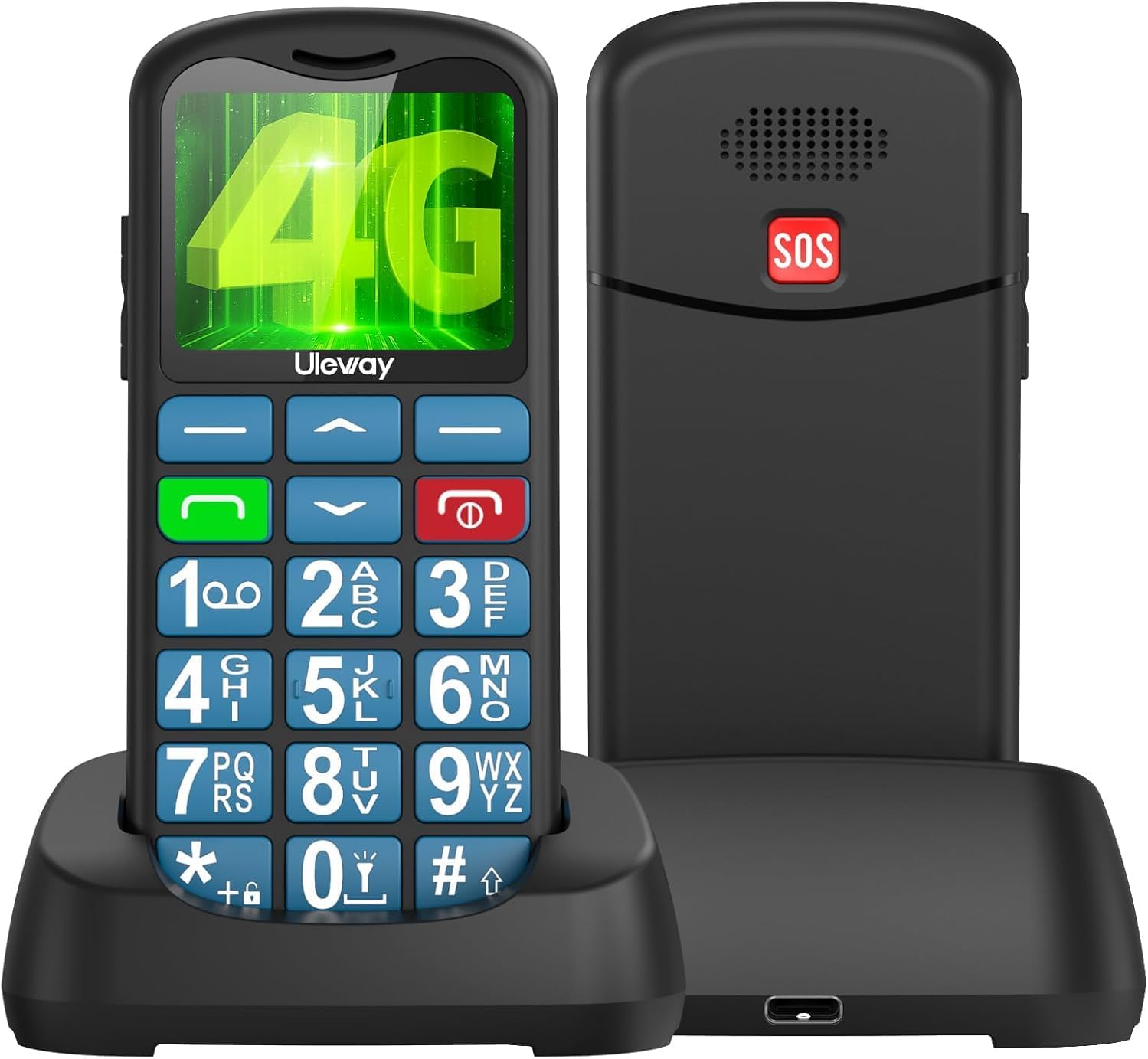
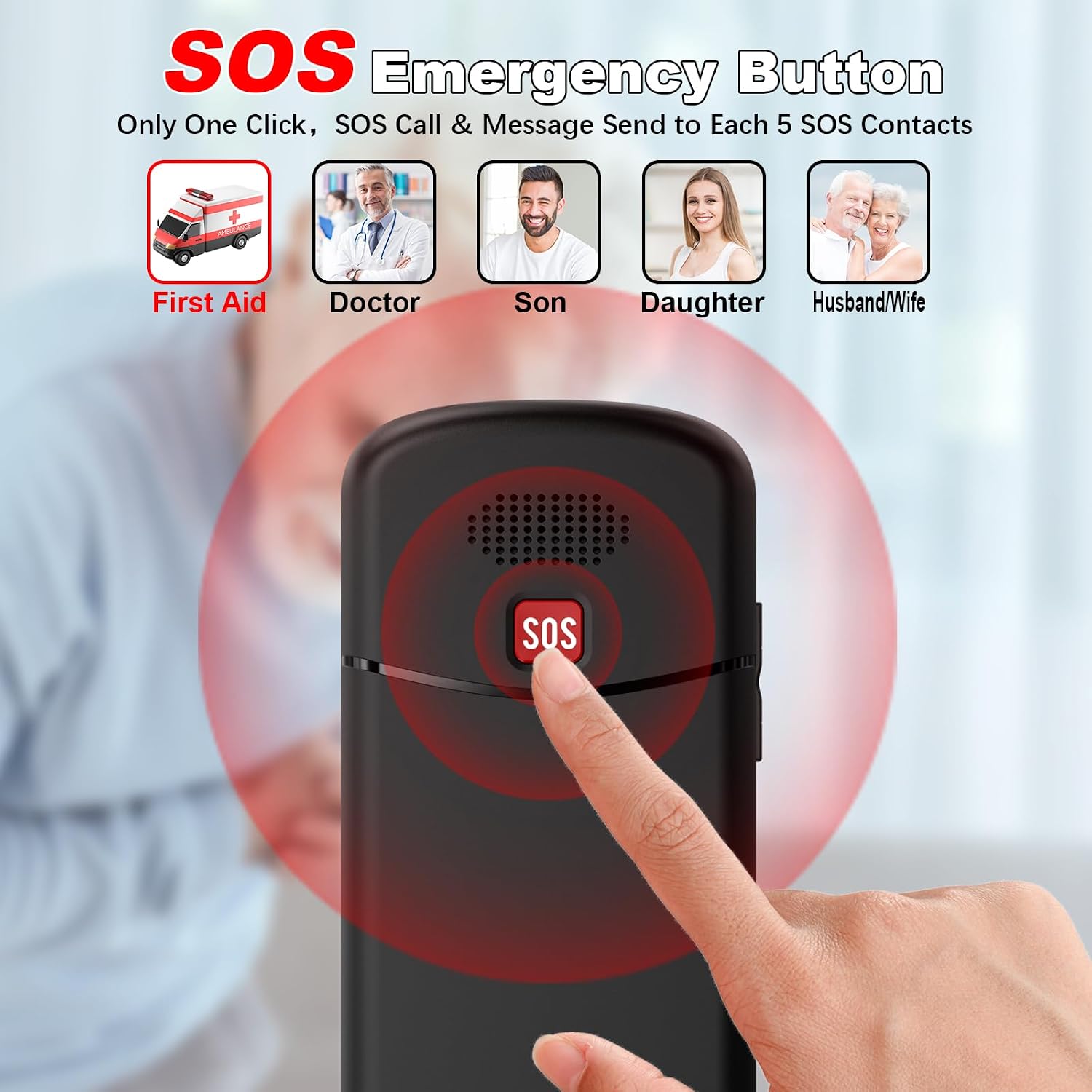
There is a dedicated emergency function on the rear that dials up to five preset contacts and sends an alert message automatically, helping to speed assistance when needed. The phone also supports speed dialling on keys 2 to 9 for quick contact access. ⚠️
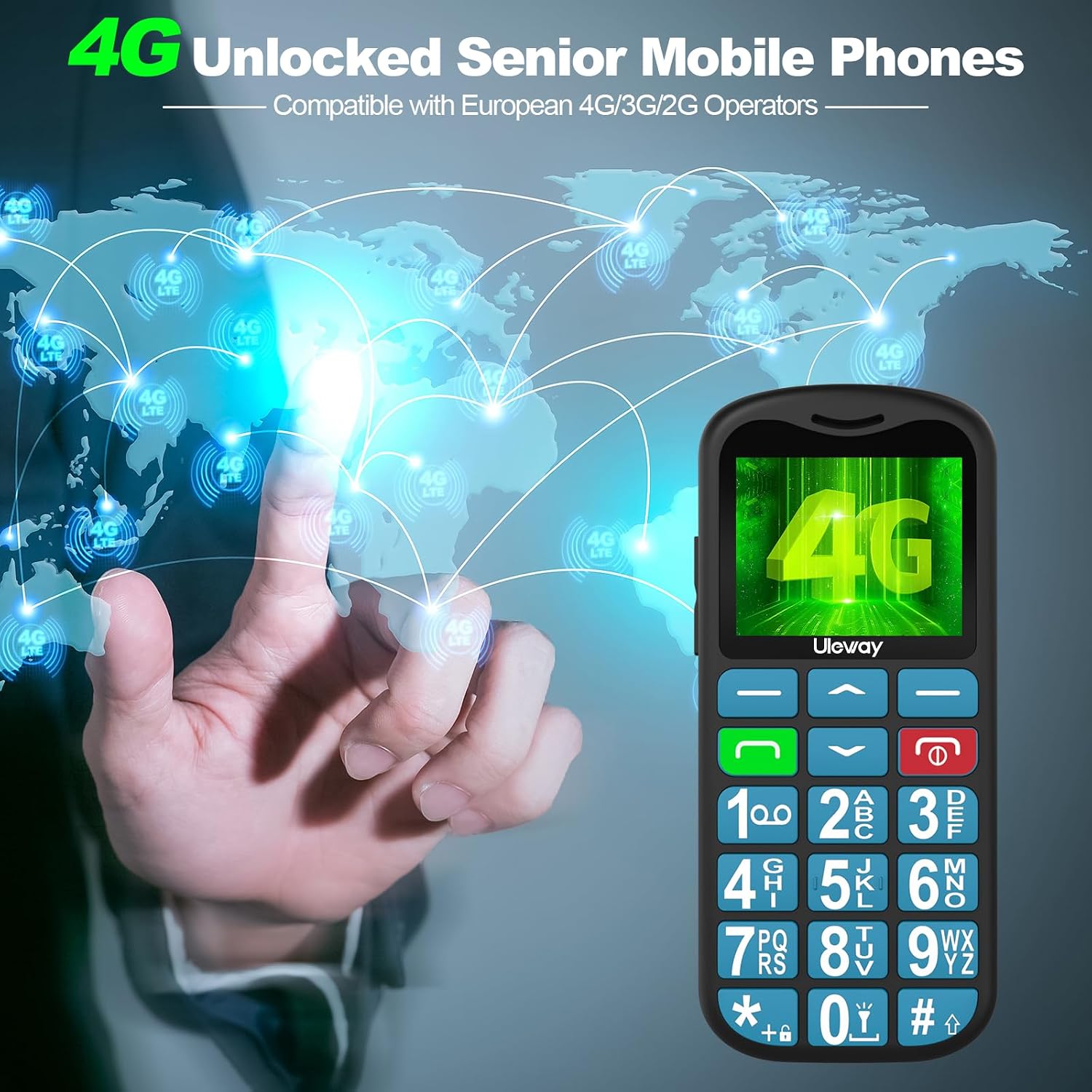
This model is SIM free and unlocked for pay-as-you-go use on 4G networks, so you can pick an operator and tariff that suit local coverage and budgets. The device includes FM radio, Bluetooth, a basic media player and a flashlight for added practicality.
Technical Specifications
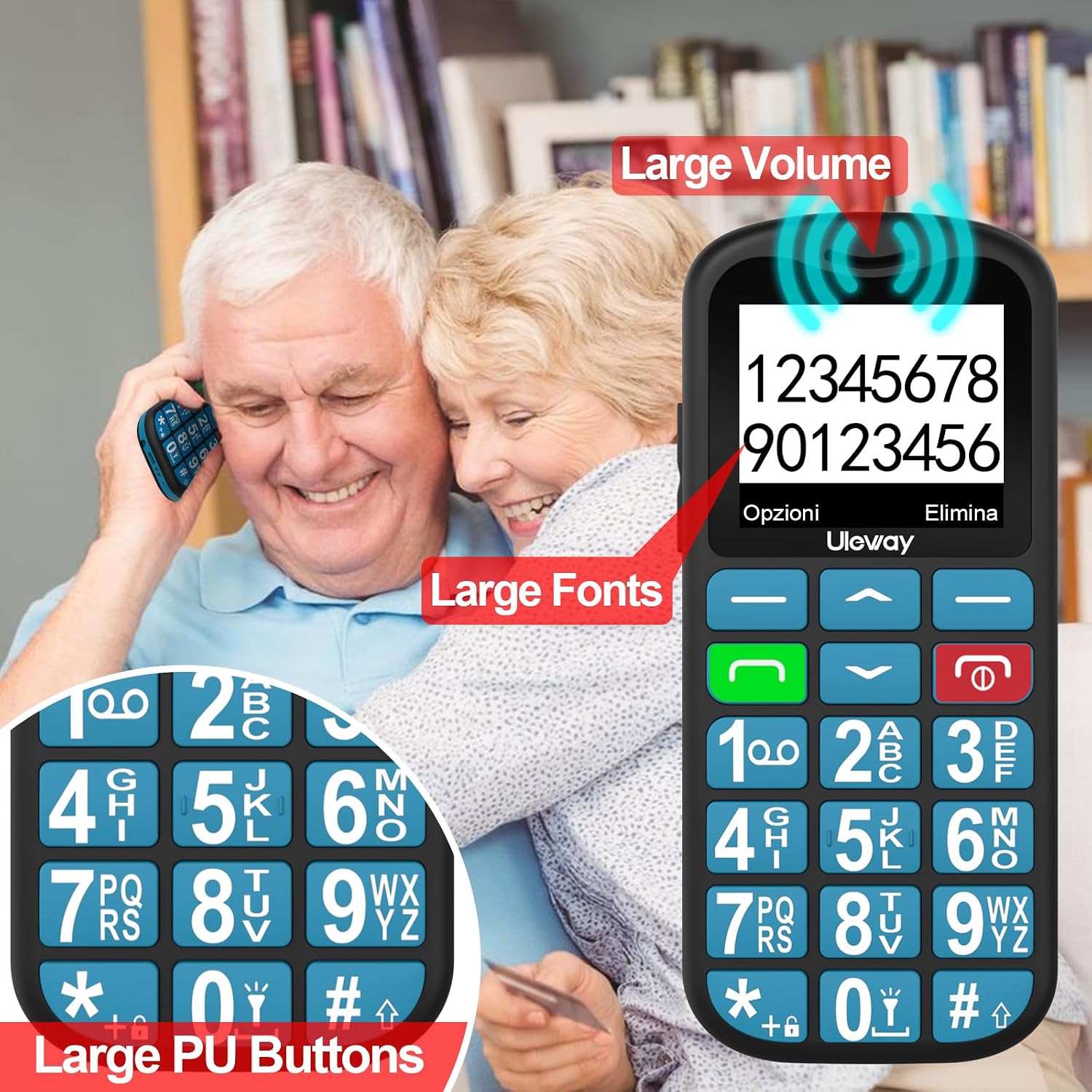
- Name: USHINING T180
- Network: 4G compatibility, supports Nano SIM
- Screen: 1.77-inch IPS HD
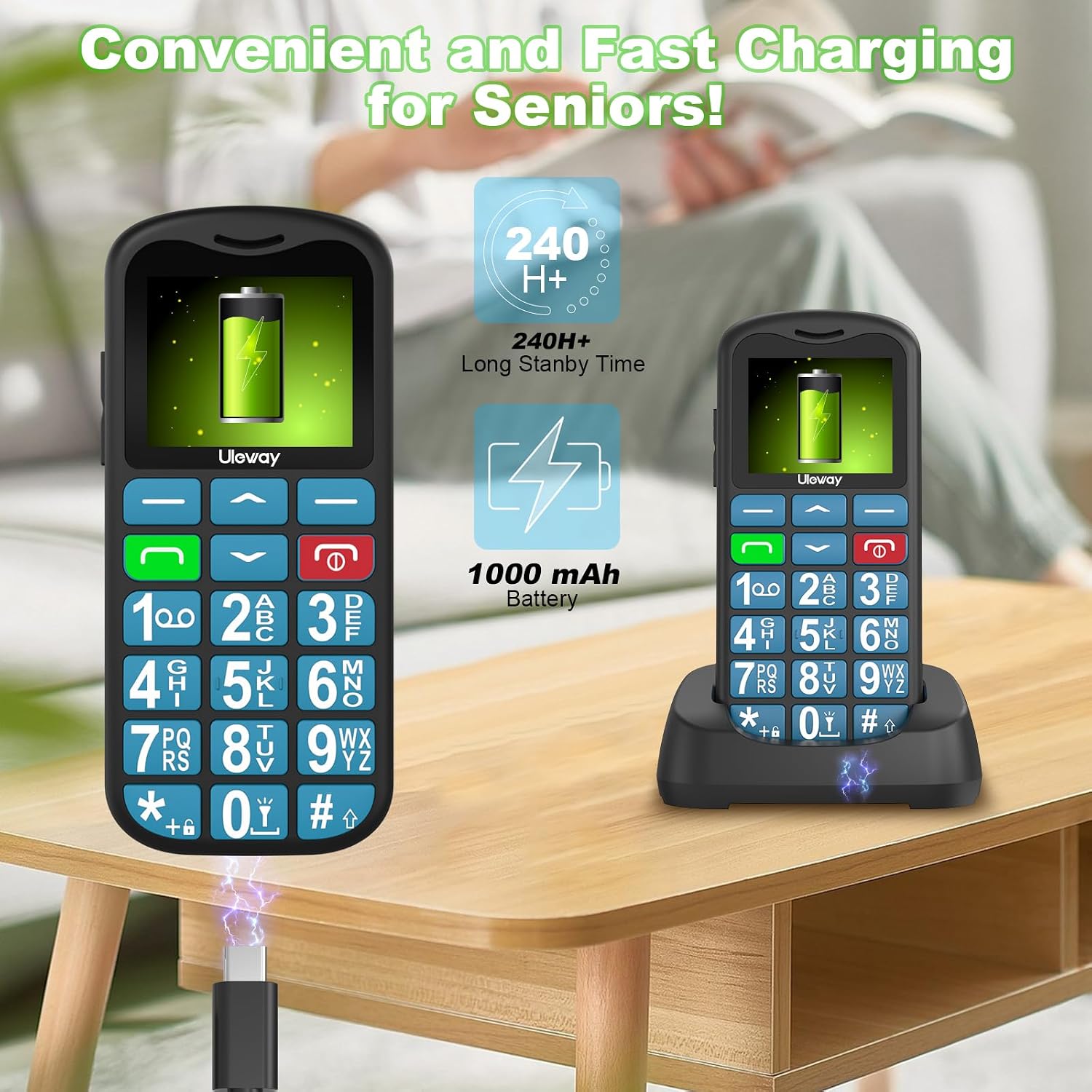
- Battery: 1000 mAh, up to 300 minutes talk time or 200 hours standby
- Charging: USB-C cable and upright charging dock included
Practical Tips
Place the phone on its charging dock when not in use to keep the battery topped up and to avoid dealing with a separate connector each time. For users who prefer larger text, increase the font size in the menu settings for easier reading. The built-in flashlight and FM radio are handy low-complexity features for daily errands or brief outings. 🔦
Consider that the handset does not include a camera and that it is primarily suited to voice and SMS communication. According to the manufacturer, the device stores up to 1,500 phone numbers, which is useful when several emergency or family contacts need to be saved. 📻
Usage Recommendations
Use the SOS button to register emergency contacts during initial setup so the phone can call them automatically if needed. Test the loudspeaker volume in a quiet room to confirm that the 110 dB output is comfortable and effective for the intended user. For best network performance, verify local 4G coverage with your chosen operator before relying on any advanced data services.