

USB Audio Video Capture Card for RCA to USB (VHS/VCR/Hi8/Mini DV) — Plug & Play for Windows and Mac
Product description
What it does (and why people buy it)
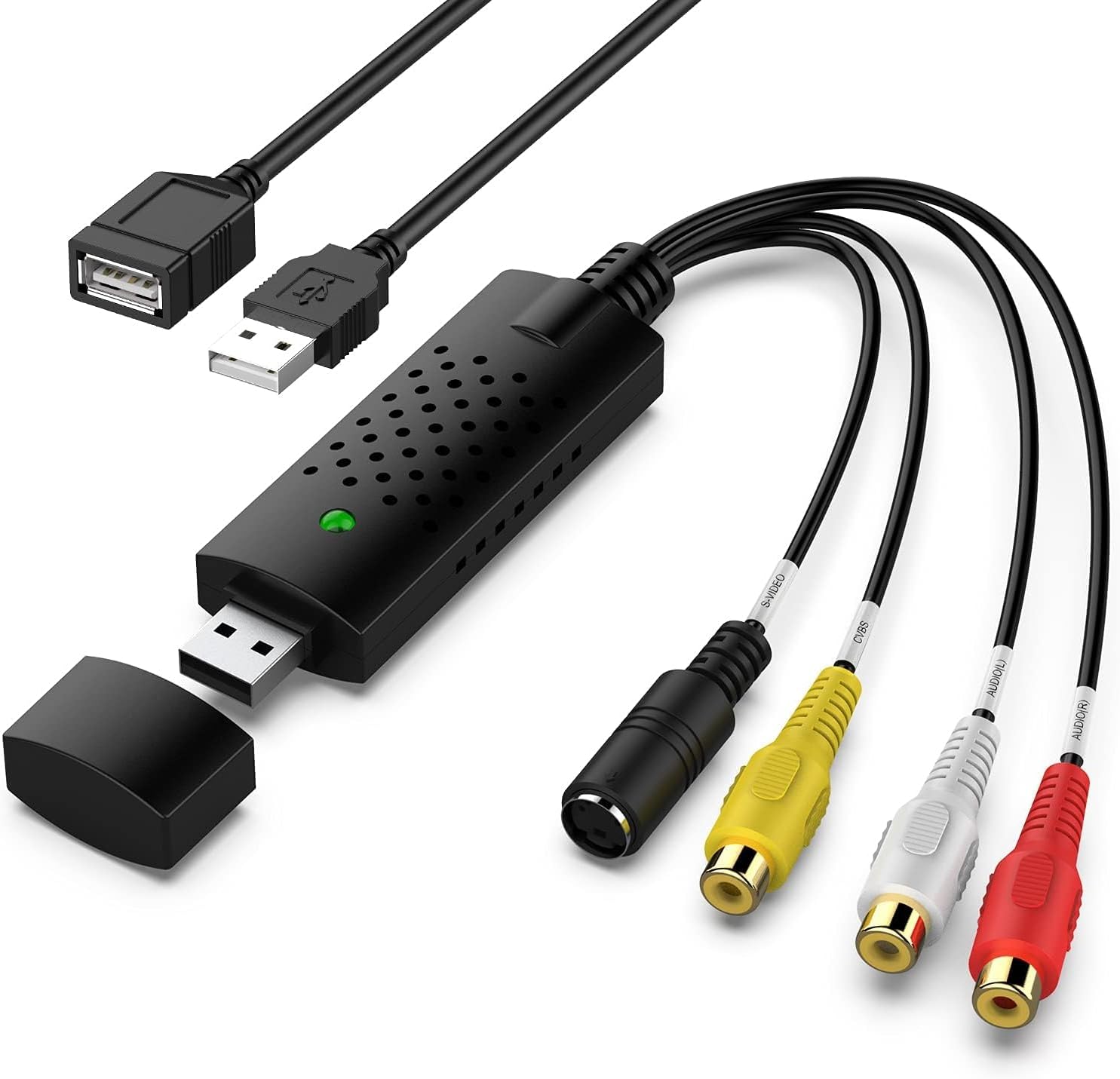
A USB video capture card like this is basically a bridge between older “analogue” playback gear and a modern computer. Instead of hunting down an old TV with the right inputs, you connect sources such as VHS, VCR, Hi8, and Mini DV/DV tape players to the converter, then capture video/audio onto your PC or Mac.
On paper, it’s built for the job of digitising home recordings and “it’s too precious to lose” media. Think old family camcorder tapes, archived footage, or recordings you want to back up properly. The promise here is straightforward: convert analogue composite (RCA) video into a USB stream, with audio handled so you can record it alongside the video.
Key features that matter in practice
Where this capture device is likely to feel most useful is in the setup and everyday capture workflow.
It takes an analogue RCA composite input and outputs via USB, with the device described as producing an HD 720P USB output. There are also picture controls listed (brightness, contrast, hue, saturation), which is helpful if your tapes aren’t perfect or the lighting/colour has aged.
It’s also positioned as “plug and play” — the driver is said to install automatically once you connect the device to your PC, and it doesn’t require external power. That matters because a lot of capture-adjacent gear can be fiddly, and you don’t want digitising to feel like a project.
There’s one more practical point: the note says audio is captured without using a sound card. That may reduce one layer of “why is my audio missing?” troubleshooting, although you’ll still need to get the recording software configured correctly.
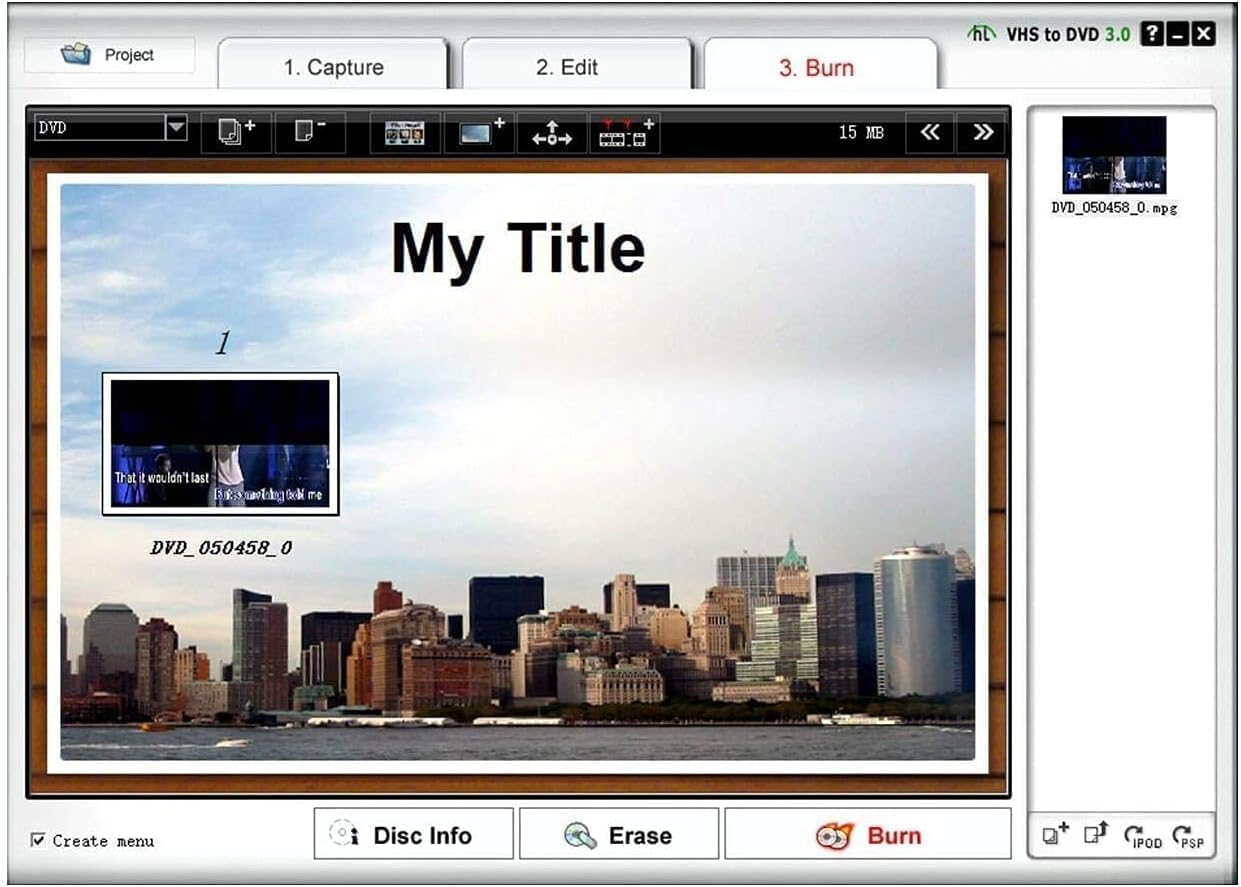
What’s less thrilling is the reliance on capture software. The converter is used with acquisition software, and the listing specifically recommends OBS Studio or PotPlayer for Windows, and QuickTime Player for Mac. Those apps aren’t hard to find, but they do mean this isn’t just “connect and press record” in the way some beginner products suggest.
Where it shines, and where it can fall short
If you want to digitise tapes to a computer, this is the kind of device that can make sense—especially when your playback gear has RCA (composite) outputs, and you prefer a USB-based approach.
That said, it may not be the best match if you’re expecting everything to be automatically tuned to “best possible quality”. It supports controls like brightness/contrast/hue/saturation, but it still relies on you selecting the right input and adjusting settings in the capture software. Also, the output is described as HD 720P, so if you’re chasing maximum detail for professionally restored archives, you may feel it sits more in the practical digitisation lane than in high-end restoration.
Another limitation to keep in mind: the listing mentions support for video formats such as NTSC and PAL. That’s useful, but it doesn’t remove the need to consider your source tapes and ensure the signal standard is handled appropriately in your software workflow.
Usage tips (so you don’t get stuck)
The “conversion” part happens, but your actual capture experience depends heavily on the software.
A typical workflow looks like this: connect your VHS/VCR/Hi8/DV player to the converter (using the RCA input described), connect the USB to your computer, then open your chosen capture application. From there, select the capture source/input provided by the USB capture card and start recording.
Before you commit to a full tape, it’s worth doing a short test clip. It’s the quickest way to check that colours and contrast look reasonable and that audio is present in the recording. If the picture looks washed out or off-colour, use the listed picture controls (brightness/contrast/hue/saturation) as part of your setup.
If you’re on Windows, the listing points you towards OBS Studio or PotPlayer, on Mac, it suggests QuickTime Player (downloadable for free online). Whichever software you use, operate according to the steps in the manual included with the device.
Tech specs
- Type: USB Video Capture Card / AV to USB Converter
- Video input described: analogue RCA composite, also supports S-Video connector
- Output described: HD 720P USB output
- Audio: captures audio without using a sound card (as stated)
- Video standards/formats supported: NTSC and PAL
- Picture controls: brightness, contrast, hue, saturation control
What to check before buying
Before you buy a capture card like this, double-check what connections your playback devices actually have. The listing says it can work with video devices with RCA connector, and also mentions an S-Video connector.
Also, consider your computer setup and software plan. Because the converter “is used with acquisition software”, you should be comfortable using (or learning) OBS Studio / PotPlayer on Windows, or QuickTime Player on Mac. If you want a super-simple, button-only workflow with no software configuration, you may find this more involved than you expected.
Finally, be realistic about the target outcome. This is designed to digitise tapes and preserve memories, it’s not positioned as a professional restoration tool.
Is it worth it?
Worth buying if you have analogue sources (VHS/VCR/Hi8/Mini DV) and you want a USB capture card to digitise them on Windows or Mac, with plug-and-play setup and support for NTSC/PAL. It’s also a sensible pick if you’re happy to use capture software and tweak picture settings for better-looking results.
You may want to skip it if your priority is ultra-high-end restoration quality, or if you’d rather avoid capture software altogether. It might not be a great match if your tapes require more complex signal handling than a standard AV-to-USB workflow, or if you don’t want to spend time setting up input selection and testing audio/video on a short clip first.
Mini FAQ
FAQ
Does it work with both Windows and Mac?
The listing states compatibility with Windows and Mac OS, and it recommends OBS Studio or PotPlayer for Windows and QuickTime Player for Mac.
Do I need external power?
No external power is needed, according to the listing.
Will I need a sound card for audio?
The description says it captures audio without any sound card, though you’ll still need correct setup in your recording software.
What inputs can I use?
It’s described as supporting RCA composite input and also working with devices that have an S-Video connector.
What software is it used with?
The listing recommends OBS Studio or PotPlayer for Windows, and QuickTime Player for Mac, and notes that you should follow the steps in the user manual.