

Download app on Google Play


Imagen de Under Desk Cable Management Tray 1m 🧰 en OfertitasTOP
New offer
Thumbnail principal de Under Desk Cable Management Tray 1m 🧰
Thumbnail 1 de Under Desk Cable Management Tray 1m 🧰
Thumbnail 2 de Under Desk Cable Management Tray 1m 🧰
Thumbnail 3 de Under Desk Cable Management Tray 1m 🧰
Thumbnail 4 de Under Desk Cable Management Tray 1m 🧰
Thumbnail 5 de Under Desk Cable Management Tray 1m 🧰
Thumbnail 6 de Under Desk Cable Management Tray 1m 🧰

Under Desk Cable Management Tray 1m 🧰

amazon UK
Brand: Tivddikun
Offer expired
Reviews
4,8
+825

Reviews

4,8
+825 reviews

Price

£14.99-0%
View in store
amazon UK
Price history: —

Product description

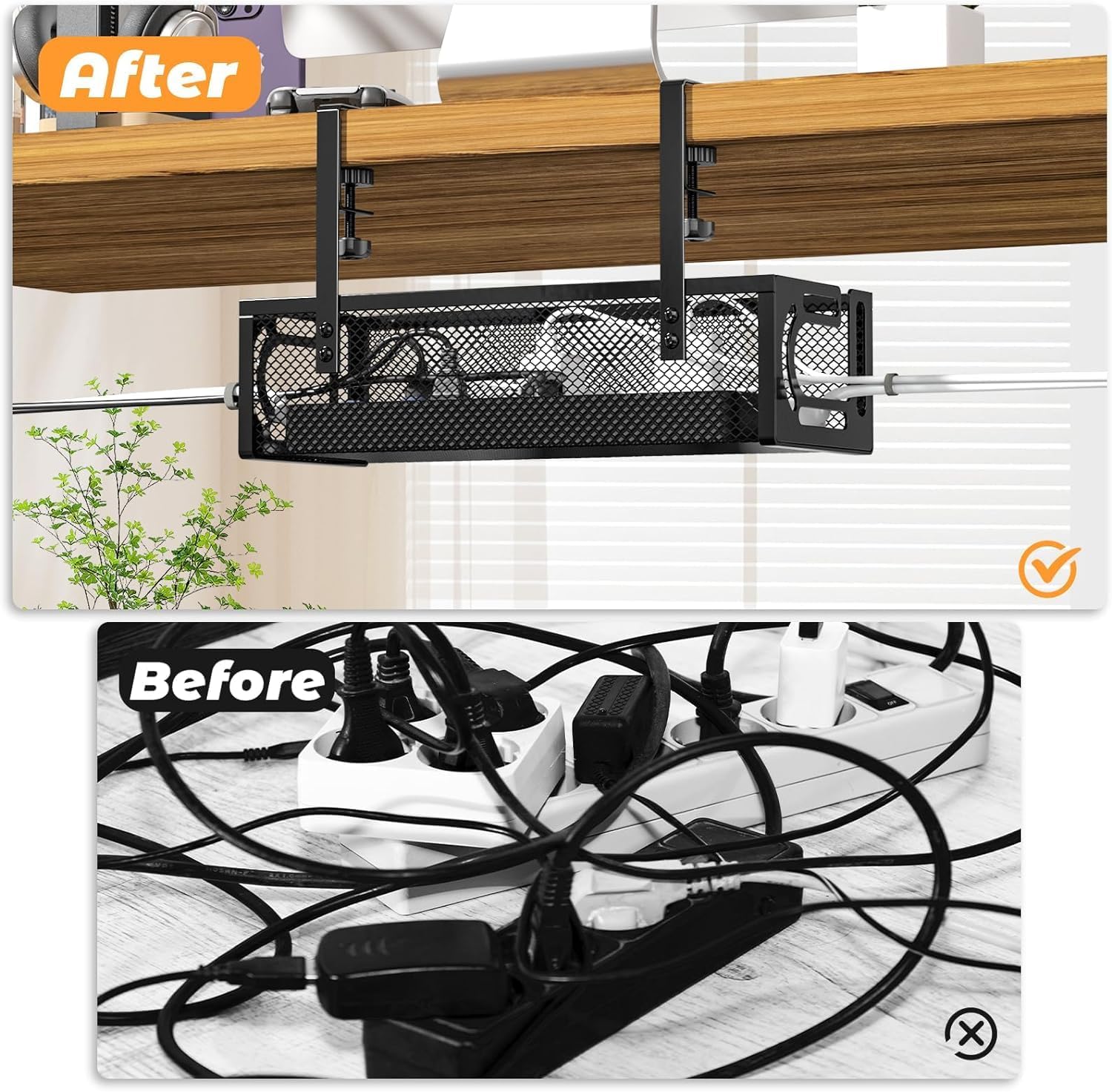
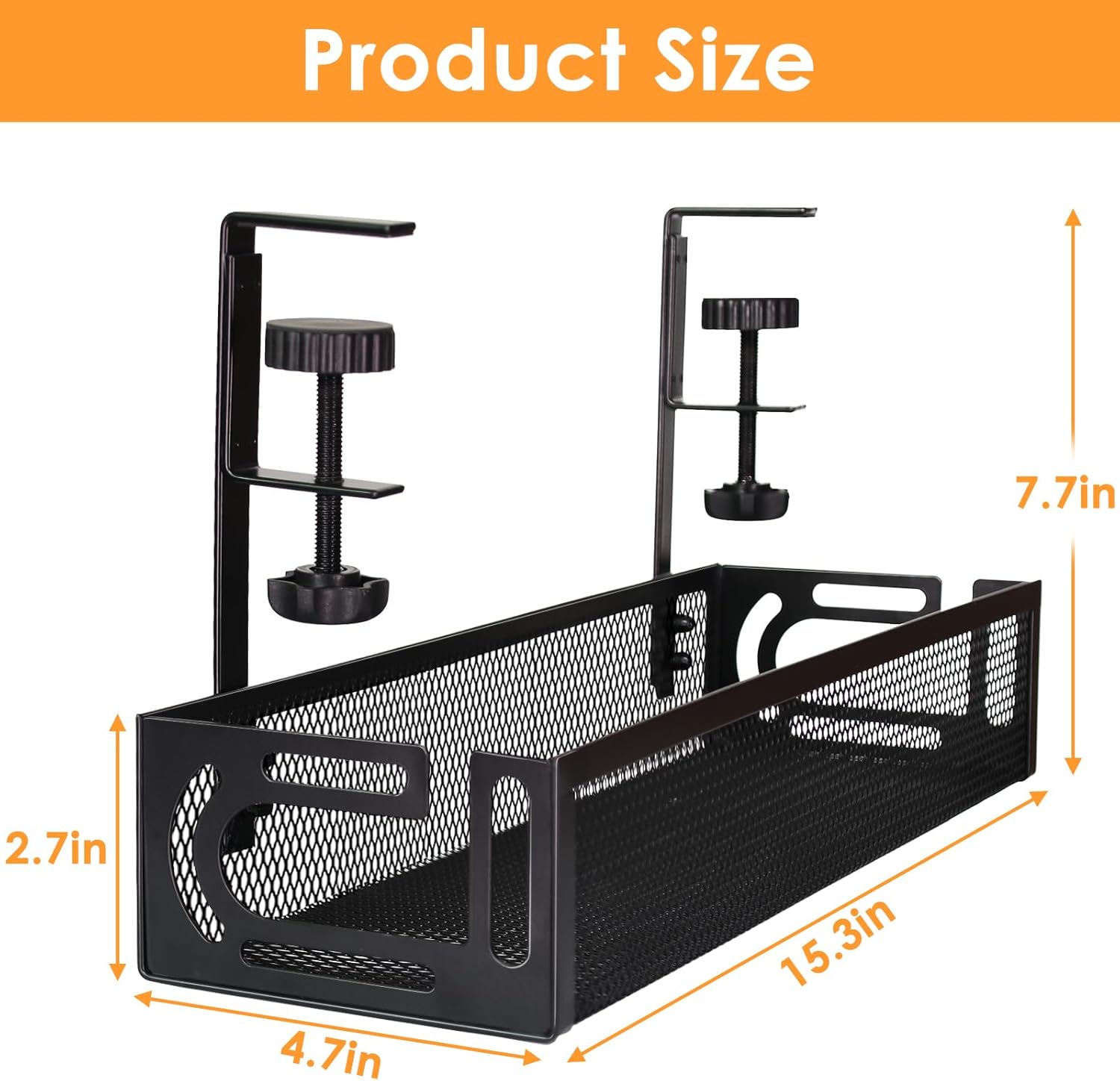
This under-desk cable tray offers a neat way to hide power strips and loose cords while keeping them accessible, making your home office or workstation tidier and safer. It clamps to desktops 0.4 to 2 inches thick and, according to the manufacturer, supports around 15 pounds, so it suits typical chargers, surge protectors and cable bundles.

Key Points
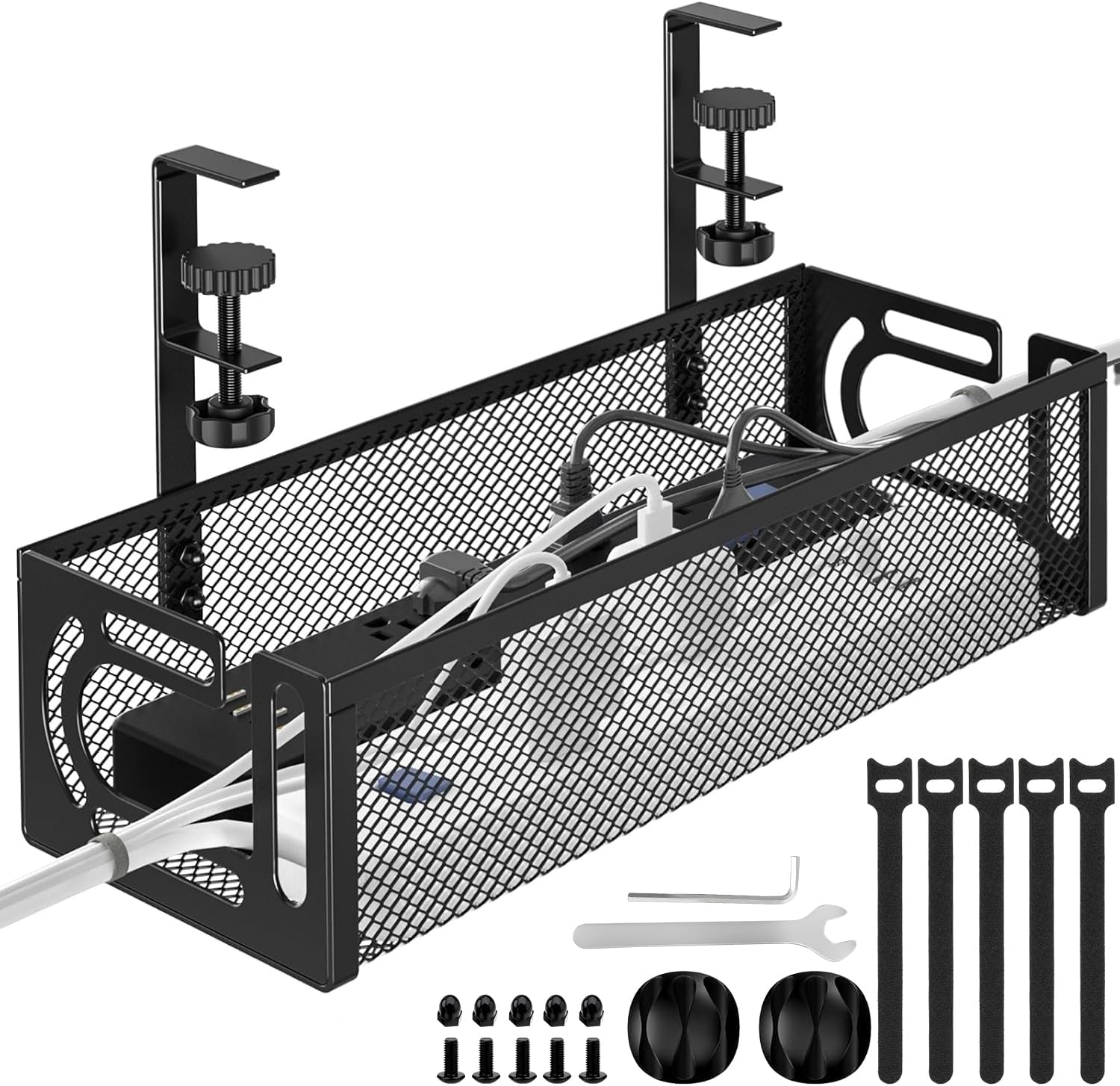
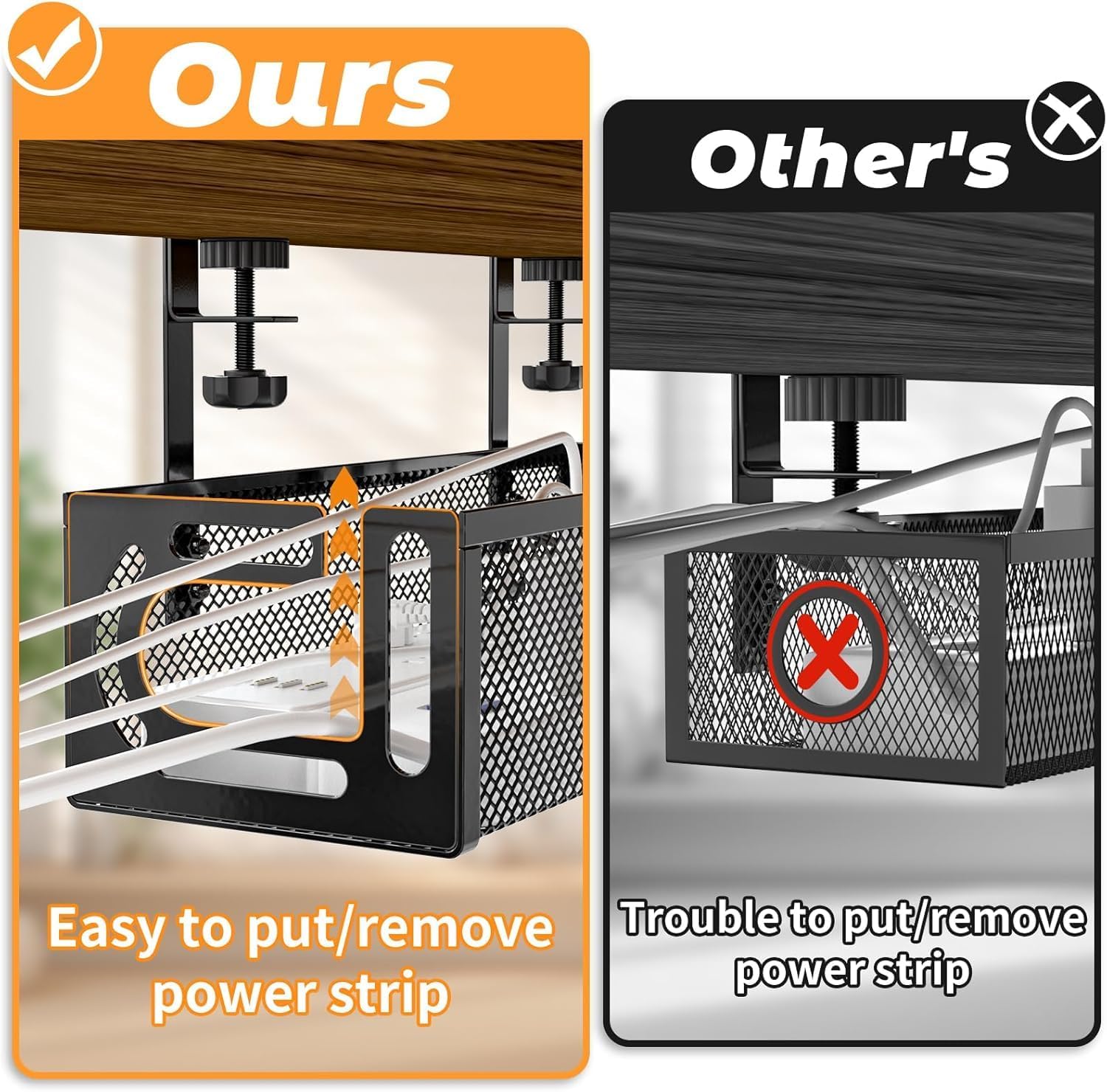
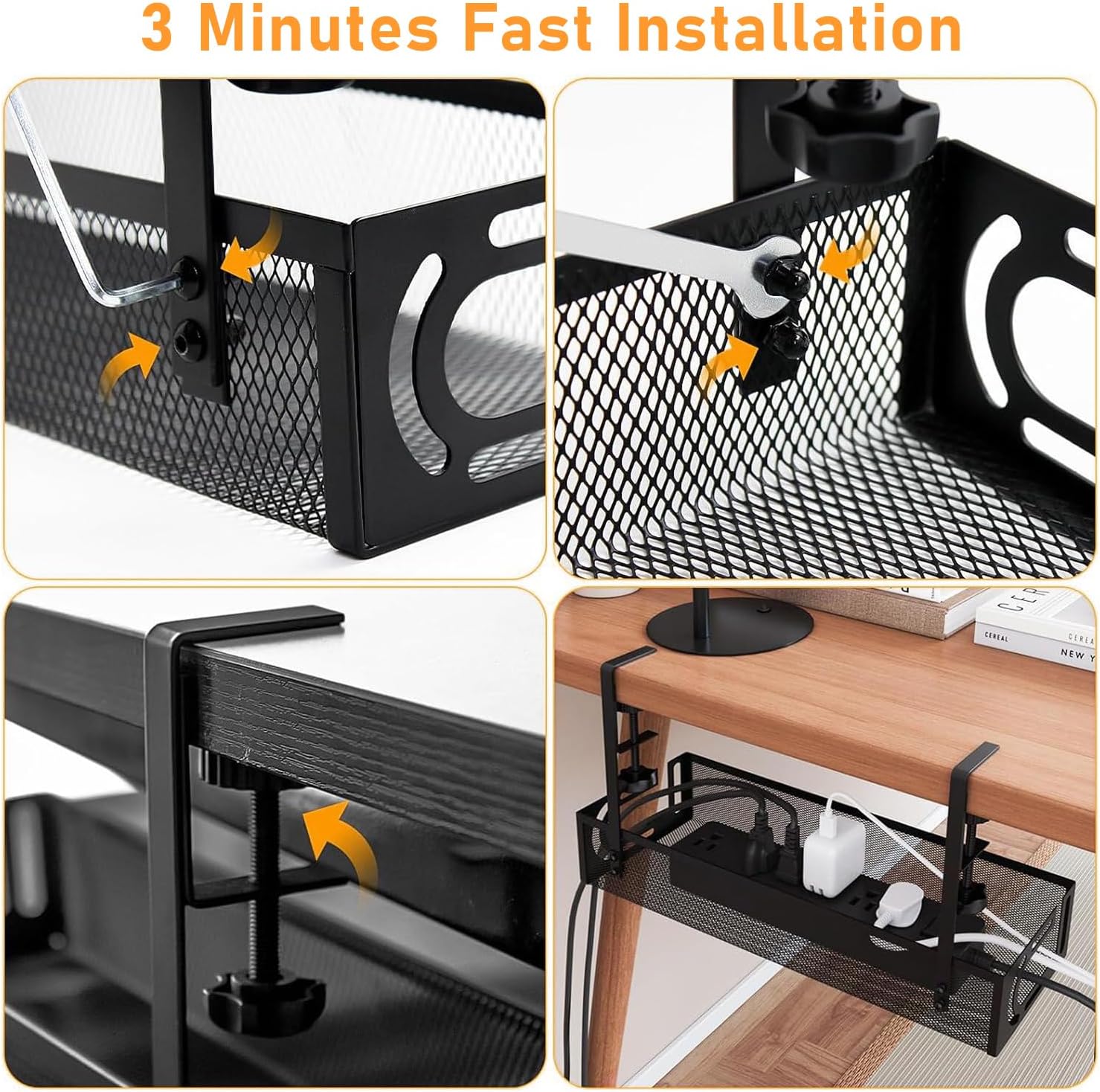
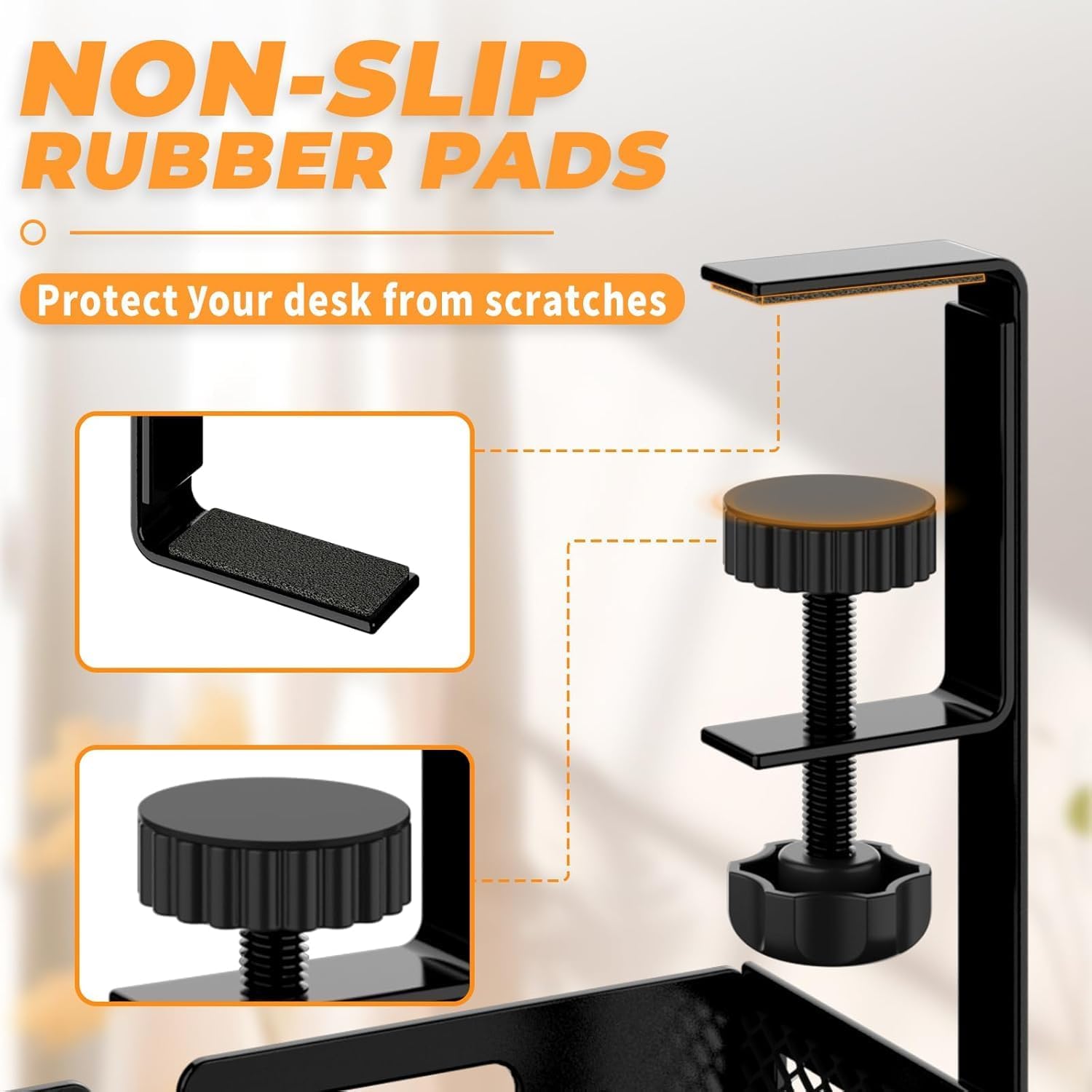
The tray features a side-opening mesh design that allows you to add or rearrange cables without removing the whole unit. Rubber pads protect the desktop surface from scratches and improve grip, and the mesh form helps reduce dust build-up while keeping cables ventilated. Installation is tool-free and can take under three minutes, with clamp mounts that fasten through the tray’s side holes for a secure hold.
Technical Specifications

  • Name: Tivddikun Under Desk Cable Management Tray
  • Material: Metal mesh
  • Desk compatibility: 0.4–2 inches thickness
  • Load capacity: Around 15 pounds (manufacturer statement)
  • Mounting: Clamp mount, no drilling required

Practical Tips
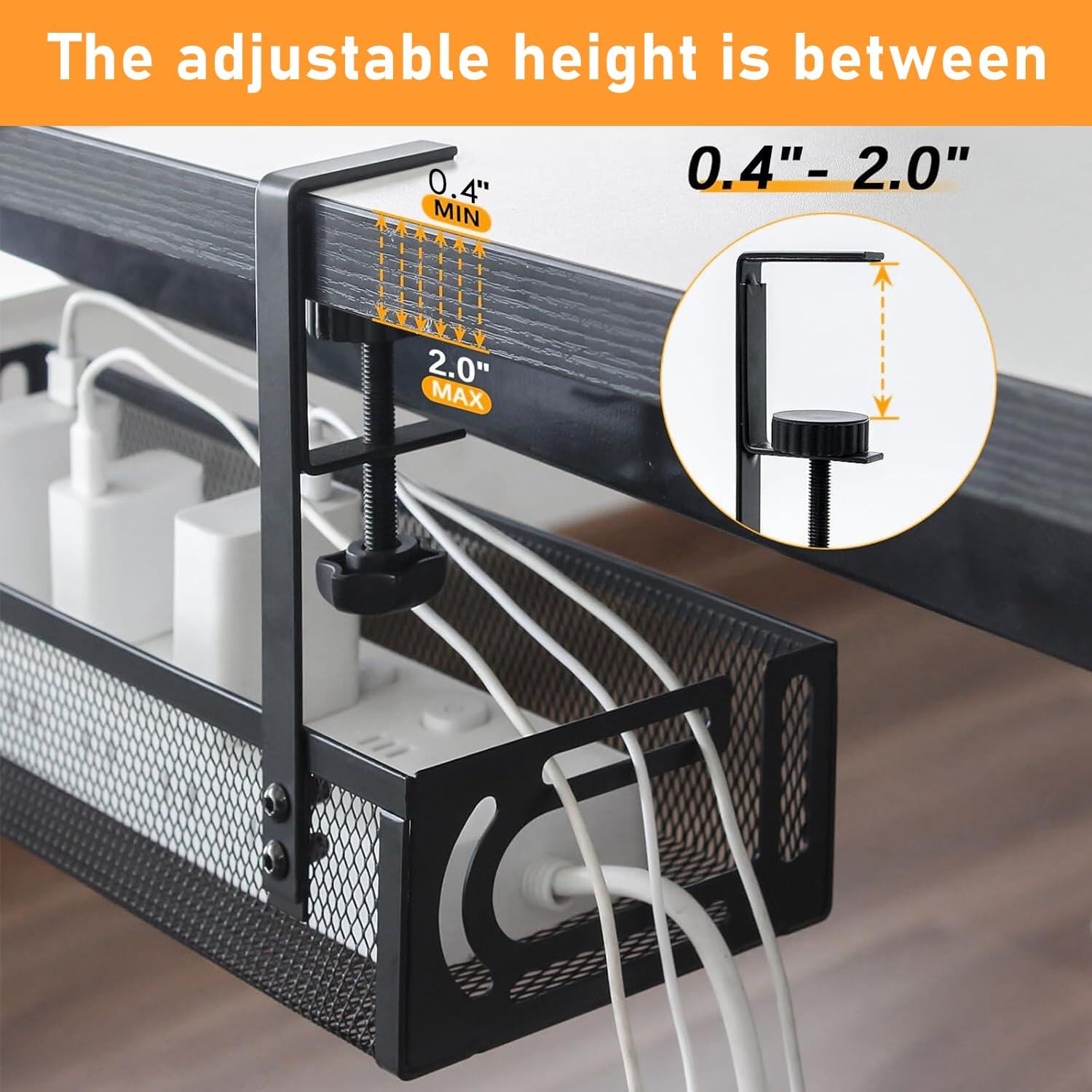
Place the tray on the interior edge of the desk to keep plugs and adapters out of sight yet reachable, or mount it on the exterior if you prefer easier access. Route heavier items like small power strips toward the centre of the tray to balance the load. If your workspace has pets or young children, position the tray higher beneath the desk to keep plugs out of reach and reduce trip hazards.

Usage Recommendations

Before fitting, wipe the underside of the desktop and the rubber pads to ensure a firm grip. Slide cables through the side opening and arrange them in bundles to avoid tangling and to make future changes simpler. Consider grouping similar cables together for quicker identification and to reduce the chance of accidental unplugging. Note that very thick or unusually shaped power bricks may need to be arranged carefully to sit securely within the mesh.

View in store

Price evolution

Price history: —

Description:

This under-desk cable tray offers a neat way to hide power strips and loose cords while keeping them accessible, making your home office or workstation tidier and safer. It clamps to desktops 0.4 to 2 inches thick and, according to the manufacturer, supports around 15 pounds, so it suits typical chargers, surge protectors and cable bundles.

Key Points

The tray features a side-opening mesh design that allows you to add or rearrange cables without removing the whole unit. Rubber pads protect the desktop surface from scratches and improve grip, and the mesh form helps reduce dust build-up while keeping cables ventilated. Installation is tool-free and can take under three minutes, with clamp mounts that fasten through the tray’s side holes for a secure hold.

Technical Specifications

  • Name: Tivddikun Under Desk Cable Management Tray
  • Material: Metal mesh
  • Desk compatibility: 0.4–2 inches thickness
  • Load capacity: Around 15 pounds (manufacturer statement)
  • Mounting: Clamp mount, no drilling required

Practical Tips
Place the tray on the interior edge of the desk to keep plugs and adapters out of sight yet reachable, or mount it on the exterior if you prefer easier access. Route heavier items like small power strips toward the centre of the tray to balance the load. If your workspace has pets or young children, position the tray higher beneath the desk to keep plugs out of reach and reduce trip hazards.

Usage Recommendations

Before fitting, wipe the underside of the desktop and the rubber pads to ensure a firm grip. Slide cables through the side opening and arrange them in bundles to avoid tangling and to make future changes simpler. Consider grouping similar cables together for quicker identification and to reduce the chance of accidental unplugging. Note that very thick or unusually shaped power bricks may need to be arranged carefully to sit securely within the mesh.