

Uiprint 604XL Replacement Ink Cartridges for Epson XP and WorkForce – 12-pack (Black, Cyan, Magenta, Yellow)
Product description
What it is and what it’s for
This is a full set of Uiprint replacement 604XL ink cartridges designed to work with a range of Epson printers, including Expression Home XP-2200/2205/3200/3205/4200/4205 and WorkForce WF-2910DWF, WF-2935DWF, WF-2930DWF, WF-2950DWF, plus similar XP and WF models listed in the compatibility note. It’s aimed at users who want a cost-conscious alternative to official consumables while keeping print quality and reliability for everyday documents and photos.
Compatibility and what you get
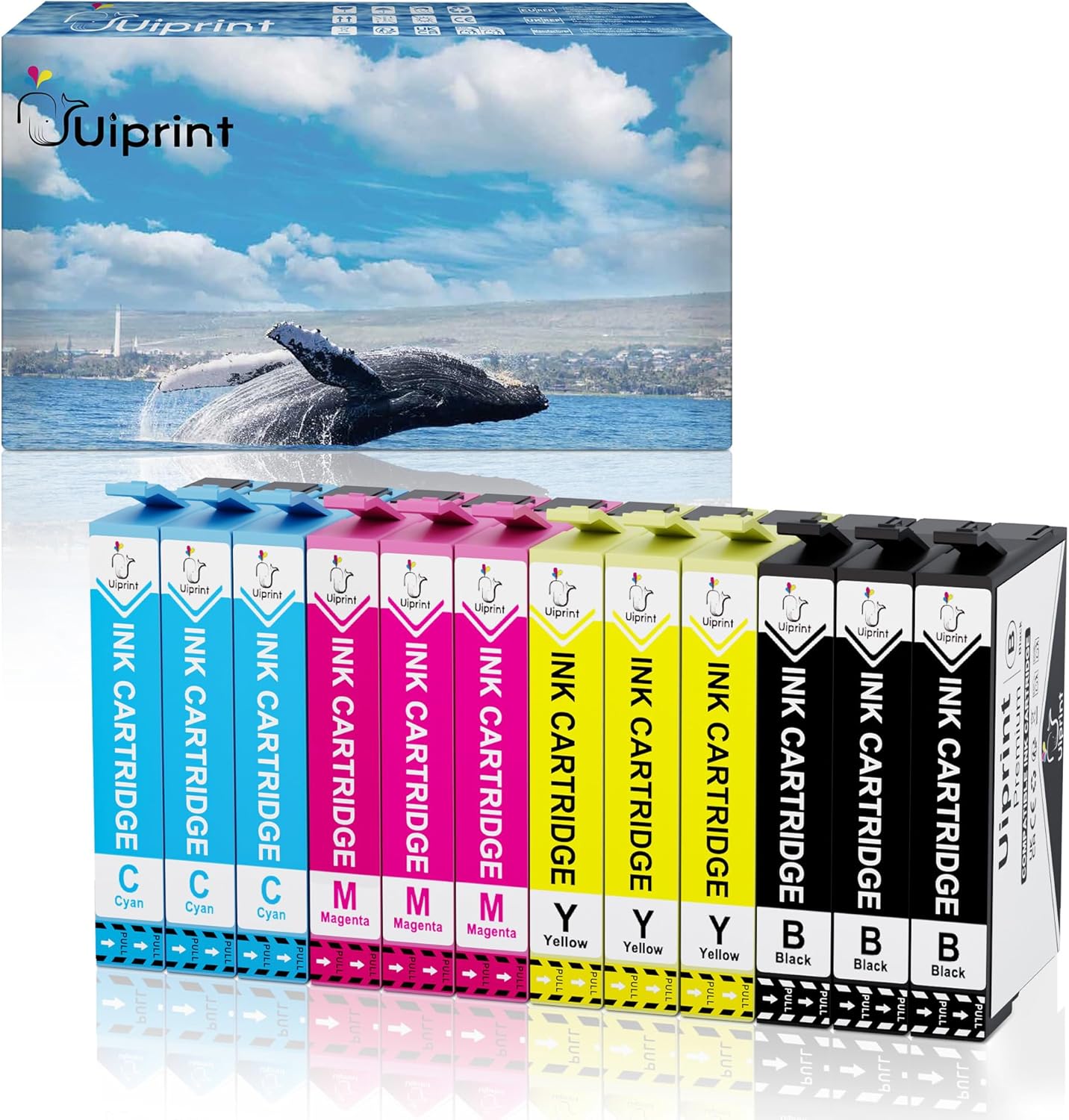
The package contains 3 x 604XL black, 3 x 604XL cyan, 3 x 604XL magenta, and 3 x 604XL yellow cartridges. On paper, these are marketed as fully compatible with the printer firmware thanks to updated chip technology, designed to be recognised by the printer as a standard 604XL cartridge. If you rely on precise colour accuracy for business documents or photo prints, you’ll want to test colour balance after installation.
Page yield and what that means in practice
The stated yields are 500 pages per black cartridge and 350 pages per colour cartridge (Letter/A4 with 5% ink coverage). In real-world use, your mileage will vary depending on print mode, content, and the proportion of colour versus black ink. It’s not uncommon for casual office use to see lower yields if you print dense graphics or high-colour photos. Consider whether your typical print mix fits these figures before committing to a bulk set.
Print quality and reliability
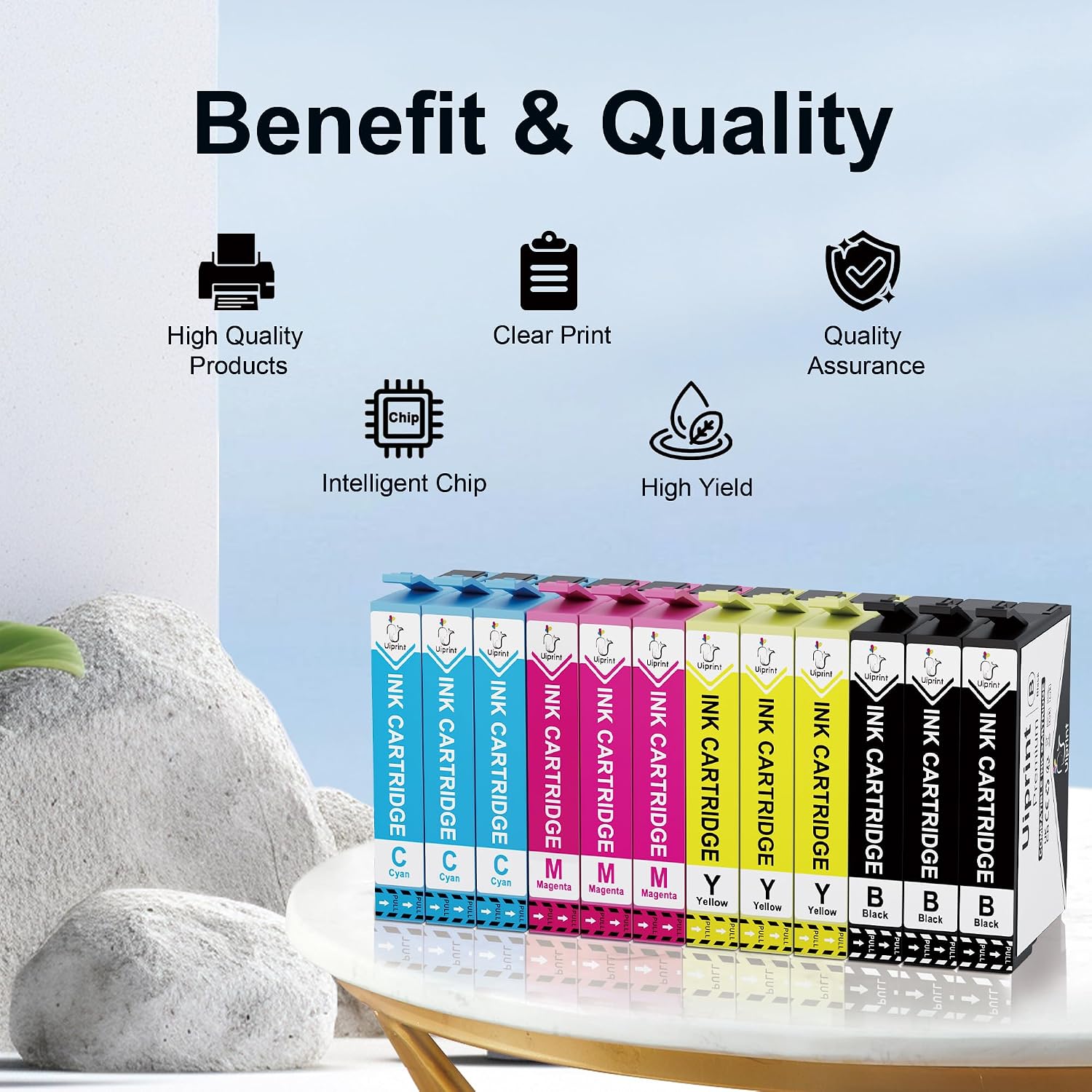
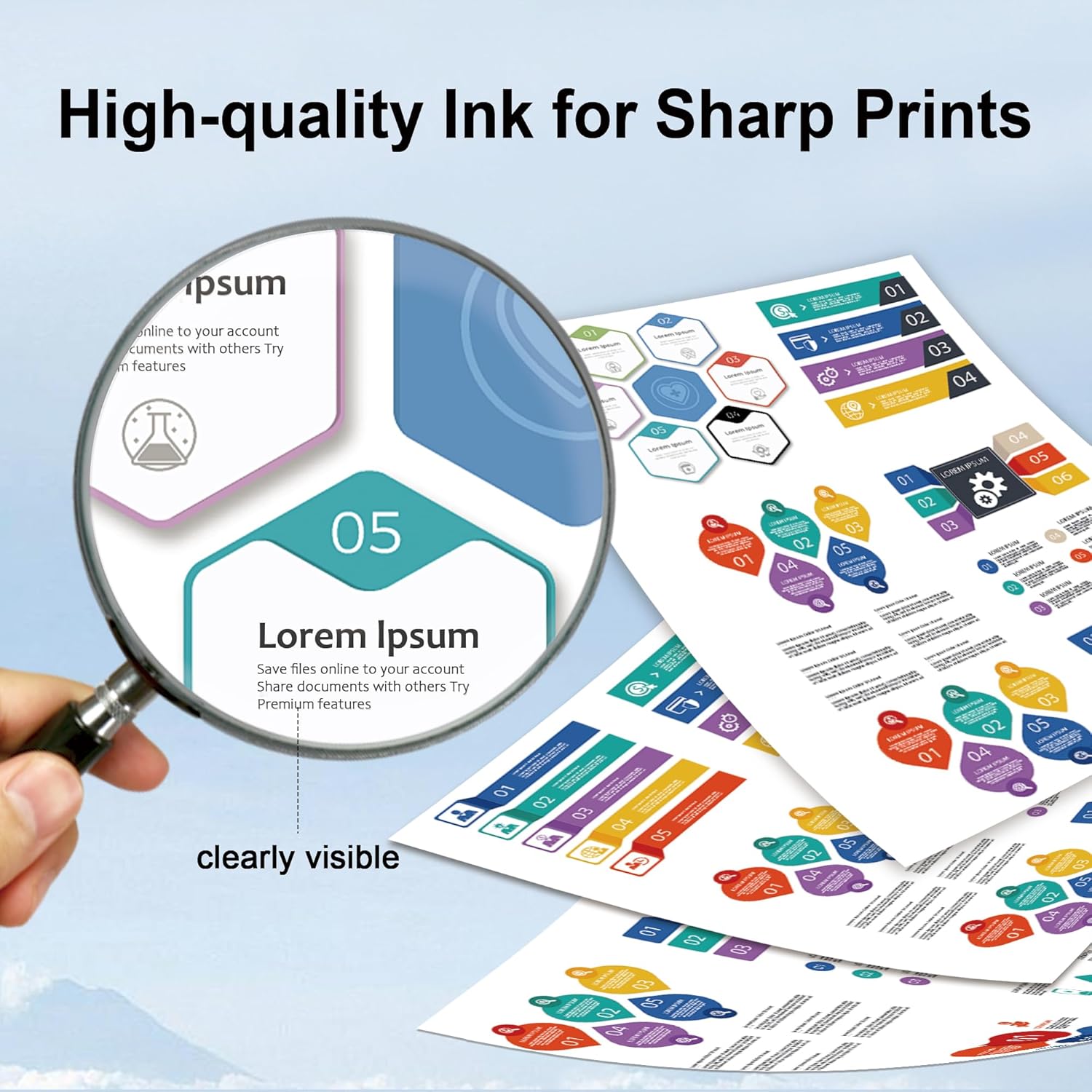
Uiprint emphasises high-quality ink meant to produce vibrant, natural prints. The claim is that the latest chip updates ensure smooth recognition by printer firmware, which reduces the risk of compatibility prompts or cartridge errors. However, as with any third-party cartridge, colour reproduction and longevity can differ from OEM inks, especially with frequent, high-volume colour work. In practical terms, you may notice slightly different colour warmth or density when switching from official cartridges. If you prioritise exact colour matching or archival longevity, you might want to compare a small test batch first.
Professional support and manufacturing approach
The product is described as produced in an independent facility with modern technology to maintain consistent performance and quality. Uiprint also highlights customer service and technical support as part of the value proposition. For buyers, this means having a path to assistance if you encounter installation or print quality concerns.
How it fits into a buying decision
If you’re looking to reduce running costs and your printer is compatible, this 12-cart set can be appealing for light to moderate office use or home printing. It’s worth noting that, depending on your driver and firmware update cycles, you may still see prompts or warnings common with third-party cartridges. In such cases, preparing a test run and having a plan for colour calibration can help manage expectations.
Pros and cons at a glance
- Pros: Complete 12-cartridge set, updated chips aimed at straightforward printer recognition, relatively high black yield per cartridge, intended to deliver vibrant prints for everyday tasks.
- Cons: Colour yields are slightly lower than black in some scenarios, third-party inks may render colour differently from OEM, the success of recognition depends on firmware updates and may vary over time, this is not a guaranteed OEM substitute for archival-quality prints.
Practical usage tips
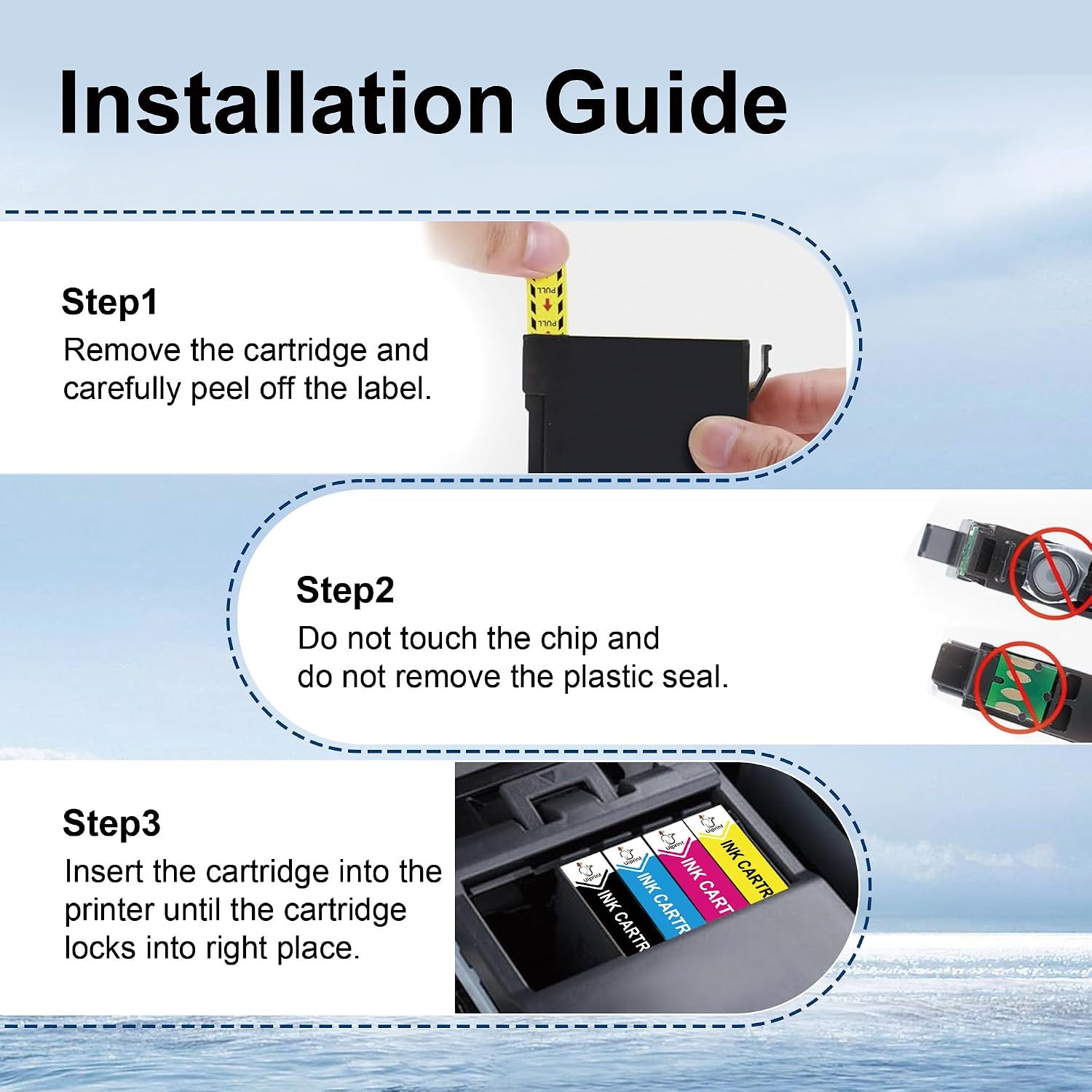
Install cartridges in sequence as instructed by the printer’s on-screen prompts, and run a nozzle check or alignment page after first installation to ensure optimal output. If you notice unexpected colour shifts, perform a basic colour calibration via your printer software and adjust settings (e.g., photo vs. text mode) to suit your typical tasks.
Who this is best suited for
This kit serves households and small offices that prioritise cost-per-page without requiring exact OEM colours for professional photography. It’s also a sensible option if you are replacing spent cartridges in printers listed in the compatibility table and want a straightforward, affordable supply of inks.

Who might want to think twice
If you depend on precise colour accuracy for branding materials or high-end photo prints, you may prefer to test a small batch first or consider OEM options where archival longevity matters. Also, if your print volume is extremely high or you frequently print dense colour graphics, you might reach page yields sooner than expected and want to factor in re-order timing.
What to check before buying
Verify your exact printer model against the compatibility list, ensure your firmware recognises third-party cartridges, and confirm you’re comfortable with the typical variability in third-party ink performance. It’s reasonable to run a quick test page with a mix of text and colour before committing to a larger purchase.
The decision in context
What you’ll notice in use
In day-to-day tasks, you’ll likely appreciate the lower running costs and dependable print results for standard documents and casual colour work. If your workflow involves frequent photo printing or colour-critical tasks, expect some variation in hue and density relative to OEM inks.
FAQ
- Will these cartridges work with my exact XP or WF model? They are described as compatible with the models listed, check your printer’s prompts after installation.
- Do the cartridges have the same page yield as official inks? Page yields are stated by the supplier and may vary with real-world printing conditions.
- Can I replace just one colour if it runs out? Yes, you can replace individual colours as needed, following your printer’s cartridge management prompts.